> ## Documentation Index
> Fetch the complete documentation index at: https://notes.kodekloud.com/llms.txt
> Use this file to discover all available pages before exploring further.
# Emscripten Compiler
> Learn to use Emscripten to compile C/C++ into WebAssembly and JavaScript for high-performance web applications.
In this lesson, you'll learn how to use **Emscripten**—the powerful compiler toolchain that converts C and C++ into high-performance [WebAssembly (WASM)](https://webassembly.org) and JavaScript. Emscripten enables both browsers and server environments (like [Node.js](https://nodejs.org)) to run native code with near-native speed, making it ideal for games, graphics libraries, and utility ports.
## Why Emscripten Matters
* Brings established C/C++ applications to the Web platform
* Enables game engines, graphics libraries, and frameworks to run in browsers
* Supports modern optimizations and a simulated file system
Mozilla and Epic Games showcased **Unreal Engine 3** and **4** running in Firefox, illustrating WebAssembly’s potential for gaming.
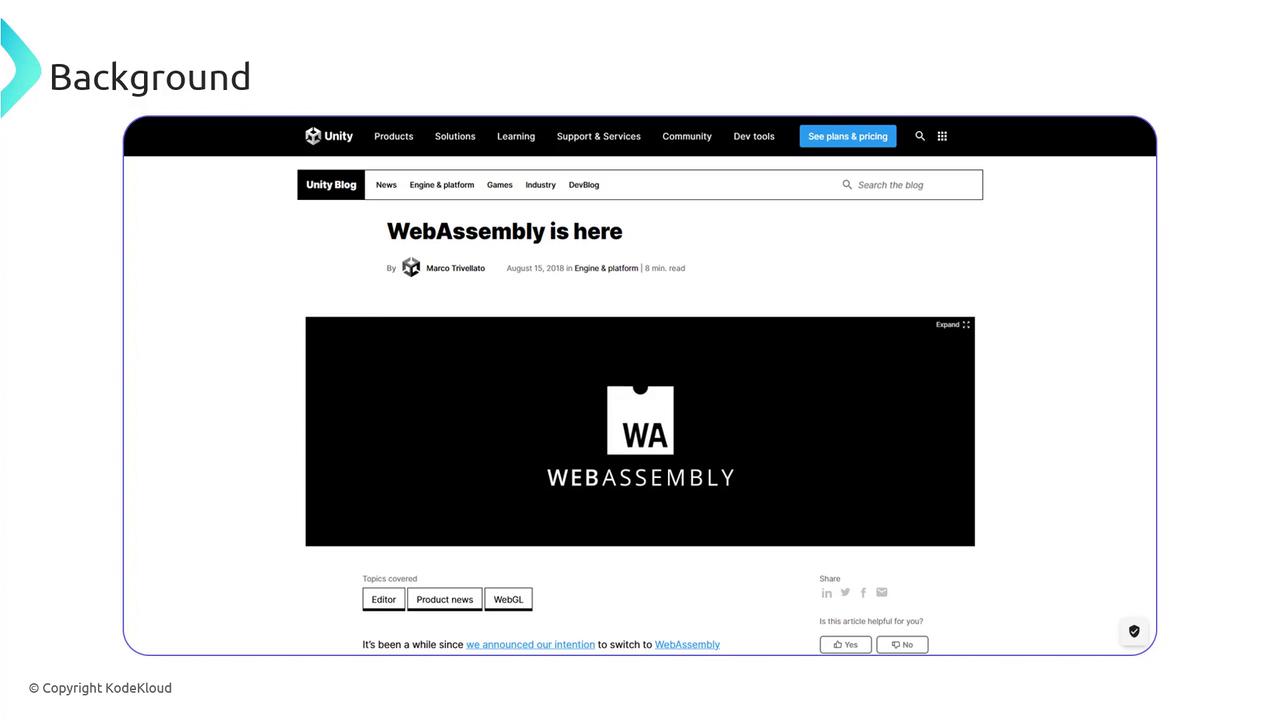
Unity joined the movement, announcing “[WebAssembly is here](https://blog.unity.com/technology/webassembly-is-here)” to accelerate game performance on the web.
***
## Emscripten in Action
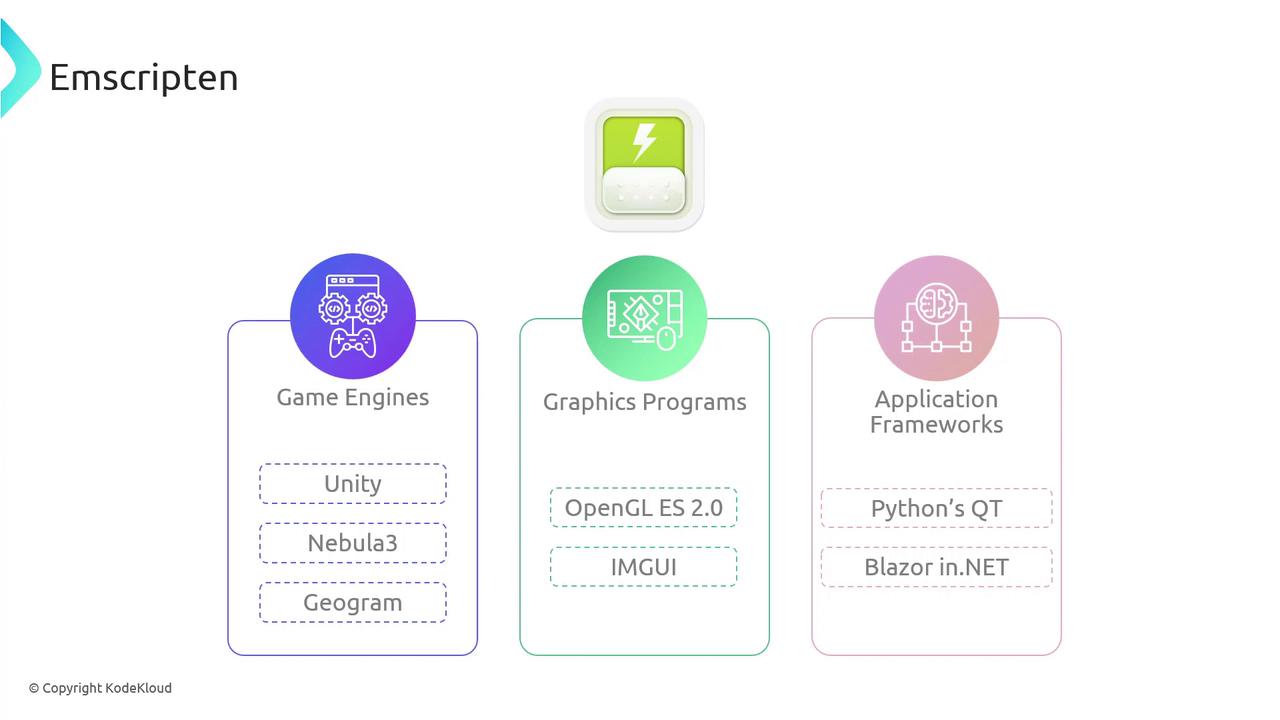
Emscripten powers ports of:
| Category | Examples |
| --------------------- | ----------------------------------------------------------------------------------------------------------------------------- |
| Game Engines | [Unity](https://unity.com), [Nebula 3](https://github.com/nebula/nebula3), [GeoGram](http://alice.loria.fr/software/geogram) |
| Graphics Libraries | [OpenGL ES 2.0](https://www.khronos.org/opengles/2_X), [ImGui](https://github.com/ocornut/imgui) |
| Frameworks & Apps | [PyQt](https://riverbankcomputing.com/software/pyqt), [.NET Blazor](https://dotnet.microsoft.com/apps/aspnet/web-apps/blazor) |
| Utilities & Emulators | Classic emulators, image tools, and more |
***
## A Closer Look at Emscripten
Emscripten integrates the LLVM toolchain—[Clang](https://clang.llvm.org) and [LLVM](https://llvm.org)—plus Google’s [Closure Compiler](https://developers.google.com/closure/compiler) to output optimized WebAssembly modules and JavaScript glue code.
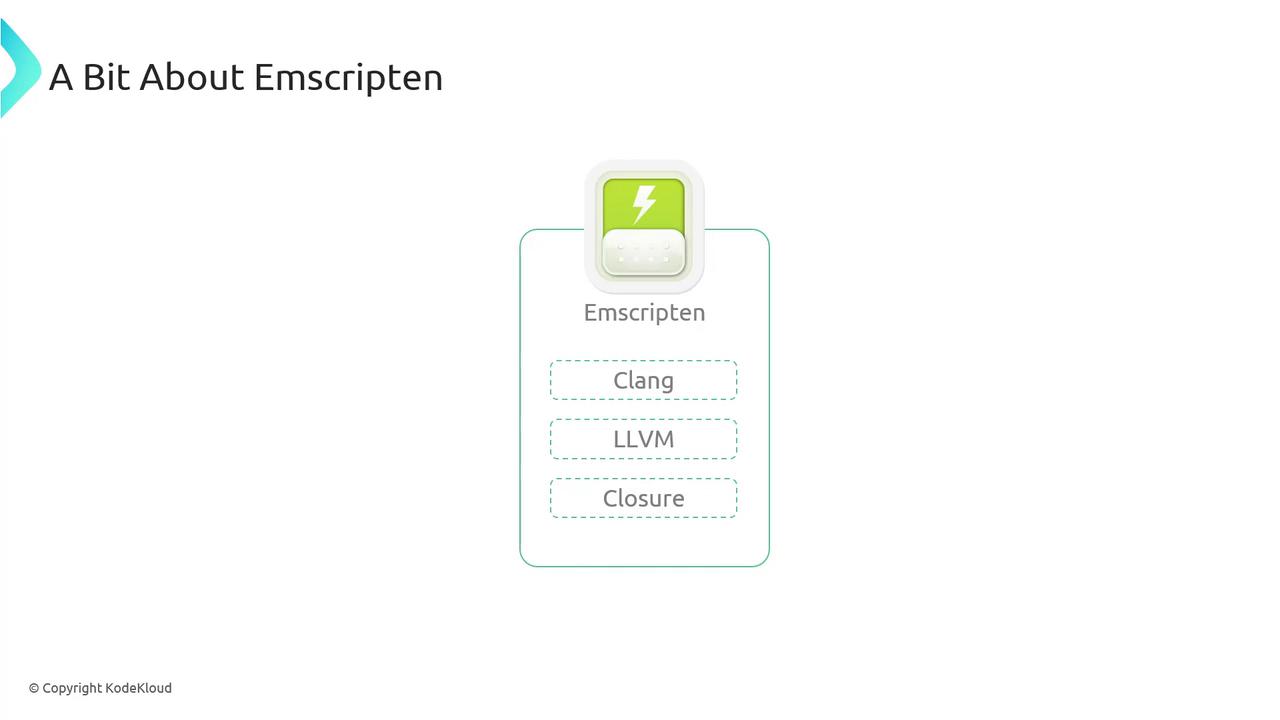
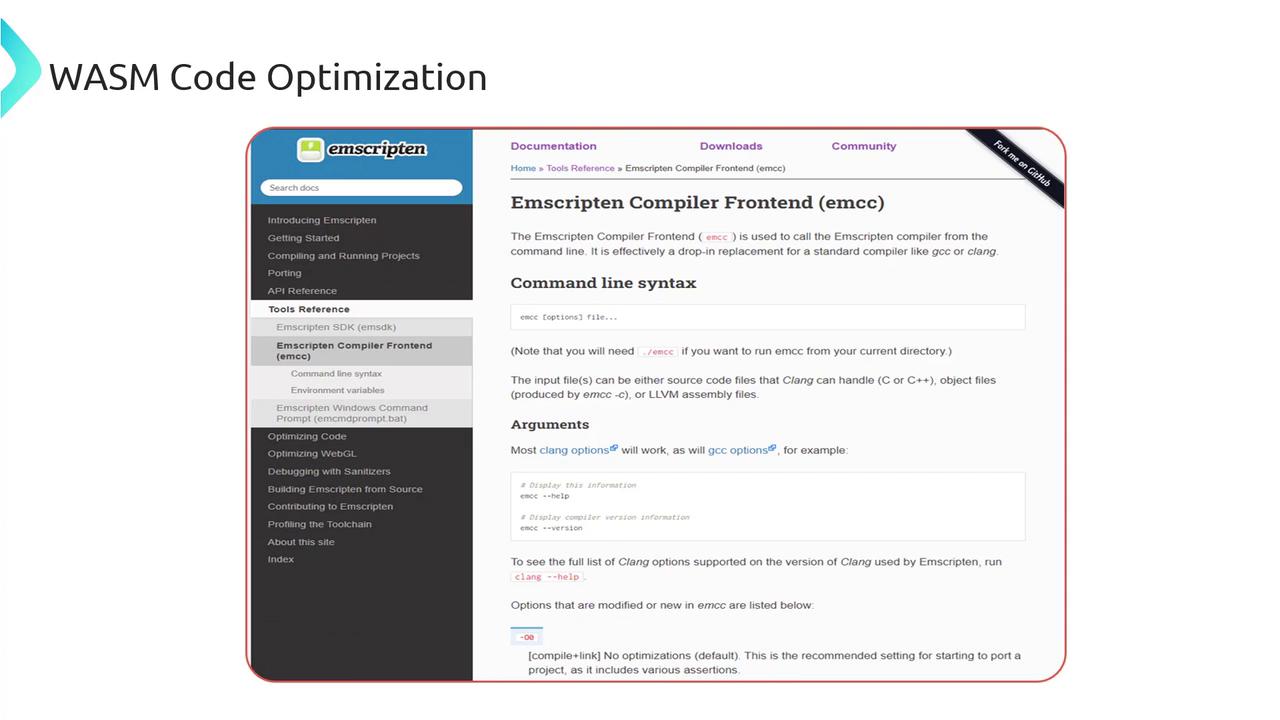
Invoke the frontend `emcc` just like `gcc` or `clang`:
```bash theme={null}
# Compile C/C++ files
emcc [options] file...
# Display help and version
emcc --help
emcc --version
```
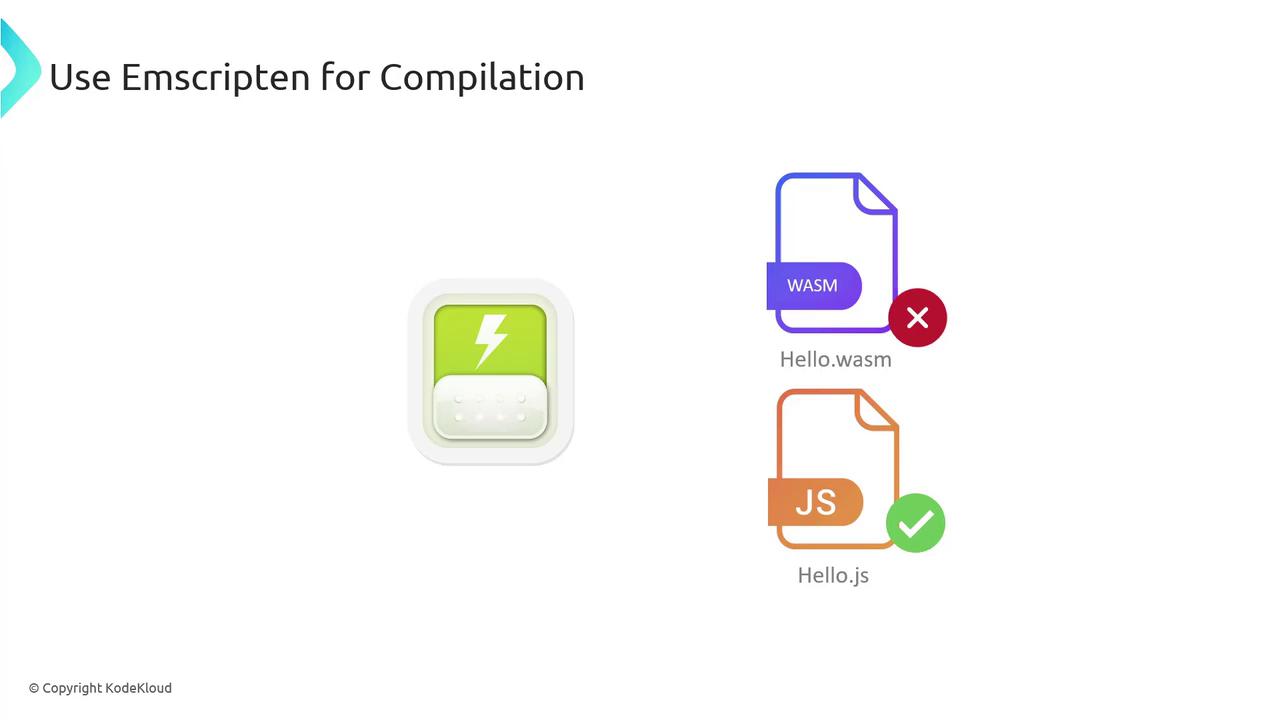
By default, `emcc` generates:
* `*.wasm` — WebAssembly binary
* `*.js` — JavaScript loader
***
## Installation Options
Choose the approach that suits your workflow:
| Method | Description | Quick Start |
| ------------- | -------------------------------------------------- | ------------------------------------------------------------------------------------------ |
| Docker | Run Emscripten without local install | `docker run --rm -v $(pwd):/src emscripten/emsdk emcc ...` |
| EMSDK (Local) | Full SDK with version management (Linux/Win/macOS) | See [Emscripten SDK Downloads](https://emscripten.org/docs/getting_started/downloads.html) |
```bash theme={null}
# Docker example:
docker run --rm -v $(pwd):/src -u $(id -u):$(id -g) emscripten/emsdk
# Inside container:
emcc helloworld.cpp -o helloworld.js
```
For local development, install the **Emscripten SDK (EMSDK)**. It bundles `emcc`, LLVM, Node.js support, and utility scripts.
***
## Verifying Your Installation
Ensure `emcc` is on your PATH and run:
```bash theme={null}
emcc -v
```
Expected output:
```C++ theme={null}
emcc (Emscripten gcc/clang-like replacement + linker emulating GNU ld) 3.1.45-git
clang version 18.0.0 (...)
Target: wasm32-unknown-emscripten
...
```
If you encounter missing-tool warnings, refer to the [official docs](https://emscripten.org/docs/) for troubleshooting.
***
## Your First WebAssembly Program
1. Create **`hello_world.c`**:
```c theme={null}
#include
int main() {
printf("Hello, World!\n");
return 0;
}
```
2. Compile with Emscripten:
```bash theme={null}
emcc hello_world.c
```
This yields:
* **`a.out.wasm`** — WebAssembly module
* **`a.out.js`** — JS loader
3. Run in Node.js:
```bash theme={null}
node a.out.js
# → Hello, World!
```
### JavaScript Fallback
Force pure JavaScript output for environments without WASM:
```bash theme={null}
emcc hello_world.c -s WASM=0
```
***
## Creating an HTML Wrapper
Generate an HTML file that auto-loads your module:
```bash theme={null}
emcc hello_world.c -o hello.html
```
Open **`hello.html`** in a browser (or via a local server) to see “Hello, World!” rendered on the page.
***
## Enforcing Strict Mode
Use `-s STRICT=1` to catch deprecated or unsafe code patterns.
Strict mode treats deprecated patterns as errors. Ensure your code adheres to modern C/C++ standards.
```cpp theme={null}
// hello.cpp
#include
#include
int main() {
char *buffer = (char*)malloc(10); // Deprecated in C++
if (!buffer) return 1;
std::cout << "Memory allocated." << std::endl;
free(buffer);
return 0;
}
```
```bash theme={null}
emcc hello.cpp -o hello.html -s STRICT=1
```
You may see warnings like:
```text theme={null}
Warning: ‘malloc’ is not recommended in modern C++. Use ‘new’ instead
Warning: inclusion of the C header file is deprecated in STRICT mode
```
***
## Exporting Custom Functions
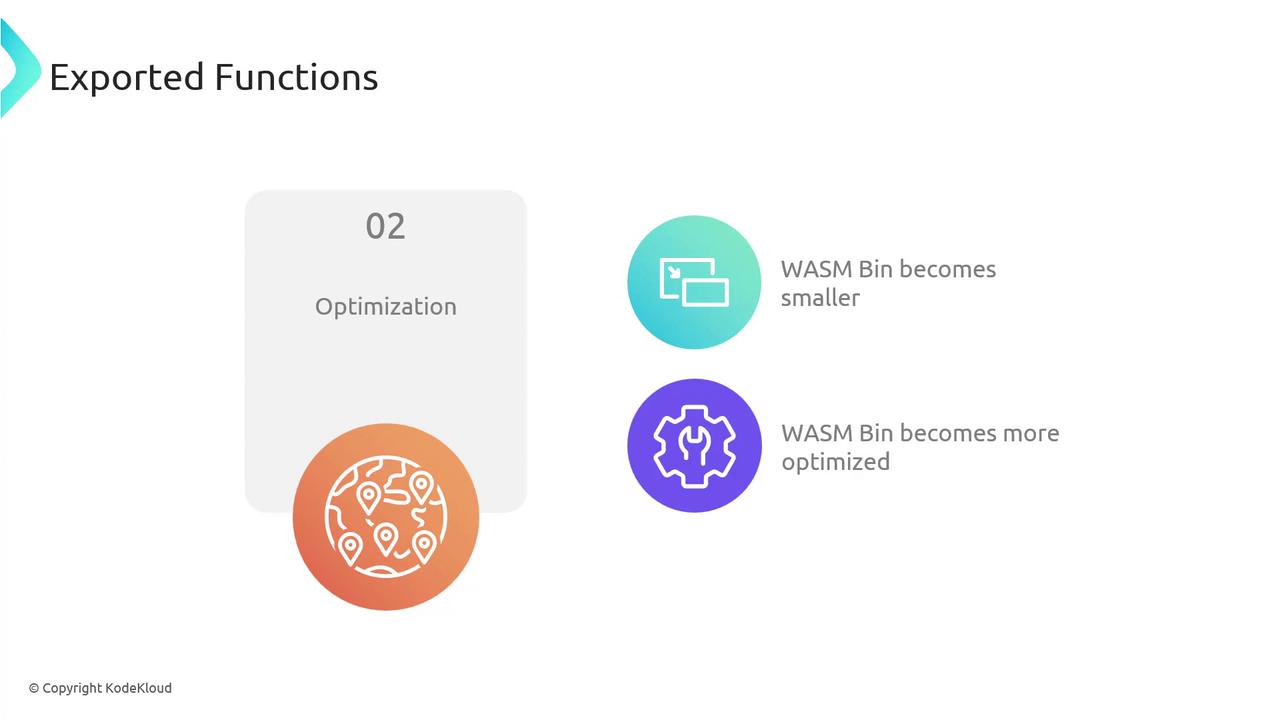
By default, only `main` is exported. Use `-s EXPORTED_FUNCTIONS` to expose additional functions:
```c theme={null}
#include
EMSCRIPTEN_KEEPALIVE
int multiplyNumbers(int a, int b) {
return a * b;
}
```
```bash theme={null}
emcc multiplyNumbers.c -o multiplyNumbers.js \
-s EXPORTED_FUNCTIONS="['_multiplyNumbers']"
```
Now call it in JS:
```js theme={null}
Module._multiplyNumbers(3, 4); // 12
```
***
## Simulated File System
Emscripten provides a virtual file system so your C/C++ code can use standard I/O in the browser:

**`test/hello_world_file.cpp`**:
```c theme={null}
#include
int main() {
FILE *file = fopen("hello_world_file.txt", "rb");
if (!file) {
printf("cannot open file\n");
return 1;
}
int c;
while ((c = fgetc(file)) != EOF) putchar(c);
fclose(file);
return 0;
}
```
Preload data at compile time:
```bash theme={null}
emcc test/hello_world_file.cpp -o hello.html \
--preload-file test/hello_world_file.txt
```
Serve **`hello.html`** via HTTP to view the file contents in the browser.
***
## Build Optimizations
Fine-tune performance with standard optimization levels:
```bash theme={null}
emcc -O1 hello_world.cpp # safe transformations
emcc -O2 hello_world.cpp # balanced speed and size
emcc -O3 hello_world.cpp # aggressive inlining & loop unrolling
```
* **O1**: removes assertions, minimal size reduction
* **O2**: faster runtime with code replacements
* **O3**: extensive optimizations for release builds
***
## Further Reading & References
* [Emscripten Documentation](https://emscripten.org/docs/)
* [WebAssembly Overview](https://webassembly.org)
* [Clang Official Site](https://clang.llvm.org)
* [LLVM Project](https://llvm.org)
* [Closure Compiler](https://developers.google.com/closure/compiler)