> ## Documentation Index
> Fetch the complete documentation index at: https://notes.kodekloud.com/llms.txt
> Use this file to discover all available pages before exploring further.
# WASM Compilers
> This guide covers popular WASM compilers and browser-based tools for building, optimizing, and inspecting WebAssembly modules.
WebAssembly (WASM) has revolutionized high-performance web applications by enabling near-native execution speeds. In this guide, we’ll cover the most popular WASM compilers and browser-based tools to help you build, optimize, and inspect your WebAssembly modules.
***
## Top WebAssembly Compilers
Picking the right compiler impacts binary size, execution speed, and integrations with browser APIs. The table below summarizes key WASM compilers and their strengths:
| Compiler | Language Support | Key Feature |
| -------------- | ----------------- | ---------------------------------------- |
| LLVM | C, C++, Rust | Mature optimizations and backend |
| Binaryen | WASM modules | Fine-grained code manipulation |
| Emscripten | C, C++ (via LLVM) | Browser API bridge (WebGL, I/O, etc.) |
| wasm-pack | Rust | Cargo integration and package publishing |
| AssemblyScript | TypeScript-like | Familiar syntax with explicit memory |
### LLVM
LLVM is a battle-tested compiler framework that emits highly optimized WebAssembly. It supports frontends for C, C++, and Rust, leveraging advanced analysis and transformation passes.
### Binaryen
Binaryen focuses entirely on WebAssembly. It lets you assemble, optimize, and transform WASM binaries, making it ideal for minimizing code size and fine-tuning low-level performance.
### Emscripten
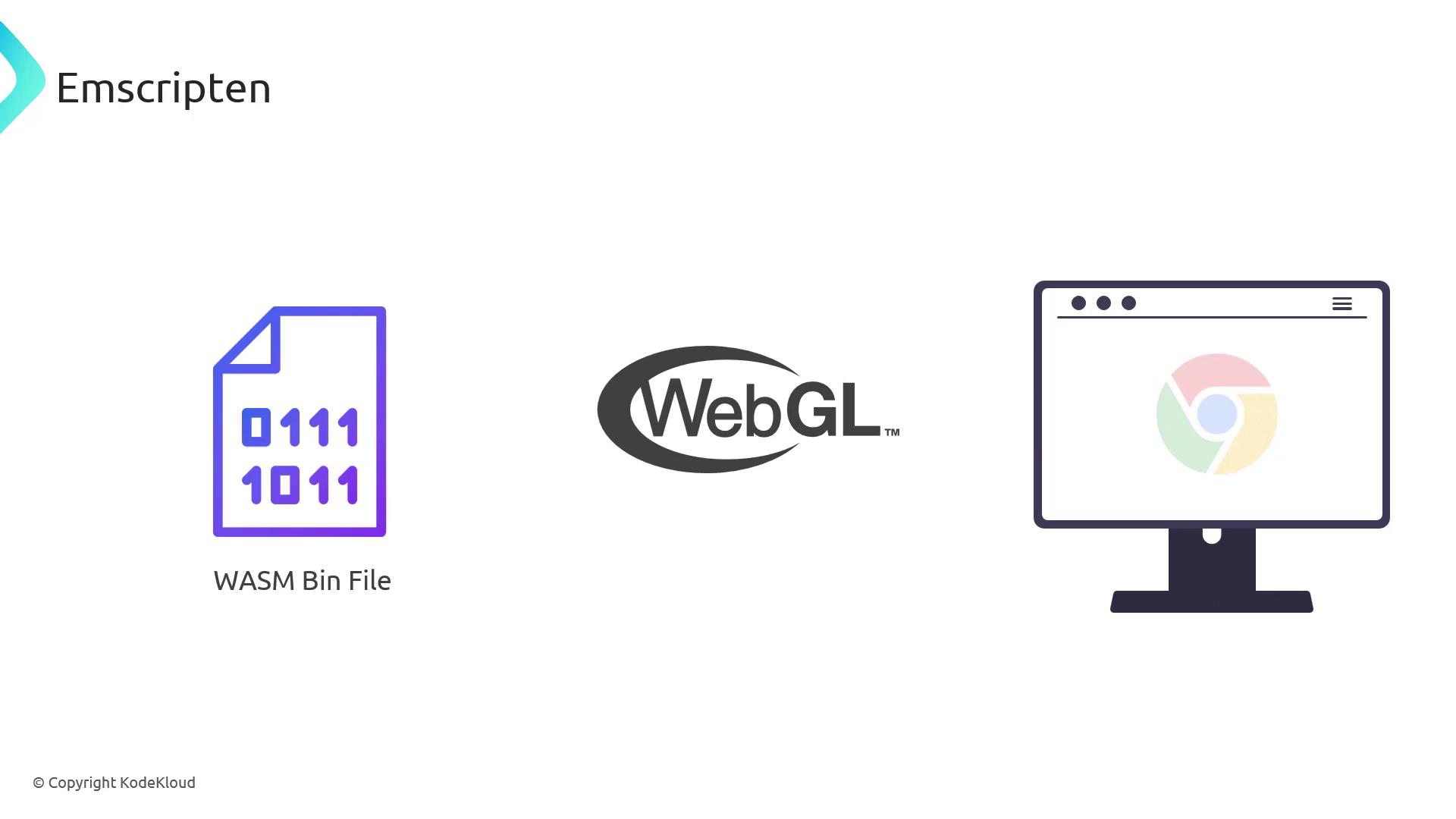
Emscripten builds on LLVM and Binaryen to compile large C/C++ codebases into WASM. It provides built-in support for WebGL, file I/O, pthreads, and other browser APIs.
Without `-O2` or `-O3` optimization flags, Emscripten output can be large and slower to load. Always benchmark with optimization enabled.
### wasm-pack
Rust developers can use `wasm-pack` to compile, test, and publish WASM packages to npm. It wraps Cargo commands with sensible defaults for tooling, bundlers, and optimizations.
### AssemblyScript
AssemblyScript provides a TypeScript-flavored syntax that compiles directly to WASM. It exposes WebAssembly-specific types (e.g., `i32`, `f64`) for predictable performance.
```typescript theme={null}
// fib.ts
export function fib(n: i32): i32 {
let a: i32 = 0;
let b: i32 = 1;
if (n > 0) {
while (--n) {
const t = a + b;
a = b;
b = t;
}
}
return b;
}
```
Compile with:
```bash theme={null}
asc fib.ts --outFile fib.wasm --optimize
```
Install AssemblyScript with `npm install --save-dev assemblyscript` and use `npx asc` for local builds.
***
## Online WASM Tools
Browser-based environments let you prototype, inspect, and debug WASM modules without any local setup. Here’s a quick overview:
| Tool | Purpose | Demo Features |
| -------------------- | -------------------------------------- | --------------------------------- |
| WasmFiddle | Live C/C++ to WASM experiments | Instant REPL compilation |
| WebAssembly Explorer | Visualize WAT & binary pipeline | Source, WAT, and hex/binary views |
| Wasm by Example | Step-by-step tutorials | Interactive code snippets |
| WABT Online | Text-to-binary conversion & validation | `wat2wasm` / `wasm2wat` demos |
| WasmCloud | WebAssembly microservices platform | Service runtime and orchestration |
### WasmFiddle
WasmFiddle is a zero-config REPL for compiling C/C++ source into WebAssembly on the fly. Perfect for quick experiments.
### WebAssembly Explorer
Inspect each compilation stage side-by-side: your source code, the generated WebAssembly Text (WAT), and the final binary.
```wat theme={null}
(module
(table 0 anyfunc)
(memory $0 1)
(export "memory" (memory $0))
(export "main" (func $main))
(func $main (param $0 i32) (result i32)
(i32.const 42)
)
)
```
```javascript theme={null}
const wasmModule = new WebAssembly.Module(wasmCode);
const wasmInstance = new WebAssembly.Instance(wasmModule, wasmImports);
console.log(wasmInstance.exports.main());
```
Here’s a simple C++ example you can load:
```cpp theme={null}
#include
using namespace std;
int main() {
int x, y;
cout << "Enter two integers: ";
cin >> x >> y;
cout << x << " + " << y << " = " << (x + y);
return 0;
}
```
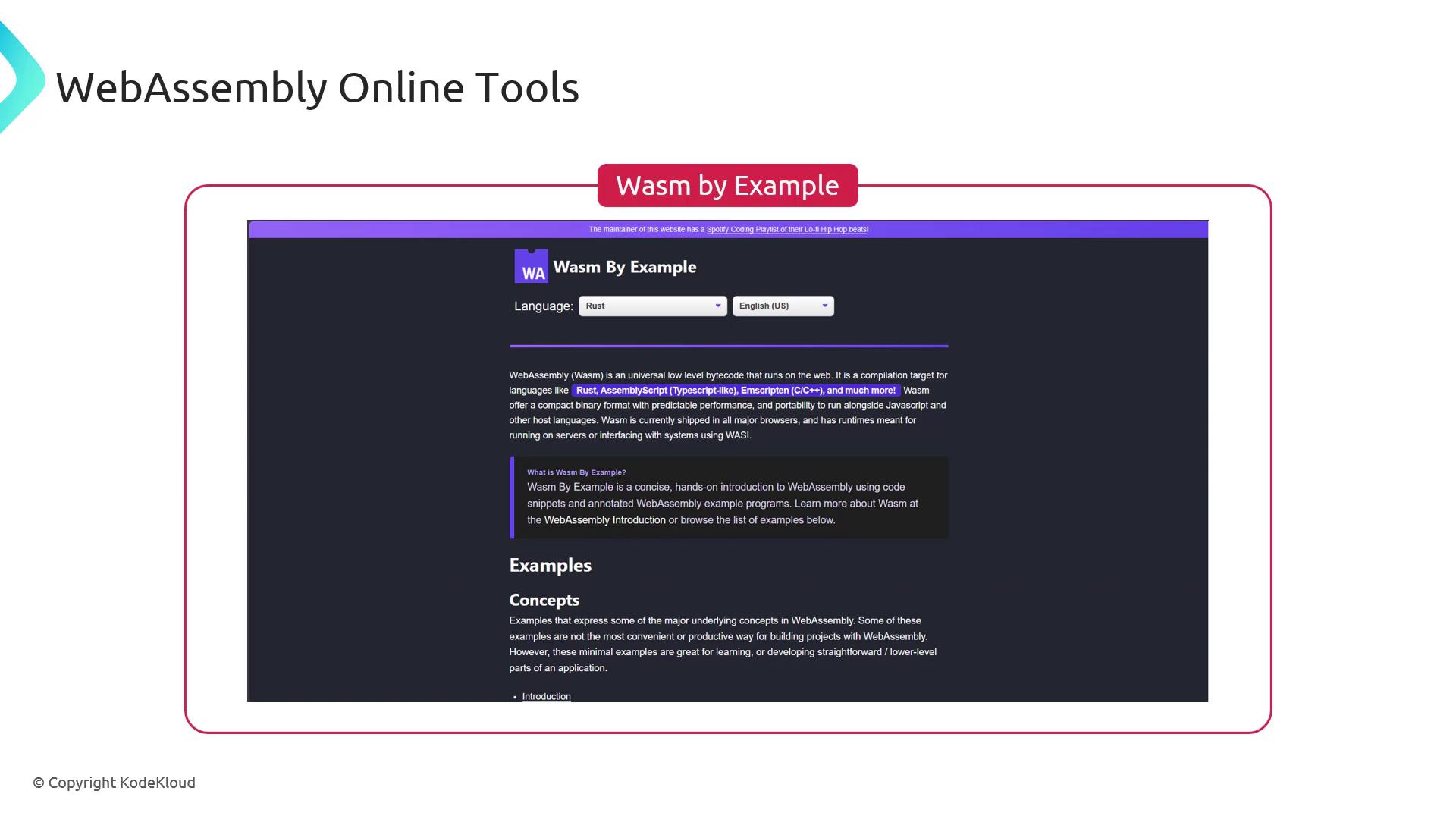
### Wasm by Example
Wasm by Example offers guided tutorials with live code editors to explore core WASM concepts.
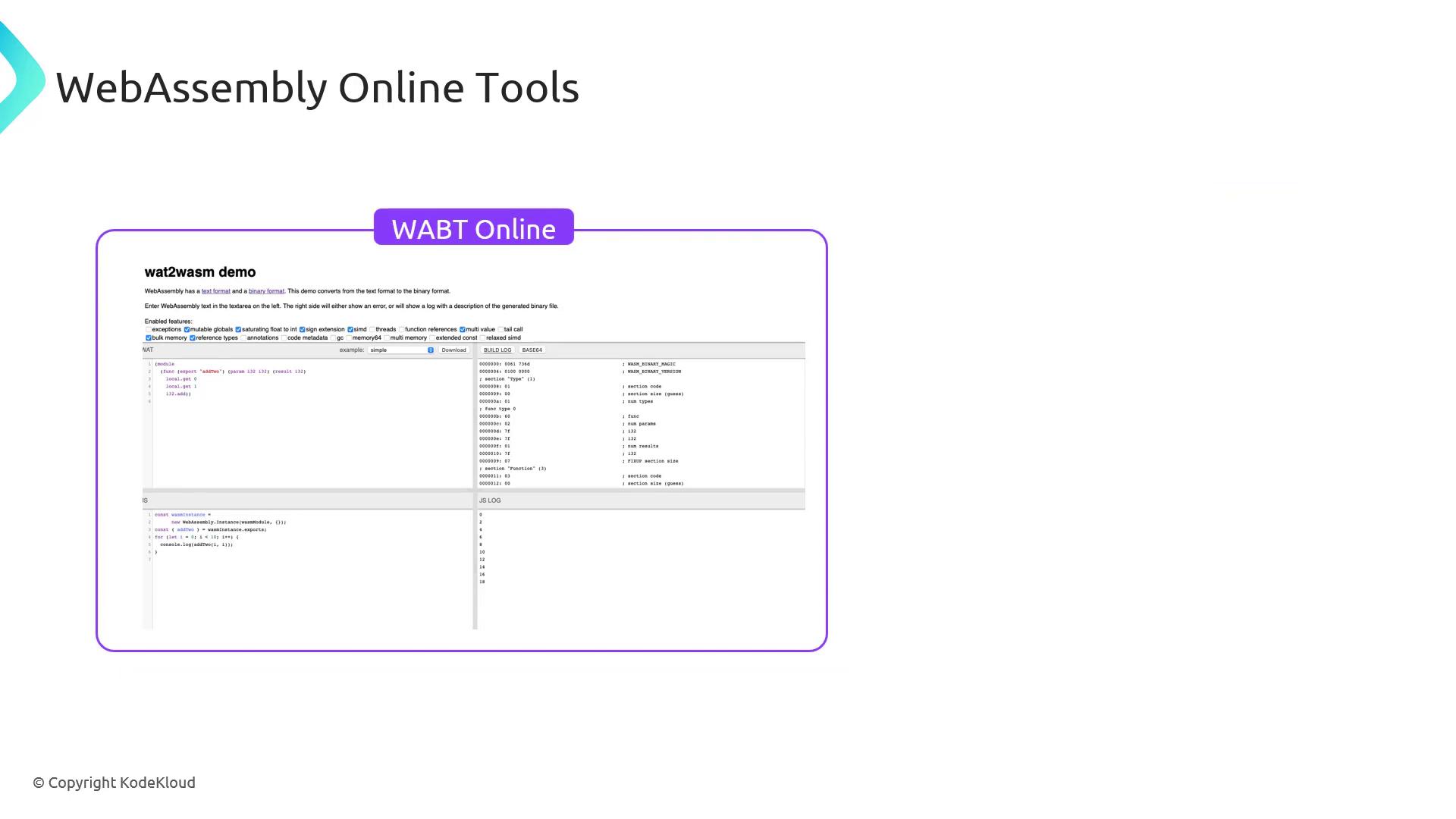
### WABT Online
Convert WAT to WASM (and back), inspect sections, and validate modules. Useful for low-level debugging.
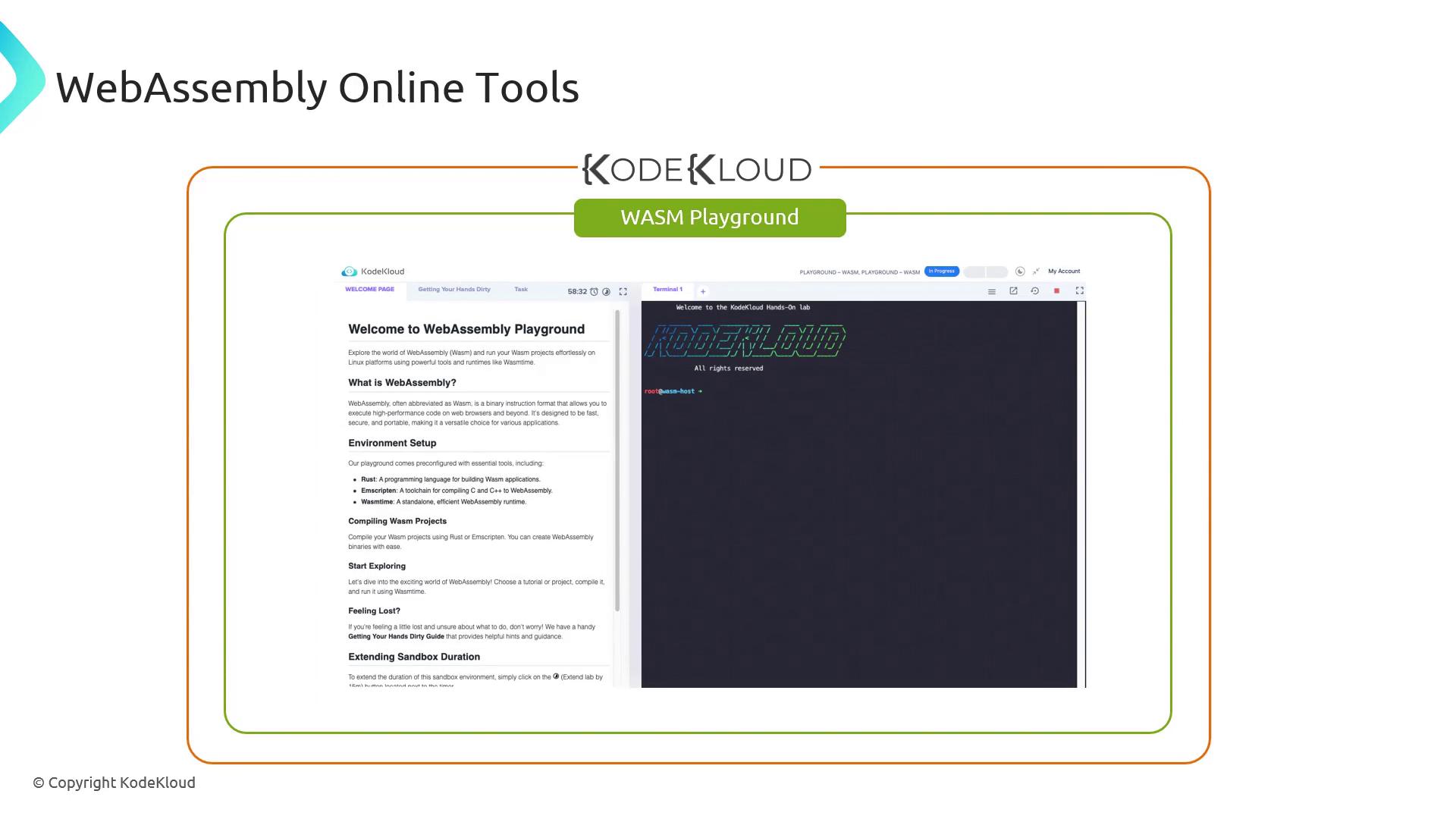
### WasmCloud
WasmCloud is a cloud-native platform for building, deploying, and scaling WebAssembly microservices.
***
## Further Reading and References
* [WebAssembly Official Site](https://webassembly.org/)
* [MDN WebAssembly Documentation](https://developer.mozilla.org/en-US/docs/WebAssembly)
* [WebAssembly Specification](https://www.w3.org/TR/wasm-core-1/)
With these compilers and online tools in your toolkit, you’re ready to author, optimize, and debug robust WebAssembly applications.