> ## Documentation Index
> Fetch the complete documentation index at: https://notes.kodekloud.com/llms.txt
> Use this file to discover all available pages before exploring further.
# Exploring WebAssembly WASM and Docker
> This article explores the integration of WebAssembly and Docker for cross-platform deployment and improved application performance.
## Introduction
Docker revolutionized software deployment by ensuring applications run identically across environments—whether on a developer’s laptop or a cloud server. However, Docker images remain tied to CPU architectures (Intel, ARM, etc.), often causing “works on my machine” problems.
WebAssembly (WASM) offers a platform-agnostic solution: precompiled binaries that run on any host with a compatible runtime—such as [Wasmtime](https://wasmtime.dev/) or [WasmEdge](https://wasmedge.org/)—regardless of CPU type. Instead of bundling full OS filesystems, WASM modules rely on the [WebAssembly System Interface (WASI)](https://wasi.dev/) for only the essential system calls.
## Understanding Docker’s Architecture Dependency
* Images contain OS layers and binaries compiled for specific CPUs
* Switching between x86\_64 and ARM64 often requires rebuilding
* Typical Rust web server Docker images range from 100 MB to 200 MB
## What Is WebAssembly (WASM) and WASI?
WASM modules are lightweight binaries executed inside a sandboxed runtime. WASI exposes a minimal set of system interfaces, reducing attack surface and simplifying deployment.
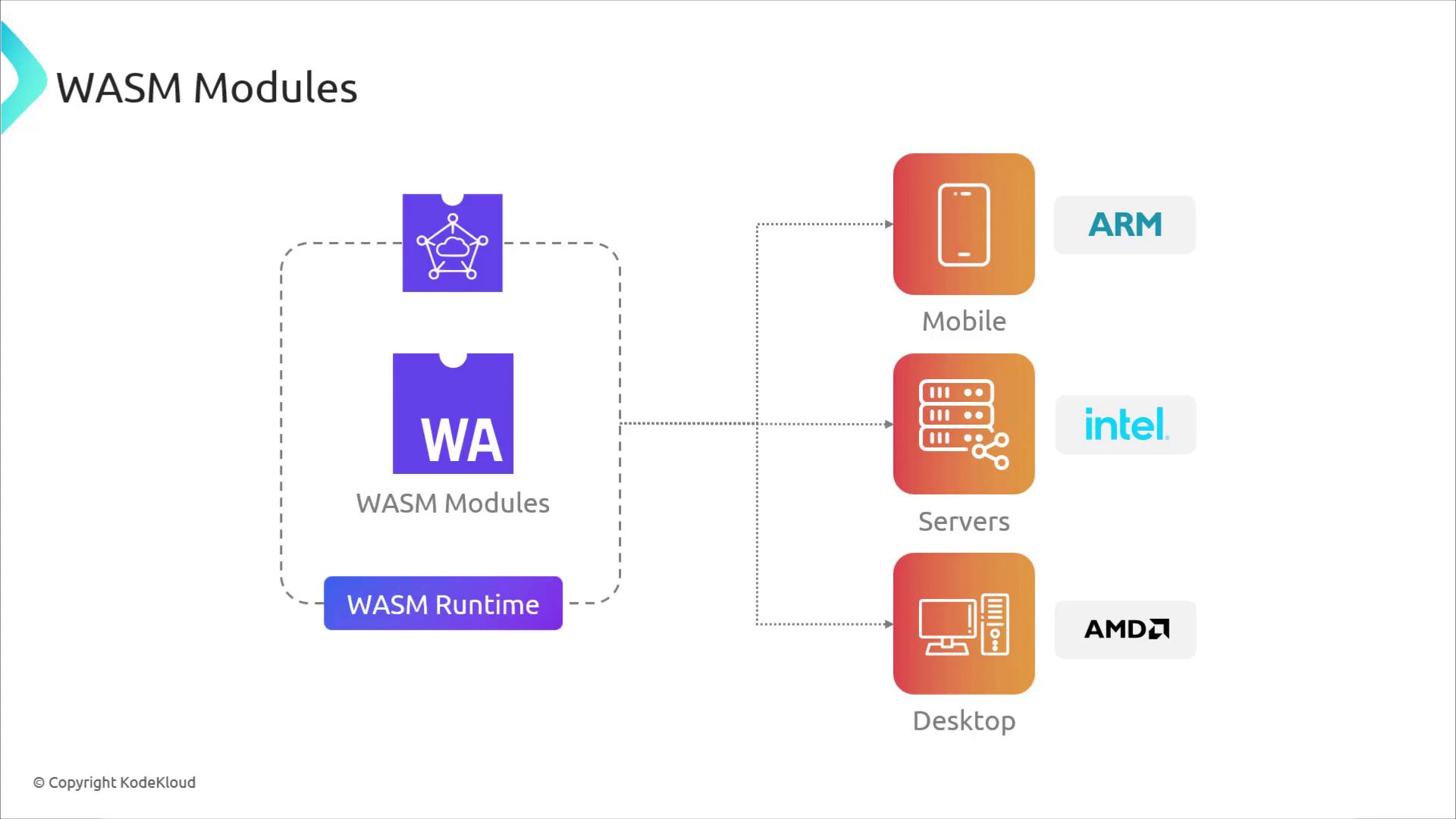
WebAssembly’s sandboxed execution enhances security by limiting direct host access.\
WASI exposes only selected syscalls, keeping modules portable and efficient.
## Hands-On Example: Rust Web Server
We’ll demonstrate with a simple Rust HTTP server:
1. Build and run a Docker container
2. Compile the same code to a WASM binary (`wasm32-wasi`)
3. Compare image sizes, startup times, and UX
### 1. Compile to WASM
```bash theme={null}
cargo build --target wasm32-wasi --release
```
### 2. Compare Package Sizes
| Package | Size Range |
| ------------ | --------------- |
| Docker Image | 100 MB – 200 MB |
| WASM Binary | 1 MB – 10 MB |
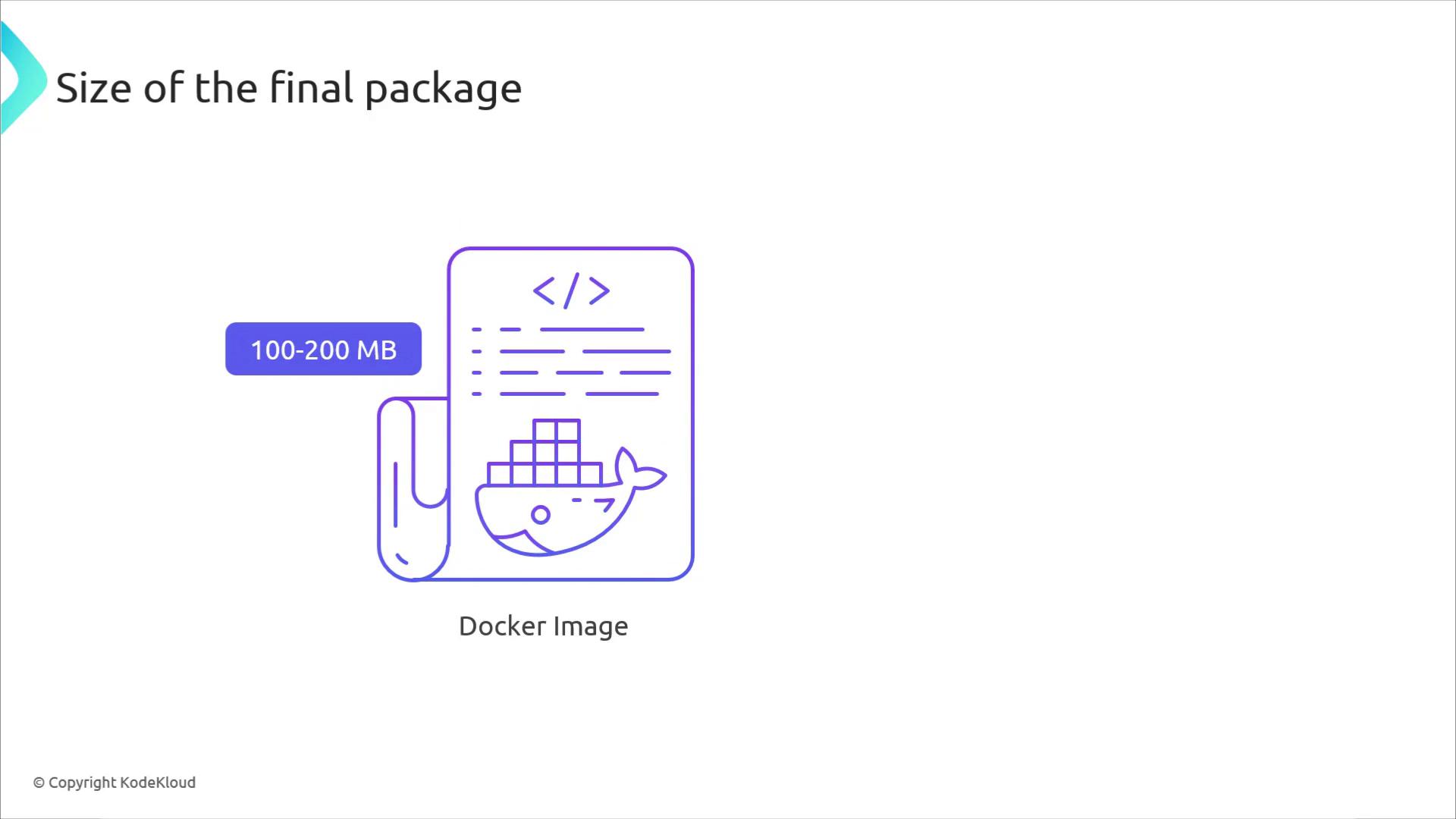
WASM binaries are significantly smaller, reducing network transfer and storage overhead.
### 3. Running the Server
```bash theme={null}
docker run -p 3030:3030 rust-hello-world
wasmtime target/wasm32-wasi/release/myapp.wasm
```
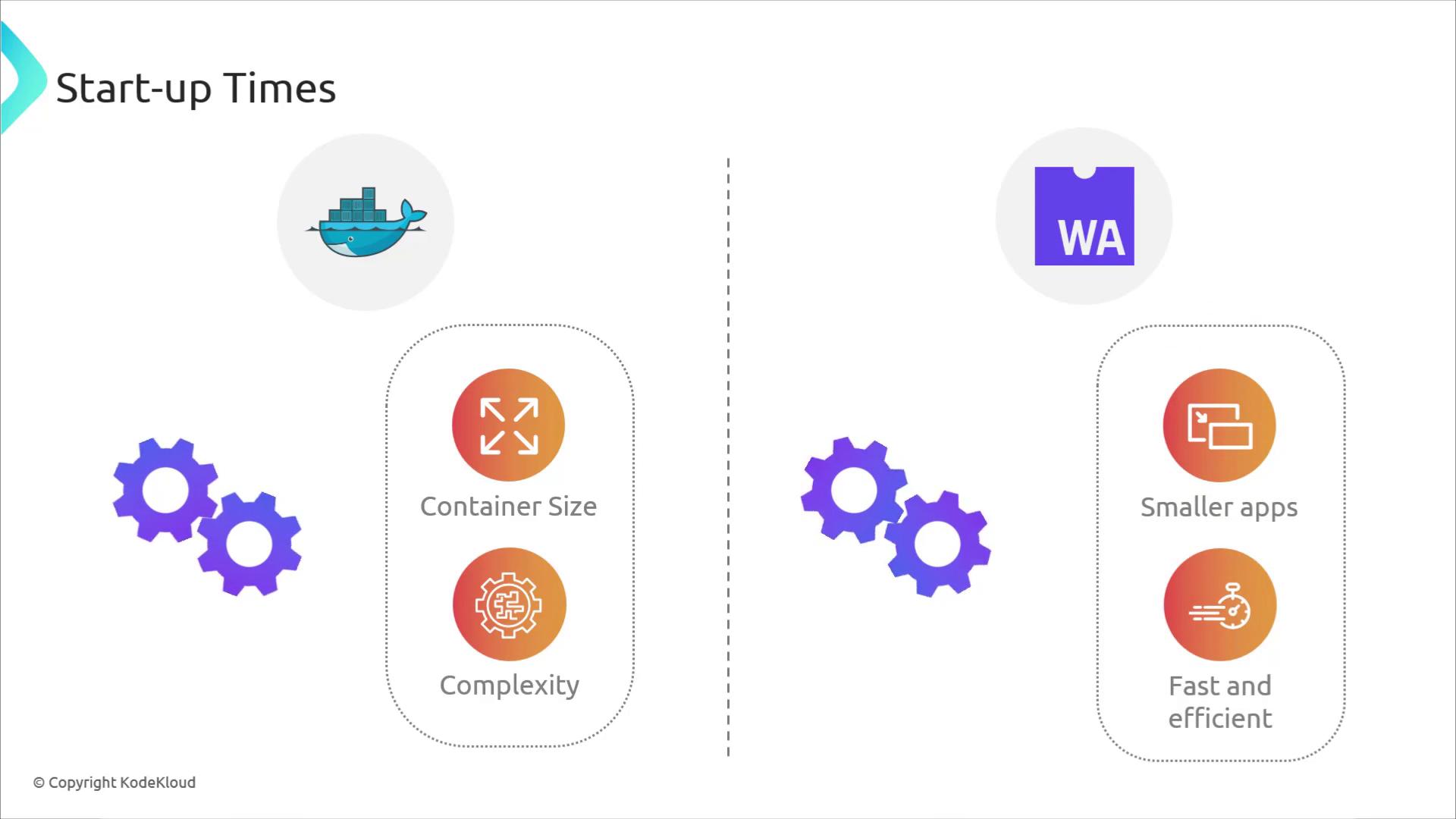
* **Docker**: Container initialization takes seconds
* **WASM**: Wasmtime startup in milliseconds
## Browser Support
* **Docker**: Designed for servers and desktops
* **WASM**: Built for the web, runs in browsers without plugins
## Host Interaction and Security
| Aspect | Docker Containers | WASM Modules (WASI) |
| -------------- | ---------------------------------------- | ----------------------------------------- |
| Host Access | Direct OS calls via namespaces & cgroups | Sandboxed, only WASI syscalls |
| Security Model | OS-level isolation | Runtime-level sandbox |
| Use Cases | Stateful services, legacy apps | Microservices, serverless, edge computing |
## Combining Docker and WASM
Rather than choosing one over the other, you can blend Docker’s portability with WASM’s performance. Docker Desktop’s technical preview supports WASM containers, enabling you to package WASM modules alongside traditional images.
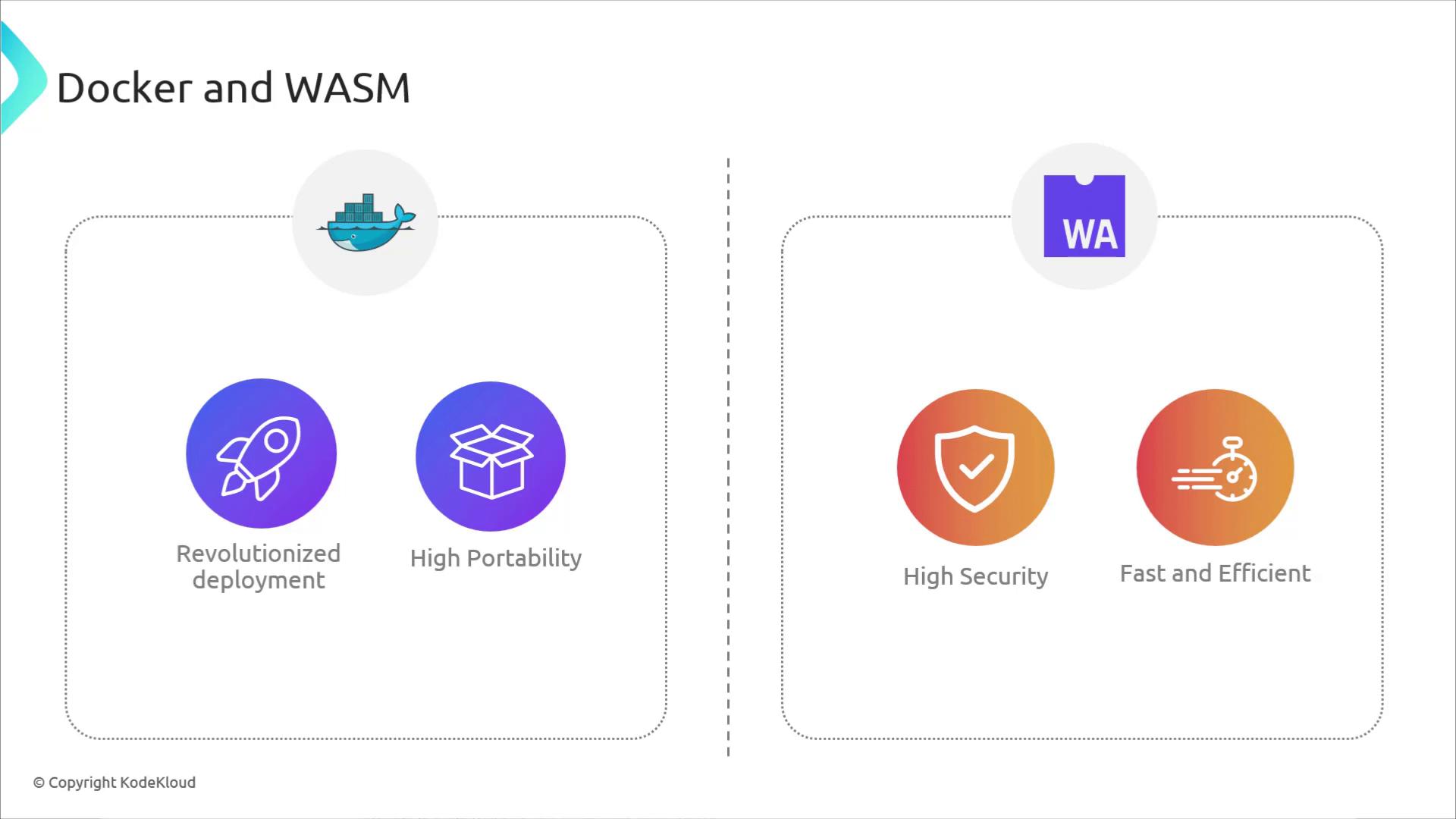
WASM container support in Docker Desktop is in technical preview and may change.
### Docker Engine & Runtime Architecture
* **Docker Engine**: Manages container lifecycle
* **Linux Containers**: `runc` + `containerd-shim`
* **WASM Containers**: `WasmEdge` + `containerd-wasm-shim`
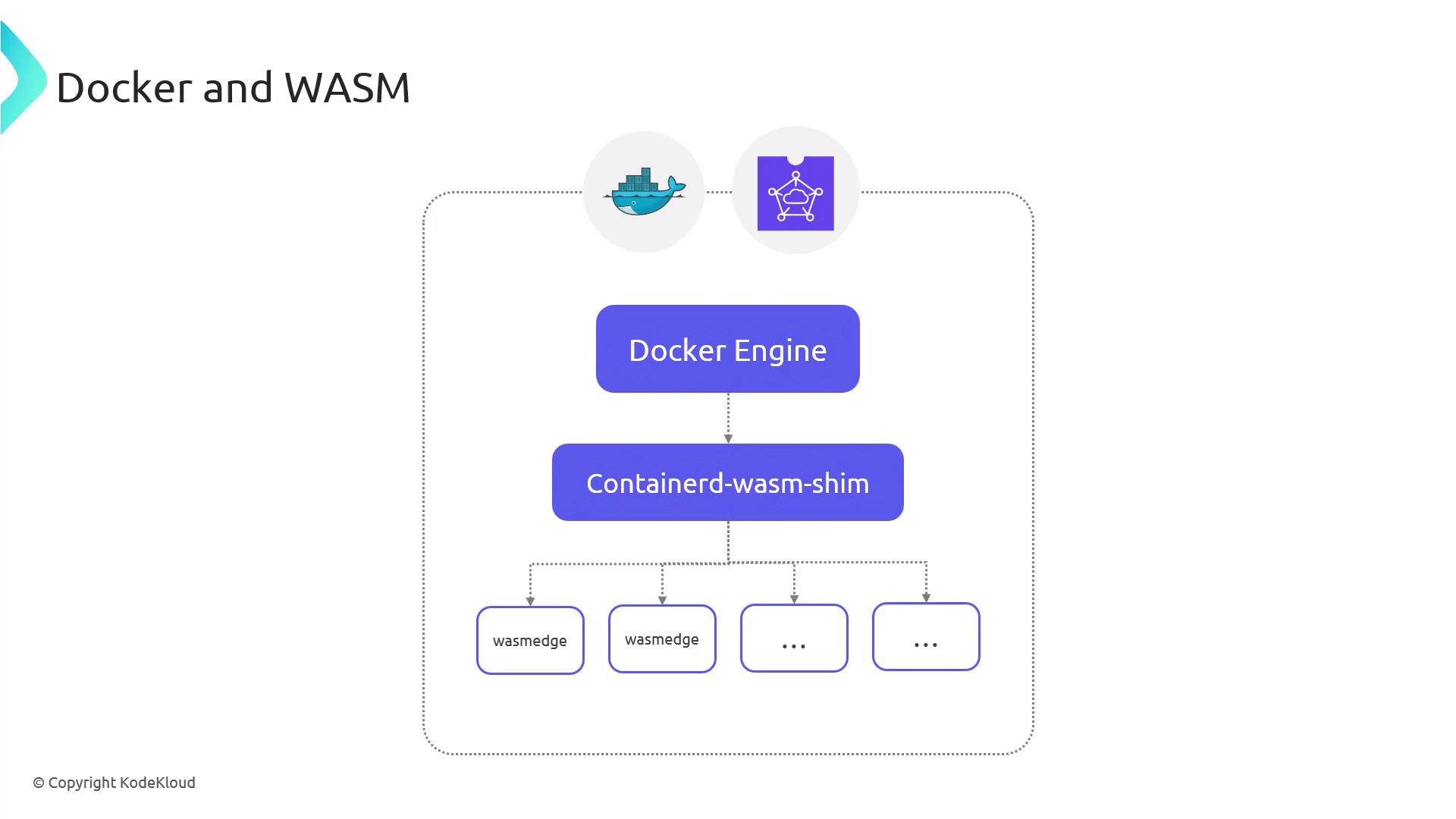
This integration streamlines deployment: you get Docker’s orchestration, WASM’s fast startup, and sandboxed security all in one workflow.
## Conclusion
By combining Docker and WASM, you can build cross-platform, secure, and lightweight applications that run seamlessly from cloud to edge to browser. As WASM support in Docker matures, expect deeper integration with Kubernetes and other cloud-native ecosystems.
## References
* [Wasmtime](https://wasmtime.dev/)
* [WasmEdge](https://wasmedge.org/)
* [WASI](https://wasi.dev/)
* [Kubernetes](https://kubernetes.io/)
* [Docker Documentation](https://docs.docker.com/)