> ## Documentation Index
> Fetch the complete documentation index at: https://notes.kodekloud.com/llms.txt
> Use this file to discover all available pages before exploring further.
# WASM Beyond the Browser
> This guide explores how WebAssembly extends beyond browsers to enhance server, cloud, and edge environments for improved performance and scalability.
WebAssembly (WASM) delivers near-native performance, sandboxed security, and platform independence—extending far beyond the browser. In this guide, you’ll learn how WASM powers server, cloud, and edge environments to accelerate workloads, scale efficiently, and reduce latency.
## 1. WebAssembly in Browsers
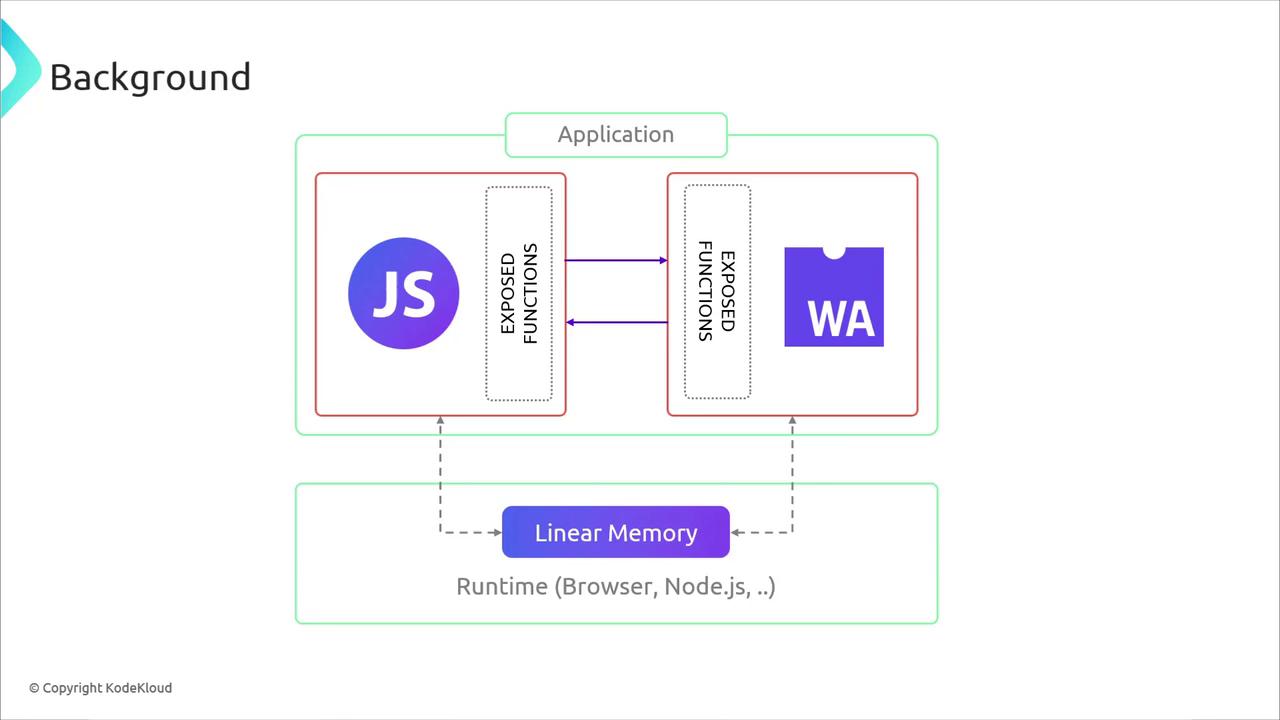
When you load a WASM module in a browser, it runs inside the JavaScript engine’s virtual machine via a specialized WASM runtime. This runtime handles compilation, linear memory management, boundary checks, and secure interop with JavaScript.
```go theme={null}
// Go: a simple exported function
func add(x, y int) int {
return x + y
}
```
```javascript theme={null}
// JavaScript: calling the WASM-exported function
add(30, 12);
```
## 2. Server-Side WASM Runtimes
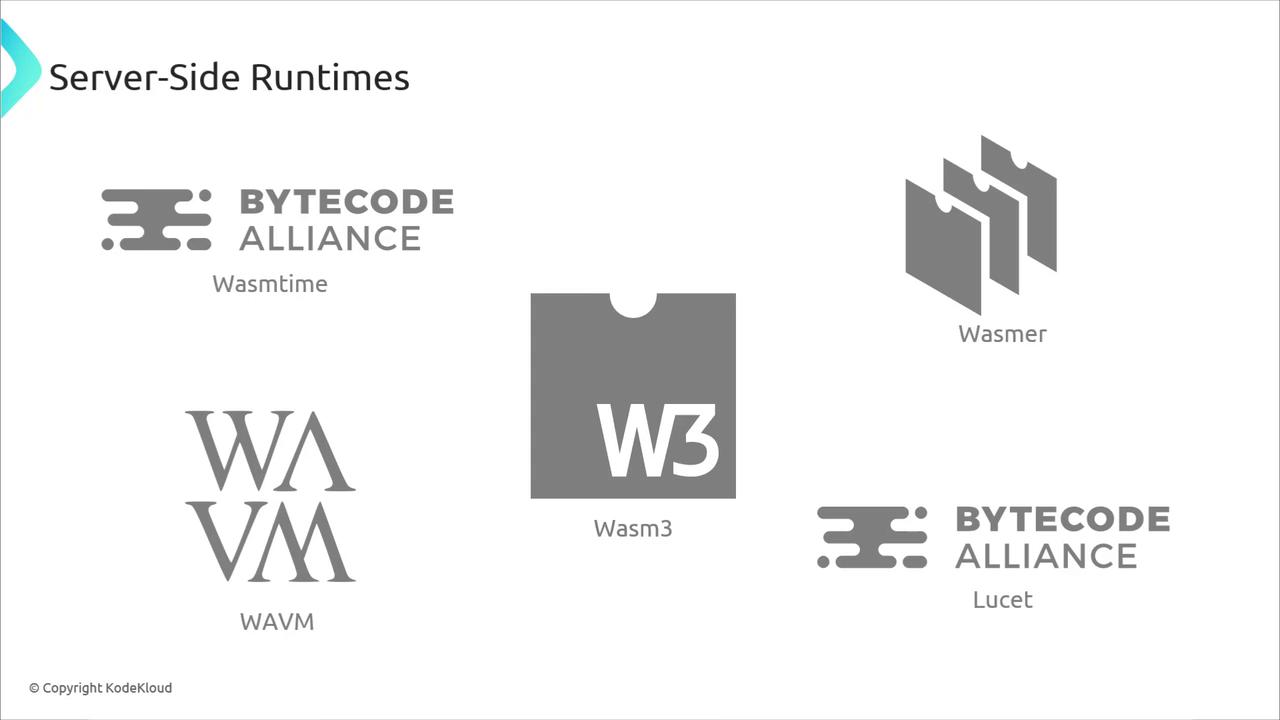
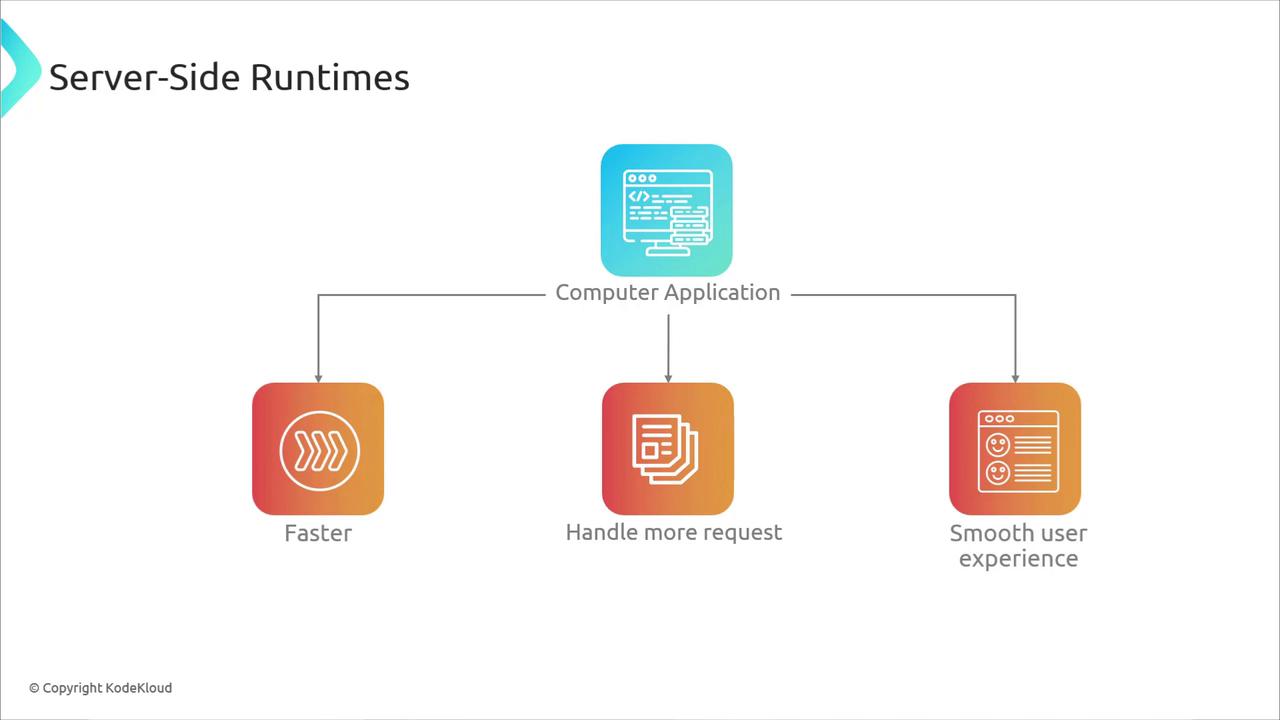
Bringing the browser’s WASM runtime model to servers unlocks faster request handling, better scaling, and consistent performance. Popular standalone runtimes include:
| Runtime | Description | Repository |
| -------- | --------------------------------------- | -------------------------------------------------------------------------------------------- |
| Wasmtime | Bytecode Alliance’s embeddable runtime | [https://github.com/bytecodealliance/wasmtime](https://github.com/bytecodealliance/wasmtime) |
| Wasmer | Universal WASM runtime for any language | [https://wasmer.io](https://wasmer.io) |
| WAVM | High-performance AOT and JIT compiler | [https://github.com/WAVM/WAVM](https://github.com/WAVM/WAVM) |
| Wasm3 | Ultra-lightweight interpreter | [https://github.com/wasm3/wasm3](https://github.com/wasm3/wasm3) |
| Lucet | Fast, sandboxed AOT compiler | [https://github.com/bytecodealliance/lucet](https://github.com/bytecodealliance/lucet) |
Embedding one of these runtimes in your back-end lets you:
* Execute plugins or user-provided code securely
* Maintain a consistent deployment artifact across platforms
* Improve cold-start times with Ahead-Of-Time (AOT) compilation
## 3. WASM in Action: C → WASM with Emscripten
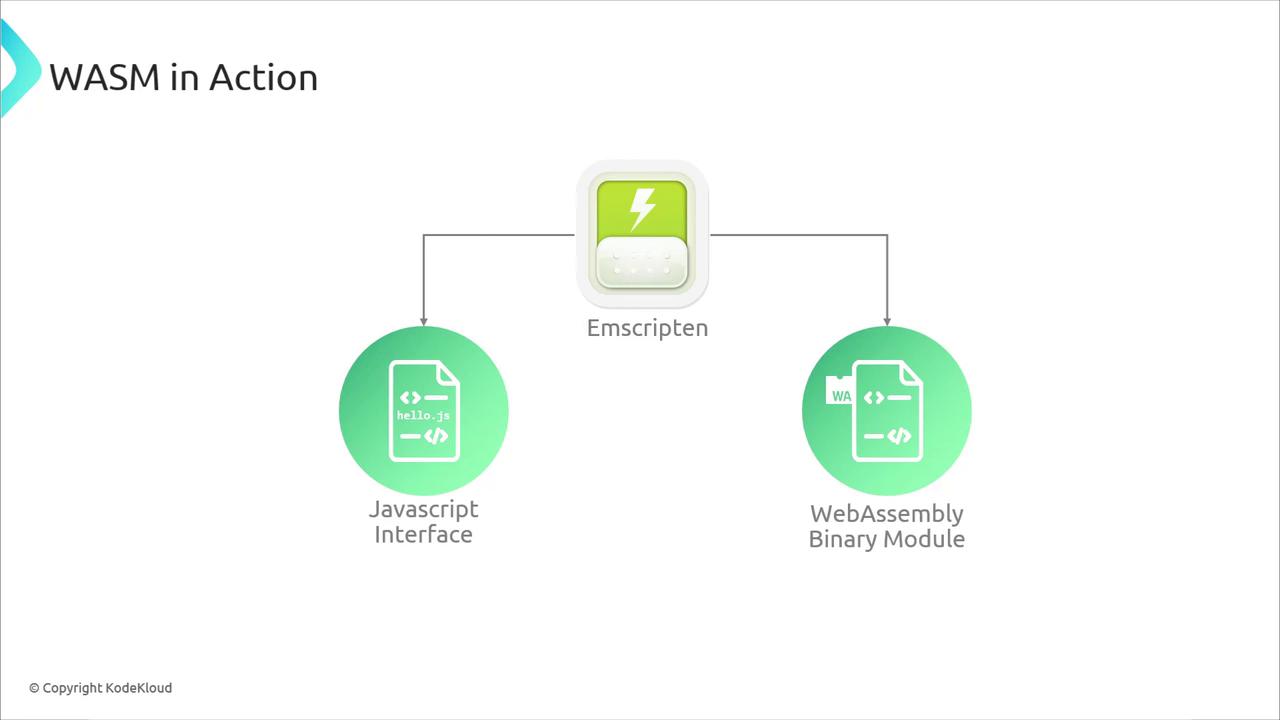
[Emscripten](https://emscripten.org) compiles C/C++ to WASM, producing both a binary module and JavaScript “glue” code. Create `hello.c`:
```c theme={null}
#include
int main(void) {
printf("Hello, WASM in Server Side!\n");
return 0;
}
```
Compile it:
```bash theme={null}
emcc hello.c -o hello.js
```
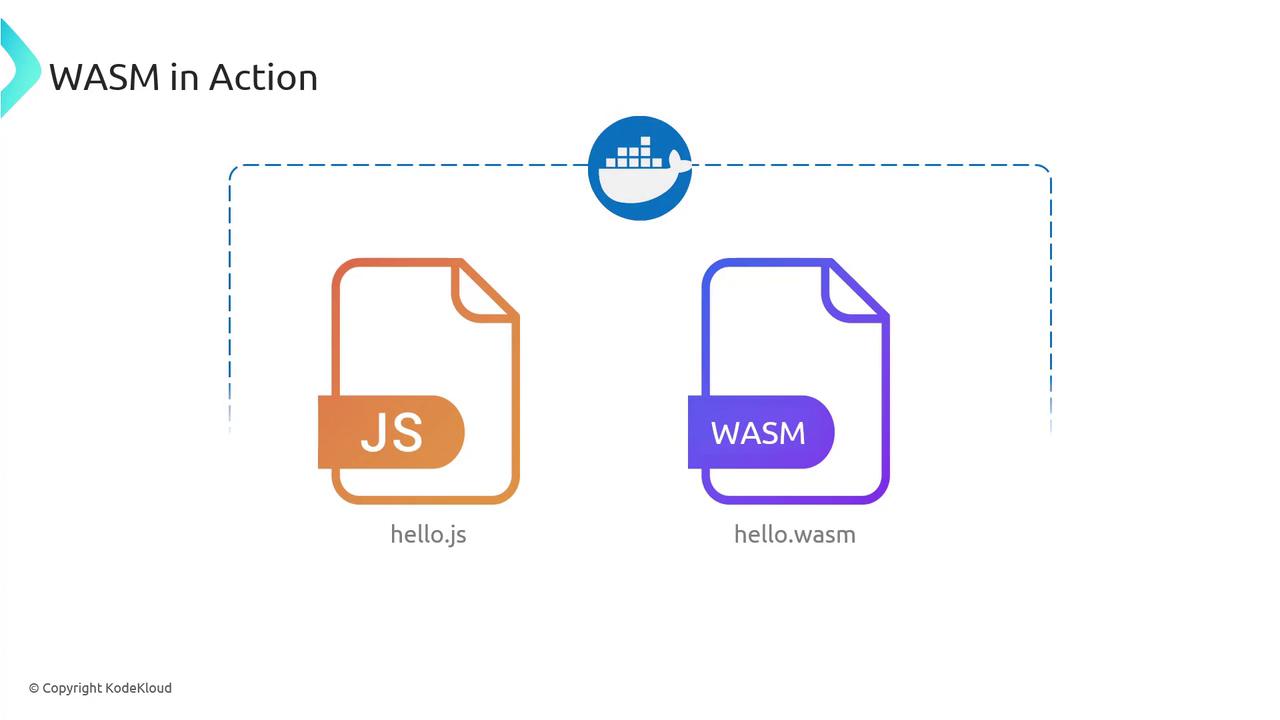
Artifacts generated:
* **hello.wasm** — the portable WebAssembly binary
* **hello.js** — JavaScript loader and bindings
## 4. Running WASM with Node.js
[Node.js](https://nodejs.org) (on V8) can execute WASM modules just like in the browser:
```bash theme={null}
node hello.js
# Output:
# Hello, WASM in Server Side!
```
You’ve now compiled C to WASM and run it server-side—no browser needed.
## 5. Containerizing WASM with Docker
Package your Node.js + WASM service into a Docker container for consistent cloud deployments.
Use a multi-stage Dockerfile to minimize image size by separating build and runtime dependencies.
Create `server.js`:
```javascript theme={null}
const express = require('express');
const app = express();
const wasm = require('./hello.js');
app.get('/hello', (req, res) => {
wasm.onRuntimeInitialized = () => {
wasm._main(); // invoke the C `main`
res.send('Hello, WASM in Server Side!');
};
});
app.listen(3000, () => console.log('Listening on port 3000'));
```
Create a `Dockerfile`:
```dockerfile theme={null}
FROM node:14
WORKDIR /app
COPY . .
RUN npm install express
CMD ["node", "server.js"]
```
Build and run:
```bash theme={null}
docker build -t hello-wasm-node-server .
docker run -p 3000:3000 hello-wasm-node-server
```
Access via `http://localhost:3000/hello` or:
```bash theme={null}
curl http://localhost:3000/hello
# Hello, WASM in Server Side!
```
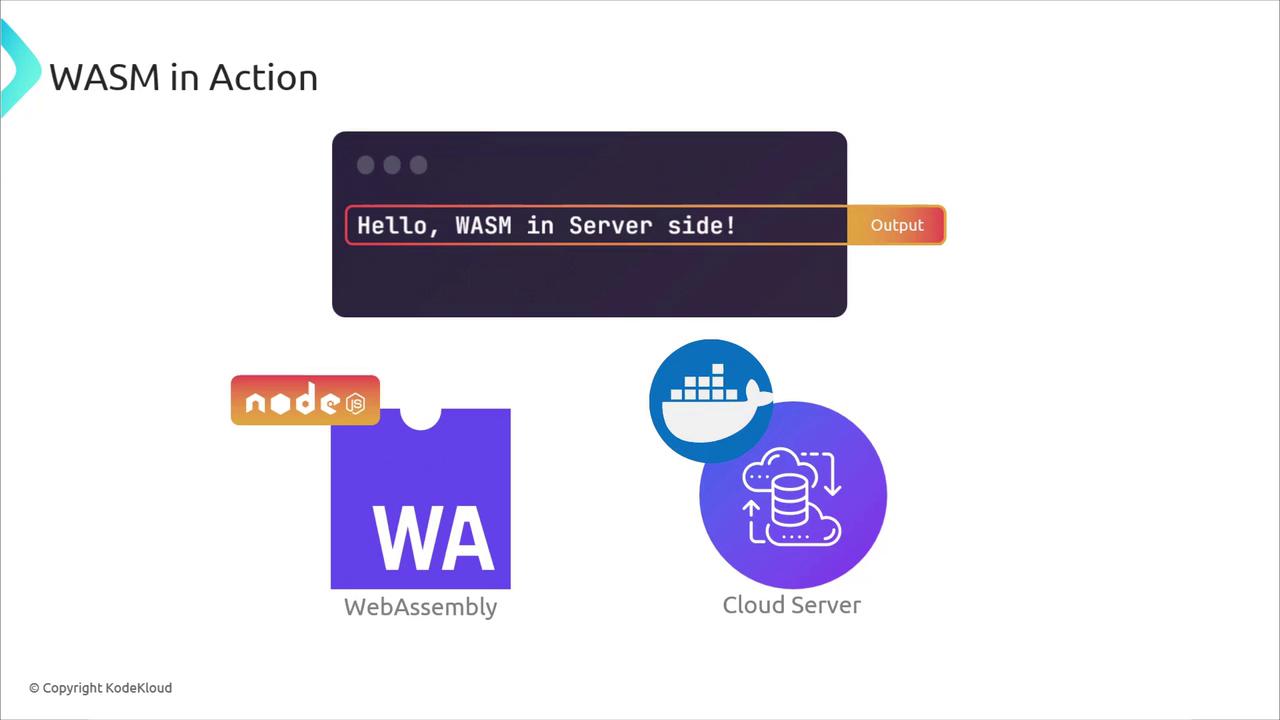
Deploying this image to any cloud service gives you a scalable, secure back-end powered by WASM.
## 6. Edge Computing with WebAssembly
Edge platforms reduce latency by running code near users or data sources. CDNs and edge services using WASM include:
* **Cloudflare Workers**: lightweight JavaScript/WASM functions at the edge
* **Fastly Compute\@Edge**: WASM applications with full crate support
* **AWS Wavelength** / **Azure Edge Zones**: containerized workloads closer to 5G networks
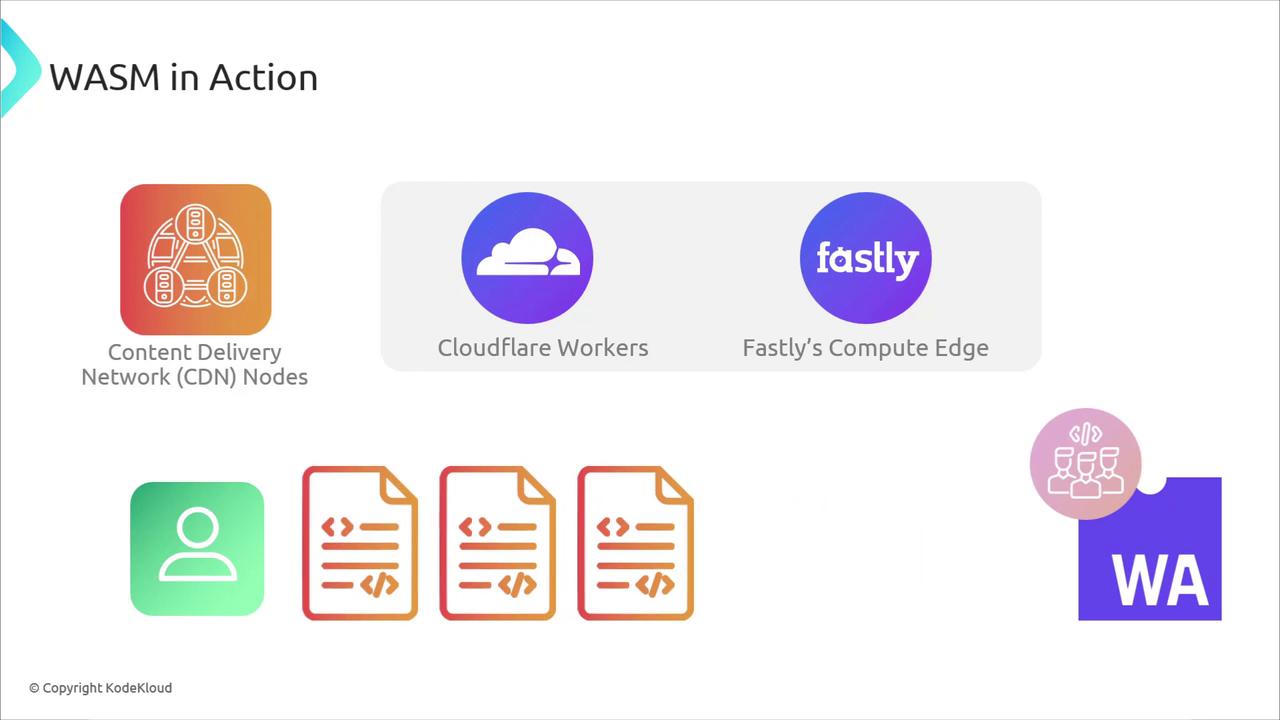
As container and WASM ecosystems converge, deploying to edge nodes becomes as simple as any microservice.
## Conclusion
You’ve seen how WebAssembly extends:
* From the browser’s sandbox to high-performance server workloads
* Into cloud containers for easy scaling and portability
* All the way to edge nodes for minimal latency
WASM’s speed, security, and platform neutrality are shaping the future of distributed computing—beyond the browser and across every layer of the stack.
***
## Links and References
* [Kubernetes Documentation](https://kubernetes.io/docs/)
* [Docker Hub](https://hub.docker.com/)
* [Emscripten](https://emscripten.org)
* [Wasmtime](https://github.com/bytecodealliance/wasmtime)
* [Cloudflare Workers](https://developers.cloudflare.com/workers)
* [Fastly Compute@Edge](https://developer.fastly.com/compute/)