> ## Documentation Index
> Fetch the complete documentation index at: https://notes.kodekloud.com/llms.txt
> Use this file to discover all available pages before exploring further.
# Creating a simple WebAssembly Module
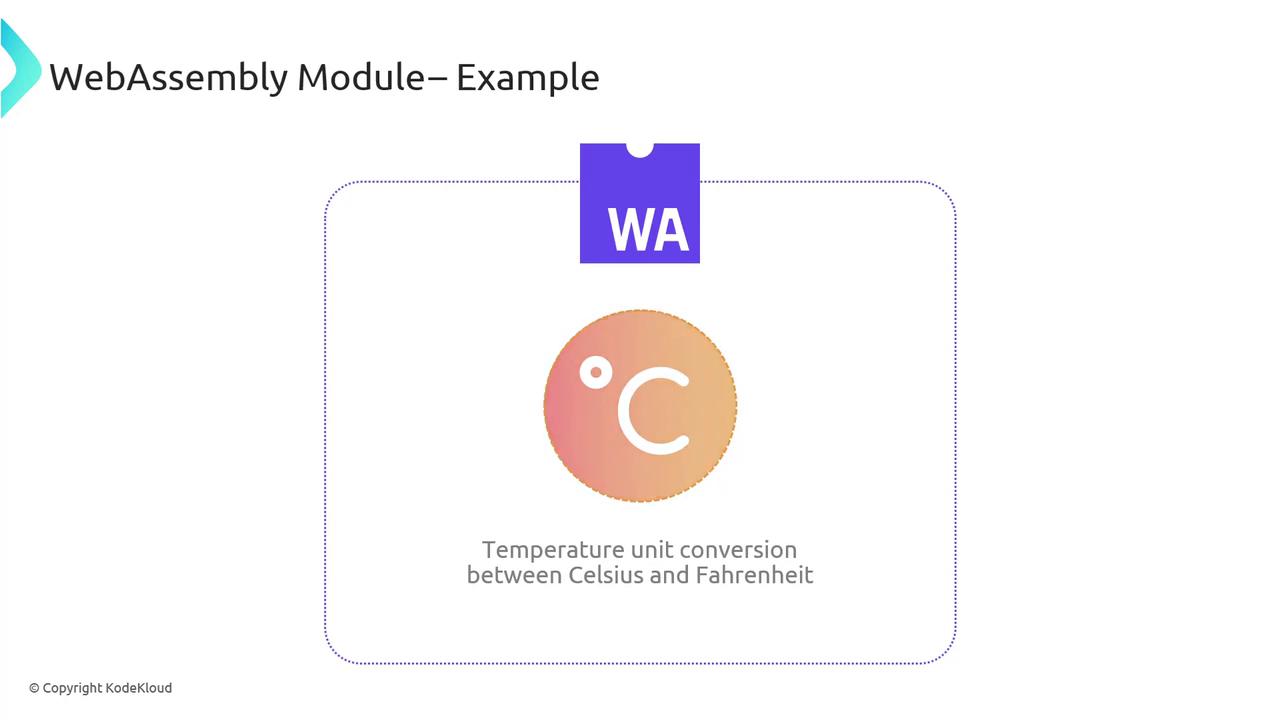
> This guide teaches how to build a WebAssembly module for converting temperatures from Celsius to Fahrenheit using C and JavaScript.
In this guide, you’ll learn how to build a WebAssembly (WASM) module that converts temperatures from Celsius to Fahrenheit. We’ll cover:
1. Writing the C conversion function
2. Compiling to a `.wasm` binary with Emscripten
3. Loading and invoking the module from JavaScript
By the end, you’ll understand the end-to-end workflow of compiling native code into WebAssembly and integrating it into a web page.
Make sure you have the [Emscripten SDK][emscripten-docs] installed and configured on your system. A basic understanding of C and JavaScript is assumed.
## 1. Defining the Celsius→Fahrenheit Function
Create a file named `converter.c` with the following implementation:
```c theme={null}
// converter.c
double Celsius_to_Fahrenheit(double celsius) {
return (celsius * 9.0 / 5.0) + 32.0;
}
```
This function applies the standard formula: multiply by 9/5, then add 32.
## 2. Compiling to WebAssembly with Emscripten
Use the `emcc` compiler driver to produce a `.wasm` binary:
```bash theme={null}
emcc -O3 -s WASM=1 -o converter.wasm converter.c
```
| Flag | Purpose | Example |
| ----------- | --------------------------------------------------------------- | -------------------------- |
| `-O3` | Aggressive optimizations for speed and size | `-O0`, `-O1`, `-O2`, `-O3` |
| `-s WASM=1` | Enables WebAssembly output (avoids emitting JavaScript wrapper) | |
| `-o` | Sets the output filename | `-o converter.wasm` |
| source file | Your C source code | `converter.c` |
You can experiment with `-O0` (no optimizations) for faster builds during development.
After compilation, `converter.wasm` will export the `Celsius_to_Fahrenheit` function for JavaScript to consume.
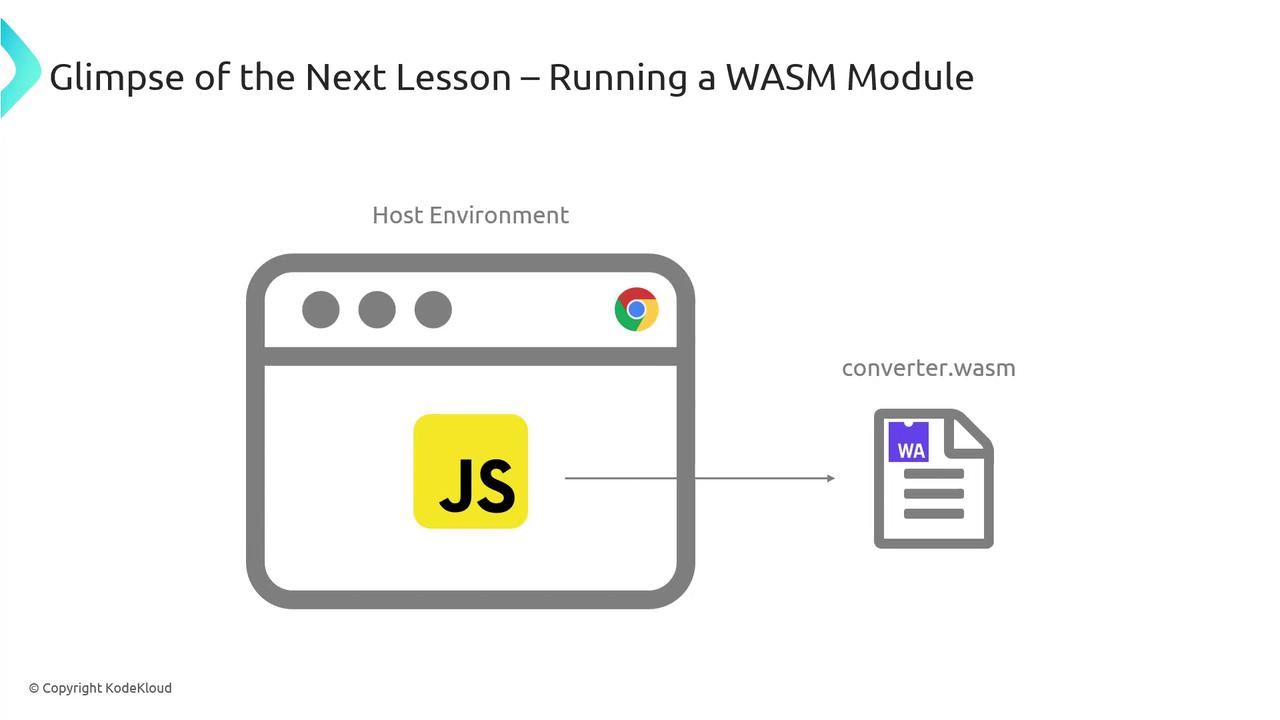
## 3. Loading and Running the WASM Module in JavaScript
To invoke your WASM module from the browser, follow these steps:
```js theme={null}
// script.js
async function runConverter() {
// 1. Fetch the WASM file
const response = await fetch('converter.wasm');
const bytes = await response.arrayBuffer();
// 2. Instantiate the WebAssembly module
const { instance } = await WebAssembly.instantiate(bytes);
// 3. Call the exported function
const celsius = 30;
const fahrenheit = instance.exports.Celsius_to_Fahrenheit(celsius);
console.log(`${celsius}°C → ${fahrenheit}°F`);
}
runConverter().catch(console.error);
```
Some older browsers may not support streaming compilation or certain WASM features. Test on the latest versions of Chrome, Firefox, or Edge.
### How It Works
1. **Fetch**: Retrieve `converter.wasm` via the `fetch` API.
2. **Instantiate**: Convert the response into an `ArrayBuffer` and pass it to `WebAssembly.instantiate`.
3. **Execute**: Call `instance.exports.Celsius_to_Fahrenheit` with a numeric argument.
This pattern lets you integrate high-performance, statically-typed code into your web applications.
## Links and References
* [Emscripten Documentation][emscripten-docs]
* [MDN WebAssembly Overview][mdn-wasm]
* [WebAssembly Specification][wasm-spec]
[emscripten-docs]: https://emscripten.org/docs/introducing_emscripten/about_emscripten.html
[mdn-wasm]: https://developer.mozilla.org/docs/WebAssembly
[wasm-spec]: https://www.w3.org/TR/wasm-core-1/