> ## Documentation Index
> Fetch the complete documentation index at: https://notes.kodekloud.com/llms.txt
> Use this file to discover all available pages before exploring further.
# Demo Setting up the Development Environment
> This lesson covers installing and configuring the Emscripten SDK for compiling WebAssembly binaries and setting up a code editor for development.
In this lesson, you’ll install and configure the Emscripten SDK to compile WebAssembly (WASM) binaries and prepare your code editor for development.
## Prerequisites
* Git installed on your machine
* Homebrew (macOS), Chocolatey (Windows), or another package manager
* A modern code editor (we’ll use Visual Studio Code)
## 1. Clone and Install Emscripten via Git
Visit the official Emscripten site for full details: [https://emscripten.org](https://emscripten.org)
```bash theme={null}
# 1. Clone the emsdk repository
git clone https://github.com/emscripten-core/emsdk.git
# 2. Change into the cloned directory
cd emsdk
# 3. (Optional) Update to the latest version if you cloned previously
git pull
```
After cloning, install and activate the latest SDK release, then configure your shell environment:
```bash theme={null}
./emsdk install latest
./emsdk activate latest
source ./emsdk_env.sh
```
This step ensures you have the required compiler, linker, and runtime env set up.
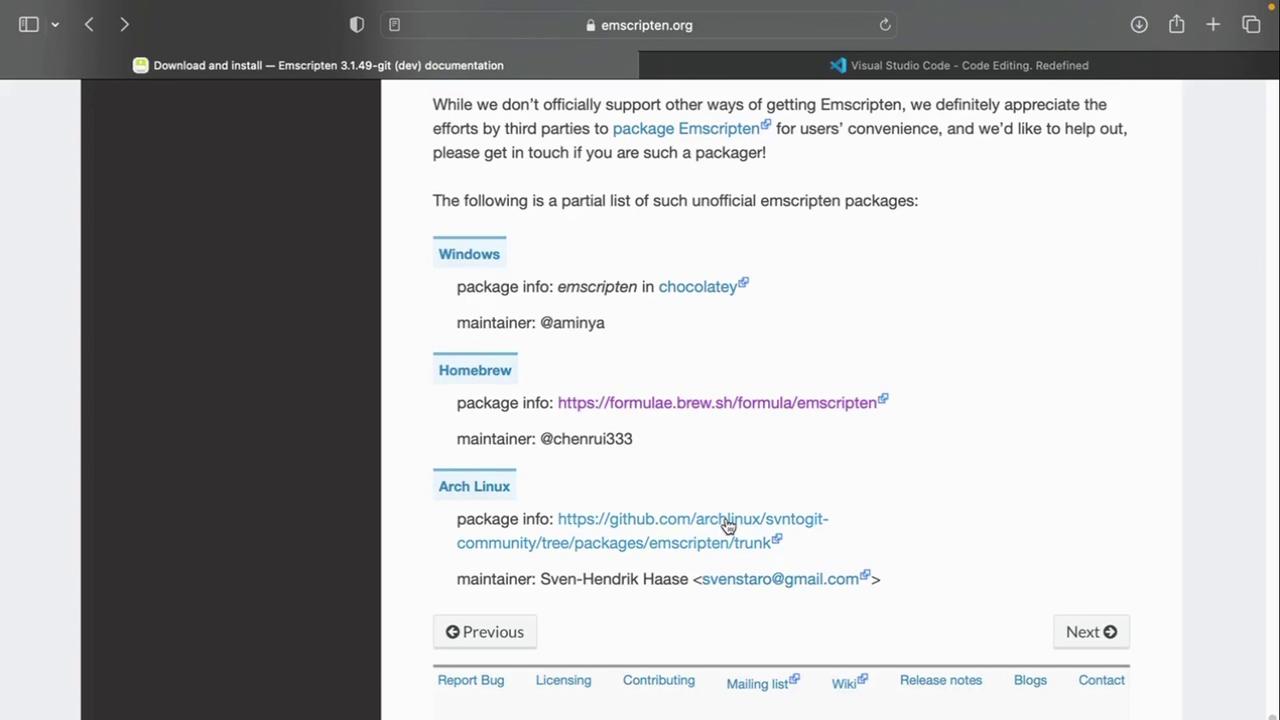
## 2. Install Emscripten via Package Manager
Emscripten is also available through popular package managers:
| Platform | Package Manager | Install Command |
| -------- | --------------- | --------------------------------------------------------------------------------- |
| Windows | Chocolatey | `choco install emscripten` |
| macOS | Homebrew | `brew install emscripten` |
| Linux | Official Guide | See [Linux downloads](https://emscripten.org/docs/getting_started/downloads.html) |
## 3. Verify Your Installation
After installation, confirm the Emscripten compiler is accessible:
```bash theme={null}
emcc --version
```
Expected output:
```text theme={null}
emcc (Emscripten gcc/clang-like replacement + linker emulating GNU ld) 3.1.48-git
Copyright (C) 2014 the Emscripten authors (see AUTHORS.txt)
This is free and open source software under the MIT license.
There is NO warranty; not even for MERCHANTABILITY or FITNESS FOR A PARTICULAR PURPOSE.
```
## 4. Choose Your Code Editor
We recommend using [Visual Studio Code](https://code.visualstudio.com/) for WebAssembly development:
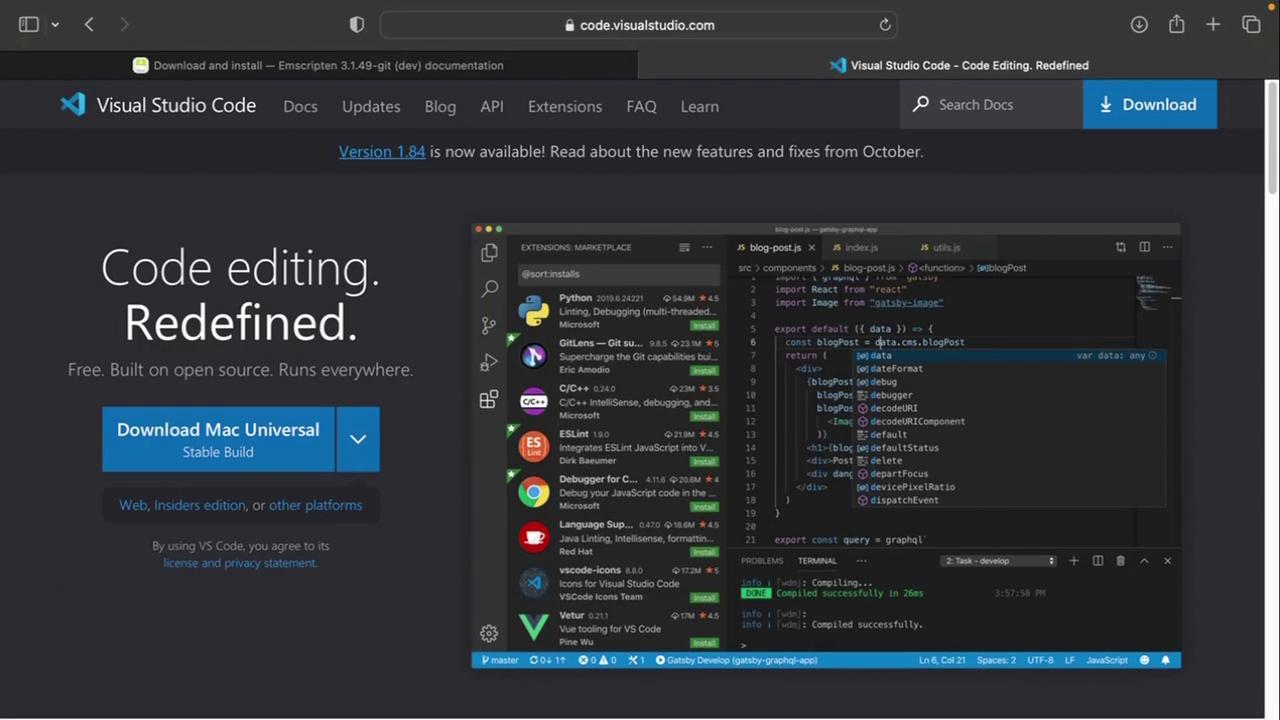
1. Download and install VS Code.
2. Add extensions like “ESLint,” “Prettier,” and “WebAssembly Toolkit” for syntax support.
## 5. Create Your WASM Project Folder
Organize your demos and examples in a dedicated directory:
```bash theme={null}
mkdir WASM
cd WASM
```
Inside `WASM`, you can start adding C/C++, Rust, or AssemblyScript source files to compile into `.wasm`.
***
## Next Steps
Now that your environment is ready, the next lesson will cover writing and compiling a simple C program to WebAssembly. Stay tuned!
## References
* [Emscripten Documentation](https://emscripten.org/docs/getting_started/index.html)
* [WebAssembly Main Site](https://webassembly.org/)
* [Visual Studio Code](https://code.visualstudio.com/)