> ## Documentation Index
> Fetch the complete documentation index at: https://notes.kodekloud.com/llms.txt
> Use this file to discover all available pages before exploring further.
# Running WebAssembly in the Browser
> This article explains how to run WebAssembly in the browser using JavaScript, covering instantiation, memory sharing, and a simple HTML example.
After compiling our temperature-converter to a WebAssembly module, you can load and execute it directly in the browser using JavaScript as a bridge. In this guide, we’ll cover:
* Fetching and instantiating a `.wasm` module
* Sharing memory between JavaScript and WebAssembly
* Building a minimal HTML example
* Understanding how browsers run WebAssembly
## 1. Loading and Instantiating WASM with JavaScript
The easiest way to download and compile a `.wasm` module in one step is with `WebAssembly.instantiateStreaming`. Modern browsers support this API, but if you need to support older environments, a two-step fallback is required.
| Approach | Browser Support | Behavior |
| -------------------------------- | --------------- | ------------------------------------------ |
| `instantiateStreaming` | Modern browsers | Streams fetch → compile → instantiate |
| `fetch` → `instantiate` fallback | Legacy browsers | Downloads binary → compiles → instantiates |
Your server must serve `.wasm` files with `application/wasm`. Otherwise, streaming instantiation will fail.
### Streaming Instantiation
```javascript theme={null}
const importObject = {};
WebAssembly.instantiateStreaming(
fetch('converter.wasm'),
importObject
).then(({ instance }) => {
const result = instance.exports.celsius_to_fahrenheit(25);
console.log(`25°C is ${result}°F`);
}).catch(err => {
console.error('WASM streaming failed:', err);
});
```
### Fallback for Older Browsers
```javascript theme={null}
fetch('converter.wasm')
.then(resp => resp.arrayBuffer())
.then(buffer =>
WebAssembly.instantiate(buffer, importObject)
)
.then(({ instance }) => {
const result = instance.exports.celsius_to_fahrenheit(25);
console.log(`25°C is ${result}°F`);
})
.catch(err => {
console.error('WASM instantiation failed:', err);
});
```
Both methods produce an `instance` whose `exports` object contains your converter function.
## 2. JavaScript ↔ WebAssembly Memory Sharing
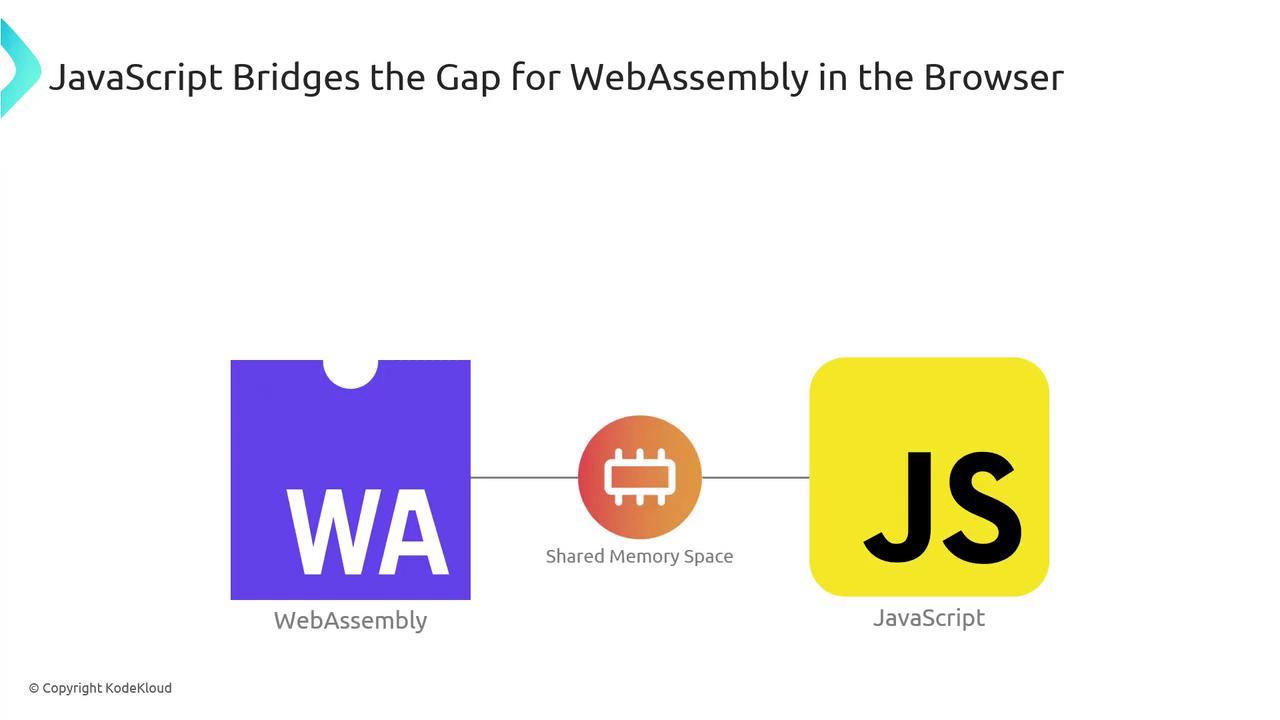
JavaScript and WebAssembly exchange data through **linear memory**—a shared `ArrayBuffer` where both sides can read and write.
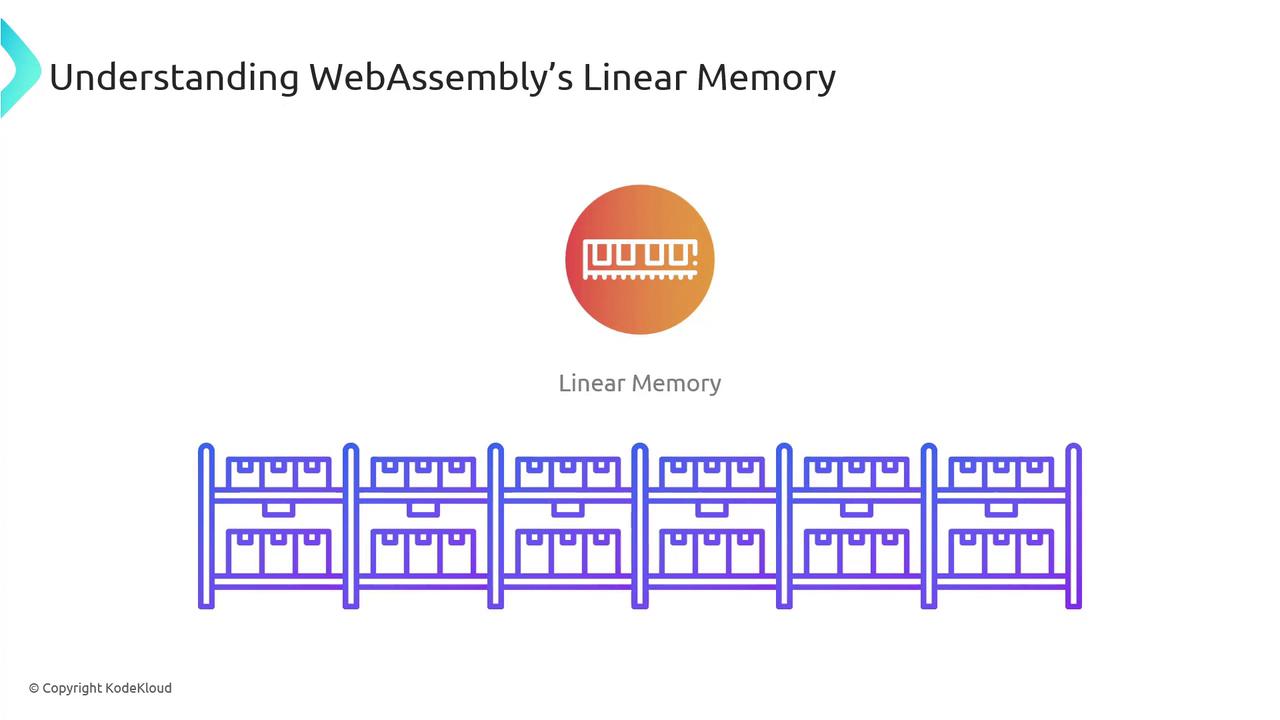
WebAssembly’s linear memory is simply a contiguous array of bytes:
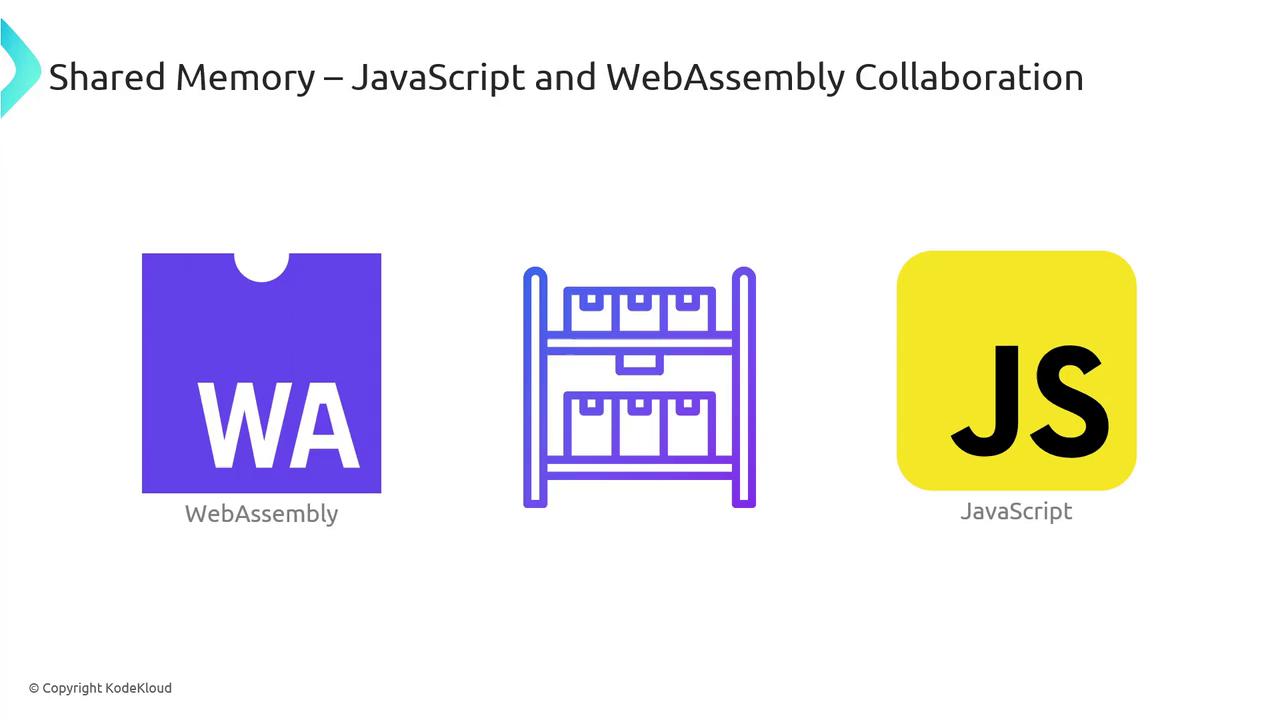
When JavaScript needs to pass a value (like the number 25) to WebAssembly:
1. JS writes the value into the shared buffer.
2. WASM reads it, performs the conversion, and writes the result back.
3. JS reads the converted value (e.g., 77) from the same buffer.
By default, linear memory grows in 64 KB pages. You can configure initial and maximum sizes in your toolchain.
## 3. A Simple HTML Example
Combine everything into a minimal web page:
```html theme={null}
Temperature Converter
```
In **script.js**, handle both instantiation paths and wire up the `convert()` function:
```javascript theme={null}
const importObject = {};
let wasmInstance = null;
// Try streaming instantiation
WebAssembly.instantiateStreaming(fetch('converter.wasm'), importObject)
.then(({ instance }) => {
wasmInstance = instance;
})
.catch(() => {
// Fallback
return fetch('converter.wasm')
.then(res => res.arrayBuffer())
.then(buffer => WebAssembly.instantiate(buffer, importObject))
.then(({ instance }) => {
wasmInstance = instance;
});
});
function convert() {
const c = parseFloat(
document.getElementById('celsiusInput').value
);
const f = wasmInstance.exports.celsius_to_fahrenheit(c);
document.getElementById('output').innerText =
`That's ${f.toFixed(2)}°F!`;
}
```
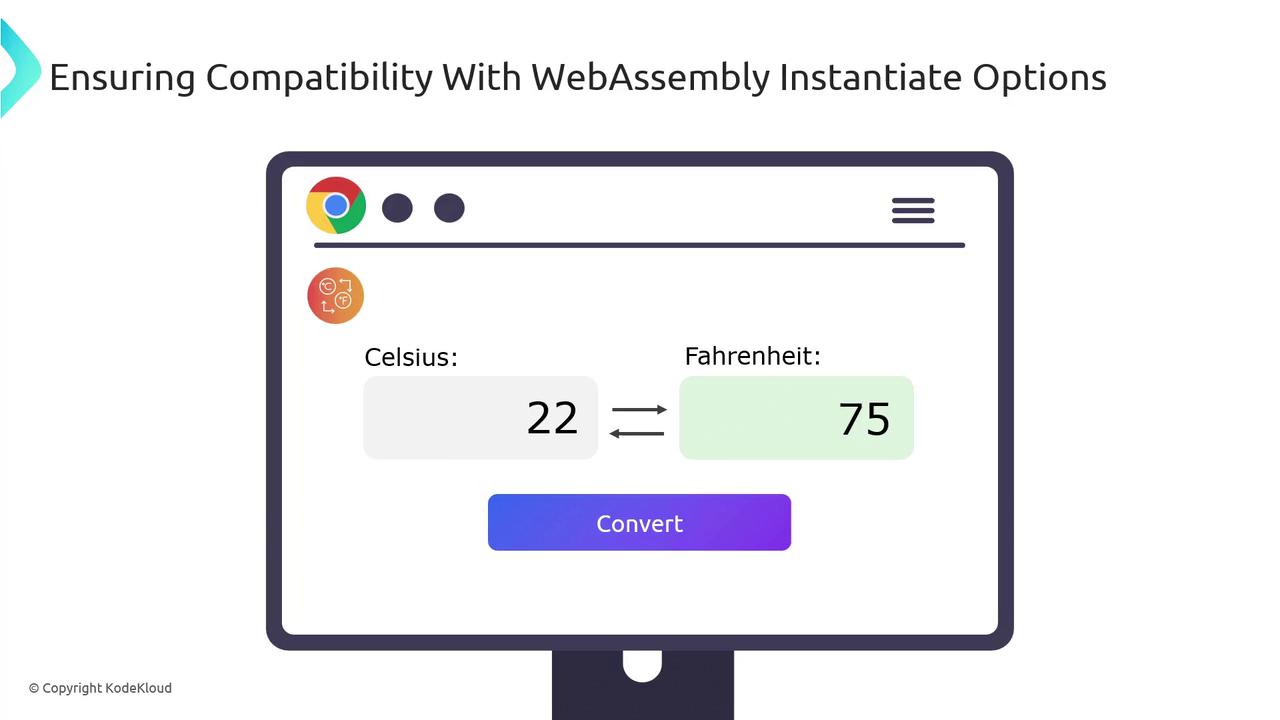
Open the page in your browser, input a Celsius value, and click **Convert**—the result comes straight from WebAssembly.
## 4. How Browsers Run WebAssembly
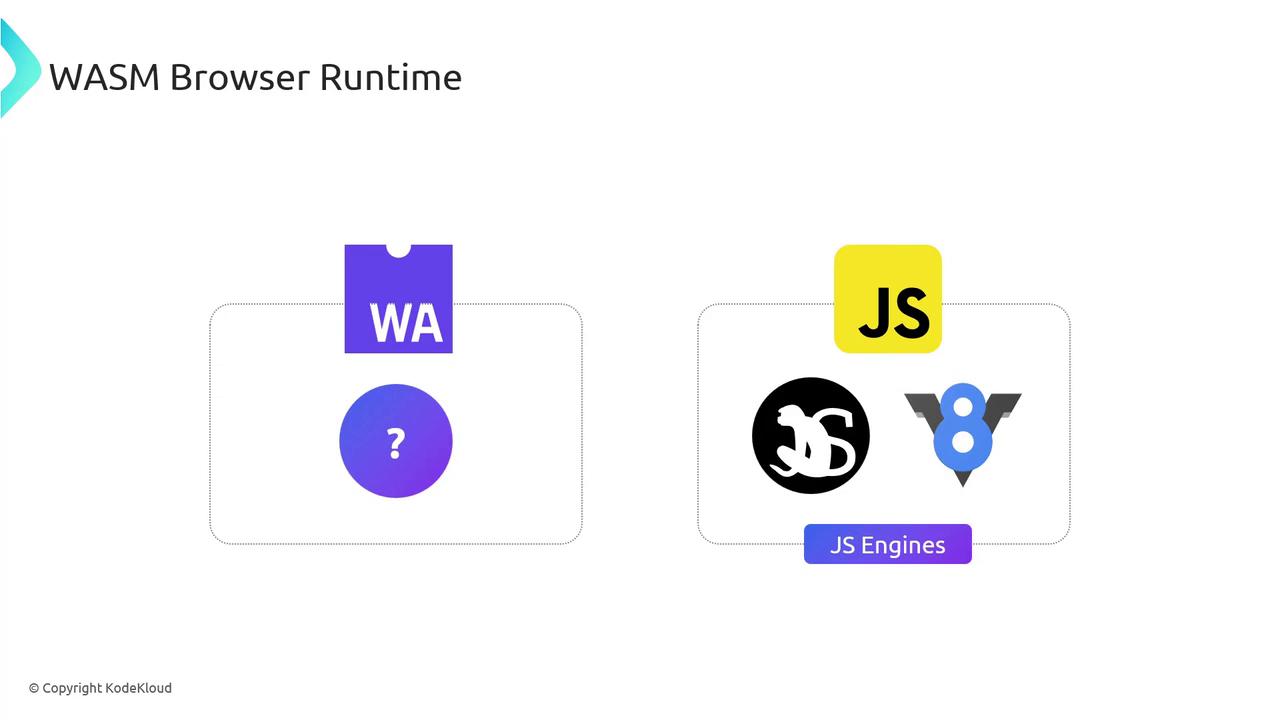
Browsers like Chrome (V8), Firefox (SpiderMonkey), Safari, and Edge integrate WebAssembly support directly into their JavaScript engines. They treat `.wasm` as bytecode, decoding and compiling it alongside JS.
When a `.wasm` module loads, the engine:
1. Parses the binary format.
2. Compiles it to native machine code.
3. Links it with the JS context (including linear memory).
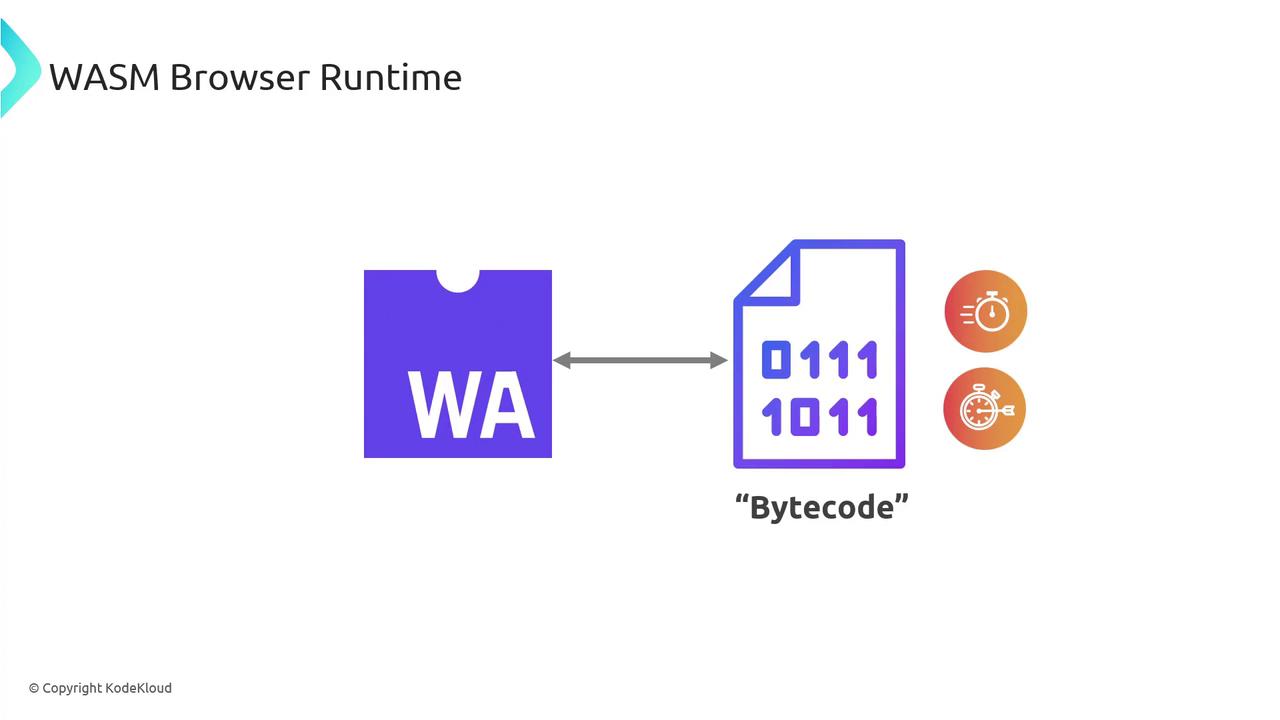
This approach allows WebAssembly to leverage the same JIT optimizations, garbage collection, and security sandbox as JavaScript.
| Engine | JavaScript Engine | WebAssembly Engine |
| ------- | ----------------- | ------------------ |
| Chrome | V8 | Integrated WAsm |
| Firefox | SpiderMonkey | Integrated WAsm |
| Safari | JavaScriptCore | Integrated WAsm |
| Edge | Chakra/Sparta | Integrated WAsm |
By understanding these internals, you can harness WebAssembly to accelerate compute-intensive tasks and integrate seamlessly with your existing JavaScript code.
## Links and References
* [MDN WebAssembly Guide](https://developer.mozilla.org/en-US/docs/WebAssembly)
* [MDN Fetch API](https://developer.mozilla.org/en-US/docs/Web/API/Fetch_API)
* [Can I use `instantiateStreaming`](https://caniuse.com/?search=instantiateStreaming)