> ## Documentation Index
> Fetch the complete documentation index at: https://notes.kodekloud.com/llms.txt
> Use this file to discover all available pages before exploring further.
# WebAssembly System InterfaceWASI
> WASI is a secure API layer enabling WebAssembly modules to perform file operations and networking while maintaining sandbox security.
Imagine you’ve built a WebAssembly module to process large data files at near-native speed in the browser—but when you test against local files, your code fails. That’s because WebAssembly runs in a sandboxed VM and by design cannot invoke host system calls like file I/O.
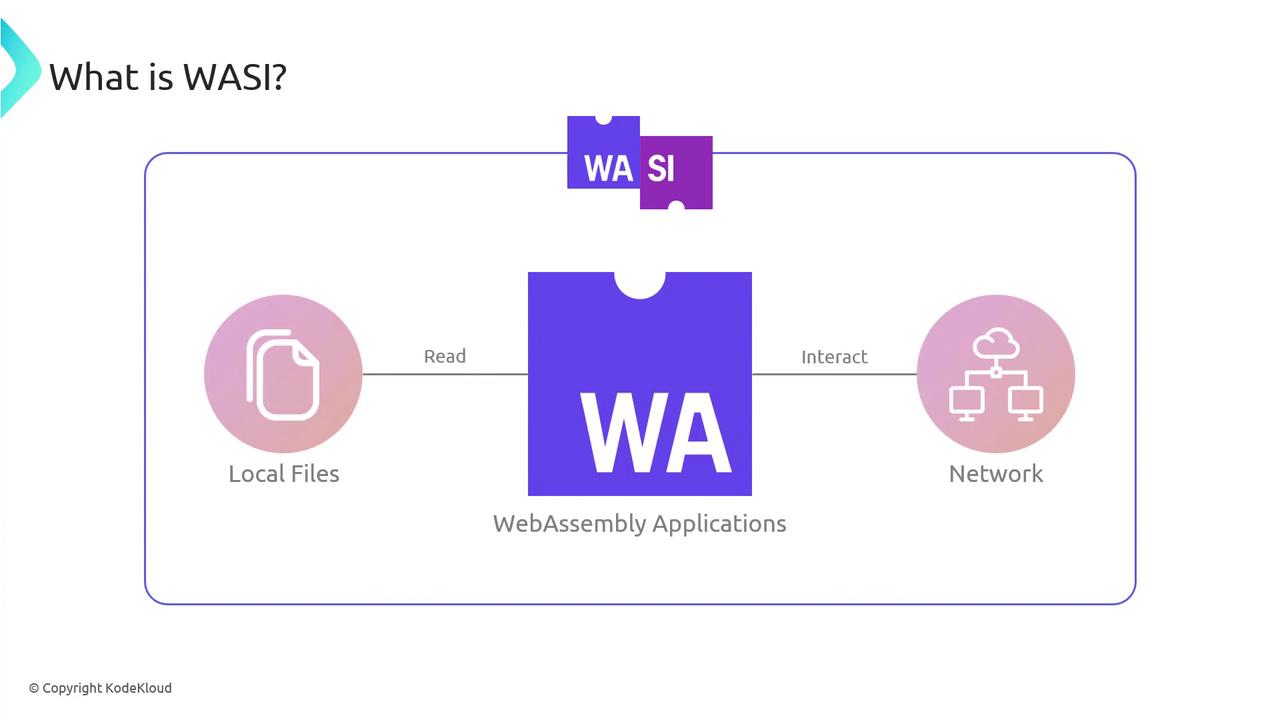
Enter the WebAssembly System Interface (WASI): a secure, standard API layer that lets WASM modules perform file operations, networking, and more—without breaking the sandbox.
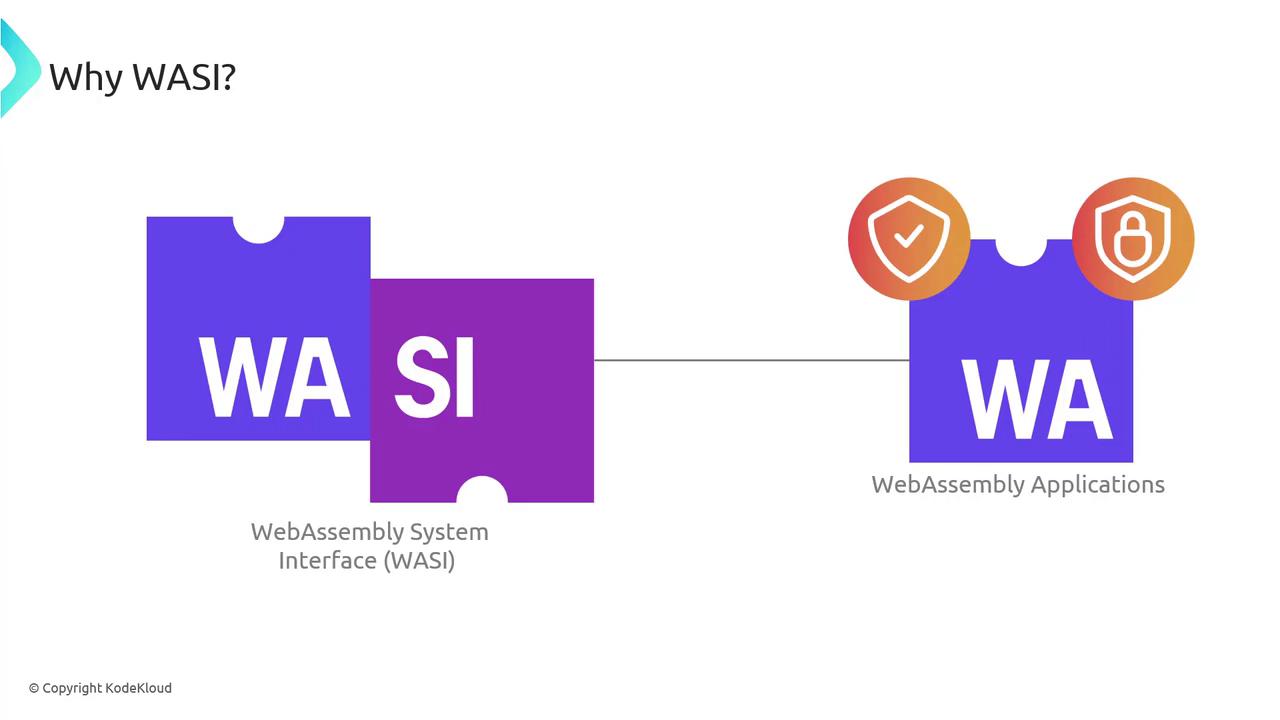
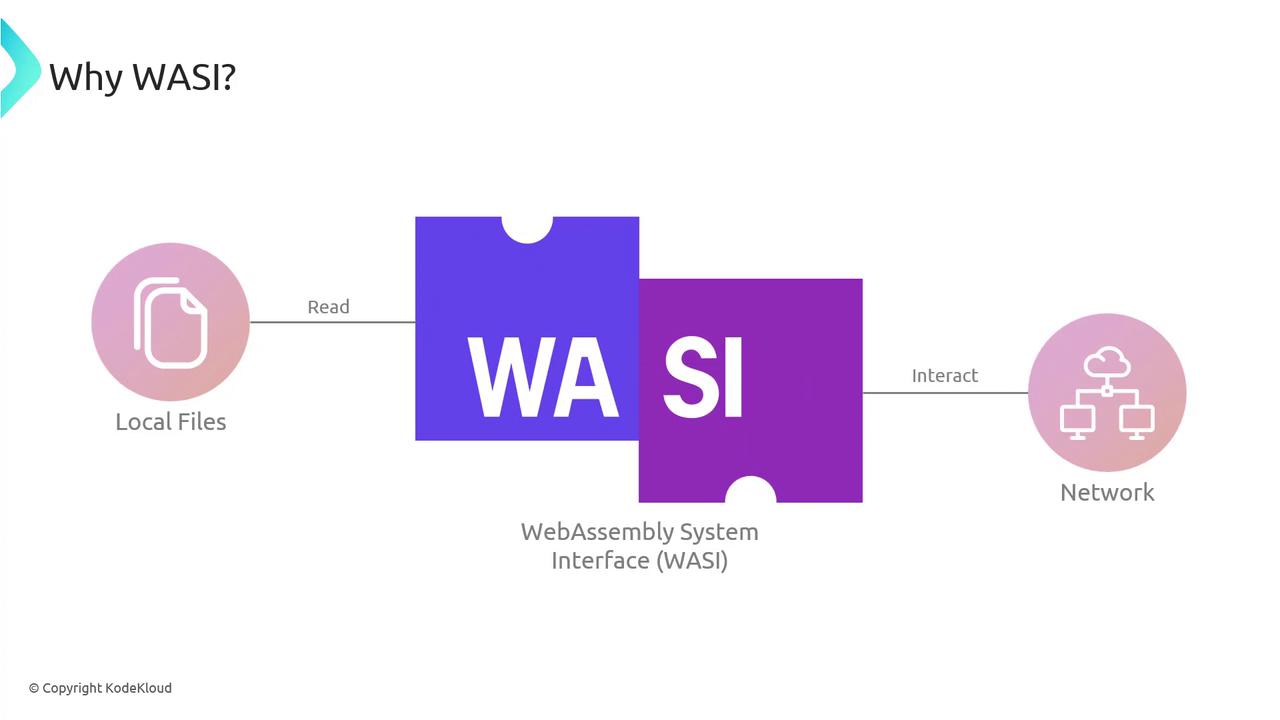
With WASI, your module can read files, interact with networks, and leverage system capabilities—all while maintaining WebAssembly’s portability and performance.
## Why WASI Matters
Without a unified system interface, sharing a WASM binary across environments can lead to unpredictable behavior or outright failures. WASI ensures consistent runtime behavior—whether your colleague is on a desktop in Tokyo, a server in Paris, or an IoT sensor in San Francisco.
WebAssembly alone is like a locked treasure chest—powerful but unable to interact with the outside world. WASI is the key, granting only the permissions you explicitly allow (e.g., read from a specific directory) and keeping everything else sealed.
## How WASI Works
At its core, WASI sits between your WebAssembly module and the host OS, exposing a standardized set of APIs:
### Capabilities-Based Security
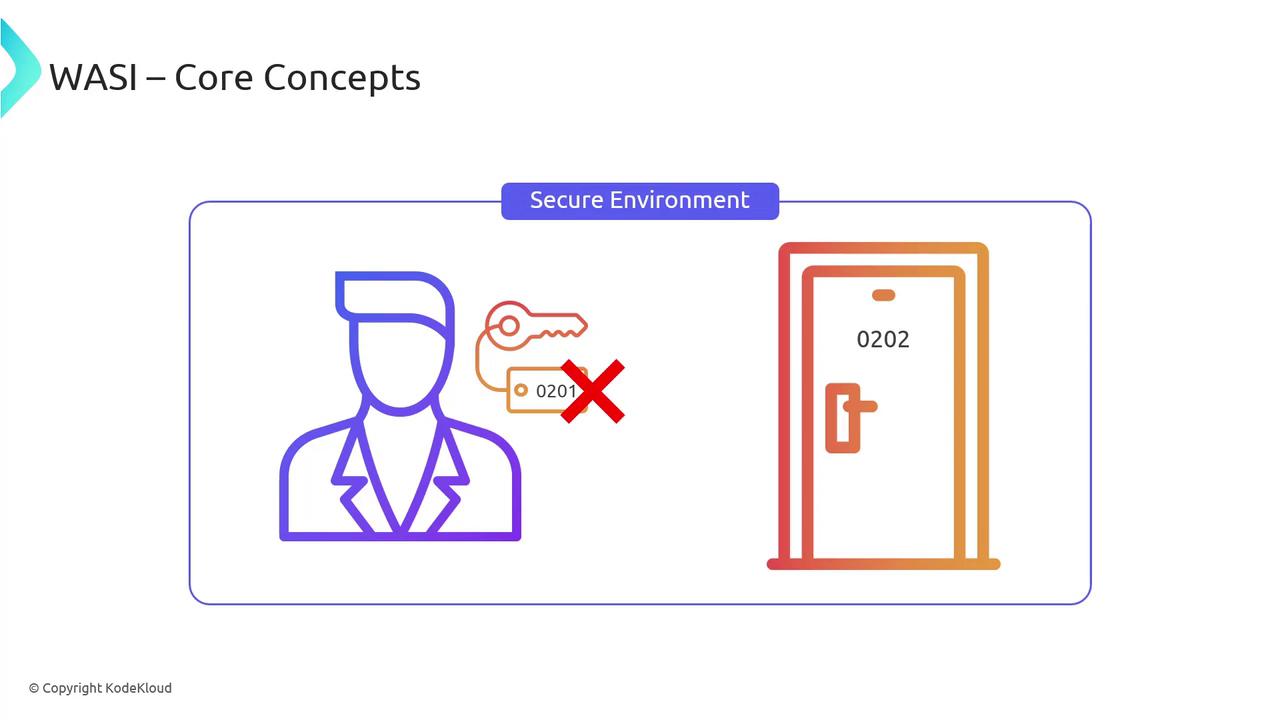
Instead of giving modules unfettered system access, WASI uses a capabilities model: you grant only the rights your module needs. It’s like issuing a hotel key card that only opens your room.
Grant minimal capabilities (for example, read-only access to a data folder) to reduce attack surface.
### Modular API Surface
WASI’s modular design lets you bundle only the APIs you need. This leads to smaller binaries and predictable behavior across all platforms:
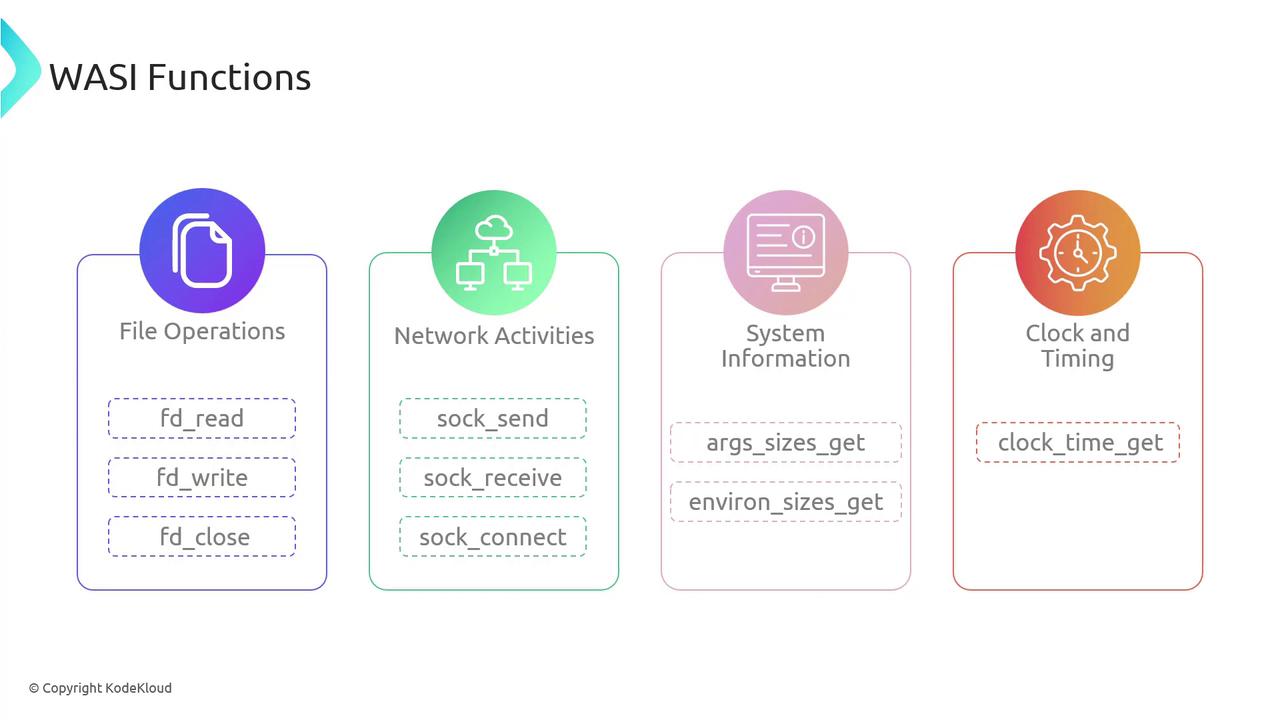
| API Category | Example Functions | Use Case |
| ------------------ | ---------------------------------------- | ------------------------------------- |
| File Operations | `fd_read`, `fd_write`, `fd_close` | Read/write files or stdin/stdout |
| Network Activities | `sock_recv`, `sock_send`, `sock_connect` | TCP/UDP communication |
| System Information | `args_sizes_get`, `environ_sizes_get` | Access command-line args and env vars |
| Clock & Timing | `clock_time_get` | High-resolution timers |
For a complete list, see the [official WASI documentation](https://wasi.dev/).
## Example: Reading a File with WAT
Here’s a minimal WAT snippet showing how to import and call `fd_read`:
```wat theme={null}
(module
;; Import the WASI fd_read function
(import "wasi_snapshot_preview1" "fd_read"
(func $fd_read (param i32 i32 i32 i32) (result i32)))
;; Declare a memory region
(memory $mem 1)
(export "memory" (memory $mem))
;; Exported function to read from a file descriptor
(func $read_file (export "read_file")
(i32.const 0) ;; file descriptor (stdin = 0)
(i32.const data_offset) ;; pointer to buffer in memory
(i32.const data_length) ;; number of bytes to read
(i32.const result_offset); pointer to store byte count
(call $fd_read)
drop ;; ignore the return code for brevity
)
)
```
Always check return codes (`i32`) for robust error handling in production modules.
## The Future of WASI
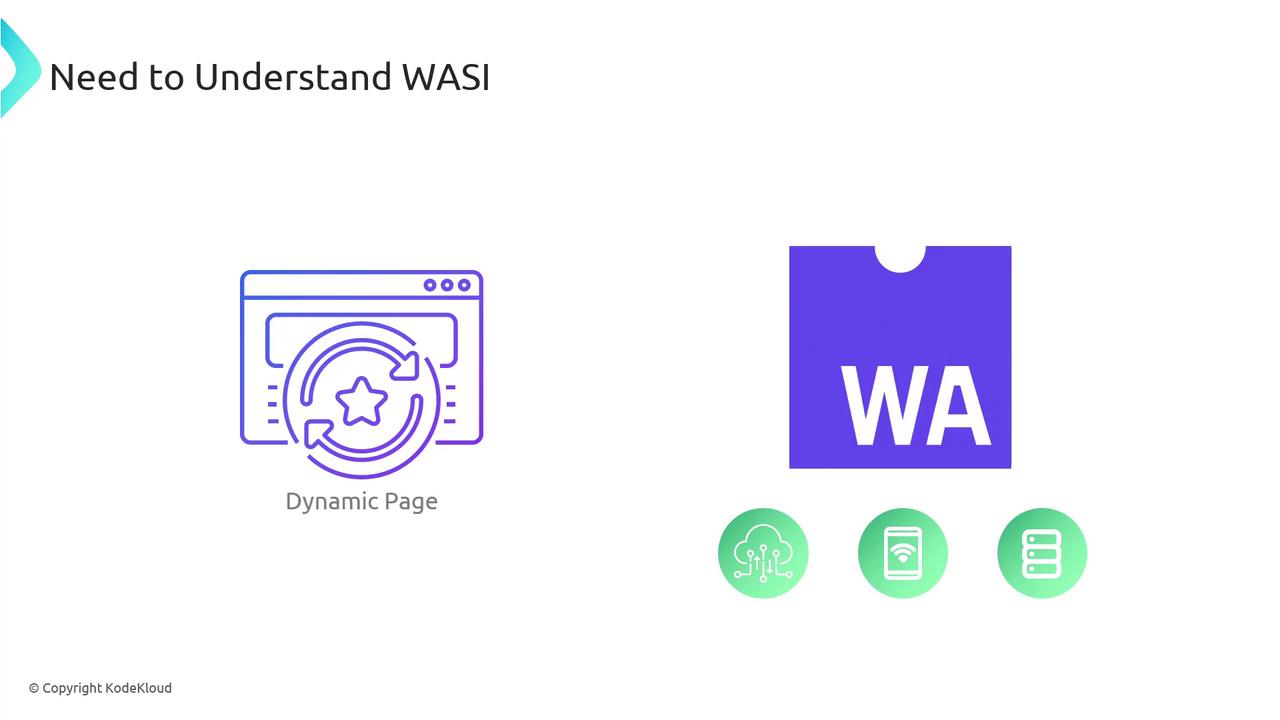
WASI’s ultimate mission is universal portability: one WebAssembly binary that runs on IoT devices, cloud servers, desktops, and beyond—without recompilation.
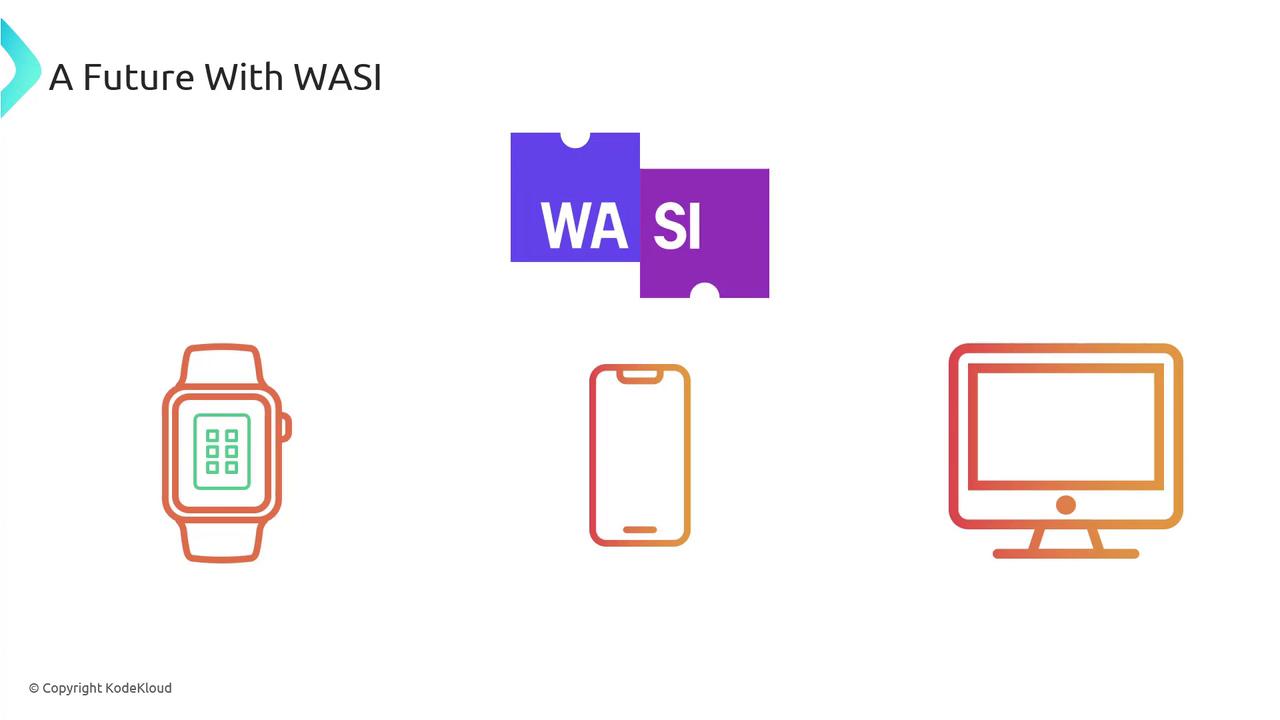
As edge computing, cloud-native architectures, and IoT ecosystems expand, WASI will remain the critical bridge that makes cross-platform WebAssembly both powerful and secure.
***
## Links and References
* [WASI Documentation](https://wasi.dev/)
* [WebAssembly Specification](https://webassembly.org/)
* [WASM Community Group](https://github.com/WebAssembly/WASI#readme)