> ## Documentation Index
> Fetch the complete documentation index at: https://notes.kodekloud.com/llms.txt
> Use this file to discover all available pages before exploring further.
# WebAssembly vs JavaScript
> This guide compares JavaScript and WebAssembly, highlighting their strengths, compilation methods, and a synergy use case for high-performance applications.
In modern web development, JavaScript and WebAssembly (WASM) power interactive, high-performance applications. This guide compares their strengths, shows how to compile to WASM, and demonstrates a real-world synergy use case.
## JavaScript
JavaScript is the de facto scripting language of the web. Every browser supports it, and its mature ecosystem enables rapid UI development.
### Key Features
* **Ubiquity**\
Supported across all major browsers and platforms.
* **Rich Ecosystem**\
Frameworks like React, Angular, and Vue.js accelerate development of SPAs and PWA.
* **Dynamic UI Handling**\
Ideal for DOM manipulation, event handling, and real-time updates.
JavaScript engines (V8, SpiderMonkey, WebKit) continually optimize performance.
### Real-Time Input Validation
```html theme={null}
```
## WebAssembly
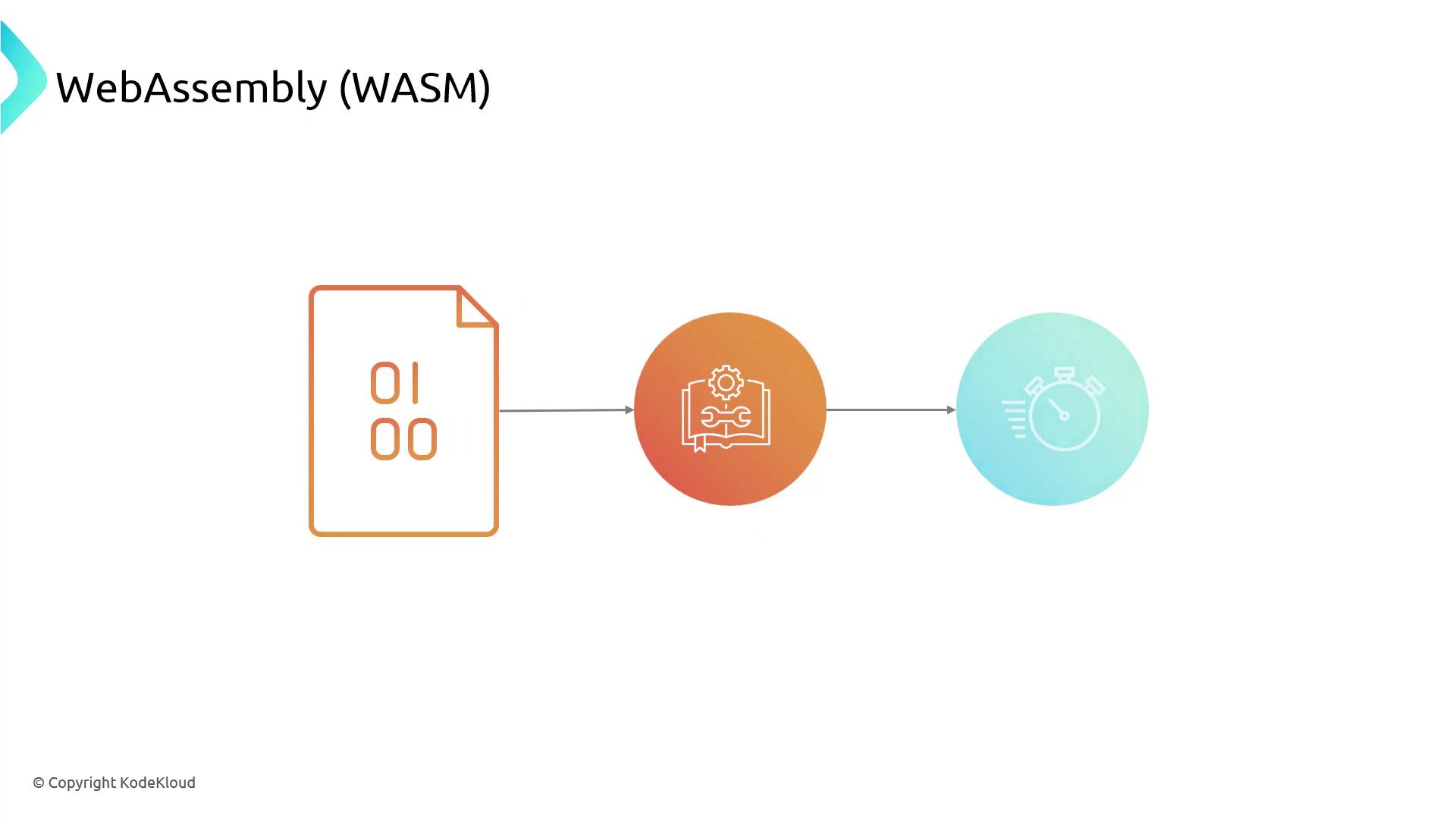
WebAssembly delivers near-native speed in browsers. Compile C, C++, or Rust to a compact binary and call it from JavaScript.
### Key Features
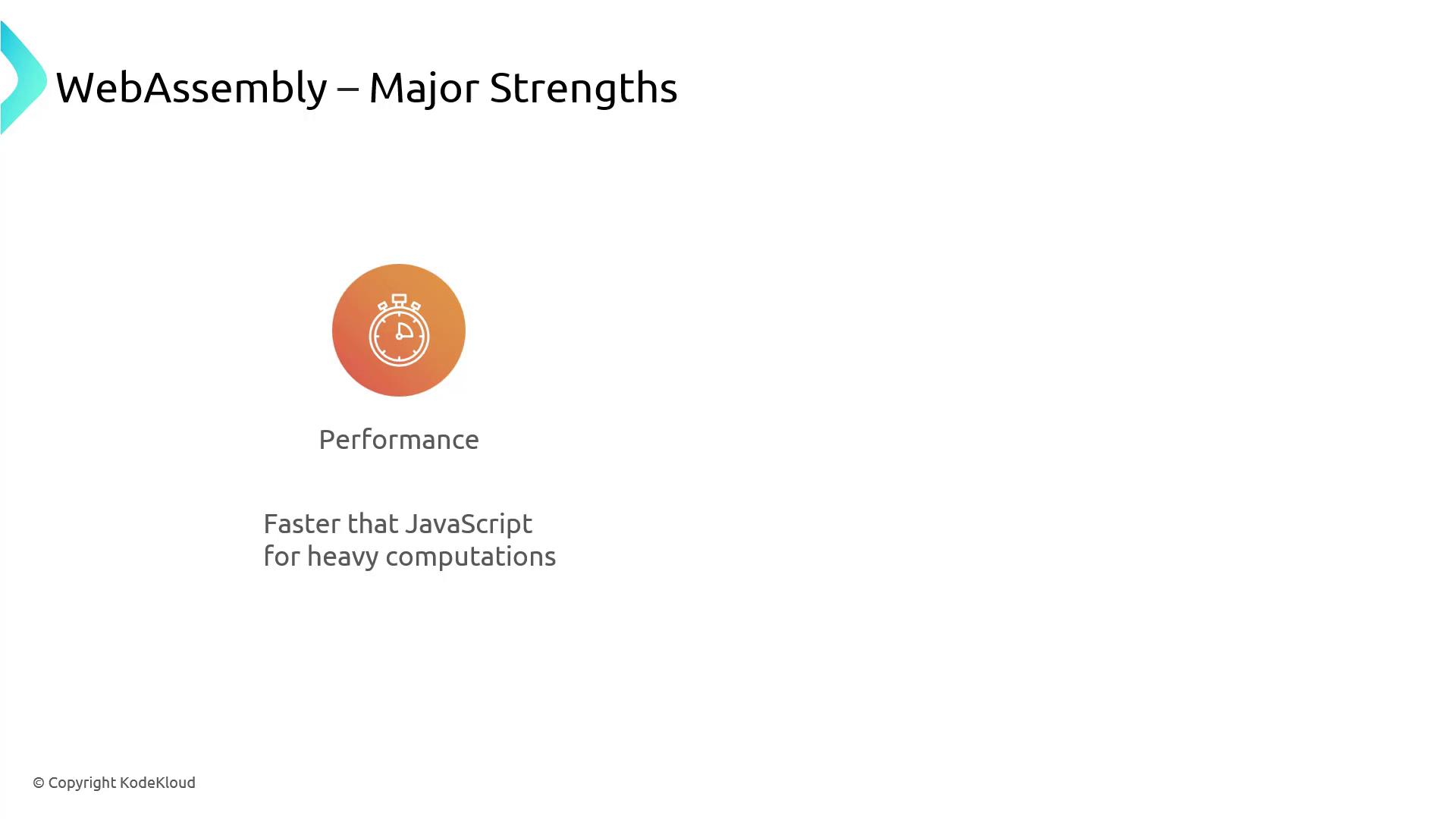
* **Performance**\
Executes compute-intensive code faster than JavaScript.
* **Language Flexibility**\
Write in C/C++, Rust, Go, or AssemblyScript, then compile to WASM.
WASM binaries can increase payload size. Use gzip compression and code splitting to minimize download time.
### Example: Compiling C to WASM
```c theme={null}
// C code to apply a filter
void applyFilter(int* pixels, int length) {
for (int i = 0; i < length; i++) {
pixels[i] = /* complex filter operation */;
}
}
```
Compile with Emscripten:
```bash theme={null}
emcc filter.c -O3 -s WASM=1 -o filter.js
```
## Comparing JavaScript and WebAssembly
| Feature | JavaScript | WebAssembly |
| ---------------- | -------------------------------- | ------------------------------------ |
| Language Level | High-level scripting | Low-level binary |
| Performance | Excellent for UI logic | Superior for CPU-bound workloads |
| Interoperability | Native DOM/API support | Requires JavaScript glue code |
| Compilation | Just-in-time (JIT) | Ahead-of-time (AOT) binary |
| Ideal Use Cases | Event handling, DOM updates, I/O | Video processing, gaming, crypto, AI |
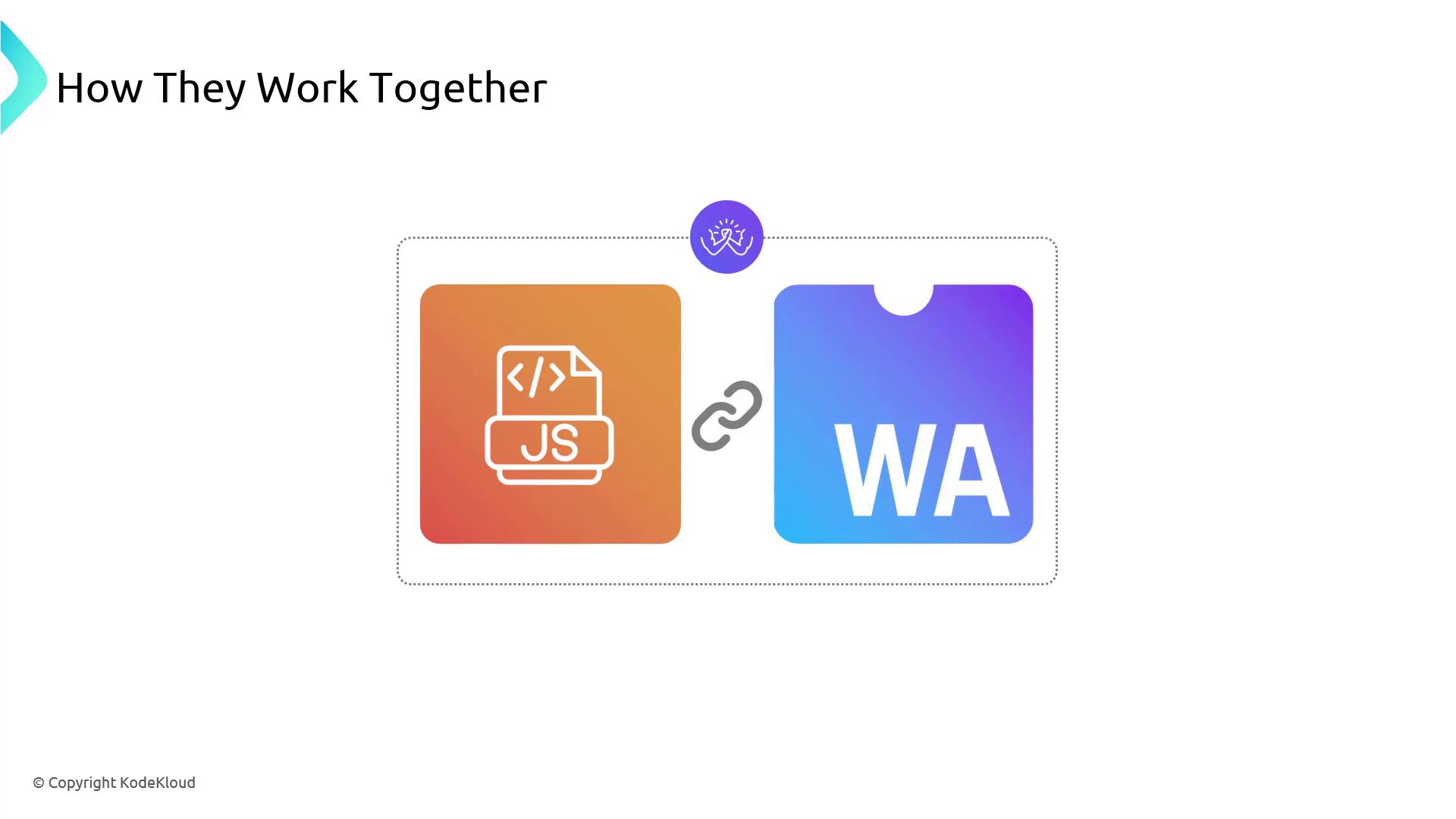
## Synergy: JavaScript + WebAssembly
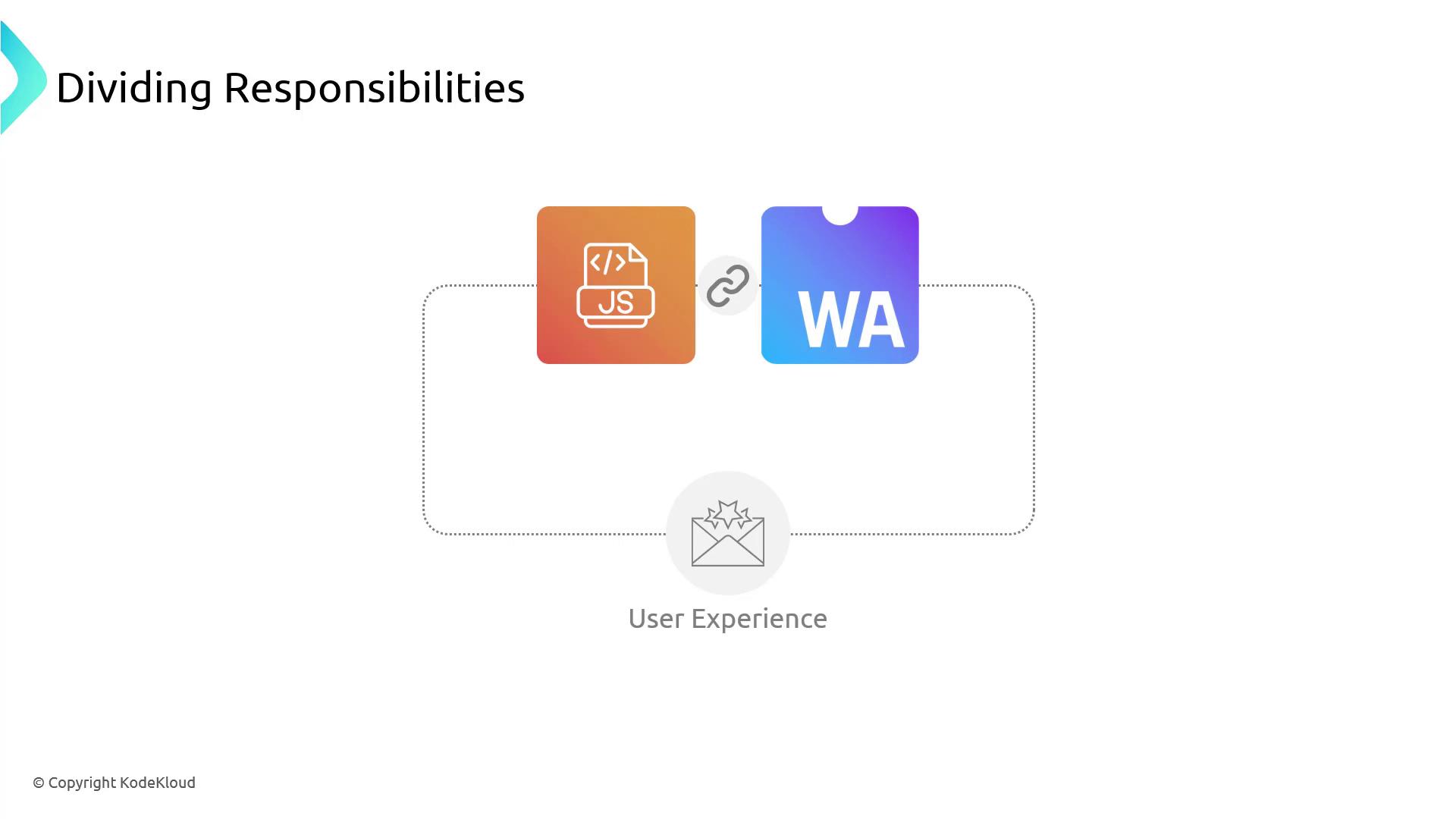
Combine JavaScript’s DOM access with WASM’s speed to build responsive, compute-heavy applications.
### Use Case: Image Processing Web App
1. JavaScript’s Role
* **UI Components**: Buttons, sliders, filters.
* **Event Handling**: Capture clicks and slider input.
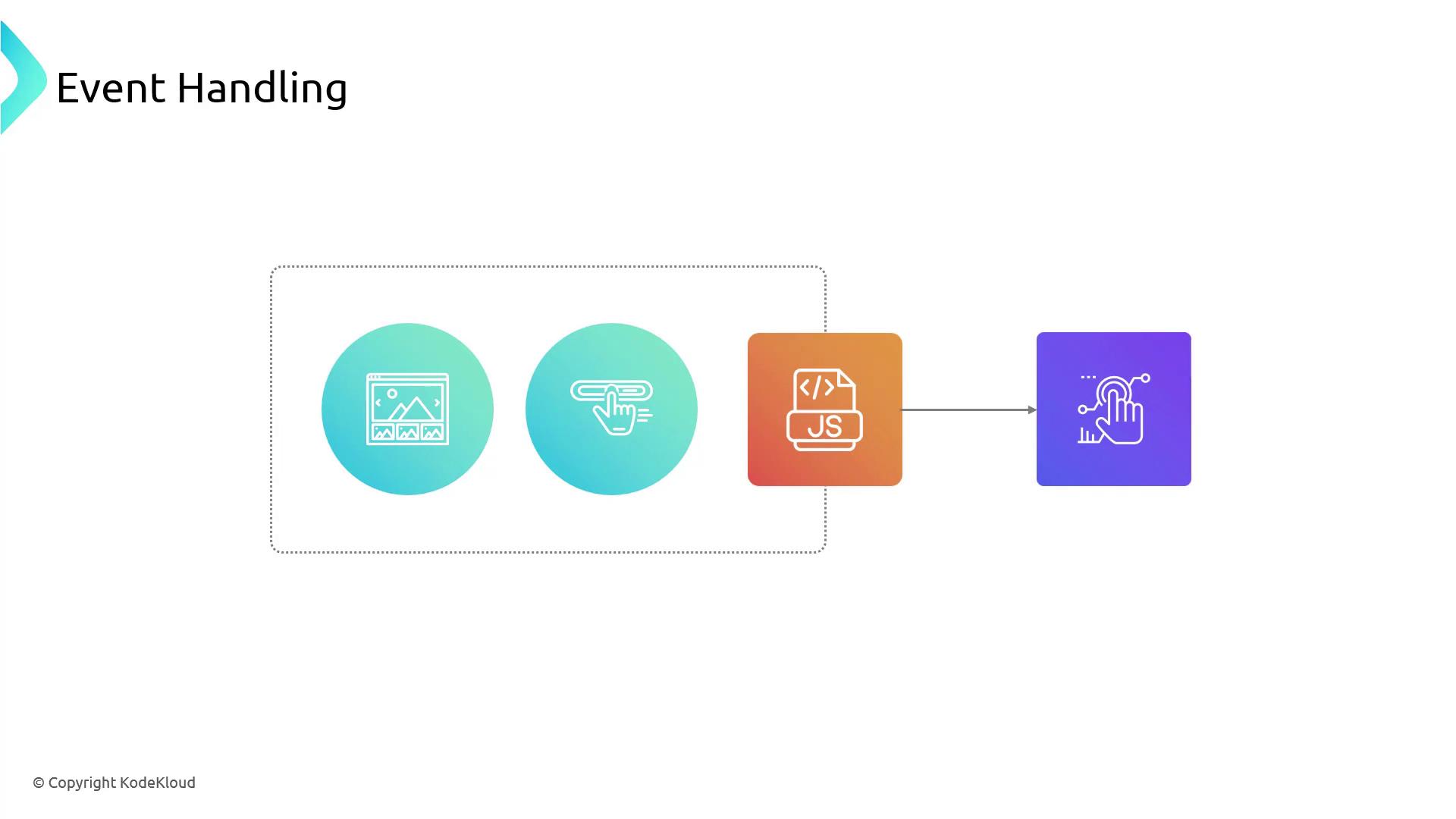
* **Progress Feedback**: Update progress bars or notifications.
2. WebAssembly’s Role
* **Heavy Lifting**: Apply complex filters in optimized C/C++ or Rust.
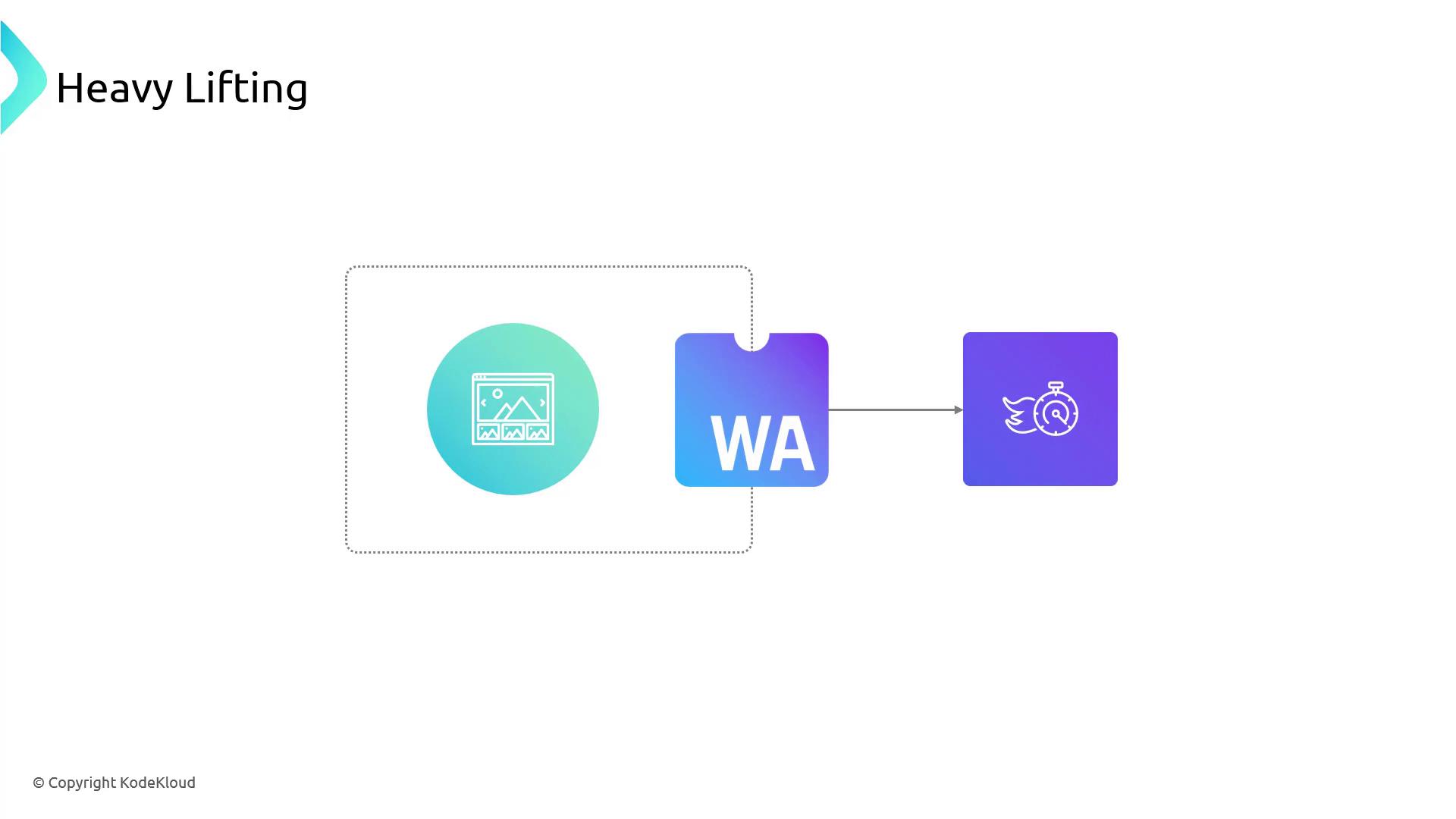
* **Algorithm Libraries**: Reuse existing native libraries for transformations.
By offloading pixel manipulation to WASM and handling UI in JavaScript, the app remains smooth even under heavy computations.
## Links and References
* [WebAssembly.org](https://webassembly.org/)
* [MDN Web Docs: WebAssembly](https://developer.mozilla.org/en-US/docs/WebAssembly)
* [Emscripten Documentation](https://emscripten.org/docs/)
* [JavaScript Guide – MDN](https://developer.mozilla.org/en-US/docs/Web/JavaScript/Guide)