> ## Documentation Index
> Fetch the complete documentation index at: https://notes.kodekloud.com/llms.txt
> Use this file to discover all available pages before exploring further.
# What is WebAssembly
> This article explains WebAssembly, its advantages over JavaScript, and how to compile and run C code as a WebAssembly module.
JavaScript has long been the cornerstone of web development, powering interactive experiences in all modern browsers. Yet, as applications demand more real-time graphics and heavy computation, JavaScript’s interpreted nature and single-threaded model can introduce performance bottlenecks.
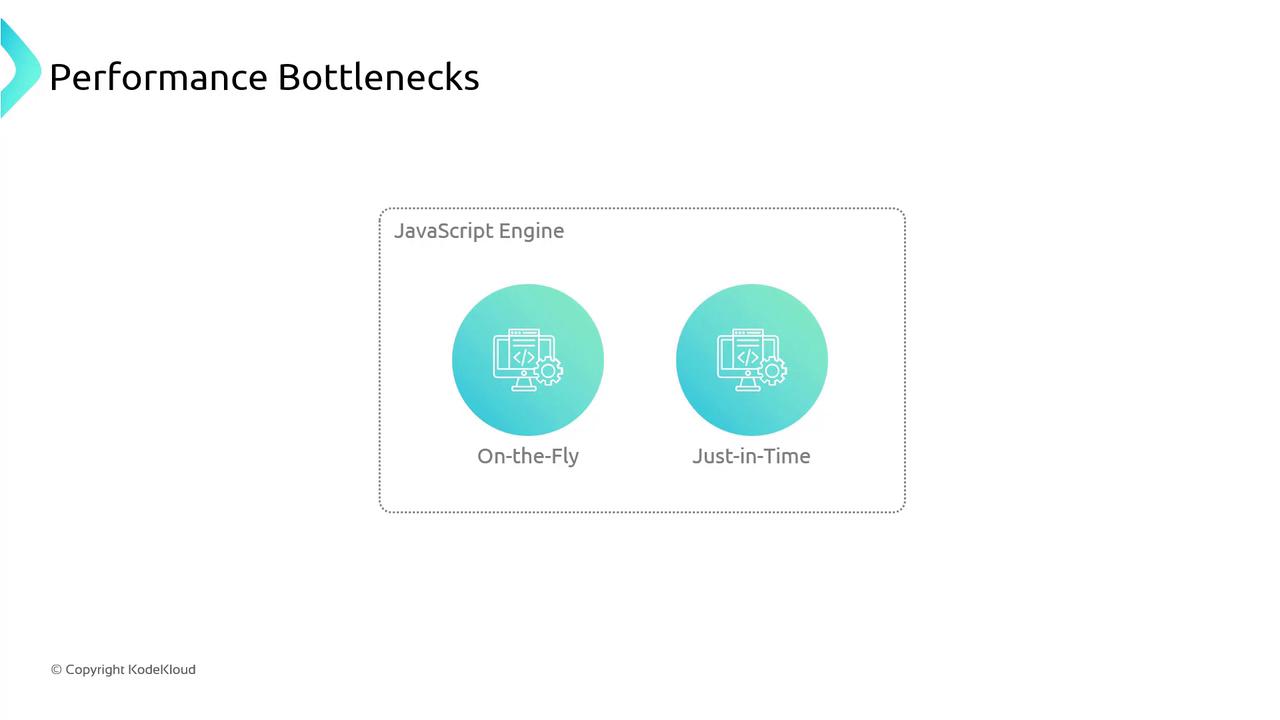
## JavaScript Performance Limitations
1. **On-the-Fly Interpretation & JIT Compilation**\
Browsers like Chrome (V8) and Firefox (SpiderMonkey) convert JavaScript into machine code at runtime. Just-in-time (JIT) compilation speeds things up, but overhead remains for compute-heavy loops and graphics rendering.
2. **Garbage-Collected Memory**\
While automatic memory management helps avoid leaks, garbage collection can cause unpredictable pauses:
```javascript theme={null}
let user = { name: "John" };
// Later...
user = null; // triggers potential garbage collection
```
3. **Single-Threaded Event Loop**\
`async`/`await` and Promises organize callbacks but don’t offer true parallelism:
```javascript theme={null}
console.log('Hi');
setTimeout(() => {
console.log('there');
}, 5000);
console.log('JSConFEU');
// Output:
// Hi
// JSConFEU
// there (after ~5 seconds)
```
## Enter WebAssembly (WASM)
WebAssembly is a low-level binary format designed as a compilation target for languages like C, C++ and Rust. It runs alongside JavaScript in the browser at near-native speed, enabling performance-critical code and large codebases to execute without bulky downloads or installs.
### Why Choose WebAssembly?
| Feature | JavaScript | WebAssembly |
| ----------------- | -------------------------- | ------------------------------------ |
| Execution Model | Interpreted + JIT | Precompiled binary (near-native) |
| Memory Management | Garbage-collected | Linear memory with manual control |
| Threading | Single-threaded event loop | Potential for Web Workers & threads |
| Application Scope | UI, light logic | Graphics, simulations, codecs, games |
WebAssembly modules interoperate seamlessly with JavaScript. You can call exported WASM functions from JS and vice versa.
## Docker, Kubernetes & WebAssembly
[Docker](https://www.docker.com/) has introduced a technical preview for running WASM modules, prompting questions about the future of containers and orchestration with [Kubernetes](https://kubernetes.io/). While WASM isn’t a direct replacement for containers, it offers a lightweight sandbox for microservices and edge workloads.
## A “Hello, World!” Example
Let’s compile a simple C program to both a native executable and WebAssembly module.
### 1. C Source Code
```c theme={null}
#include
int main() {
printf("Hello, World!\n");
return 0;
}
```
### 2. Compile Natively with GCC
```bash theme={null}
gcc -o wasmdemo/helloworld.exe wasmdemo/helloworld.c
```
Run it:
```bash theme={null}
> wasmdemo/helloworld.exe
Hello, World!
```
### 3. Compile to WebAssembly with Emscripten
Install and activate the Emscripten SDK:
```bash theme={null}
git clone https://github.com/emscripten-core/emsdk.git
cd emsdk
./emsdk install latest
./emsdk activate latest
source ./emsdk_env.sh # On Windows: emsdk_env.bat
```
Ensure your browser supports WebAssembly threads if you plan to use shared memory and parallelism.
Compile the C code to WASM:
```bash theme={null}
emcc wasmdemo/helloworld.c -o wasmdemo/helloworld.html
```
This generates three files:
* **helloworld.html** – Minimal HTML page to load the module
* **helloworld.js** – JavaScript “glue” for instantiation
* **helloworld.wasm** – The WebAssembly binary
#### Inspecting the Loader
Inside `helloworld.js`, Emscripten handles fetching and instantiating the `.wasm` file:
```javascript theme={null}
var wasmBinaryFile = 'helloworld.wasm';
if (!isDataURI(wasmBinaryFile)) {
wasmBinaryFile = locateFile(wasmBinaryFile);
}
function getBinary(file) {
try {
if (file === wasmBinaryFile && wasmBinary) {
return new Uint8Array(wasmBinary);
}
} catch (e) {
console.error(e);
}
}
```
### 4. Execute in the Browser
Open `helloworld.html` in any modern browser. You should see:
```text theme={null}
Hello, World!
```
Congratulations! You’ve just compiled C to WebAssembly and run it alongside JavaScript—unlocking high-performance web applications for graphics, games, and more.
## References
* [Kubernetes Documentation](https://kubernetes.io/docs/)
* [Emscripten Official Site](https://emscripten.org/)
* [Docker WebAssembly Preview](https://www.docker.com/blog/docker-and-webassembly/)