> ## Documentation Index
> Fetch the complete documentation index at: https://notes.kodekloud.com/llms.txt
> Use this file to discover all available pages before exploring further.
# WebAssembly Architecture
> WebAssembly (WASM) enhances web development with high performance, modular design, and efficient binary format for applications like gaming and cross-platform libraries.
WebAssembly (WASM) is revolutionizing web development by delivering near-native performance in the browser. Its modular, sandboxed design and compact binary format make it ideal for compute-intensive applications, gaming, and cross-platform libraries. The following sections break down WebAssembly’s core components and show how they interact to power modern web apps.

## Binary Format
WebAssembly’s Binary Format is a highly efficient, machine-friendly encoding. It reduces transfer size and accelerates parsing compared to text-based formats, enabling faster start-up times in browsers and runtimes.
Consider this simple C function:
```c theme={null}
int add(int a, int b) {
return a + b;
}
```
When compiled to WASM, it becomes a compact byte sequence optimized for decoding and execution.
Reducing code size and parse overhead is critical for applications with large codebases or limited bandwidth.
## Stack-Based Virtual Machine
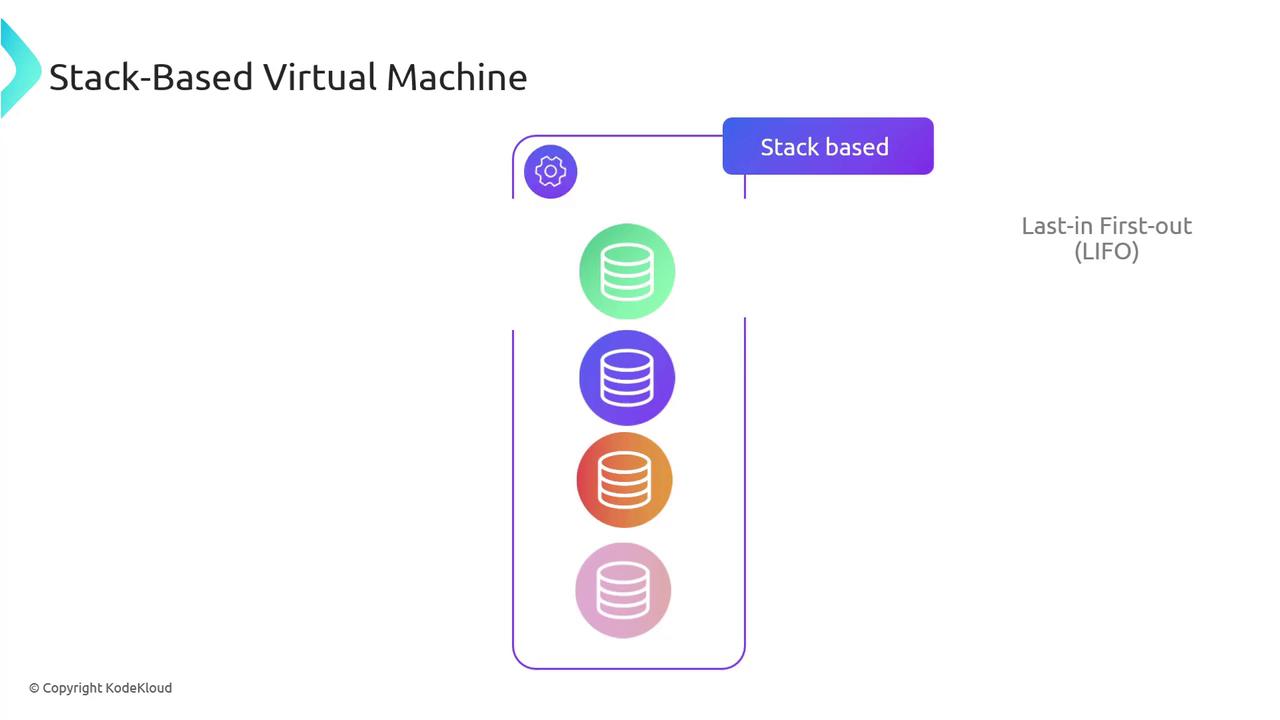
WebAssembly uses a stack-based virtual machine (VM) with a Last-In, First-Out (LIFO) execution model. Operands are pushed onto the stack, operations pop them, then push results back on.
Example in WebAssembly Text Format (WAT):
```wat theme={null}
(func $add (param $a i32) (param $b i32) (result i32)
local.get $a
local.get $b
i32.add
)
```
1. `local.get $a` → Pushes the first parameter.
2. `local.get $b` → Pushes the second parameter.
3. `i32.add` → Pops both values, adds them, then pushes the sum.
## Linear Memory
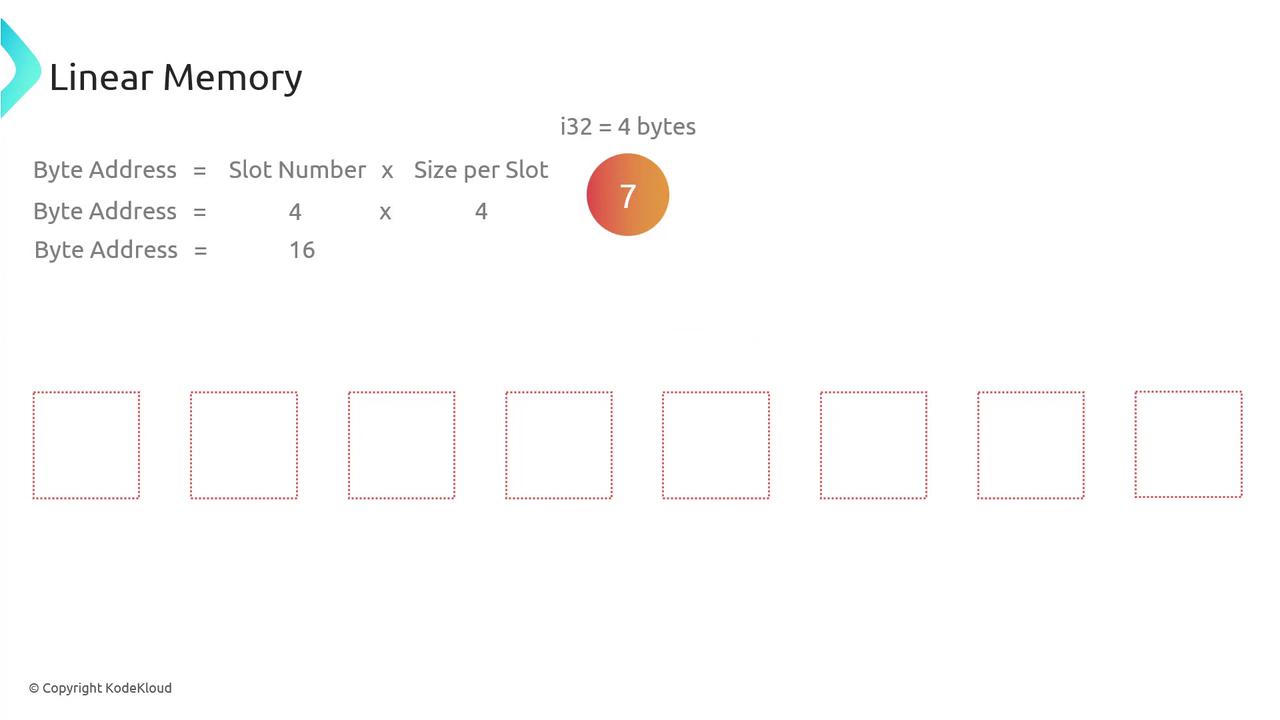
Linear memory in WASM is a contiguous, mutable array of bytes with addresses starting at zero. Data types (`i32`, `i64`, `f32`, `f64`) specify how many bytes to read/write.
| Instruction | Description |
| ----------- | ----------------------------------------- |
| `i32.load` | Read 4 bytes (32 bits) from linear memory |
| `i32.store` | Write 4 bytes (32 bits) to linear memory |
The example below allocates one 64 KiB page of memory, stores the integer `7` at byte address 16, and then reads it back:
```wat theme={null}
(module
(memory 1) ;; 1 page = 64 KiB
(func $storeValue
i32.const 7 ;; Push 7
i32.store offset=16 ;; Store at address 16
)
(export "storeValue" (func $storeValue))
(func $loadValue (result i32)
i32.load offset=16 ;; Load from address 16
)
(export "loadValue" (func $loadValue))
)
```
## Modules
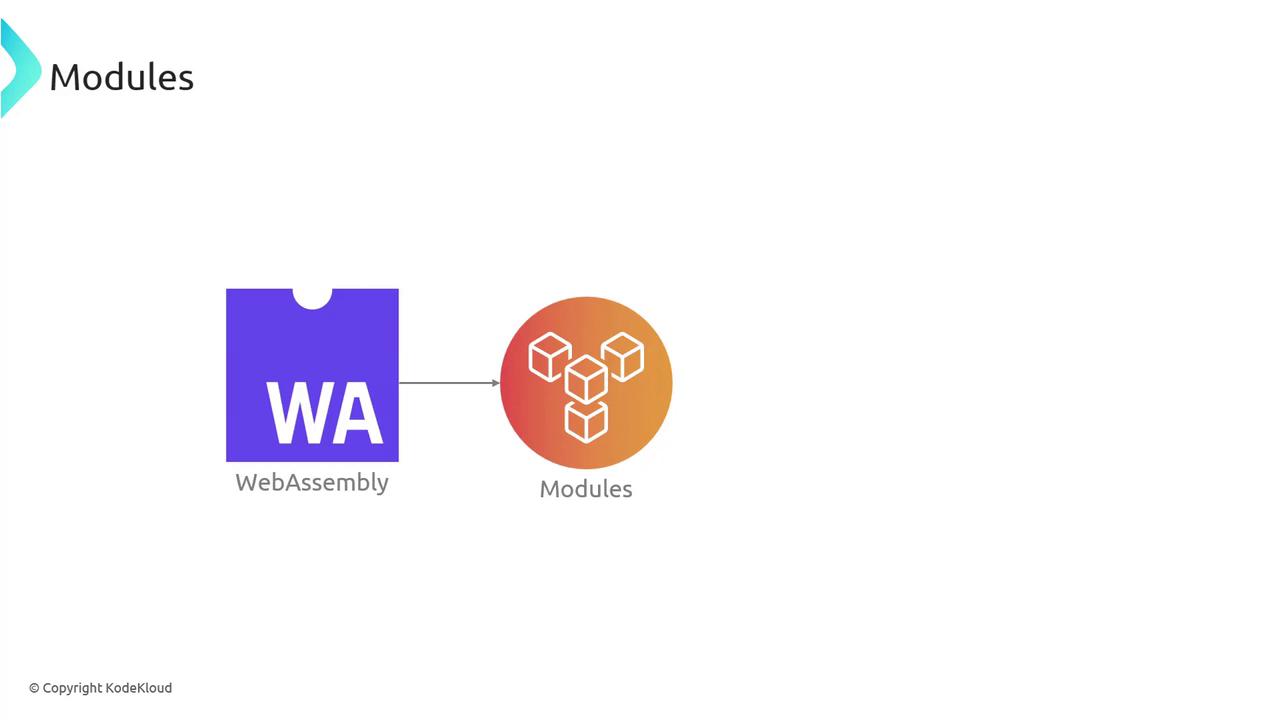
A WebAssembly module bundles functions, memory, globals, and tables into a self-contained unit. Modules can be imported, instantiated, and linked with other modules or JavaScript.
Example of a module exporting an `add` function:
```wat theme={null}
(module
(func $add (param $a i32) (param $b i32) (result i32)
local.get $a
local.get $b
i32.add
)
(export "add" (func $add))
)
```
You can load this module in JavaScript and invoke `add` at runtime.
## Security and Sandboxing
WebAssembly executes inside a secure sandbox, preventing unauthorized access to host resources. The browser enforces strict boundaries: any out-of-bounds memory access or forbidden system call triggers an immediate trap.
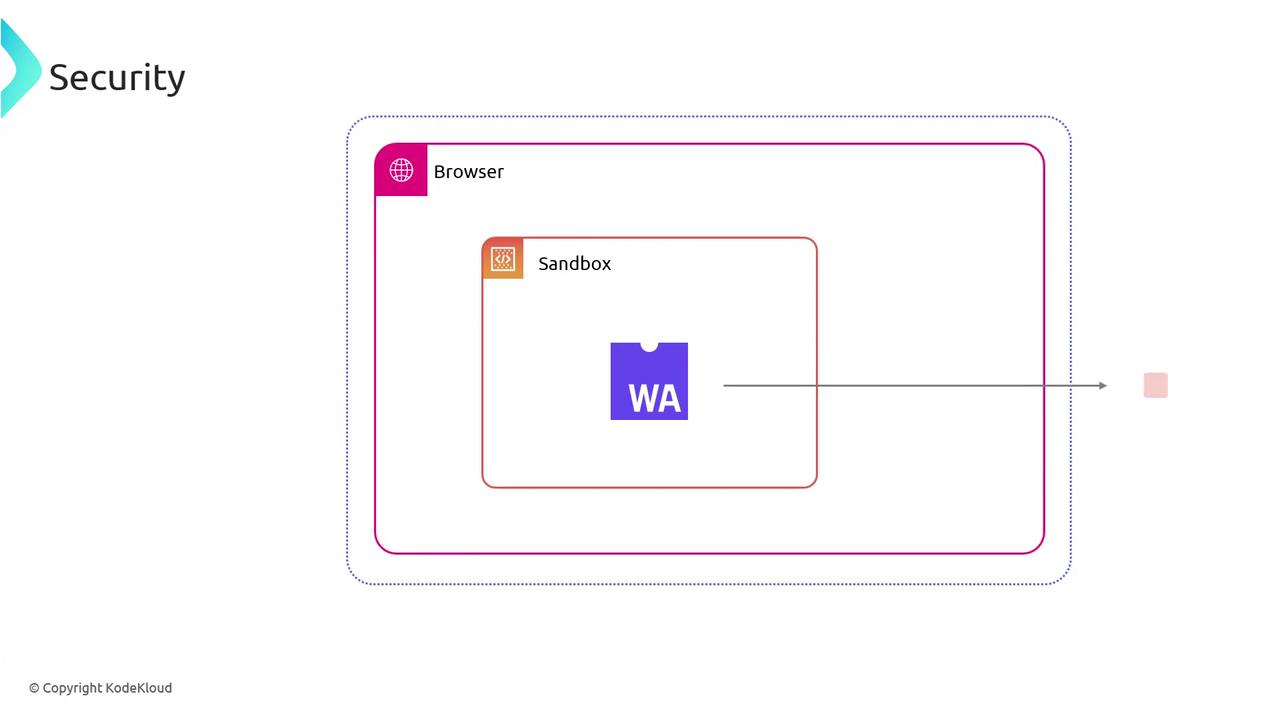
Always validate and limit the memory and table sizes a module can request. Untrusted modules should never be granted excessive resource quotas.
## JavaScript Interoperability
WebAssembly modules interoperate seamlessly with JavaScript. You can import functions from JS into WASM and export WASM functions back to JS, sharing linear memory when needed.
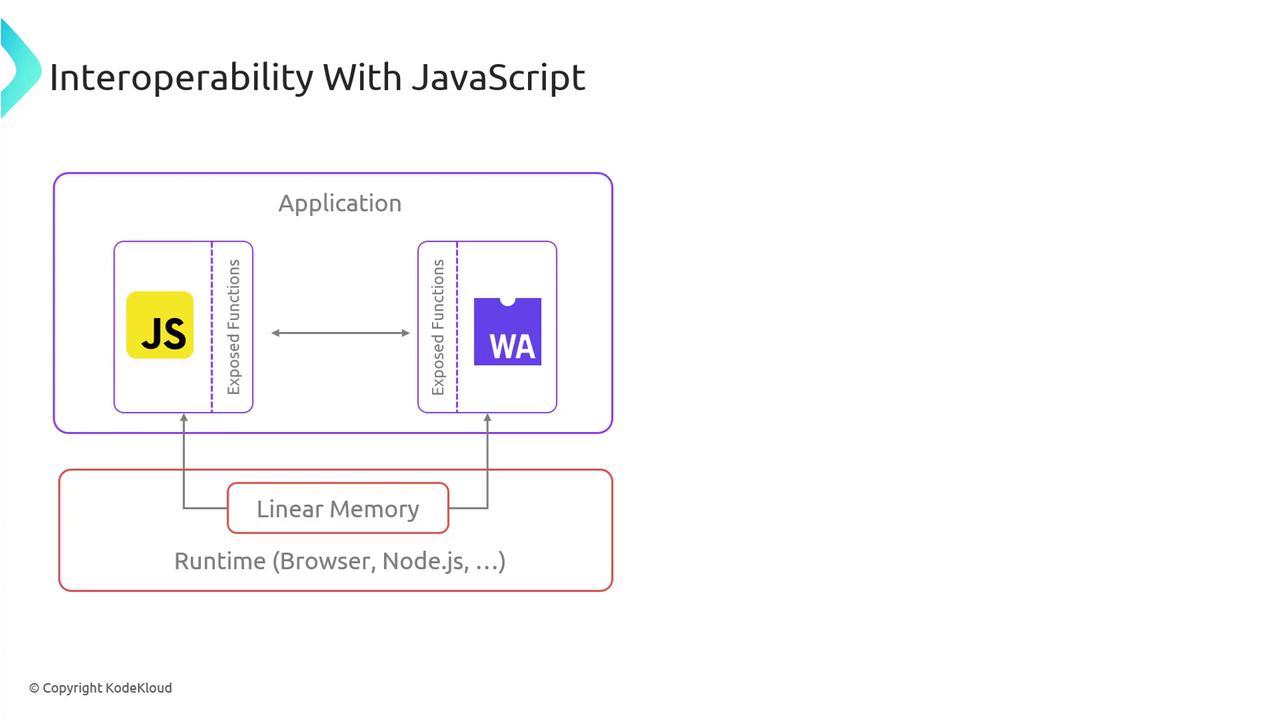
Example of invoking a WASM `add` function from JavaScript:
```javascript theme={null}
// After compiling and instantiating your WebAssembly module:
const { instance } = await WebAssembly.instantiateStreaming(fetch('add.wasm'));
const result = instance.exports.add(3, 4);
console.log(result); // 7
```
The WebAssembly Text Format (WAT) is invaluable for debugging and learning, but production workflows typically use the binary format for performance.
***
## Links and References
* [WebAssembly.org](https://webassembly.org/)
* [MDN Web Docs: WebAssembly](https://developer.mozilla.org/docs/WebAssembly)
* [WASM Specification](https://webassembly.github.io/spec/)
* [WebAssembly Text Format (WAT) Guide](https://webassembly.github.io/spec/core/text/)