> ## Documentation Index
> Fetch the complete documentation index at: https://notes.kodekloud.com/llms.txt
> Use this file to discover all available pages before exploring further.
# WebAssembly Modules
> WebAssembly modules are precompiled units for high-performance execution, providing portability, security, and reusability in various environments.
WebAssembly (Wasm) modules are self-contained, precompiled units designed for high-performance execution in web browsers, server environments, and standalone runtimes. By encapsulating code and data, modules provide a clear boundary between host resources and sandboxed Wasm logic—enabling portability, security, and reusability.
## Table of Contents
* [Functions in WebAssembly](#functions-in-webassembly)
* [Module Structure Overview](#module-structure-overview)
* [Imports and Exports](#imports-and-exports)
* [Security Considerations](#security-considerations)
* [Portability and Universality](#portability-and-universality)
* [Modularity and Reusability](#modularity-and-reusability)
* [Links and References](#links-and-references)
***
## Functions in WebAssembly
Functions are the fundamental execution units in a Wasm module. They can be called internally or from JavaScript, accept typed parameters, and return typed results. WebAssembly uses a stack-based evaluation model—operands are pushed to the stack, operations consume them, and results remain on the stack.
### Example: An `add` Function in WAT
```wasm theme={null}
(func $add (param $a i32) (param $b i32) (result i32)
local.get $a
local.get $b
i32.add
)
```
* **`$add`**: Function identifier (used in exports or tables).
* **`param`** / **`result`**: Typed inputs and outputs.
* **Stack Ops**:
* `local.get $a` / `local.get $b` push parameters.
* `i32.add` pops two `i32` values, adds them, pushes the result.
* **Implicit Return**: The final stack value is returned when a `result` is declared.
WebAssembly Text Format (WAT) offers human-readable syntax. For production, modules compile to a compact binary format (`.wasm`).
***
## Module Structure Overview
A WebAssembly module combines several sections into one sealed binary:
| Section | Purpose | WAT Example |
| --------- | ------------------------------------------------ | --------------------------------------------- |
| Functions | Named code blocks; core execution units | See the `add` function above |
| Globals | Module-wide mutable or immutable variables | `(global $count (mut i32) (i32.const 0))` |
| Tables | Arrays of `funcref` for indirect/dynamic calls | `(table 2 funcref)` |
| Memory | Linear byte buffers for data storage | `(memory 1)` |
| Imports | Declarations of host-provided functions/globals | `(import "js" "log" (func $log (param i32)))` |
| Exports | Public API: functions, memories, tables, globals | `(export "memory" (memory 0))` |
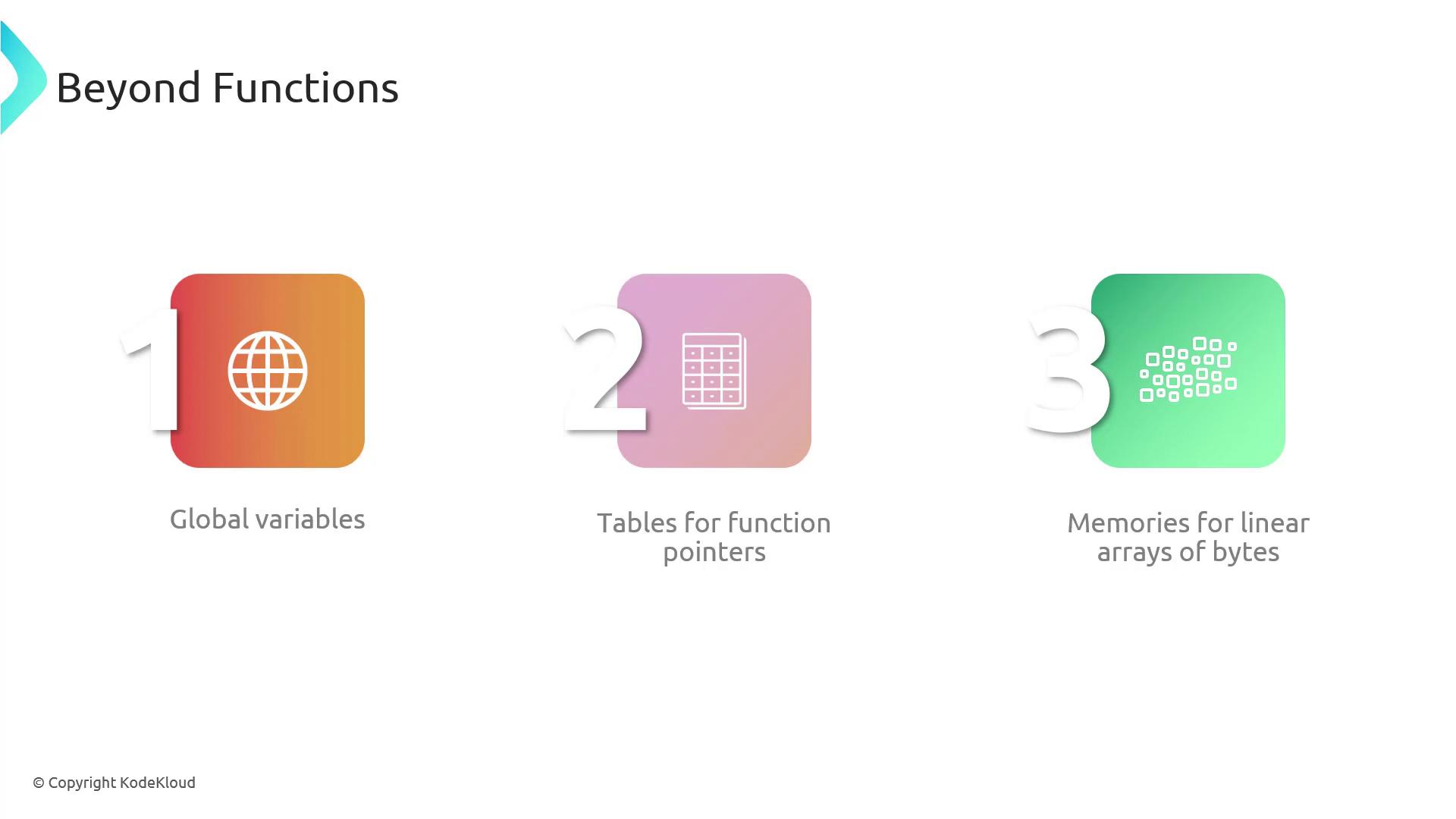
In an image-processing module, you might:
* Define filter functions (`blur`, `contrast`).
* Map filter names to table indices.
* Allocate memory for raw pixel buffers.
***
## Imports and Exports
WebAssembly modules interact with their host (e.g., JavaScript) through imports and exports.
### Importing Host Functions
```wasm theme={null}
(module
(import "env" "getTimestamp" (func $getTimestamp (result i64)))
)
```
* **Module**: Declares a dependency on a host function `env.getTimestamp`.
* **Host Binding**: JavaScript or a runtime must provide this symbol.
### Exporting Module Components
```wasm theme={null}
(module
(func $fib (param $n i32) (result i32)
;; recursive or iterative Fibonacci implementation
)
(export "fibonacci" (func $fib))
)
```
* **Export**: Makes the `fib` function accessible to the host.
* **Namespacing**: Exports live in an export object (e.g., `instance.exports.fibonacci`).
***
## Security Considerations
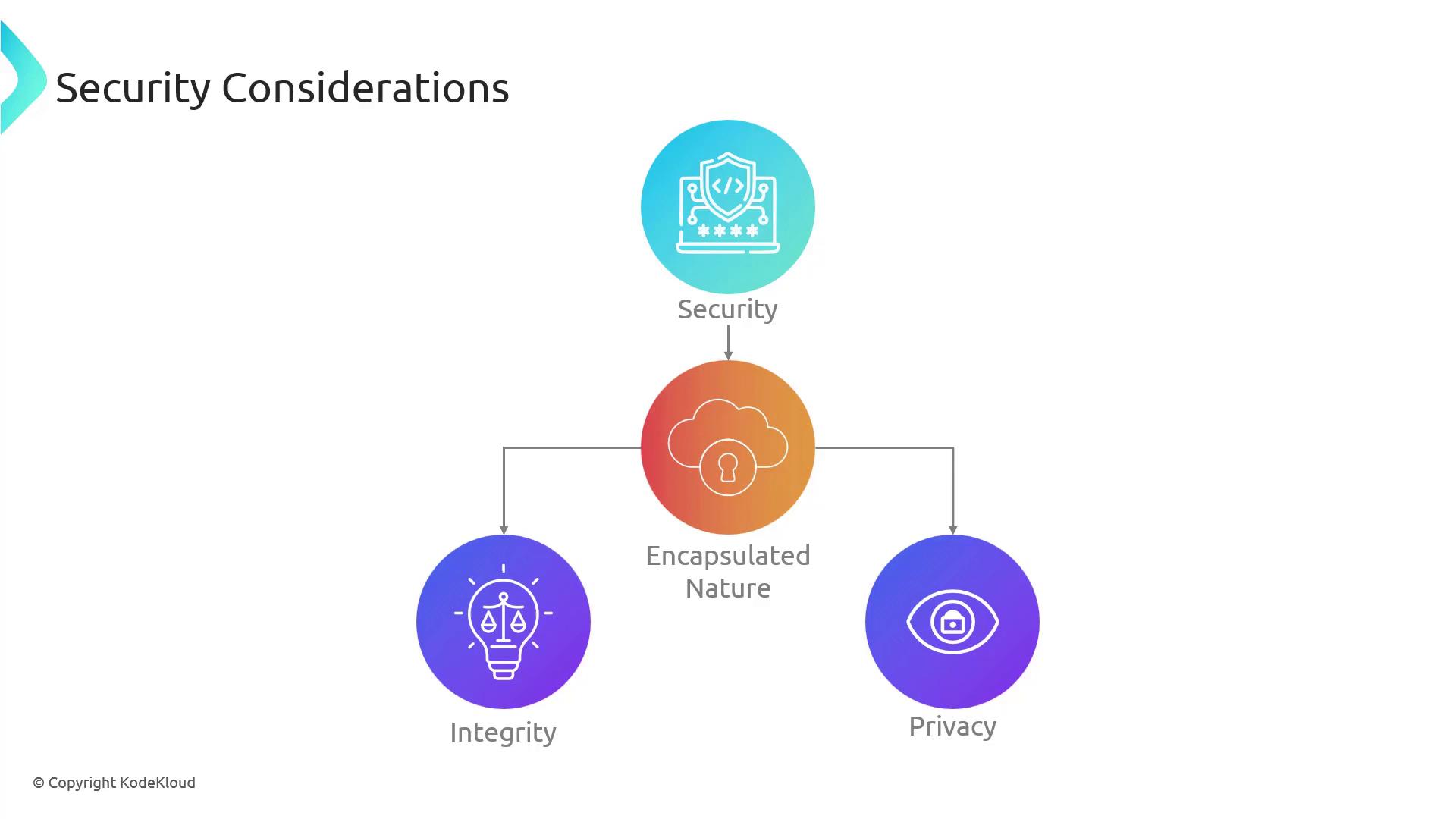
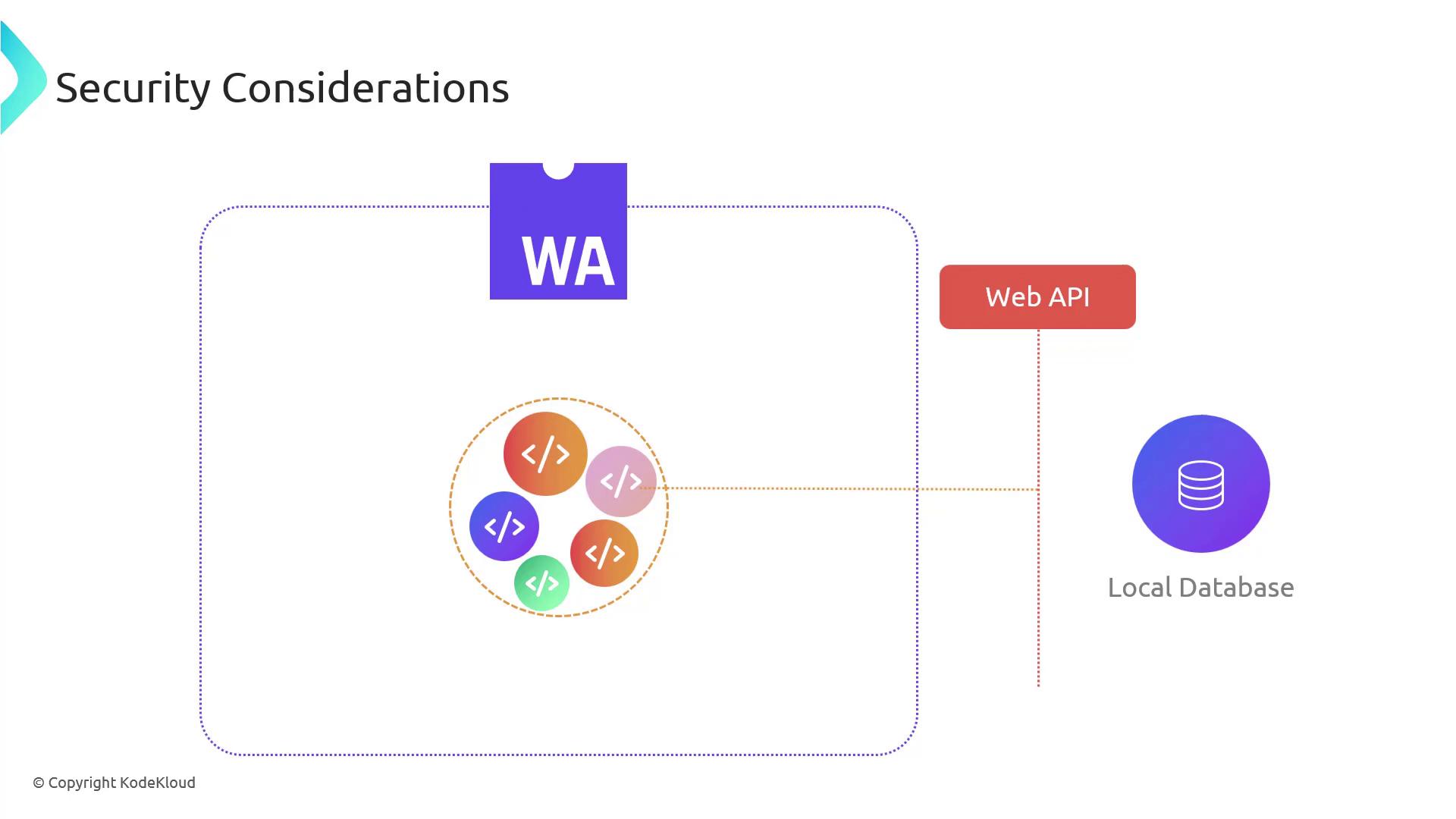
WebAssembly’s design enforces strong sandboxing. Modules cannot access host memory or resources unless explicitly imported.
Even if a module includes a function with database semantics, it must call through safe, imported APIs:
Never run untrusted Wasm modules without proper validation. Always verify imports and sandbox boundaries to prevent privilege escalation.
***
## Portability and Universality
Wasm modules run consistently across diverse platforms:
1. **Web Browsers**
2. **Native Runtimes** (e.g., Wasmtime, Wasmer)
3. **Embedded & IoT Devices**
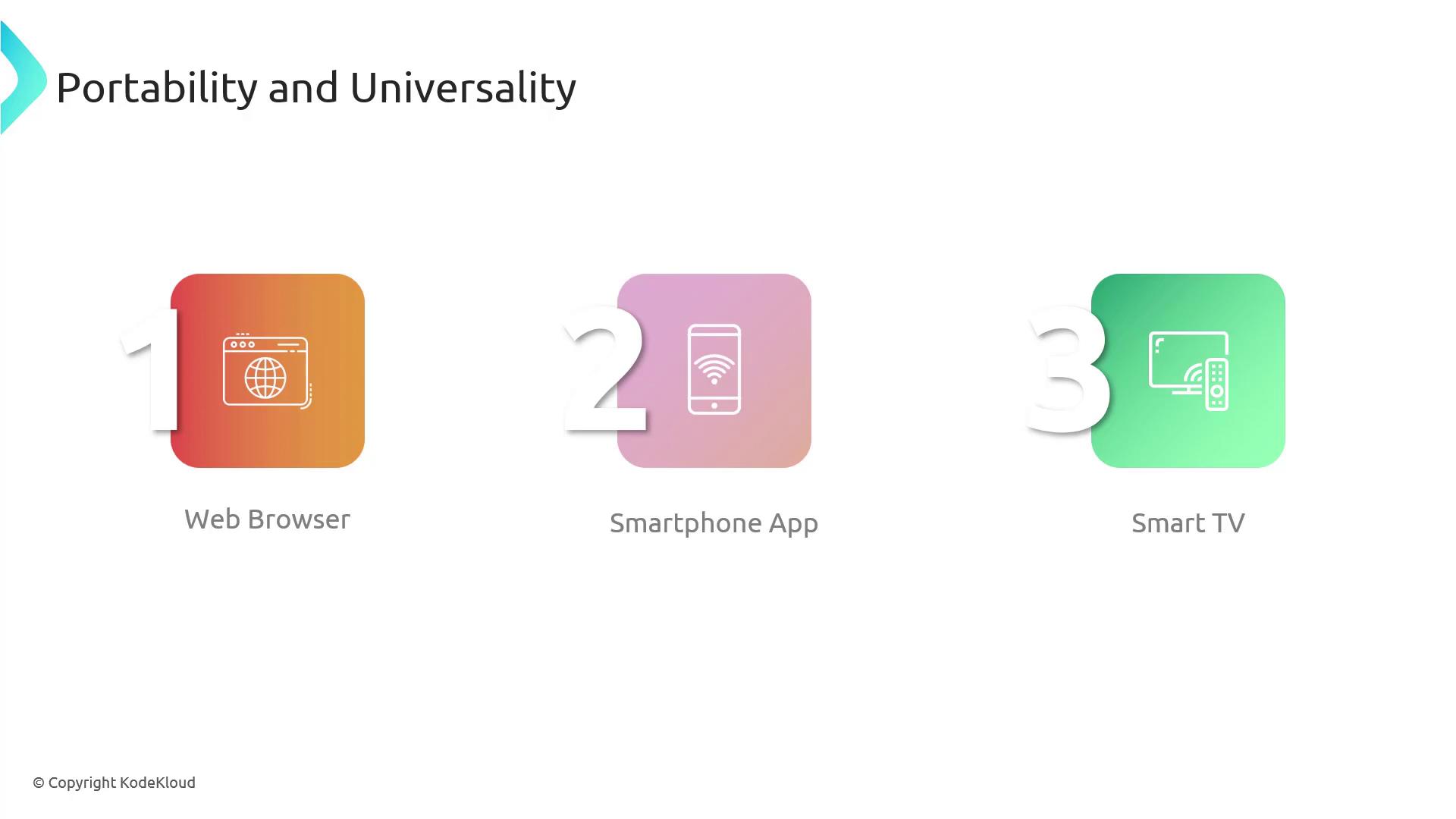
A single physics simulation compiled to Wasm delivers uniform performance whether on desktop, mobile, or smart appliances.
***
## Modularity and Reusability
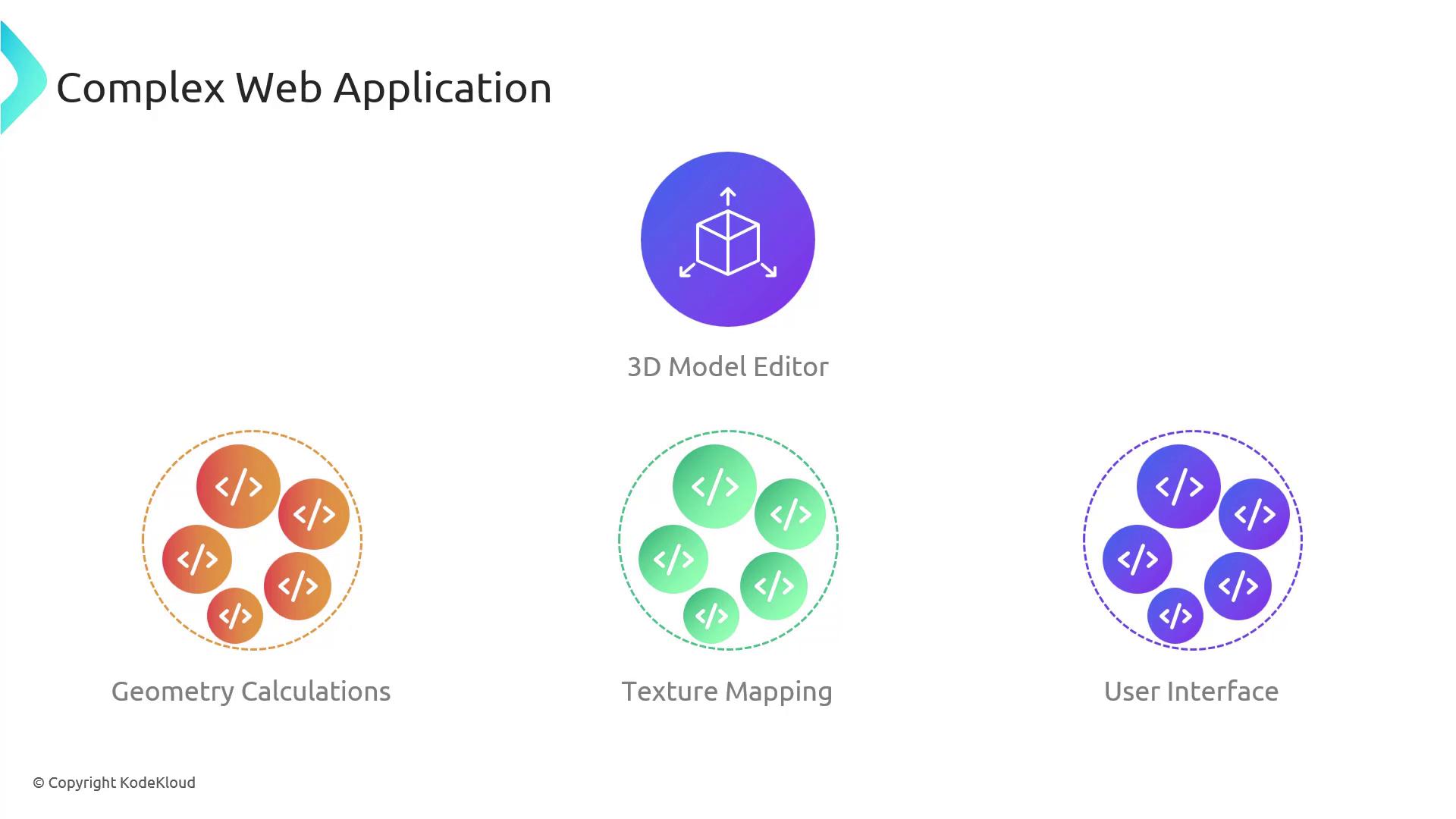
Breaking a large application into focused Wasm modules simplifies maintenance and encourages code sharing.
* **3D Editor Example**
* **Geometry Calculations**
* **Texture Mapping**
* **UI Logic**
When a new shading algorithm emerges, only the corresponding module needs recompilation and deployment:
***
## Links and References
* [WebAssembly Specification](https://www.w3.org/TR/wasm-core/)
* [MDN Web Docs: WebAssembly](https://developer.mozilla.org/en-US/docs/WebAssembly)
* [Wasmtime Runtime](https://github.com/bytecodealliance/wasmtime)
* [WABT: WebAssembly Binary Toolkit](https://github.com/WebAssembly/wabt)