> ## Documentation Index
> Fetch the complete documentation index at: https://notes.kodekloud.com/llms.txt
> Use this file to discover all available pages before exploring further.
# Demo Connecting with Ollama
> Guide to using Ollama to run and access local large language models via GUI, CLI, and REST API with examples for streaming and non streaming responses.
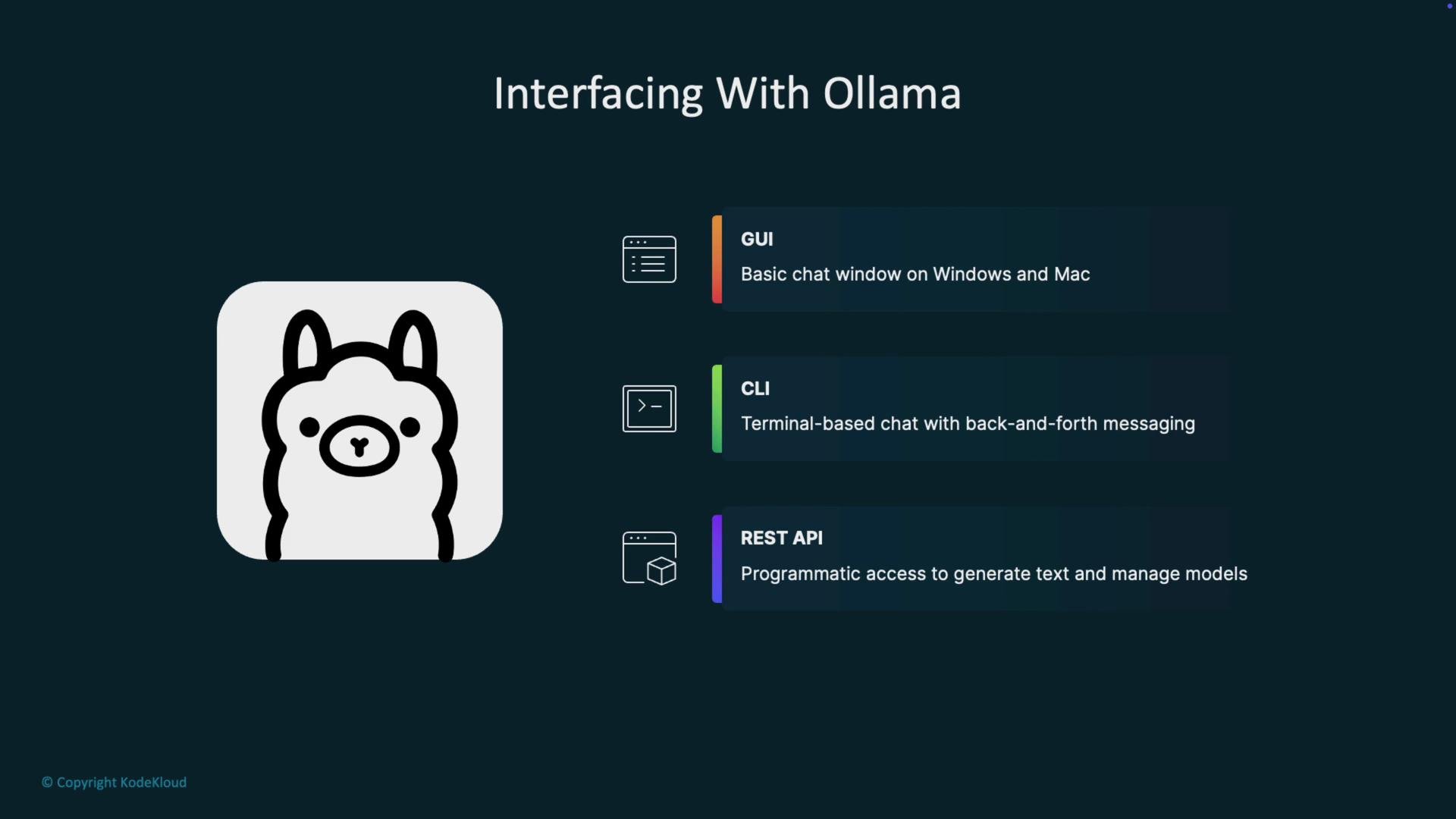
Ollama is a local wrapper that makes running and interacting with large language models (LLMs) easy and secure on your machine. You can use Ollama in three primary ways:
* GUI (Windows and macOS) — a simple chat window similar to ChatGPT, Claude, or Gemini.
* CLI — a terminal-based chat interface for quick interactions and scripting.
* REST API — a programmatic HTTP interface for building applications that generate text or conduct multi-turn chats.
 Quick overview (why choose each):
| Interface | Use case | Example |
| --------- | --------------------------------- | ------------------------------------------ |
| GUI | User-friendly chat, exploration | Desktop app for one-off conversations |
| CLI | Fast prototyping, automation | `ollama serve`, `ollama list` |
| REST API | Embed LLMs into apps and services | `POST http://localhost:11434/api/generate` |
Ollama exposes a local REST endpoint at `http://localhost:11434`. Make sure the Ollama server is running before making API requests.
Below are the basic steps to call Ollama's local REST API and handle both streaming and non-streaming responses.
## 1) Ensure the Ollama server is running
Start (or check) the server from your terminal:
```bash theme={null}
jeremy@LEGION:~$ ollama serve
```
If Ollama is already running (for example, started automatically on boot), you may see an address-in-use error:
```bash theme={null}
jeremy@LEGION:~$ ollama serve
Error: listen tcp 127.0.0.1:11434: bind: address already in use
jeremy@LEGION:~$
```
To see which models are available locally:
```bash theme={null}
jeremy@LEGION:~$ ollama list
NAME ID SIZE MODIFIED
gemma3:latest a2af6cc3eb7f 3.3 GB 3 hours ago
```
## 2) Test the REST API with curl (streaming)
Ollama's generate endpoint is `http://localhost:11434/api/generate`. By default the API streams partial tokens as newline-delimited JSON events. This is ideal for low-latency UIs that render tokens as they arrive.
Example curl request (default behavior: streaming):
```bash theme={null}
curl -s \
-H "Content-Type: application/json" \
http://localhost:11434/api/generate \
-d '{ "model": "gemma3:latest", "prompt": "tell me a funny joke about Python" }'
```
Sample streaming output (newline-delimited JSON events):
```json theme={null}
{"model":"gemma3:latest","created_at":"2025-10-02T03:39:36.770815196Z","response":":","done":false}
{"model":"gemma3:latest","created_at":"2025-10-02T03:39:36.809626775Z","response":"Why","done":false}
{"model":"gemma3:latest","created_at":"2025-10-02T03:39:36.851247104Z","response":" did","done":false}
{"model":"gemma3:latest","created_at":"2025-10-02T03:39:36.876347122Z","response":" the","done":false}
{"model":"gemma3:latest","created_at":"2025-10-02T03:39:36.900150154Z","response":" Python","done":false}
{"model":"gemma3:latest","created_at":"2025-10-02T03:39:36.927253135Z","response":" cross","done":false}
{"model":"gemma3:latest","created_at":"2025-10-02T03:39:36.96719651Z","response":" the","done":false}
{"model":"gemma3:latest","created_at":"2025-10-02T03:39:37.012772357Z","response":" playground","done":false}
{"model":"gemma3:latest","created_at":"2025-10-02T03:39:37.029380517Z","response":"?","done":false}
{"model":"gemma3:latest","created_at":"2025-10-02T03:39:37.294845625Z","response":" To","done":false}
{"model":"gemma3:latest","created_at":"2025-10-02T03:39:37.72117902Z","response":" get","done":false}
{"model":"gemma3:latest","created_at":"2025-10-02T03:39:37.74550912Z","response":" to the other side","done":false}
```
Each line is a partial event; a client can stream these and assemble the final output progressively.
Streaming is useful for low-latency UIs. If you prefer a single complete result (for easier parsing or logging), disable streaming in the request body by setting `"stream": false`.
## 3) Receive the full response in a single JSON object (non-streaming)
To get one complete response instead of token-by-token events, include `"stream": false` in the request body.
Request body (example for curl or Postman):
```json theme={null}
{
"model": "gemma3:latest",
"prompt": "tell me a funny joke about Python.",
"stream": false
}
```
Example curl with non-streaming:
```bash theme={null}
curl -s \
-H "Content-Type: application/json" \
http://localhost:11434/api/generate \
-d '{ "model": "gemma3:latest", "prompt": "tell me a funny joke about Python.", "stream": false }'
```
Sample non-streamed JSON response:
```json theme={null}
{
"model": "gemma3:latest",
"created_at": "2025-10-02T03:46:03.869913624Z",
"response": "Why did the Python break up with the Java? \n\n... Because it said, \"You're just too object-oriented!\" 😄\n\n---\nWould you like to hear another joke?",
"done": true,
"done_reason": "stop",
"context": [105, 2364, 207, 824, 786, 12974, 1003, 17856]
}
```
## 4) Using Postman (or other HTTP clients)
You can replicate the same POST request from Postman, Insomnia, or any HTTP client:
* Method: POST
* URL: `http://localhost:11434/api/generate`
* Body: raw JSON (example below)
```json theme={null}
{
"model": "gemma3:latest",
"prompt": "tell me a funny joke about Python.",
"stream": false
}
```
Postman will format the returned JSON and make it easier to inspect the full response.
## Why this matters
Using the Ollama REST API lets you integrate locally hosted LLMs into web servers, desktop apps, and backend services using any language that can make HTTP requests (Python, JavaScript, C#, Java, etc.). Running models locally improves privacy, reduces latency, and allows offline capabilities where appropriate.
If you’re new to this, try the following next steps:
* Experiment with both streaming and non-streaming modes to see which fits your UI/UX.
* Build a simple backend client in your preferred language to handle token streaming.
* Use `ollama list` to manage and choose models for different tasks (summarization, code generation, chat).
## Links and References
* [Ollama documentation](https://ollama.com/docs)
* [Kubernetes Basics](https://kubernetes.io/docs/concepts/overview/what-is-kubernetes/) (general reference for deploying services)
* [Curl manual](https://curl.se/docs/manual.html)
If anything here is unclear, or you want example client code (Python, Node.js) to consume the streaming API and assemble tokens into text, ask and I’ll provide step-by-step examples.
Quick overview (why choose each):
| Interface | Use case | Example |
| --------- | --------------------------------- | ------------------------------------------ |
| GUI | User-friendly chat, exploration | Desktop app for one-off conversations |
| CLI | Fast prototyping, automation | `ollama serve`, `ollama list` |
| REST API | Embed LLMs into apps and services | `POST http://localhost:11434/api/generate` |
Ollama exposes a local REST endpoint at `http://localhost:11434`. Make sure the Ollama server is running before making API requests.
Below are the basic steps to call Ollama's local REST API and handle both streaming and non-streaming responses.
## 1) Ensure the Ollama server is running
Start (or check) the server from your terminal:
```bash theme={null}
jeremy@LEGION:~$ ollama serve
```
If Ollama is already running (for example, started automatically on boot), you may see an address-in-use error:
```bash theme={null}
jeremy@LEGION:~$ ollama serve
Error: listen tcp 127.0.0.1:11434: bind: address already in use
jeremy@LEGION:~$
```
To see which models are available locally:
```bash theme={null}
jeremy@LEGION:~$ ollama list
NAME ID SIZE MODIFIED
gemma3:latest a2af6cc3eb7f 3.3 GB 3 hours ago
```
## 2) Test the REST API with curl (streaming)
Ollama's generate endpoint is `http://localhost:11434/api/generate`. By default the API streams partial tokens as newline-delimited JSON events. This is ideal for low-latency UIs that render tokens as they arrive.
Example curl request (default behavior: streaming):
```bash theme={null}
curl -s \
-H "Content-Type: application/json" \
http://localhost:11434/api/generate \
-d '{ "model": "gemma3:latest", "prompt": "tell me a funny joke about Python" }'
```
Sample streaming output (newline-delimited JSON events):
```json theme={null}
{"model":"gemma3:latest","created_at":"2025-10-02T03:39:36.770815196Z","response":":","done":false}
{"model":"gemma3:latest","created_at":"2025-10-02T03:39:36.809626775Z","response":"Why","done":false}
{"model":"gemma3:latest","created_at":"2025-10-02T03:39:36.851247104Z","response":" did","done":false}
{"model":"gemma3:latest","created_at":"2025-10-02T03:39:36.876347122Z","response":" the","done":false}
{"model":"gemma3:latest","created_at":"2025-10-02T03:39:36.900150154Z","response":" Python","done":false}
{"model":"gemma3:latest","created_at":"2025-10-02T03:39:36.927253135Z","response":" cross","done":false}
{"model":"gemma3:latest","created_at":"2025-10-02T03:39:36.96719651Z","response":" the","done":false}
{"model":"gemma3:latest","created_at":"2025-10-02T03:39:37.012772357Z","response":" playground","done":false}
{"model":"gemma3:latest","created_at":"2025-10-02T03:39:37.029380517Z","response":"?","done":false}
{"model":"gemma3:latest","created_at":"2025-10-02T03:39:37.294845625Z","response":" To","done":false}
{"model":"gemma3:latest","created_at":"2025-10-02T03:39:37.72117902Z","response":" get","done":false}
{"model":"gemma3:latest","created_at":"2025-10-02T03:39:37.74550912Z","response":" to the other side","done":false}
```
Each line is a partial event; a client can stream these and assemble the final output progressively.
Streaming is useful for low-latency UIs. If you prefer a single complete result (for easier parsing or logging), disable streaming in the request body by setting `"stream": false`.
## 3) Receive the full response in a single JSON object (non-streaming)
To get one complete response instead of token-by-token events, include `"stream": false` in the request body.
Request body (example for curl or Postman):
```json theme={null}
{
"model": "gemma3:latest",
"prompt": "tell me a funny joke about Python.",
"stream": false
}
```
Example curl with non-streaming:
```bash theme={null}
curl -s \
-H "Content-Type: application/json" \
http://localhost:11434/api/generate \
-d '{ "model": "gemma3:latest", "prompt": "tell me a funny joke about Python.", "stream": false }'
```
Sample non-streamed JSON response:
```json theme={null}
{
"model": "gemma3:latest",
"created_at": "2025-10-02T03:46:03.869913624Z",
"response": "Why did the Python break up with the Java? \n\n... Because it said, \"You're just too object-oriented!\" 😄\n\n---\nWould you like to hear another joke?",
"done": true,
"done_reason": "stop",
"context": [105, 2364, 207, 824, 786, 12974, 1003, 17856]
}
```
## 4) Using Postman (or other HTTP clients)
You can replicate the same POST request from Postman, Insomnia, or any HTTP client:
* Method: POST
* URL: `http://localhost:11434/api/generate`
* Body: raw JSON (example below)
```json theme={null}
{
"model": "gemma3:latest",
"prompt": "tell me a funny joke about Python.",
"stream": false
}
```
Postman will format the returned JSON and make it easier to inspect the full response.
## Why this matters
Using the Ollama REST API lets you integrate locally hosted LLMs into web servers, desktop apps, and backend services using any language that can make HTTP requests (Python, JavaScript, C#, Java, etc.). Running models locally improves privacy, reduces latency, and allows offline capabilities where appropriate.
If you’re new to this, try the following next steps:
* Experiment with both streaming and non-streaming modes to see which fits your UI/UX.
* Build a simple backend client in your preferred language to handle token streaming.
* Use `ollama list` to manage and choose models for different tasks (summarization, code generation, chat).
## Links and References
* [Ollama documentation](https://ollama.com/docs)
* [Kubernetes Basics](https://kubernetes.io/docs/concepts/overview/what-is-kubernetes/) (general reference for deploying services)
* [Curl manual](https://curl.se/docs/manual.html)
If anything here is unclear, or you want example client code (Python, Node.js) to consume the streaming API and assemble tokens into text, ask and I’ll provide step-by-step examples.