> ## Documentation Index
> Fetch the complete documentation index at: https://notes.kodekloud.com/llms.txt
> Use this file to discover all available pages before exploring further.
# Demo Creating a personal GCP account
> This article provides a step-by-step guide to creating a personal Google Cloud Platform account and activating a free trial.
Welcome to this step-by-step guide on creating your personal Google Cloud Platform (GCP) account. In this lesson, we will walk you through the process of setting up a GCP account, including details on activating your free trial and providing necessary billing information.
Please note that the required information may vary depending on your region. In some regions, you might be asked to provide credit card details, so have them ready.
## Step 1: Accessing the GCP Console
1. Begin by opening a fresh browser window or a new tab.
2. Enter the following URL into your address bar:\
console.cloud.google.com
3. Press Enter to navigate to the GCP console.
You will be redirected to the sign-in page where you need to log in with your Gmail account.
## Step 2: Signing into Your Gmail Account
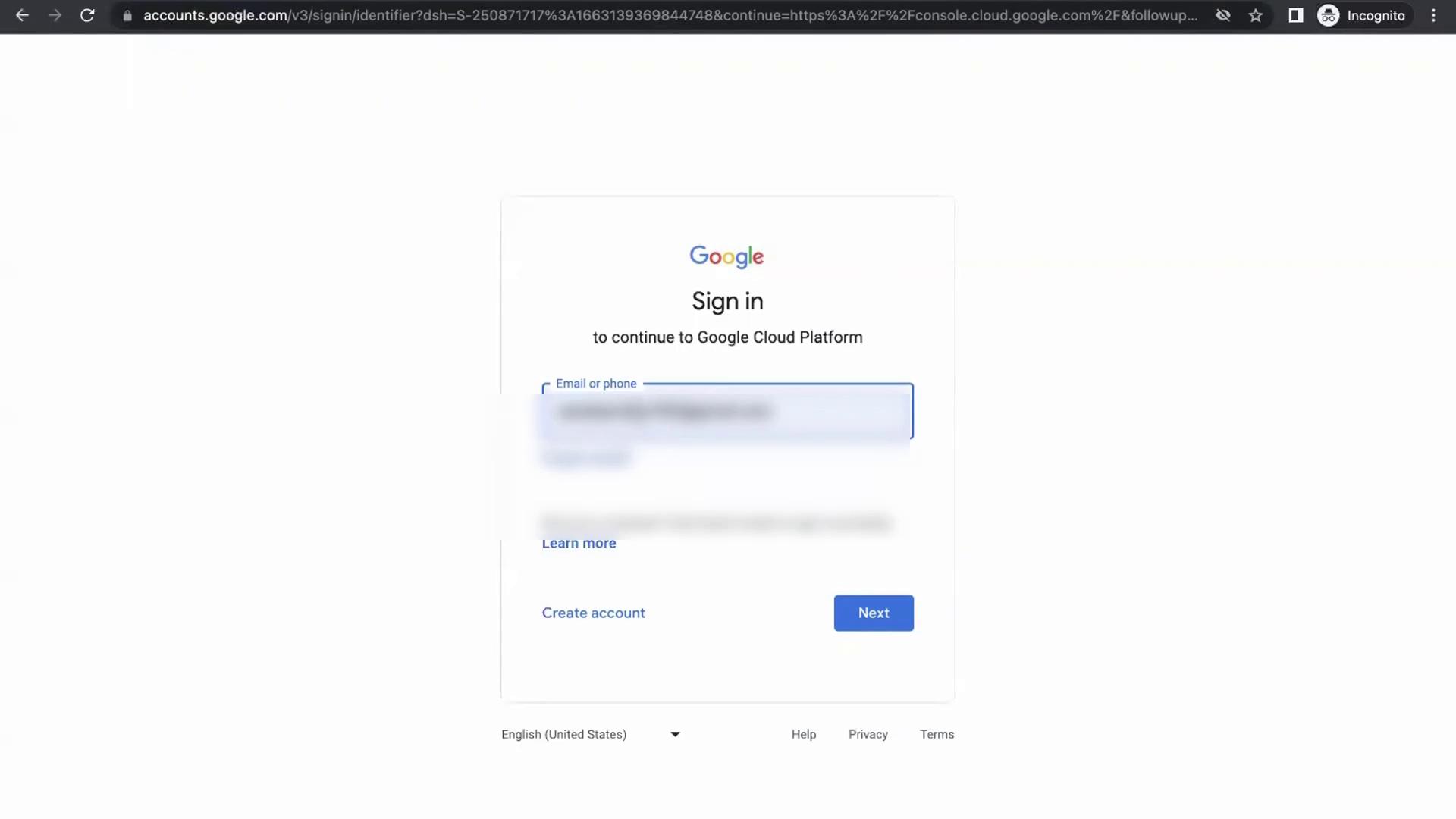
Enter your Gmail account credentials and click the next button:
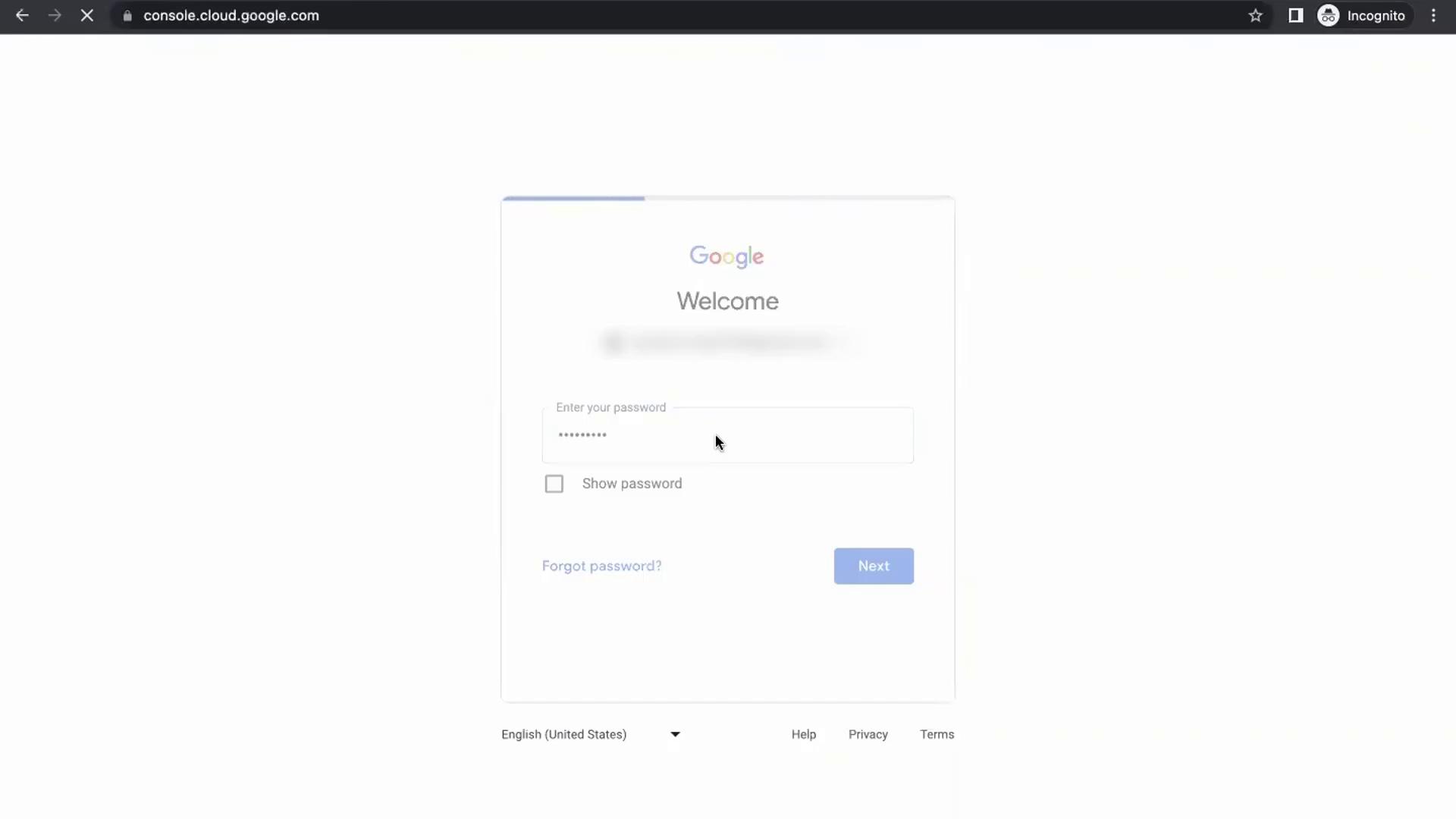
On the next page, you will be prompted to enter your password. After providing your password, you will be redirected to the GCP account dashboard:
## Step 3: Activating Your Free Trial
Once you access your account dashboard, you might see a pop-up inviting you to start your free trial. If the "Start your free trial" pop-up does not appear automatically, locate the gift box symbol within the blue tab. Clicking this symbol will reveal a white tab with the trial activation option.
New GCP users are given \$300 in credits to explore the platform for 90 days. This trial is perfect for testing various GCP services and learning the basics of cloud computing.
### To activate your free trial, follow these steps:
1. Click on the **Activate** button.
2. When prompted, complete the following:
* **Country Selection:** Choose the country where you reside.
* **Purpose of the Trial:** Select an option like "Personal Project."
* **Terms and Services:** Agree to the Terms and Services.
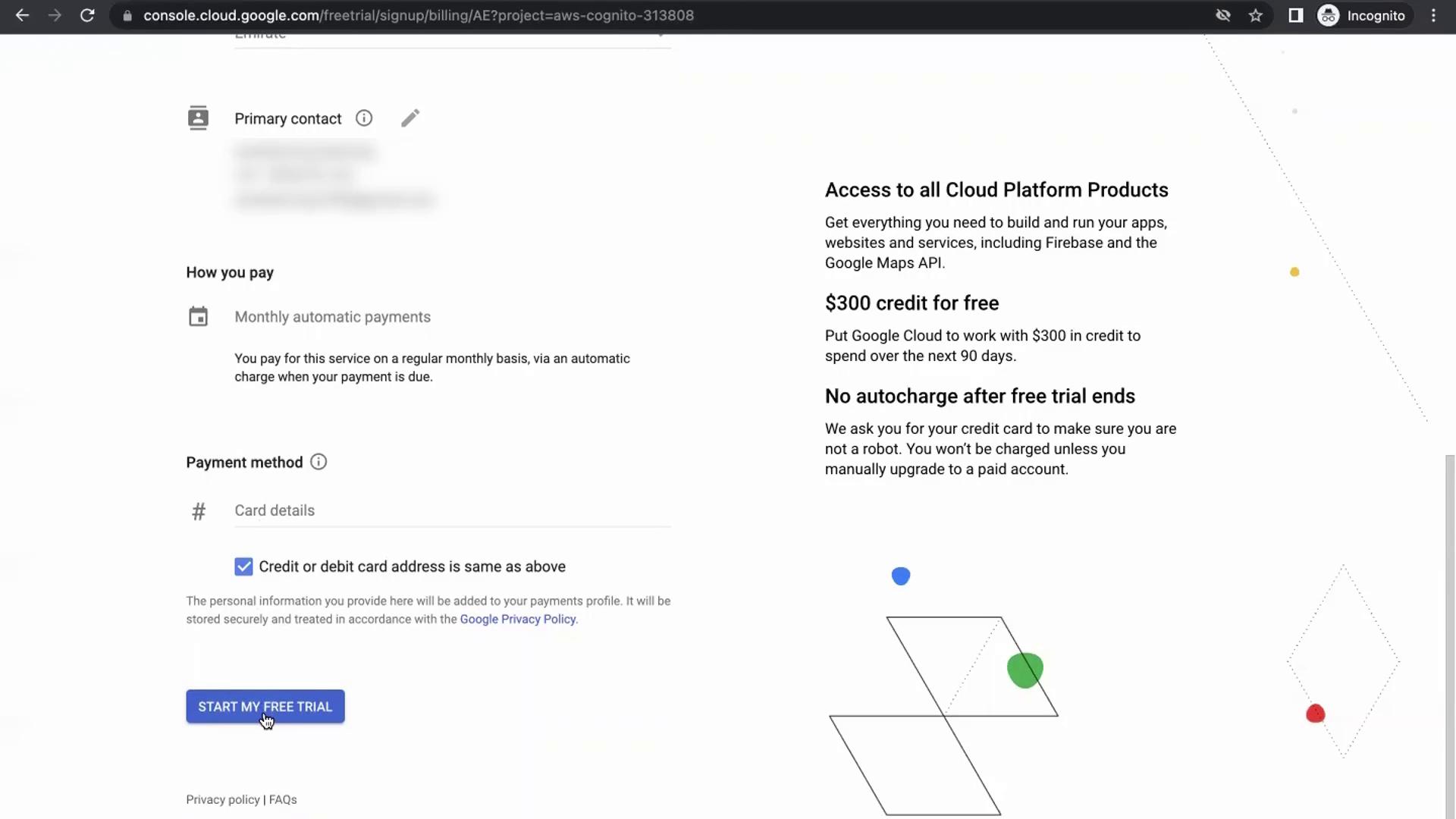
* **Billing Information:** Provide additional details including business information, primary contact data, and your credit card details.
After completing all the required fields, click **Start my free trial** to proceed.
Your billing information is used solely for account verification. No charges will be incurred as long as you operate within the free trial limits and the 90-day period.
## Step 4: Exploring Advanced Features
After activating your free trial, you now have full access to the GCP console. This allows you to explore a wide range of GCP services and features.
For further learning, consider these additional resources:
* [GCP Documentation](https://cloud.google.com/docs)
* [Google Cloud Platform Tutorials](https://cloud.google.com/training)
* [GCP Free Tier Overview](https://cloud.google.com/free)
Thank you for following this guide. Enjoy exploring Google Cloud Platform and leveraging its powerful features for your personal projects!