> ## Documentation Index
> Fetch the complete documentation index at: https://notes.kodekloud.com/llms.txt
> Use this file to discover all available pages before exploring further.
# Creating a GCP cloud account
> This lesson covers setting up a Google Cloud Platform account, including options, benefits, and tips to avoid unexpected charges.
Welcome to this lesson on setting up your Google Cloud Platform (GCP) account. In this guide, you’ll learn your two main options, the benefits of each, and important considerations to avoid unexpected charges.
## Table of Contents
* [Account Options](#account-options)
* [Benefits and Free Tier Details](#benefits-and-free-tier-details)
* [Step-by-Step: Personal GCP Account Creation](#step-by-step-personal-gcp-account-creation)
* [Cleanup Best Practices](#cleanup-best-practices)
* [References](#references)
***
## Account Options
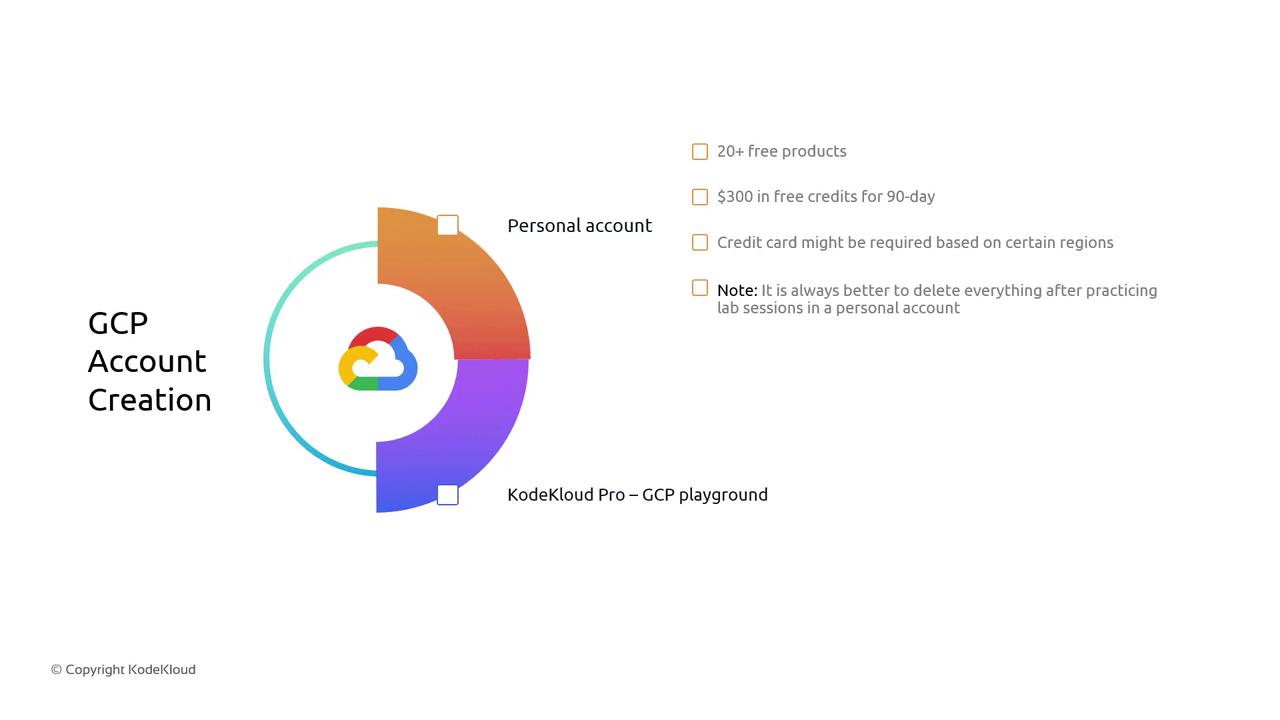
You have two ways to get started with GCP:
| Option | Description | Ideal For |
| ------------------------------ | --------------------------------------------------------------------------------------------------- | ----------------------------------------------------------- |
| Personal GCP Account (Free) | New users get \$300 USD in free credits (valid 90 days) and access to over 20 always-free products. | Individuals preparing for certifications, POCs, or learning |
| KodeKloud Pro’s GCP Playground | Preconfigured environment with ample resources specifically tailored for training and labs. | Students, professionals on KodeKloud Pro |
KodeKloud Pro’s Playground provides ephemeral environments. Resources reset after each lab, so you don’t need to worry about manual cleanup.
***
## Benefits and Free Tier Details
When you sign up for a personal GCP account:
* **\$300 USD free credit** valid for 90 days
* **20+ always-free products** out of 92 total GCP services
* Access to core services like Compute Engine, Cloud Storage, BigQuery, and more
After your \$300 USD credit or 90 days expire, any running services will incur standard GCP rates. Always delete unused resources to avoid billing surprises.
***
## Step-by-Step: Personal GCP Account Creation
Follow these steps to create your own GCP account:
1. Navigate to the [Google Cloud Console Sign-up page][gcpsignup].
2. Log in with your existing Google account or create a new one.
3. Follow the on-screen prompts:
* Enter personal information and billing details.
* Verify your identity; a credit card is required in some regions.
4. Accept the terms of service and select the free trial offer.
5. Once completed, you’ll see your GCP dashboard with \$300 credit balance.
```bash theme={null}
# Verify your free credits via gcloud CLI:
gcloud auth login
gcloud beta billing accounts list
```
***
## Cleanup Best Practices
To prevent unexpected charges:
* List all active resources:
```bash theme={null}
gcloud compute instances list
gcloud storage buckets list
```
* Delete or stop resources when not in use:
```bash theme={null}
gcloud compute instances delete INSTANCE_NAME
gcloud storage rm gs://BUCKET_NAME --recursive
```
* Review your Billing page regularly:
* Check current spend
* Set up budget alerts under Billing > Budgets & alerts
***
## References
* [Google Cloud Free Tier Overview][gcpfree]
* [Google Cloud Console Sign-up][gcpsignup]
* [GCP Documentation][gcpdocs]
[gcpfree]: https://cloud.google.com/free
[gcpsignup]: https://console.cloud.google.com/freetrial
[gcpdocs]: https://cloud.google.com/docs