> ## Documentation Index
> Fetch the complete documentation index at: https://notes.kodekloud.com/llms.txt
> Use this file to discover all available pages before exploring further.
# Kubernetes Refresher
> A concise overview of Kubernetes, its features, deployment options, and next steps for setting up on Google Kubernetes Engine.
Welcome back! After completing your Google Cloud Platform setup, it's time for a concise Kubernetes refresher. Kubernetes is the leading open-source container orchestration system that automates deployment, scaling, and management of containerized applications. You build your application into a container image—often with Docker—and Kubernetes takes care of scheduling, running, and scaling those containers in your production environment.
***
## What Is Kubernetes?
Kubernetes (or “K8s”) provides:
* **Automated container orchestration** for microservices
* **Declarative configuration** to define desired state
* **Self-healing** to restart or replace failing containers
* **Built-in service discovery** and load balancing
* **Secret and configuration management** outside of code
By centralizing these capabilities, K8s helps teams adopt robust DevOps practices and infrastructure as code.
***
## Key Features
### Automated Rollouts & Rollbacks
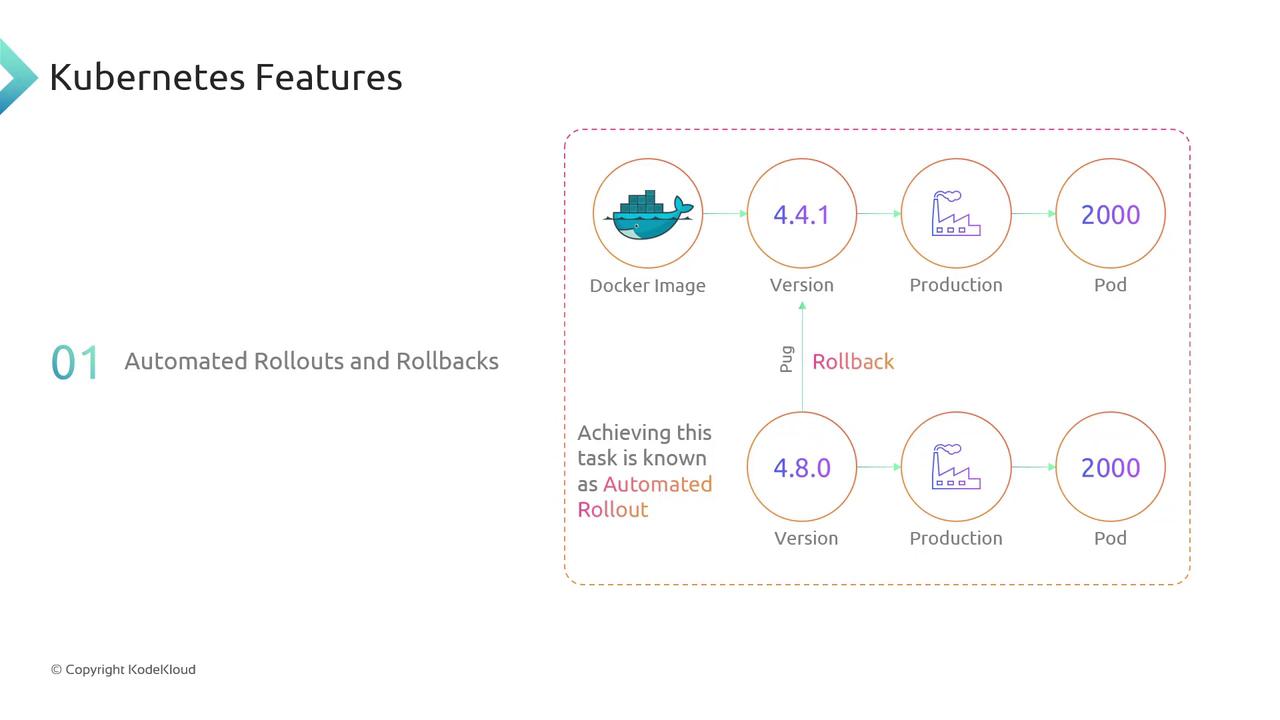
Kubernetes lets you perform rolling updates with zero downtime. Suppose you have version **4.4.1** of your Docker image running across **2,000 pods**. After building and tagging version **4.8**, you trigger a rolling update. Kubernetes gradually replaces the old pods, monitors health checks, and ensures continuity. If a critical bug appears in **4.8**, a single rollback command reverts your deployment back to **4.4.1**—fast and reliable.
### Self-Healing, Service Discovery & Load Balancing, and Security
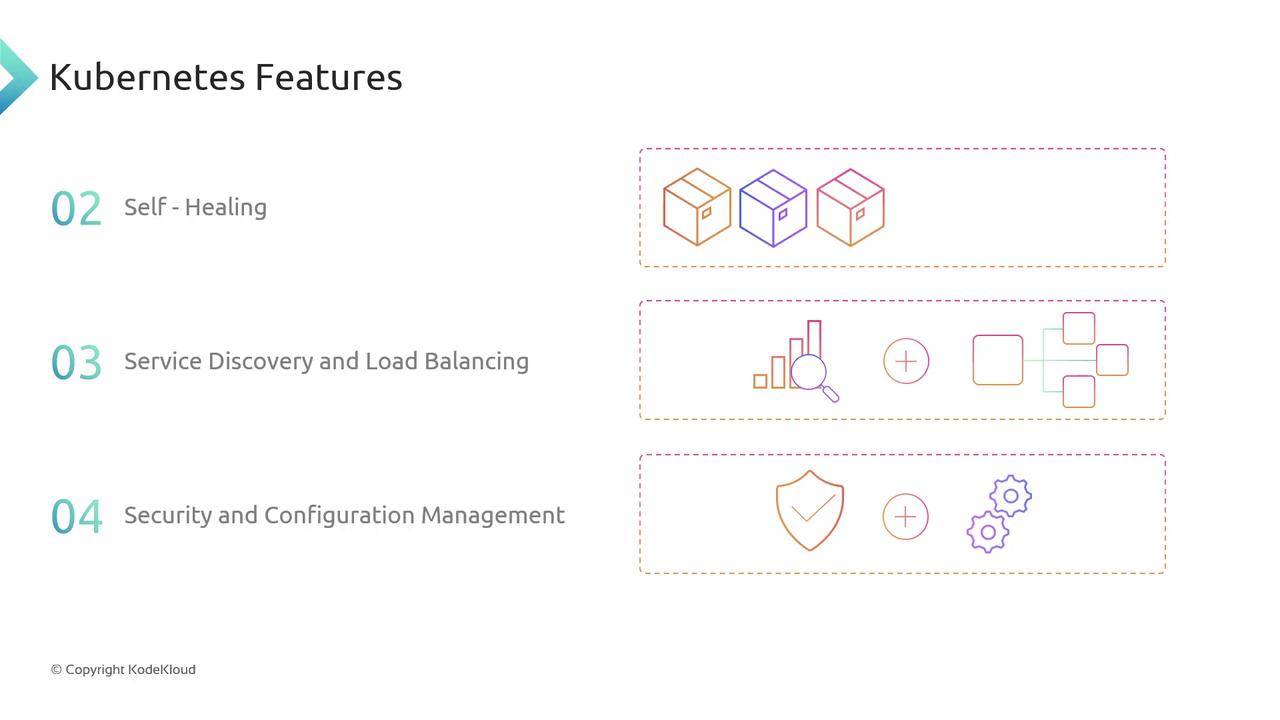
* **Self-Healing**: Continuously monitors pod health. Crashed containers are automatically restarted or replaced.
* **Service Discovery & Load Balancing**: Kubernetes DNS and Services route traffic evenly across healthy pods.
* **Security & Configuration Management**: Use **Secrets** and **ConfigMaps** to store sensitive credentials and application configuration separately from your images.
These features work together to keep your cluster in the declared state and strengthen your security posture.
***
## Deployment Options
Kubernetes can be installed and managed in multiple environments:
| Environment | Details | Examples |
| ------------- | ------------------------------------------------------------------- | ------------------------------------------------------------------------------------------------------------------------------------------------------ |
| Managed Cloud | Provider handles control plane upgrades, scaling, and patches | [EKS](https://aws.amazon.com/eks/), [GKE](https://cloud.google.com/kubernetes-engine), [AKS](https://azure.microsoft.com/services/kubernetes-service/) |
| On-Premises | Full control over hardware and network, higher operational overhead | **kubeadm**, Rancher, OpenShift |
Managed services free you from infrastructure maintenance, while on-premises clusters let you meet specific compliance or latency requirements.
In this course, we’ll deploy and manage a Kubernetes cluster on **Google Kubernetes Engine (GKE)**.
***
## Next Steps on GCP
Now that you’ve reviewed Kubernetes fundamentals, let’s dive into GKE setup:
1. Create a GKE cluster with `gcloud container clusters create`
2. Configure `kubectl` to point to your new cluster
3. Deploy sample workloads and explore scaling strategies
Happy container orchestration!