> ## Documentation Index
> Fetch the complete documentation index at: https://notes.kodekloud.com/llms.txt
> Use this file to discover all available pages before exploring further.
# Sprint 02
> This article focuses on setting up Google Cloud infrastructure and launching a Kubernetes cluster in Sprint 02.
In Sprint 02, we'll focus on establishing your Google Cloud infrastructure and launching your first Kubernetes cluster. By the end of this sprint, you’ll be ready to deploy containerized applications on GKE.
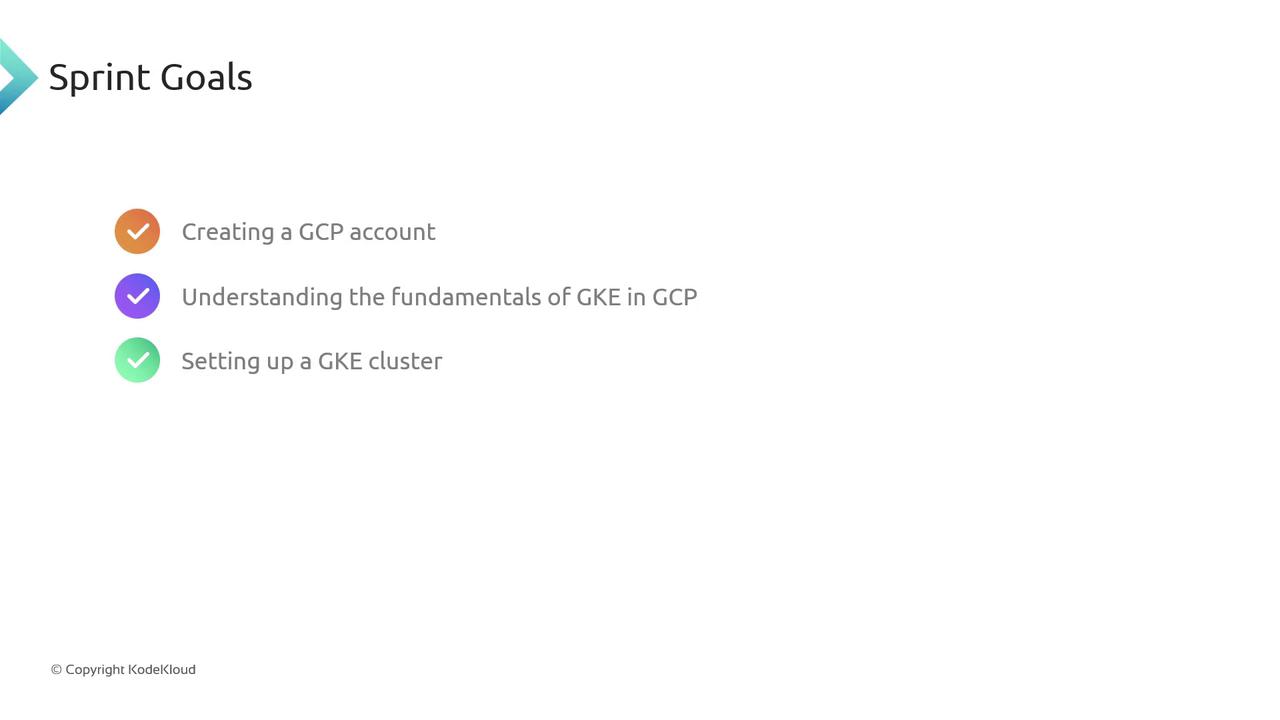
## Sprint Objectives
| Objective | Outcome |
| ---------------------- | -------------------------------------------------------------- |
| Create a GCP account | Set up your Google Cloud identity, billing, and permissions. |
| Learn GKE fundamentals | Explore pods, services, deployments, and cluster components. |
| Set up a GKE cluster | Provision a multi-node cluster using Google Kubernetes Engine. |
Feel free to share any questions or suggest additional tasks now. This helps the team refine the sprint plan and provide targeted guidance.
That’s all for Sprint 02! In the next lesson, we'll dive into creating your GCP account and configuring the Cloud Console.
## Links and References
* [GCP Free Tier Signup](https://cloud.google.com/free)
* [GKE Documentation](https://cloud.google.com/kubernetes-engine/docs)
* [Kubernetes Basics](https://kubernetes.io/docs/concepts/overview/what-is-kubernetes/)