> ## Documentation Index
> Fetch the complete documentation index at: https://notes.kodekloud.com/llms.txt
> Use this file to discover all available pages before exploring further.
# Sprint 03 Review
> This article reviews the design of a CI/CD pipeline on Google Cloud Platform, detailing completed work and outlining tasks for the next sprint.
Welcome back! In Sprint 03, we completed the design discussion around CI/CD on Google Cloud Platform (GCP), defined our problem statement, evaluated native GCP services, and selected the tools for an automated pipeline.
## Completed Work
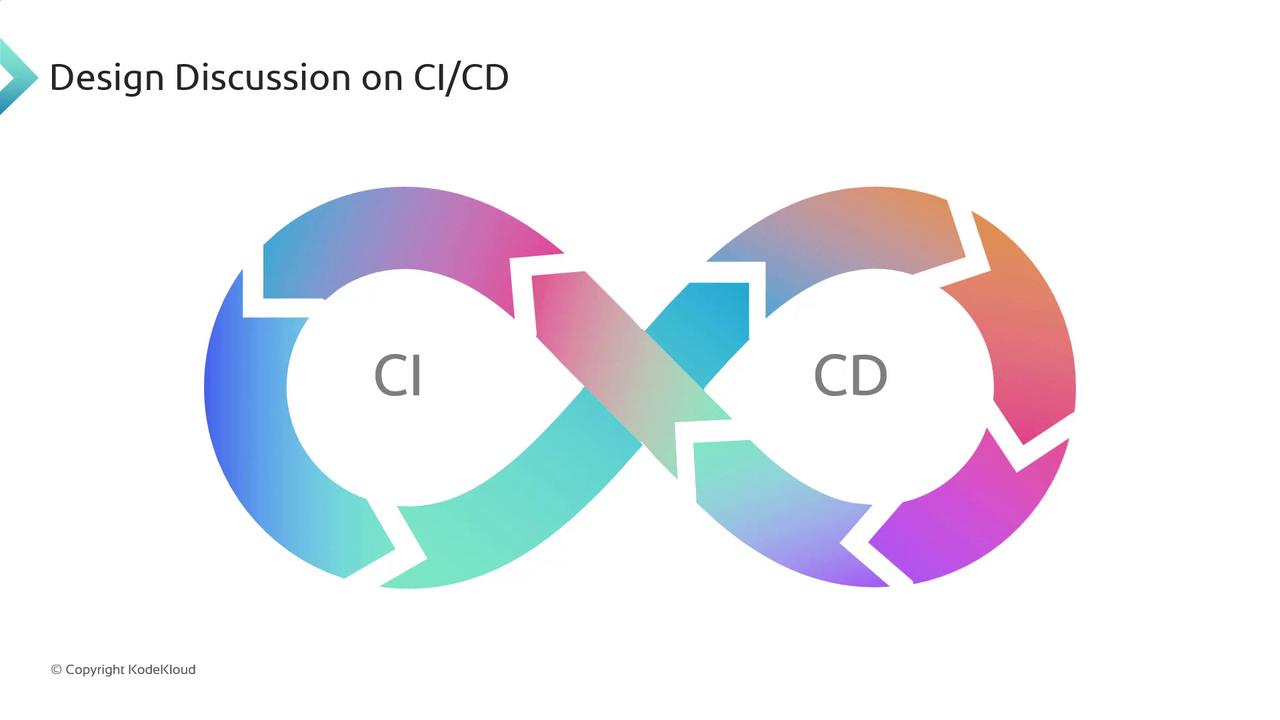
We mapped out Continuous Integration and Continuous Deployment as an “infinity loop” to show how commits flow through build, test, and deploy stages—emphasizing feedback loops and full automation.
***
## Next Sprint: Implementation Roadmap
In Sprint 04, we’ll shift focus to hands-on setup using GCP services. Below is our task breakdown:
| Task | Objective | Key Activities |
| ------------------------------- | --------------------------------------------- | ---------------------------------------------------------------------------------------------------------------------------- |
| Explore Cloud Build | Learn GCP’s managed CI service | • Configure build triggers
• Define steps & substitutions
• Author `cloudbuild.yaml` |
| Understand Artifact Registry | Compare to Container Registry | • Review repository types & regions
• Set IAM permissions
• Discuss supported artifacts (Docker, Maven, npm, etc.) |
| Implement Build & Push Pipeline | Automate Docker image creation and publishing | • Fetch source from GitHub
• Build with `cloudbuild.yaml`
• Tag & push to Artifact Registry |
Make sure your `cloudbuild.yaml` is correctly indented. Even a single space error can cause build failures.
Verify IAM roles for Cloud Build and Artifact Registry. Missing permissions will block image pushes.
***
The conceptual flow below illustrates how Cloud Build retrieves code from GitHub, builds a Docker image via `cloudbuild.yaml`, and securely pushes it to Artifact Registry with proper tagging and permissions.

***
That wraps up our Sprint 03 review. In the next lesson, we’ll deep-dive into Cloud Build configuration and create our first automated pipeline. See you soon!
***
## Links and References
* [Cloud Build Documentation](https://cloud.google.com/build/docs)
* [Artifact Registry Overview](https://cloud.google.com/artifact-registry/docs)
* [GCP IAM Roles for Cloud Build](https://cloud.google.com/iam/docs/understanding-roles)