> ## Documentation Index
> Fetch the complete documentation index at: https://notes.kodekloud.com/llms.txt
> Use this file to discover all available pages before exploring further.
# What tools in GCP can help us achieve this
> This article maps CI/CD requirements to Google Cloud Platform services, focusing on Cloud Build and Artifact Registry for containerized applications.
In this lesson, we’ll map our CI/CD requirements to Google Cloud Platform (GCP) services. If you’d prefer to explore on your own first, try searching for terms like “GCP CI/CD pipeline” or “Cloud Build alternatives in GCP.”
## Step 1: Select the Right GCP Services
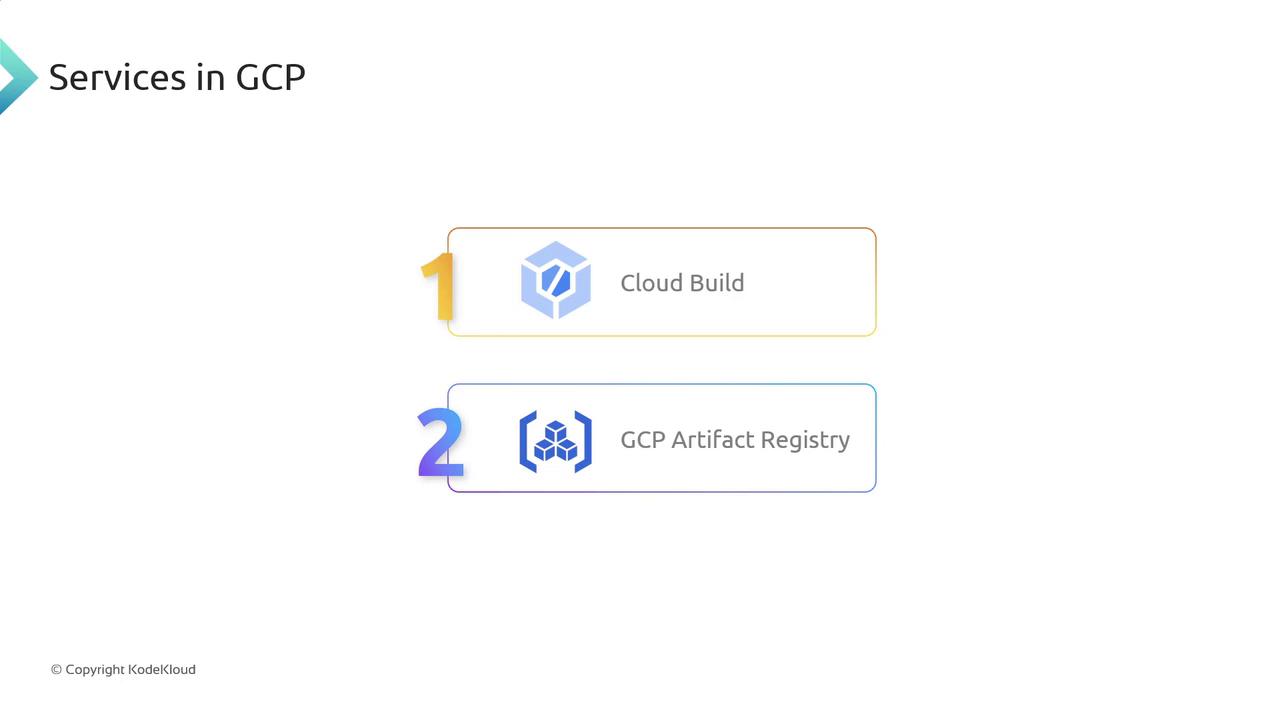
Within GCP, the two core services for building, storing, and deploying containerized applications are:
| Service | Purpose | Key Features |
| ----------------- | ----------------------------------------- | ----------------------------------------------- |
| Cloud Build | Continuous Integration & Delivery | Builds Docker images, runs tests, and deploys |
| Artifact Registry | Managed container and artifact repository | Stores Docker images, Helm charts, and binaries |
Cloud Build integrates directly with Cloud Source Repositories, GitHub, and Bitbucket. You can trigger builds automatically on code pushes or pull requests.
## Step 2: Visualize the CI/CD Pipeline
Below is a high-level diagram showing how Cloud Build and Artifact Registry work together in a typical pipeline:
## Step 3: CI/CD Workflow Breakdown
1. **Build & Push**
* A Cloud Build trigger fires on commits to your GitHub or Cloud Source Repository.
* Cloud Build executes a build config (`cloudbuild.yaml`), packages your application into a Docker image, and pushes it to Artifact Registry.
2. **Deploy to GKE**
* A second Cloud Build trigger detects the new image in Artifact Registry.
* Cloud Build pulls the image and applies Kubernetes manifests (or Helm chart) to your Google Kubernetes Engine (GKE) cluster.
Ensure that the Cloud Build service account has the [`artifactregistry.writer`](https://cloud.google.com/artifact-registry/docs/access-control#roles) and GKE permissions before running pipelines.
## Next Steps
Now that we’ve covered the CI/CD services in GCP:
* We’ll create the `cloudbuild.yaml` configuration.
* We’ll set up GitHub triggers and IAM roles.
* We’ll define Kubernetes deployment manifests or Helm charts.
Stay tuned for the detailed configuration guide!
## References
* [Cloud Build documentation](https://cloud.google.com/cloud-build/docs)
* [Artifact Registry documentation](https://cloud.google.com/artifact-registry/docs)
* [GKE Quickstart](https://cloud.google.com/kubernetes-engine/docs/quickstart)