> ## Documentation Index
> Fetch the complete documentation index at: https://notes.kodekloud.com/llms.txt
> Use this file to discover all available pages before exploring further.
# Cloudbuild in detail
> An in-depth look at Google Cloud Build, a serverless CI/CD platform covering features, integrations, security, and pricing.
Welcome to an in-depth look at **Google Cloud Build**, GCP’s fully managed, serverless CI/CD platform. In this guide, we’ll cover:
* What Cloud Build is and why teams adopt it
* Core features and artifact support
* How it scales and integrates with deployments
* Security, compliance, pricing, and configuration
## What Is Google Cloud Build?
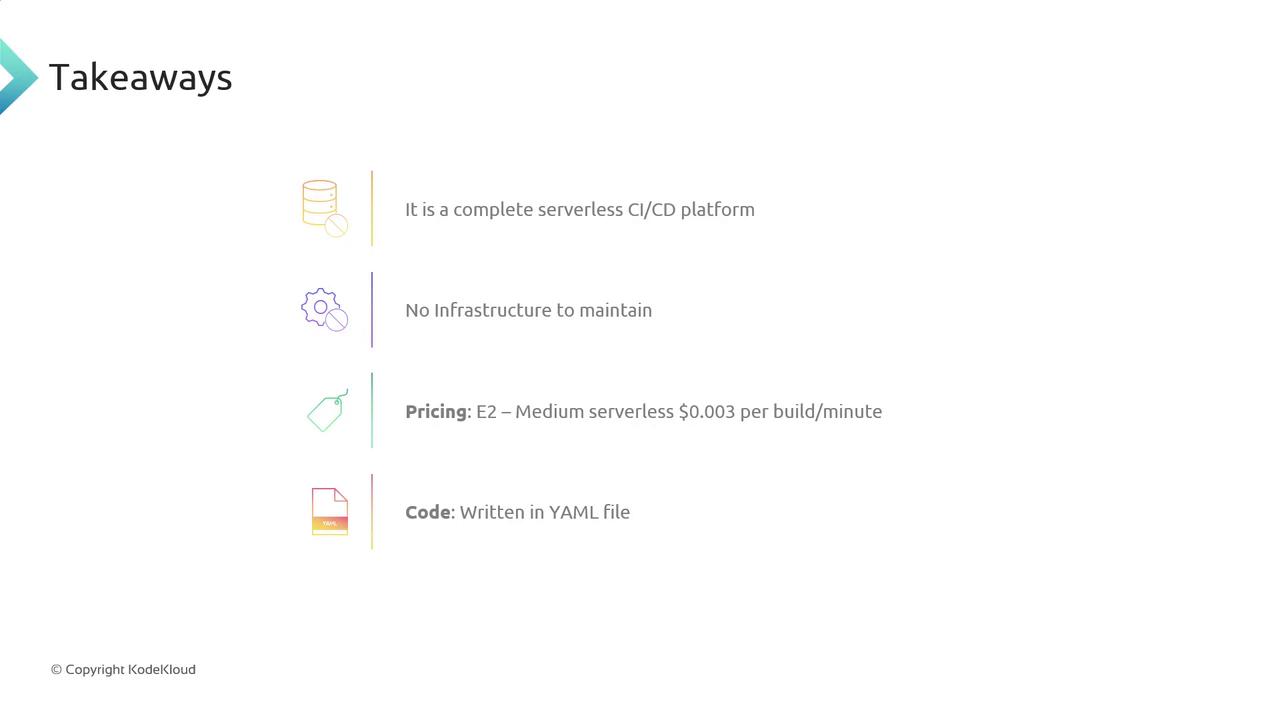
Google Cloud Build is a serverless CI/CD service that compiles, tests, and packages your code without the overhead of provisioning or maintaining build servers. It supports multiple languages and frameworks out of the box, producing artifacts such as JARs, Docker images, Python wheels, and more.
Key benefits include:
* Rapid builds across languages like Go, Node.js, Java, Python, Ruby, and .NET
* Integration with Artifact Registry, Container Registry, and Cloud Storage
* Fine-grained IAM controls and VPC Service Controls
## Core Features and Artifact Management
Cloud Build lets you:
* Build in multiple languages: Go, Node.js, Java, Python, Ruby, C#, and more
* Generate and store artifacts such as:
| Artifact Type | Format | Destination |
| --------------- | ------------- | --------------------------- |
| Container Image | Docker image | Artifact Registry, GCR |
| Java Package | JAR | Cloud Storage, Artifact Reg |
| Python Wheel | .whl | Cloud Storage |
| Generic | .zip, .tar.gz | Cloud Storage |
Cloud Build automatically detects Dockerfiles, Maven, and Gradle builds. You can extend support by defining custom build steps.
## Scalable Build Infrastructure
Choose from 15 virtual machine types—ranging from 1 vCPU/2 GB to 32 vCPU/128 GB—and run hundreds of parallel builds. Pay only for the build minutes you consume.
## Seamless Deployment Integrations
Once your build completes, deploy to any environment:
| Environment | GCP Service | Example Command |
| ------------ | --------------------- | ---------------------------------- |
| VMs | Compute Engine | `gcloud compute ssh INSTANCE -- …` |
| Serverless | Cloud Run, App Engine | `gcloud run deploy SERVICE` |
| Kubernetes | GKE | `kubectl apply -f deployment.yaml` |
| Web & Mobile | Firebase Hosting | `firebase deploy --only hosting` |
## Private CI/CD in Your VPC
All build steps execute inside your private cloud network—no public internet exposure is required.
## Compliance & Data Residency
Store build logs, metadata, and artifacts in specific regions to meet data-residency and GDPR requirements. Integrate with Audit Logging for complete traceability.
## Pricing & Simple Configuration
Cloud Build uses a pay-as-you-go model. For example, a medium machine (\~4 vCPU/16 GB) costs roughly **\$0.003 per build minute**—often much cheaper than managing your own CI/CD servers.
Define build steps in a `cloudbuild.yaml` file using straightforward YAML syntax:
```yaml theme={null}
steps:
- name: 'gcr.io/cloud-builders/git'
args: ['clone', 'https://github.com/your/repo.git']
- name: 'gcr.io/cloud-builders/mvn'
args: ['package']
- name: 'gcr.io/cloud-builders/docker'
args: ['build', '-t', 'gcr.io/$PROJECT_ID/app:$COMMIT_SHA', '.']
images:
- 'gcr.io/$PROJECT_ID/app:$COMMIT_SHA'
```
Place your `cloudbuild.yaml` in the repository root. Cloud Build auto-detects triggers once you connect a source repository.
## Up Next: Repository Integration & Build Triggers
Curious about connecting [GitHub][github] to Cloud Build or configuring triggers on push, pull request, or tag events? Stay tuned for the next lesson on **Cloud Build Triggers**.
***
## Links and References
* [Google Cloud Build Documentation](https://cloud.google.com/build/docs)
* [Artifact Registry](https://cloud.google.com/artifact-registry)
* [Kubernetes Basics][kubernetes-basics]
* [Jenkins][jenkins]
* [GitHub][github]
[github]: https://github.com/
[jenkins]: https://www.jenkins.io/
[kubernetes-basics]: https://kubernetes.io/docs/concepts/overview/what-is-kubernetes/