> ## Documentation Index
> Fetch the complete documentation index at: https://notes.kodekloud.com/llms.txt
> Use this file to discover all available pages before exploring further.
# Sprint 05 review
> The article reviews Sprint 05, focusing on enhancing GKE continuous delivery workflows through resource isolation, deployment automation, and validation of services.
## Overview
In Sprint 05, our team focused on extending our Google Kubernetes Engine (GKE) continuous delivery workflow. The primary objectives were to:
* Isolate resources by creating a dedicated Kubernetes namespace
* Deploy our container image using a Kubernetes Deployment manifest
* Automate build and deploy steps via Cloud Build
* Verify that pods and services are running as expected
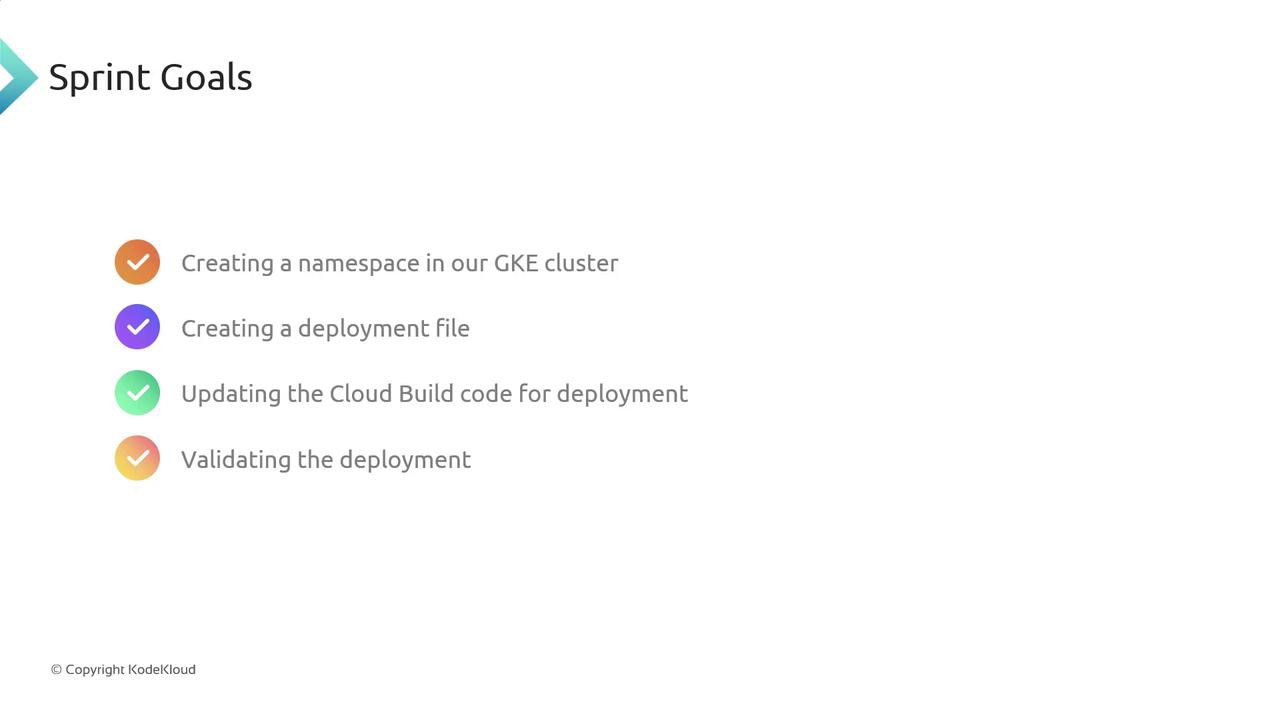
## Sprint Goals
| Objective | Description |
| --------------------- | --------------------------------------------------------------------- |
| Namespace Creation | Provision a new namespace in GKE for application isolation |
| Deployment Manifest | Define a `Deployment` YAML to run our container image at scale |
| CI/CD Pipeline Update | Upgrade the Cloud Build configuration to build & deploy automatically |
| Deployment Validation | Confirm pods are ready and services are reachable |
## Achievements
* **Namespace Provisioned**\
Successfully created `my-app-namespace` in our [GKE cluster](https://cloud.google.com/kubernetes-engine).
* **Deployment Manifest Applied**\
Deployed `app-deployment.yaml` with replica scaling and liveness probes.
* **Cloud Build Pipeline Modified**\
Added build triggers and deployment steps to `cloudbuild.yaml`.
* **End-to-End Validation**\
Verified pod readiness with `kubectl get pods` and service endpoints via `kubectl port-forward`.
A Cloud Build step failed due to an outdated builder image. Always inspect build logs with:
```bash theme={null}
gcloud builds log BUILD_ID
```
Then update the `cloudbuild.yaml` to reference the latest builder tags.
## Key Takeaways
* Automating deployments with Cloud Build reduces manual errors.
* Namespaces provide effective isolation for development and production workloads.
* Regularly update pipeline images and inspect CI logs for faster troubleshooting.
## References
* [GKE Documentation](https://cloud.google.com/kubernetes-engine/docs)
* [Kubernetes Deployments](https://kubernetes.io/docs/concepts/workloads/controllers/deployment/)
* [Cloud Build Overview](https://cloud.google.com/build/docs)