> ## Documentation Index
> Fetch the complete documentation index at: https://notes.kodekloud.com/llms.txt
> Use this file to discover all available pages before exploring further.
# Prepare the cluster for accessibility and management
> This article discusses managing Google Kubernetes Engine clusters through resource organization, security policies, and operations using kubectl, labels, and tags.
When managing Google Kubernetes Engine (GKE) clusters, it’s essential to organize resources, enforce security policies, and streamline operations. By combining the `kubectl` CLI with Google Cloud labels and tags, you can simplify cluster navigation, auditing, and access control for optimal resource management.
## Accessing a GKE cluster with kubectl
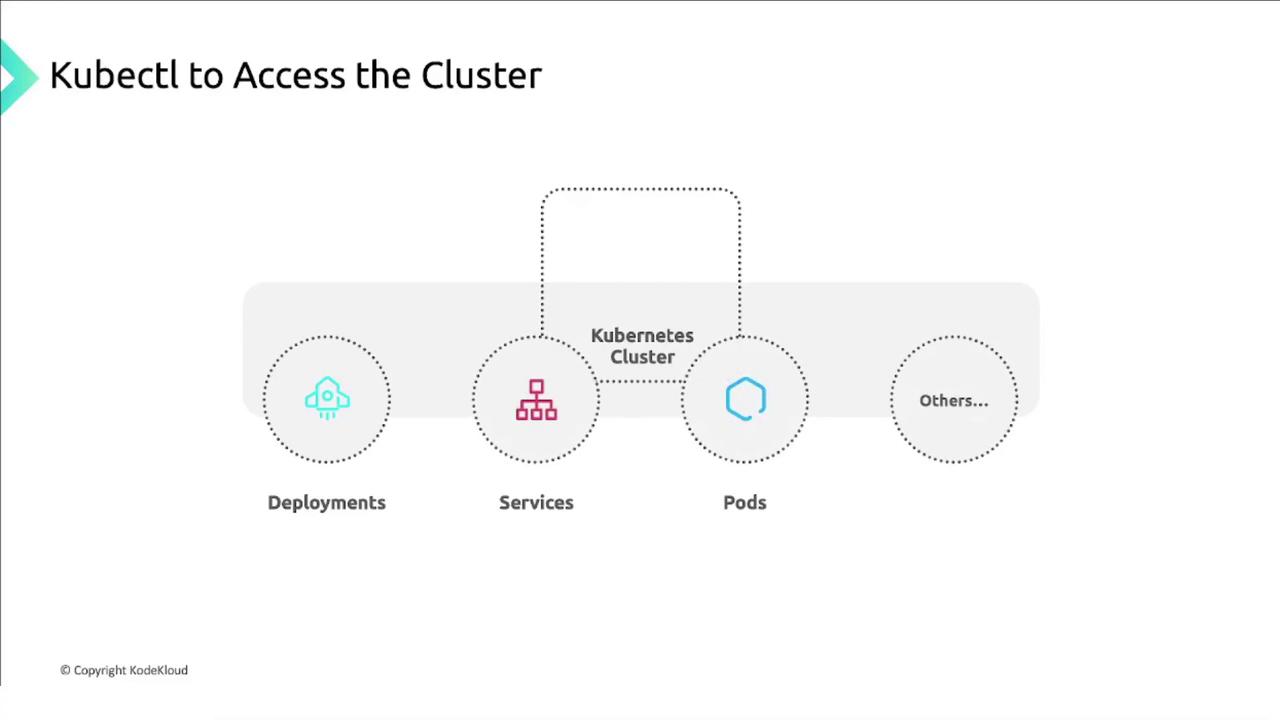
`kubectl` is the primary tool for interacting with Kubernetes resources—Deployments, Services, Pods, and more. To connect to your GKE cluster:
### Installation and configuration steps
1. Install `kubectl` via the Google Cloud CLI
2. Verify the `kubectl` client version
3. Install the GKE authentication plugin
4. Confirm the plugin installation
5. Retrieve your cluster credentials
```bash theme={null}
# 1. Install kubectl
gcloud components install kubectl
# 2. Verify the client version
kubectl version --client
# 3. Install GKE auth plugin
gcloud components install gke-gcloud-auth-plugin
# 4. Check plugin version
gke-gcloud-auth-plugin --version
# 5. Fetch cluster credentials
gcloud container clusters get-credentials CLUSTER_NAME \
--region COMPUTE_REGION
```
If you’re using Google Cloud Shell, both `kubectl` and the GKE auth plugin are pre-installed.
## Organizing clusters with GKE labels
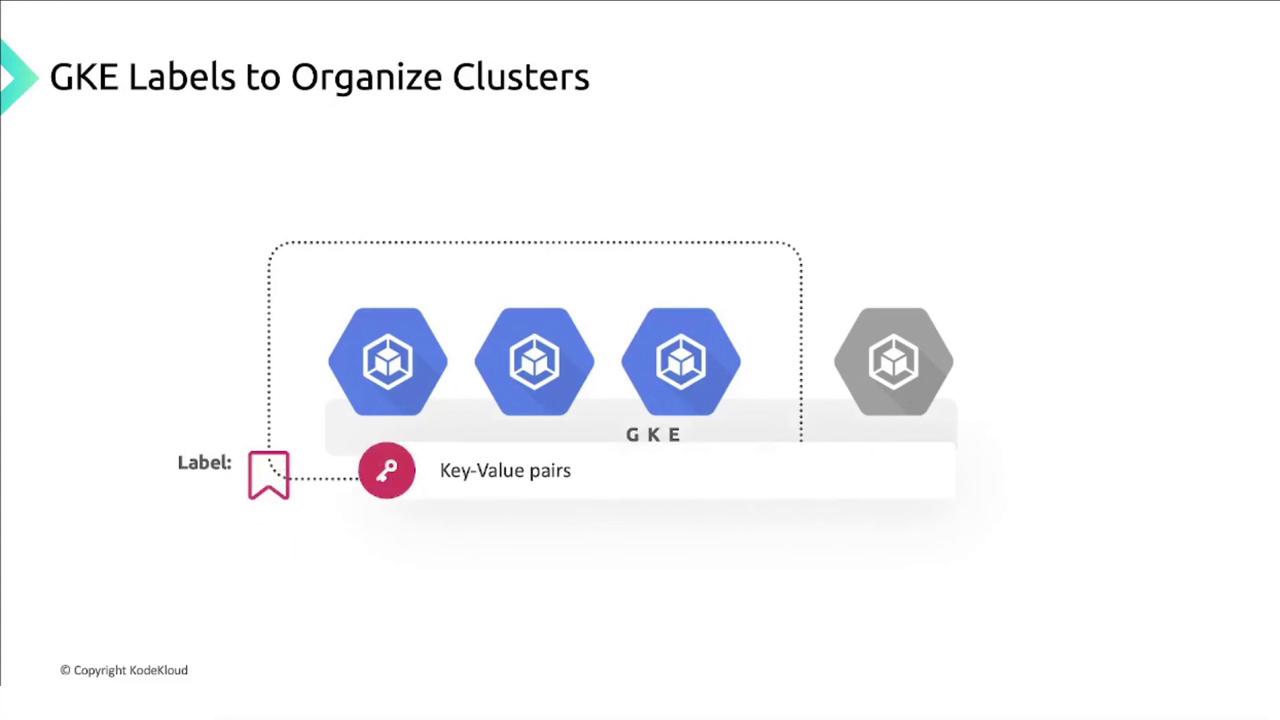
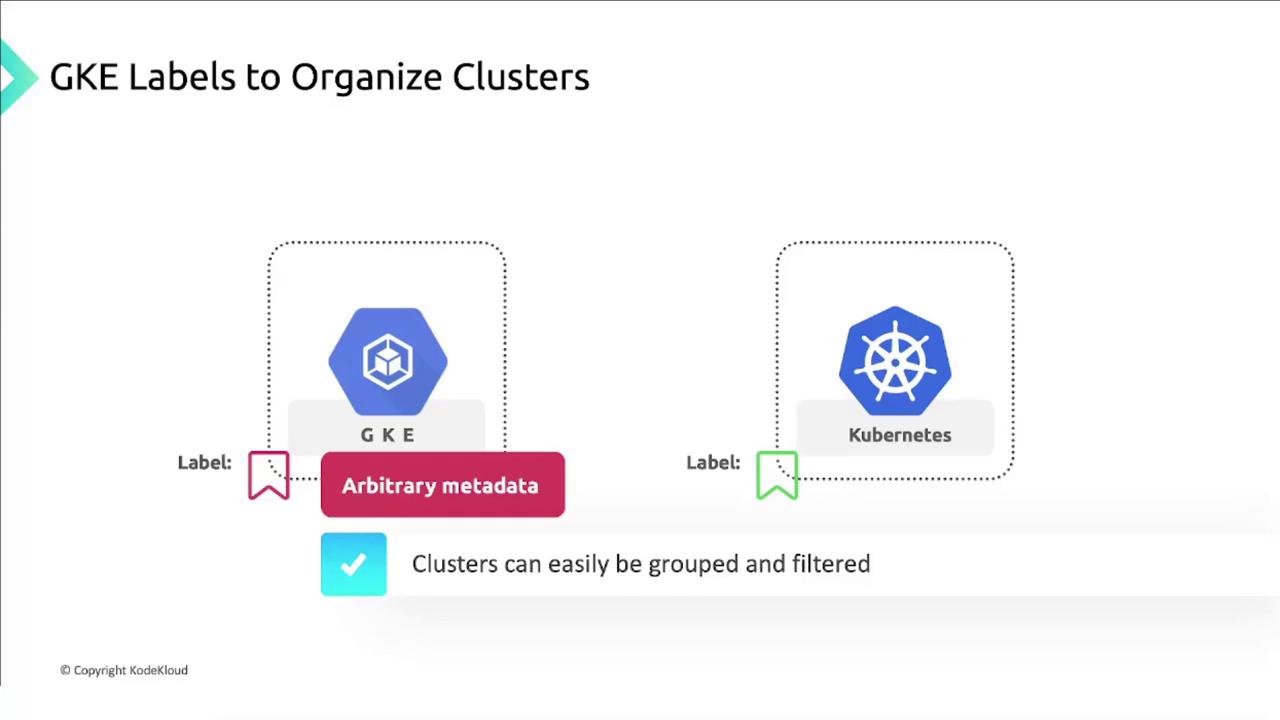
GKE labels are user-defined key–value pairs attached to clusters and node pools. Unlike Kubernetes resource labels, these labels serve metadata purposes such as billing, grouping, and cost tracking.
Although cluster labels and Kubernetes pod labels are conceptually similar, they do not inherit from one another. They function independently to help you filter and manage Google Cloud resources.
### Common use cases for cluster labels
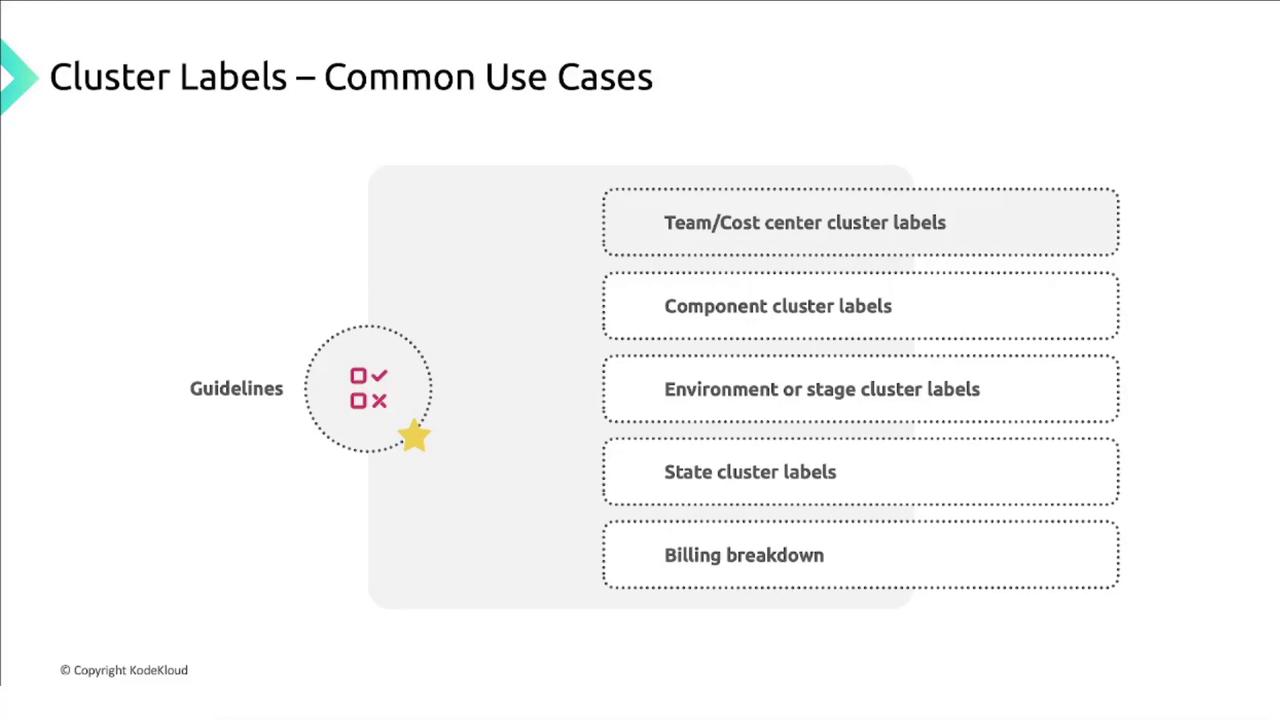
| Use Case | Description | Example Label |
| ------------------- | ------------------------------------------ | ------------------- |
| Team or cost center | Assign ownership for budgeting and billing | `team=research` |
| Component | Identify hosted services | `component=ingress` |
| Environment/stage | Differentiate deployment lifecycle | `environment=prod` |
| State | Track resource lifecycle status | `state=active` |
| Billing breakdown | Allocate costs across departments | `billing=marketing` |
Avoid creating high-cardinality labels (e.g., timestamp-based) to prevent label sprawl and maintain efficient resource filtering.
## Controlling access with GKE tags
Google Cloud tags are another form of key–value metadata that apply across all GCP resources, including GKE clusters. By combining tags with IAM policies, you can enforce conditional access and uniform security configurations.
* Define tags on clusters (for example, `env=prod`, `env=dev`).
* Reference those tags in IAM policies to grant or restrict roles.
* Maintain consistent access controls and simplify policy management.

## Links and References
* [Kubernetes kubectl Reference](https://kubernetes.io/docs/reference/kubectl/)
* [GKE Documentation](https://cloud.google.com/kubernetes-engine/docs)
* [GCP Resource Manager Tags Overview](https://cloud.google.com/resource-manager/docs/tags-overview)