> ## Documentation Index
> Fetch the complete documentation index at: https://notes.kodekloud.com/llms.txt
> Use this file to discover all available pages before exploring further.
# Section Introduction
> This guide covers deploying and managing Google Kubernetes Engine, including cluster modes, management, scaling, upgrading, and monitoring with hands-on labs.
Welcome to this comprehensive guide on deploying and managing Google Kubernetes Engine (GKE). Whether you’re new to Kubernetes or looking to optimize your existing clusters, this lesson covers:
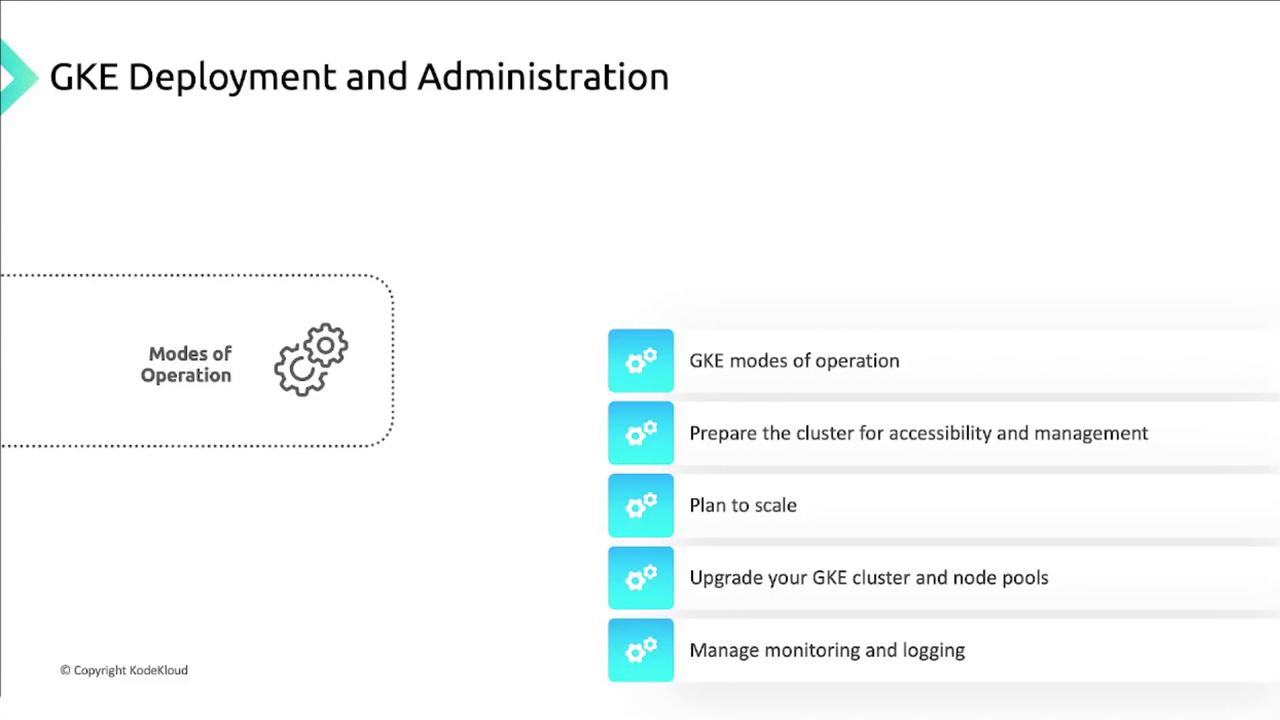
* GKE cluster modes of operation
* Cluster accessibility and management
* Scaling and upgrading strategies
* Monitoring and logging with Cloud Operations
We’ll also walk through hands-on lab activities so you can apply these concepts in real time.
## What You’ll Learn
| Topic | Description |
| ---------------------- | ------------------------------------------------------------------------------ |
| GKE Modes of Operation | Compare Autopilot, Standard, and private clusters |
| Cluster Preparation | Configure networking, IAM, and security |
| Scaling & Upgrades | Implement cluster autoscaling, node auto-provisioning, and version upgrades |
| Monitoring & Logging | Leverage Cloud Operations to monitor, alert, and visualize cluster performance |
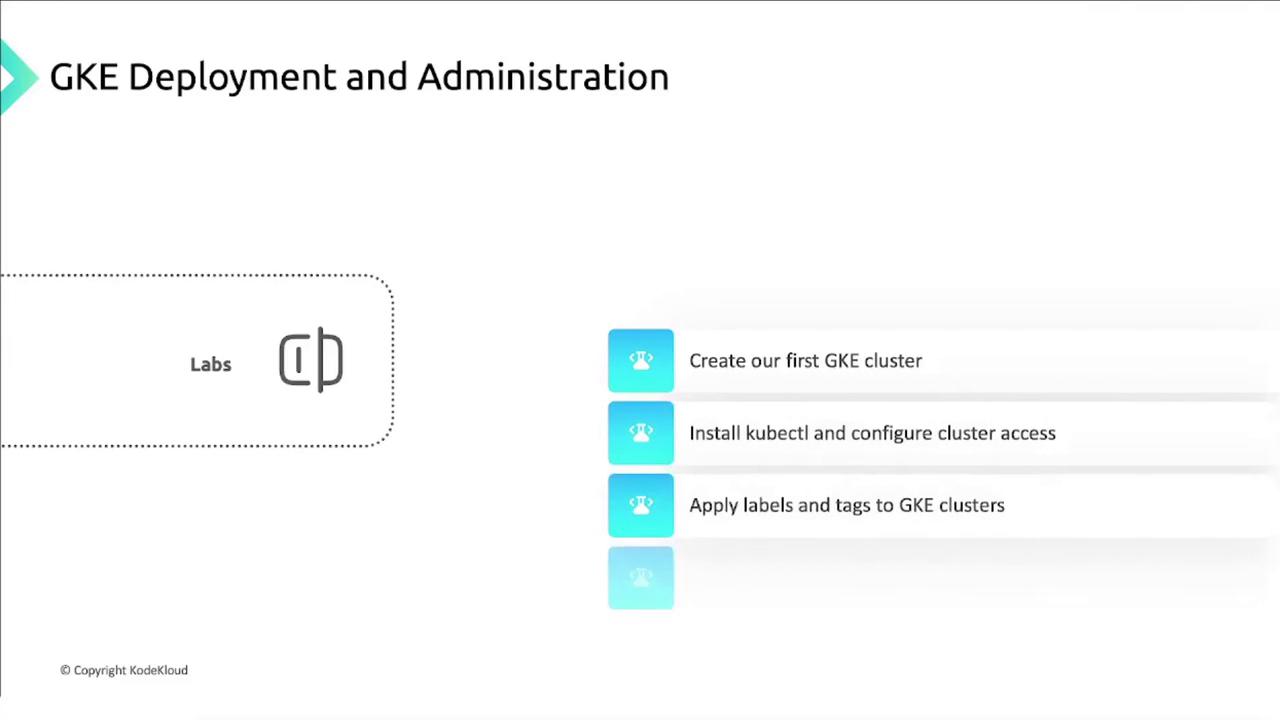
| Hands-On Labs | Create clusters, install `kubectl`, and apply labels/tags |
GKE combines Google’s infrastructure with open-source Kubernetes, enabling you to focus on applications rather than managing control planes.\
Learn more in the [GKE Documentation](https://cloud.google.com/kubernetes-engine/docs).
### Detailed Topics
1. **GKE Cluster Modes of Operation**\
Explore the differences between Standard, Autopilot, and Private clusters, and determine which mode aligns with your organizational needs.
2. **Preparing Your Cluster**
* Configure networking (VPC, firewall rules)
* Set up IAM roles and policies
* Enable private endpoint and master authorized networks
3. **Scaling and Upgrading**
* Cluster Autoscaling
* Node Auto-Provisioning
* Rolling and surge upgrades for both clusters and node pools
4. **Monitoring and Logging**\
Integrate with the [Cloud Operations suite](https://cloud.google.com/products/operations) to track metrics, set alerts, and visualize logs.
## Hands-On Lab Exercises
1. **Create a GKE Cluster**
```bash theme={null}
gcloud container clusters create my-gke-cluster \
--zone us-central1-c \
--machine-type n1-standard-1
```
2. **Install kubectl**
```bash theme={null}
gcloud components install kubectl
```
3. **Apply Labels and Tags**
```bash theme={null}
kubectl label nodes environment=production
gcloud compute instances add-tags --tags=k8s-node
```
By the end of this lesson, you’ll have a well-architected GKE environment and the skills to maintain it at scale. Let’s get started!