> ## Documentation Index
> Fetch the complete documentation index at: https://notes.kodekloud.com/llms.txt
> Use this file to discover all available pages before exploring further.
# Backing up your GKE cluster
> Backup for GKE is a managed service for backing up and restoring workloads in Google Kubernetes Engine clusters.
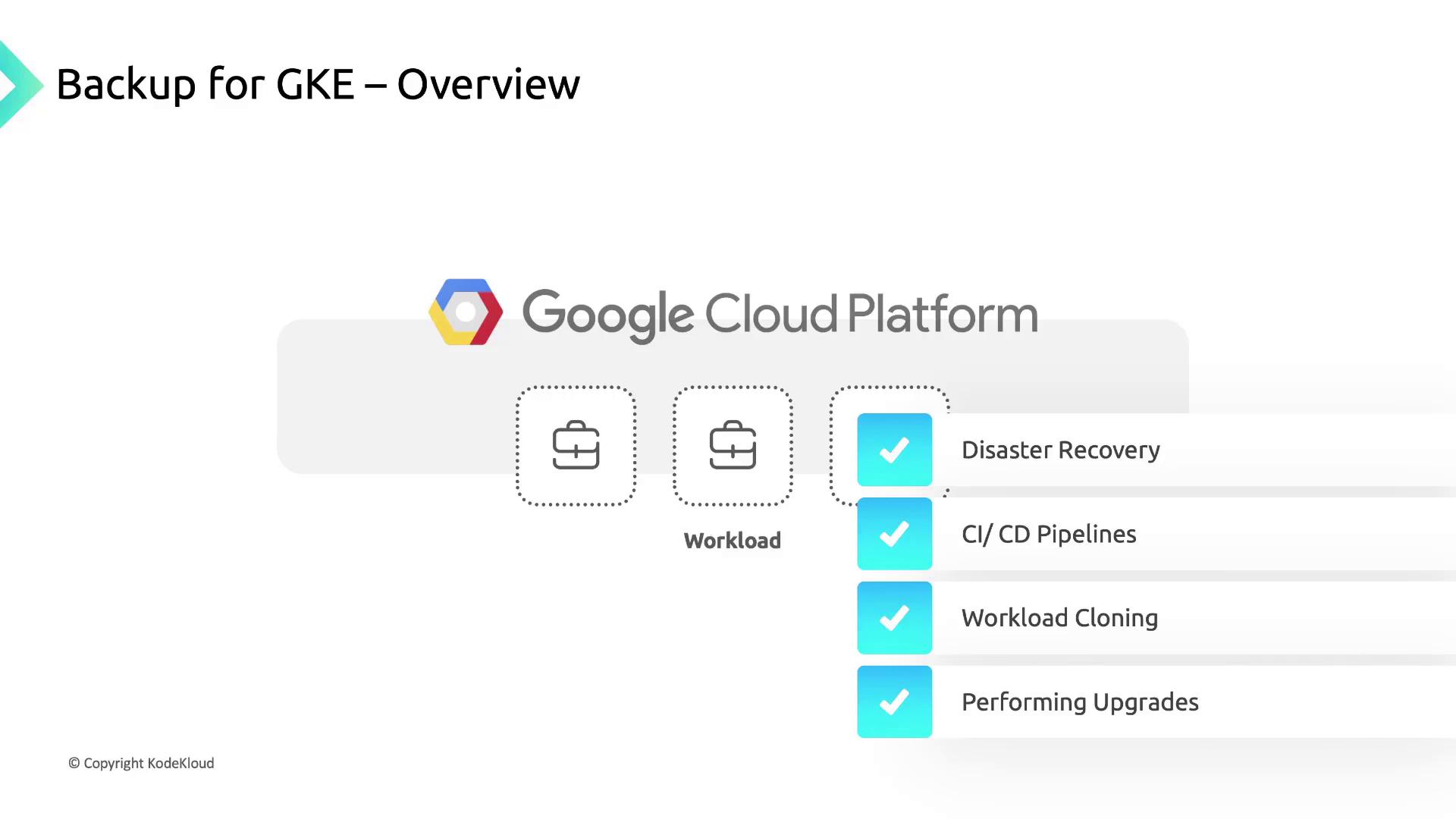
Backup for GKE is a fully managed Google Cloud service that lets you consistently back up and restore workloads running in Google Kubernetes Engine (GKE) clusters. By creating regular snapshots of your Kubernetes resources and persistent volumes, you can:
* Accelerate disaster recovery and minimize downtime
* Support CI/CD pipelines and environment cloning
* Perform cluster upgrades and migrations safely
* Meet Recovery Point Objectives (RPOs) and compliance requirements
## Enabling and Using Backup for GKE
Follow these steps to get started with Backup for GKE in your cluster:
1. **Enable the add-on**\
Enable the Backup for GKE add-on on your target cluster using the Cloud Console or `gcloud`:
```bash theme={null}
gcloud container clusters update CLUSTER_NAME \
--region=REGION \
--update-addons=BackupRestore=ENABLED
```
2. **Configure a Backup Plan**\
Define which namespaces, workloads, or volumes you want to include. You can back up:
* All workloads in the cluster
* Specific namespaces or labels
* Individual PersistentVolumeClaims (PVCs)
3. **Create a Backup**\
Trigger an ad-hoc backup or schedule recurring jobs:
```bash theme={null}
gcloud beta backup for-gke backups create BACKUP_NAME \
--cluster=CLUSTER_NAME \
--backup-plan=BACKUP_PLAN_NAME
```
4. **Restore a Backup**\
Target any GKE cluster with the add-on enabled. You can restore into:
* The original cluster (overwriting existing resources)
* A different cluster for cloning or testing
Before using Backup for GKE, ensure your IAM user or service account has the [`roles/gkebackup.admin`](https://cloud.google.com/iam/docs/understanding-roles#k8s) role.
## Backup for GKE Architecture
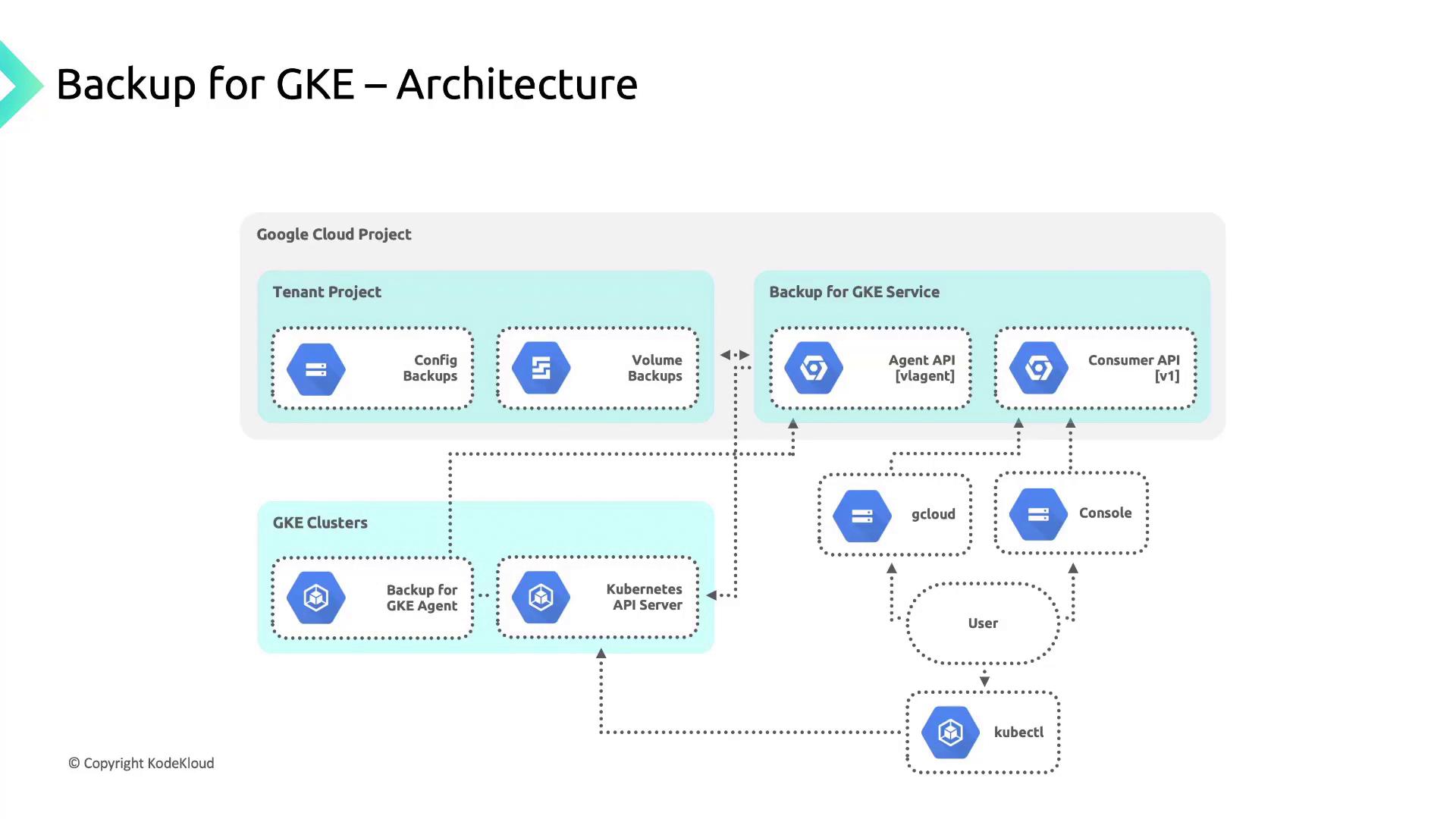
Backup for GKE consists of two primary components that work together to orchestrate backups and restores:
| Component | Description | Location |
| -------------------- | ----------------------------------------------------------------------------------------------------------------- | ---------------------- |
| Backup for GKE API | A RESTful control plane managed by Google that exposes resources to create, list, and manage backups. | Google-managed project |
| Backup for GKE Agent | Installed as an add-on in your cluster; it serializes Kubernetes resources, snapshots PVCs, and handles restores. | Your GKE cluster |
## Supported vs. Excluded Resources
Backup for GKE automatically captures Kubernetes manifests and the data in PersistentVolumeClaims. However, some elements are **not** included:
| Backed Up | Not Backed Up |
| --------------------------------------------------------------- | -------------------------------------------------------------------------------- |
| All Kubernetes objects (Pods, Deployments, ConfigMaps, Secrets) | Cluster configuration (node pools, network policies, Cloud Auth settings) |
| PVC data (via snapshots) | Container images (manifests reference images; actual image blobs are not stored) |
| Namespace and label selectors | External service state (Cloud SQL, external load balancers, CDN configurations) |
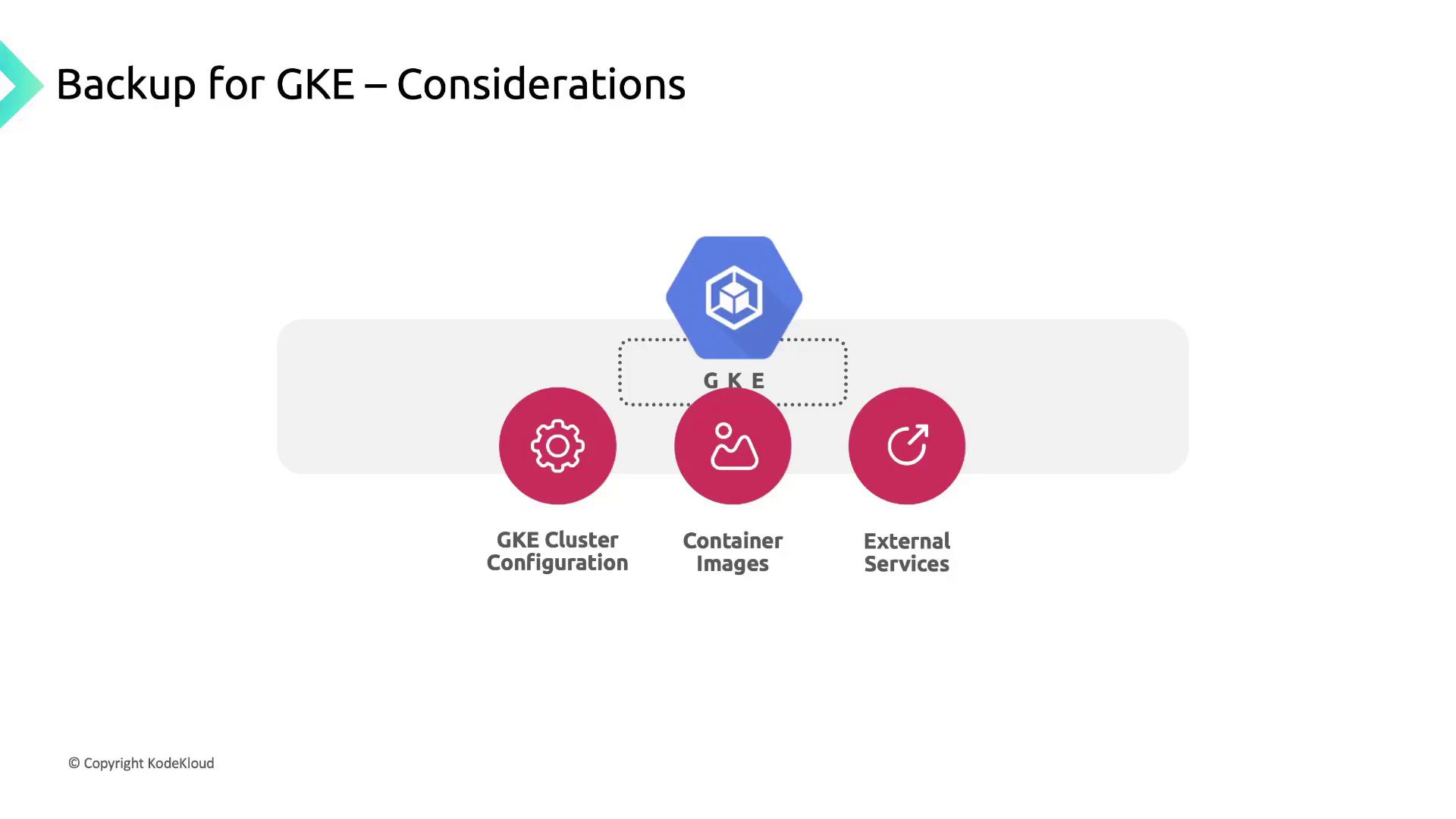
If an image is removed from its registry after you’ve backed up the manifest, restores that reference will fail. Always maintain image retention policies or mirror images in a private registry.
## Designing a Comprehensive Recovery Strategy
To ensure full resilience and meet your RPO/RTO goals, augment Backup for GKE with:
* **Cluster Configuration Management**\
Use Infrastructure as Code (IaC)—Terraform or Deployment Manager—to version and restore node pools, network settings, and IAM policies.
* **Container Image Retention**\
Implement image lifecycle policies in Artifact Registry or Container Registry to prevent accidental deletion.
* **External Service Backups**\
Schedule snapshots for managed databases (e.g., Cloud SQL) and configurations for external load balancers or DNS records.
## Links and References
* [Backup for GKE Documentation](https://cloud.google.com/kubernetes-engine/docs/add-on/backup-for-gke)
* [Google Cloud IAM Roles for GKE](https://cloud.google.com/iam/docs/understanding-roles#k8s)
* [Kubernetes Resource API Concepts](https://kubernetes.io/docs/concepts/overview/working-with-objects/kubernetes-objects/)