> ## Documentation Index
> Fetch the complete documentation index at: https://notes.kodekloud.com/llms.txt
> Use this file to discover all available pages before exploring further.
# Google Kubernetes Engine A Google Managed Service
> Google Kubernetes Engine is a fully managed service for deploying, scaling, and operating containerized applications on Google’s infrastructure.
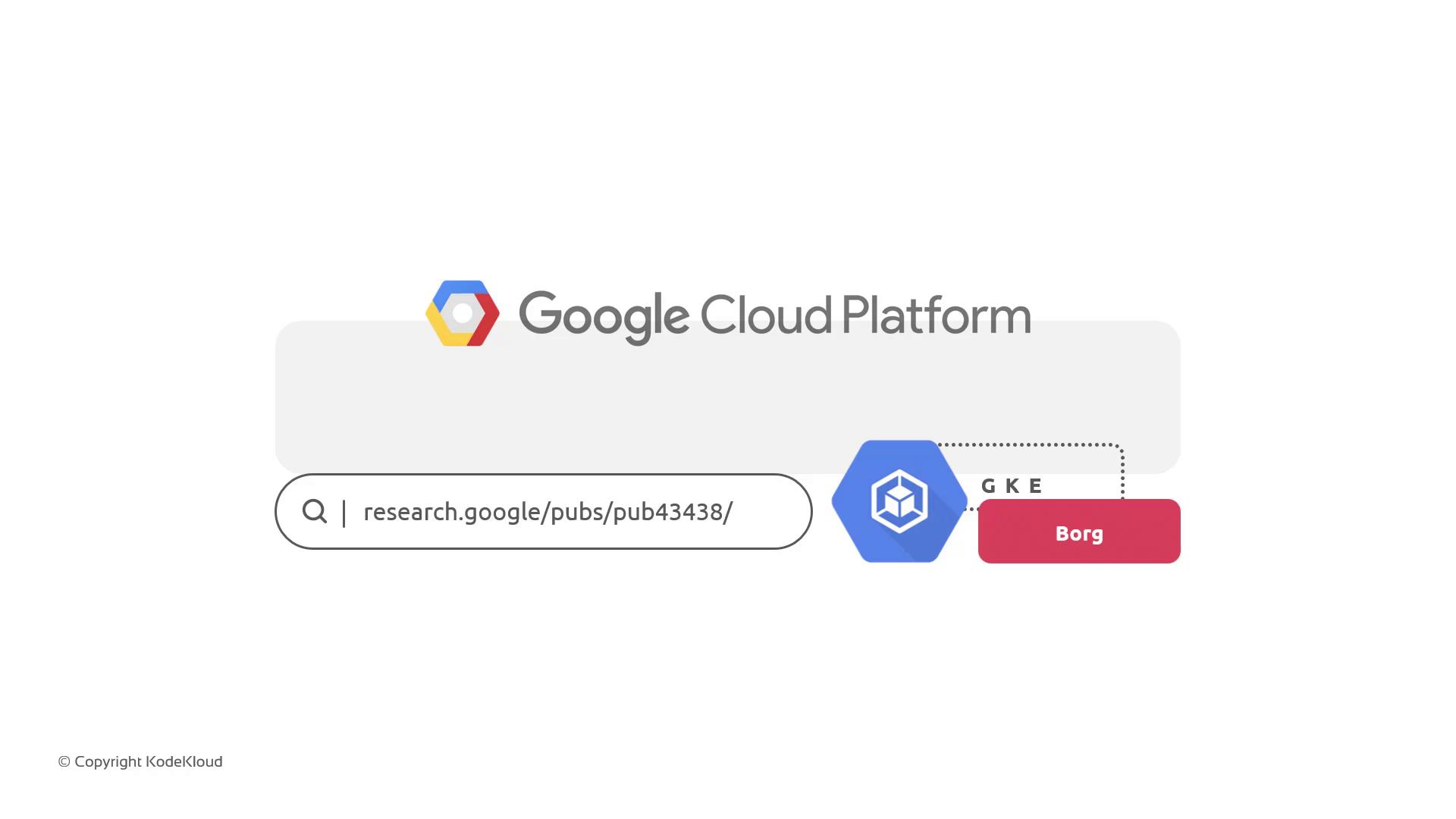
Google Kubernetes Engine (GKE) is Google’s fully managed implementation of the open-source container orchestration platform [Kubernetes](https://kubernetes.io). It enables you to deploy, scale, and operate containerized applications on Google’s infrastructure, leveraging features that originated from Google’s internal cluster manager, Borg. For deeper insights into Borg, see Google’s [Borg research publication](https://research.google/pubs/pub43438/).
***
## The House-Building Analogy
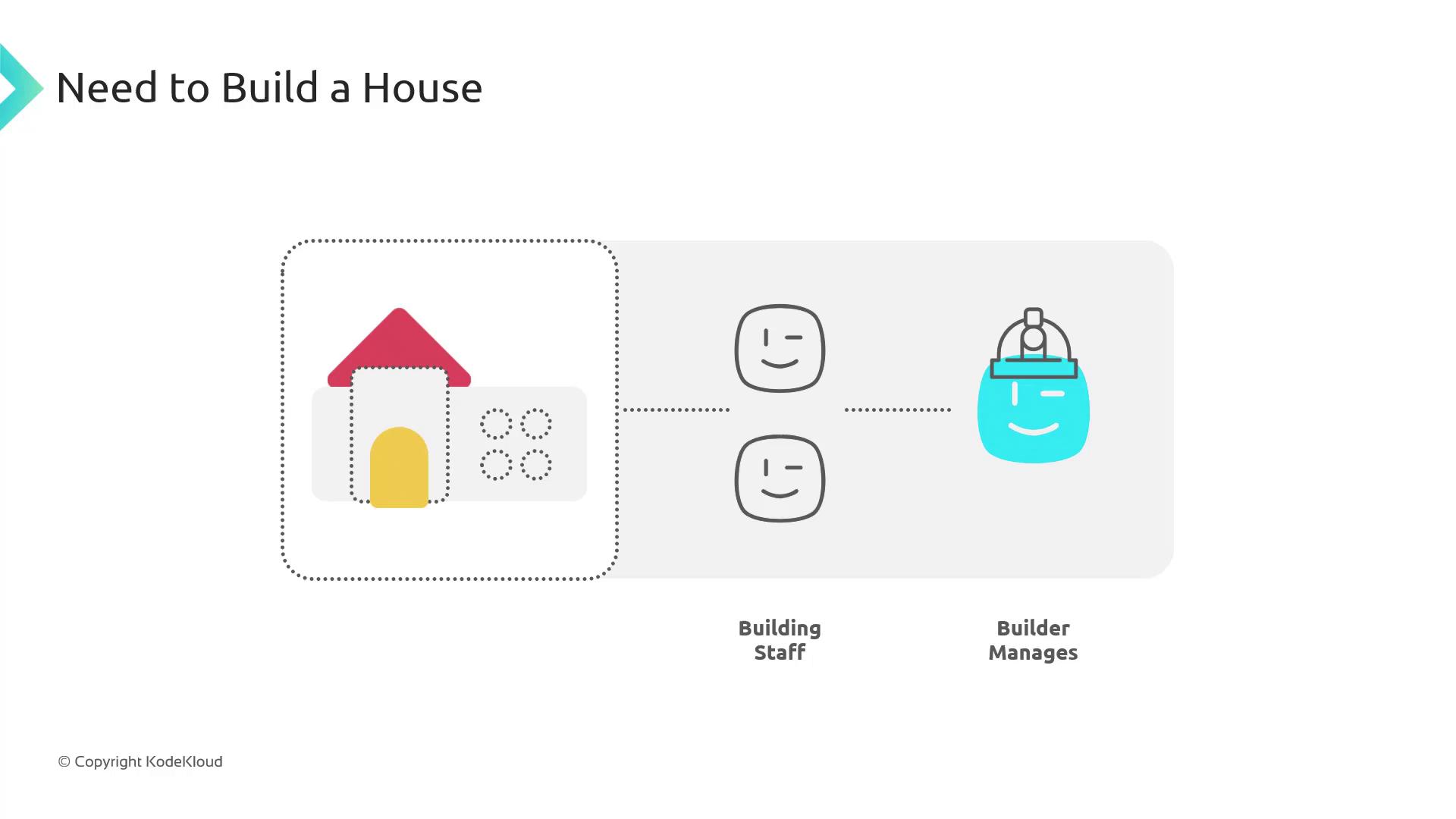
To illustrate how GKE compares to managing Kubernetes yourself, picture building a house. You have two approaches:
1. **Option A: Hire Individual Trades**
2. **Option B: Hire a Builder**
### Option A: Manage Each Trade Yourself
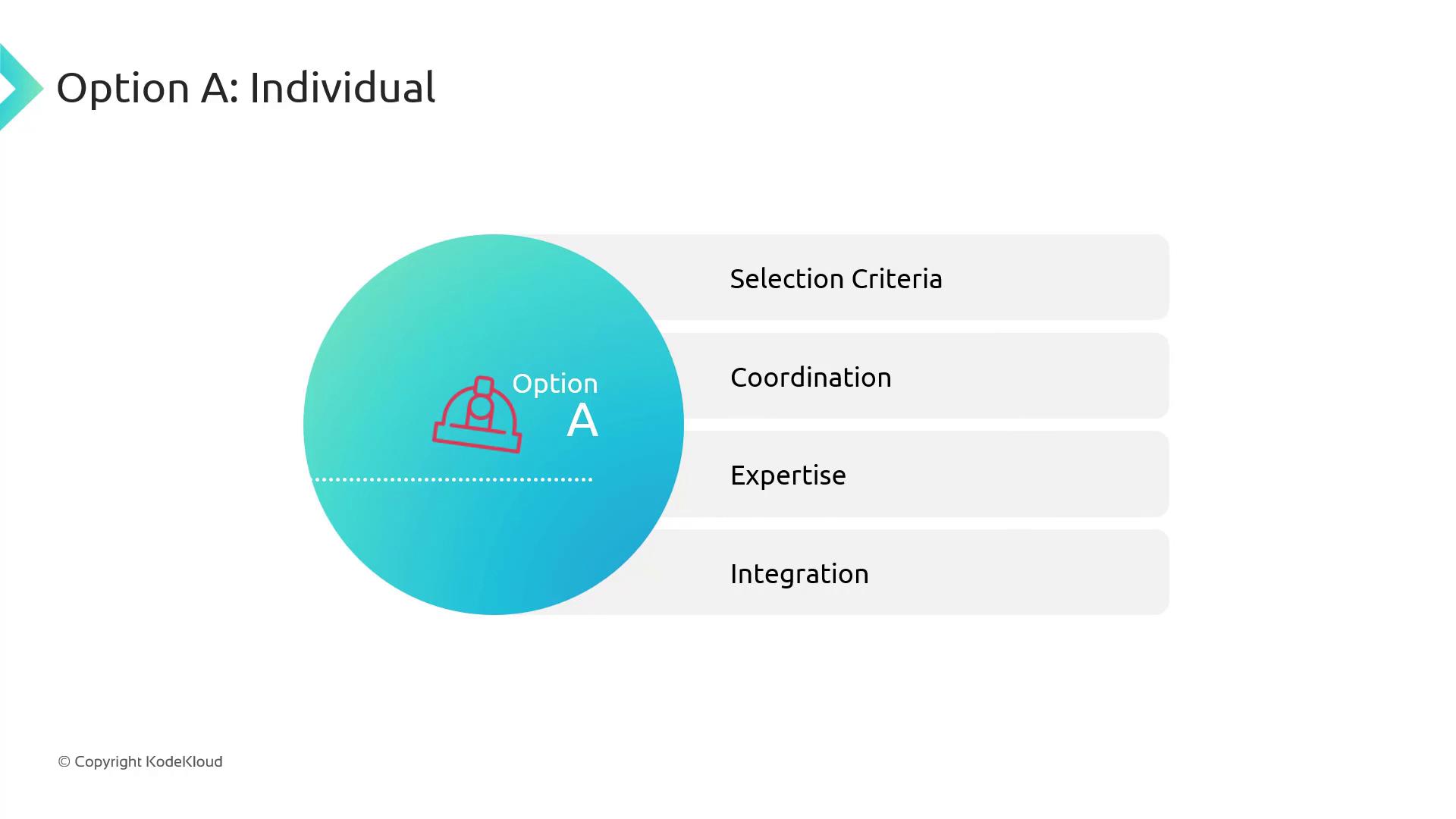
Taking on each specialty—carpenters, electricians, plumbers—means you must:
* Select qualified trades and materials
* Coordinate schedules and handoffs
* Verify certifications and expertise
* Integrate all parts into a single, livable home
Managing each piece separately often becomes overwhelming and error-prone.
### Option B: Hire a Builder
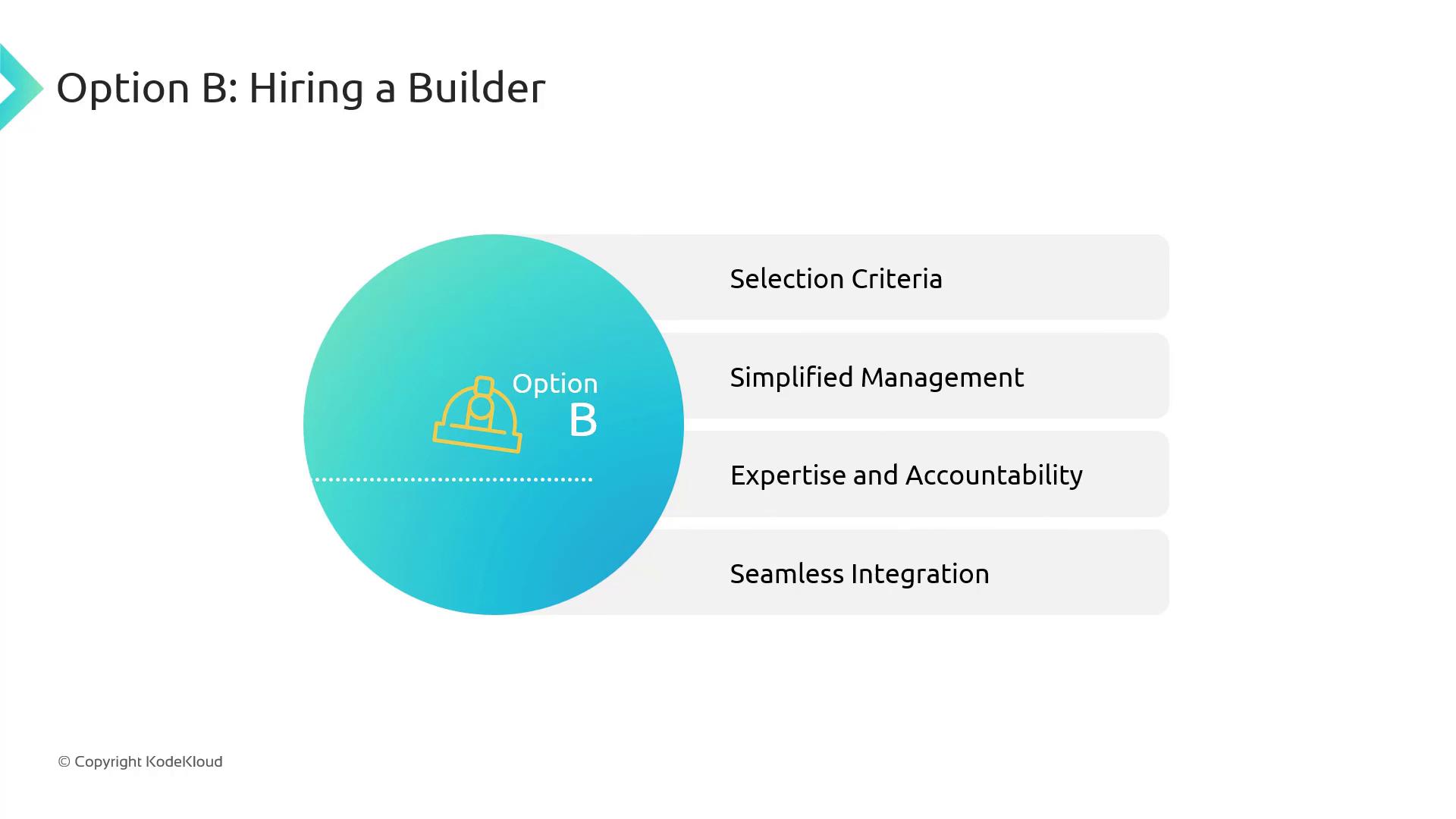
A builder handles everything—sourcing, scheduling, quality control—so you only need to oversee the project outcome:
* Centralized selection and procurement
* Single point of contact for updates
* Accountability for trades and results
* Seamless assembly of all components
***
## Kubernetes vs. GKE
Working with upstream Kubernetes is like Option A: you provision the control plane, configure etcd, manage upgrades, scale nodes, and maintain high availability. GKE, on the other hand, is your dedicated builder:
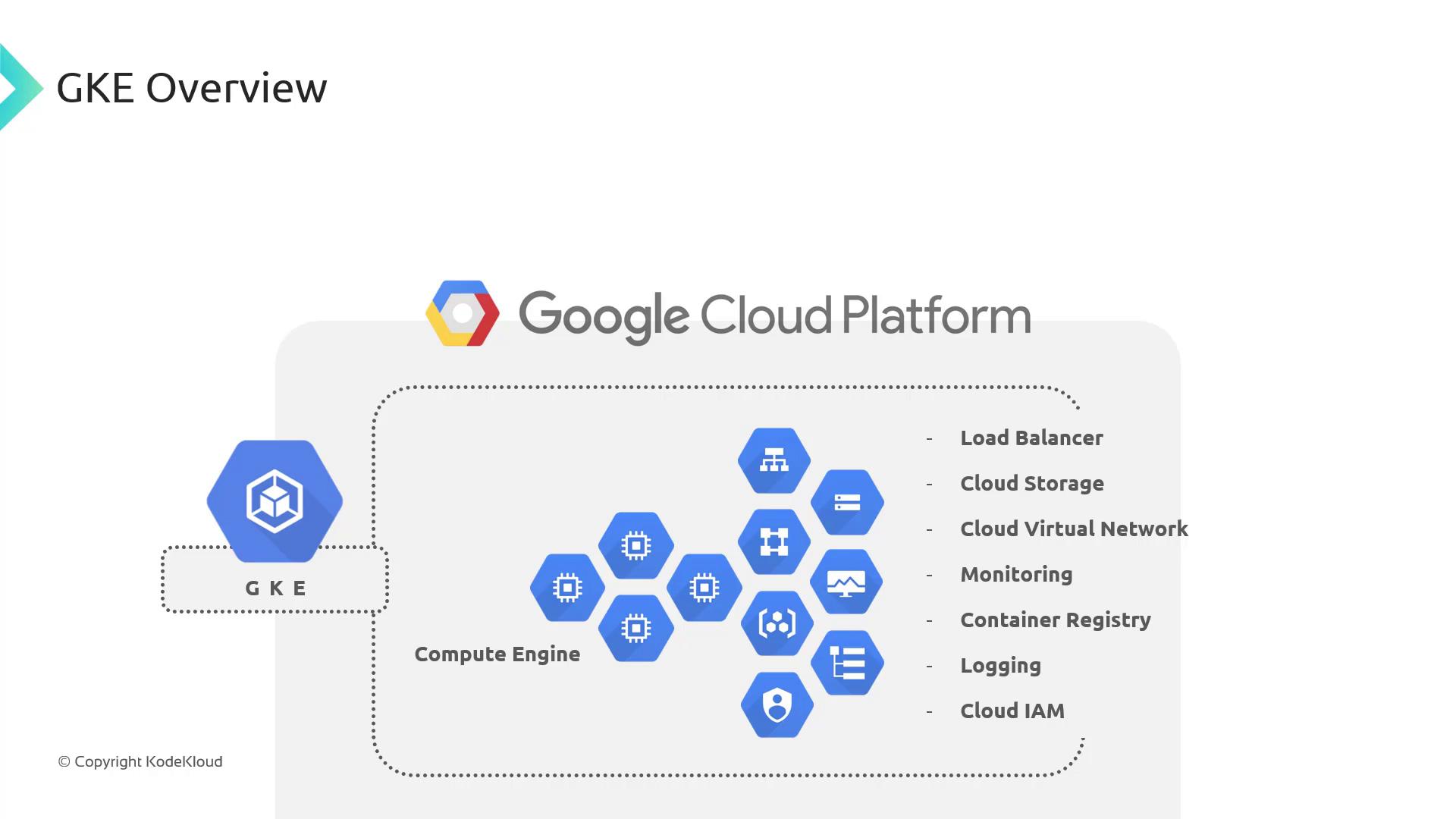
With GKE, Google handles:
* Control plane provisioning, upgrades, and patching
* Node auto-provisioning, autoscaling, and auto-repair
* Regional clusters with built-in high availability
* Security hardening (e.g., Shielded GKE Nodes)
* Native integration with Cloud Monitoring, Load Balancing, IAM, and more
This lets you focus on your workloads while GKE manages the infrastructure.
***
## When to Use GKE
Built on a decade of Borg experience, GKE delivers production-ready defaults and managed services for your applications:
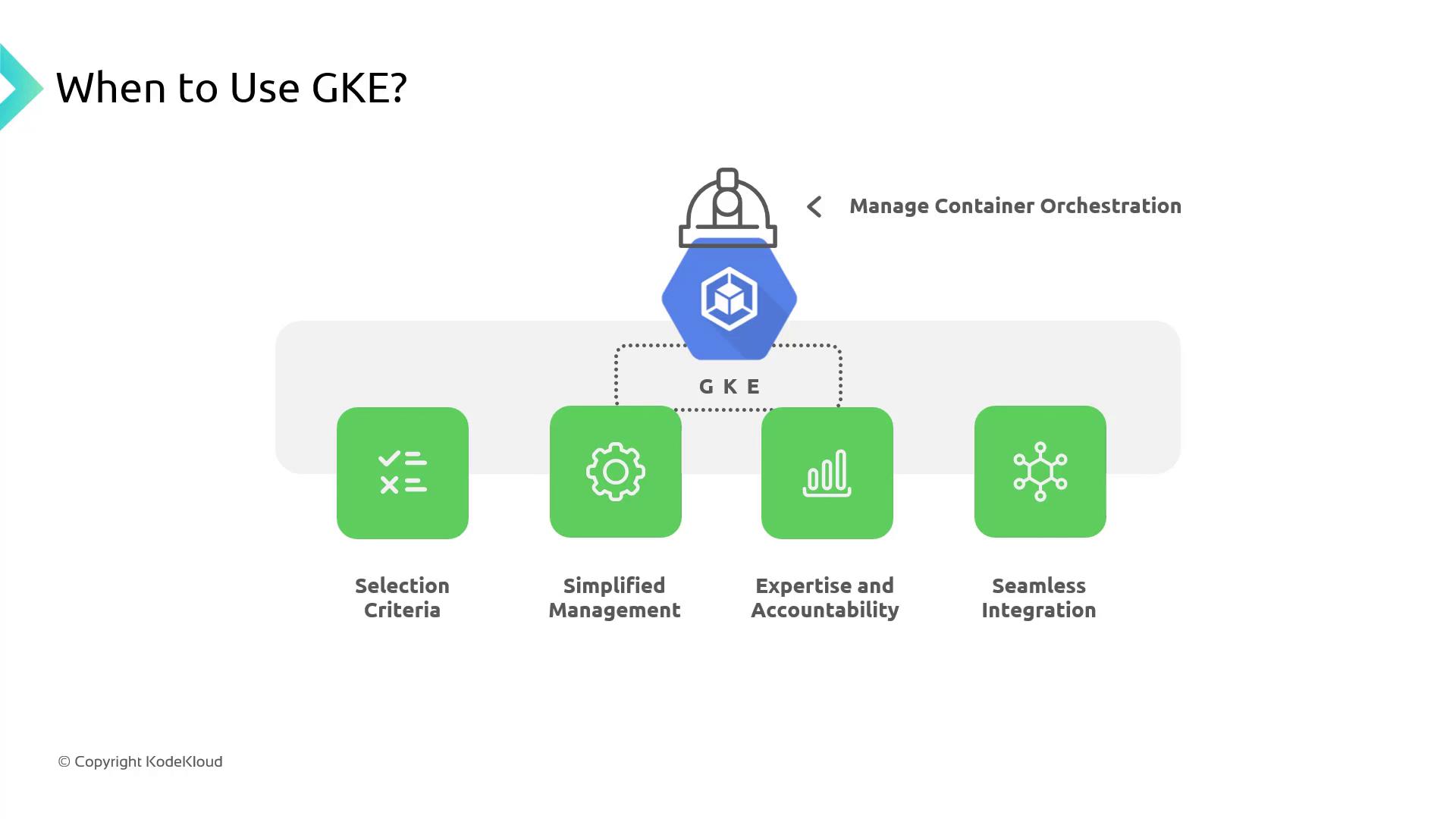
| Use Case | Benefit |
| ------------------------- | ---------------------------------------------------------------------------------------------------------------- |
| Production-Hardened Plane | Google maintains your control plane with version upgrades, security patches, and an SLA-backed uptime guarantee. |
| Node Management | Automatic provisioning, scaling, and self-healing for worker nodes. |
| Reliability & Expertise | Regional clusters and Google’s global network offer high availability and low latency worldwide. |
| Service Integration | Deep connectivity with Artifact Registry, Cloud Monitoring & Logging, VPC, and IAM. |
GKE supports Container-Optimized OS (COS), Ubuntu, and Bottlerocket node images for enhanced security and performance.
***
## Key GKE Features & Benefits
GKE enhances open-source Kubernetes with managed services that accelerate development and simplify operations:
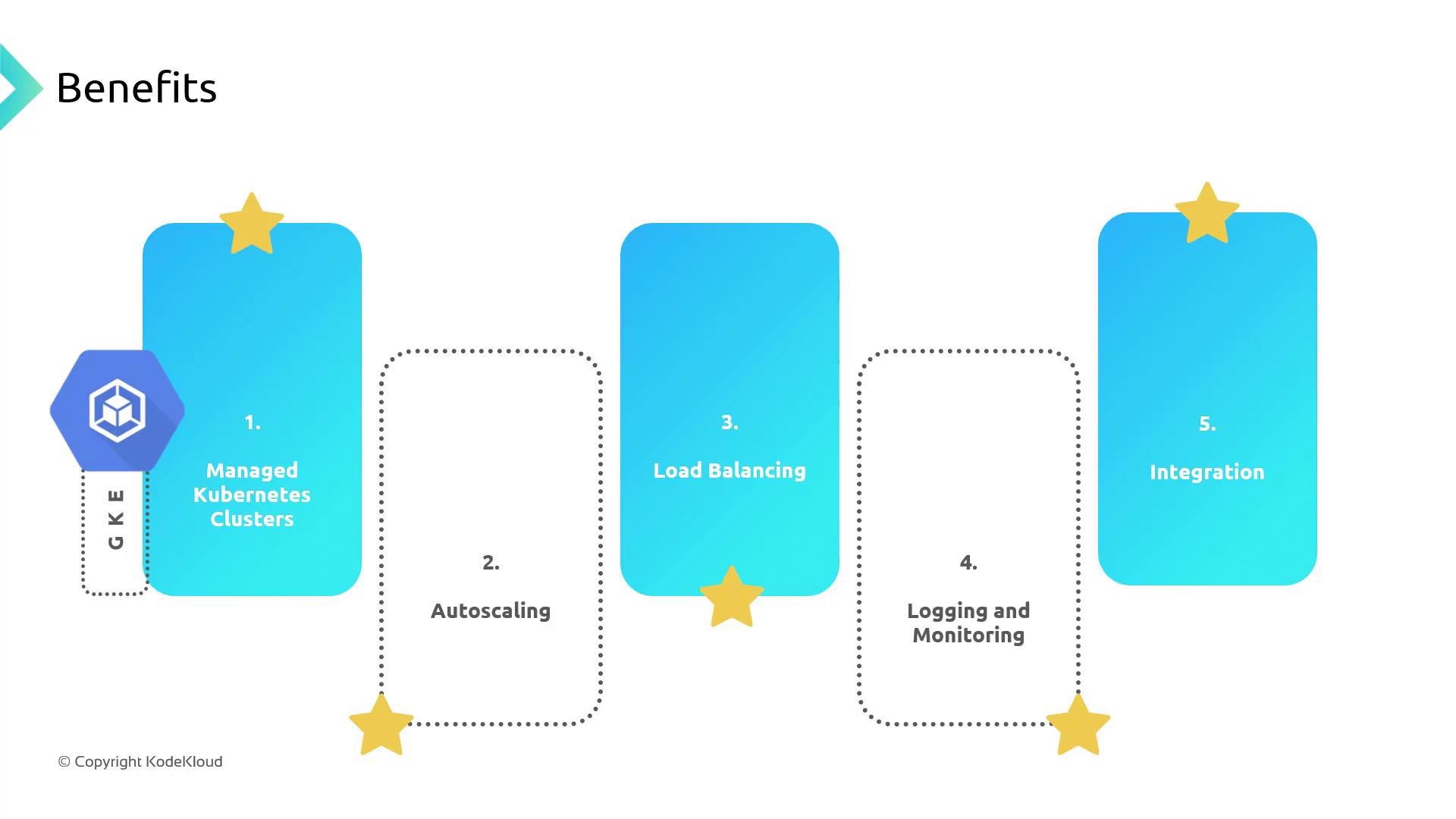
| Feature | Description |
| ---------------------- | ------------------------------------------------------------------------------------------------ |
| Fully Managed Clusters | Google manages control plane, nodes, networking, storage, and upgrades |
| Autoscaling | Cluster and Horizontal Pod Autoscaling automatically adjust resources to meet demand |
| Load Balancing | Built-in HTTP(S), TCP/SSL, and internal load balancing for high availability |
| Observability | Integrated Cloud Monitoring, Logging, Debugger, and Trace for real-time insights |
| Ecosystem Integration | Seamless connectivity to Cloud SQL, Cloud Storage, BigQuery, and the full Google Cloud portfolio |
GKE is the ideal choice when you want the power of Kubernetes without the overhead of managing control planes, node lifecycles, and production-grade integrations.
***
## Links and References
* [Kubernetes Basics](https://kubernetes.io/docs/concepts/overview/what-is-kubernetes/)
* [Google Kubernetes Engine Documentation](https://cloud.google.com/kubernetes-engine/docs)
* [Terraform Registry: Google Provider](https://registry.terraform.io/providers/hashicorp/google/latest/docs)
* [Google Cloud Platform](https://cloud.google.com)