> ## Documentation Index
> Fetch the complete documentation index at: https://notes.kodekloud.com/llms.txt
> Use this file to discover all available pages before exploring further.
# Learning Objectives and Prerequisites
> This article outlines learning objectives and prerequisites for effectively using Google Kubernetes Engine (GKE) to manage and deploy applications.
Before we explore Google Kubernetes Engine (GKE), let’s outline what you’ll achieve in this lesson and what foundation you need to get started. By the end of this guide, you’ll understand how to:
* Architect and provision GKE clusters
* Configure networking and integrate with Cloud services
* Deploy applications, manage secrets, and optimize resource usage
* Monitor, log, and perform cluster upgrades
* Implement autoscaling, load balancing, and high availability
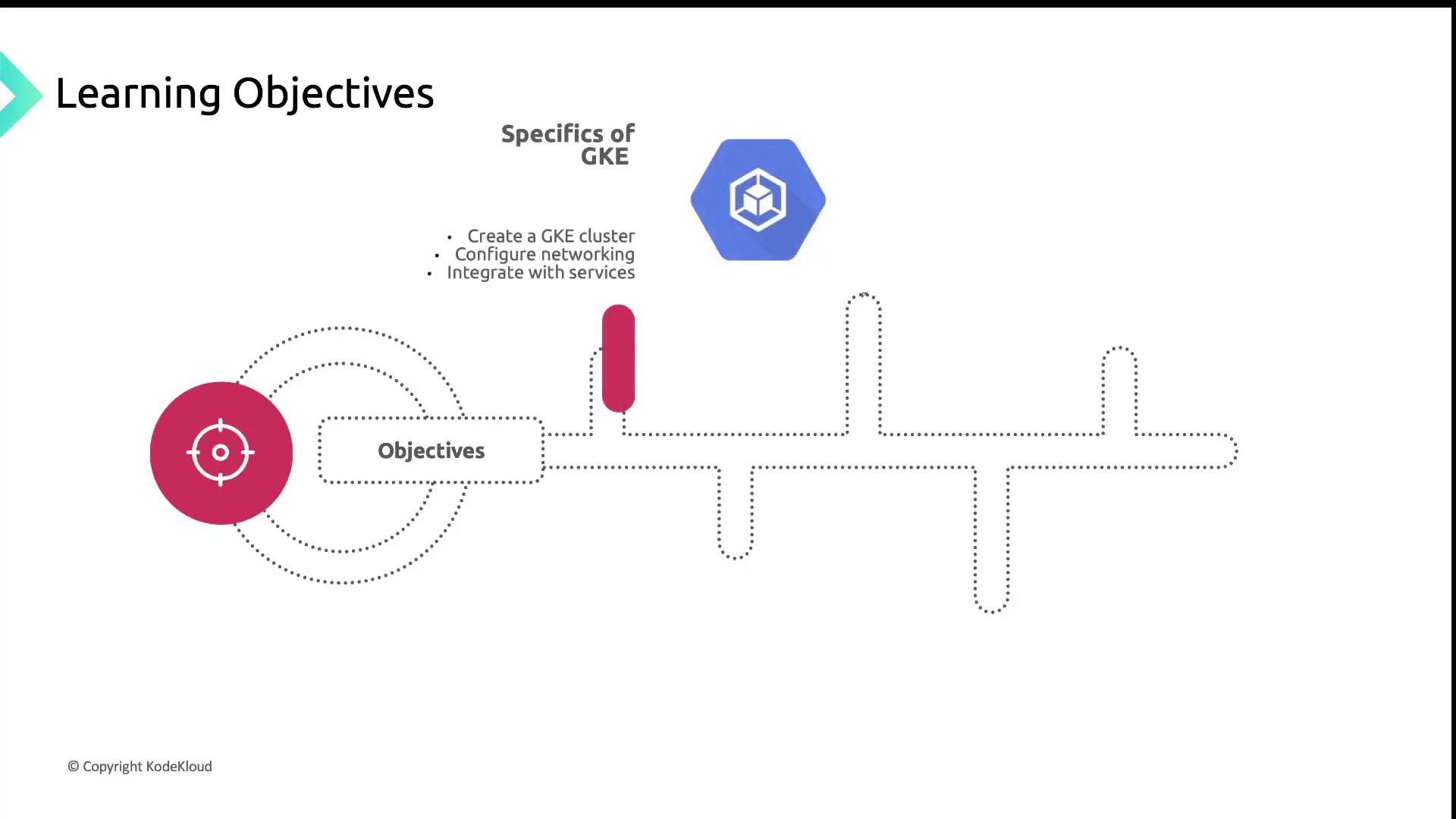
## Key Topics
1. **GKE Architecture & Cluster Creation**\
Examine the control plane versus data plane components, and create clusters via the `gcloud` CLI or Cloud Console.
2. **Networking & Service Integration**\
Configure VPCs, subnets, and firewall rules; integrate with Cloud Load Balancing, Cloud DNS, and other managed services.
3. **Application Deployment & Management**\
Explore rolling updates, canary releases, Secrets, ConfigMaps, and best practices for resource requests and limits.
4. **Administration & Maintenance**\
Use Cloud Monitoring for resource metrics, Cloud Logging for logs aggregation, and automate cluster upgrades.
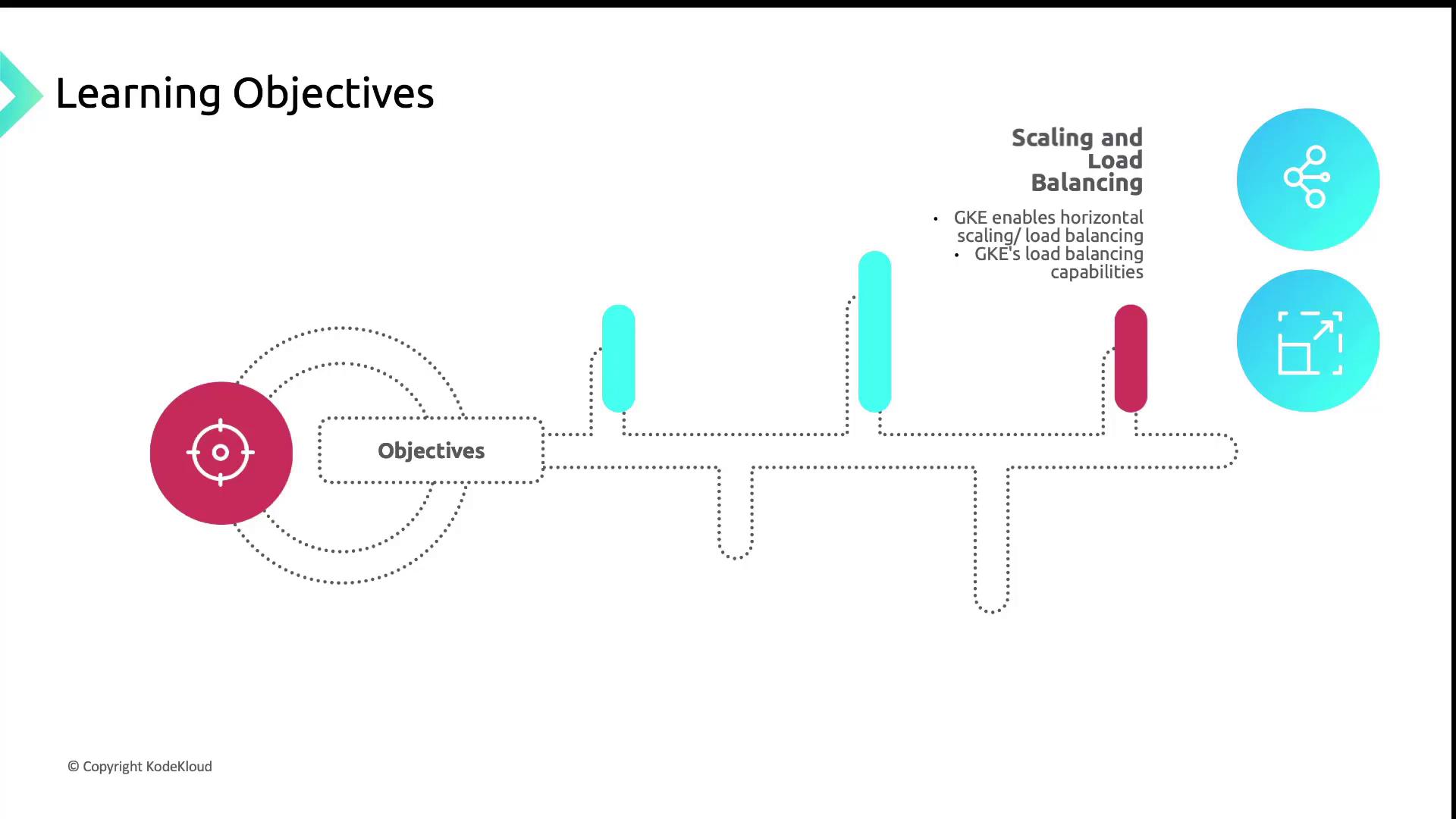
## Scaling & Load Balancing
GKE provides multiple strategies to handle varying workloads and traffic patterns:
| Feature | Purpose | Example Command |
| ------------------------------- | ------------------------------------------------------- | ----------------------------------------------------------------------------------------------------------------------- |
| Horizontal Pod Autoscaler (HPA) | Scales pods based on CPU, memory, or custom metrics | `kubectl autoscale deployment webapp --cpu-percent=75 --min=2 --max=10` |
| Cluster Autoscaler | Adjusts node pool size according to pending pod demands | `gcloud container clusters update my-cluster --enable-autoscaling --min-nodes=1 --max-nodes=5 --node-pool default-pool` |
| Cloud Load Balancing | Distributes traffic globally or regionally across pods | Configure an HTTP(S) load balancer in the Console or with `gcloud compute url-maps` and backend services |
You’ll learn how to tune HPA thresholds, set up Cluster Autoscaler policies, and integrate with Google Cloud’s global load balancing for optimal performance and cost efficiency.
## Delivery Framework
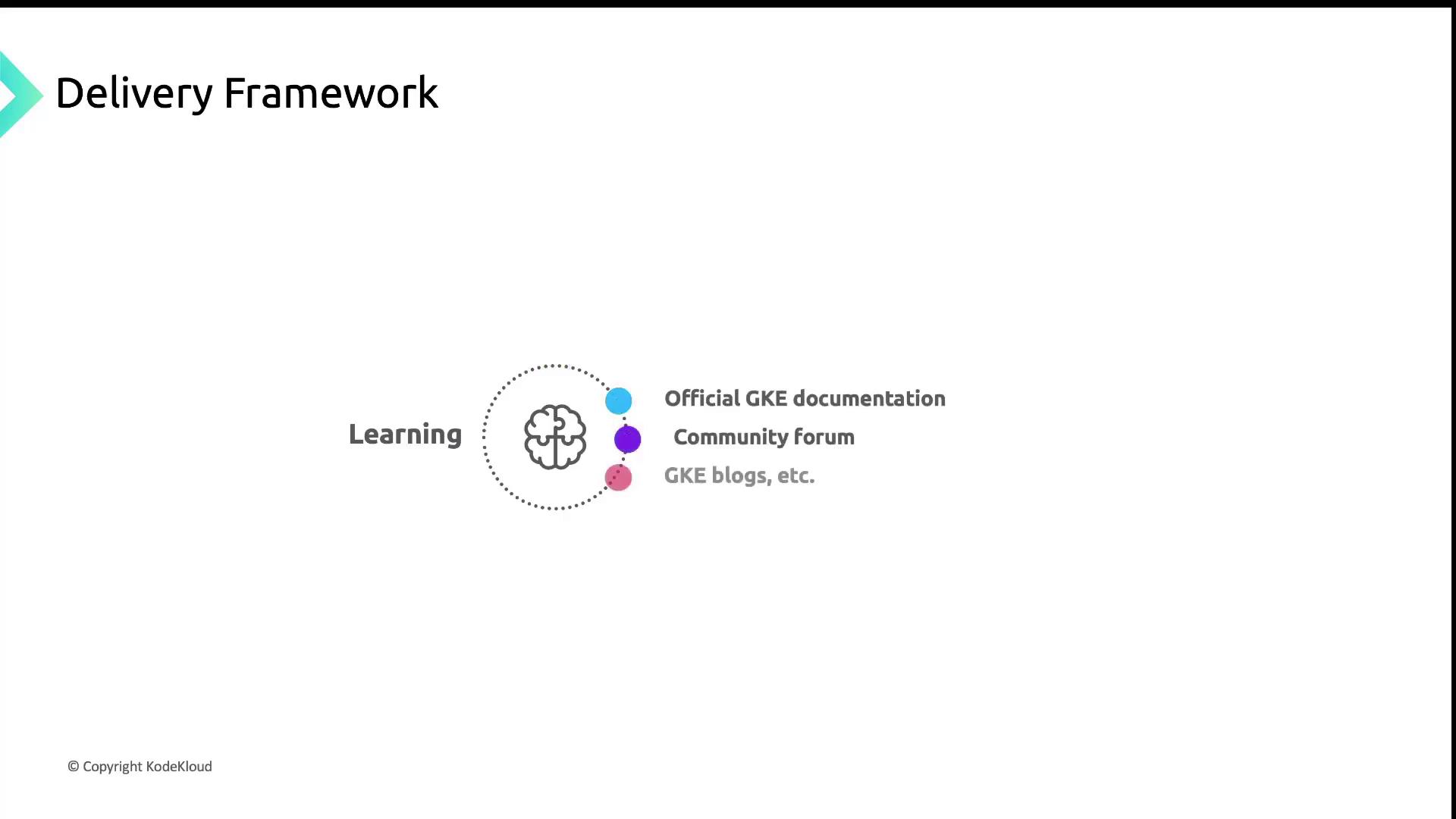
This lesson is divided into modules, each covering a core GKE topic. To deepen your understanding, refer to:
* [GKE Documentation](https://cloud.google.com/kubernetes-engine/docs) for official guides
* [Google Cloud Community: GKE](https://www.googlecloudcommunity.com/gc/Google-Kubernetes-Engine) for Q\&A and discussions
* Community blogs and tutorials on advanced patterns and use cases
Hands-on practice is crucial. We recommend following along in a Google Cloud project with billing enabled and the Google Cloud SDK installed.
## Prerequisites
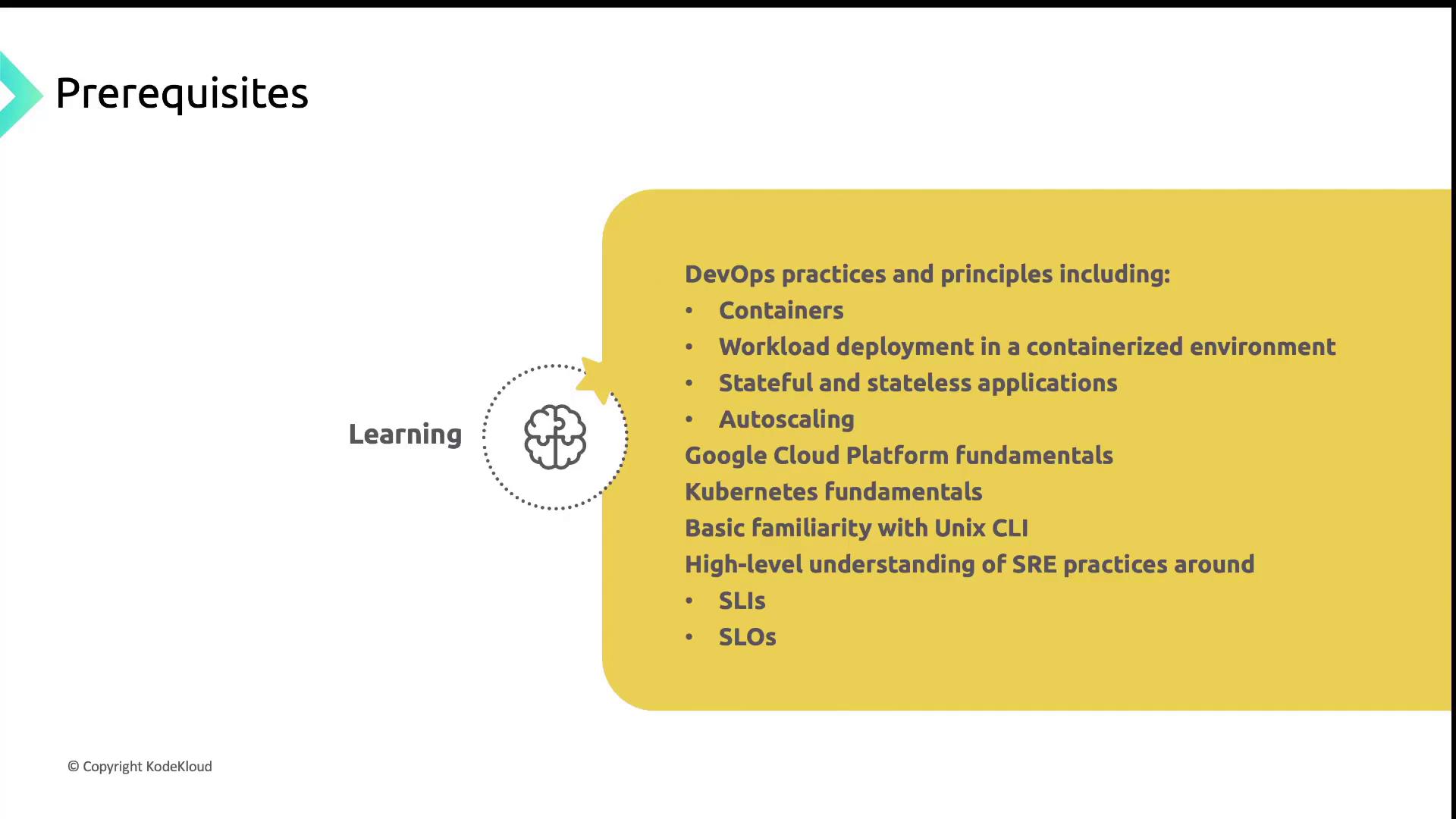
Ensure you have the following before starting:
* Strong grasp of **DevOps principles** (CI/CD, containers, deployments)
* Experience with **Google Cloud Platform** core services (Compute Engine, Networking)
* Familiarity with **Kubernetes basics** (Pods, Deployments, Services)
* Comfort using the **Unix/Linux CLI** and shell scripting
* Understanding of **SRE concepts** such as SLIs, SLOs, and error budgets
Skipping these prerequisites may slow your progress when tackling advanced GKE features.
## Expected Outcomes
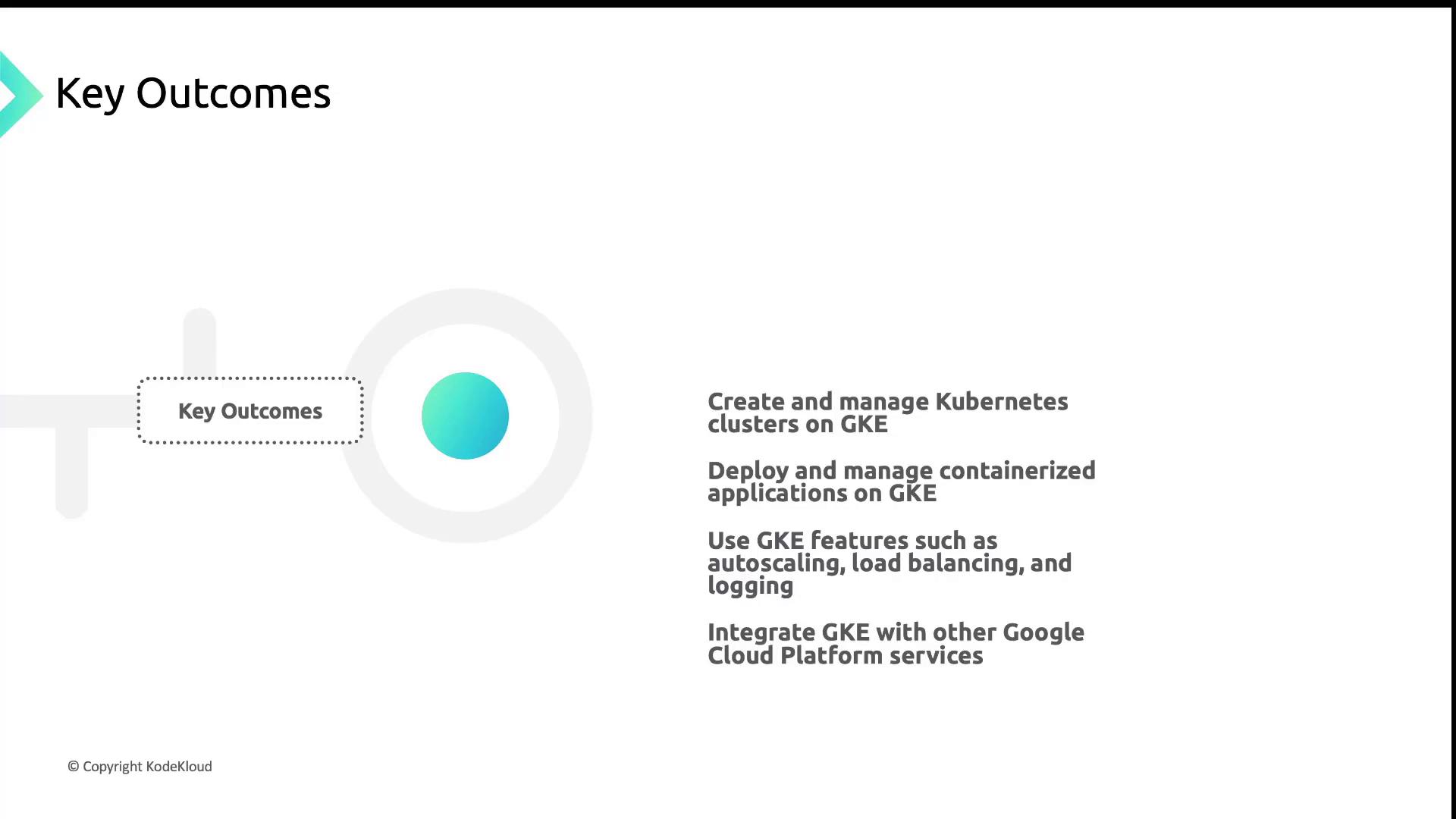
After completing this lesson, you will be able to:
* Provision and manage GKE clusters via CLI and Console
* Deploy, update, and observe containerized workloads
* Configure autoscaling, load balancing, and centralized logging
* Integrate applications with Google Cloud services like Pub/Sub and Cloud SQL
* Design a secure, highly available, and cost-effective GKE environment
Armed with these skills, you’ll be ready to architect, deploy, and maintain production-grade Kubernetes clusters on Google Cloud. Let’s get started!