> ## Documentation Index
> Fetch the complete documentation index at: https://notes.kodekloud.com/llms.txt
> Use this file to discover all available pages before exploring further.

# Isolate your environment using GKE private clusters

> This article explains how to use GKE private clusters for enhanced security and network isolation in Kubernetes environments.

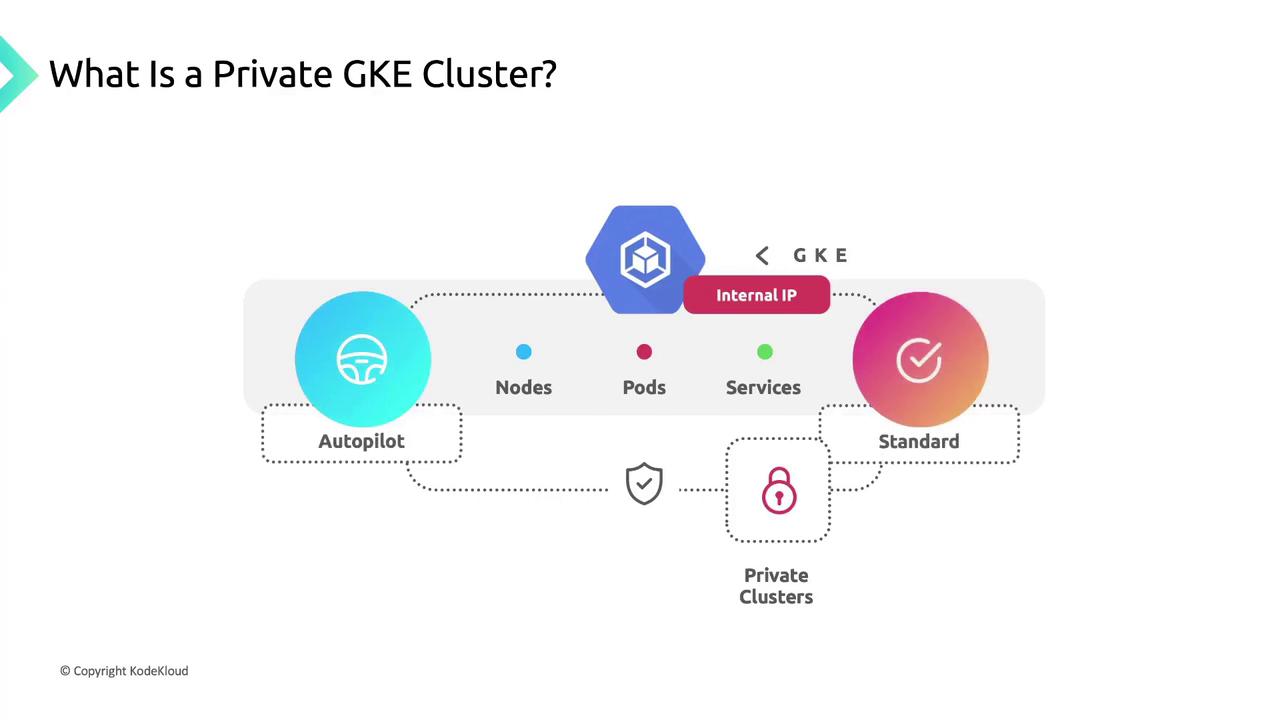
A [private Google Kubernetes Engine (GKE) cluster](https://cloud.google.com/kubernetes-engine/docs/concepts/private-cluster-overview) runs entirely on internal IP addresses, offering robust security and network isolation. In a private cluster, nodes, pods, and services communicate only over your VPC’s internal network. You can provision private clusters in either [Standard mode](https://cloud.google.com/kubernetes-engine/docs/concepts/standard-cluster-overview) or [Autopilot mode](https://cloud.google.com/kubernetes-engine/docs/concepts/autopilot-overview).
<Frame>
  ![The image is an infographic explaining a private GKE (Google Kubernetes Engine) cluster, highlighting components like nodes, pods, services, and features such as Autopilot and Standard modes. It emphasizes the use of internal IPs and private clusters.](https://kodekloud.com/kk-media/image/upload/v1752875678/notes-assets/images/GKE-Google-Kubernetes-Engine-Isolate-your-environment-using-GKE-private-clusters/private-gke-cluster-infographic-nodes-pods.jpg)
</Frame>

## Default Network Isolation

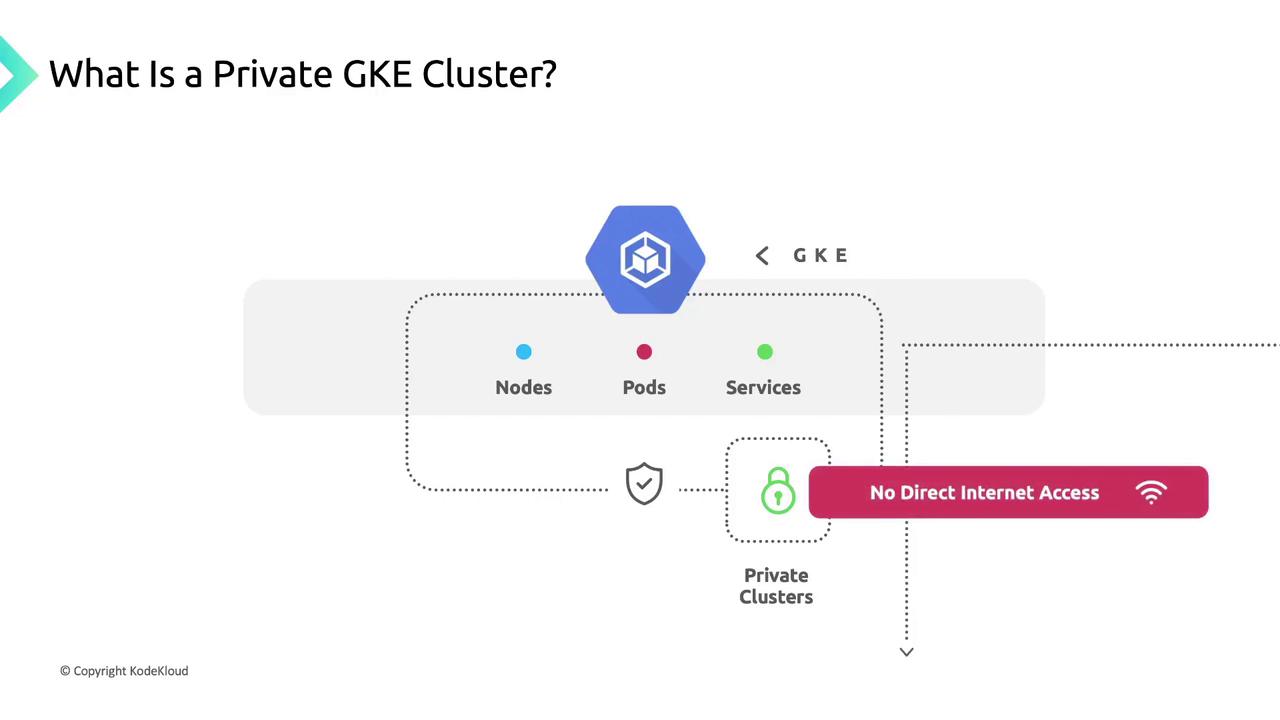
By default, private clusters block all inbound internet traffic to nodes and pods. This isolation ensures your workloads remain hidden from the public internet.
<Frame>
  ![The image is a diagram explaining a Private GKE Cluster, highlighting nodes, pods, and services with no direct internet access.](https://kodekloud.com/kk-media/image/upload/v1752875679/notes-assets/images/GKE-Google-Kubernetes-Engine-Isolate-your-environment-using-GKE-private-clusters/private-gke-cluster-diagram-nodes-pods.jpg)
</Frame>

### Internal IP Addressing

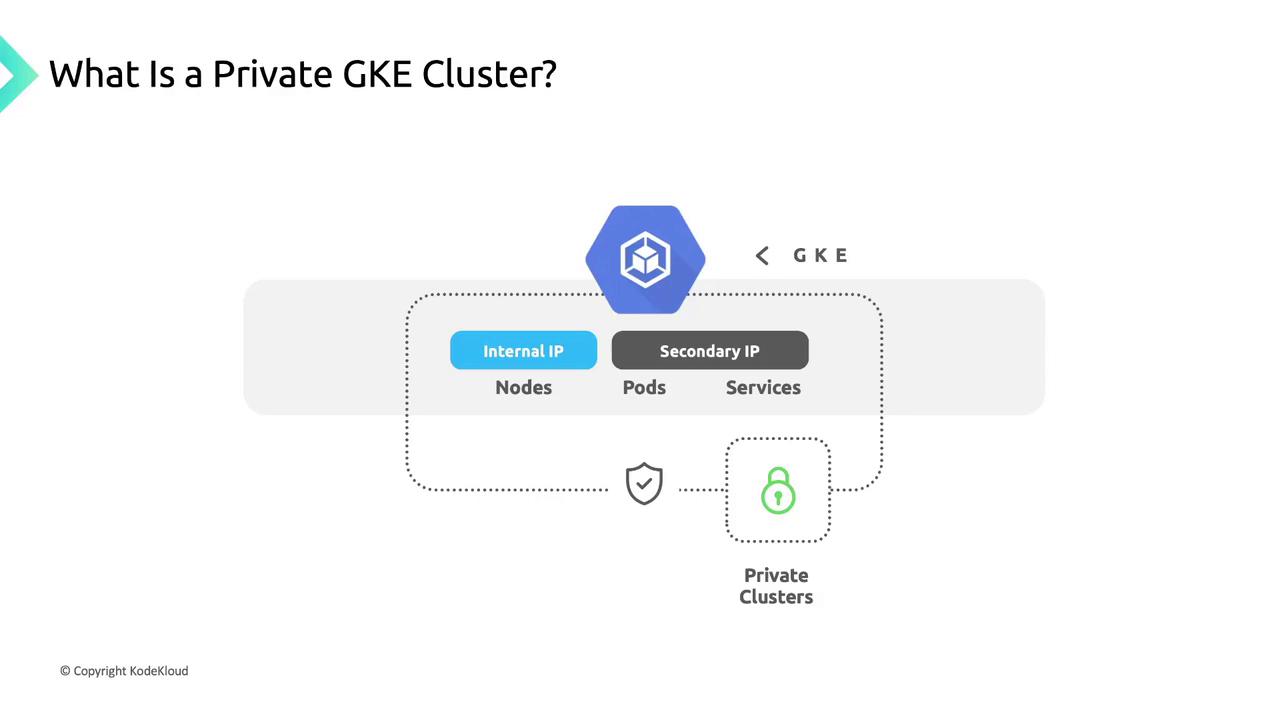
* **Node IPs** are allocated from the primary IP range of your chosen VPC subnet.
* **Pod & Service IPs** use secondary IP ranges within the same subnet.

These unique internal addresses guarantee secure, high-performance communication between cluster components. Nodes are never exposed externally.
<Frame>
  ![The image is an illustration explaining a Private GKE Cluster, showing components like nodes, pods, and services with internal and secondary IPs, and highlighting security with a lock icon.](https://kodekloud.com/kk-media/image/upload/v1752875680/notes-assets/images/GKE-Google-Kubernetes-Engine-Isolate-your-environment-using-GKE-private-clusters/private-gke-cluster-illustration-security.jpg)
</Frame>

## Controlled Outbound Access with Cloud NAT

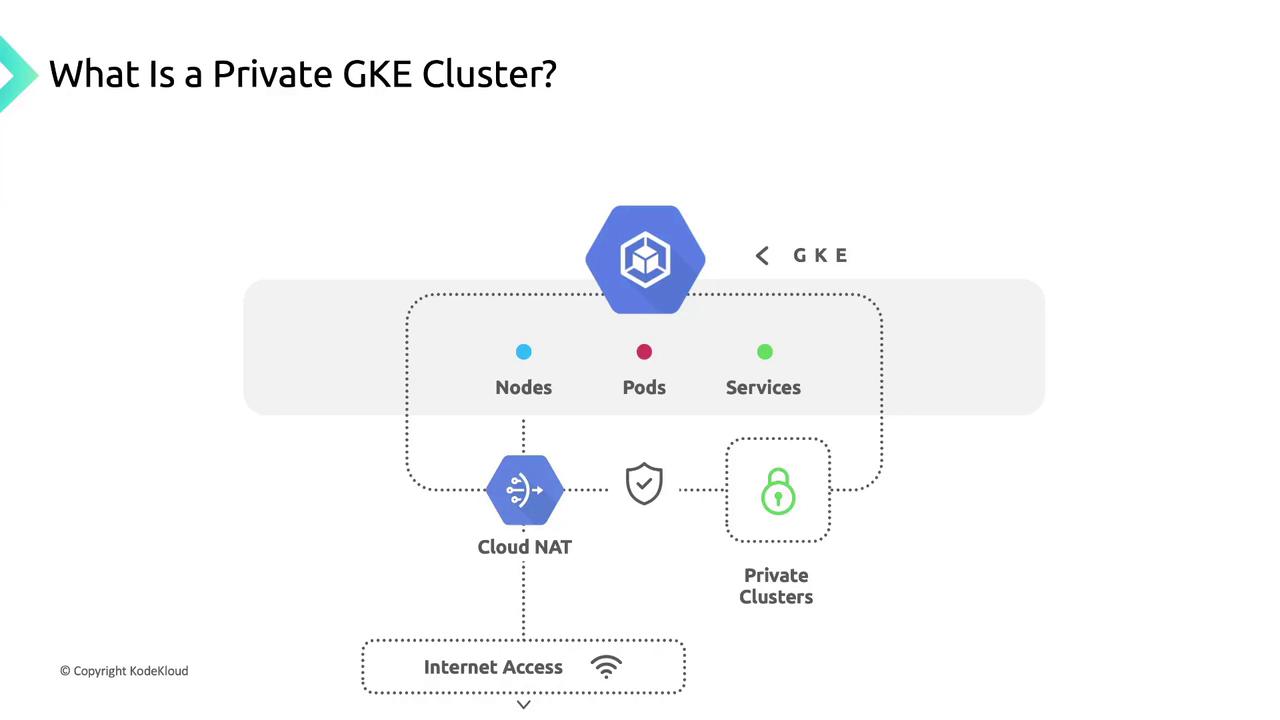
When your private cluster needs to reach the internet (for pulling container images or accessing external APIs), configure [Cloud NAT](https://cloud.google.com/nat). Cloud NAT provides secure, managed outbound connectivity while preserving your nodes’ internal IP addresses.
<Frame>
  ![The image is a diagram explaining a Private GKE (Google Kubernetes Engine) Cluster, showing components like nodes, pods, services, Cloud NAT, and private clusters with internet access.](https://kodekloud.com/kk-media/image/upload/v1752875682/notes-assets/images/GKE-Google-Kubernetes-Engine-Isolate-your-environment-using-GKE-private-clusters/private-gke-cluster-diagram-components.jpg)
</Frame>

## Flexible IP Range Support

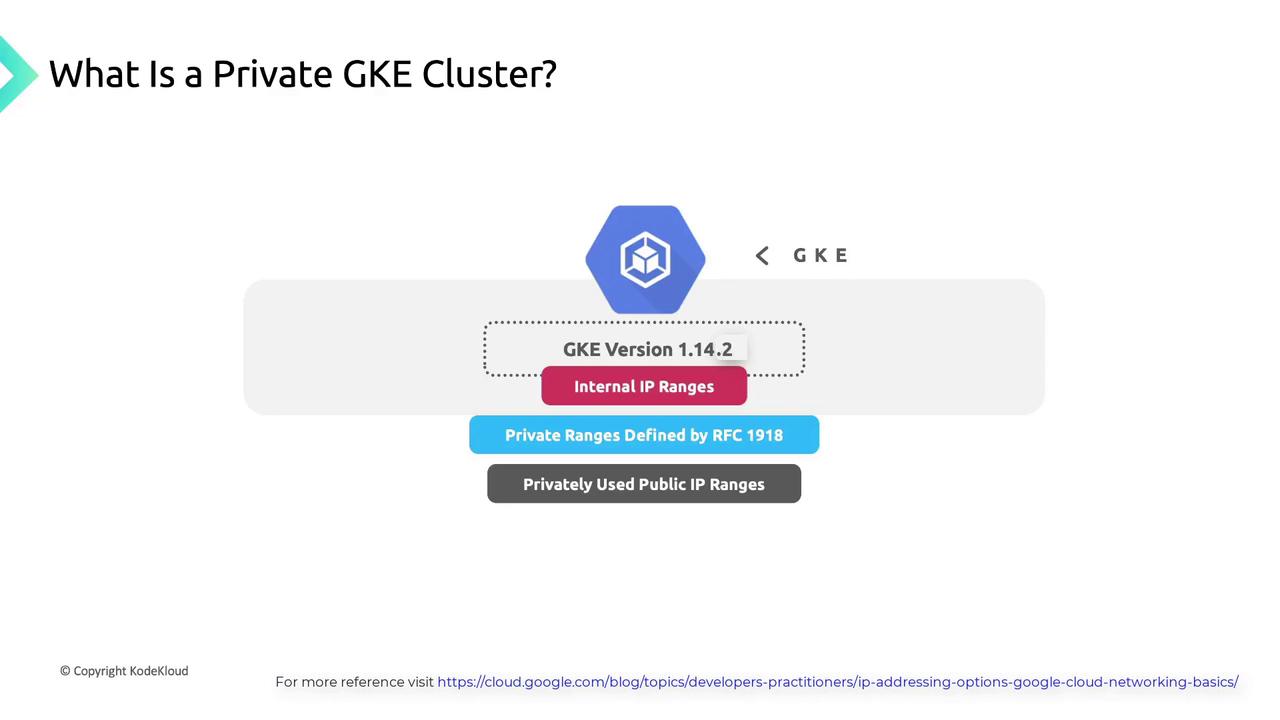
As of GKE version 1.14.2, private clusters support multiple internal IP range types:

* **RFC 1918 private ranges** (10.0.0.0/8, 172.16.0.0/12, 192.168.0.0/16)
* **Privately used public IP blocks**

This flexibility lets you align cluster addressing with corporate networking policies.
<Frame>
  ![The image explains what a Private GKE Cluster is, highlighting GKE version 1.14.2, internal IP ranges, private ranges defined by RFC 1918, and privately used public IP ranges.](https://kodekloud.com/kk-media/image/upload/v1752875683/notes-assets/images/GKE-Google-Kubernetes-Engine-Isolate-your-environment-using-GKE-private-clusters/private-gke-cluster-explanation-1-14-2.jpg)
</Frame>

## Shared Responsibility Architecture

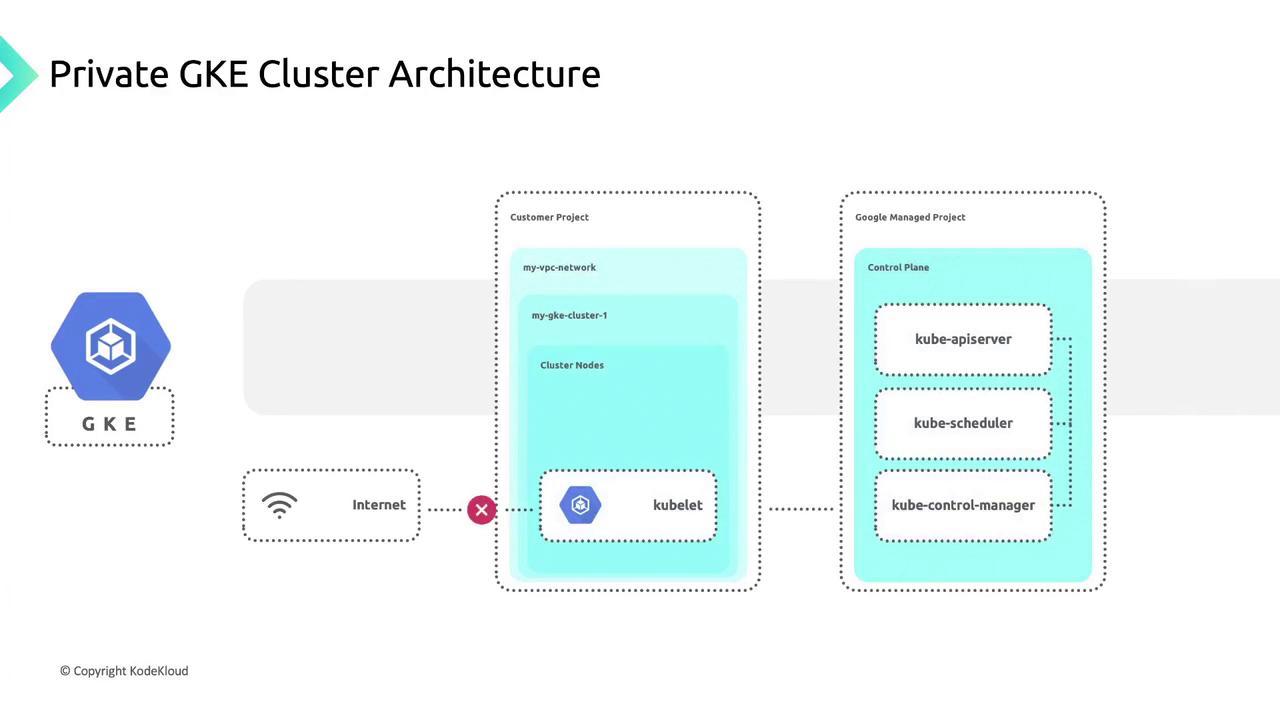
Private GKE clusters split resources between two projects:

| Project Type           | Components                             | Responsibility                                  |
| ---------------------- | -------------------------------------- | ----------------------------------------------- |
| Customer Project       | VPC network, cluster nodes, workloads  | You secure nodes, containers, and applications. |
| Google-Managed Project | Control plane (API server, etcd, etc.) | Google secures and maintains control plane.     |
<Frame>
  ![The image illustrates a Private GKE (Google Kubernetes Engine) Cluster Architecture, showing components like the customer project with VPC network and cluster nodes, and the Google-managed project with the control plane. It also indicates no direct internet access to the cluster nodes.](https://kodekloud.com/kk-media/image/upload/v1752875685/notes-assets/images/GKE-Google-Kubernetes-Engine-Isolate-your-environment-using-GKE-private-clusters/private-gke-cluster-architecture-diagram.jpg)
</Frame>

## Control Plane Endpoints

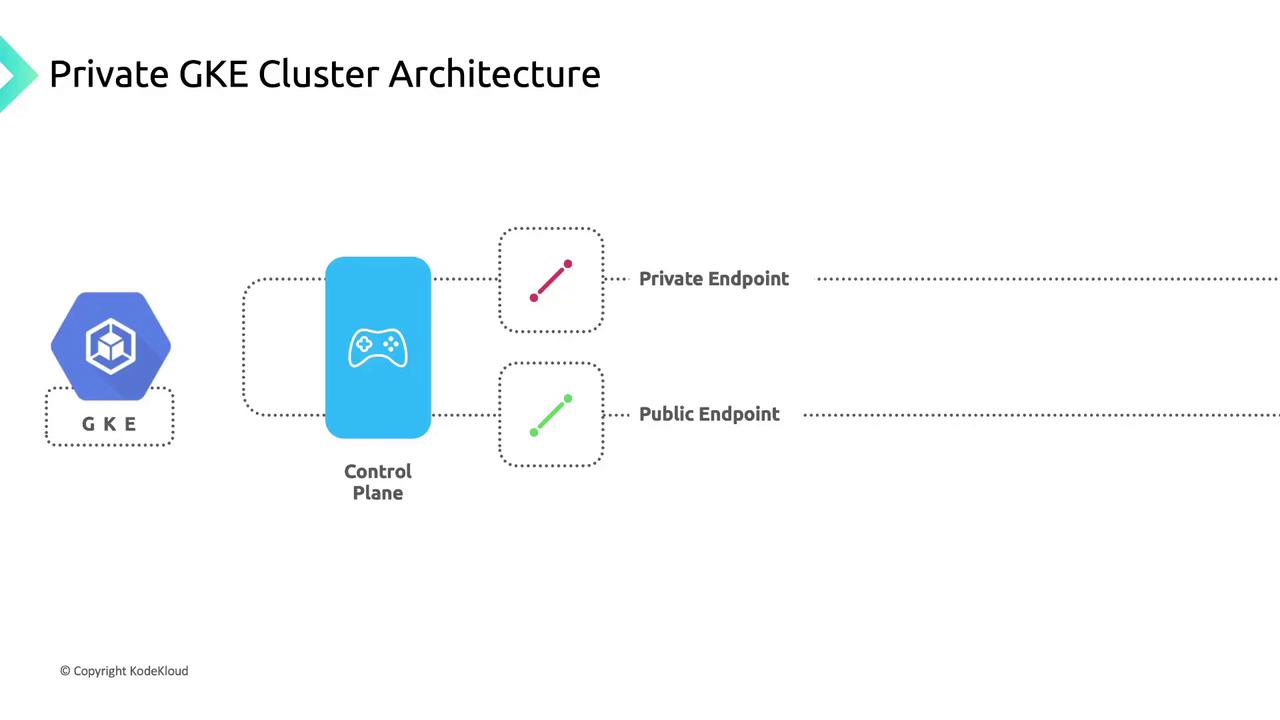
The control plane exposes:

* A **private endpoint** reachable only within your VPC network.
* An optional **public endpoint**, which you can disable for maximum isolation.

Enable the public endpoint only if you require external administrative access.
<Frame>
  ![The image illustrates the architecture of a Private GKE (Google Kubernetes Engine) Cluster, showing a control plane connected to both private and public endpoints.](https://kodekloud.com/kk-media/image/upload/v1752875686/notes-assets/images/GKE-Google-Kubernetes-Engine-Isolate-your-environment-using-GKE-private-clusters/private-gke-cluster-architecture-diagram-2.jpg)
</Frame>

## Node Connectivity and Isolation

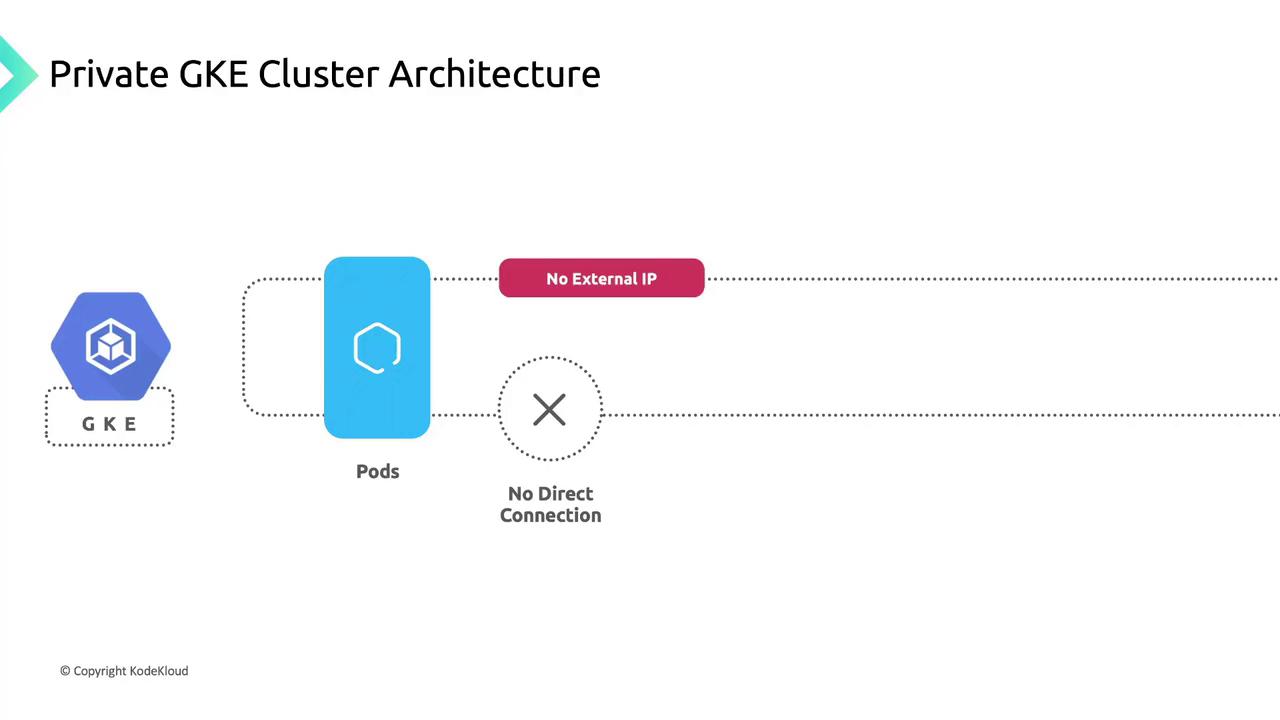
Nodes in a private cluster obtain only internal IP addresses from your subnet. They cannot be accessed directly from the internet, ensuring strong workload isolation.
<Frame>
  ![The image illustrates a Private GKE Cluster Architecture, showing a GKE component connected to pods with no external IP and no direct connection.](https://kodekloud.com/kk-media/image/upload/v1752875686/notes-assets/images/GKE-Google-Kubernetes-Engine-Isolate-your-environment-using-GKE-private-clusters/private-gke-cluster-architecture-diagram-3.jpg)
</Frame>

## Service Exposure Options

To route external traffic into your private cluster, choose one of these Kubernetes service types:

* **[LoadBalancer Service](https://cloud.google.com/load-balancing)**\
  Provisions a managed Google Cloud Load Balancer with a public IP.
* **[NodePort Service](https://kubernetes.io/docs/concepts/services-networking/service/#nodeport)**\
  Opens a designated port on each node for direct access.
* **[Ingress](https://kubernetes.io/docs/concepts/services-networking/ingress)**\
  Routes HTTP/HTTPS/TCP traffic by host and path rules through a shared load balancer.

## Private Google Access

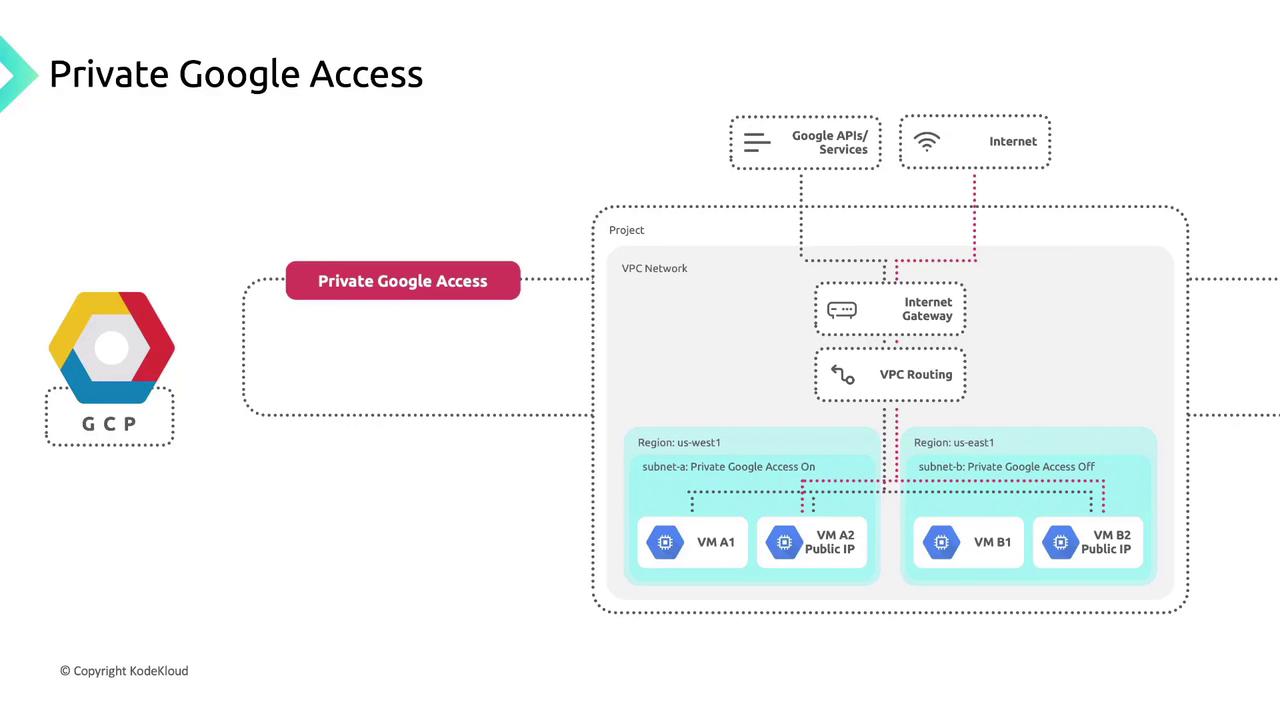
[Private Google Access](https://cloud.google.com/vpc/docs/configure-private-google-access) lets VMs without external IPs call Google APIs and services over Google’s network:

* **Enabled**: Subnet-bound instances can reach Artifact Registry, Cloud Storage, Pub/Sub, Cloud Logging, and more.
* **Disabled**: Instances are barred from Google APIs and managed services.

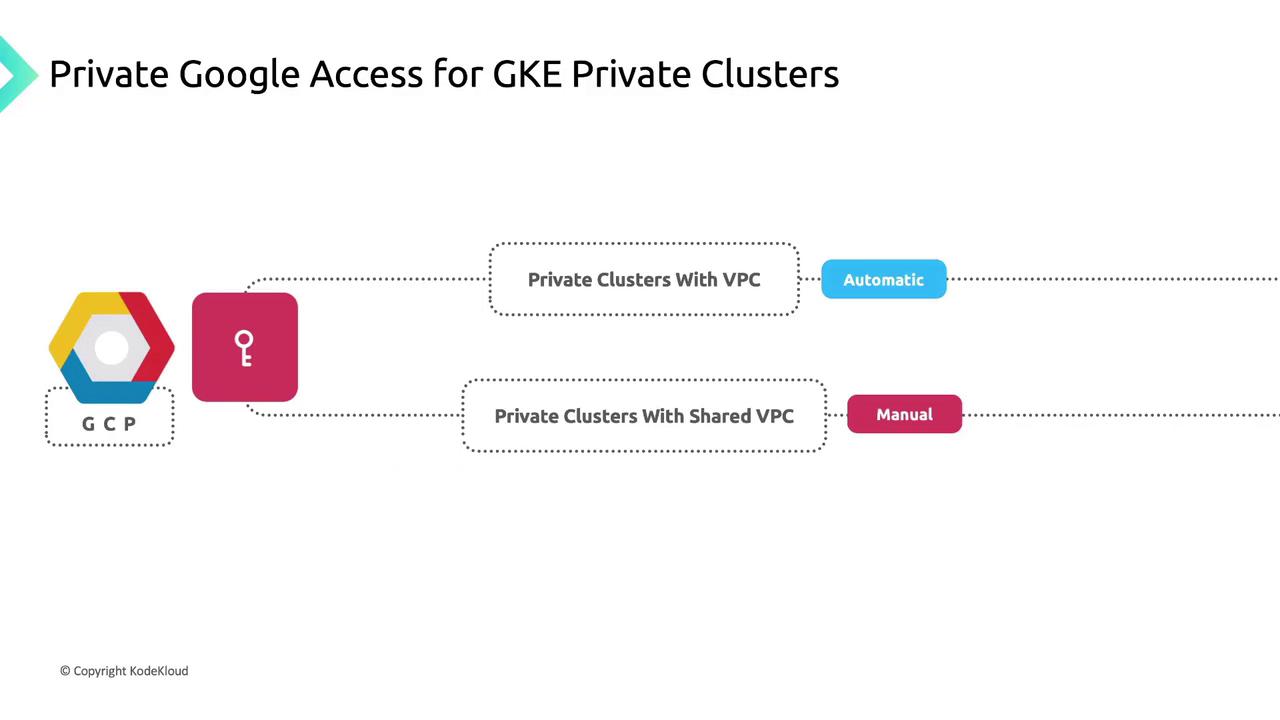
By default, private clusters in the same project as their VPC have Private Google Access enabled on the cluster subnet.
<Frame>
  ![The image is a diagram illustrating "Private Google Access" within a Google Cloud Platform (GCP) VPC network, showing different subnets and virtual machines with varying access settings. It includes components like Google APIs/Services, Internet Gateway, and VPC Routing.](https://kodekloud.com/kk-media/image/upload/v1752875688/notes-assets/images/GKE-Google-Kubernetes-Engine-Isolate-your-environment-using-GKE-private-clusters/private-google-access-gcp-vpc-diagram.jpg)
</Frame>

## Private Google Access in Shared VPCs

<Callout icon="triangle-alert" color="#FF6B6B">
  For private clusters in a [Shared VPC](https://cloud.google.com/vpc/docs/shared-vpc) service project, Private Google Access is *not* enabled by default. A network administrator or project owner in the host project must manually enable it on each relevant subnet.
</Callout>

<Frame>
  ![The image is a flowchart illustrating "Private Google Access for GKE Private Clusters," showing two paths: "Private Clusters With VPC" (Automatic) and "Private Clusters With Shared VPC" (Manual). It includes icons for Google Cloud Platform and a key symbol.](https://kodekloud.com/kk-media/image/upload/v1752875689/notes-assets/images/GKE-Google-Kubernetes-Engine-Isolate-your-environment-using-GKE-private-clusters/private-google-access-gke-flowchart.jpg)
</Frame>

<CardGroup>
  <Card title="Watch Video" icon="video" cta="Learn more" href="https://learn.kodekloud.com/user/courses/gke-google-kubernetes-engine/module/e39613e2-4771-4eaa-a8cf-6360f282895a/lesson/f650474e-d24b-4147-802c-9bea107c286d" />
</CardGroup>
