> ## Documentation Index
> Fetch the complete documentation index at: https://notes.kodekloud.com/llms.txt
> Use this file to discover all available pages before exploring further.
# Section Introduction
> This article covers Google Cloud Networking, focusing on exposing applications, provisioning load balancers, and configuring ingress resources in Kubernetes.
Welcome to the **Google Cloud Networking** module. When architecting your applications, you must determine which services they interact with and where those services reside—whether inside your cluster or in external systems.
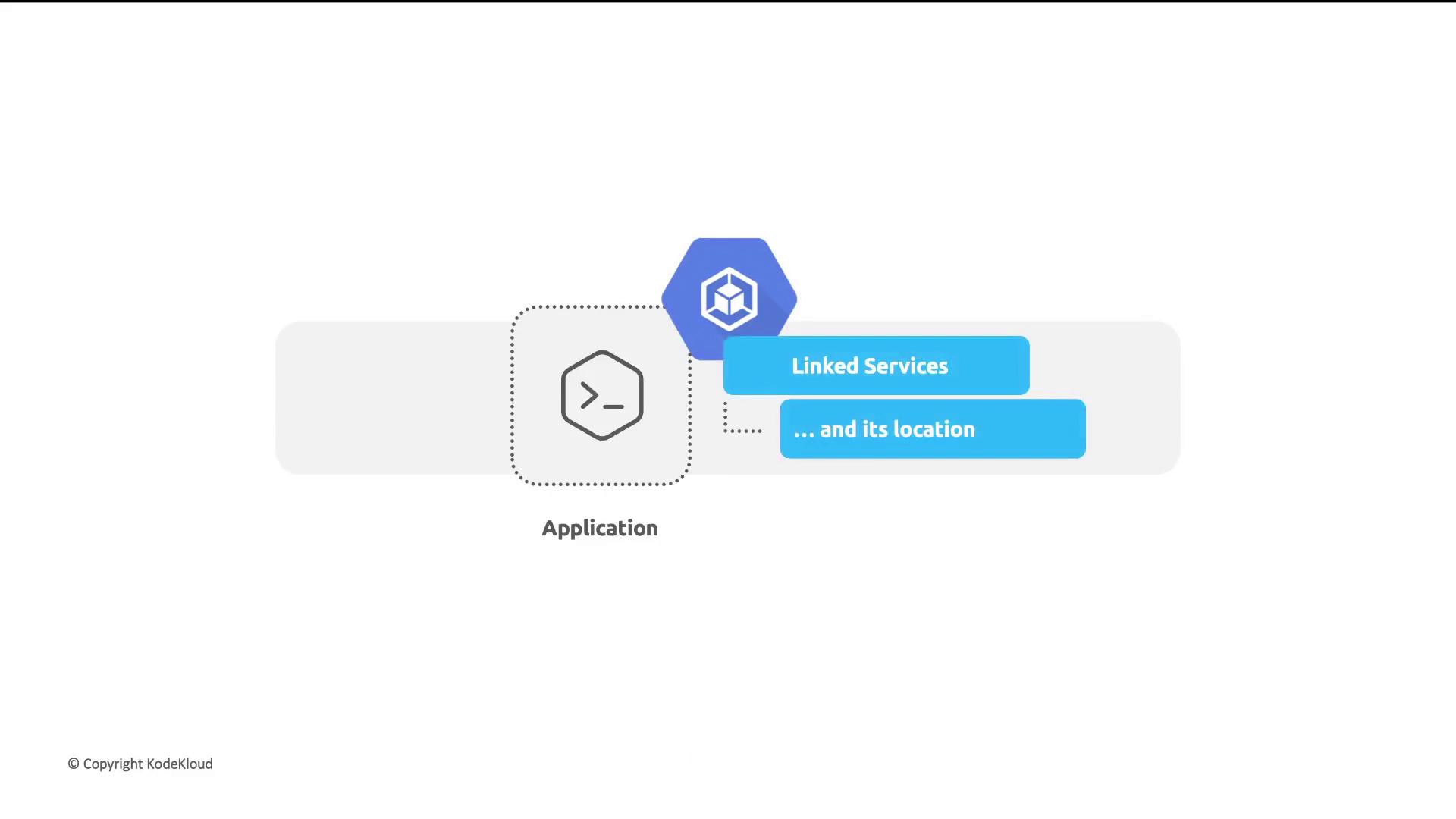
In this lesson, we’ll cover three key topics:
1. Exposing Pods using Kubernetes Services for internal and external communication
2. Provisioning Load Balancers to distribute traffic across your cluster
3. Configuring Ingress resources to route and manage incoming requests
***
## Exposing Applications Internally with Kubernetes Services
A *Service* in Kubernetes abstracts a set of Pods and provides a stable network endpoint. This allows applications to discover and communicate with each other without tracking individual Pod IPs.
| Service Type | Description | Use Case |
| ------------ | ------------------------------------------- | ---------------------------------------------- |
| ClusterIP | Internal-only IP within the cluster | Pod-to-Pod communication, microservices calls |
| NodePort | Opens a static port on each cluster node | Simple external access, debugging |
| LoadBalancer | Provisions a cloud provider’s load balancer | Production-ready external traffic distribution |
By default, Services use the **ClusterIP** type. Change the `type` field in your Service manifest to `NodePort` or `LoadBalancer` for external access.
```yaml theme={null}
apiVersion: v1
kind: Service
metadata:
name: my-app-service
spec:
type: ClusterIP
selector:
app: my-app
ports:
- port: 80
targetPort: 8080
```
***
## Leveraging Load Balancers for External Traffic
To expose your Service to the internet, set `type: LoadBalancer`. Google Cloud will automatically provision a network load balancer and assign a public IP.
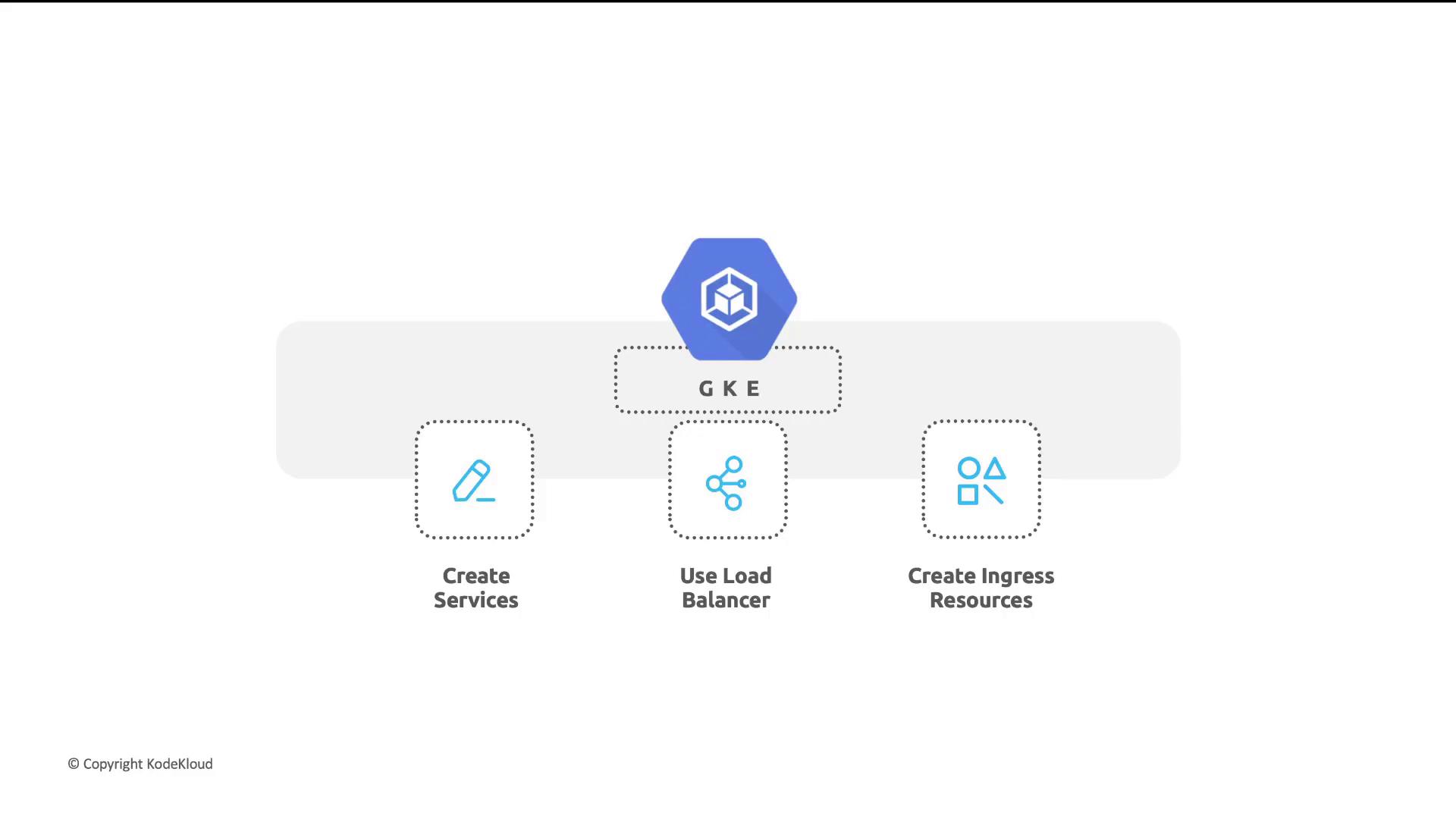
1. **Create Service**: Define a Service of type `LoadBalancer`.
2. **Provision LB**: GKE allocates a public IP and configures forwarding rules.
3. **Distribute Traffic**: Incoming requests are balanced across healthy Pods.
```bash theme={null}
kubectl apply -f loadbalancer-service.yaml
kubectl get service my-app-service
```
***
## Routing Traffic with Ingress
An **Ingress** resource defines HTTP(S) routing rules to Services. It provides host- and path-based routing and integrates with Google Cloud HTTP(S) Load Balancers for advanced features like SSL termination and cloud CDN.
### Sample Ingress Manifest
```yaml theme={null}
apiVersion: networking.k8s.io/v1
kind: Ingress
metadata:
name: my-app-ingress
spec:
rules:
- host: example.com
http:
paths:
- path: /
pathType: Prefix
backend:
service:
name: my-app-service
port:
number: 80
```
Ensure your cluster has an Ingress controller enabled (e.g., GKE Ingress) before applying Ingress resources. Otherwise, routing rules won’t take effect.
***
## Links and References
* [Google Kubernetes Engine (GKE)](https://cloud.google.com/kubernetes-engine/docs)
* [Kubernetes Services Documentation](https://kubernetes.io/docs/concepts/services-networking/service/)
* [Kubernetes Ingress Documentation](https://kubernetes.io/docs/concepts/services-networking/ingress/)
* [Google Cloud Load Balancing](https://cloud.google.com/load-balancing)