> ## Documentation Index
> Fetch the complete documentation index at: https://notes.kodekloud.com/llms.txt
> Use this file to discover all available pages before exploring further.
# Control workload deployments using node taints
> This article explains how to control workload deployments in GKE using node taints and pod tolerations for better resource management.
Node taints and pod tolerations in Google Kubernetes Engine (GKE) give you fine-grained control over where your workloads run. By marking nodes with taints and adding matching tolerations to pods, you ensure that only eligible pods land on specific nodes.
## Taints and Tolerations Analogy
Imagine a birthday party with two zones: a colorful play area for kids and a quiet lounge for adults. You hand out blue bracelets to kids and green bracelets to adults so everyone stays in the right spot. In GKE:
* Nodes are the party zones.
* A taint on a node labels its “zone” (e.g., Music Area, Reading Area).
* A pod’s toleration is its bracelet—pods with a matching toleration can be scheduled on that node.
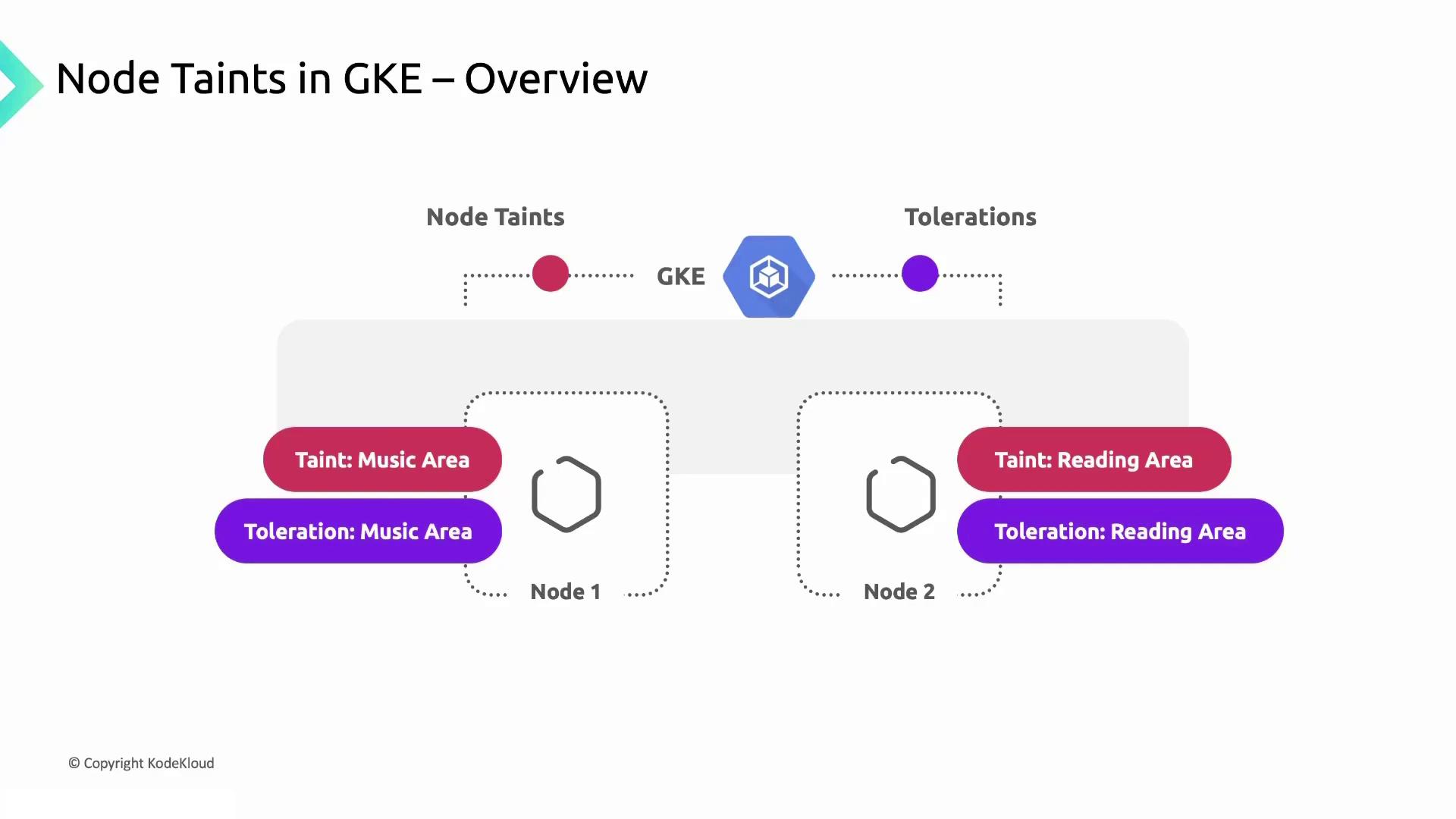
Pods with a `music-area` toleration will only run on nodes tainted for music, just like kids gathering in their play zone. Pods tolerating `reading-area` run on the quiet nodes.
## Autopilot vs. Standard Clusters
Depending on your cluster mode, taint configuration changes:
| Cluster Mode | Node Management | Taint Setup | Automation |
| ------------ | ----------------------- | ---------------------------------- | ------------------------------- |
| Autopilot | Fully managed by GKE | Taints applied automatically | GKE assigns taints at scale |
| Standard | User-defined node pools | You add taints when creating pools | You must update taints manually |
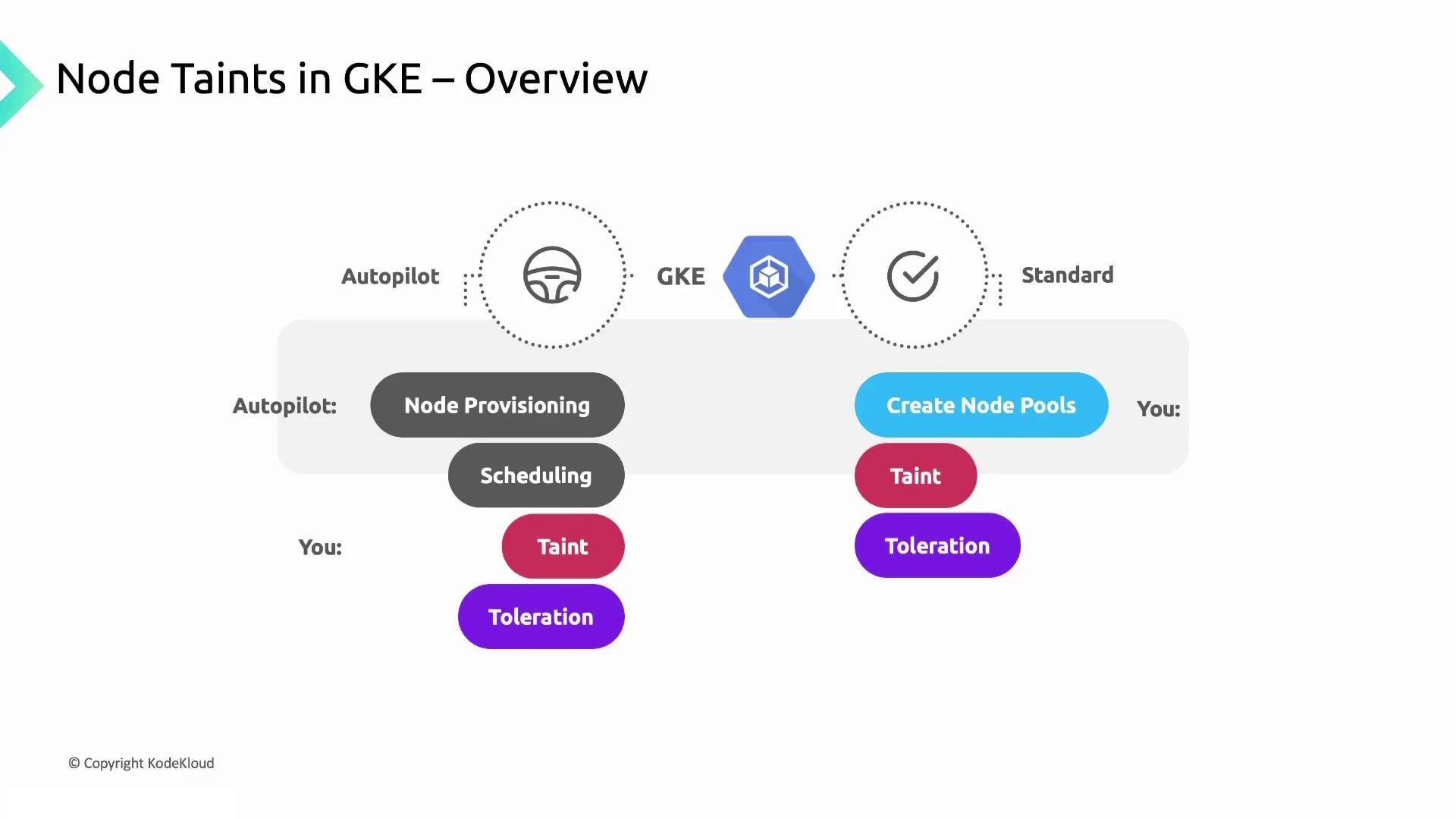
* In **Autopilot**, GKE handles node lifecycles and taints based on pod requirements.
* In **Standard** mode, you configure node pools, labels, and taints yourself.
## Why Use Node Taints?
Taints help isolate workloads with specific needs—whether resources, hardware, or compliance:
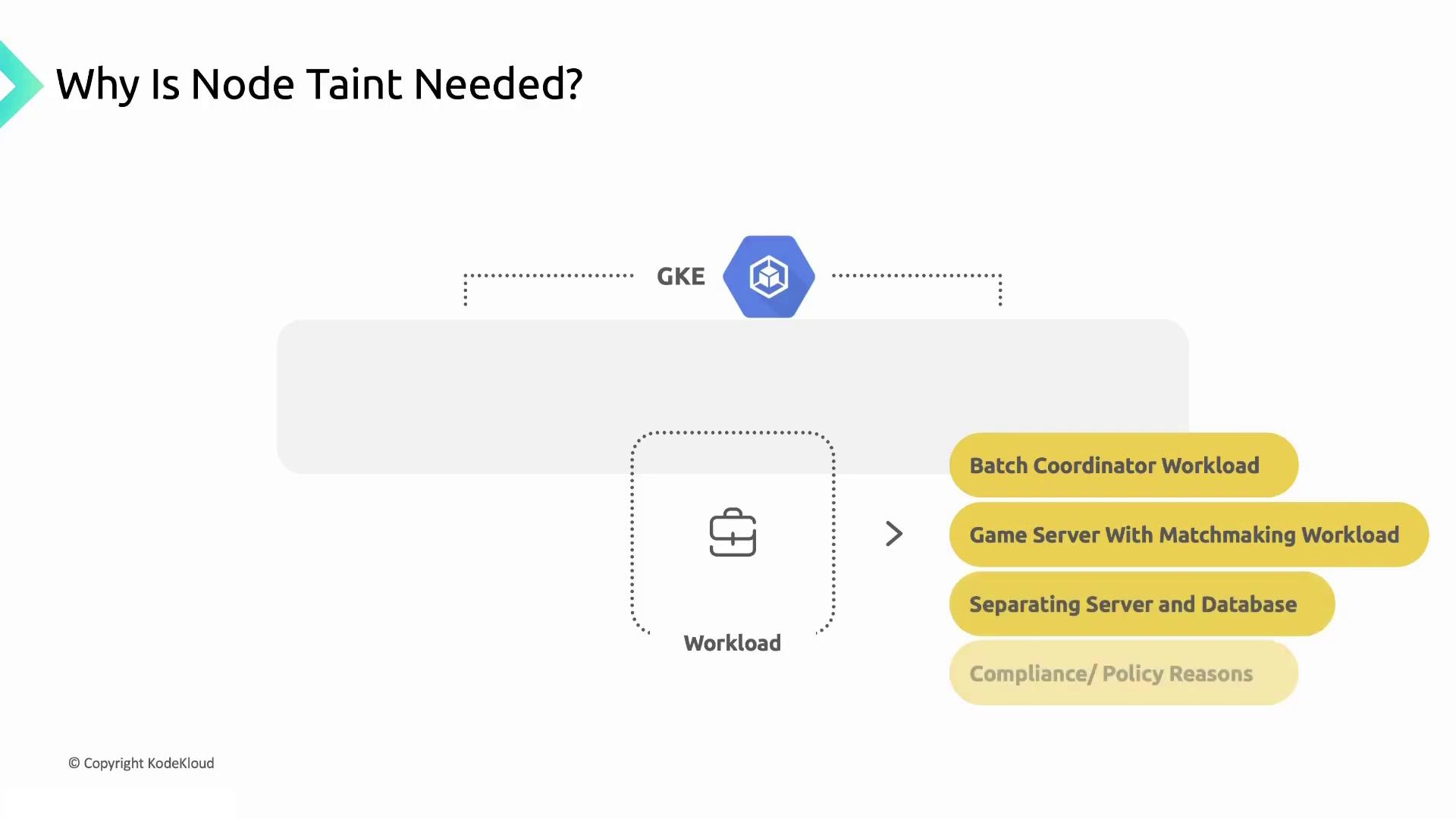
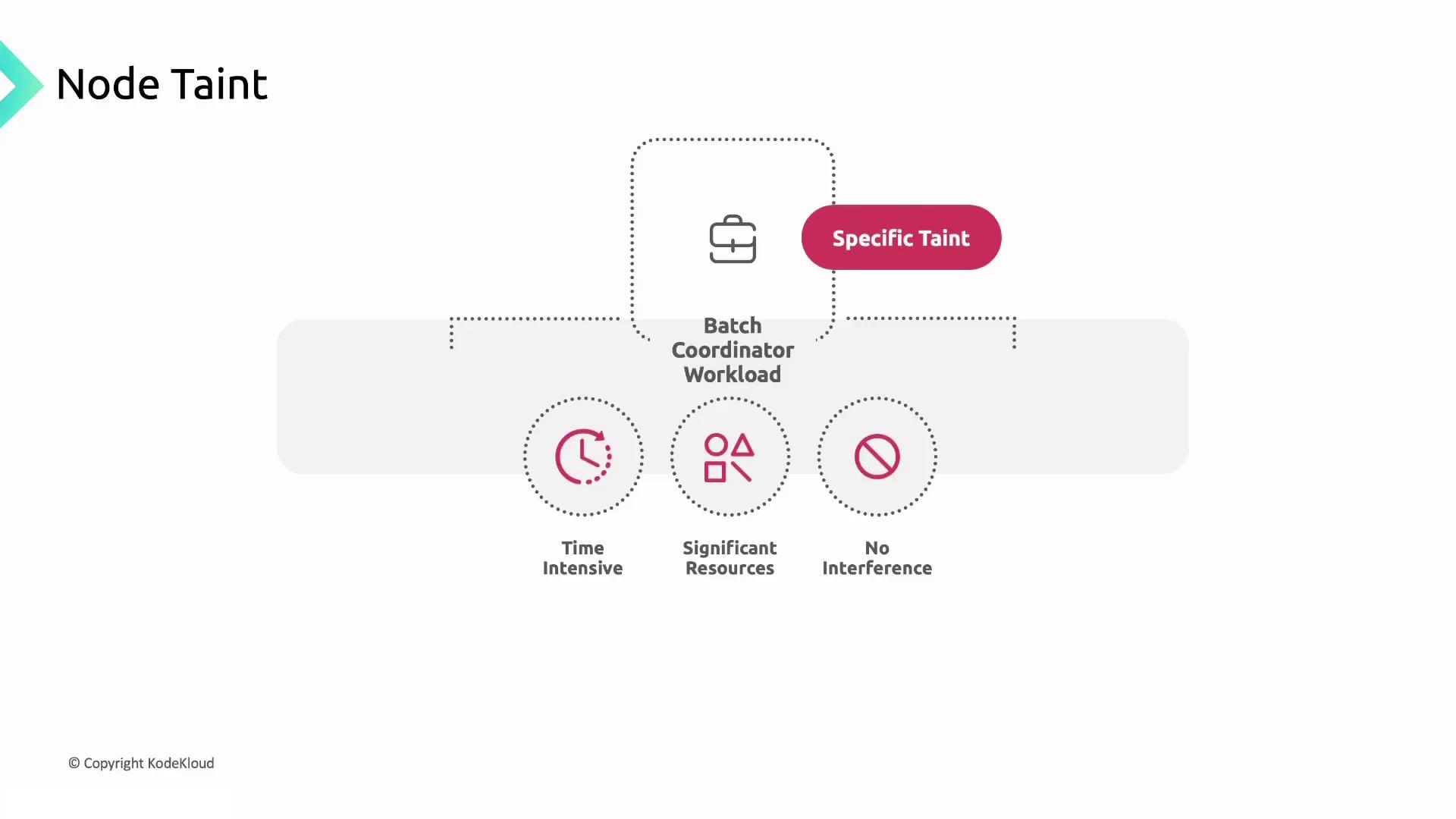
### Batch Coordinator Workloads
Time-sensitive, resource-intensive jobs should run on dedicated nodes to avoid interference.
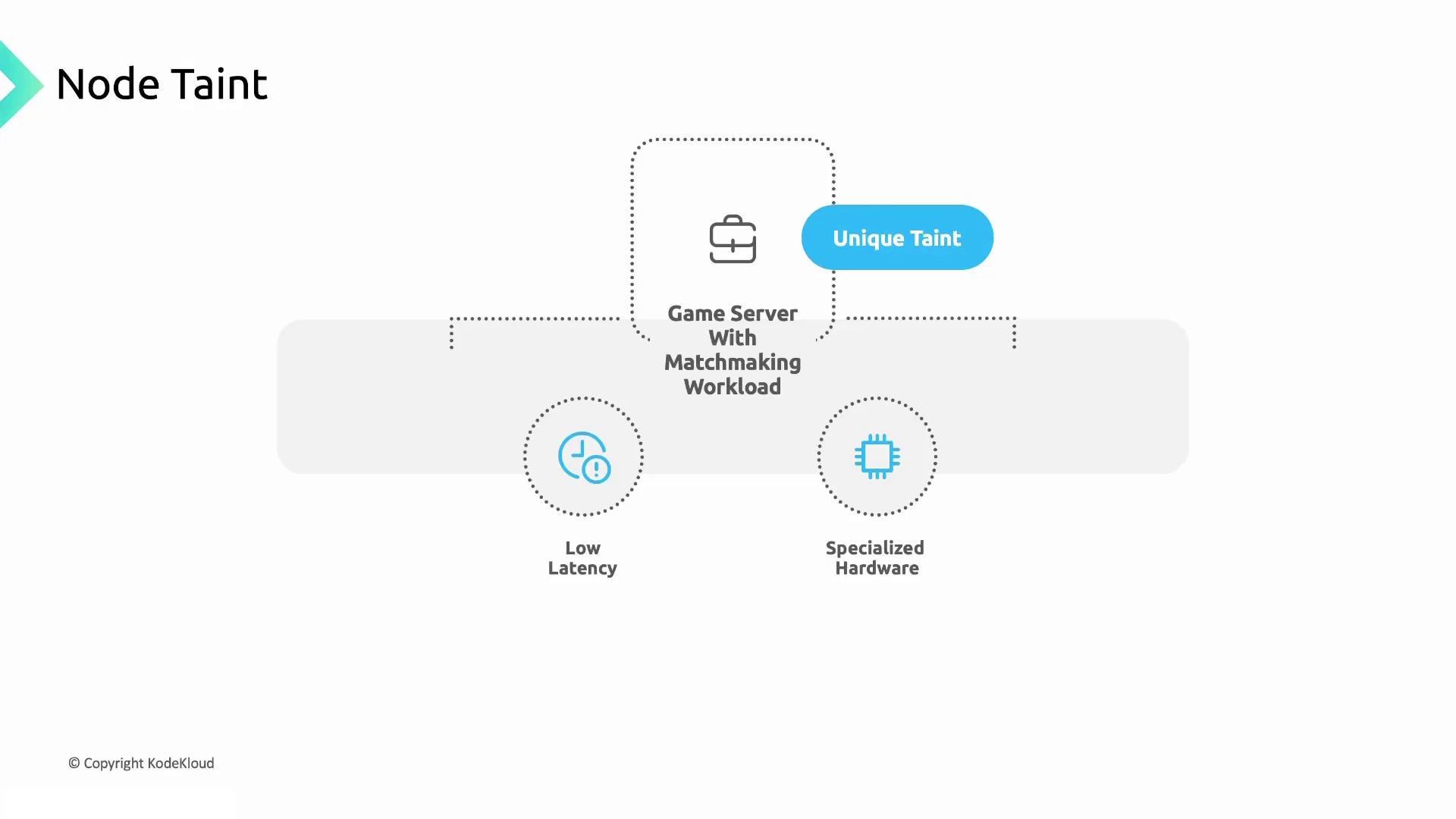
### Game Server Matchmaking
Low-latency and specialized hardware are critical for matchmaking. A unique taint guarantees these pods land on the right machines.
### Server–Database Separation
By tainting web servers and database nodes differently, you prevent resource contention and improve performance.
* Web server nodes: `server-role=web:NoSchedule`
* Database nodes: `server-role=db:NoSchedule`
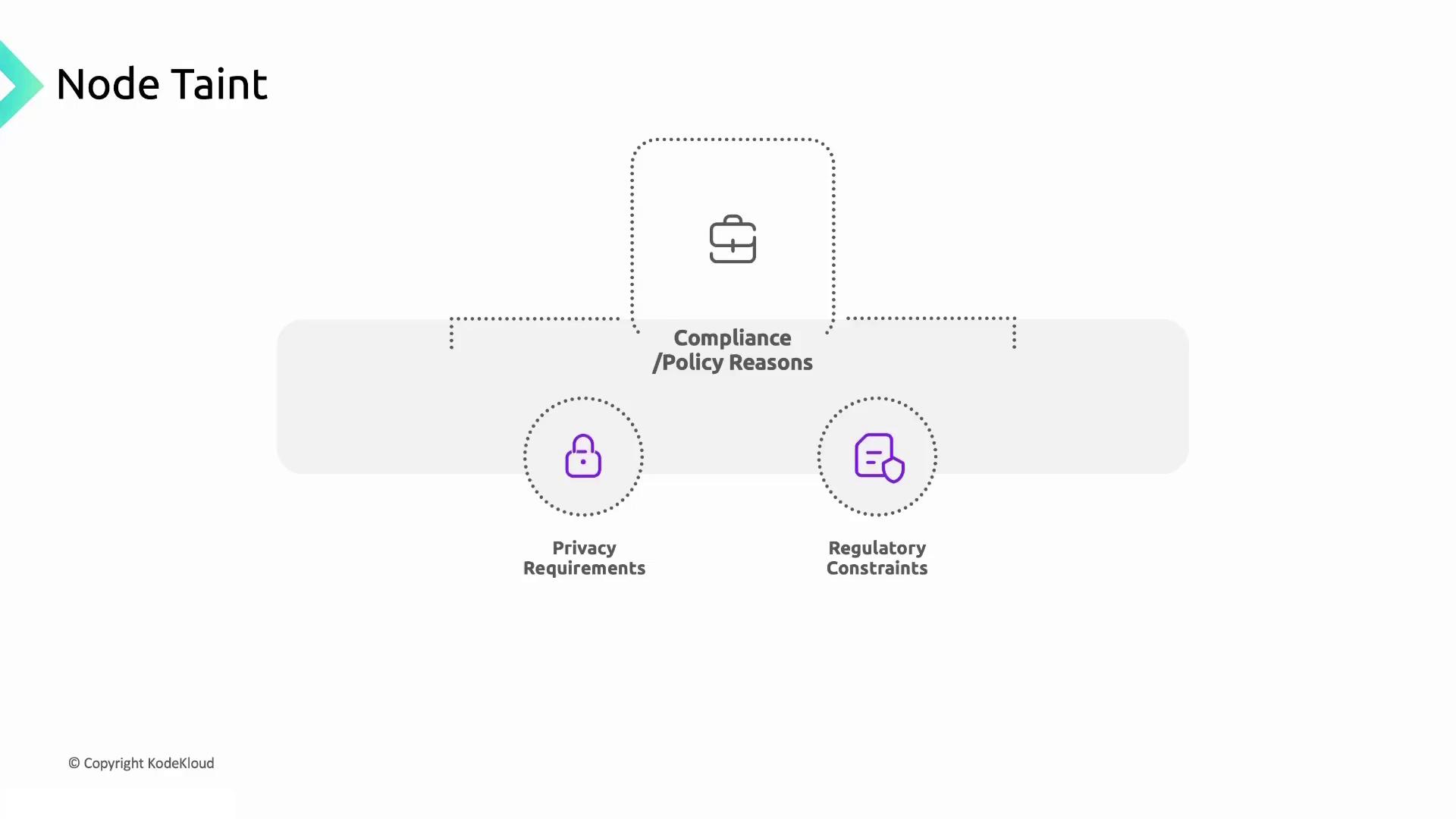
### Compliance and Policy Requirements
Some workloads must adhere to privacy regulations or internal policies. Assign compliance-specific taints to enforce workload isolation.
Node taints are not a security boundary. For untrusted workloads or strict isolation, use network policies, dedicated clusters, or virtualization.
## Applying Node Taints in GKE
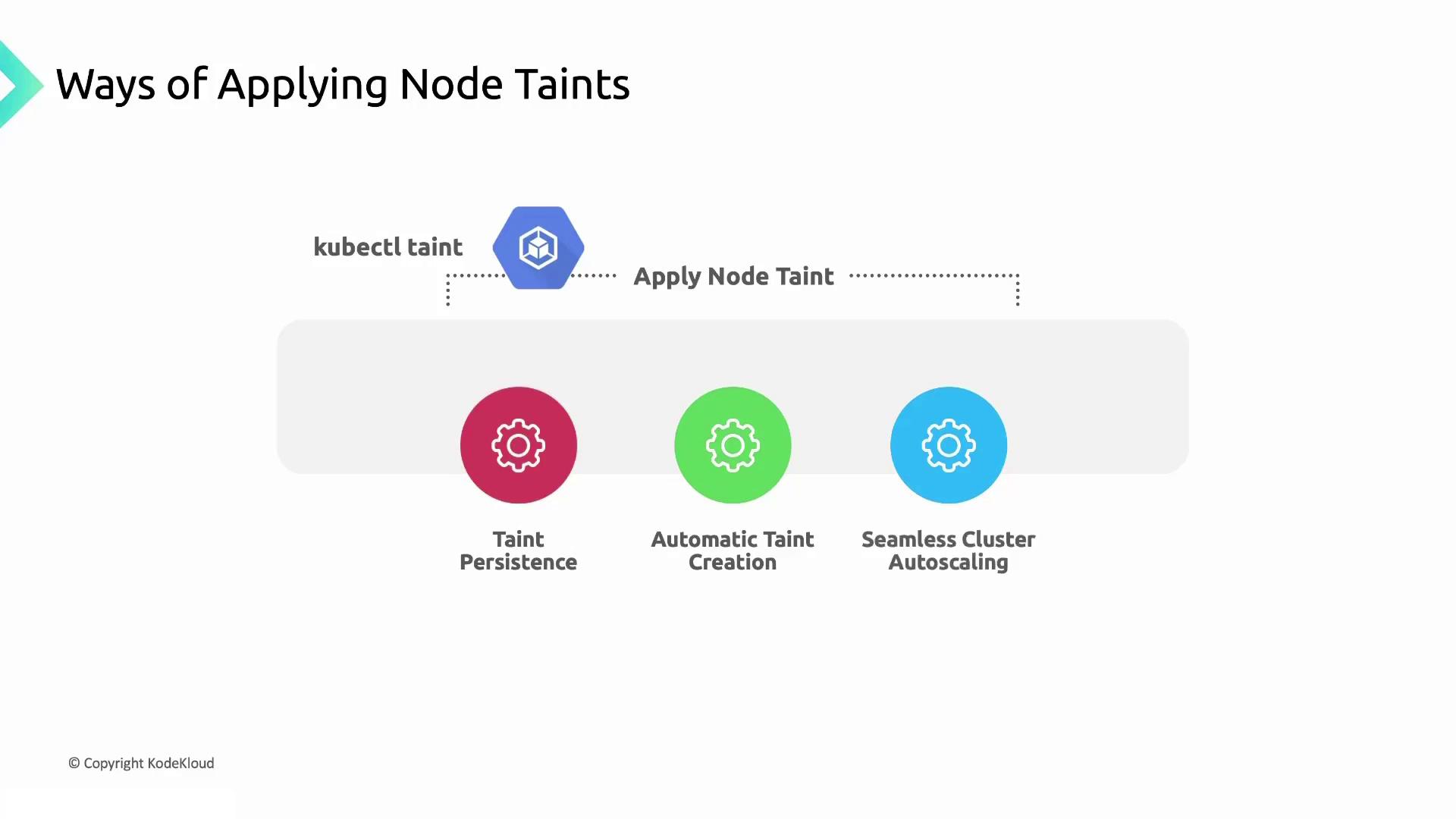
You can apply taints directly with `kubectl` or configure them in GKE for greater reliability:
* **GKE Console / gcloud**
* **`kubectl taint`**
* **Terraform** or other IaC tools
### Example: Tainting with kubectl
```bash theme={null}
# Taint a node so no pods schedule unless they tolerate it
kubectl taint nodes node-1 dedicated=experimental:NoSchedule
# Verify the taint
kubectl describe node node-1 | grep Taints
```
If you remove a taint via `kubectl` on a managed node pool, GKE will not reapply it after a restart. Always define critical taints at the pool or cluster level in GKE.
## Links and References
* [GKE Node Taints and Tolerations](https://cloud.google.com/kubernetes-engine/docs/concepts/node-taints)
* [Kubectl Taint Documentation](https://kubernetes.io/docs/reference/generated/kubectl/kubectl-commands#taint)
* [Kubernetes Official Documentation](https://kubernetes.io/docs/)
* [Terraform GKE Cluster](https://registry.terraform.io/providers/hashicorp/google/latest/docs/resources/container_cluster)