> ## Documentation Index
> Fetch the complete documentation index at: https://notes.kodekloud.com/llms.txt
> Use this file to discover all available pages before exploring further.
# Migrate workloads to GKE
> This guide explains how to convert VM-based applications into containers for deployment on Google Kubernetes Engine using Migrate for Containers.
In this guide, you’ll learn how **Migrate for Containers** streamlines the process of converting VM-based applications into containers and deploying them on Google Kubernetes Engine (GKE). By migrating workloads from virtual machines to GKE, you unlock the benefits of Google Cloud’s managed environment, automated scaling, and integrated networking.
## Supported Source Environments
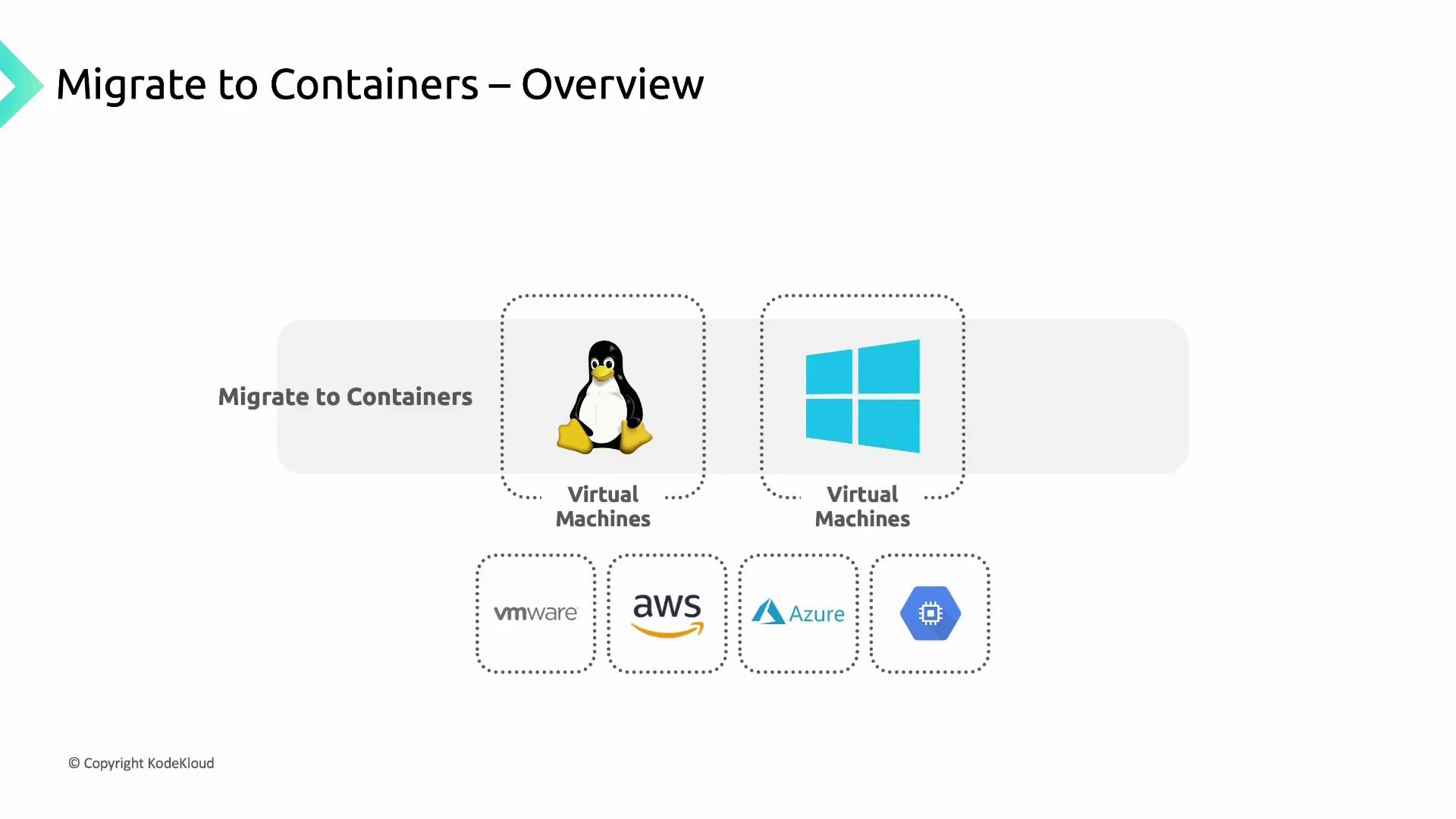
Migrate for Containers can containerize both Linux and Windows VMs running on any of these platforms:
| Source Environment | Supported OS |
| ------------------ | -------------- |
| VMware | Linux, Windows |
| AWS | Linux, Windows |
| Azure | Linux, Windows |
| Google Cloud | Linux, Windows |
## Fit Assessment Tool
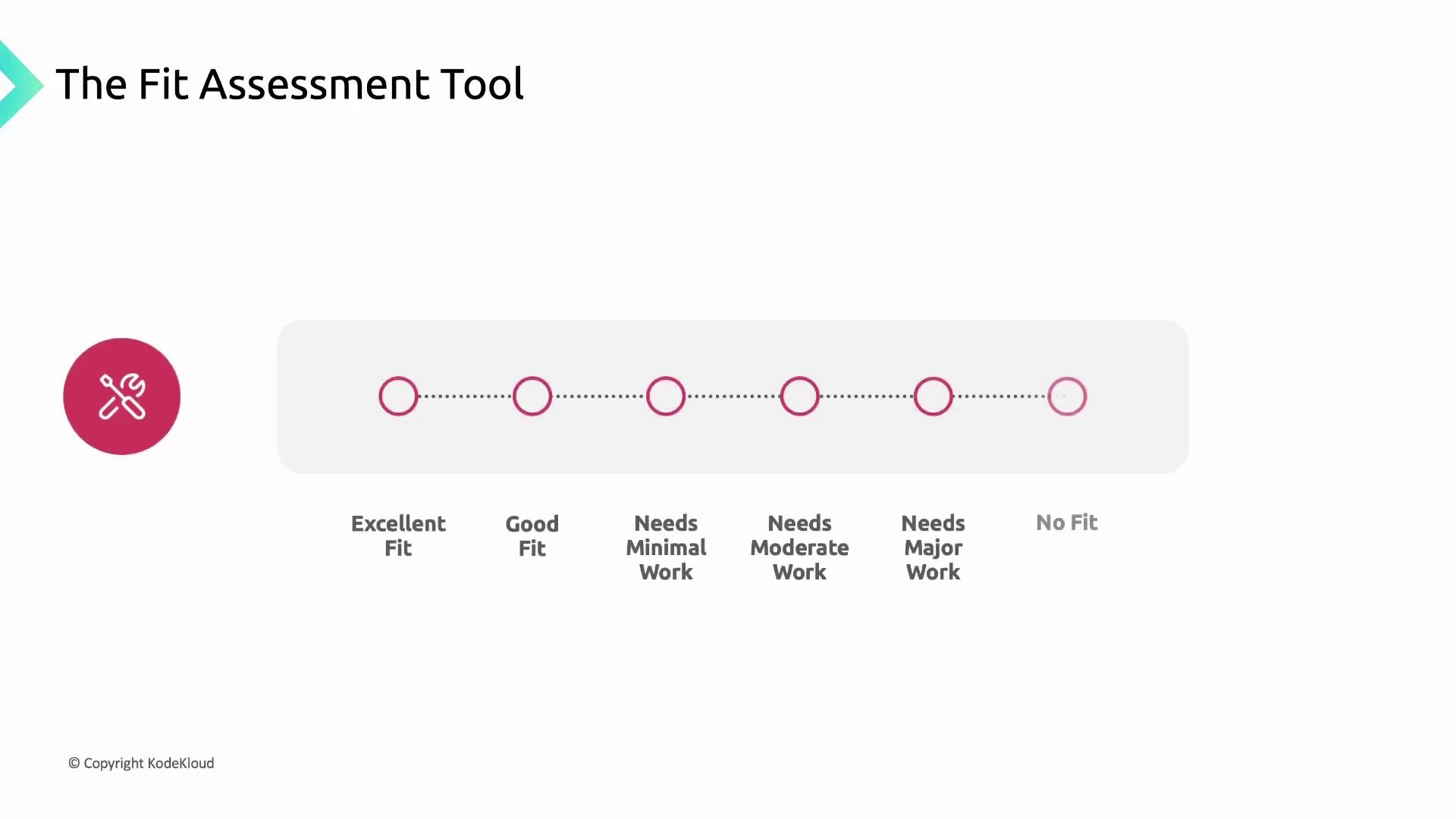
Before you begin containerization, evaluate each application’s readiness with the built-in **Fit Assessment tool** in Migrate for Containers. This tool scans your source VMs and generates a comprehensive report that:
* Assesses how well an application can run in a container vs. on Compute Engine
* Identifies technical obstacles or unsupported dependencies
* Suggests remediation steps for any issues found
### Fit Assessment Categories
| Fit Category | What It Means |
| ------------- | --------------------------------------------------- |
| Excellent Fit | Ready for containerization with no changes required |
| Good Fit | Minor adjustments recommended before migration |
| Fair Fit | Moderate remediation or refactoring advised |
| Poor Fit | Complex dependencies; significant changes needed |
| No Fit | Not suitable for containerization at this time |
Review the assessment report thoroughly. Address any configuration tweaks or dependency updates before you proceed to containerize and deploy on GKE.
## Next Steps
1. Remediate any issues identified by the Fit Assessment tool.
2. Follow the [Migrate for Containers documentation](https://cloud.google.com/migrate/containers/docs) to containerize your VM workloads.
3. Deploy your new containers to GKE using the [GKE documentation](https://cloud.google.com/kubernetes-engine/docs).
By completing these steps, you’ll have your VM-based applications running reliably on Google Kubernetes Engine, taking full advantage of Google Cloud’s managed services and scalability.