> ## Documentation Index
> Fetch the complete documentation index at: https://notes.kodekloud.com/llms.txt
> Use this file to discover all available pages before exploring further.
# Performing rolling updates on a GKE Cluster
> This guide explains how to perform rolling updates on a Google Kubernetes Engine cluster using update strategies for various workload types.
In this guide, you’ll learn how to execute **rolling updates** on a [Google Kubernetes Engine (GKE)](https://cloud.google.com/kubernetes-engine) cluster. We’ll use a house-renovation analogy to explain key concepts and then dive into configuring update strategies for your DaemonSets, Deployments, and StatefulSets.
## Kubernetes Rolling Update: A House Renovation Analogy
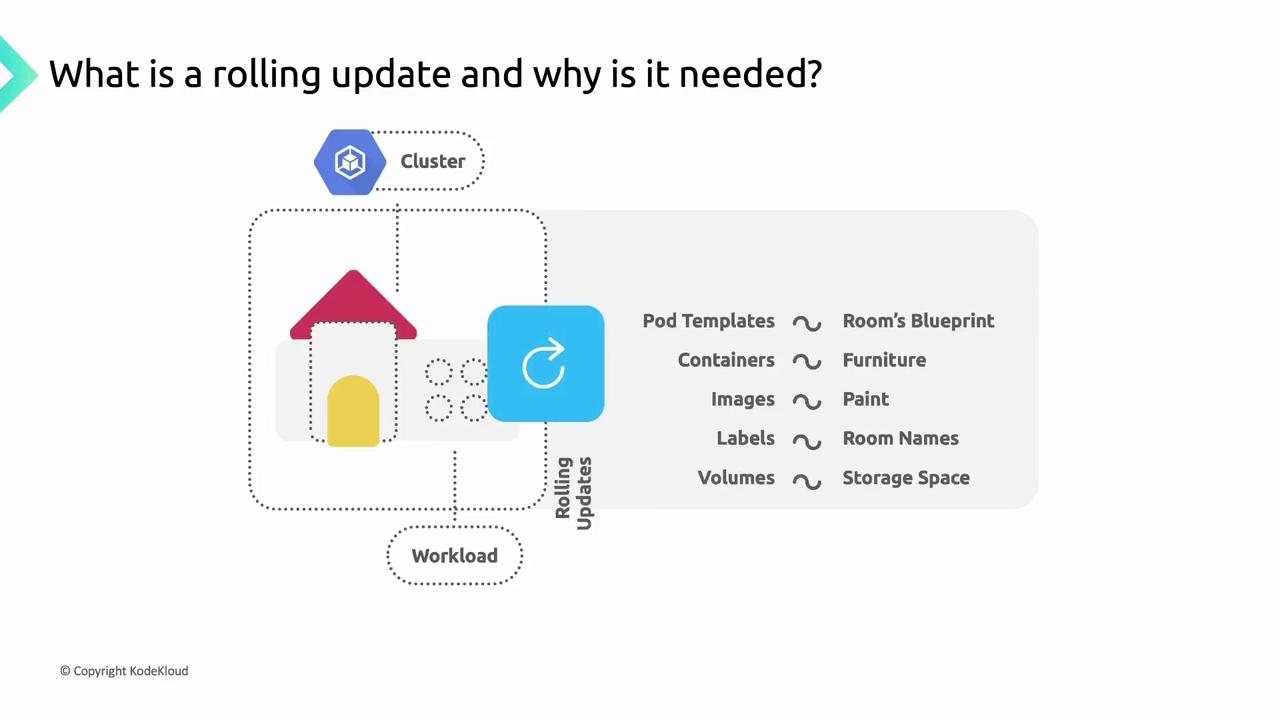
Imagine you’re renovating a house one room at a time—painting walls, upgrading appliances, replacing furniture—while keeping the rest of the home fully functional. In GKE:
* The **house** = your GKE cluster
* The **rooms** = DaemonSets, Deployments, StatefulSets
* The **blueprint** = the workload’s Pod template
When you modify the Pod template (for example, updating a container image, labels, or volume mounts), GKE performs a rolling update by replacing Pods one at a time—just like remodeling each room sequentially to avoid downtime.
## Triggering a Rolling Update
A rolling update is only triggered when you change fields under the Pod template (`spec.template`). Actions outside the template—such as modifying replica counts—do **not** automatically start a rollout.
Only changes to `spec.template` (for example, `containers[].image` or `volumes[]`) trigger a rolling update. Scaling operations require separate commands or API calls.
## Configuring Update Strategies in GKE
GKE supports two update strategies for workload controllers:
| Resource Type | Spec Field | Default Strategy |
| ------------- | --------------------- | ---------------- |
| Deployment | `spec.strategy` | RollingUpdate |
| DaemonSet | `spec.updateStrategy` | RollingUpdate |
| StatefulSet | `spec.updateStrategy` | RollingUpdate |
You can choose:
* **OnDelete**: Pods only update when manually deleted.
* **RollingUpdate**: Pods update automatically, one at a time.
## 1. OnDelete Strategy
With **OnDelete**, the controller replaces Pods only after you manually delete them. This grants you full control over when and which Pods are updated.
```yaml theme={null}
apiVersion: apps/v1
kind: StatefulSet
metadata:
name: example-statefulset
spec:
updateStrategy:
type: OnDelete
template:
spec:
containers:
- name: app
image: my-app:v2
```
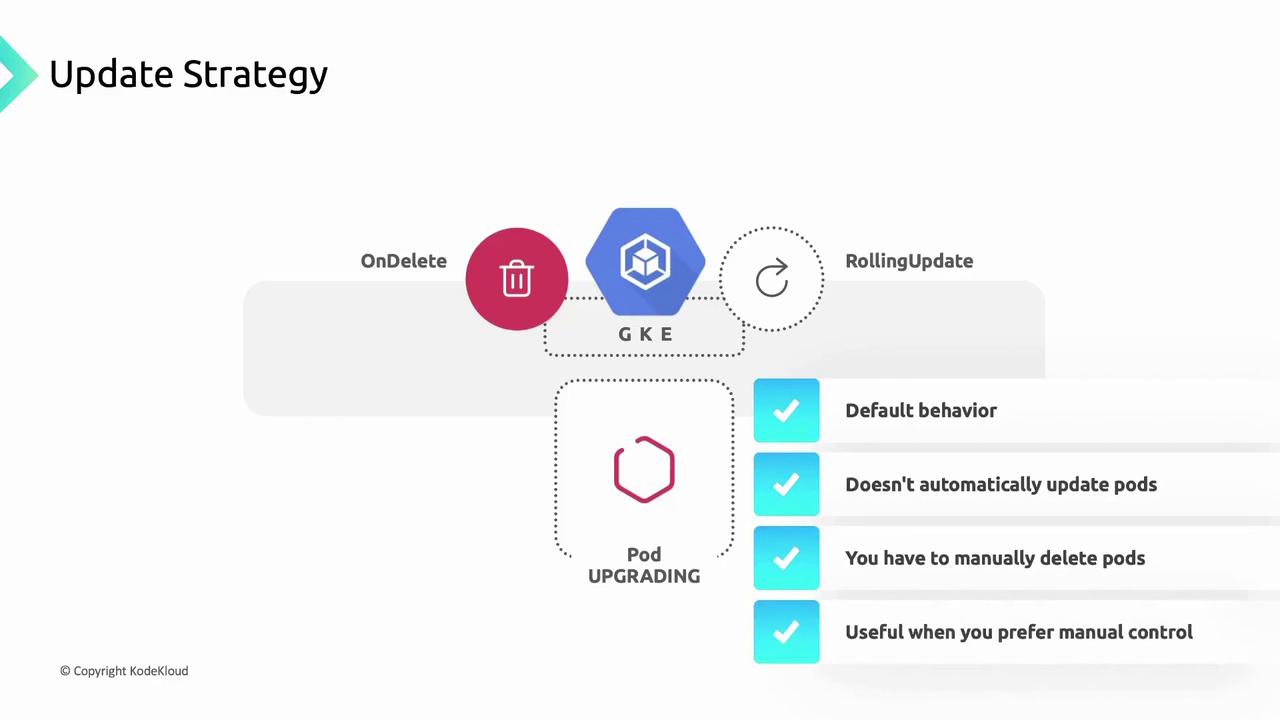
Using `OnDelete` means no automatic rollout. Be prepared to manually delete outdated Pods to apply your updates.
## 2. RollingUpdate Strategy
The **RollingUpdate** strategy automates Pod replacements. GKE waits for each new Pod to become `Ready` before proceeding to the next. You can fine-tune rollout behavior using parameters such as `maxUnavailable` or `partition`.
```yaml theme={null}
apiVersion: apps/v1
kind: StatefulSet
metadata:
name: example-statefulset
spec:
updateStrategy:
type: RollingUpdate
rollingUpdate:
partition: 0
template:
spec:
containers:
- name: app
image: my-app:v2
```
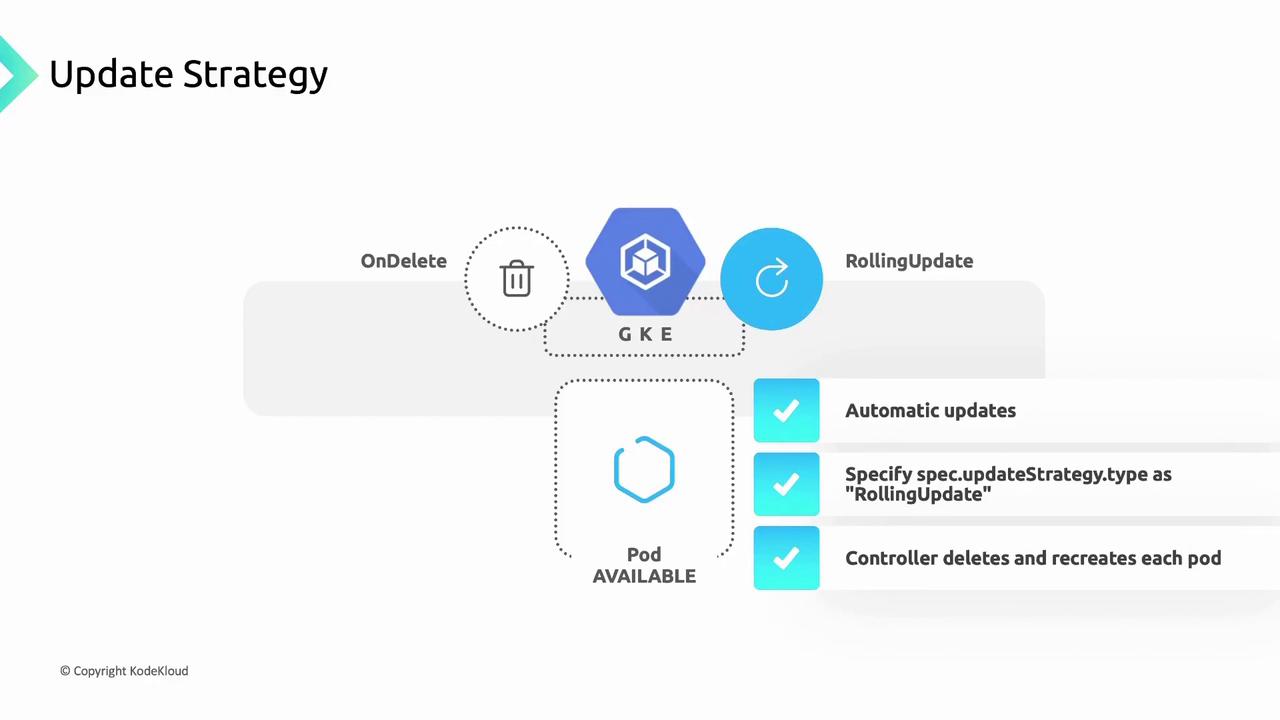
The `partition` setting lets you control how many Pods remain on the old revision. Adjust `maxUnavailable` or `maxSurge` to manage availability during updates.
## Handling Failures During Rolling Updates
If a new Pod fails to reach the `Ready` state, the update halts. Existing Pods on the old version remain running, ensuring your service stays available. This predictable behavior helps maintain reliability and gives you time to diagnose issues before proceeding.
## Links and References
* [GKE Rolling Updates Overview](https://cloud.google.com/kubernetes-engine/docs/concepts/rolling-updates)
* [Kubernetes Deployment Strategy](https://kubernetes.io/docs/concepts/workloads/controllers/deployment/#strategy)
* [StatefulSet Rolling Updates](https://kubernetes.io/docs/concepts/workloads/controllers/statefulset/#update-strategies)
* [DaemonSet Update Strategy](https://kubernetes.io/docs/concepts/workloads/controllers/daemonset/#update-strategy)
For more on Kubernetes fundamentals, visit the [Kubernetes Documentation](https://kubernetes.io/docs/).