> ## Documentation Index
> Fetch the complete documentation index at: https://notes.kodekloud.com/llms.txt
> Use this file to discover all available pages before exploring further.
# Request and Response Filters
> Overview of gateway request filters including header modification, redirects, URL rewrites, and request mirroring for routing, testing, metadata injection, and safe traffic shadowing.
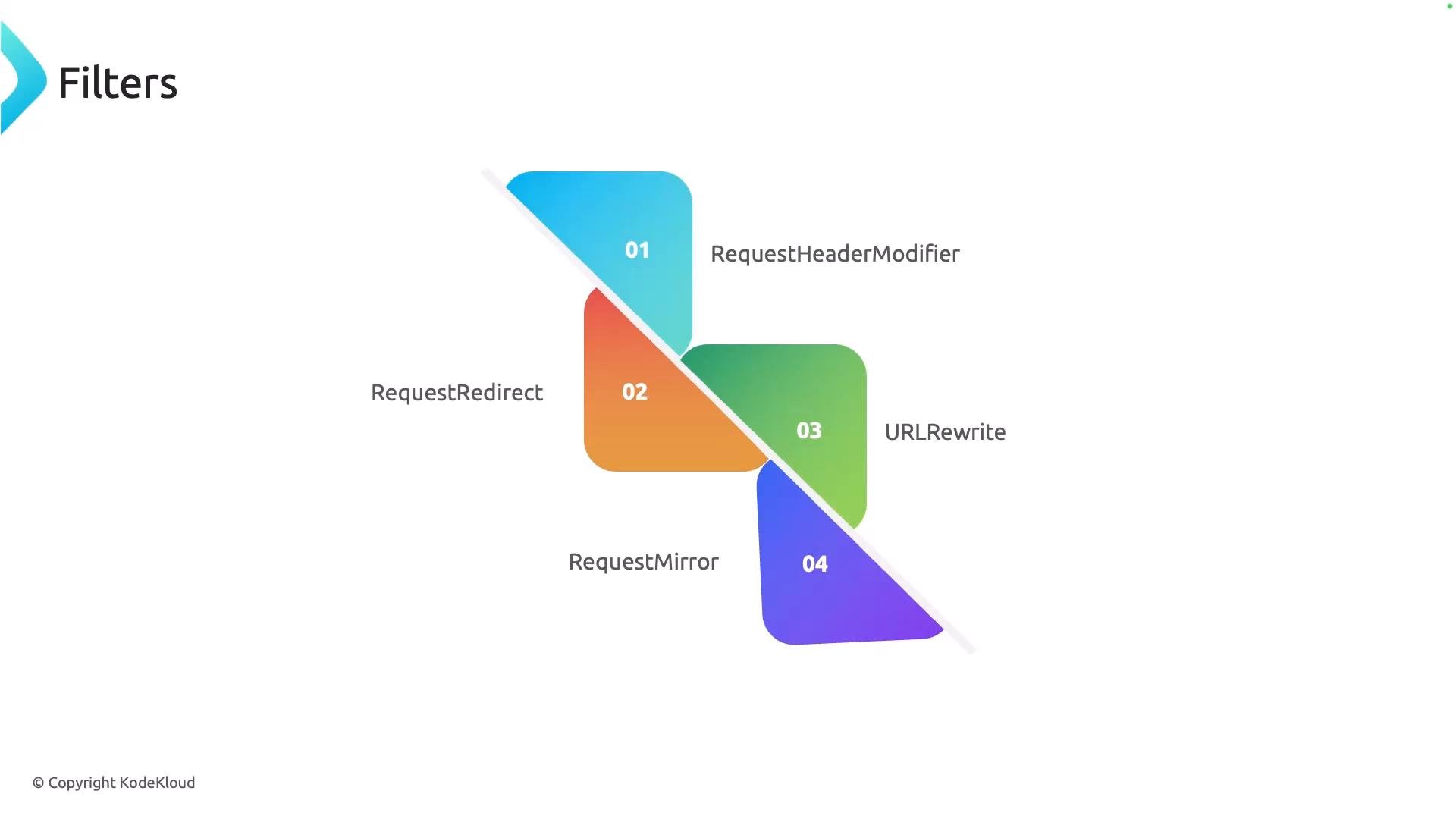
In this lesson we cover request-side filters: how they modify requests before they reach the backend (and, where relevant, affect responses). Filters let you add, change, or remove request metadata, redirect clients, rewrite request paths for internal routing, or duplicate traffic for testing and analytics.
 Summary table
| Filter | Purpose | Typical usage / quick example |
| - | - | - |
| Request Header Modifier | Add, set, append, or remove HTTP headers on the request | Inject `X-Env: production`, remove `X-Forwarded-For` |
| Request Redirect | Return an HTTP 3xx to the client to point them to another URL | Redirect HTTP → HTTPS or change host/path |
| URL Rewrite | Rewrite the request path (or parts of the URL) before forwarding | Expose `/coffee` publicly while routing to internal `/tea` |
| Request Mirror | Duplicate incoming requests to one or more backends for testing/observability | Shadow production traffic to a staging service |
## Request Header Modifier
Request Header Modifier filters let you modify headers that flow through the gateway. Typical operations:
* Add new headers.
* Set (overwrite) a header to a specific value.
* Append values to an existing header.
* Remove headers entirely.
Common use cases include injecting tracing or routing metadata, stripping sensitive client headers before forwarding to internal services, and standardizing header formats.
Example (conceptual YAML) — set, add, and remove headers:
```yaml theme={null}
filters:
- type: RequestHeaderModifier
requestHeaderModifier:
set:
- name: X-Env
value: production
add:
- name: X-Request-Id
value: "{{request.id}}"
remove:
- X-Secret-Token
```
Use header modifiers to centralize cross-cutting concerns like tracing, authentication hints, or policy flags so backends remain simple and consistent.
## Request Redirect
A Request Redirect filter instructs the client to request a different URL by returning an HTTP 3xx response (for example, 301 or 302) and a Location header that points to the new endpoint.
Common uses:
* Canonicalization (for example, redirect `http://` to `https://`).
* Moving clients to new hostnames or paths.
* Enforcing trailing slash behavior or legacy URL compatibility.
Conceptual example — redirect to a secure site or new path:
```yaml theme={null}
filters:
- type: RequestRedirect
requestRedirect:
responseCode: 301
httpsRedirect: true
pathRedirect: /new-path
```
## URL Rewrite
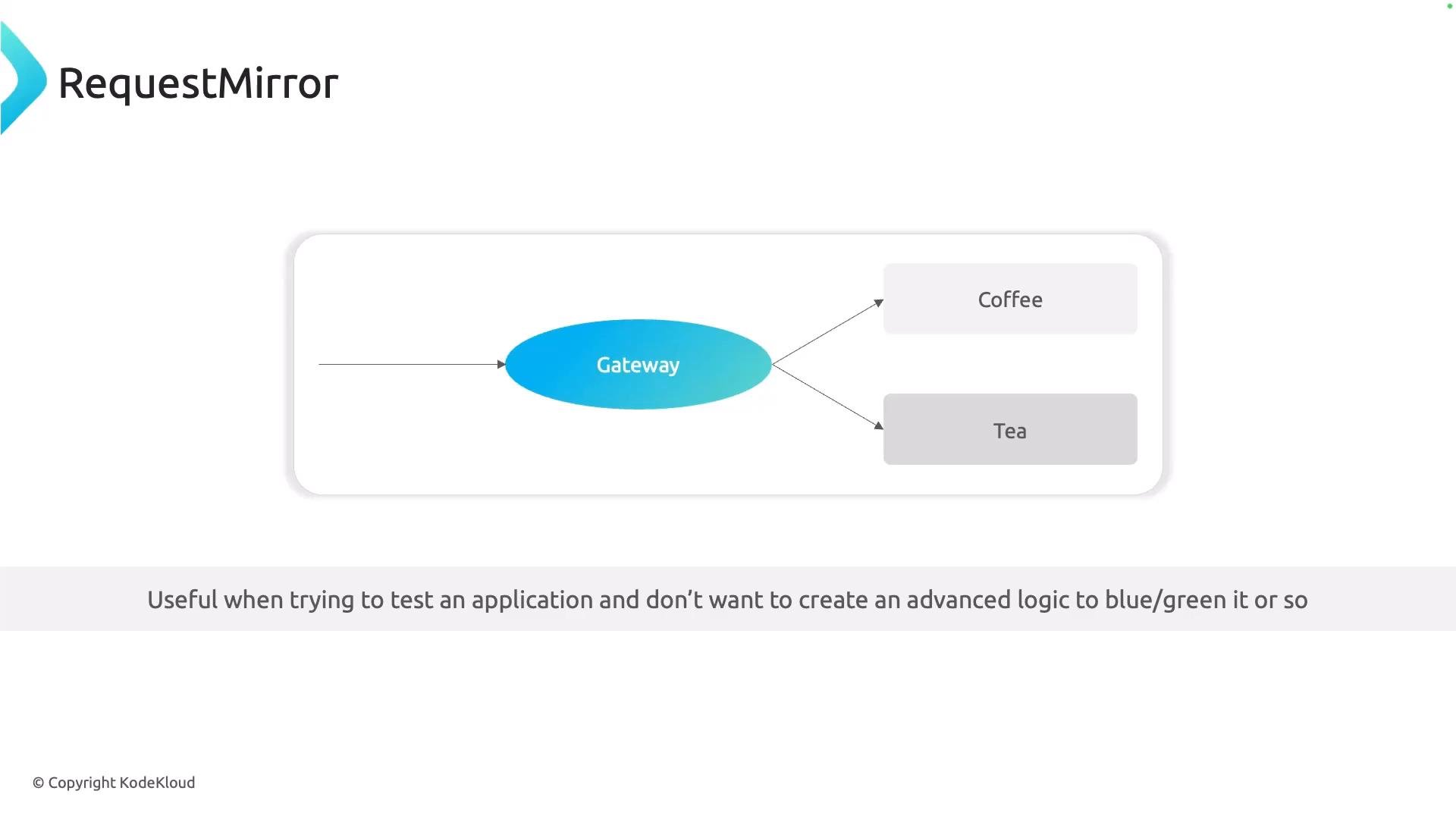
URL Rewrite modifies the request URL (path and optionally other URL parts) before sending the request to the backend. This is useful when you want a friendly external path but route to a different internal path or microservice endpoint.
Key points:
* Rewrites affect what the backend sees as the request path; the client’s browser still shows the original requested URL.
* You can preserve or modify query strings and headers depending on the gateway/filter configuration.
Example — externally `/coffee` forwarded internally to `/tea`:
```yaml theme={null}
filters:
- type: URLRewrite
urlRewrite:
path: /tea
```
Summary table
| Filter | Purpose | Typical usage / quick example |
| - | - | - |
| Request Header Modifier | Add, set, append, or remove HTTP headers on the request | Inject `X-Env: production`, remove `X-Forwarded-For` |
| Request Redirect | Return an HTTP 3xx to the client to point them to another URL | Redirect HTTP → HTTPS or change host/path |
| URL Rewrite | Rewrite the request path (or parts of the URL) before forwarding | Expose `/coffee` publicly while routing to internal `/tea` |
| Request Mirror | Duplicate incoming requests to one or more backends for testing/observability | Shadow production traffic to a staging service |
## Request Header Modifier
Request Header Modifier filters let you modify headers that flow through the gateway. Typical operations:
* Add new headers.
* Set (overwrite) a header to a specific value.
* Append values to an existing header.
* Remove headers entirely.
Common use cases include injecting tracing or routing metadata, stripping sensitive client headers before forwarding to internal services, and standardizing header formats.
Example (conceptual YAML) — set, add, and remove headers:
```yaml theme={null}
filters:
- type: RequestHeaderModifier
requestHeaderModifier:
set:
- name: X-Env
value: production
add:
- name: X-Request-Id
value: "{{request.id}}"
remove:
- X-Secret-Token
```
Use header modifiers to centralize cross-cutting concerns like tracing, authentication hints, or policy flags so backends remain simple and consistent.
## Request Redirect
A Request Redirect filter instructs the client to request a different URL by returning an HTTP 3xx response (for example, 301 or 302) and a Location header that points to the new endpoint.
Common uses:
* Canonicalization (for example, redirect `http://` to `https://`).
* Moving clients to new hostnames or paths.
* Enforcing trailing slash behavior or legacy URL compatibility.
Conceptual example — redirect to a secure site or new path:
```yaml theme={null}
filters:
- type: RequestRedirect
requestRedirect:
responseCode: 301
httpsRedirect: true
pathRedirect: /new-path
```
## URL Rewrite
URL Rewrite modifies the request URL (path and optionally other URL parts) before sending the request to the backend. This is useful when you want a friendly external path but route to a different internal path or microservice endpoint.
Key points:
* Rewrites affect what the backend sees as the request path; the client’s browser still shows the original requested URL.
* You can preserve or modify query strings and headers depending on the gateway/filter configuration.
Example — externally `/coffee` forwarded internally to `/tea`:
```yaml theme={null}
filters:
- type: URLRewrite
urlRewrite:
path: /tea
```
 ## Request Mirror (Shadowing)
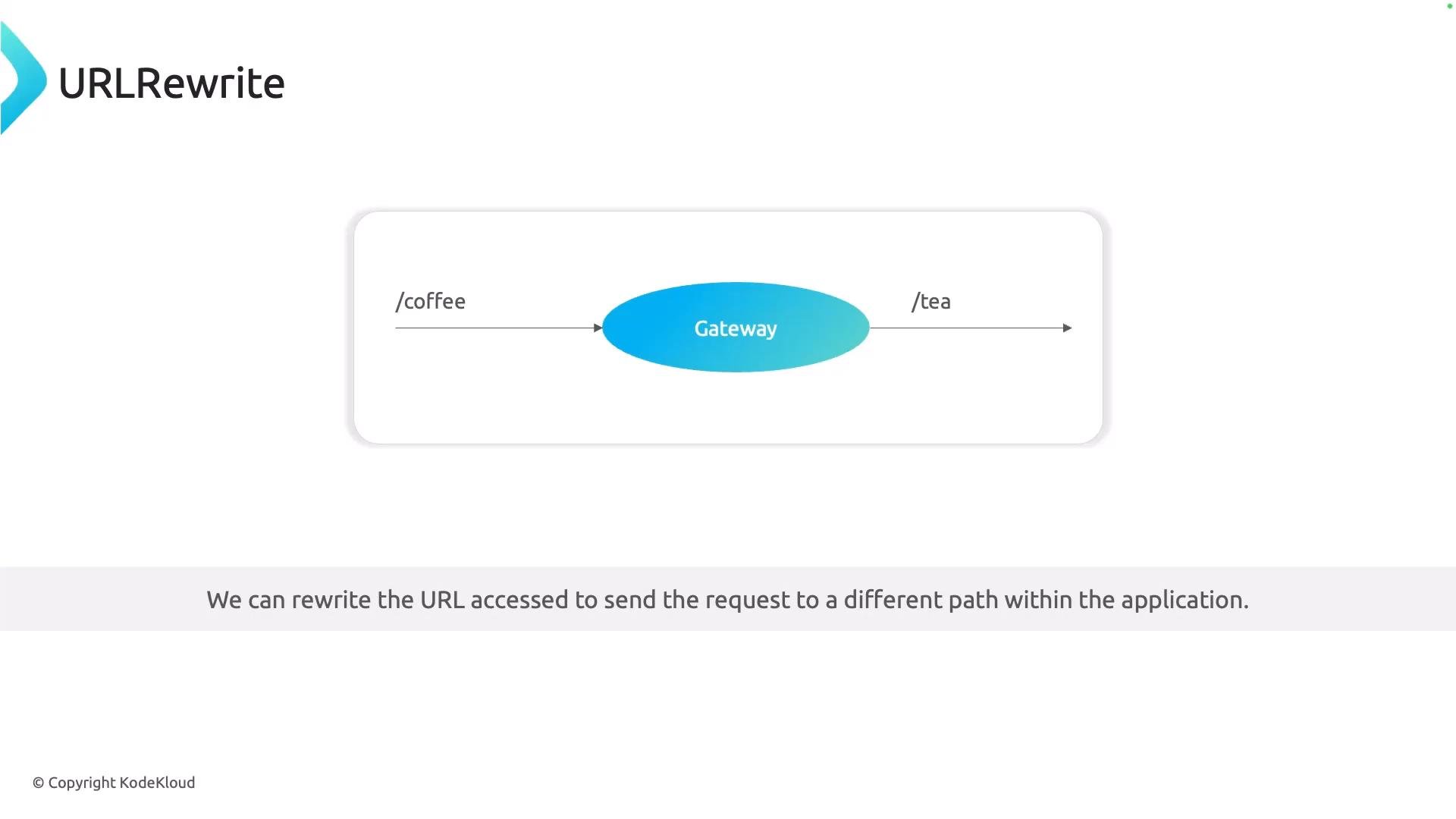
Request Mirror duplicates an incoming request and forwards a copy to one or more additional backends while allowing the primary backend to handle the real response returned to the client. The mirrored request is usually fire-and-forget — the gateway ignores the mirrored backend’s response.
Use cases:
* Validate a new service version with production traffic without impacting users.
* Feed production traffic into analytics or observability pipelines.
* Performance/load testing with real request shapes.
Example — mirror traffic to a canary backend:
```yaml theme={null}
filters:
- type: RequestMirror
requestMirror:
backendRef:
name: tea-canary
port: 80
```
Mirrored requests are often sent asynchronously and their responses ignored. Be mindful of privacy and downstream side effects (e.g., duplicated writes). Ensure mirrored endpoints are safe to receive production traffic.
## Request Mirror (Shadowing)
Request Mirror duplicates an incoming request and forwards a copy to one or more additional backends while allowing the primary backend to handle the real response returned to the client. The mirrored request is usually fire-and-forget — the gateway ignores the mirrored backend’s response.
Use cases:
* Validate a new service version with production traffic without impacting users.
* Feed production traffic into analytics or observability pipelines.
* Performance/load testing with real request shapes.
Example — mirror traffic to a canary backend:
```yaml theme={null}
filters:
- type: RequestMirror
requestMirror:
backendRef:
name: tea-canary
port: 80
```
Mirrored requests are often sent asynchronously and their responses ignored. Be mindful of privacy and downstream side effects (e.g., duplicated writes). Ensure mirrored endpoints are safe to receive production traffic.
 ## Best practices
* Centralize header manipulation at the gateway to avoid duplication in services.
* Use redirects for canonicalization to improve SEO and avoid duplicate-content issues.
* Prefer URL rewrites for internal routing when you want to keep stable public URLs.
* Mirror only safe, idempotent requests or routes that you know will not cause side effects when duplicated.
* Monitor mirrored traffic volume and latency to avoid unexpected load on shadow services.
Further reading and references
* [Gateway API Specification](https://gateway-api.sigs.k8s.io/)
* [NGINX Fabric Gateway documentation](https://www.nginx.com/)
* Consider related topics: routing, rate limiting, and observability for production deployments.
That's it for this section — a concise overview of request-side filters and when to use each type.
This documentation is built and hosted on [Mintlify](https://mintlify.com), a developer documentation platform.
## Best practices
* Centralize header manipulation at the gateway to avoid duplication in services.
* Use redirects for canonicalization to improve SEO and avoid duplicate-content issues.
* Prefer URL rewrites for internal routing when you want to keep stable public URLs.
* Mirror only safe, idempotent requests or routes that you know will not cause side effects when duplicated.
* Monitor mirrored traffic volume and latency to avoid unexpected load on shadow services.
Further reading and references
* [Gateway API Specification](https://gateway-api.sigs.k8s.io/)
* [NGINX Fabric Gateway documentation](https://www.nginx.com/)
* Consider related topics: routing, rate limiting, and observability for production deployments.
That's it for this section — a concise overview of request-side filters and when to use each type.
This documentation is built and hosted on [Mintlify](https://mintlify.com), a developer documentation platform.