> ## Documentation Index
> Fetch the complete documentation index at: https://notes.kodekloud.com/llms.txt
> Use this file to discover all available pages before exploring further.
# Section Introduction
> Advanced traffic management with Gateway API and NGINX Fabric Gateway covering cross-namespace routing, weighted canaries, header/method/query routing, request rewrites, and safe production testing.
Welcome to the third section. In this lesson we'll explore advanced traffic-management patterns using Gateway API with NGINX Fabric Gateway — techniques you'll commonly use in production to control and test traffic safely.
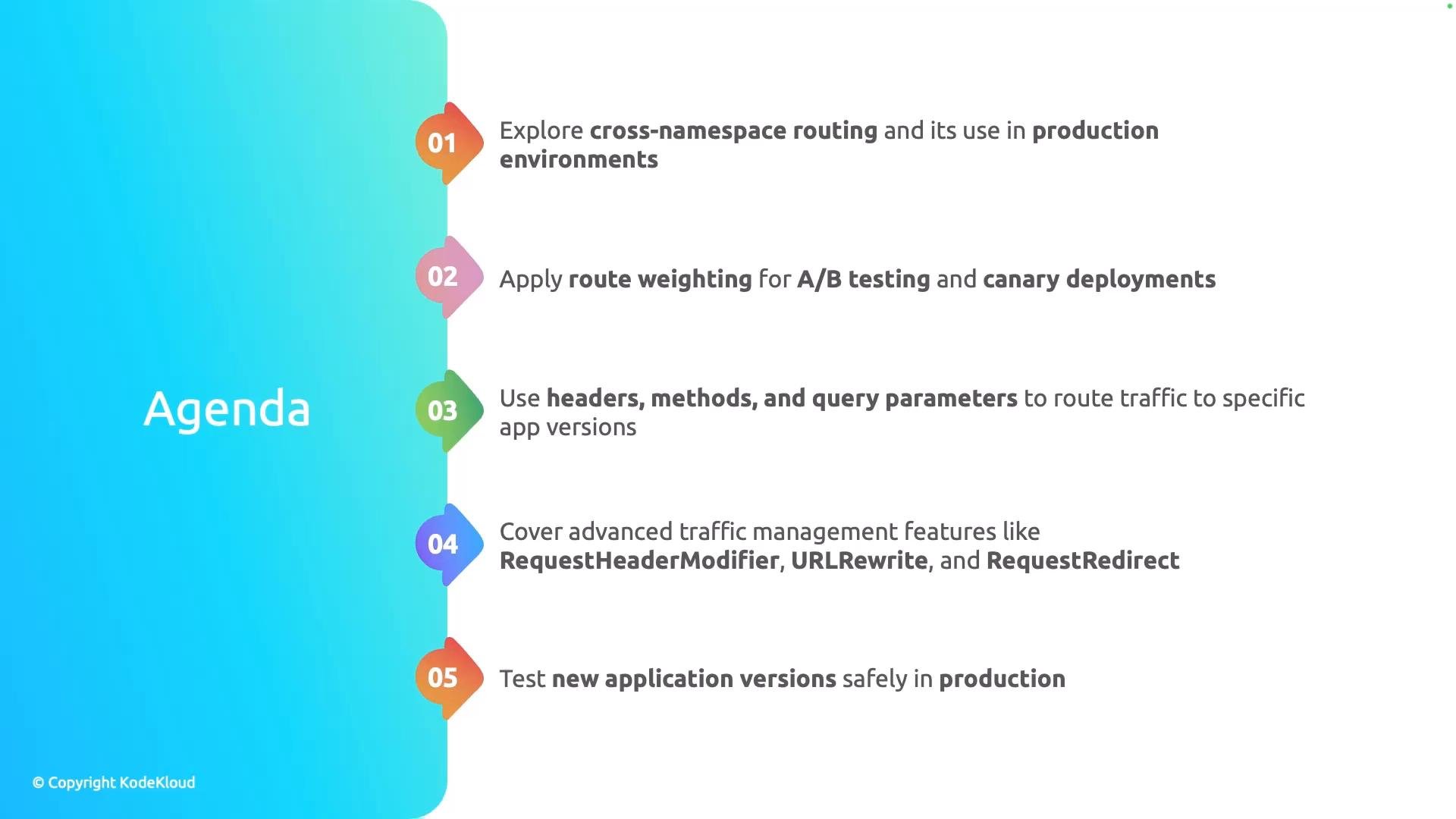
We'll cover the following topics, in order:
* Cross-namespace routing: route traffic across Kubernetes namespaces to support multi-tenant or split-team deployments.
* Route weighting for A/B testing and canary deployments: gradually shift traffic between versions to validate changes before full rollout.
* Header-, method-, and query-parameter-based routing: target specific requests (for example, by `User-Agent`, HTTP method, or feature-flag query) to direct traffic to particular application versions.
* Advanced request controls: `RequestHeaderModifier`, `URLRewrite`, and `RequestRedirect` for shaping requests or steering clients without changing application code.
* Safe production testing: combine these features (weighting, header routing, rewrites) with observability to test new releases with minimal risk.
 Before you begin, ensure your cluster has the Gateway API CRDs and NGINX Fabric Gateway installed, and that sample application versions exist in the namespaces you plan to target. These prerequisites make it easy to follow the hands-on examples in this section.
Testing in production carries risk. Use incremental rollouts (weighting/canaries), health checks, monitoring, and automated rollbacks to limit exposure. Never route 100% of critical traffic to an untested release without observability and a rollback plan.
Below is a quick reference table that maps each technique to common use cases:
| Technique | Primary use case | Example |
| - | - | - |
| Cross-namespace routing | Share gateway across teams or route to services in different namespaces | Route `/api/*` from `gateway` namespace to `payments` namespace |
| Route weighting (A/B, canary) | Gradual rollouts and experiments | Split 90/10 traffic between v1 and v2 for canary validation |
| Header/method/query routing | Targeted testing and feature flags | Send requests with `X-Canary: true` header to v2 |
| RequestHeaderModifier / URLRewrite / RequestRedirect | Modify requests or client redirects without app changes | Add auth header, rewrite `/v2` to `/`, or redirect old endpoints |
Links and references:
* [Gateway API — Kubernetes SIG Gateway](https://gateway-api.sigs.k8s.io/)
* [NGINX Gateway Controller / Fabric Gateway documentation](https://docs.nginx.com/)
* [Kubernetes Basics](https://kubernetes.io/docs/concepts/overview/what-is-kubernetes/)
Last but not least, we'll demonstrate how to safely test new versions of an application in production using these techniques.
This documentation is built and hosted on [Mintlify](https://mintlify.com), a developer documentation platform.
Before you begin, ensure your cluster has the Gateway API CRDs and NGINX Fabric Gateway installed, and that sample application versions exist in the namespaces you plan to target. These prerequisites make it easy to follow the hands-on examples in this section.
Testing in production carries risk. Use incremental rollouts (weighting/canaries), health checks, monitoring, and automated rollbacks to limit exposure. Never route 100% of critical traffic to an untested release without observability and a rollback plan.
Below is a quick reference table that maps each technique to common use cases:
| Technique | Primary use case | Example |
| - | - | - |
| Cross-namespace routing | Share gateway across teams or route to services in different namespaces | Route `/api/*` from `gateway` namespace to `payments` namespace |
| Route weighting (A/B, canary) | Gradual rollouts and experiments | Split 90/10 traffic between v1 and v2 for canary validation |
| Header/method/query routing | Targeted testing and feature flags | Send requests with `X-Canary: true` header to v2 |
| RequestHeaderModifier / URLRewrite / RequestRedirect | Modify requests or client redirects without app changes | Add auth header, rewrite `/v2` to `/`, or redirect old endpoints |
Links and references:
* [Gateway API — Kubernetes SIG Gateway](https://gateway-api.sigs.k8s.io/)
* [NGINX Gateway Controller / Fabric Gateway documentation](https://docs.nginx.com/)
* [Kubernetes Basics](https://kubernetes.io/docs/concepts/overview/what-is-kubernetes/)
Last but not least, we'll demonstrate how to safely test new versions of an application in production using these techniques.
This documentation is built and hosted on [Mintlify](https://mintlify.com), a developer documentation platform.