> ## Documentation Index
> Fetch the complete documentation index at: https://notes.kodekloud.com/llms.txt
> Use this file to discover all available pages before exploring further.
# Introduction
> Guide to deploying and operating NGINX Fabric Gateway as a Gateway API data plane for Kubernetes, covering installation, routing, TLS, cross namespace security, traffic management, and troubleshooting.
Welcome to this lesson on the Gateway API with NGINX Fabric Gateway.
I'm Pedro Ignácio, and I'll guide you through deploying and operating an NGINX Fabric Gateway as a Gateway API data plane for Kubernetes.
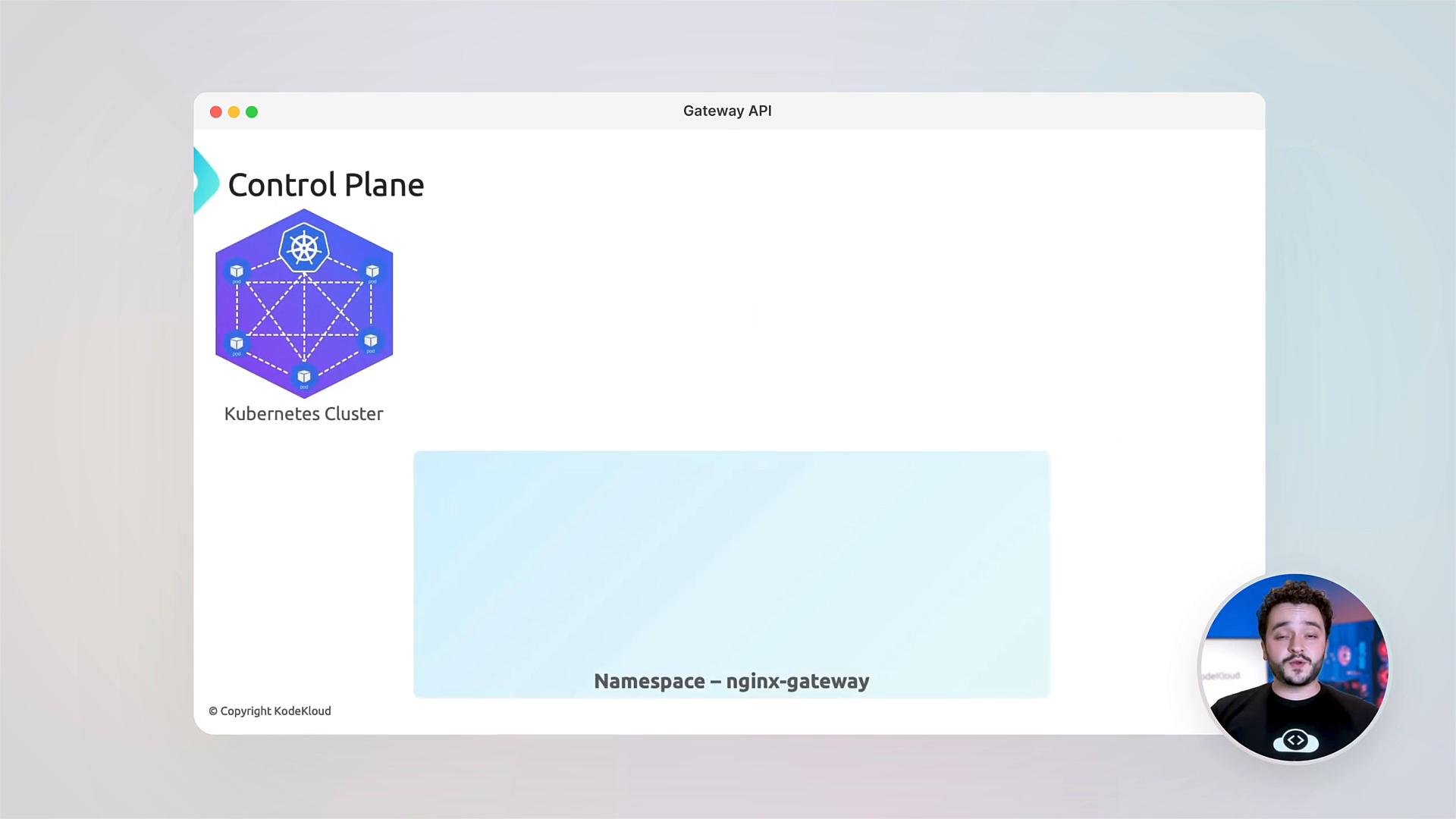
In modern cloud-native environments, controlling traffic into and within your clusters is essential. The traditional Ingress API has served well, but the Gateway API provides a more expressive, secure, and extensible model for routing, traffic management, and multi-controller use-cases. This lesson explains the Gateway API fundamentals, the control-plane / data-plane persona model, and step-by-step deployment and validation of NGINX Fabric Gateway.
 This lesson assumes you have access to a Kubernetes cluster, and that `kubectl` and `helm` are installed and configured to target your cluster.
You will need sufficient cluster permissions to create CRDs, namespaces, and install Helm charts (typically cluster-admin or equivalent). If you're on a shared cluster, coordinate with your cluster administrators.
What you'll learn
* Why Gateway API matters: differences from Ingress and the problems it solves.
* Gateway API resource model: GatewayClass, Gateway, and Routes (HTTPRoute, TCPRoute, gRPCRoute), plus the control-plane vs data-plane persona model.
* NGINX Fabric Gateway as a data plane: installation, configuration, and operational checks.
* Advanced traffic management: cross-namespace routing, traffic splitting, header-based routing (A/B tests), request/response filters, and zero-downtime canaries.
* TLS management and secure cross-namespace references using ReferenceGrant.
* Troubleshooting: interpreting status fields and debugging common errors.
* Hands-on labs and an assessment to validate your learning.
Core Gateway API resources (at-a-glance)
| Resource Type | Purpose | Example |
| - | - | - |
| GatewayClass | Defines a controller implementation (data plane). | `GatewayClass` named `nginx-gateway-class` |
| Gateway | Represents a L4/L7 load balancer instance controlled by a controller. | `Gateway` referencing a `GatewayClass` |
| HTTPRoute / TCPRoute / gRPCRoute | Route traffic from Gateways to Kubernetes services. | `HTTPRoute` with host and path matching |
| ReferenceGrant | Grants controllers permission to reference resources across namespaces. | `ReferenceGrant` allowing secret access |
Getting started — quick verification examples
* Early checks commonly include looking for Route resources and active pods:
```bash theme={null}
~/coding/kubernetes/nginx-fabric-gateway/kodekloud/lab-2-canary
$ kubectl get httproute
No resources found in default namespace.
$ kubectl get pods
NAME READY STATUS RESTARTS AGE
coffee-5b9c74f9d9-9nf2f 1/1 Running 0 138m
gateway-nginx-5f9d4c4ff-2d7zp 1/1 Running 0 136m
```
Install Gateway API CRDs (from the NGINX Gateway Fabric repo)
* Apply the required CRDs for Gateway API extensions used by NGINX Fabric Gateway:
```bash theme={null}
controlplane ~ ➜ kubectl kustomize "https://github.com/nginx/nginx-gateway-fabric/config/crd/gateway-api" | kubectl apply -f -
customresourcedefinition.apiextensions.k8s.io/backendtlspolicies.gateway.networking.k8s.io created
customresourcedefinition.apiextensions.k8s.io/gatewayclasses.gateway.networking.k8s.io created
customresourcedefinition.apiextensions.k8s.io/gateways.gateway.networking.k8s.io created
customresourcedefinition.apiextensions.k8s.io/grpcroutes.gateway.networking.k8s.io created
customresourcedefinition.apiextensions.k8s.io/httproutes.gateway.networking.k8s.io created
customresourcedefinition.apiextensions.k8s.io/referencegrants.gateway.networking.k8s.io created
controlplane ~ ➜ kubectl get crd | grep gateway
backendtlspolicies.gateway.networking.k8s.io 2026-05-13T05:57:38Z
gatewayclasses.gateway.networking.k8s.io 2026-05-13T05:57:38Z
gateways.gateway.networking.k8s.io 2026-05-13T05:57:38Z
grpcroutes.gateway.networking.k8s.io 2026-05-13T05:57:38Z
httproutes.gateway.networking.k8s.io 2026-05-13T05:57:39Z
referencegrants.gateway.networking.k8s.io 2026-05-13T05:57:39Z
```
Deploy NGINX Fabric Gateway with Helm
* Example Helm install for NGINX Fabric Gateway using NodePort listeners for ports 80 and 443:
```bash theme={null}
controlplane ~ » helm install ngf oci://ghcr.io/nginx/charts/nginx-gateway-fabric \
--create-namespace \
-n nginx-gateway \
--set nginx.service.type=NodePort \
--set-json 'nginx.service.nodePorts'='[{"port":31437,"listenerPort":80},{"port":30478,"listenerPort":443}]'
Pulled: ghcr.io/nginx/charts/nginx-gateway-fabric:2.6.0
Digest: sha256:0e67134aa0a9d262f0b5215204b938a34bd40d8cb84f0d5aaa13f61bb0f7a4
NAME: ngf
LAST DEPLOYED: Wed May 13 05:57:58 2026
NAMESPACE: nginx-gateway
STATUS: deployed
REVISION: 1
TEST SUITE: None
```
Validate the NGINX Fabric Gateway deployment
* Check pods and services in the `nginx-gateway` namespace. Pods may show `0/1` while images download or init jobs run; they should quickly converge to `1/1`:
```bash theme={null}
controlplane ~ » kubectl get pods -n nginx-gateway
NAME READY STATUS RESTARTS AGE
ngf-nginx-gateway-fabric-858b68c56b-bnvxx 0/1 Running 0 9s
ngf-nginx-gateway-fabric-cert-generator-n9spw 0/1 Completed 0 14s
# After a short wait:
controlplane ~ » kubectl get pods -n nginx-gateway
NAME READY STATUS RESTARTS AGE
ngf-nginx-gateway-fabric-858b68c56b-bnvxx 1/1 Running 0 39s
```
* Confirm the gateway service exists:
```bash theme={null}
controlplane ~ » kubectl get svc -n nginx-gateway
NAME TYPE CLUSTER-IP EXTERNAL-IP PORT(S) AGE
ngf-nginx-gateway-fabric ClusterIP 172.20.62.84 443/TCP 42s
```
Hands-on labs and example workloads
* The labs included with this lesson walk through deploying example services (`coffee` and `tea`) and configuring `Gateway` and `HTTPRoute` resources for routing, traffic splitting, and canary deployments.
```bash theme={null}
controlplane ~ ➜ kubectl get deployments
NAME READY UP-TO-DATE AVAILABLE AGE
coffee 1/1 1 1 118s
tea 1/1 1 1 117s
controlplane ~ ➜ kubectl get svc
NAME TYPE CLUSTER-IP EXTERNAL-IP PORT(S) AGE
coffee ClusterIP 172.20.23.26 80/TCP 118s
kubernetes ClusterIP 172.20.0.1 443/TCP 33m
tea ClusterIP 172.20.86.69 80/TCP 117s
controlplane ~ ➜ kubectl get pods
NAME READY STATUS RESTARTS AGE
coffee-654ddf664b-5fqn6 1/1 Running 0 118s
tea-75bc9f4b6d-zdm5d 1/1 Running 0 117s
```
TLS, ReferenceGrant, and cross-namespace security
* You will configure TLS termination on the Gateway, enable HTTPS redirects, and use `ReferenceGrant` objects to authorize controlled cross-namespace references (for example, allowing a Gateway in namespace A to reference a secret in namespace B). This explicit grant model improves security and auditability.
Troubleshooting and best practices
* Learn to read and interpret the `status` fields on Gateway API resources to diagnose issues.
* Common failure modes include:
* Gateway controller not reconciling (check controller logs).
* Route selection mismatches (ensure `gatewayRef` and selectors match).
* Secret or ReferenceGrant misconfigurations for TLS (verify `ReferenceGrant` allows the specific resource kinds and namespaces).
* Debugging tips:
* Use `kubectl describe` on Gateway, GatewayClass, and Routes to inspect conditions.
* Check controller pod logs for errors or rejected configurations.
* Use `kubectl get events -A` to spot API-level errors.
Assessment and next steps
* The course concludes with an assessment to validate your knowledge and recommended next steps:
* Explore advanced features like Filters in Routes, BackendTLSPolicies, and policy integration.
* Read the Gateway API specification and NGINX Fabric Gateway documentation for advanced configuration patterns.
Links and references
* Gateway API specification: [https://gateway-api.sigs.k8s.io/](https://gateway-api.sigs.k8s.io/)
* NGINX Gateway Fabric (charts & repo): [https://github.com/nginx/nginx-gateway-fabric](https://github.com/nginx/nginx-gateway-fabric)
* Kubernetes documentation: [https://kubernetes.io/docs/](https://kubernetes.io/docs/)
Community and support
* At KodeKloud, we foster a hands-on community for questions and learning. Share your configurations, ask for help, and collaborate on real-world Gateway API scenarios.
This documentation is built and hosted on [Mintlify](https://mintlify.com), a developer documentation platform.
This lesson assumes you have access to a Kubernetes cluster, and that `kubectl` and `helm` are installed and configured to target your cluster.
You will need sufficient cluster permissions to create CRDs, namespaces, and install Helm charts (typically cluster-admin or equivalent). If you're on a shared cluster, coordinate with your cluster administrators.
What you'll learn
* Why Gateway API matters: differences from Ingress and the problems it solves.
* Gateway API resource model: GatewayClass, Gateway, and Routes (HTTPRoute, TCPRoute, gRPCRoute), plus the control-plane vs data-plane persona model.
* NGINX Fabric Gateway as a data plane: installation, configuration, and operational checks.
* Advanced traffic management: cross-namespace routing, traffic splitting, header-based routing (A/B tests), request/response filters, and zero-downtime canaries.
* TLS management and secure cross-namespace references using ReferenceGrant.
* Troubleshooting: interpreting status fields and debugging common errors.
* Hands-on labs and an assessment to validate your learning.
Core Gateway API resources (at-a-glance)
| Resource Type | Purpose | Example |
| - | - | - |
| GatewayClass | Defines a controller implementation (data plane). | `GatewayClass` named `nginx-gateway-class` |
| Gateway | Represents a L4/L7 load balancer instance controlled by a controller. | `Gateway` referencing a `GatewayClass` |
| HTTPRoute / TCPRoute / gRPCRoute | Route traffic from Gateways to Kubernetes services. | `HTTPRoute` with host and path matching |
| ReferenceGrant | Grants controllers permission to reference resources across namespaces. | `ReferenceGrant` allowing secret access |
Getting started — quick verification examples
* Early checks commonly include looking for Route resources and active pods:
```bash theme={null}
~/coding/kubernetes/nginx-fabric-gateway/kodekloud/lab-2-canary
$ kubectl get httproute
No resources found in default namespace.
$ kubectl get pods
NAME READY STATUS RESTARTS AGE
coffee-5b9c74f9d9-9nf2f 1/1 Running 0 138m
gateway-nginx-5f9d4c4ff-2d7zp 1/1 Running 0 136m
```
Install Gateway API CRDs (from the NGINX Gateway Fabric repo)
* Apply the required CRDs for Gateway API extensions used by NGINX Fabric Gateway:
```bash theme={null}
controlplane ~ ➜ kubectl kustomize "https://github.com/nginx/nginx-gateway-fabric/config/crd/gateway-api" | kubectl apply -f -
customresourcedefinition.apiextensions.k8s.io/backendtlspolicies.gateway.networking.k8s.io created
customresourcedefinition.apiextensions.k8s.io/gatewayclasses.gateway.networking.k8s.io created
customresourcedefinition.apiextensions.k8s.io/gateways.gateway.networking.k8s.io created
customresourcedefinition.apiextensions.k8s.io/grpcroutes.gateway.networking.k8s.io created
customresourcedefinition.apiextensions.k8s.io/httproutes.gateway.networking.k8s.io created
customresourcedefinition.apiextensions.k8s.io/referencegrants.gateway.networking.k8s.io created
controlplane ~ ➜ kubectl get crd | grep gateway
backendtlspolicies.gateway.networking.k8s.io 2026-05-13T05:57:38Z
gatewayclasses.gateway.networking.k8s.io 2026-05-13T05:57:38Z
gateways.gateway.networking.k8s.io 2026-05-13T05:57:38Z
grpcroutes.gateway.networking.k8s.io 2026-05-13T05:57:38Z
httproutes.gateway.networking.k8s.io 2026-05-13T05:57:39Z
referencegrants.gateway.networking.k8s.io 2026-05-13T05:57:39Z
```
Deploy NGINX Fabric Gateway with Helm
* Example Helm install for NGINX Fabric Gateway using NodePort listeners for ports 80 and 443:
```bash theme={null}
controlplane ~ » helm install ngf oci://ghcr.io/nginx/charts/nginx-gateway-fabric \
--create-namespace \
-n nginx-gateway \
--set nginx.service.type=NodePort \
--set-json 'nginx.service.nodePorts'='[{"port":31437,"listenerPort":80},{"port":30478,"listenerPort":443}]'
Pulled: ghcr.io/nginx/charts/nginx-gateway-fabric:2.6.0
Digest: sha256:0e67134aa0a9d262f0b5215204b938a34bd40d8cb84f0d5aaa13f61bb0f7a4
NAME: ngf
LAST DEPLOYED: Wed May 13 05:57:58 2026
NAMESPACE: nginx-gateway
STATUS: deployed
REVISION: 1
TEST SUITE: None
```
Validate the NGINX Fabric Gateway deployment
* Check pods and services in the `nginx-gateway` namespace. Pods may show `0/1` while images download or init jobs run; they should quickly converge to `1/1`:
```bash theme={null}
controlplane ~ » kubectl get pods -n nginx-gateway
NAME READY STATUS RESTARTS AGE
ngf-nginx-gateway-fabric-858b68c56b-bnvxx 0/1 Running 0 9s
ngf-nginx-gateway-fabric-cert-generator-n9spw 0/1 Completed 0 14s
# After a short wait:
controlplane ~ » kubectl get pods -n nginx-gateway
NAME READY STATUS RESTARTS AGE
ngf-nginx-gateway-fabric-858b68c56b-bnvxx 1/1 Running 0 39s
```
* Confirm the gateway service exists:
```bash theme={null}
controlplane ~ » kubectl get svc -n nginx-gateway
NAME TYPE CLUSTER-IP EXTERNAL-IP PORT(S) AGE
ngf-nginx-gateway-fabric ClusterIP 172.20.62.84 443/TCP 42s
```
Hands-on labs and example workloads
* The labs included with this lesson walk through deploying example services (`coffee` and `tea`) and configuring `Gateway` and `HTTPRoute` resources for routing, traffic splitting, and canary deployments.
```bash theme={null}
controlplane ~ ➜ kubectl get deployments
NAME READY UP-TO-DATE AVAILABLE AGE
coffee 1/1 1 1 118s
tea 1/1 1 1 117s
controlplane ~ ➜ kubectl get svc
NAME TYPE CLUSTER-IP EXTERNAL-IP PORT(S) AGE
coffee ClusterIP 172.20.23.26 80/TCP 118s
kubernetes ClusterIP 172.20.0.1 443/TCP 33m
tea ClusterIP 172.20.86.69 80/TCP 117s
controlplane ~ ➜ kubectl get pods
NAME READY STATUS RESTARTS AGE
coffee-654ddf664b-5fqn6 1/1 Running 0 118s
tea-75bc9f4b6d-zdm5d 1/1 Running 0 117s
```
TLS, ReferenceGrant, and cross-namespace security
* You will configure TLS termination on the Gateway, enable HTTPS redirects, and use `ReferenceGrant` objects to authorize controlled cross-namespace references (for example, allowing a Gateway in namespace A to reference a secret in namespace B). This explicit grant model improves security and auditability.
Troubleshooting and best practices
* Learn to read and interpret the `status` fields on Gateway API resources to diagnose issues.
* Common failure modes include:
* Gateway controller not reconciling (check controller logs).
* Route selection mismatches (ensure `gatewayRef` and selectors match).
* Secret or ReferenceGrant misconfigurations for TLS (verify `ReferenceGrant` allows the specific resource kinds and namespaces).
* Debugging tips:
* Use `kubectl describe` on Gateway, GatewayClass, and Routes to inspect conditions.
* Check controller pod logs for errors or rejected configurations.
* Use `kubectl get events -A` to spot API-level errors.
Assessment and next steps
* The course concludes with an assessment to validate your knowledge and recommended next steps:
* Explore advanced features like Filters in Routes, BackendTLSPolicies, and policy integration.
* Read the Gateway API specification and NGINX Fabric Gateway documentation for advanced configuration patterns.
Links and references
* Gateway API specification: [https://gateway-api.sigs.k8s.io/](https://gateway-api.sigs.k8s.io/)
* NGINX Gateway Fabric (charts & repo): [https://github.com/nginx/nginx-gateway-fabric](https://github.com/nginx/nginx-gateway-fabric)
* Kubernetes documentation: [https://kubernetes.io/docs/](https://kubernetes.io/docs/)
Community and support
* At KodeKloud, we foster a hands-on community for questions and learning. Share your configurations, ask for help, and collaborate on real-world Gateway API scenarios.
This documentation is built and hosted on [Mintlify](https://mintlify.com), a developer documentation platform.