> ## Documentation Index
> Fetch the complete documentation index at: https://notes.kodekloud.com/llms.txt
> Use this file to discover all available pages before exploring further.
# Setting Output for Integration testing
> This guide explains how to fetch and use Kubernetes Ingress host URLs in GitHub Actions for integration testing.
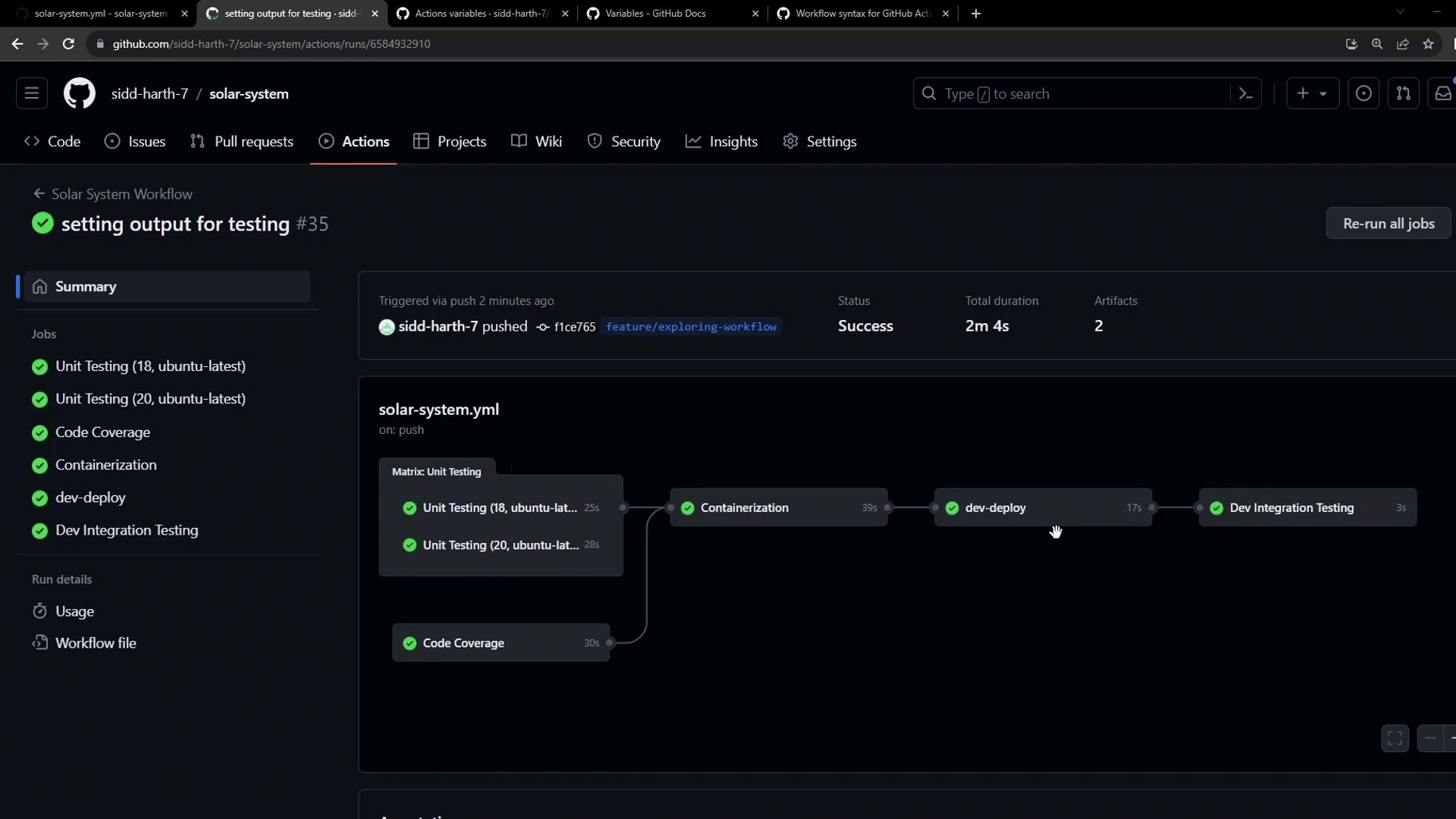
This guide shows you how to dynamically fetch your Kubernetes Ingress host, expose it as a job output in a `dev-deploy` job, and consume that output in an `integration-testing` job to verify your `/live` endpoint. By the end, you’ll have a seamless flow where the Ingress URL travels between jobs in the same workflow.
## Overview
* Capture the Ingress host URL after deployment
* Export it as a job output
* Use the output in a downstream integration test
## 1. Deploying to Dev and Capturing the Ingress URL
In the `dev-deploy` job, we apply Kubernetes manifests and query the Ingress host name. We then write it to `$GITHUB_OUTPUT` so it becomes available to other jobs.
```yaml theme={null}
jobs:
dev-deploy:
needs: docker
runs-on: ubuntu-latest
steps:
- name: Checkout Repository
uses: actions/checkout@v4
- name: Install kubectl CLI
uses: azure/setup-kubectl@v3
with:
version: 'v1.26.0'
- name: Configure kubeconfig
uses: azure/k8s-set-context@v3
with:
method: kubeconfig
kubeconfig: ${{ secrets.KUBECONFIG }}
- name: Deploy to Dev Environment
run: kubectl apply -f kubernetes/development
- name: Set App Ingress Host URL
id: set-ingress-host-address
run: |
HOST=$(kubectl -n ${{ vars.NAMESPACE }} \
get ingress -o jsonpath='{.items[0].spec.tls[0].hosts[0]}')
echo "APP_INGRESS_URL=$HOST" >> "$GITHUB_OUTPUT"
outputs:
APP_INGRESS_URL: ${{ steps.set-ingress-host-address.outputs.APP_INGRESS_URL }}
```
Ensure your Kubernetes context and namespace (`${{ vars.NAMESPACE }}`) are correctly configured before running `kubectl`.
## 2. Defining the Integration Testing Job
After `dev-deploy` completes, `integration-testing` retrieves the `APP_INGRESS_URL` output and calls the `/live` endpoint using `curl` and `jq`.
```yaml theme={null}
integration-testing:
name: Dev Integration Testing
needs: dev-deploy
runs-on: ubuntu-latest
steps:
- name: Test `/live` Endpoint
env:
URL: ${{ needs.dev-deploy.outputs.APP_INGRESS_URL }}
run: |
echo "Testing endpoint: https://$URL/live"
curl https://$URL/live -s -k | jq -r .status | grep -iq live
```
The Ubuntu runner includes both `curl` and `jq` by default. If you use a custom runner, install these tools before running the test.
## 3. Passing Values Between Jobs
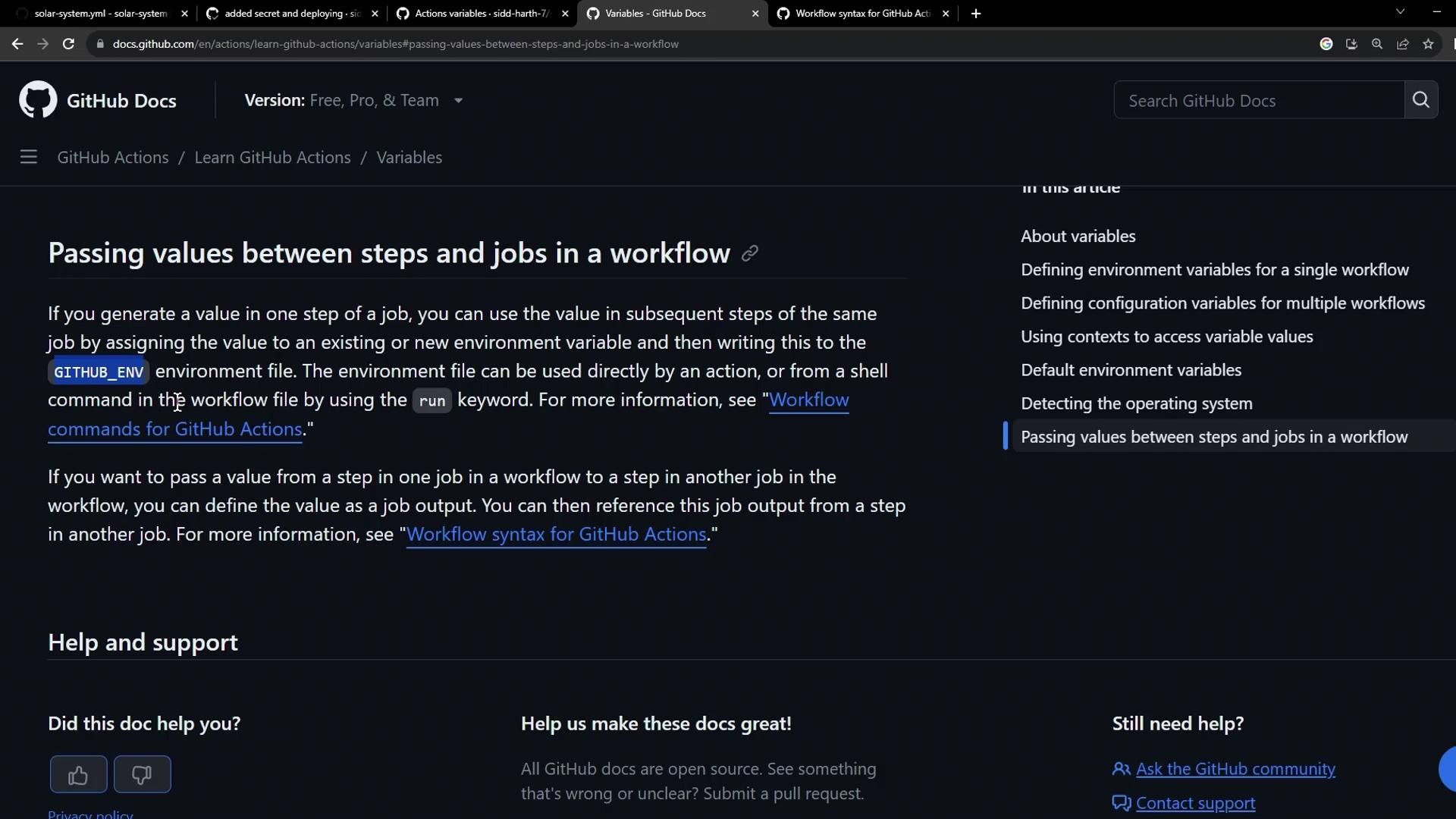
GitHub Actions lets you map step outputs to job outputs and then reference them in downstream jobs via the `needs` context.
| Level | Syntax | Example |
| ----------- | --------------------------------------- | -------------------------------------------------------- |
| Step output | `steps..outputs.` | `steps.set-ingress-host-address.outputs.APP_INGRESS_URL` |
| Job output | `needs..outputs.` | `needs.dev-deploy.outputs.APP_INGRESS_URL` |
For more details, see the [GitHub Actions contexts documentation](https://docs.github.com/actions/learn-github-actions/contexts#needs-context).
## 4. Complete Workflow Example
Here’s how the full `.github/workflows/solar-system.yml` might look with both jobs defined:
```yaml theme={null}
name: Deploy and Test
on:
push:
branches: [ main ]
jobs:
dev-deploy:
needs: docker
runs-on: ubuntu-latest
steps:
- name: Checkout Repository
uses: actions/checkout@v4
- name: Install kubectl CLI
uses: azure/setup-kubectl@v3
with:
version: 'v1.26.0'
- name: Configure kubeconfig
uses: azure/k8s-set-context@v3
with:
method: kubeconfig
kubeconfig: ${{ secrets.KUBECONFIG }}
- name: Deploy to Dev Environment
run: kubectl apply -f kubernetes/development
- name: Set App Ingress Host URL
id: set-ingress-host-address
run: |
HOST=$(kubectl -n ${{ vars.NAMESPACE }} \
get ingress -o jsonpath='{.items[0].spec.tls[0].hosts[0]}')
echo "APP_INGRESS_URL=$HOST" >> "$GITHUB_OUTPUT"
outputs:
APP_INGRESS_URL: ${{ steps.set-ingress-host-address.outputs.APP_INGRESS_URL }}
integration-testing:
name: Dev Integration Testing
needs: dev-deploy
runs-on: ubuntu-latest
steps:
- name: Test `/live` Endpoint
env:
URL: ${{ needs.dev-deploy.outputs.APP_INGRESS_URL }}
run: |
echo "Testing endpoint: https://$URL/live"
curl https://$URL/live -s -k | jq -r .status | grep -iq live
```
## References
* [GitHub Actions Contexts: needs](https://docs.github.com/actions/learn-github-actions/contexts#needs-context)
* [GitHub Actions: workflow syntax for GitHub Actions](https://docs.github.com/actions/reference/workflow-syntax-for-github-actions)
* [Kubernetes Ingress](https://kubernetes.io/docs/concepts/services-networking/ingress/)