> ## Documentation Index
> Fetch the complete documentation index at: https://notes.kodekloud.com/llms.txt
> Use this file to discover all available pages before exploring further.
# Publish to GitHub Packages using a workflow
> Automate publishing your Node.js package to GitHub Packages using a CI workflow adaptable for npm or other registries.
Automate publishing your Node.js package to GitHub Packages using a CI workflow. You can adapt these steps for npm or other registries.
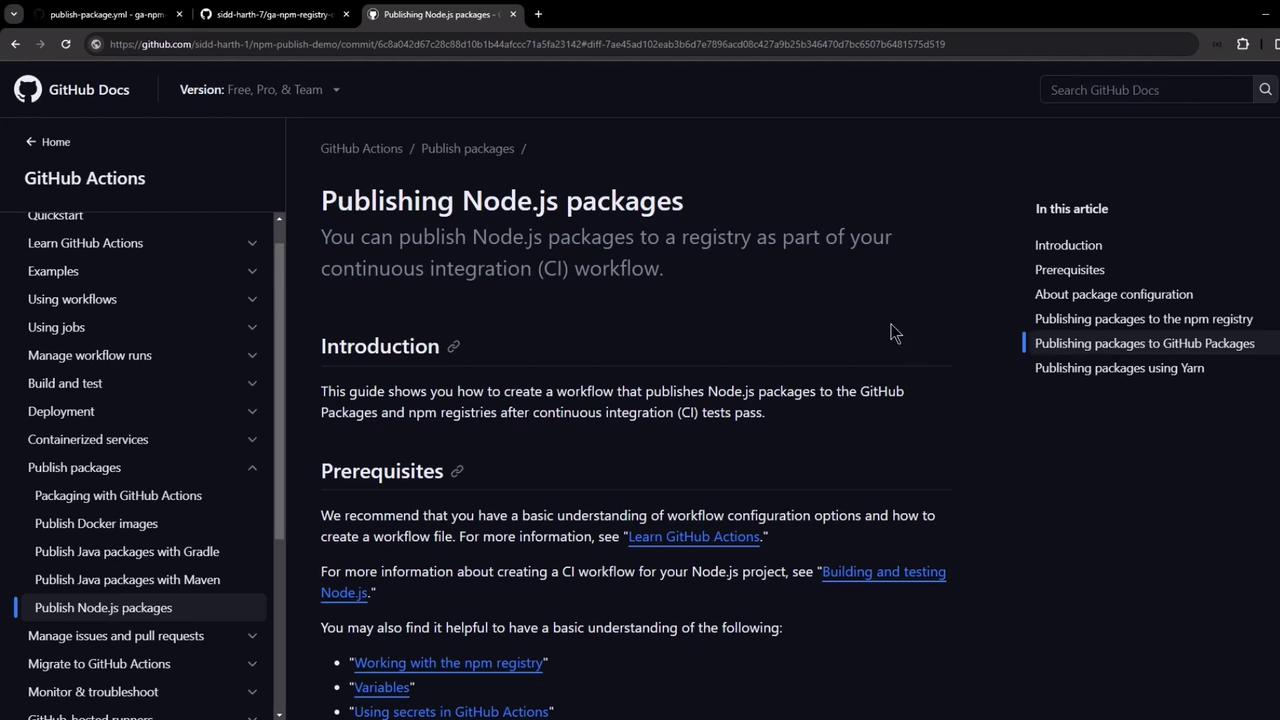
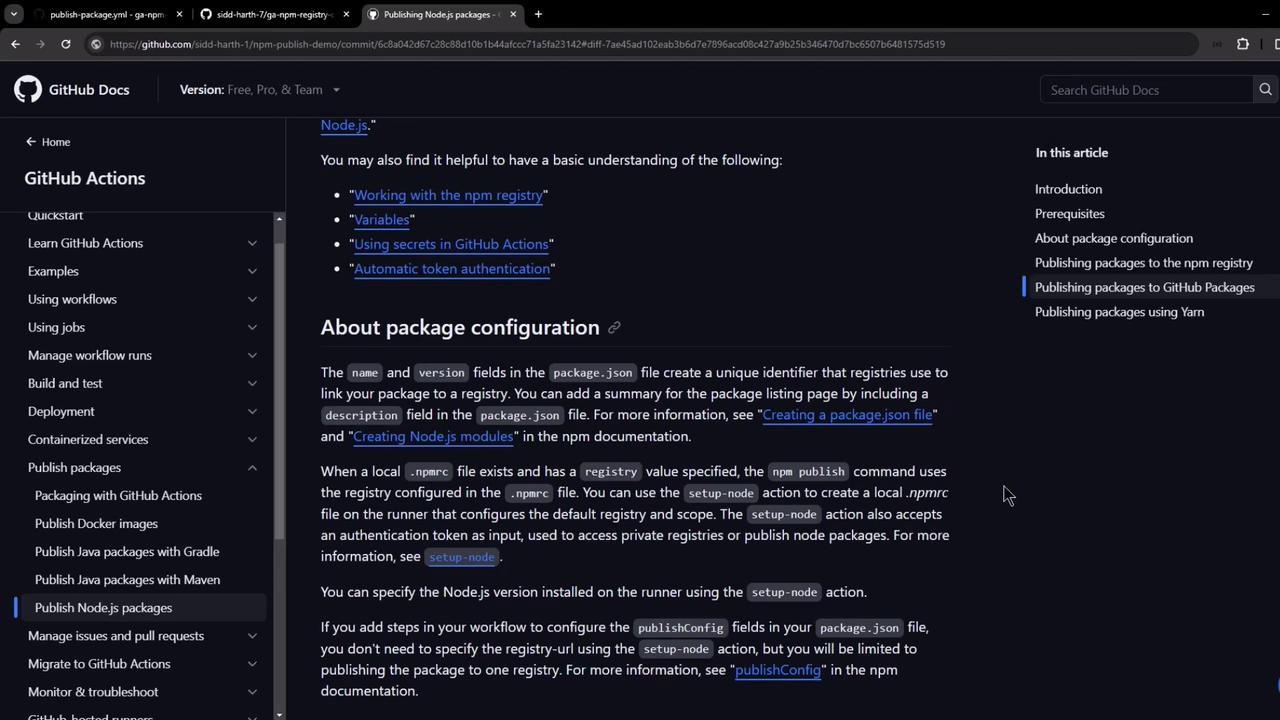
First, review the [official GitHub documentation](https://docs.github.com/en/packages/working-with-a-github-packages-in-a-workflow/publishing-nodejs-packages) on publishing Node.js packages in a workflow:
## Prerequisites
1. **Unique package scope**\
In `package.json`, define a scoped name and version:
```json theme={null}
{
"name": "@octocat/my-package",
"version": "1.0.0",
"repository": {
"type": "git",
"url": "https://github.com/octocat/my-other-repo.git"
}
}
```
The `repository` field is optional but helps link the package back to this GitHub repo.
2. **.npmrc setup**\
The `actions/setup-node` action auto-generates a local `.npmrc` on the runner, pointing to your GitHub registry and injecting `NODE_AUTH_TOKEN`.
3. **Workflow permissions**\
Ensure your `GITHUB_TOKEN` has:
| Permission | Access Level | Purpose |
| ---------- | ------------ | ------------------- |
| contents | read | Checkout repository |
| packages | write | Publish to registry |
## Configure the GitHub Actions Workflow
Create `.github/workflows/publish-package.yaml`:
```yaml theme={null}
name: Publish Package to GitHub NPM Registry
on:
release:
types: [published]
permissions:
contents: read
packages: write
jobs:
build:
runs-on: ubuntu-latest
steps:
- name: Checkout Repository
uses: actions/checkout@v4
- name: Setup Node.js and .npmrc
uses: actions/setup-node@v4
with:
node-version: '20.x'
registry-url: 'https://npm.pkg.github.com'
scope: '@octocat'
- name: Install Dependencies
run: npm ci
- name: Publish Package
run: npm publish
env:
NODE_AUTH_TOKEN: ${{ secrets.GITHUB_TOKEN }}
```
* **Trigger**: on `release.published`.
* **Setup**: installs Node.js, configures `.npmrc` for `npm.pkg.github.com` with your scope.
* **Publish**: uses `GITHUB_TOKEN` for authentication.
## Sample Repository Structure
Before you add the workflow, your repository might look like this:
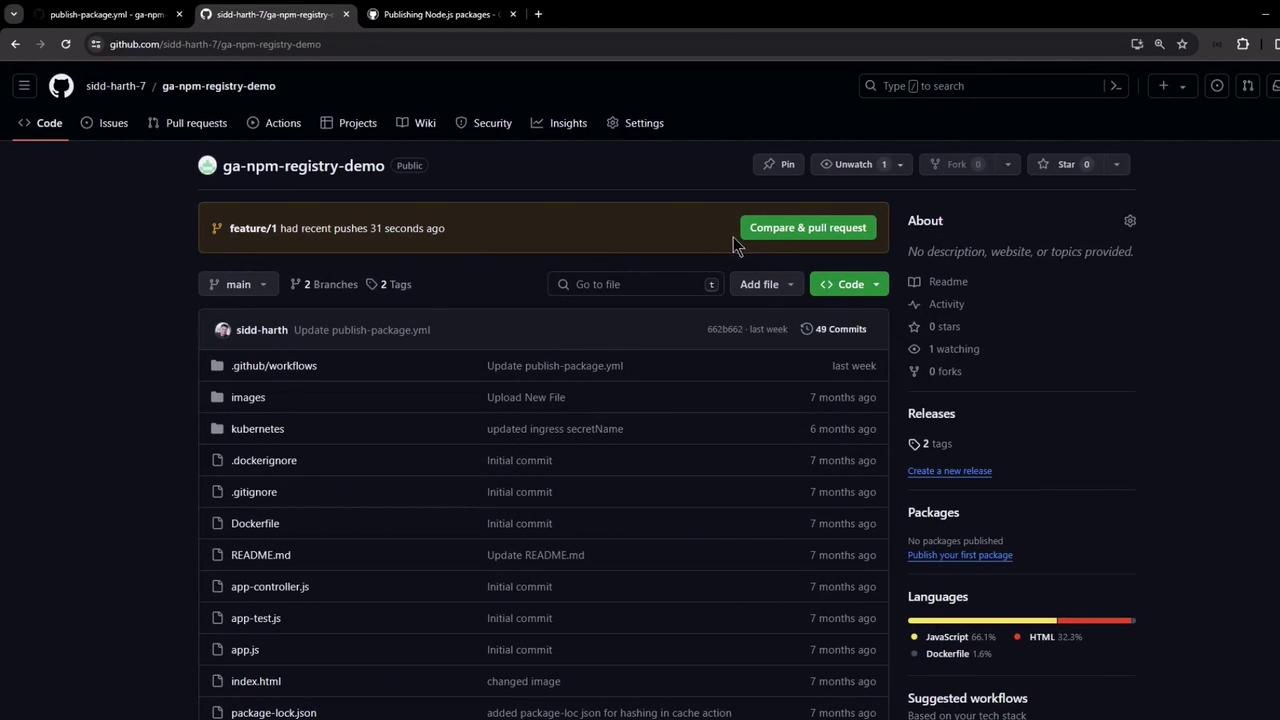
An example `package.json`:
```json theme={null}
{
"name": "@sidd-harth-7/solar-system",
"version": "6.7.6",
"author": "Siddharth Barahalikar ",
"license": "MIT",
"scripts": {
"start": "node app.js",
"test": "mocha app-test.js --timeout 10000 --reporter mocha-junit-reporter --exit",
"coverage": "nyc --reporter cobertura --reporter lcov --reporter text --reporter json-summary mocha app-test.js --timeout 10000"
},
"dependencies": {
"cors": "2.8.5",
"express": "^4.18.2",
"mongoose": "5.13.20",
"nyc": "^15.1.0",
"mocha-junit-reporter": "^2.2.1"
},
"devDependencies": {
"chai": "^1.10.0",
"chai-http": "^4.3.0",
"mocha": "^8.0.0"
}
}
```
Commit these changes; the workflow runs only after you publish a release.
## Publishing a Release
1. Go to **Releases → Draft a new release**.
2. Set the tag (e.g., `v6.7.6`), title, and description.
3. Click **Publish release**.

## Workflow in Action
After you publish the release, the workflow is queued:
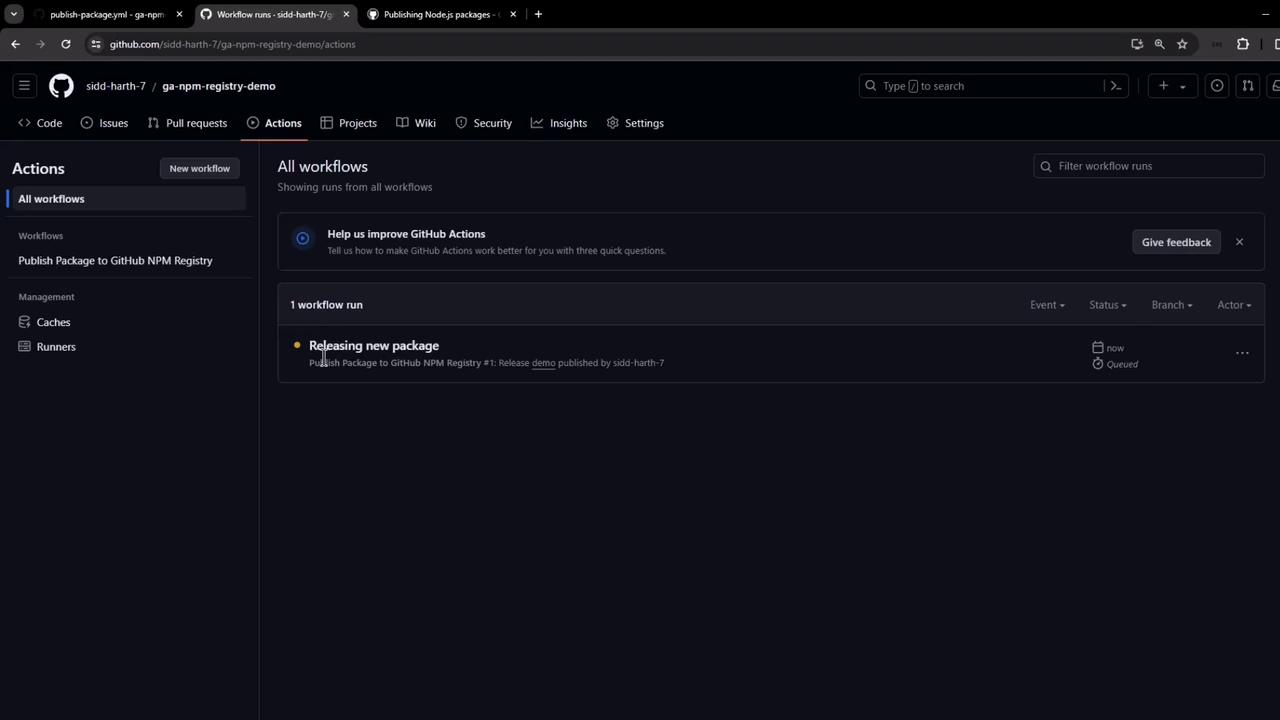
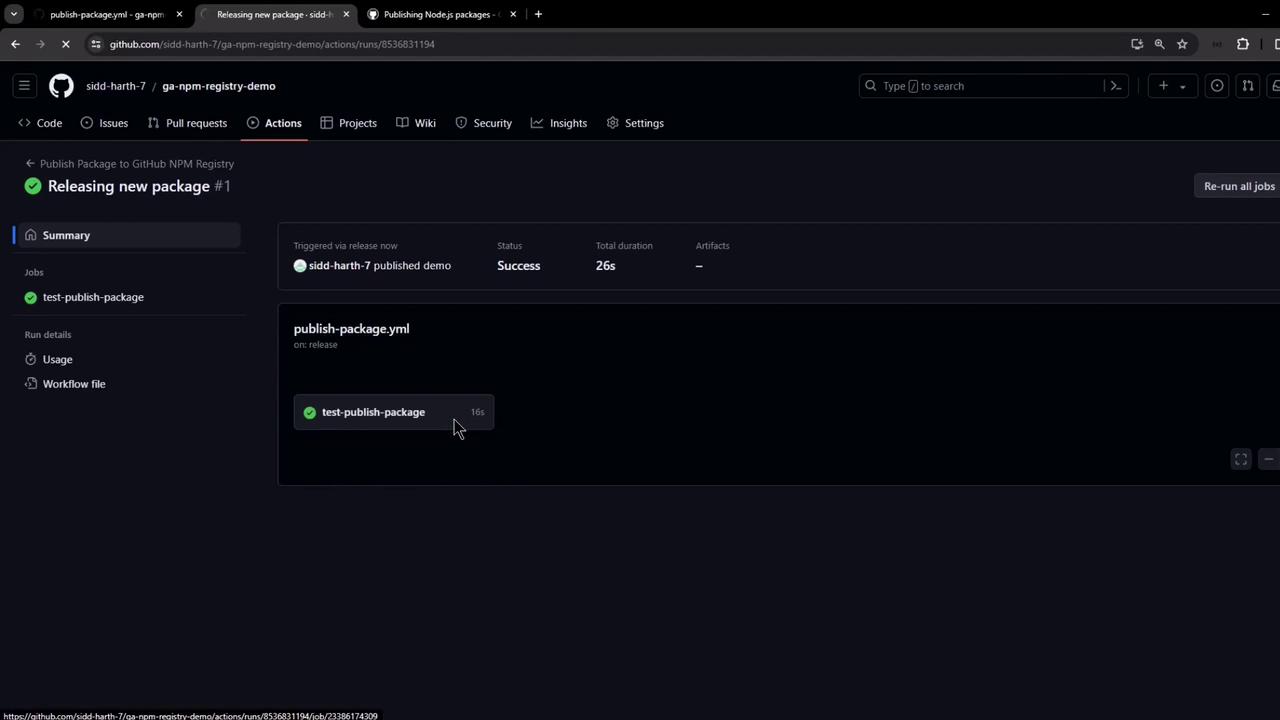
Within seconds, it completes successfully:
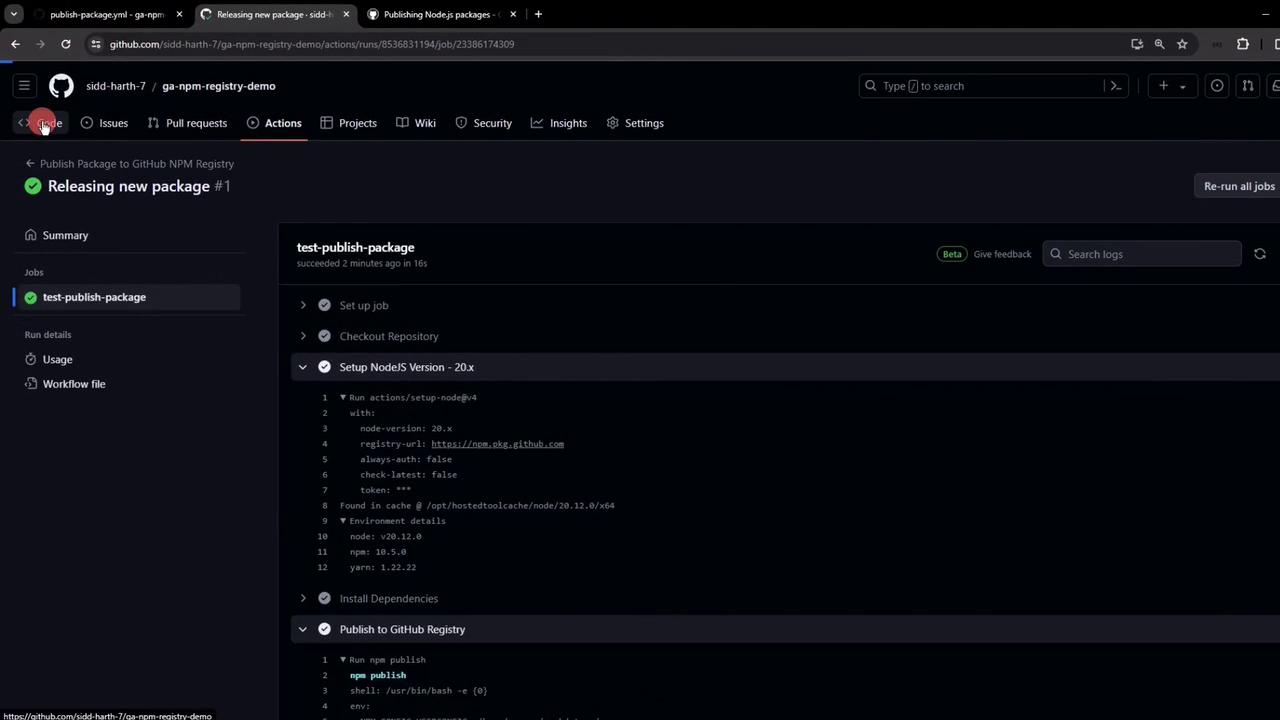
Logs confirm:
* Node.js setup
* Dependencies installation
* `.npmrc` creation
* Package publication
## View and Install Your Package
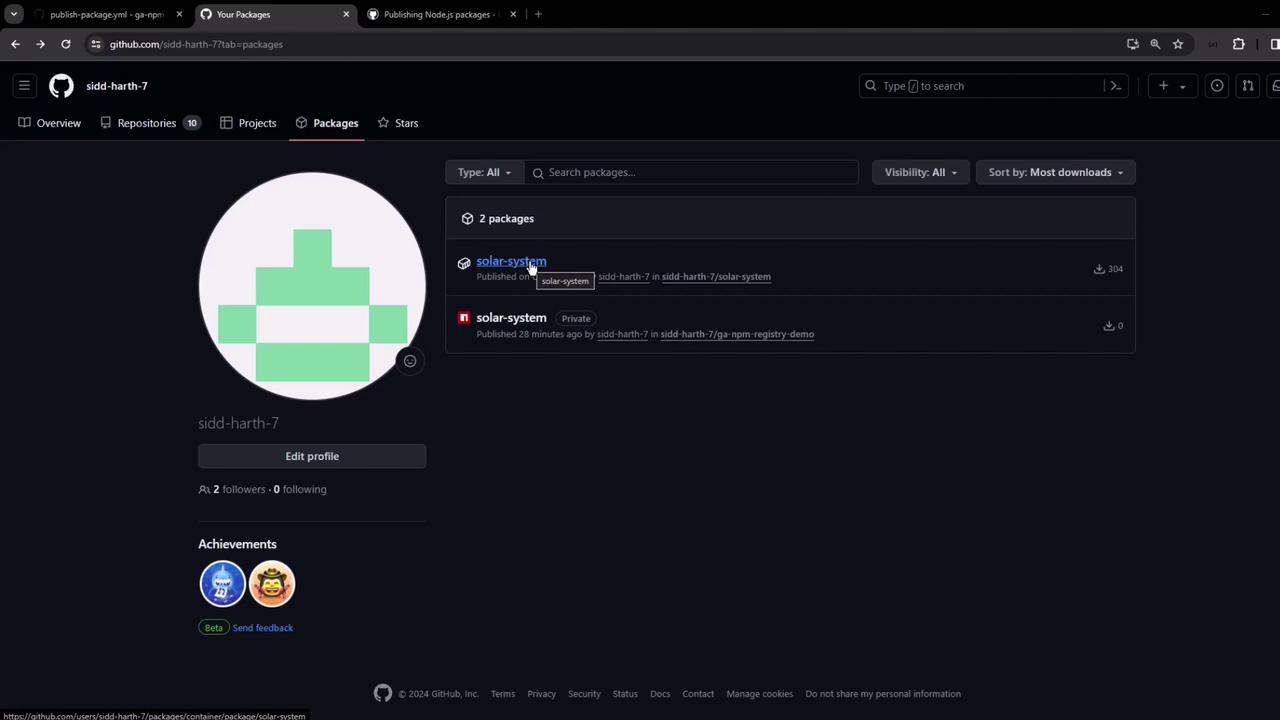
Your package appears under **Your GitHub Profile → Packages**:
Install via npm:
```bash theme={null}
npm install @sidd-harth-7/solar-system@6.7.6
```
Or add to `package.json` dependencies:
```json theme={null}
"dependencies": {
"@sidd-harth-7/solar-system": "6.7.6"
}
```
Congratulations! You’ve automated publishing a Node.js package to GitHub Packages using GitHub Actions.