> ## Documentation Index
> Fetch the complete documentation index at: https://notes.kodekloud.com/llms.txt
> Use this file to discover all available pages before exploring further.
# Using if expressions with Step contexts
> Learn to use if-expressions with steps context in GitHub Actions to archive test artifacts even when jobs fail.
In this guide, you’ll learn how to use **if-expressions** together with the **steps context** to ensure your test artifacts are always archived—even when a job fails. By assigning IDs to steps and leveraging status functions, you can control exactly when uploads occur, making debugging and reporting much easier.
## 1. Initial Workflow Configuration
Here’s our starting **Unit Testing** job. It runs tests via `npm test` and then uploads the results:
```yaml theme={null}
name: Unit Testing
strategy:
matrix:
nodejs_version: [18, 20]
operating_system: [ubuntu-latest, macos-latest]
exclude:
- nodejs_version: 18
operating_system: macos-latest
runs-on: ${{ matrix.operating_system }}
steps:
- name: Checkout Repository
uses: actions/checkout@v4
- name: Setup Node.js ${{ matrix.nodejs_version }}
uses: actions/setup-node@v3
with:
node-version: ${{ matrix.nodejs_version }}
- name: Install Dependencies
run: npm install
- name: Unit Testing
run: npm test
- name: Archive Test Results
uses: actions/upload-artifact@v3
with:
name: Mocha-Test-Result
path: test-results.xml
```
By default, when a step fails, all later steps (including uploads) are skipped.
## 2. Simulating a Test Failure
To demonstrate, we’ll break one of our tests in `app-test.js` so that it fails:
```javascript theme={null}
// app-test.js
const mongoose = require("mongoose");
const server = require("../app");
const chai = require("chai");
const chaiHttp = require("chai-http");
chai.should();
chai.use(chaiHttp);
describe("Planets API Suite", () => {
describe("Fetching Planet Details", () => {
it("should fetch a planet named Mercury", (done) => {
const payload = { id: 1 };
chai.request(server)
.post("/planet")
.send(payload)
.end((err, res) => {
res.should.have.status(200);
// Intentionally wrong expected value
res.body.should.have.property("name").eql("Mercury_ERROR");
done();
});
});
// ... other tests ...
});
});
```
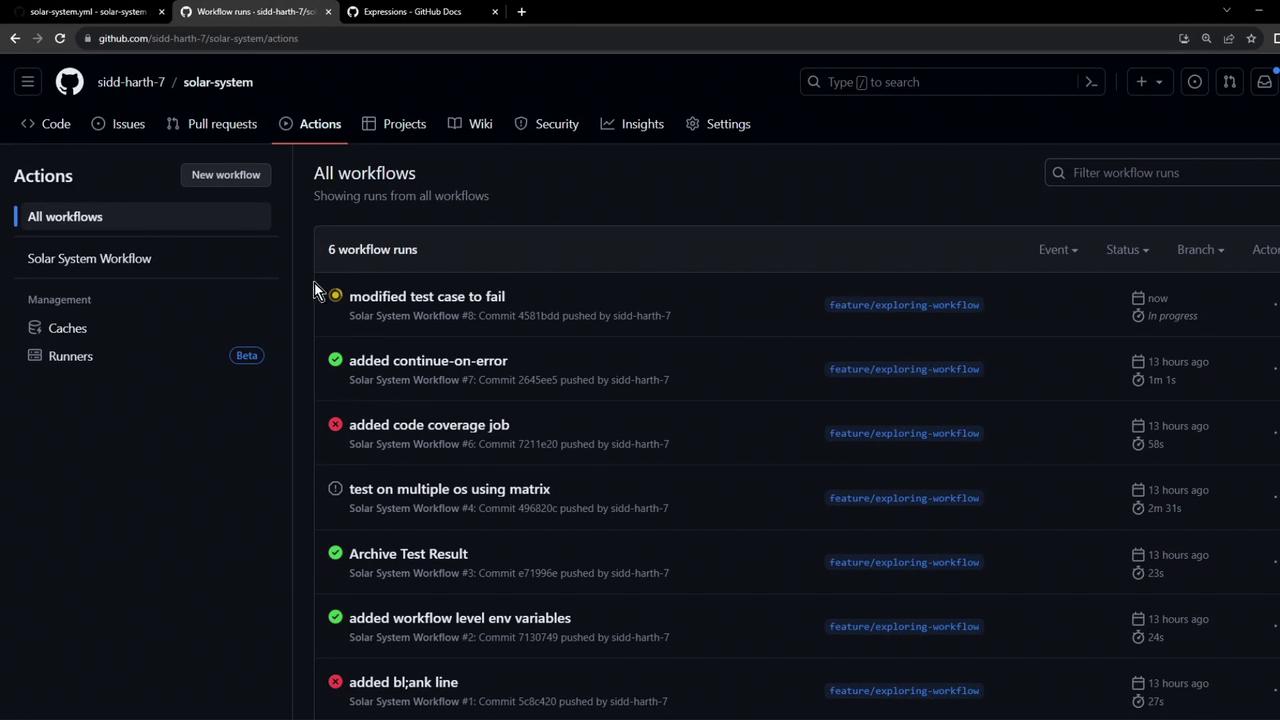
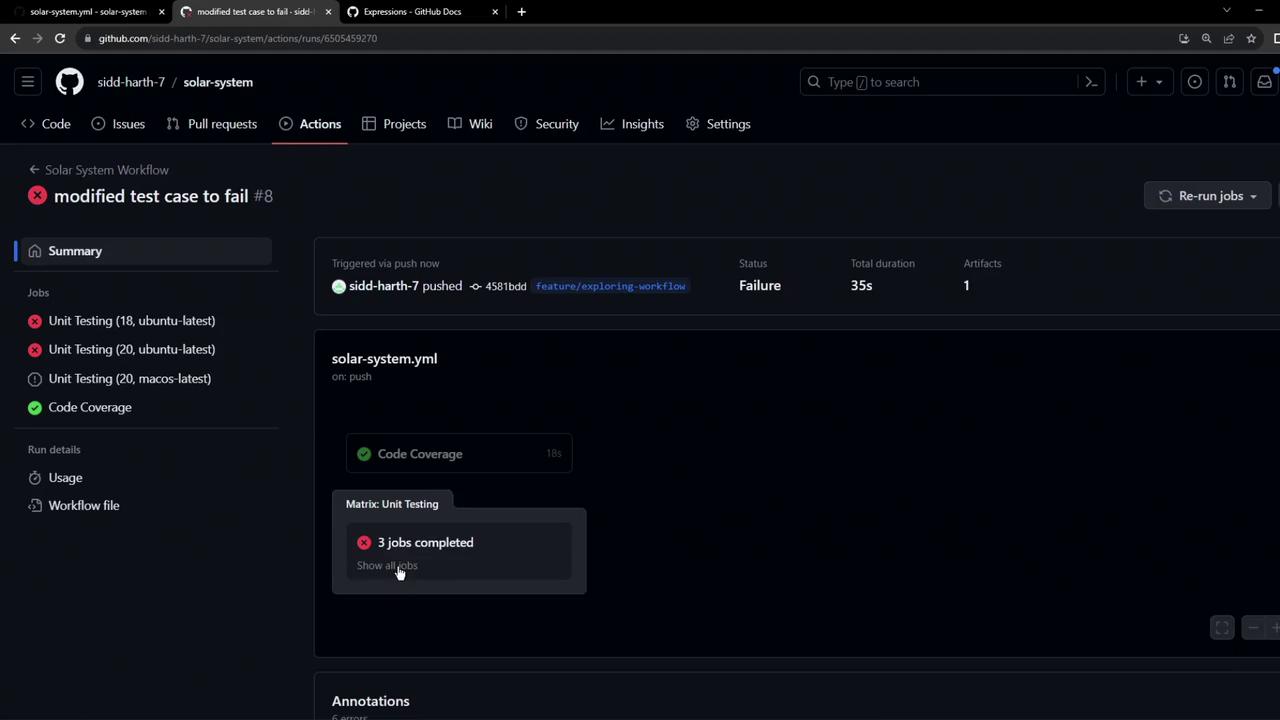
After committing, the **Unit Testing** job fails and the upload step is skipped:
## 3. Guarding with `steps..outcome`
Give your test step an `id`, then use `if` to check its `outcome`:
```yaml theme={null}
- name: Unit Testing
id: nodejs-unit-testing
run: npm test
- name: Archive Test Results
if: steps.nodejs-unit-testing.outcome == 'failure' || steps.nodejs-unit-testing.outcome == 'success'
uses: actions/upload-artifact@v3
with:
name: Mocha-Test-Result
path: test-results.xml
```
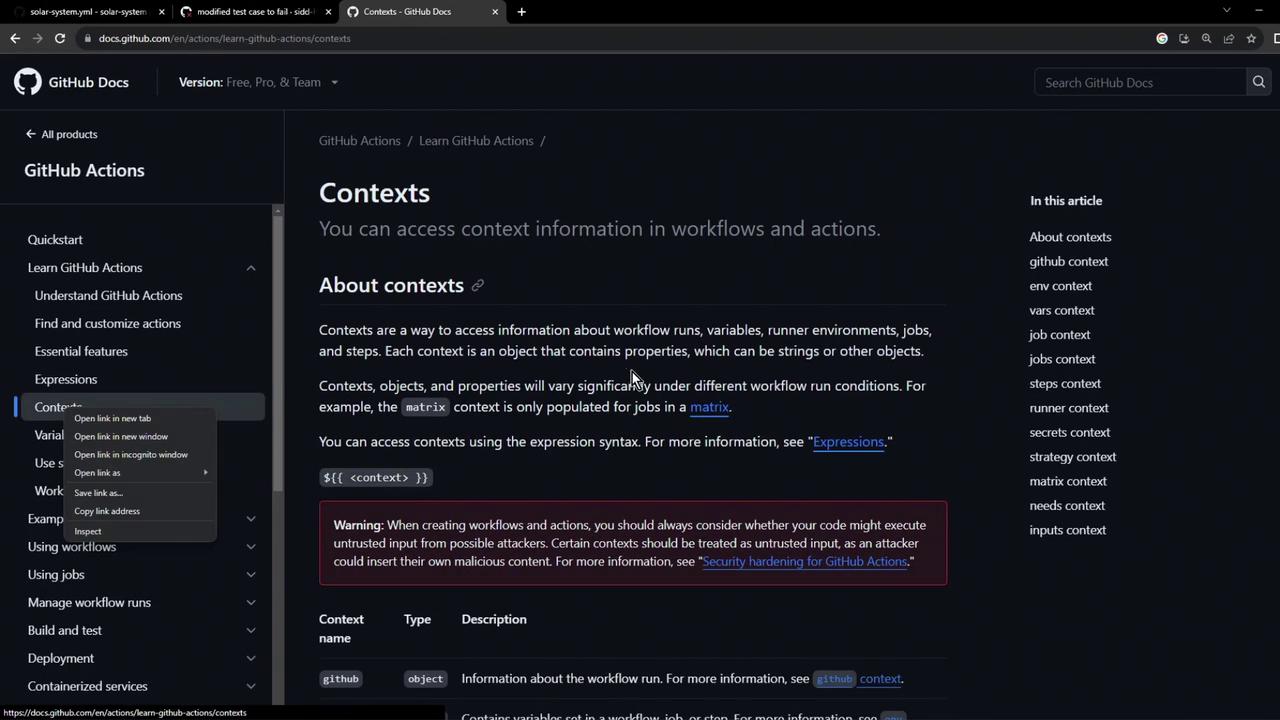
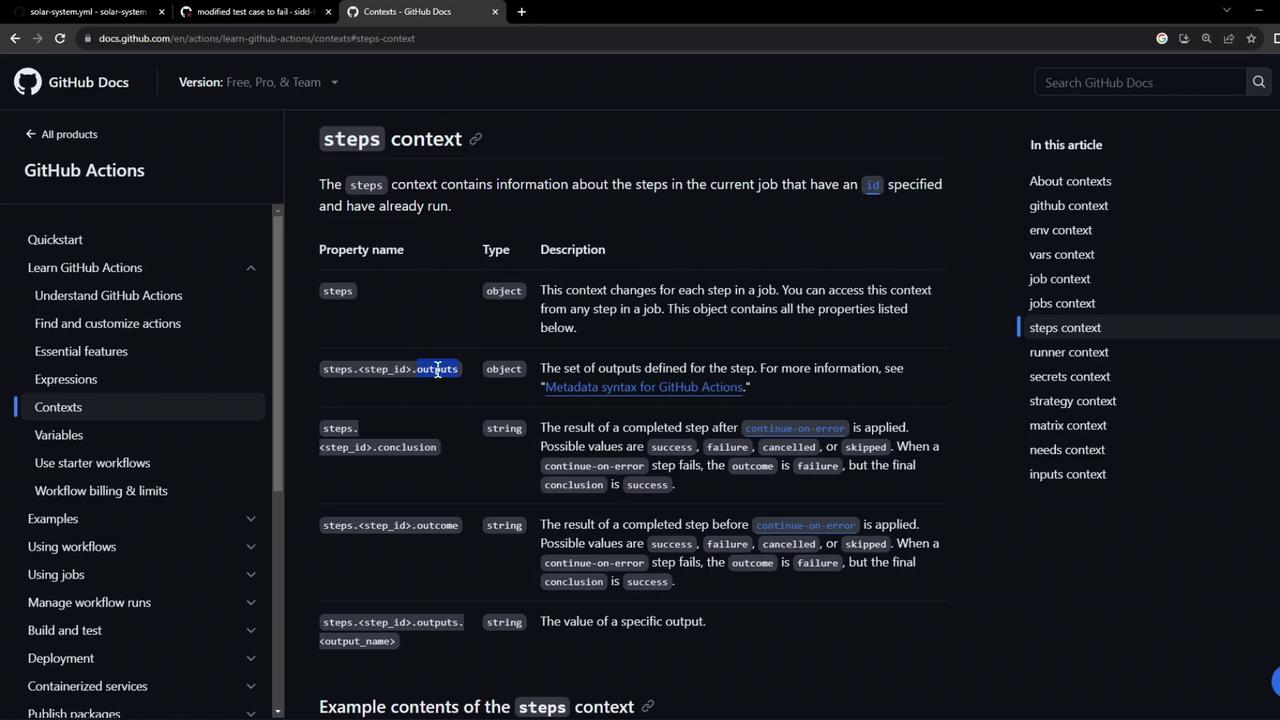
The [`steps` context](https://docs.github.com/actions/learn-github-actions/contexts#steps-context) provides each step’s `outcome` property:
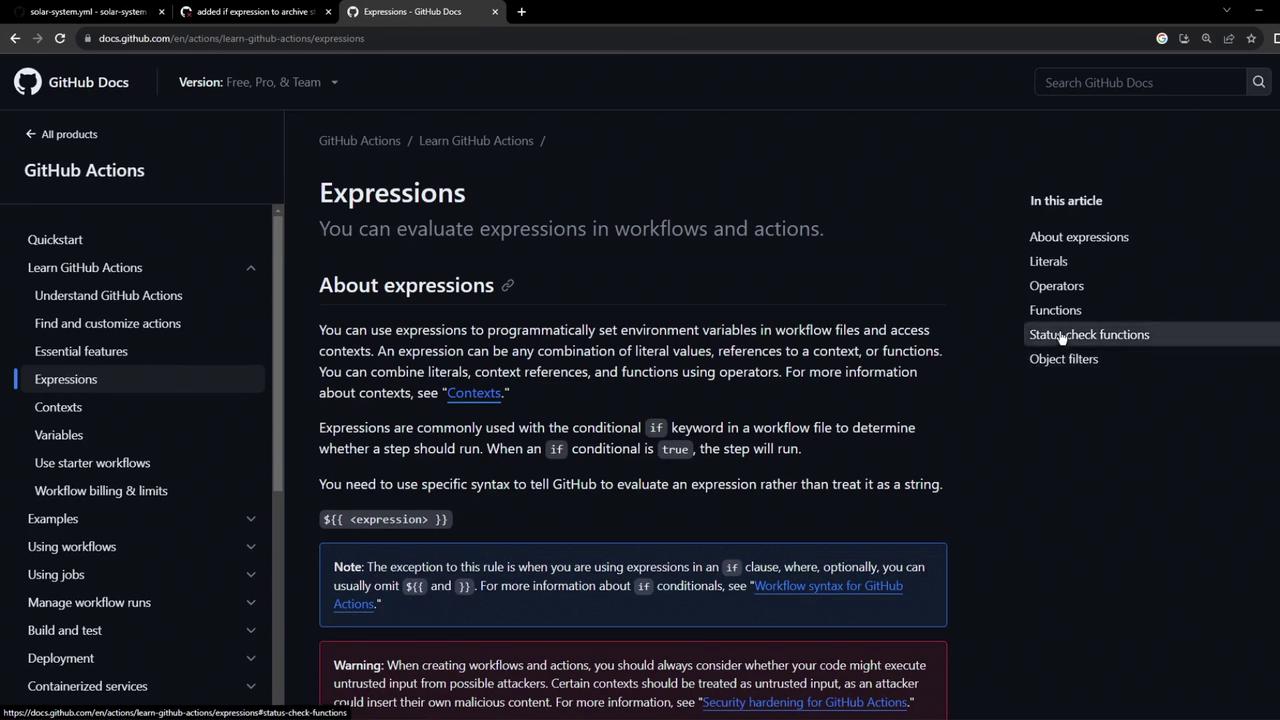
You can use comparison operators (`==`, `!=`, `>`, `<`) and functions in [expressions](https://docs.github.com/actions/learn-github-actions/expressions) to control step execution.
Here’s the official expressions reference:
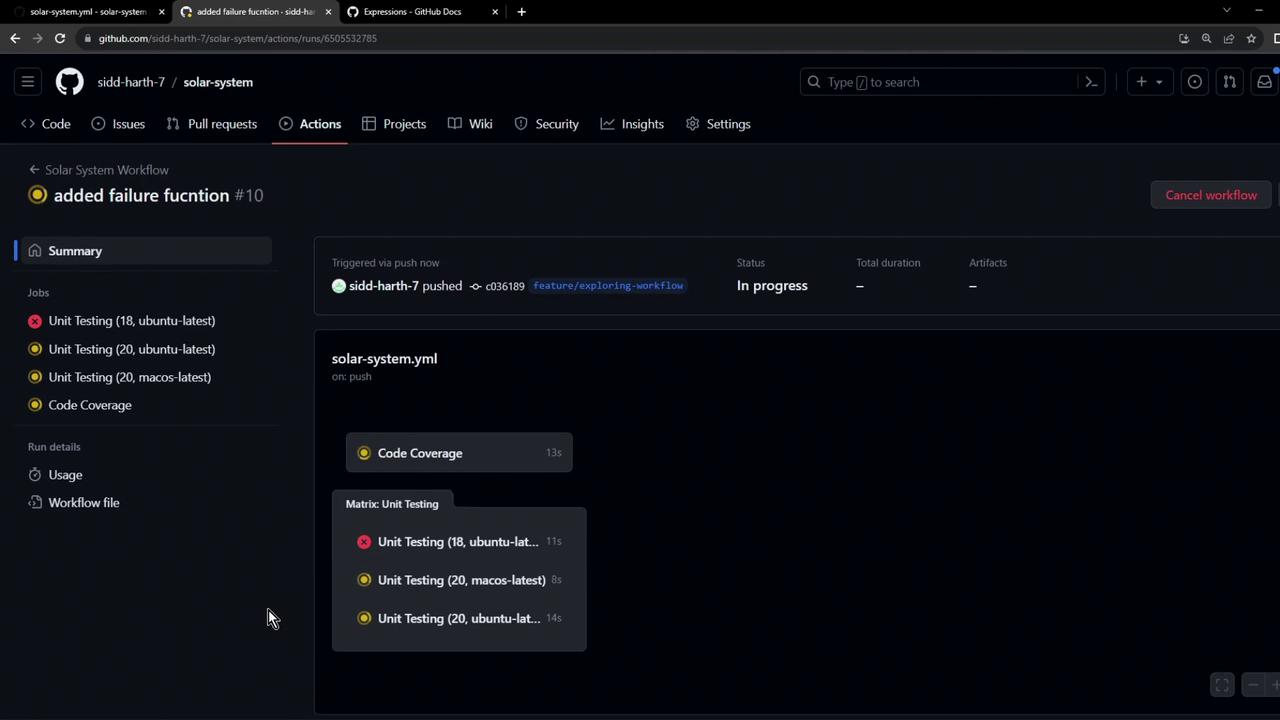
Rerun the workflow, and you’ll see the Archive step execute in all scenarios:
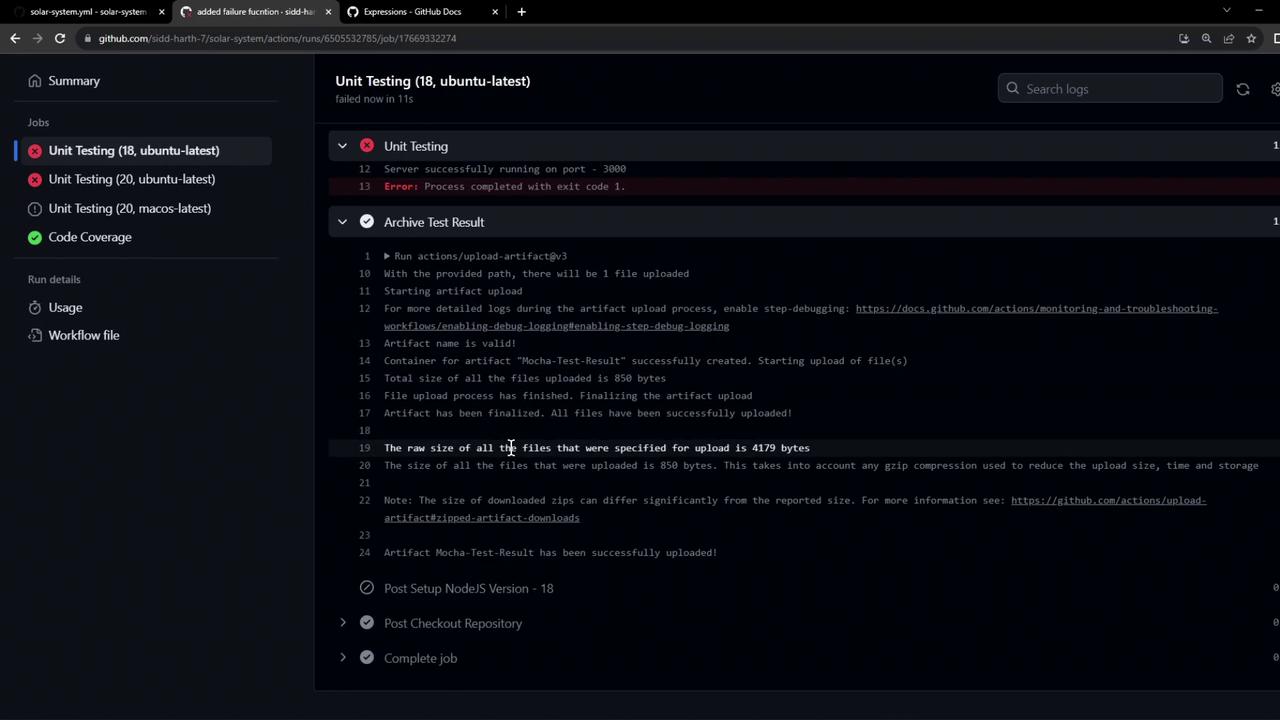
Inspecting the logs confirms the upload ran:
```bash theme={null}
> Solar System@6.7.6 test
> mocha app-test.js --timeout 10000 --reporter mocha-junit-reporter --exit
Server successfully running on port - 3000
Error: Process completed with exit code 1.
```
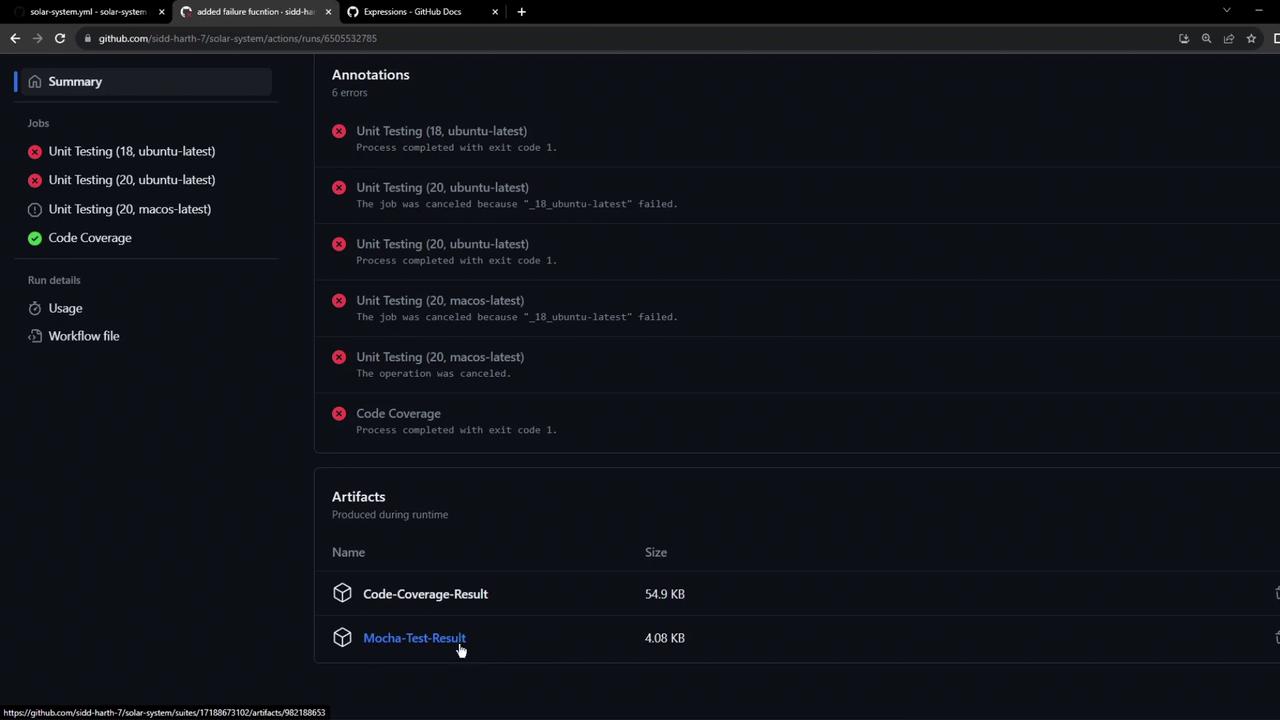
The workflow summary now lists the test-result artifact:
## 4. Simplifying with `always()`
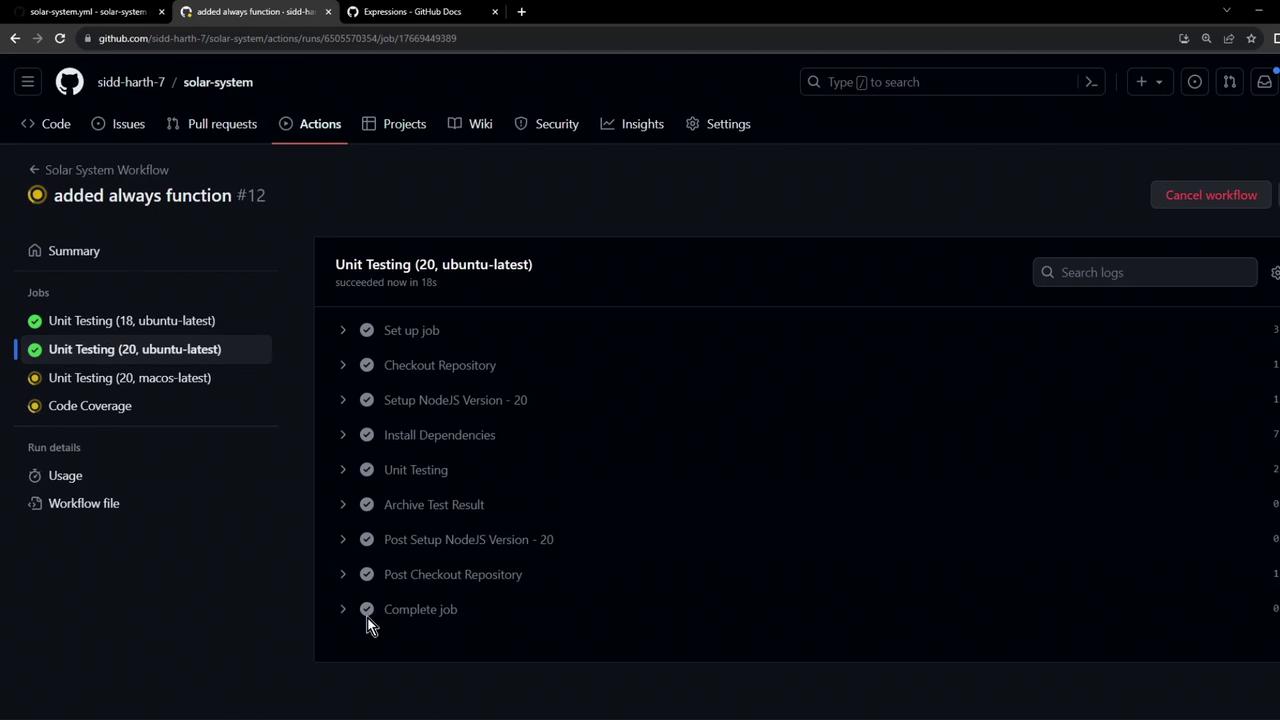
Testing both `failure` and `success` is redundant. Use `always()` to run the step unconditionally:
```yaml theme={null}
- name: Archive Test Results
if: always()
uses: actions/upload-artifact@v3
with:
name: Mocha-Test-Result
path: test-results.xml
```
With `always()`, the upload executes on success, failure, or cancelation:
## 5. Quick Reference: Status Functions
| Function | Description | Syntax |
| ----------- | ------------------------------------------- | ----------------- |
| always() | Runs step regardless of outcome | `if: always()` |
| success() | Runs step only when all prior steps succeed | `if: success()` |
| failure() | Runs step only when a prior step fails | `if: failure()` |
| cancelled() | Runs step when the job is canceled | `if: cancelled()` |
## Links and References
* [GitHub Actions Contexts](https://docs.github.com/actions/learn-github-actions/contexts)
* [GitHub Actions Expressions](https://docs.github.com/actions/learn-github-actions/expressions)
* [actions/upload-artifact](https://github.com/actions/upload-artifact)
* [Mocha JUnit Reporter](https://github.com/michaelleeallen/mocha-junit-reporter)