> ## Documentation Index
> Fetch the complete documentation index at: https://notes.kodekloud.com/llms.txt
> Use this file to discover all available pages before exploring further.
# Create a Javascript Action
> This tutorial guides you in building a JavaScript GitHub Action that posts a random thank you GIF from Giphy for new pull requests.
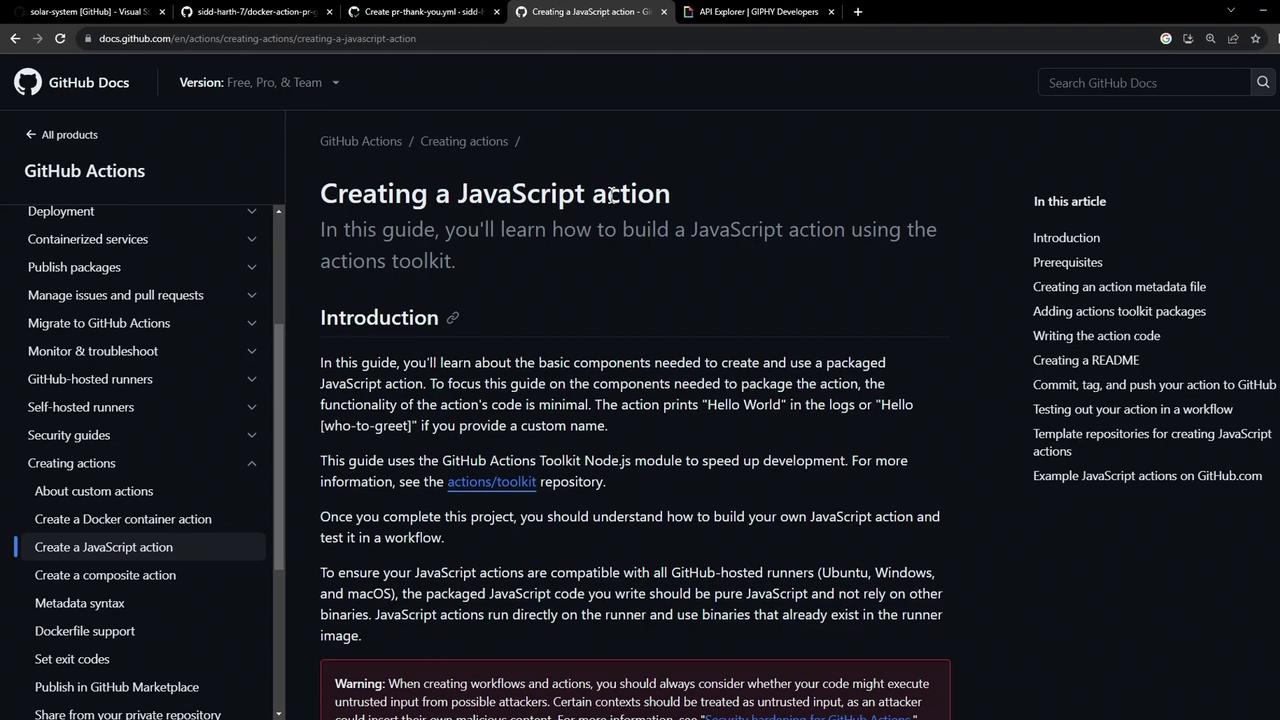
In this tutorial, you’ll build a JavaScript GitHub Action that posts a random “thank you” GIF from Giphy whenever a new pull request is opened. We’ll cover project setup, metadata definition, coding, bundling dependencies, and publishing to your GitHub repository.
## Prerequisites
Before you begin, verify that you have the following:
| Requirement | Description |
| -------------- | --------------------------------------- |
| Node.js 20.x | JavaScript runtime for your action |
| npm | Package manager to install dependencies |
| GitHub account | Host your repository and run workflows |
## 1. Project Setup
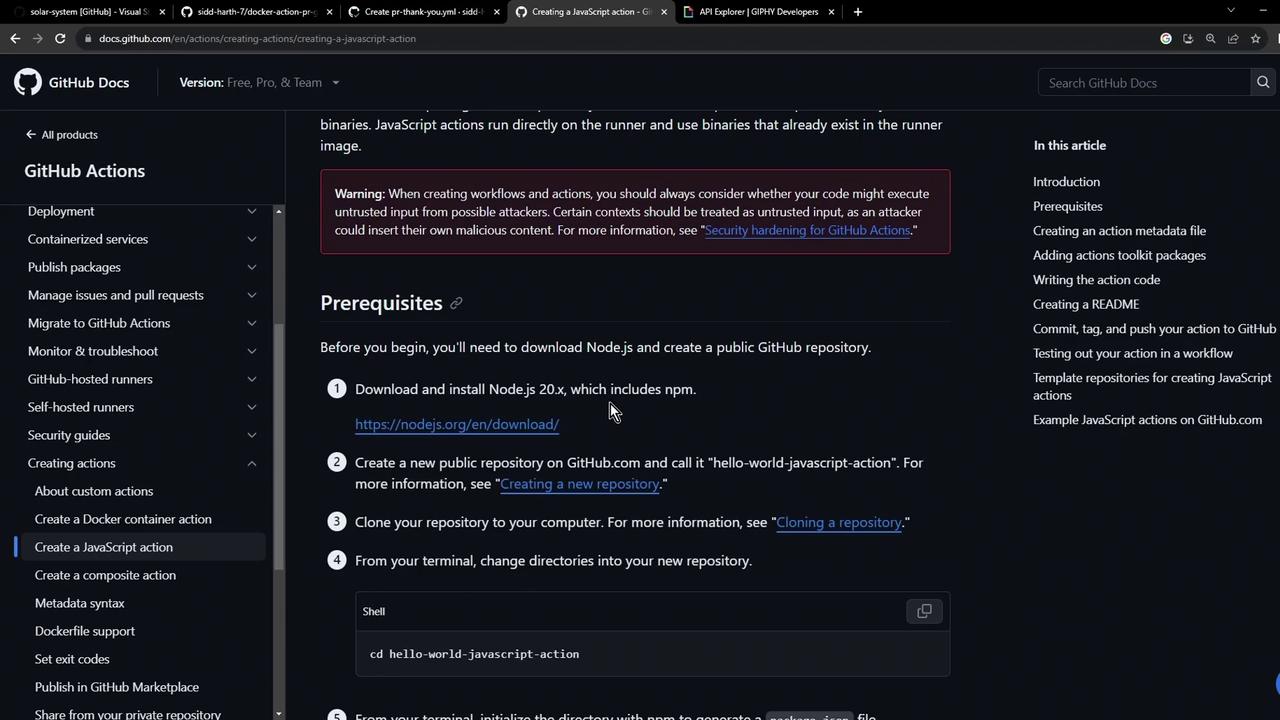
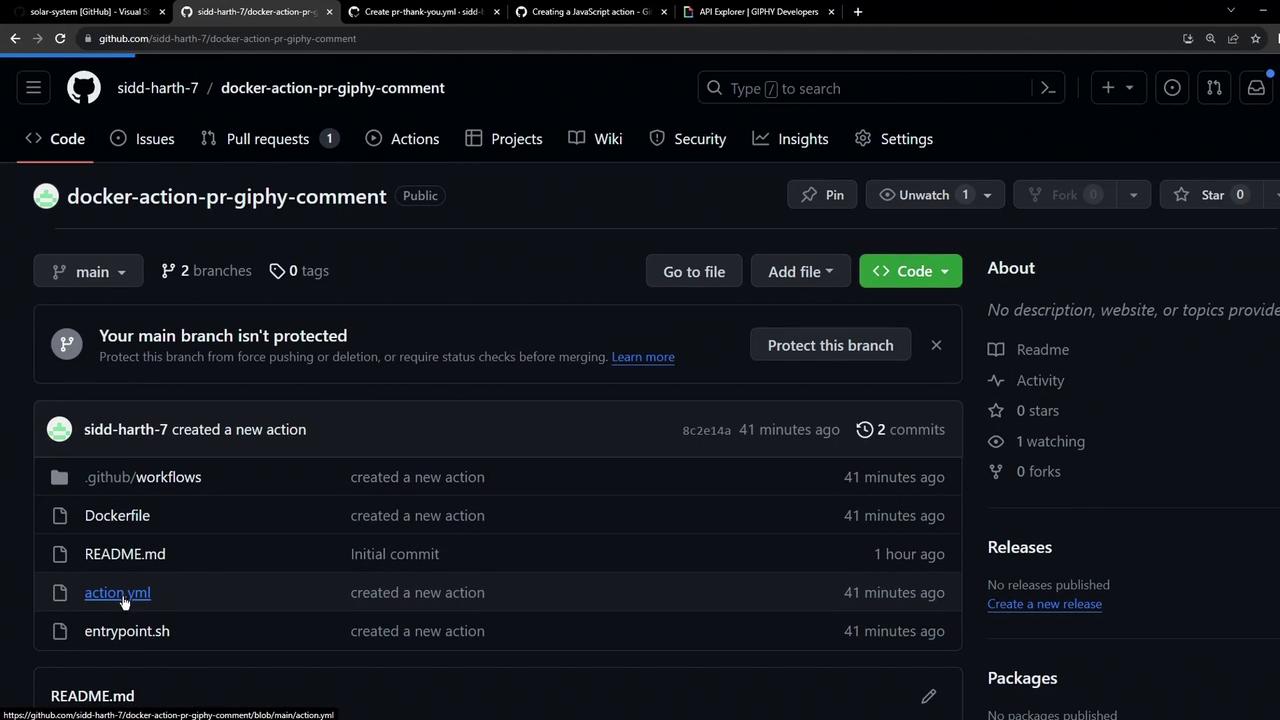
Create a fresh directory and initialize npm. This scaffolds your package and creates essential files:
```bash theme={null}
mkdir js-action-pr-giphy-comment
cd js-action-pr-giphy-comment
npm init -y
touch README.md action.yml index.js
```
## 2. Define Action Metadata
The `action.yml` file tells GitHub how to run your action. Specify inputs and the entrypoint:
```yaml theme={null}
name: 'Giphy PR Comment'
description: 'Posts a Giphy GIF comment on new pull requests.'
inputs:
github-token:
description: 'GitHub token for authentication'
required: true
giphy-api-key:
description: 'Your Giphy API key'
required: true
runs:
using: 'node20'
main: 'dist/index.js'
```
The `github-token` input is usually provided via `${{ secrets.GITHUB_TOKEN }}`.\
Be sure to store your `giphy-api-key` in GitHub Secrets to keep it secure.
## 3. Install Dependencies
Install the GitHub Actions Toolkit and Giphy client:
```bash theme={null}
npm install @actions/core@1.10.0 \
@actions/github@5.1.1 \
@octokit/rest@20.0.1 \
giphy-api@2.0.2
```
Here’s a quick reference of what each package does:
| Package | Version | Purpose |
| --------------- | ------- | ------------------------------------------------ |
| @actions/core | ^1.10.0 | Read inputs, set outputs, and report failures |
| @actions/github | ^5.1.1 | Access GitHub context and helpers |
| @octokit/rest | ^20.0.1 | Interact with the GitHub REST API |
| giphy-api | ^2.0.2 | Fetch random or search-based GIFs from Giphy API |
Check your `package.json` to confirm these are listed under `dependencies`.
## 4. Write the Action Code
In `index.js`, import the necessary modules, fetch a random “thank you” GIF, and post it as a comment on the pull request:
```javascript theme={null}
const core = require('@actions/core');
const github = require('@actions/github');
const { Octokit } = require('@octokit/rest');
const Giphy = require('giphy-api');
async function run() {
try {
const githubToken = core.getInput('github-token');
const giphyApiKey = core.getInput('giphy-api-key');
const octokit = new Octokit({ auth: githubToken });
const giphy = Giphy(giphyApiKey);
const { owner, repo, number: issue_number } = github.context.issue;
const prComment = await giphy.random('thank you');
await octokit.issues.createComment({
owner,
repo,
issue_number,
body: [
'### 🎉 Thank you for your contribution!',
'',
``
].join('\n')
});
core.setOutput('comment-url', prComment.data.images.downsized.url);
} catch (error) {
core.setFailed(error.message);
}
}
run();
```
## 5. Bundle with ncc
To avoid committing `node_modules`, bundle your code and dependencies into a single file using [Vercel ncc][ncc]:
```bash theme={null}
npm install --save-dev @vercel/ncc@0.38.0
npx ncc build index.js -o dist
```
`ncc` produces `dist/index.js` with your action logic and all dependencies. This simplifies deployment.
## 6. Ignore Unnecessary Files
Add a `.gitignore` to keep your repository clean:
```plaintext theme={null}
node_modules
dist/**/*.map
```
## 7. Publish to GitHub
Initialize and push your project:
```bash theme={null}
git init
git add .
git commit -m "Initial JavaScript action"
git branch -M main
git remote add origin https://github.com//js-action-pr-giphy-comment.git
git push -u origin main
```
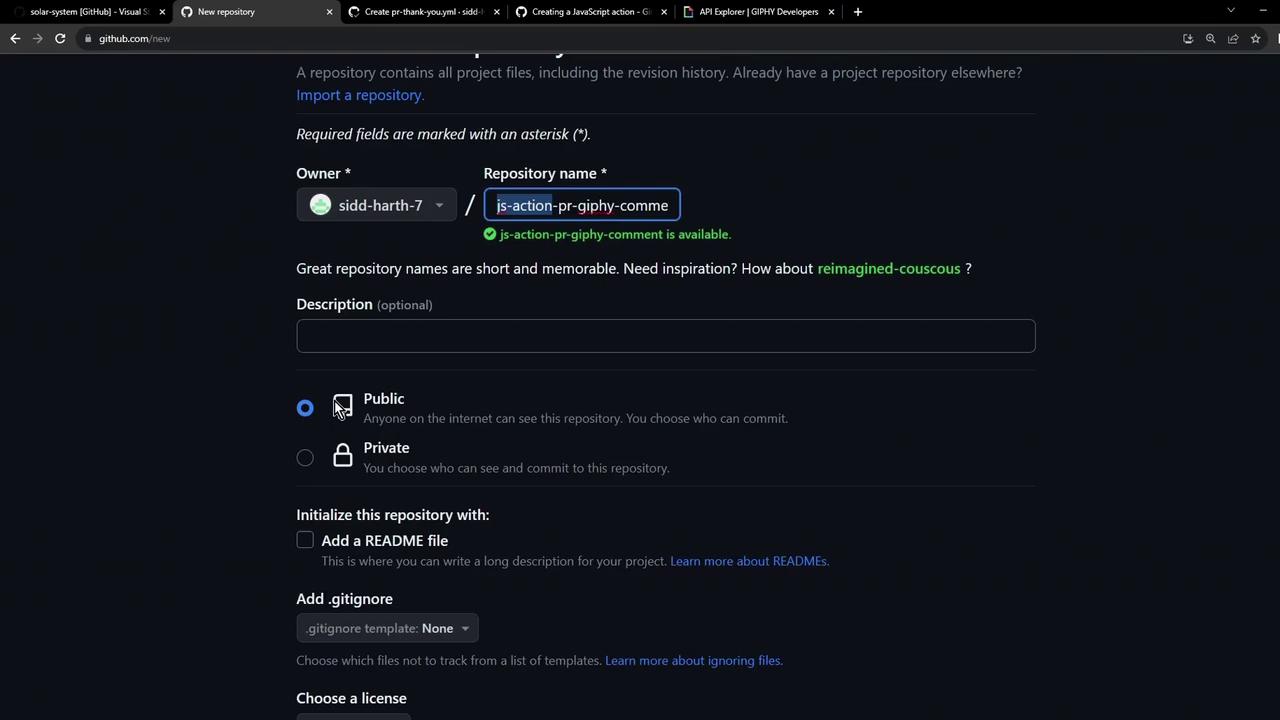
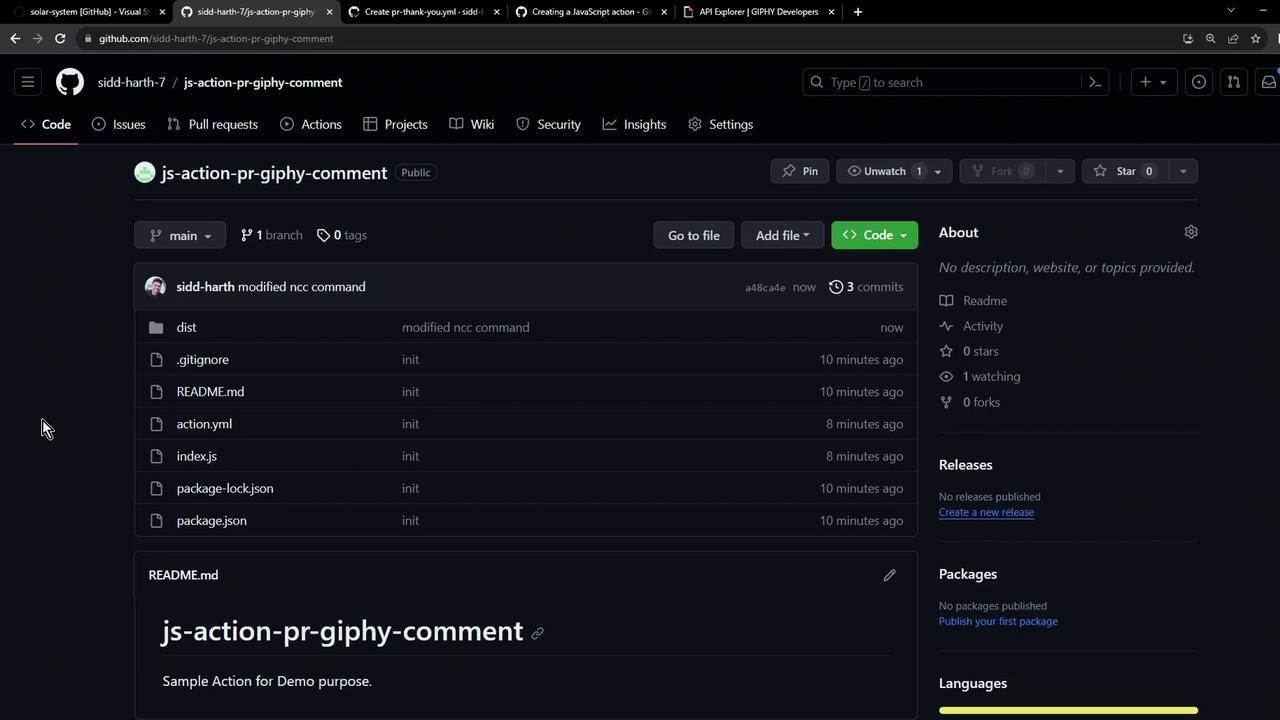
After pushing, your repository will look like this:
***
You’ve now successfully created, bundled, and published a JavaScript GitHub Action. Next, tag a release and submit it to the [GitHub Marketplace][marketplace] so others can use it!
***
## Links and References
* [GitHub Actions Toolkit][toolkit]
* [Vercel ncc – Next.js Compiler][ncc]
* [GitHub Marketplace][marketplace]
* [GitHub Actions Documentation](https://docs.github.com/actions)
* [Giphy Developers](https://developers.giphy.com/)
[toolkit]: https://github.com/actions/toolkit
[ncc]: https://github.com/vercel/ncc
[marketplace]: https://github.com/marketplace/actions