> ## Documentation Index
> Fetch the complete documentation index at: https://notes.kodekloud.com/llms.txt
> Use this file to discover all available pages before exploring further.
# Using a Composite Action in Workflow
> Optimize Node.js CI by creating a reusable composite action for caching and installation steps to enhance maintainability and speed up workflow authorship.
Optimize your Node.js CI by extracting repeated caching and installation steps into a reusable composite action. This improves maintainability, reduces duplication, and speeds up workflow authorship.
## Original Workflow Snippet
The following job explicitly checks out code, sets up Node.js, caches dependencies, installs packages, runs tests, and archives results:
```yaml theme={null}
runs-on: ${{ matrix.operating_system }}
strategy:
matrix:
operating_system: [ubuntu-latest]
exclude:
- nodejs_version: 18
operating_system: macos-latest
nodejs_version: [16, 18]
steps:
- name: Checkout Repository
uses: actions/checkout@v4
- name: Setup Node.js – ${{ matrix.nodejs_version }}
uses: actions/setup-node@v3
with:
node-version: ${{ matrix.nodejs_version }}
- name: Cache NPM dependencies
uses: actions/cache@v3
with:
path: node_modules
key: ${{ runner.os }}-node-modules-${{ hashFiles('package-lock.json') }}
- name: Install Dependencies
run: npm install
- name: Unit Testing
id: nodejs-unit-testing
run: npm test
- name: Archive Test Results
if: always()
uses: actions/upload-artifact@v3
with:
name: Mocha-Test-Result
path: test-results.xml
```
## Replace Cache & Install with Composite Action
Instead of repeating the cache and install steps in every job, call your composite action:
```yaml theme={null}
steps:
- name: Checkout Repository
uses: actions/checkout@v4
- name: Setup Node.js – ${{ matrix.nodejs_version }}
uses: actions/setup-node@v3
with:
node-version: ${{ matrix.nodejs_version }}
- name: Composite Action – Cache & Install NPM Packages
uses: ./.github/custom-actions/npm-action
- name: Unit Testing
id: nodejs-unit-testing
run: npm test
- name: Archive Test Results
if: always()
uses: actions/upload-artifact@v3
with:
name: Mocha-Test-Result
path: test-results.xml
```
Reference the action directory (`npm-action`) without specifying `action.yml`; GitHub locates it automatically.
## Defining the Composite Action
Create `.github/custom-actions/npm-action/action.yml` to define inputs and steps:
```yaml theme={null}
name: 'NPM Custom Action'
description: 'Cache and install Node.js packages'
inputs:
path-of-folder:
description: 'Directory to cache (e.g., node_modules)'
required: true
runs:
using: 'composite'
steps:
- name: Cache NPM dependencies
uses: actions/cache@v3
with:
path: ${{ inputs.path-of-folder }}
key: ${{ runner.os }}-node-modules-${{ hashFiles('package-lock.json') }}
- name: Install Dependencies
run: npm install
shell: bash
```
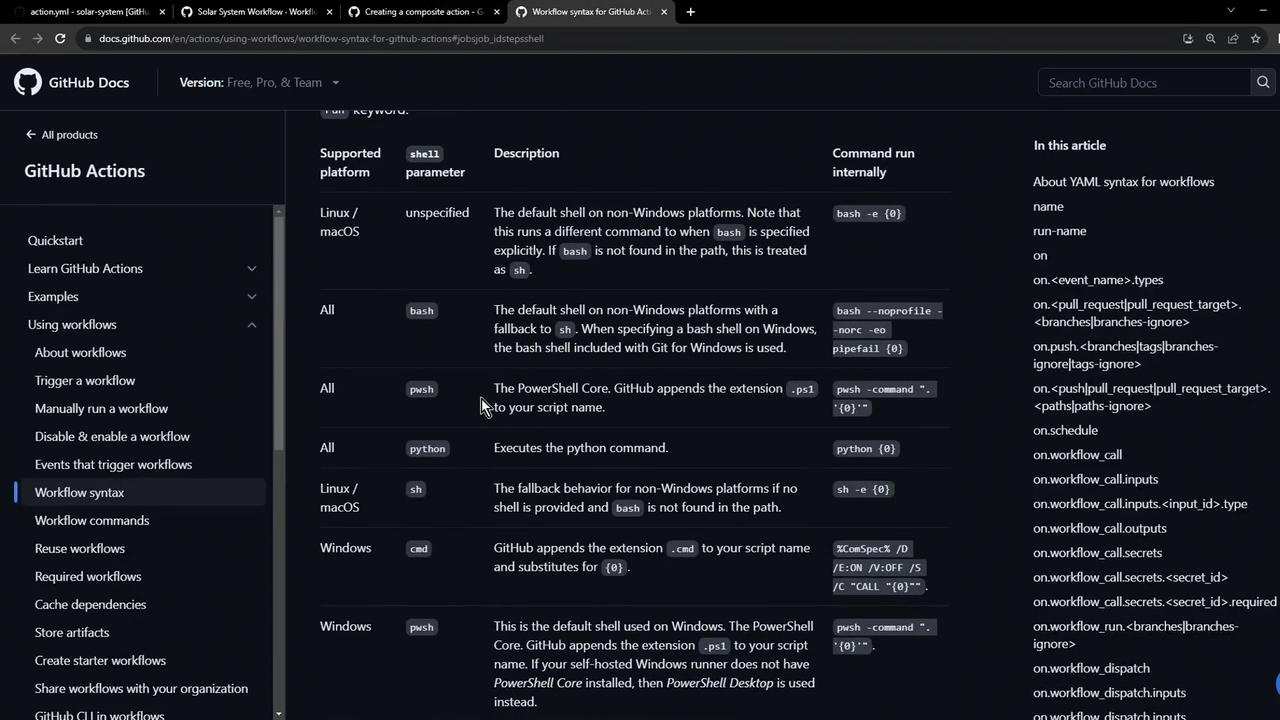
### Supported Shells
| Shell | Platform | Usage Example |
| ----- | ---------------------- | ------------- |
| bash | Linux & macOS | `npm install` |
| pwsh | Windows PowerShell | `npm install` |
| sh | Linux | `npm install` |
| cmd | Windows Command Prompt | `npm install` |
## Passing Inputs to the Composite Action
When calling the composite action, supply the `path-of-folder` input:
```yaml theme={null}
- name: Composite Action – Cache & Install NPM Packages
uses: ./.github/custom-actions/npm-action
with:
path-of-folder: node_modules
```
You can also use expressions, variables, or secrets:
```yaml theme={null}
with:
path-of-folder: ${{ vars.cache_path }}
```
## Applying to a Code Coverage Job
Reuse the same composite action in a `code-coverage` job to cache dependencies before running coverage reports:
```yaml theme={null}
jobs:
code-coverage:
name: Code Coverage
container:
image: node:18
steps:
- name: Composite Action – Cache & Install NPM Packages
uses: ./.github/custom-actions/npm-action
with:
path-of-folder: node_modules
- name: Check Code Coverage
continue-on-error: true
run: npm run coverage
- name: Archive Coverage Report
uses: actions/upload-artifact@v3
with:
name: Code-Coverage-Result
path: coverage
retention-days: 5
```
## Viewing Workflow Runs
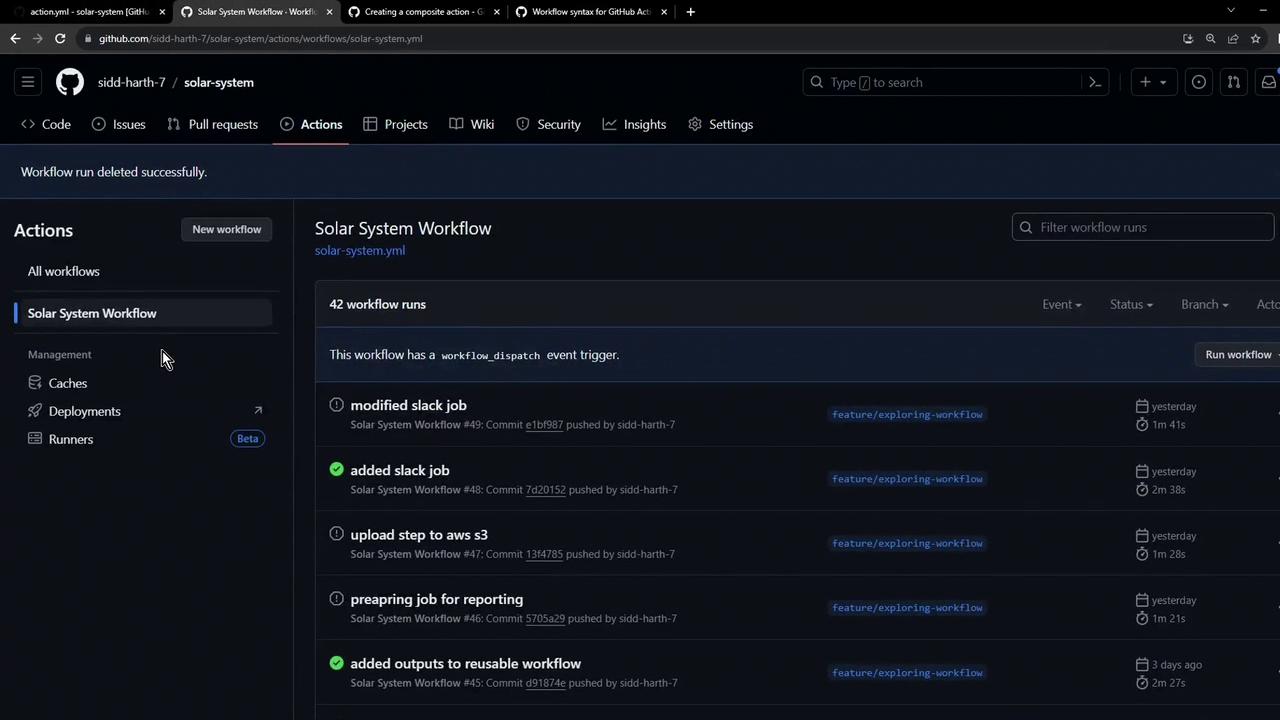
After pushing your changes, navigate to the **Actions** tab in your repository to review each run, monitor status, and investigate logs:
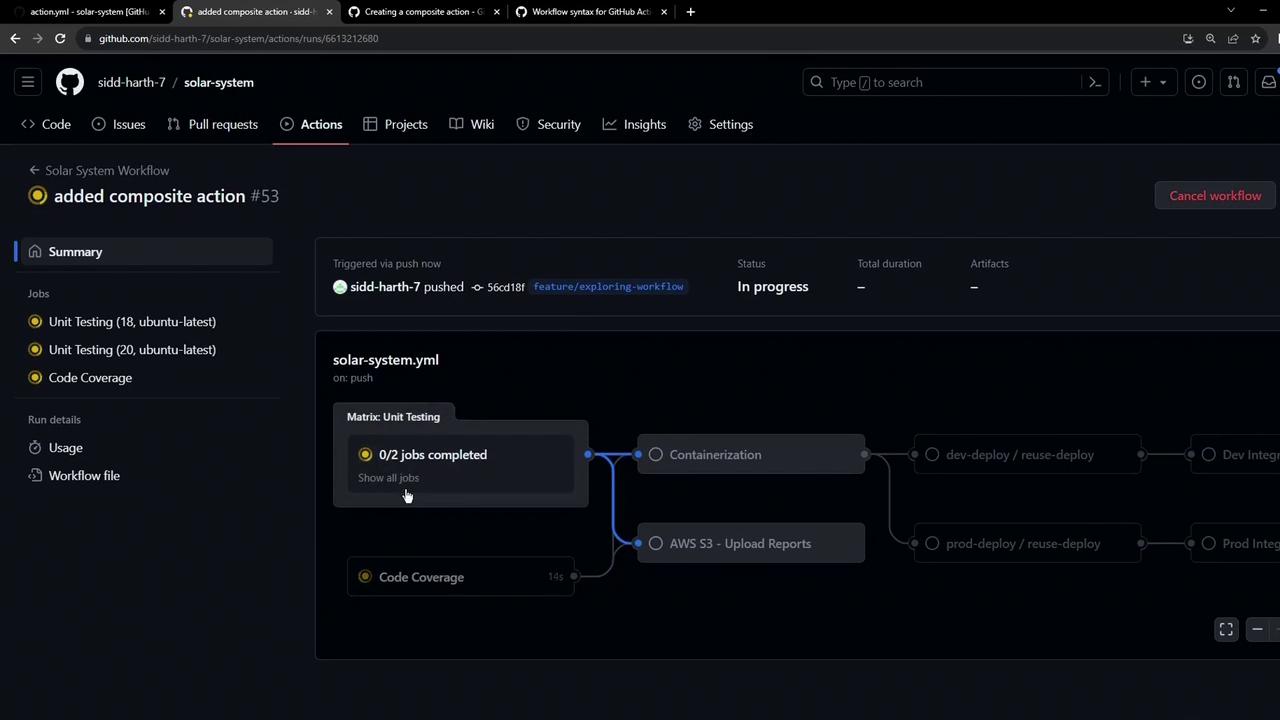
To inspect the Unit Testing job logs and progress, click the **Unit Testing** entry in the run detail.
## Composite Action Logs
Expand the composite action step to view cache restoration and installation details:
```text theme={null}
Run ~/.github/custom-actions/npm-action
Run actions/cache@v3
Cache Size: ~7 MB (7028388 B)
/usr/bin/tar -xf /home/runner/work/_temp/.../cache.tzst -P -C /home/runner/work/solar-system/solar-system --use-compress-program unzstd
Cache restored successfully
Cache restored from key: Linux-node-modules-482579847a5939e157ee1a6b1d59e8f7f2b5e5f
Run npm install
```
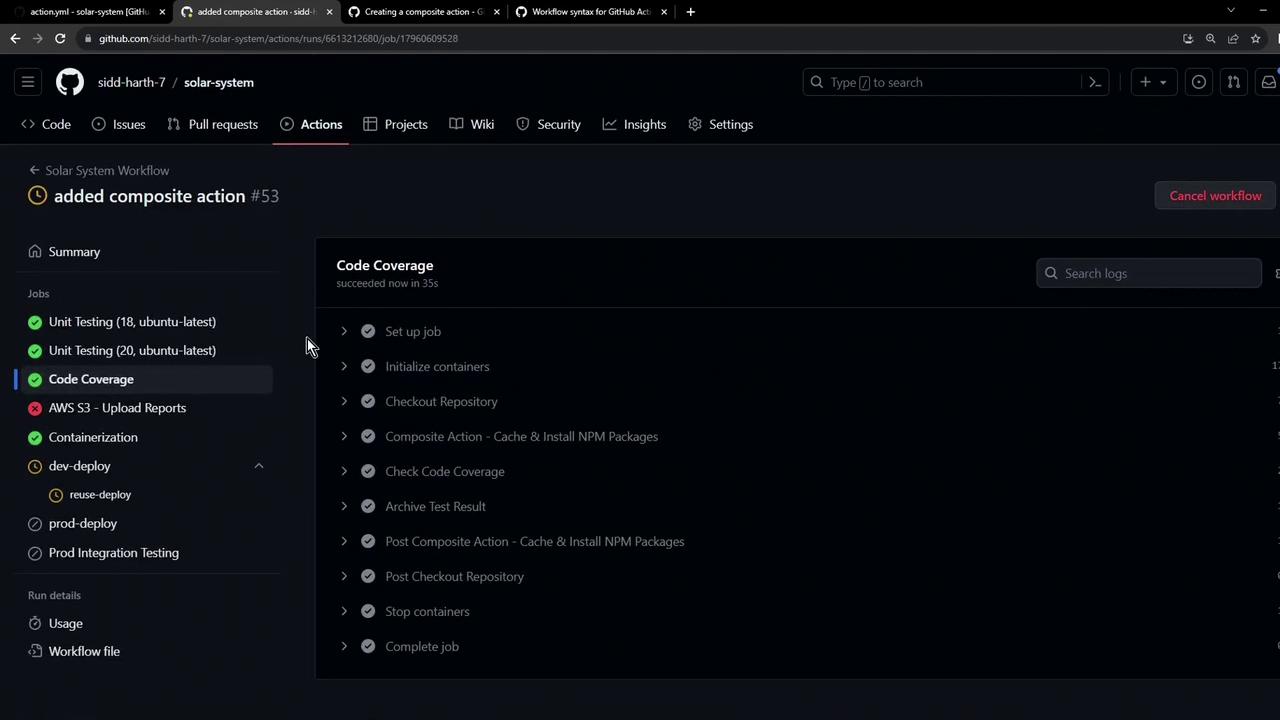
To verify the Code Coverage job used the composite action, check the job details in the run summary.
## Next Steps
This composite action lives in your repository and is available to all your workflows. To publish it to the GitHub Marketplace, explore these resources:
* [Creating Docker container actions](https://docs.github.com/actions/creating-actions/creating-a-docker-container-action)
* [Writing JavaScript actions](https://docs.github.com/actions/creating-actions/creating-a-javascript-action)
* [GitHub Actions Composite Run Steps](https://docs.github.com/actions/creating-actions/metadata-syntax-for-github-actions#runs-for-composite-actions)