> ## Documentation Index
> Fetch the complete documentation index at: https://notes.kodekloud.com/llms.txt
> Use this file to discover all available pages before exploring further.

# Using a Docker Action in Workflow

> Learn to integrate a custom Docker container action in GitHub Actions to post a thank-you GIF on pull requests.

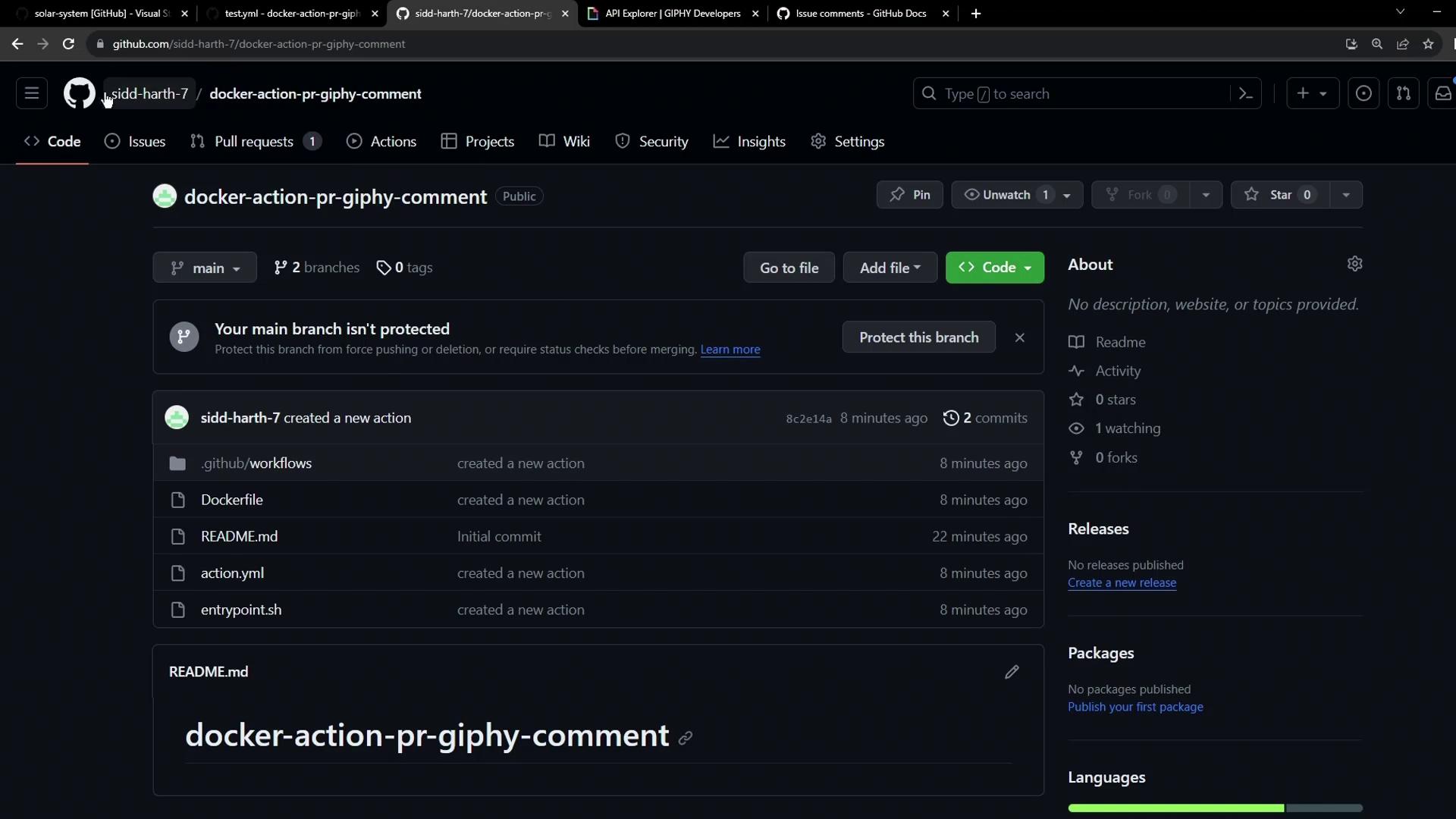
Learn how to integrate a reusable custom Docker container action across repositories. In this guide, we’ll invoke the **docker-action-pr-giphy-comment** action from the **solar-system** project to post a thank-you GIF on pull requests.
<Frame>
  ![The image shows a GitHub repository page for "docker-action-pr-giphy-comment," displaying files and recent commits.](https://kodekloud.com/kk-media/image/upload/v1752876081/notes-assets/images/GitHub-Actions-Certification-Using-a-Docker-Action-in-Workflow/github-repo-docker-action-pr-giphy.jpg)
</Frame>

## 1. Open the Target Repository

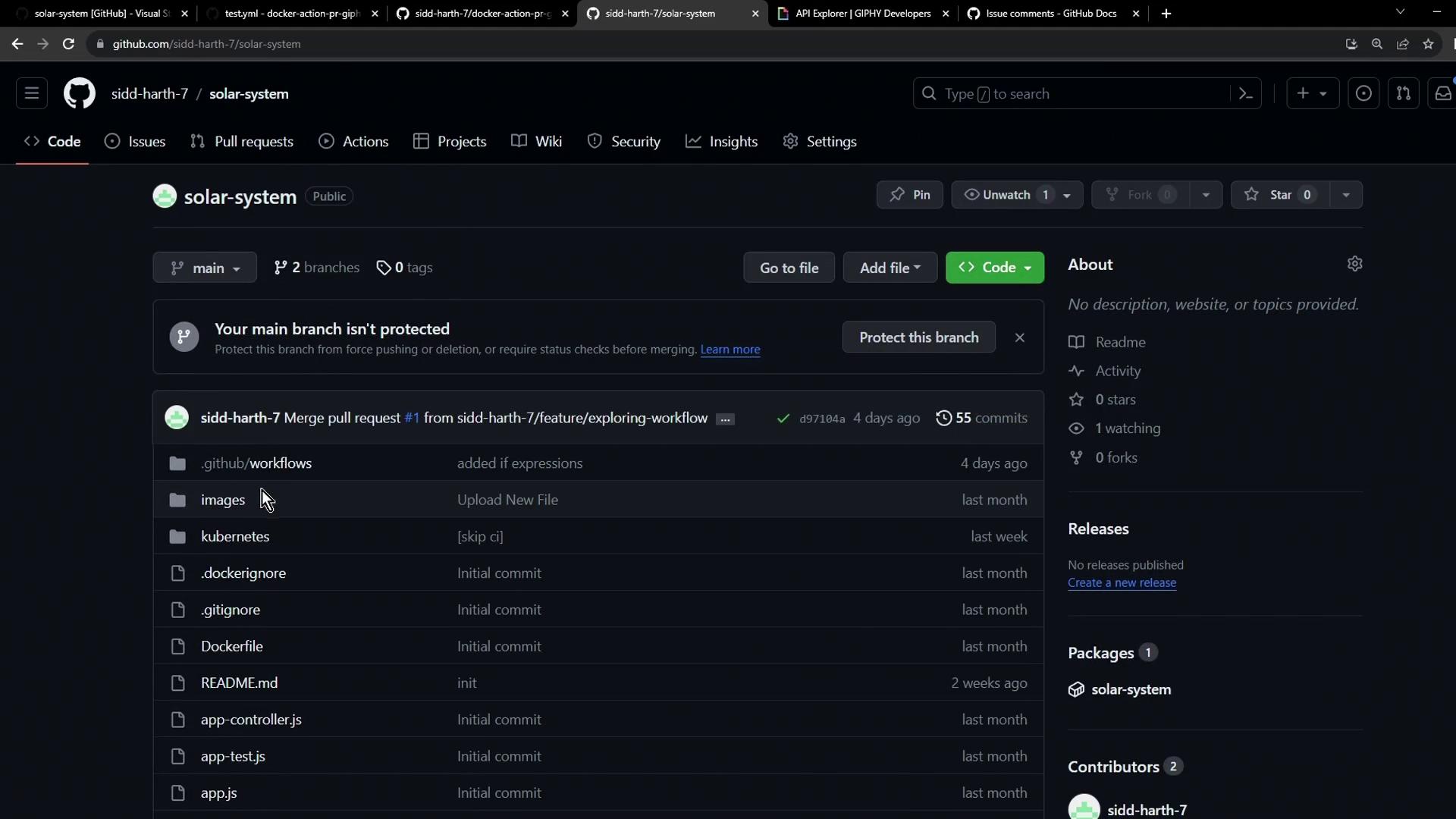
Navigate to your **solar-system** repository on GitHub:
<Frame>
  ![This image shows a GitHub repository page named "solar-system" with various files and folders listed, including workflows, images, and JavaScript files. The repository has no stars or forks and includes a recent pull request merge.](https://kodekloud.com/kk-media/image/upload/v1752876083/notes-assets/images/GitHub-Actions-Certification-Using-a-Docker-Action-in-Workflow/github-repo-solar-system-files.jpg)
</Frame>

## 2. Add the Giphy API Token

Your custom action fetches GIFs using the Giphy API. To configure:

1. Get an API key from the [Giphy Developer Portal](https://developers.giphy.com/).
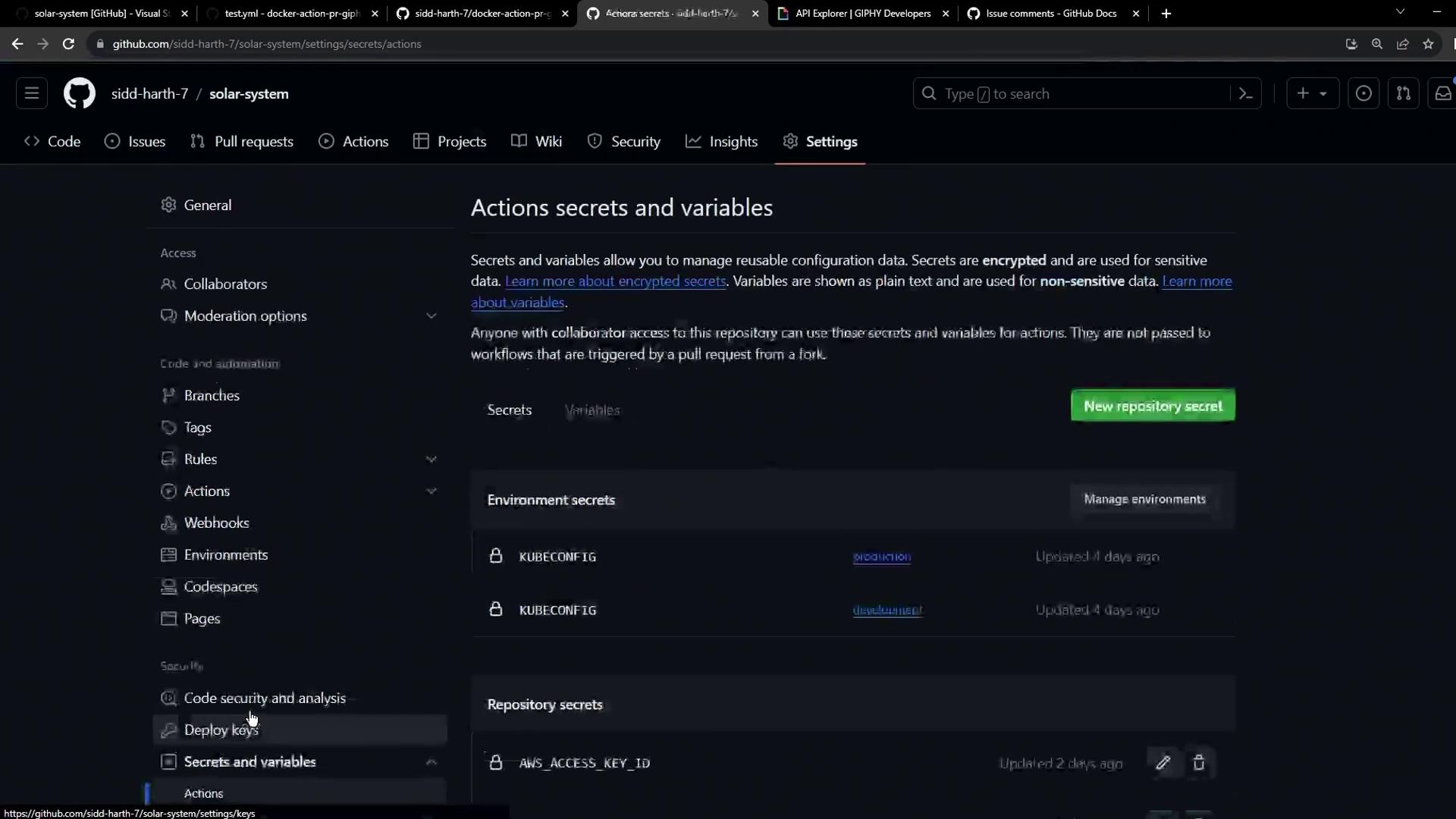
2. In your repo, go to **Settings** > **Actions** > **Secrets and variables** > **Actions**.
3. Click **New repository secret**.
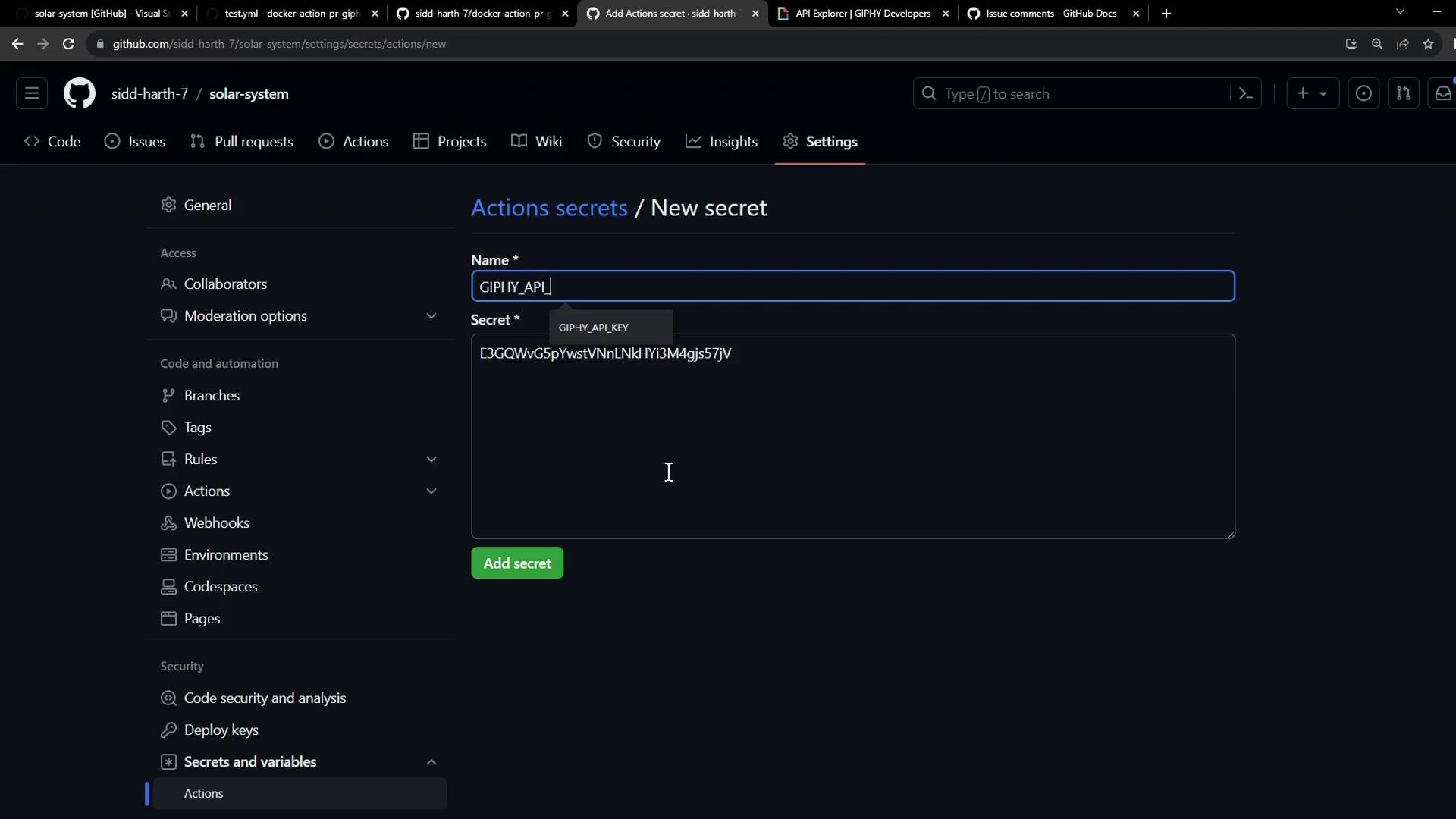
4. Name it `GIPHY_API` and paste the API key.
5. Save.
<Frame>
  ![The image shows a GitHub repository settings page focused on "Actions secrets and variables," displaying options for managing environment and repository secrets.](https://kodekloud.com/kk-media/image/upload/v1752876084/notes-assets/images/GitHub-Actions-Certification-Using-a-Docker-Action-in-Workflow/github-repo-settings-actions-secrets.jpg)
</Frame>

<Frame>
  ![The image shows a GitHub repository settings page where a new secret is being added under "Actions secrets," with the name "GIPHY\_API" and a secret key entered.](https://kodekloud.com/kk-media/image/upload/v1752876085/notes-assets/images/GitHub-Actions-Certification-Using-a-Docker-Action-in-Workflow/github-repo-settings-add-secret.jpg)
</Frame>

<Callout icon="lightbulb" color="#1CB2FE">
  Never expose your API keys in plain text. Always use GitHub Secrets for sensitive values.
</Callout>

## 3. Create the Workflow File

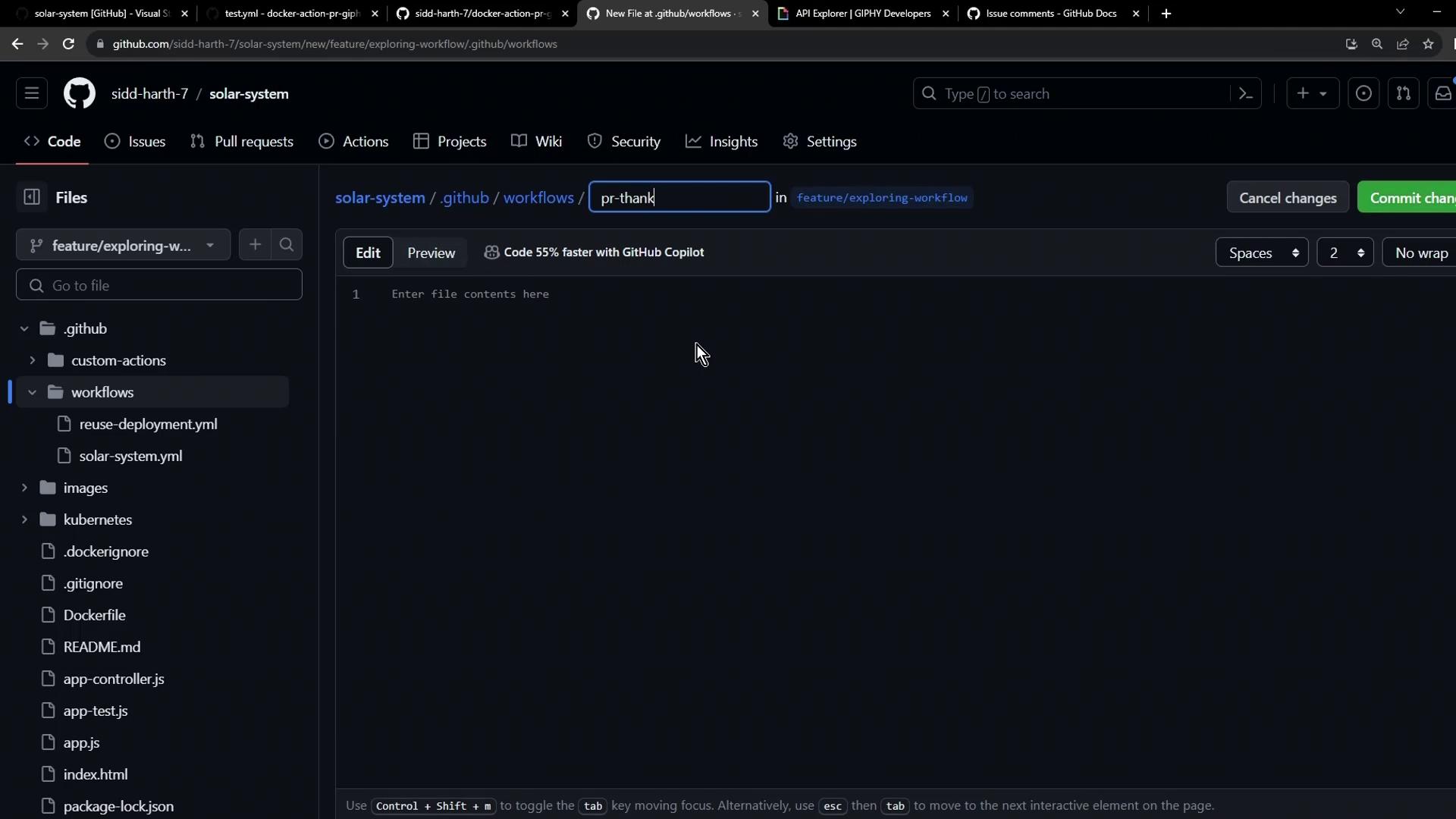
Checkout a branch (e.g., `main` or a feature branch) and add `.github/workflows/pr-thank-you.yml`:
<Frame>
  ![The image shows a GitHub interface where a user is creating or editing a file named "pr-thank" in the ".github/workflows" directory of a repository. The file content area is currently empty.](https://kodekloud.com/kk-media/image/upload/v1752876086/notes-assets/images/GitHub-Actions-Certification-Using-a-Docker-Action-in-Workflow/github-file-edit-pr-thank-workflows.jpg)
</Frame>

### Workflow Configuration

```yaml theme={null}
# .github/workflows/pr-thank-you.yml
name: PR Thank You Comment

on:
  pull_request:
    types: [opened]

jobs:
  pr-action:
    runs-on: ubuntu-latest
    permissions:
      issues: write
      pull-requests: write
    steps:
      - name: Post PR Comment with Giphy
        uses: siddharth-7/docker-action-pr-giphy-comment@main
        with:
          github-token: ${{ secrets.GITHUB_TOKEN }}
          giphy-api-key: ${{ secrets.GIPHY_API }}
```

### Permissions Reference

| Permission             | Purpose                 |
| ---------------------- | ----------------------- |
| `issues: write`        | Post comments on issues |
| `pull-requests: write` | Manage PR comments      |

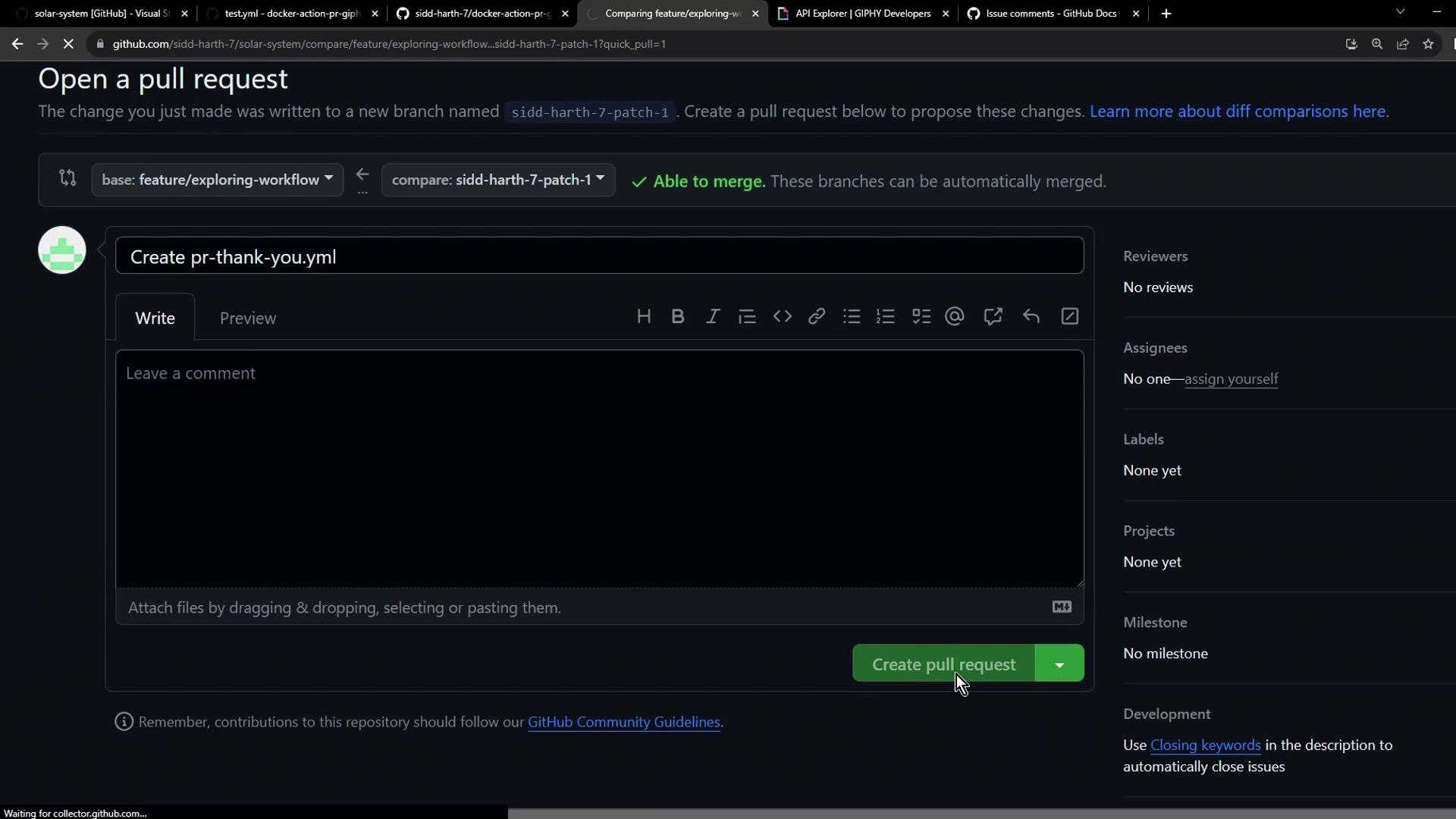
Commit and push your branch, then open a pull request:
<Frame>
  ![The image shows a GitHub interface for creating a pull request, with options to leave a comment and assign reviewers. The "Create pull request" button is highlighted at the bottom.](https://kodekloud.com/kk-media/image/upload/v1752876088/notes-assets/images/GitHub-Actions-Certification-Using-a-Docker-Action-in-Workflow/github-pull-request-interface-highlighted-button.jpg)
</Frame>

## 4. Observe the Workflow Run

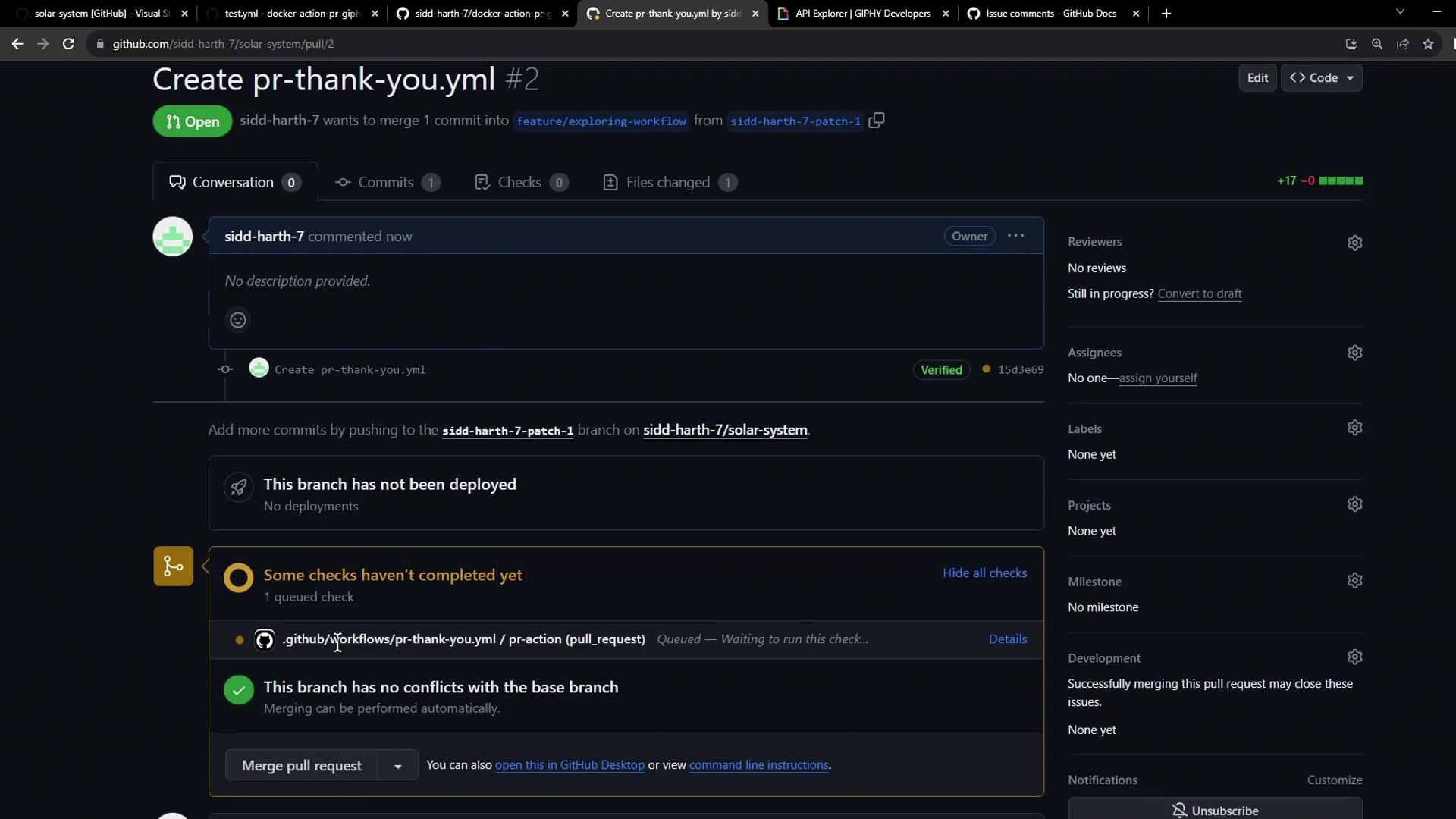
Once the PR is created, GitHub Actions will trigger the workflow automatically:
<Frame>
  ![The image shows a GitHub pull request page for creating a file named "pr-thank-you.yml" with details about the branch, checks, and merge status.](https://kodekloud.com/kk-media/image/upload/v1752876089/notes-assets/images/GitHub-Actions-Certification-Using-a-Docker-Action-in-Workflow/github-pull-request-pr-thank-you.jpg)
</Frame>

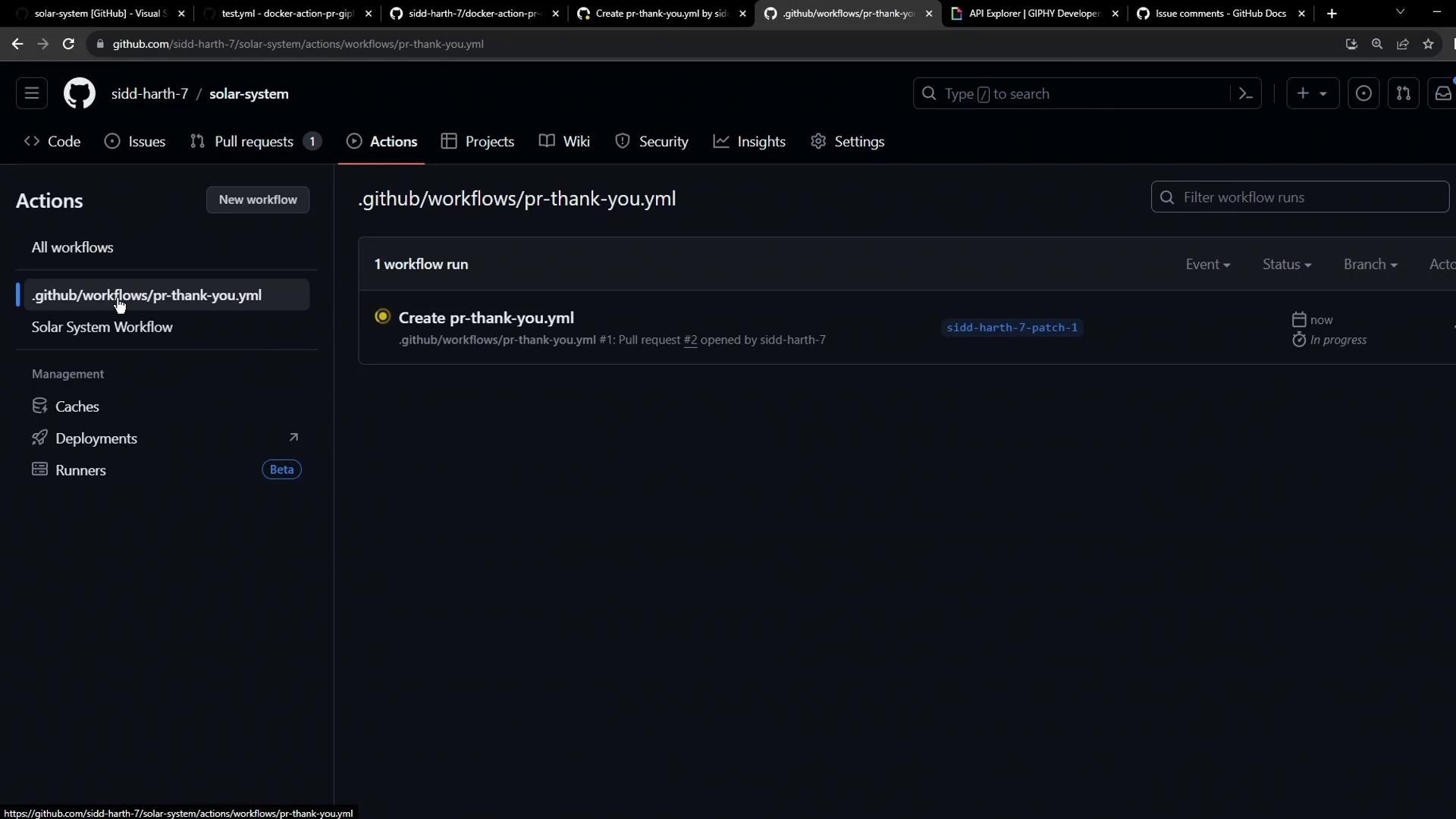
Monitor progress under the **Actions** tab:
<Frame>
  ![The image shows a GitHub Actions page with a workflow named "pr-thank-you.yml" in progress. The sidebar lists options like Caches, Deployments, and Runners.](https://kodekloud.com/kk-media/image/upload/v1752876090/notes-assets/images/GitHub-Actions-Certification-Using-a-Docker-Action-in-Workflow/github-actions-pr-thank-you-workflow.jpg)
</Frame>

After success, the action posts a thank-you GIF comment on the pull request.

## 5. Behind the Scenes: Docker Build Logs

Each run of a container action rebuilds the Docker image. Example build output:

```bash theme={null}
#1 [internal] load .dockerignore
#1 DONE 0.0s
#2 [internal] load build definition from Dockerfile
#2 DONE 0.0s
#3 [internal] load metadata for docker.io/library/alpine:3.10
#3 DONE 0.0s
#6 [1/4] FROM docker.io/library/alpine:3.10
#6 DONE 0.1s
#9 [4/4] RUN chmod +x /entrypoint.sh
#9 DONE 0.3s
```

And the execution command:

```bash theme={null}
/usr/bin/docker run --name 2c046f464a14829b2e7791b519b_32bdb \
  --label 461ce --workdir /github/workspace -m -1 \
  --input_github_token="INPUT_GITHUB_TOKEN" \
  -e "GIPHY_API" -e "GITHUB_SHA"="GITHUB_SHA" \
  -v "/var/run/docker.sock":"/var/run/docker.sock" \
  --rm docker-action-pr-giphy-comment:main
```

<Callout icon="triangle-alert" color="#FF6B6B">
  Rebuilding the Docker image each run adds latency. For faster CI workflows, consider authoring a [JavaScript action](https://docs.github.com/actions/creating-actions/creating-a-javascript-action) that executes without a container build.
</Callout>

## References

* [GitHub Actions: Workflow syntax](https://docs.github.com/actions/using-workflows/workflow-syntax-for-github-actions)
* [Giphy Developer Portal](https://developers.giphy.com/)
* [Creating a JavaScript Action](https://docs.github.com/actions/creating-actions/creating-a-javascript-action)

<CardGroup>
  <Card title="Watch Video" icon="video" cta="Learn more" href="https://learn.kodekloud.com/user/courses/github-actions-certification/module/428391ee-45d0-4e9c-9e06-78d0c5ff7657/lesson/cf5b432a-57ef-4df9-bca1-a55049d352a5" />
</CardGroup>
