> ## Documentation Index
> Fetch the complete documentation index at: https://notes.kodekloud.com/llms.txt
> Use this file to discover all available pages before exploring further.
# Using a Javascript Action in Workflow
> This guide explains how to integrate a JavaScript custom action into a GitHub Actions workflow for posting comments on pull requests.
In this guide, you’ll learn how to extend an existing GitHub Actions workflow by integrating a JavaScript custom action from the GitHub Marketplace. We’ll start with a Docker-based PR comment action and then add the JavaScript version to post a “Thank You” GIF on every new pull request.
## 1. Review the Original Docker-Based Workflow
The `pr-thank-you.yml` workflow below triggers on pull request **opened** events and uses a Docker action to post a Giphy comment:
```yaml theme={null}
on:
pull_request:
types:
- opened
jobs:
pr-action:
runs-on: ubuntu-latest
permissions:
issues: write
pull-requests: write
steps:
- name: Post Docker Action PR Comment
uses: sidd-harth-7/docker-action-pr-giphy-comment@main
with:
github-token: ${{ secrets.GITHUB_TOKEN }}
giphy-api-key: ${{ secrets.GIPHY_API_KEY }}
```
Be sure your workflow has `issues: write` and `pull-requests: write` permissions so the action can post comments on PRs.
## 2. Identify the JavaScript Action on Marketplace
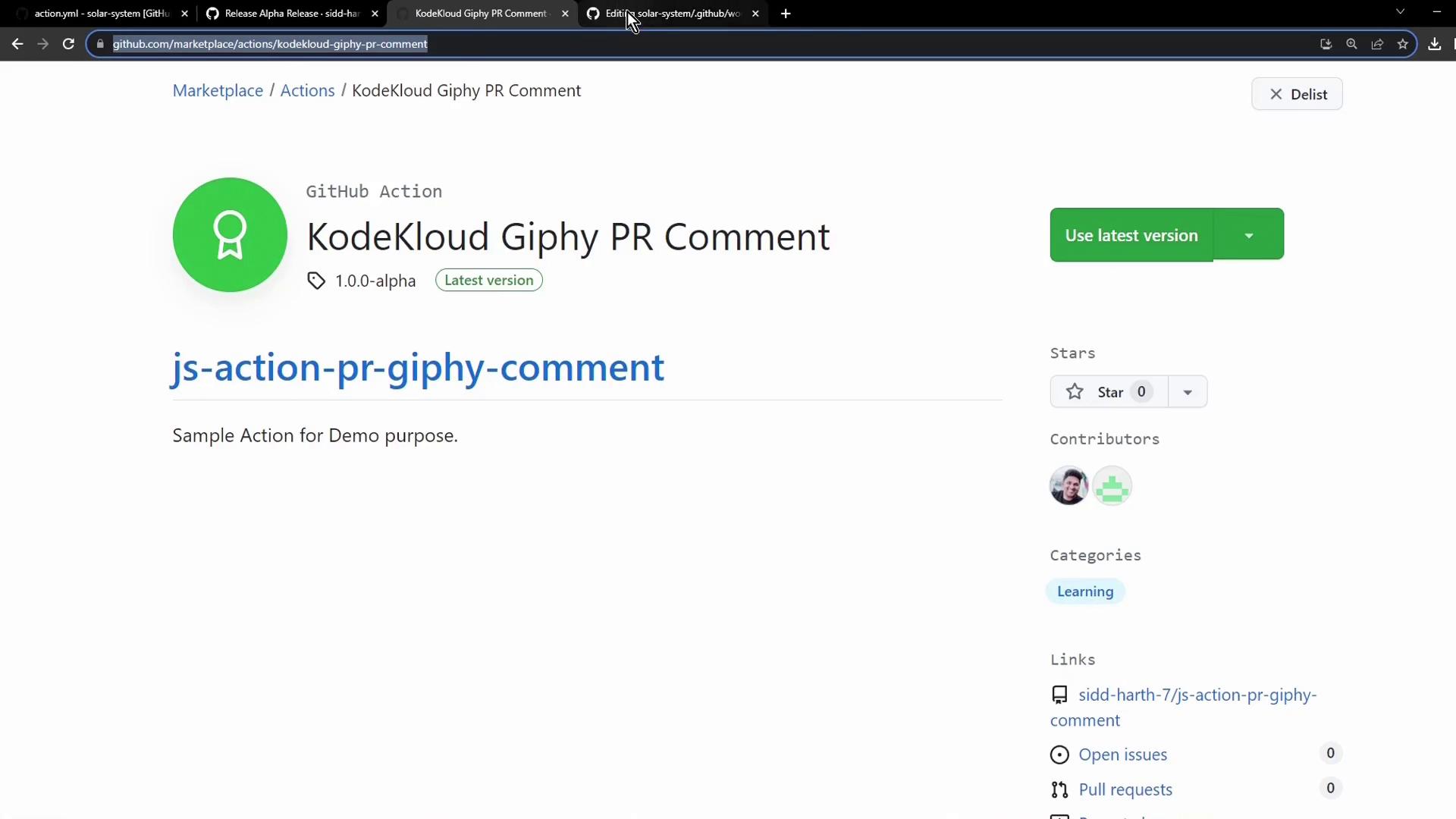
Search the GitHub Marketplace for the JavaScript version of the Giphy PR comment action. In this example, the identifier is:
```text theme={null}
sidd-harth-7/js-action-pr-giphy-comment@1.0.0-alpha
```
## 3. Update Your Workflow to Include the JavaScript Action
Open `pr-thank-you.yml` and add a new step for the JavaScript action immediately after the Docker action:
```yaml theme={null}
on:
pull_request:
types:
- opened
jobs:
pr-action:
runs-on: ubuntu-latest
permissions:
issues: write
pull-requests: write
steps:
- name: Post Docker Action PR Comment
uses: sidd-harth-7/docker-action-pr-giphy-comment@main
with:
github-token: ${{ secrets.GITHUB_TOKEN }}
giphy-api-key: ${{ secrets.GIPHY_API_KEY }}
- name: Post JavaScript Action PR Comment
uses: sidd-harth-7/js-action-pr-giphy-comment@1.0.0-alpha
with:
github-token: ${{ secrets.GITHUB_TOKEN }}
giphy-api-key: ${{ secrets.GIPHY_API_KEY }}
```
| Feature | Docker Action | JavaScript Action |
| ------------------- | -------------------------------------------------- | ----------------------------------------------------- |
| Workflow Step Name | Post Docker Action PR Comment | Post JavaScript Action PR Comment |
| Action Reference | `sidd-harth-7/docker-action-pr-giphy-comment@main` | `sidd-harth-7/js-action-pr-giphy-comment@1.0.0-alpha` |
| Startup Performance | Slower (builds container) | Faster (runs natively on Node.js) |
| Version Pinning | `@main` | `@1.0.0-alpha` |
## 4. Commit Changes and Open a Pull Request
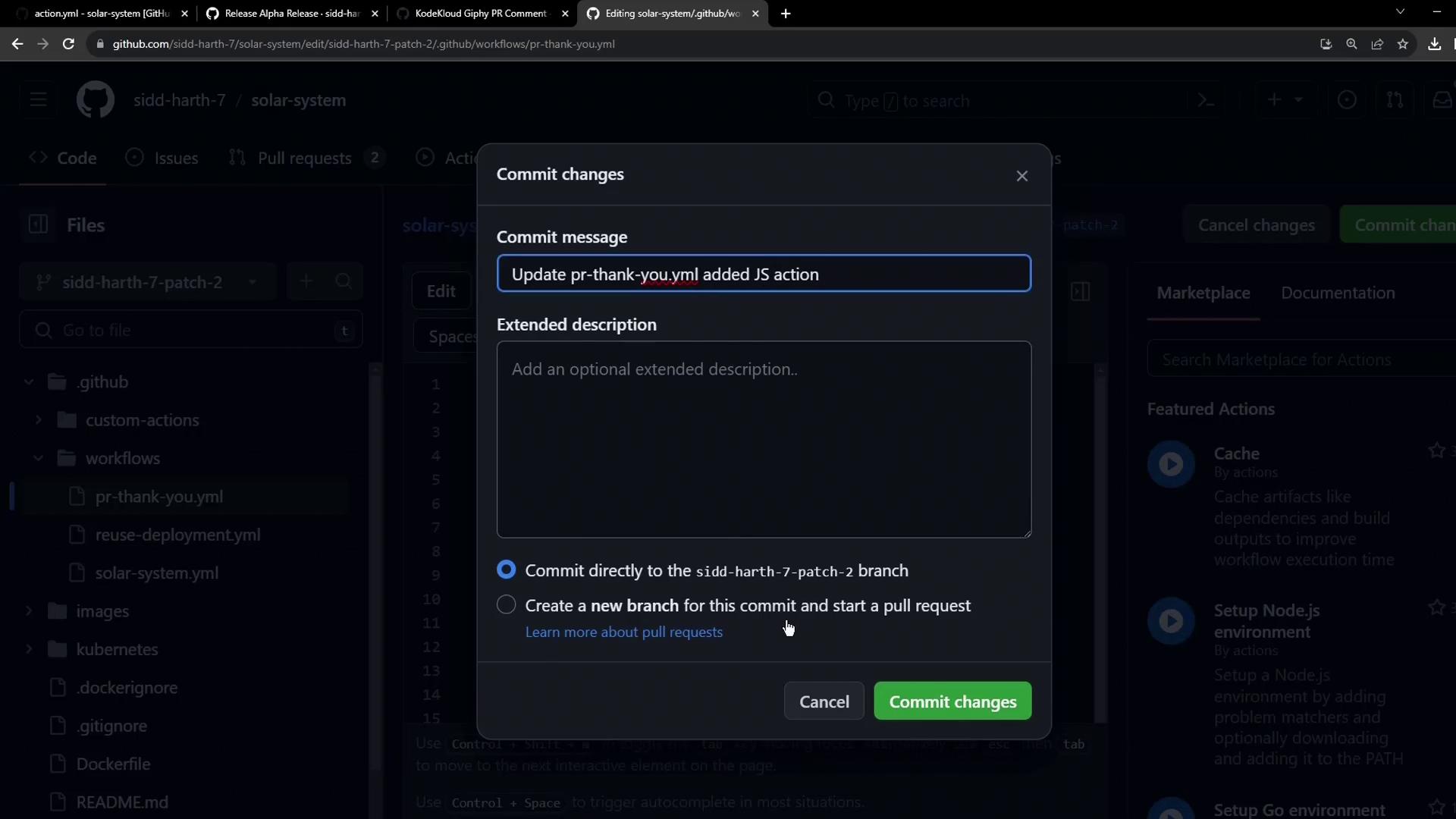
Save your updated workflow on a branch, commit with a descriptive message, push the branch, and then create a pull request. This will trigger both actions on your new PR:
## 5. Monitor Workflow Runs and Logs
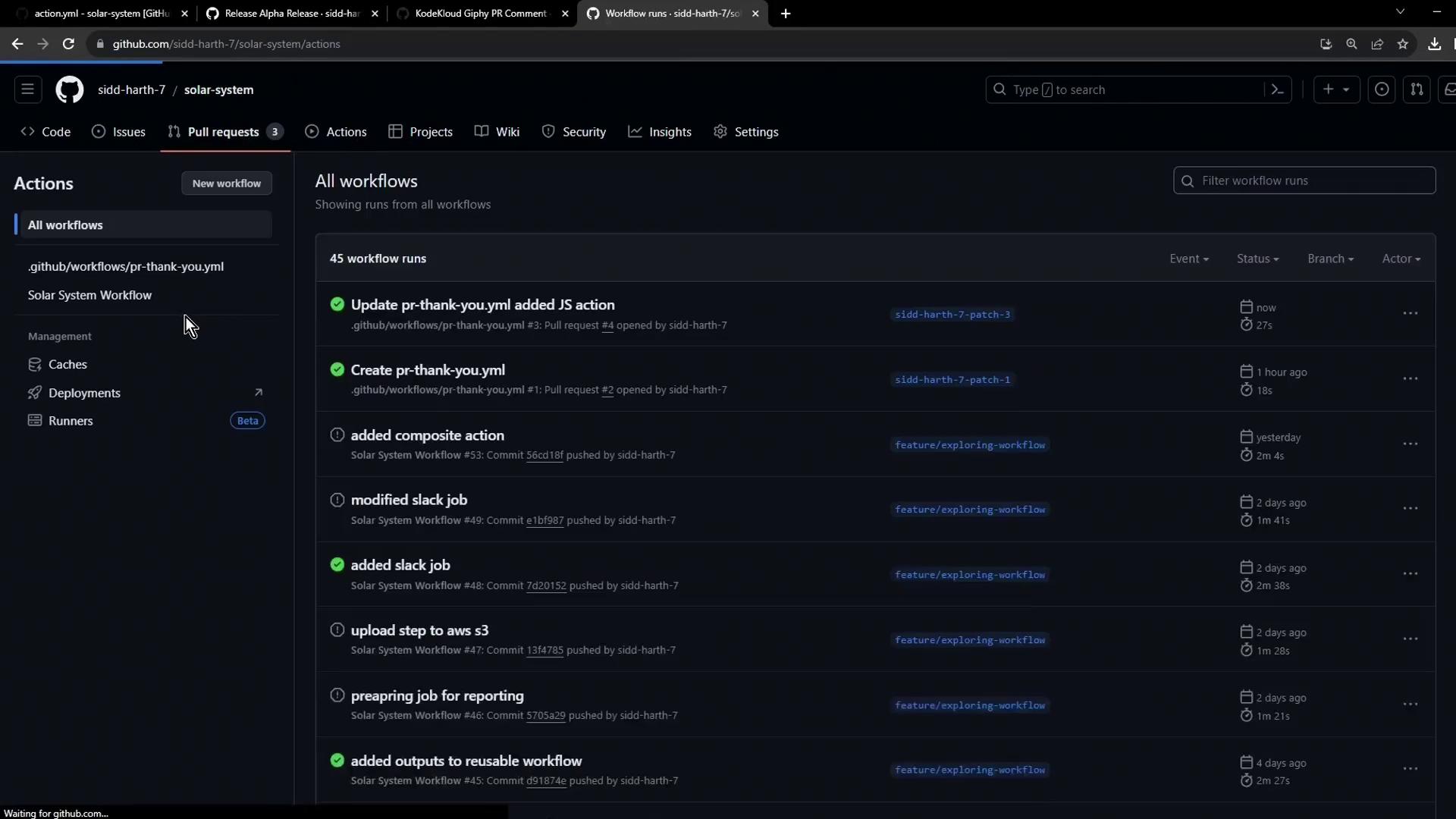
1. Go to the **Actions** tab in your repository.
2. Select the latest run of the “PR Thank You” workflow.
3. Expand the `pr-action` job to review logs for both the Docker and JavaScript steps.
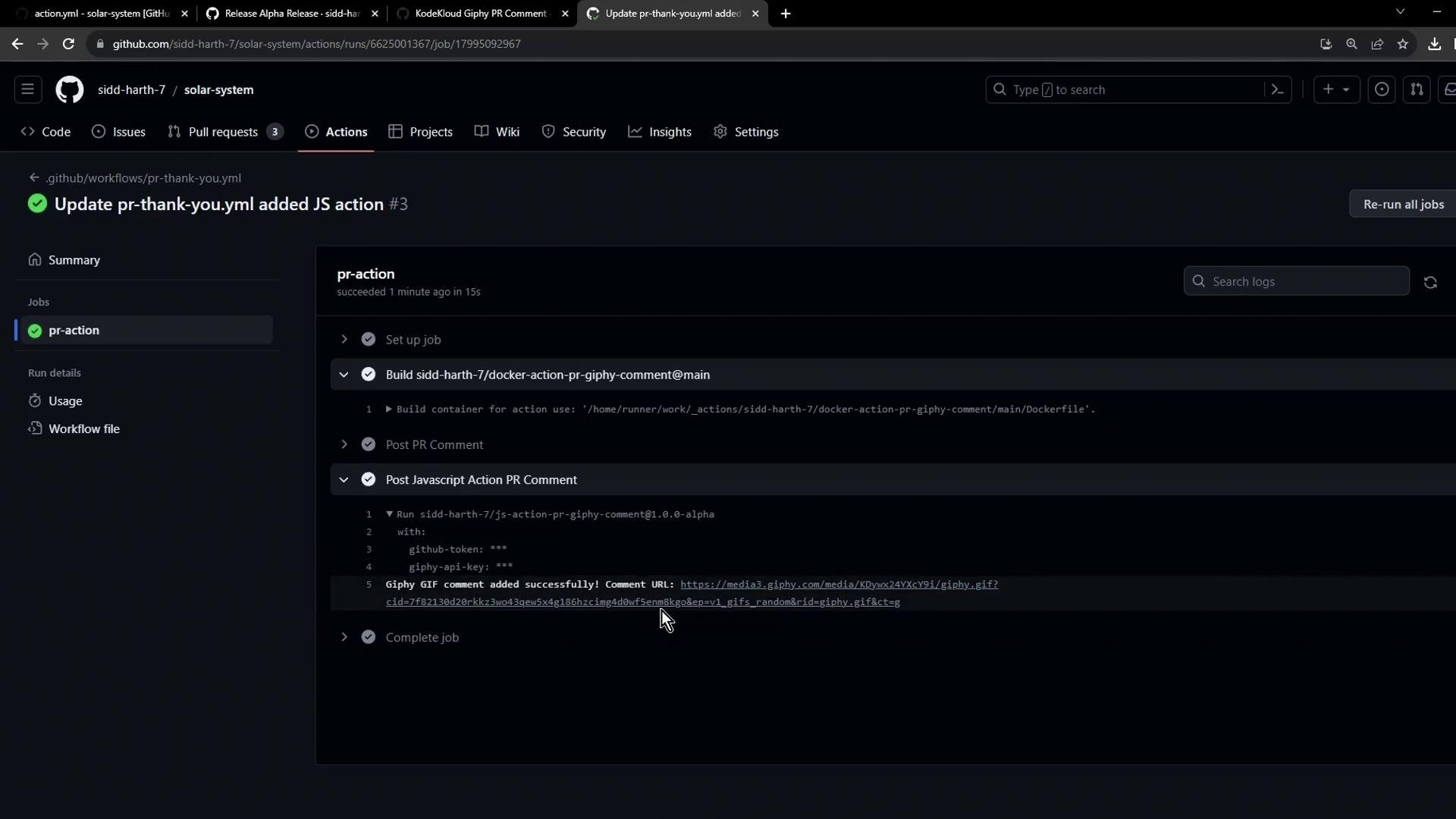
Both actions will post separate “Thank You” GIF comments on your pull request, demonstrating how you can mix and reuse Docker and JavaScript actions from the GitHub Marketplace.
***
## Links and References
* [GitHub Actions Documentation](https://docs.github.com/actions)
* [GitHub Marketplace](https://github.com/marketplace)
* [Creating a JavaScript Action](https://docs.github.com/actions/creating-actions/creating-a-javascript-action)