> ## Documentation Index
> Fetch the complete documentation index at: https://notes.kodekloud.com/llms.txt
> Use this file to discover all available pages before exploring further.
# Workflow Commands and Setting exit codes in Custom Actions
> This guide covers GitHub Actions workflow commands, variable management, logging, and exit codes for custom actions in JavaScript and Docker.
In this guide, you’ll dive into **GitHub Actions workflow commands**, learn how to export variables, emit logs, and manage **exit codes** in both JavaScript and Docker-based custom actions. Whether you’re writing a simple workflow file or building a full-fledged action with the [Actions Toolkit](https://github.com/actions/toolkit), these patterns will help you create robust CI/CD pipelines.
## Table of Contents
* [Workflow Commands](#workflow-commands)
* [Setting Environment Variables](#setting-environment-variables)
* [Defining Step Outputs](#defining-step-outputs)
* [Emitting Debug Messages](#emitting-debug-messages)
* [Actions Toolkit Library](#actions-toolkit-library)
* [Using `@actions/core`](#using-actionscore)
* [Inputs and Outputs](#inputs-and-outputs)
* [Logging and Messages](#logging-and-messages)
* [Environment Variables and Secrets](#environment-variables-and-secrets)
* [Exit Codes in Custom Actions](#exit-codes-in-custom-actions)
* [JavaScript Actions](#javascript-actions)
* [Docker Container Actions](#docker-container-actions)
* [Links and References](#links-and-references)
***
## Workflow Commands
Workflow commands let you interact with the runner environment—setting variables, emitting outputs, grouping logs, and more. You can use them directly in your workflow YAML or via the Actions Toolkit for a higher-level API.
### Setting Environment Variables
Append key-value pairs to the special `$GITHUB_ENV` file to make them available in all subsequent steps:
```yaml theme={null}
- name: Export AWS region
run: echo "AWS_REGION=us-east-1" >> $GITHUB_ENV
```
After this step, `$AWS_REGION` can be referenced in later steps:
```yaml theme={null}
- name: Show AWS region
run: echo "Region is $AWS_REGION"
```
### Defining Step Outputs
To pass dynamic values between steps, write to `$GITHUB_OUTPUT`:
```yaml theme={null}
- name: Compute and export result
id: compute
run: |
result=$(( 42 + 25 ))
echo "RESULT=$result" >> $GITHUB_OUTPUT
```
Consume the output in another step:
```yaml theme={null}
- name: Use computed result
run: echo "The result was ${{ steps.compute.outputs.RESULT }}"
```
### Emitting Debug Messages
Debug logs are only visible when you enable debug mode (`ACTIONS_STEP_DEBUG`):
```yaml theme={null}
- name: Log debug info
run: echo "::debug::Current build number is $BUILD_NUMBER"
```
Enable debug logging by setting `ACTIONS_STEP_DEBUG` to `true` in your repository’s secrets.
For a full list of workflow commands (grouping, warnings, notices, and more), see the [official GitHub Actions documentation](https://docs.github.com/en/actions/learn-github-actions/workflow-commands-for-github-actions).
***
## Actions Toolkit Library
The [Actions Toolkit](https://github.com/actions/toolkit) provides JavaScript and TypeScript libraries that wrap raw workflow commands into secure, well-tested APIs. Below are the most commonly used packages:
| Package | Purpose |
| ------------------- | -------------------------------------------------------- |
| @actions/core | Core functions for inputs, outputs, logging, and secrets |
| @actions/github | Octokit client with workflow context |
| @actions/exec | Execute commands with streamed stdout/stderr |
| @actions/io | File system operations (copy, move, remove) |
| @actions/tool-cache | Download and manage tools for your workflow |
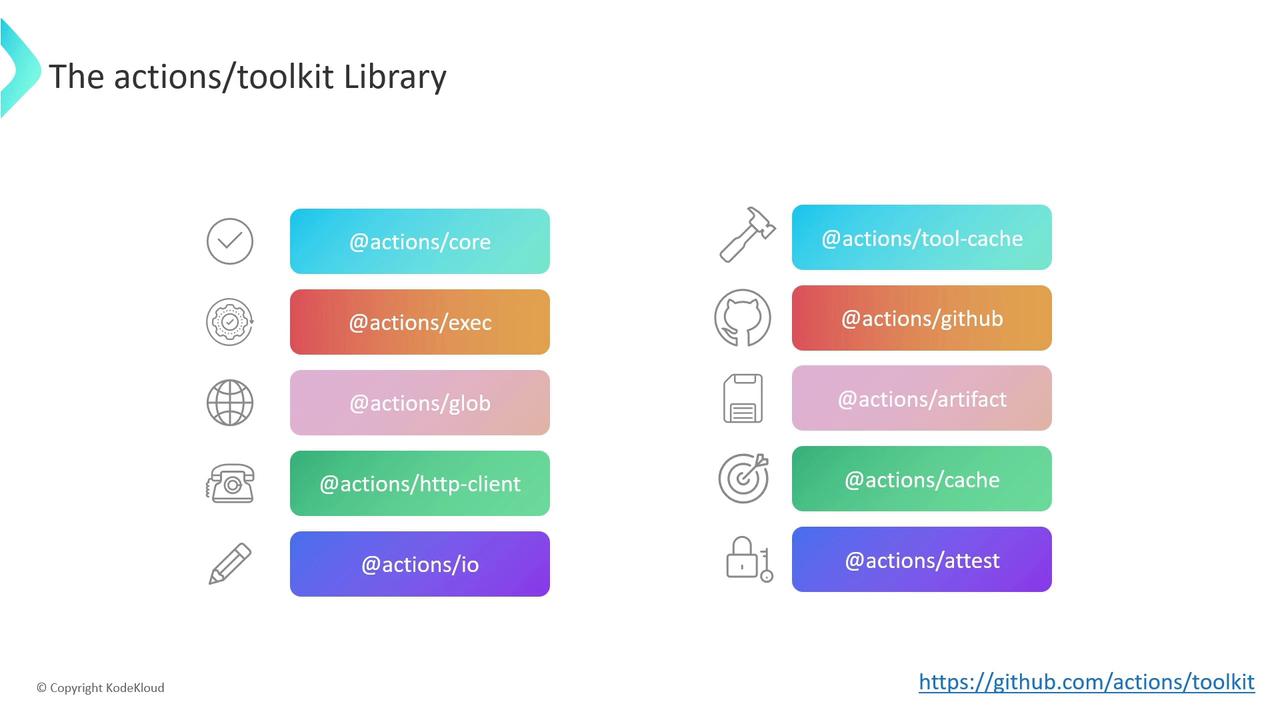
Refer to the [Actions Toolkit docs](https://github.com/actions/toolkit) for detailed examples and best practices.
***
## Using `@actions/core`
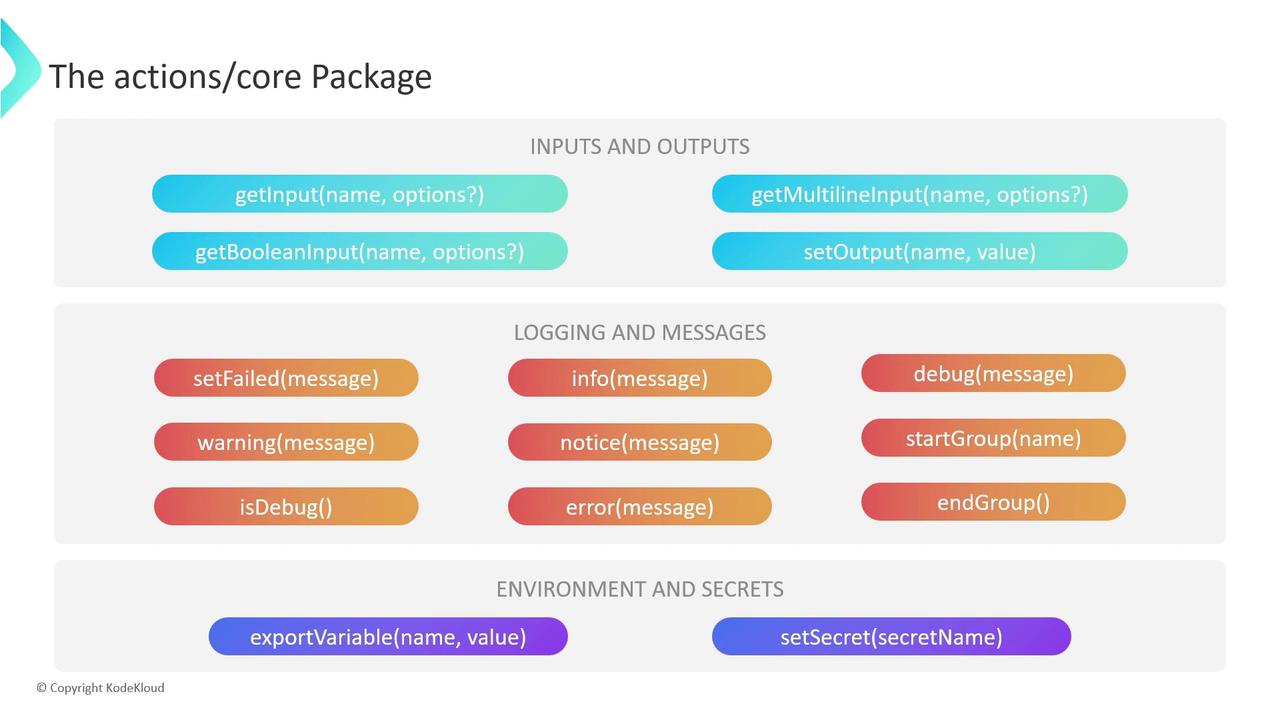
The `@actions/core` package offers three main feature sets for building custom JavaScript actions.
### Inputs and Outputs
```typescript theme={null}
getInput(name: string, options?: { required?: boolean }): string
getBooleanInput(name: string, options?: { required?: boolean }): boolean
getMultilineInput(name: string, options?: { required?: boolean }): string[]
setOutput(name: string, value: any): void
```
* **getInput**, **getBooleanInput**, **getMultilineInput**: Read user-defined inputs from `action.yml`.
* **setOutput**: Emit step outputs for consumption in downstream steps.
### Logging and Messages
```typescript theme={null}
setFailed(message: string): void
warning(message: string): void
error(message: string): void
info(message: string): void
notice(message: string): void
debug(message: string): void
isDebug(): boolean
startGroup(name: string): void
endGroup(): void
```
* **setFailed**: Fails the action and sets exit code to 1.
* **warning**, **error**, **notice**, **info**, **debug**: Emit logs at various levels.
* **startGroup** / **endGroup**: Collapse related log lines into a group.
### Environment Variables and Secrets
```typescript theme={null}
exportVariable(name: string, value: any): void
setSecret(secret: string): void
```
* **exportVariable**: Equivalent to writing to `$GITHUB_ENV`.
* **setSecret**: Masks sensitive values in workflow logs.
***
## Exit Codes in Custom Actions
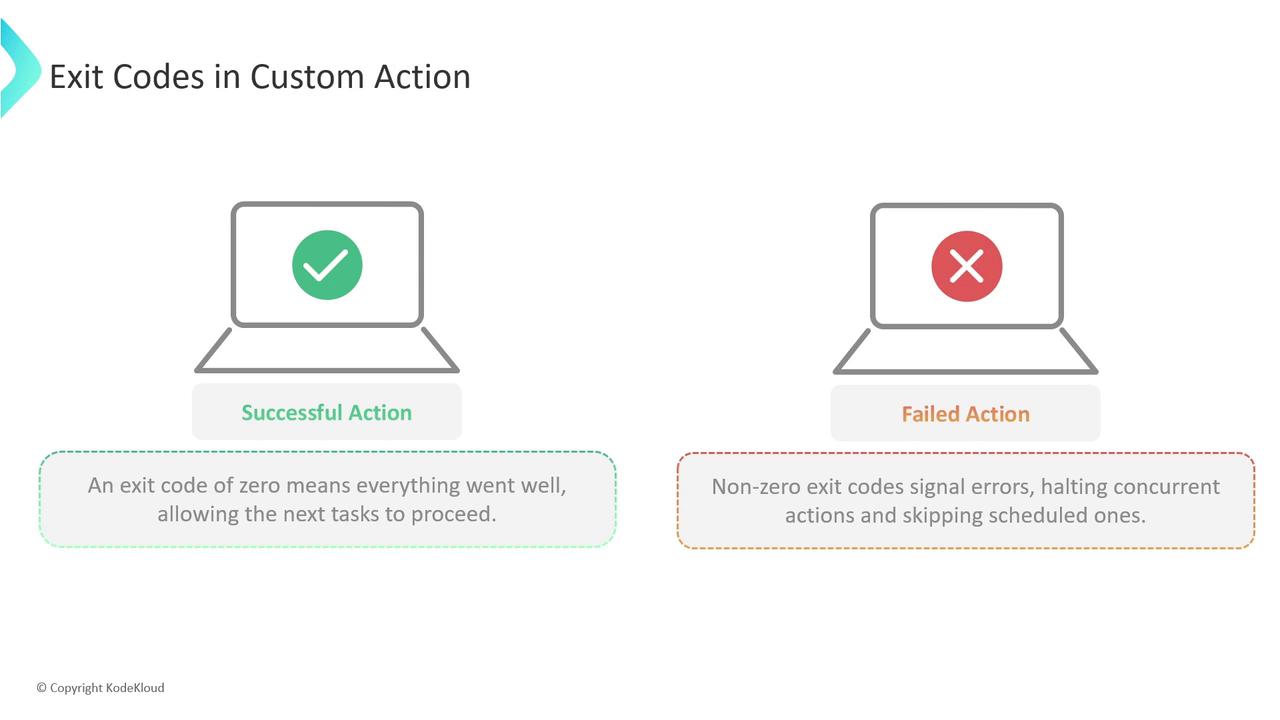
GitHub Actions interprets the exit code of each step to decide success or failure:
* **0**: Success — runner continues with downstream steps.
* **Non-zero**: Failure — runner halts concurrent jobs and skips subsequent steps.
Always handle errors and set exit codes explicitly. A forgotten error can cause unexpected pipeline success.
### JavaScript Actions
Use `core.setFailed` to log the error and exit with code 1:
```javascript theme={null}
const core = require('@actions/core');
try {
// Your custom logic here
} catch (error) {
core.setFailed(error.message);
}
```
### Docker Container Actions
In your `entrypoint.sh`, leverage shell exit codes:
```bash theme={null}
#!/bin/sh
if [ -z "$INPUT_SOME_PARAM" ]; then
echo "Missing required input: some-param" >&2
exit 1
fi
# Continue your action logic...
```
A non-zero `exit` will signal failure back to GitHub Actions.
***
## Links and References
* [GitHub Actions Workflow Commands](https://docs.github.com/en/actions/learn-github-actions/workflow-commands-for-github-actions)
* [GitHub Actions Toolkit](https://github.com/actions/toolkit)
* [GitHub Actions: Custom Actions](https://docs.github.com/en/actions/creating-actions)