> ## Documentation Index
> Fetch the complete documentation index at: https://notes.kodekloud.com/llms.txt
> Use this file to discover all available pages before exploring further.
# Configure Checkout Action
> Learn to integrate the actions/checkout step into GitHub Actions workflows for retrieving repository code essential for CI/CD pipelines.
In this guide, you’ll learn how to integrate the `actions/checkout` step into your GitHub Actions workflow so that the runner can retrieve your repository’s code. This is a fundamental building block for most CI/CD pipelines on **GitHub Actions**.
## Initial Workflow
Begin with a simple workflow that triggers on every push and runs a few basic commands:
```yaml theme={null}
name: My First Workflow
on: push
jobs:
first_job:
runs-on: ubuntu-latest
steps:
- name: Welcome message
run: echo "My first GitHub Actions Job"
- name: List files
run: ls
- name: Read file
run: cat README.md
```
At this point:
* The workflow prints a message.
* It lists directory contents.
* It reads the `README.md` file.
However, the repository itself has not yet been checked out.
## Finding the Checkout Action
To add code checkout functionality:
1. Open the [GitHub Marketplace][gh-marketplace] and select **Actions**.
2. Search for **checkout**.
3. Locate the official **actions/checkout** maintained by GitHub (look for the verified badge).
4. Click through to view its version history and usage details.
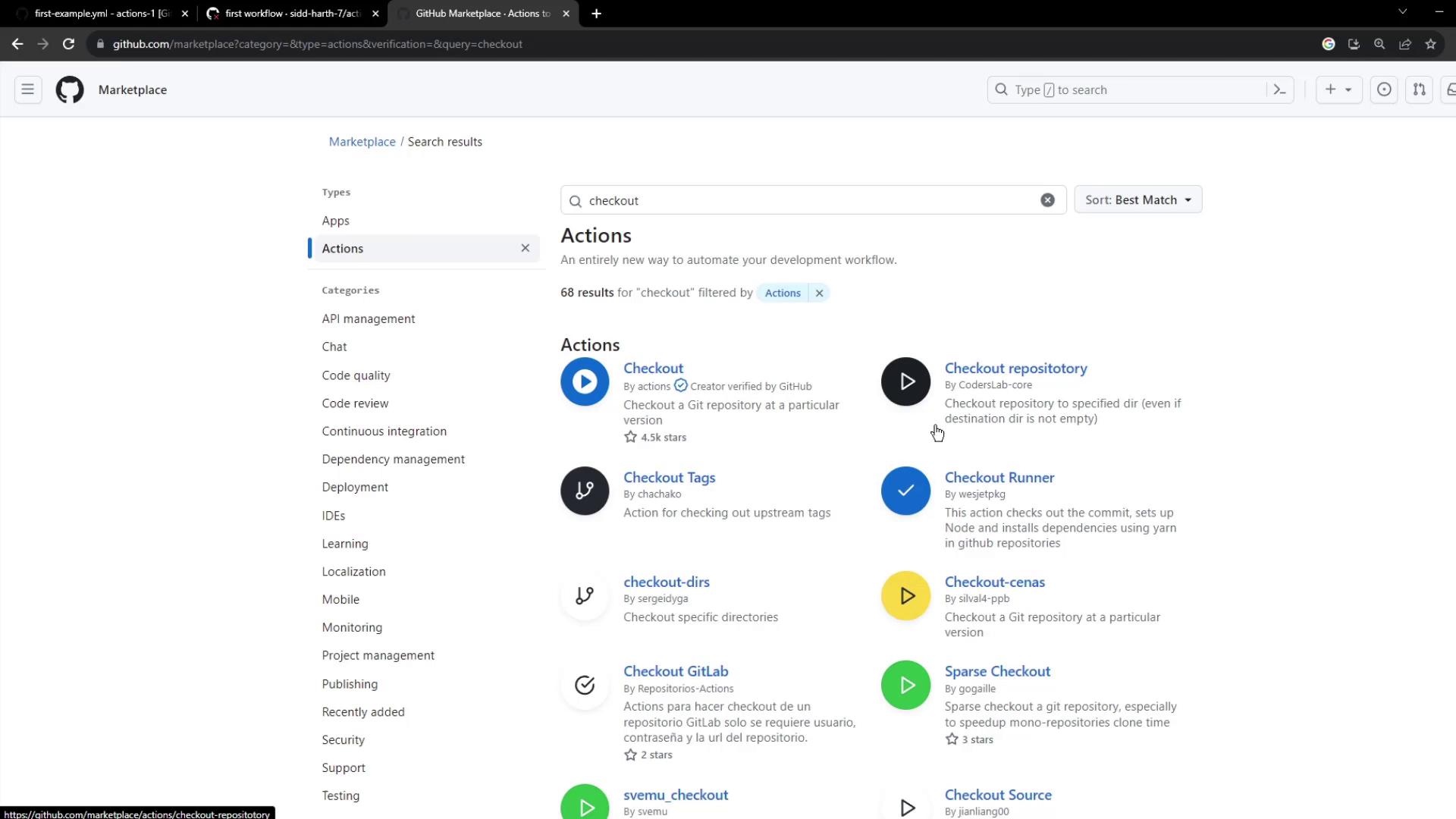
The details page provides version information (currently v4) and all supported inputs:

## Using the Checkout Action
A minimal checkout step looks like this:
```yaml theme={null}
- uses: actions/checkout@v4
```
You can customize the checkout with these optional inputs:
| Input | Description | Default |
| ----------------- | ----------------------------------------------------- | --------------------------- |
| `repository` | The repo to checkout (owner/repo). | `\${{ github.repository }}` |
| `ref` | Branch, tag, or SHA to checkout. | `\${{ github.ref }}` |
| `token` | Token for authentication (PAT or `GITHUB_TOKEN`). | `\${{ github.token }}` |
| `ssh-key` | SSH private key for SSH-based fetch. | *none* |
| `ssh-known-hosts` | Additional SSH hosts (use `ssh-keyscan` to populate). | *none* |
If you need to access private repositories or submodules, set `token` to a [personal access token][pat-docs] with appropriate scopes.
## Viewing the Action Source
All code for `actions/checkout` is available on GitHub. You can inspect the v4 README for implementation details and examples:
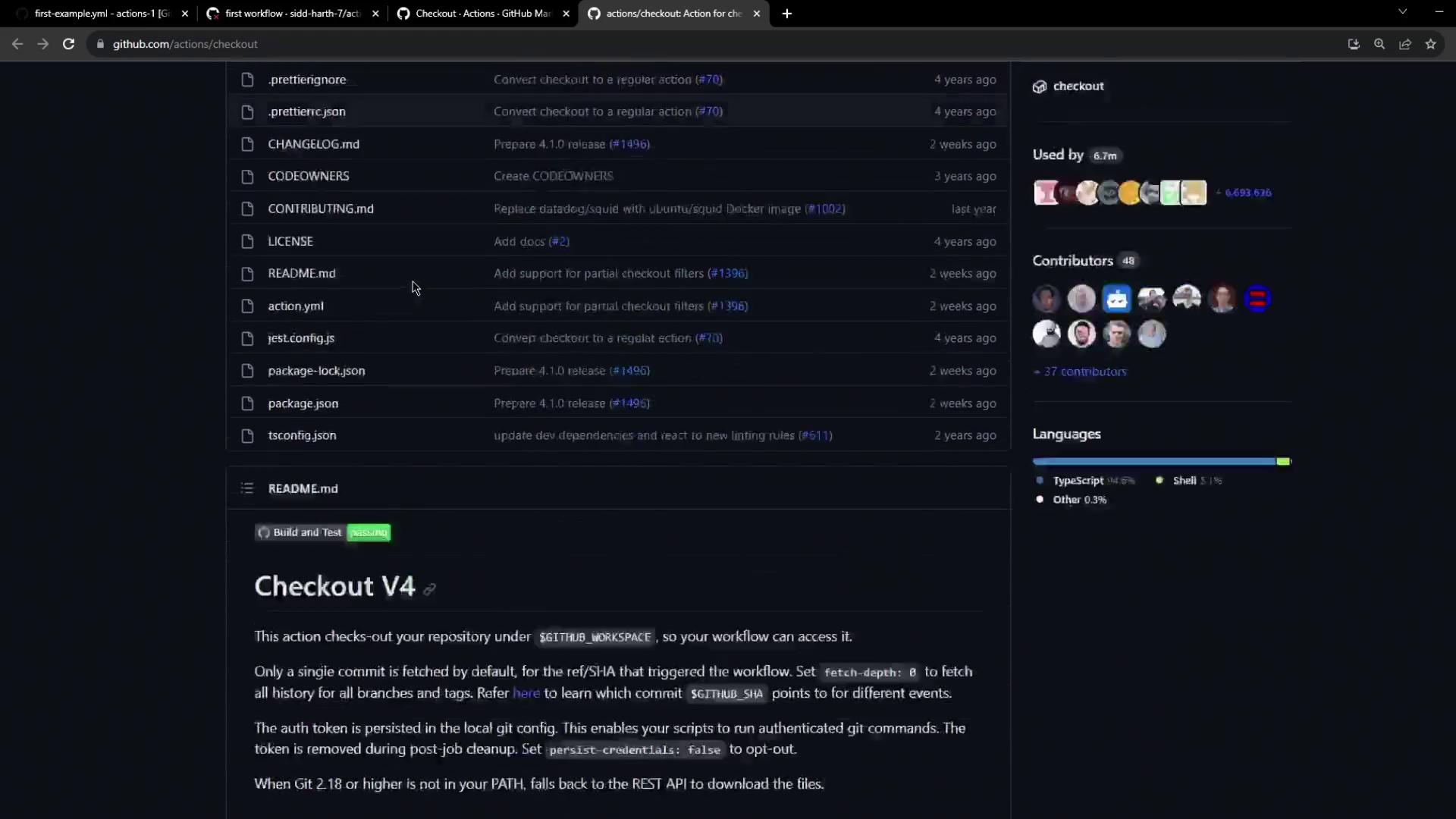
Visit the [actions/checkout repository][checkout-repo] to explore tests, issues, and version history.
## Updating the Workflow
Insert the checkout step before any `run` commands to ensure your code is present on the runner:
```yaml theme={null}
name: My First Workflow
on: push
jobs:
first_job:
runs-on: ubuntu-latest
steps:
- name: Checkout repository
uses: actions/checkout@v4
- name: Welcome message
run: echo "My first GitHub Actions Job"
- name: List files
run: ls
- name: Read file
run: cat README.md
```
Commit and push your changes. The runner will now fetch your repo first, then execute subsequent commands.
## Inspecting the Workflow Run
After pushing, navigate to the GitHub Actions tab to view your workflow run. You should see:
1. The **Checkout repository** step downloading your code.
2. Logs and timestamps for each subsequent step.
3. Options to download raw logs or archives for debugging.
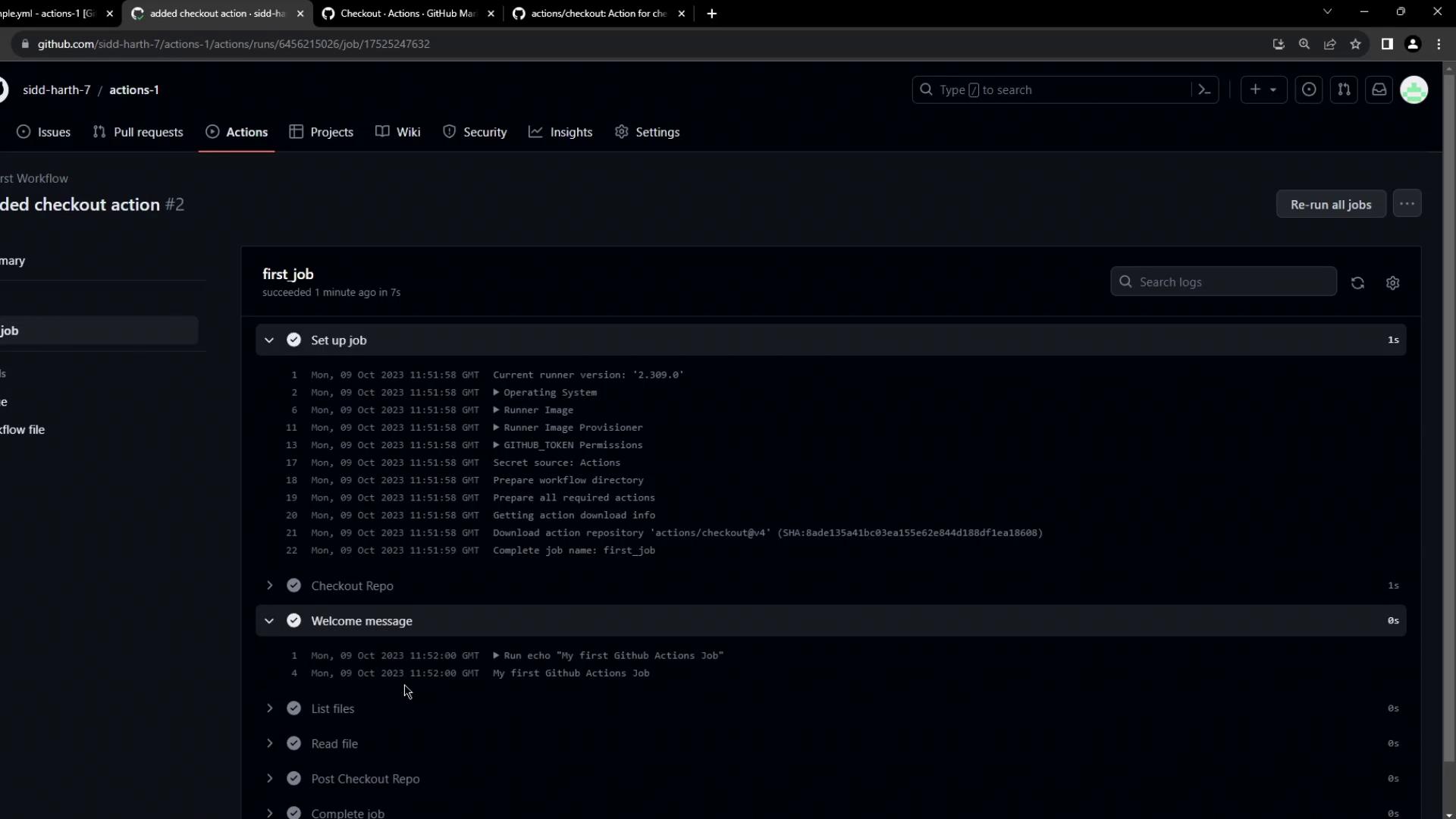
That’s all it takes to configure and use the **Checkout Action** in your GitHub Actions workflows. With your repository checked out, you can now build, test, and deploy your code automatically.
## Links and References
* [GitHub Marketplace][gh-marketplace]
* [actions/checkout on GitHub][checkout-repo]
* [Personal access tokens (PATs)][pat-docs]
* [GitHub Actions documentation][gh-actions-docs]
[gh-marketplace]: https://github.com/marketplace?type=actions
[checkout-repo]: https://github.com/actions/checkout
[pat-docs]: https://docs.github.com/en/authentication/keeping-your-account-and-data-secure/creating-a-personal-access-token
[gh-actions-docs]: https://docs.github.com/actions]