> ## Documentation Index
> Fetch the complete documentation index at: https://notes.kodekloud.com/llms.txt
> Use this file to discover all available pages before exploring further.
# GitHub Action Core Components
> Learn about GitHub Actions core components—workflows, jobs, and steps—to automate your software development lifecycle effectively.
Automate your software development lifecycle by leveraging GitHub Actions’ three main building blocks—**workflows**, **jobs**, and **steps**. In this guide, you’ll learn how they fit together to build, test, and deploy your applications seamlessly.
***
## Example Workflow
Below is a sample workflow YAML stored under `.github/workflows/` in your repository:
```yaml theme={null}
name: My Awesome App
on:
push:
branches:
- main
jobs:
unit-testing:
name: Unit Testing
runs-on: ubuntu-latest
steps:
- name: Checkout Repository
uses: actions/checkout@v3
- name: Setup Node.js
uses: actions/setup-node@v3
with:
node-version: '20'
- name: Install Dependencies
run: npm install
- name: Execute Unit Tests
run: npm test
```
Save each workflow file in the `.github/workflows/` directory. You can have multiple workflow files, each triggered by different events (e.g., `pull_request`, `release`, or a schedule).
***
## 1. Workflows
A **workflow** is a configurable automated process defined by a YAML file. It listens for one or more events in your repository and runs one or more **jobs**.
Key elements in the example above:
* **`name: My Awesome App`**\
A custom label visible in the Actions tab.
* **`on: push`**\
Defines the event(s) that trigger the workflow. You can specify multiple events and filters.
You can also trigger workflows via:
* `pull_request`
* `schedule` (cron jobs)
* `workflow_dispatch` (manual run)
For more triggers, see [Events that trigger workflows](https://docs.github.com/en/actions/using-workflows/events-that-trigger-workflows).
***
## 2. Jobs
A **job** is a collection of **steps** executed on the same runner. By default, jobs run in parallel, but you can coordinate them using dependencies.
```yaml theme={null}
jobs:
unit-testing:
name: Unit Testing
runs-on: ubuntu-latest
steps:
# Individual steps go here...
```
* **Job identifier** (`unit-testing`): used to set dependencies.
* **`runs-on`**: selects the runner environment (`ubuntu-latest`, `windows-latest`, etc.).
If you need to share data between jobs, use [artifacts](https://docs.github.com/en/actions/using-workflows/storing-workflow-data-as-artifacts) or [caches](https://docs.github.com/en/actions/advanced-guides/caching-dependencies-to-speed-up-workflows).
***
## 3. Steps
Within each job, **steps** define individual tasks. They execute sequentially on the same runner.
* Use **`uses`** to invoke an **action**.
* Use **`run`** to execute shell commands.
```yaml theme={null}
steps:
- name: Checkout Repository
uses: actions/checkout@v3
- name: Setup Node.js
uses: actions/setup-node@v3
with:
node-version: '20'
- name: Install Dependencies
run: npm install
- name: Execute Unit Tests
run: npm test
```
1. **Checkout Repository**: Fetches your code.
2. **Setup Node.js**: Installs Node.js and npm.
3. **Install Dependencies**: Runs `npm install`.
4. **Execute Unit Tests**: Runs your test suite.
***
## 4. Actions
An **action** is a reusable, shareable unit of automation. Use community or official actions from the [GitHub Marketplace](https://github.com/marketplace). You can also author custom actions.
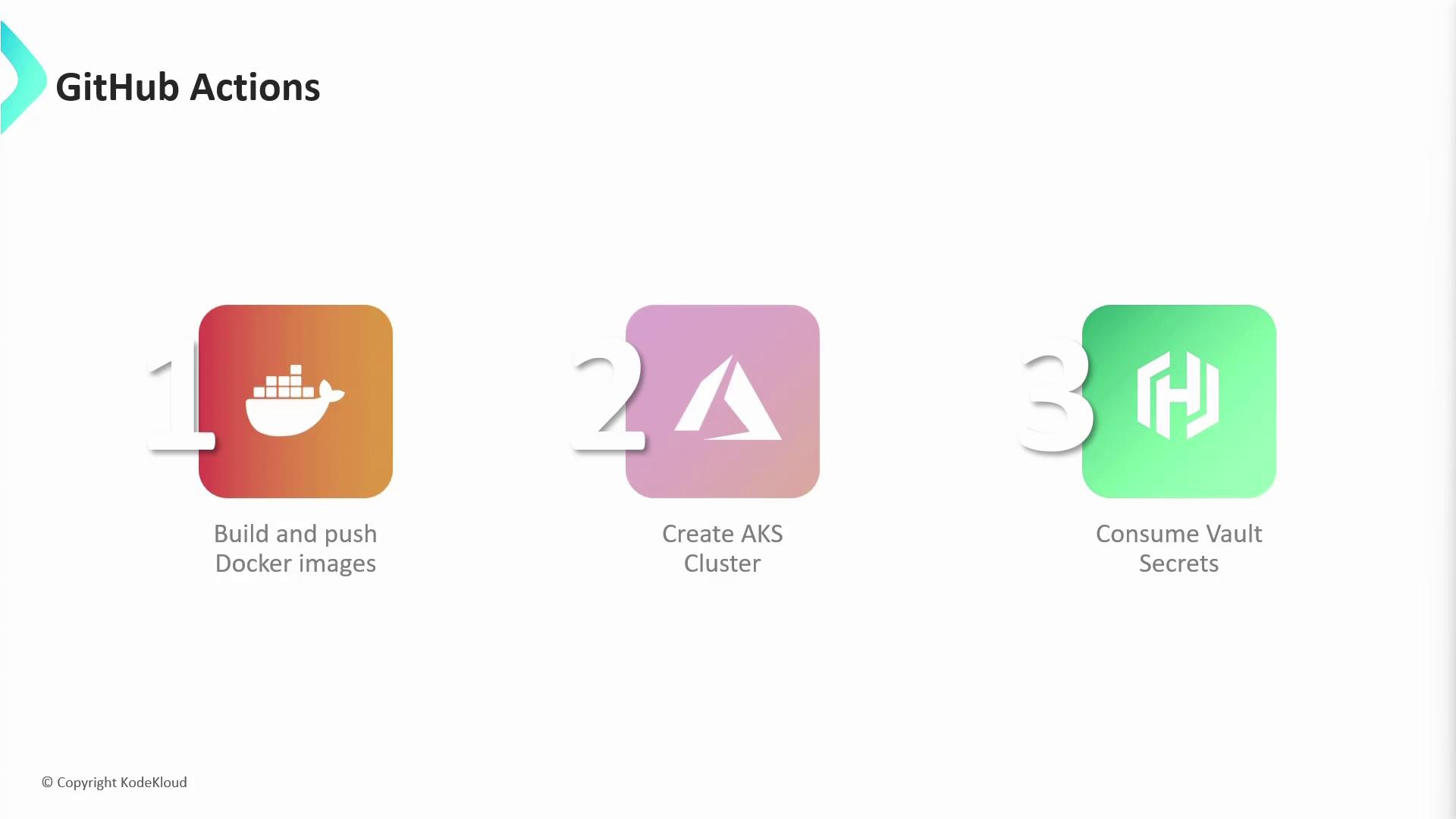
| Resource Type | Description | Example |
| -------------------------- | --------------------------------------------------------------- | ----------------------------- |
| Build & Push Docker Images | Constructs and publishes Docker images to a registry | `docker/build-push-action@v3` |
| Create AKS Clusters | Provisions Azure Kubernetes Service clusters | `Azure/aks-set-context@v1` |
| Consume Vault Secrets | Fetches secrets from Vault and exposes them as environment vars | `hashicorp/vault-action@v2` |
***
## Getting Started
1. Create `.github/workflows/ci.yml` in your repo.
2. Define your `on` triggers.
3. Add jobs and steps to build, test, and deploy.
With these core components in place, you’re ready to harness the full power of GitHub Actions for continuous integration and continuous delivery.
***
## References
* [GitHub Actions Documentation](https://docs.github.com/actions)
* [GitHub Marketplace](https://github.com/marketplace)
* [Events that Trigger Workflows](https://docs.github.com/en/actions/using-workflows/events-that-trigger-workflows)
* [Storing Workflow Data as Artifacts](https://docs.github.com/en/actions/using-workflows/storing-workflow-data-as-artifacts)
* [Caching Dependencies](https://docs.github.com/en/actions/advanced-guides/caching-dependencies-to-speed-up-workflows)