> ## Documentation Index
> Fetch the complete documentation index at: https://notes.kodekloud.com/llms.txt
> Use this file to discover all available pages before exploring further.
# Storing workflow data as artifacts
> Learn to share data files across jobs in GitHub Actions workflows using upload and download artifact actions.
Sharing data files across jobs in a multi-job GitHub Actions workflow is easy with the upload and download artifact actions. In this guide, you'll learn how to create a simple ASCII art file in one job, upload it as an artifact, then download and use it in subsequent test and deploy jobs.
This example uses the Ubuntu runner and the [cowsay](https://en.wikipedia.org/wiki/Cowsay) utility to generate a `dragon.txt` file. You can adapt it to any file or command.
## 1. Initial Workflow Structure
Below is a basic workflow that generates a `dragon.txt` file but does not yet share it between jobs:
```yaml theme={null}
name: Generate ASCII Artwork
on:
push:
jobs:
build_job_1:
runs-on: ubuntu-latest
steps:
- name: Install Cowsay Program
run: sudo apt-get install cowsay -y
- name: Execute Cowsay
run: cowsay -f dragon "Run for cover, I am a DRAGON....RAWR" >> dragon.txt
test_job_2:
# ...
deploy_job_3:
# ...
```
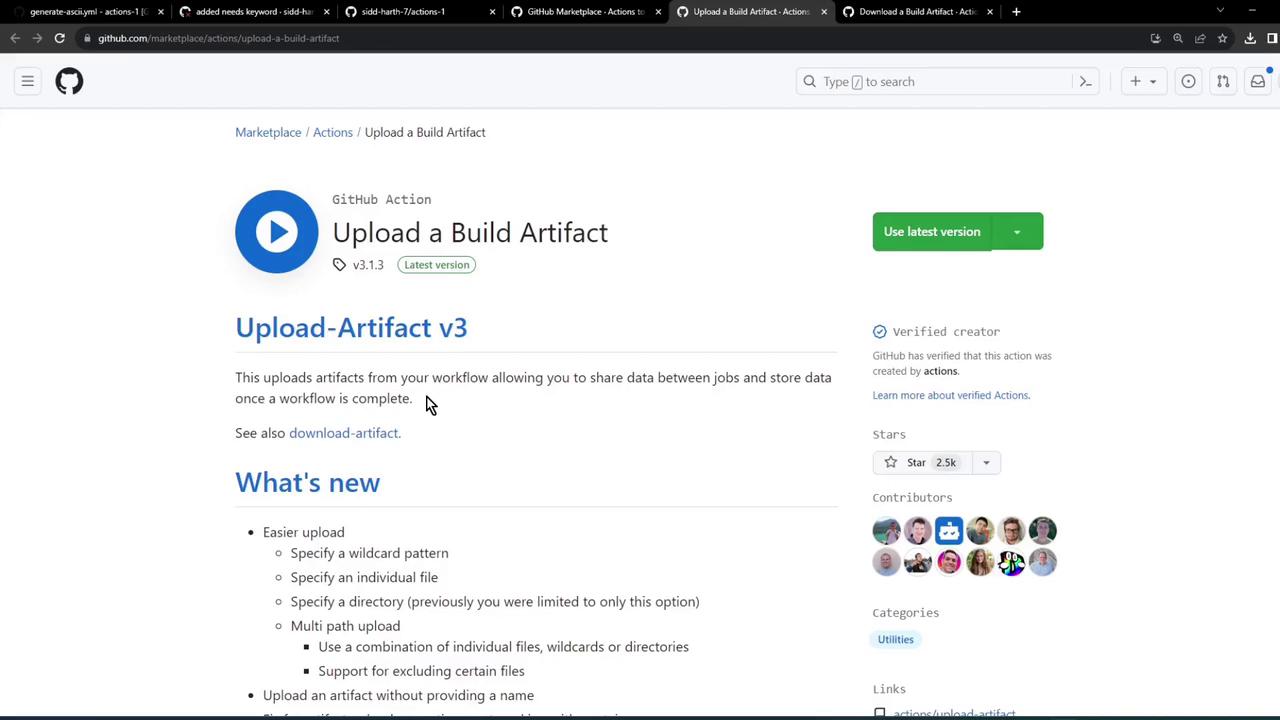
To pass files from `build_job_1` to downstream jobs, use the [actions/upload-artifact](https://github.com/actions/upload-artifact) and [actions/download-artifact](https://github.com/actions/download-artifact) actions.
## 2. Uploading Artifacts
Use `actions/upload-artifact@v3` to upload files or directories as build artifacts. Here’s the minimal syntax:
```yaml theme={null}
steps:
- uses: actions/checkout@v3
- run: mkdir -p path/to/artifact
- run: echo hello > path/to/artifact/world.txt
- uses: actions/upload-artifact@v3
with:
name: my-artifact
path: path/to/artifact/world.txt
```
| Parameter | Description |
| --------- | ------------------------------------ |
| `name` | A unique identifier for the artifact |
| `path` | File or directory to upload |
## 3. Downloading Artifacts
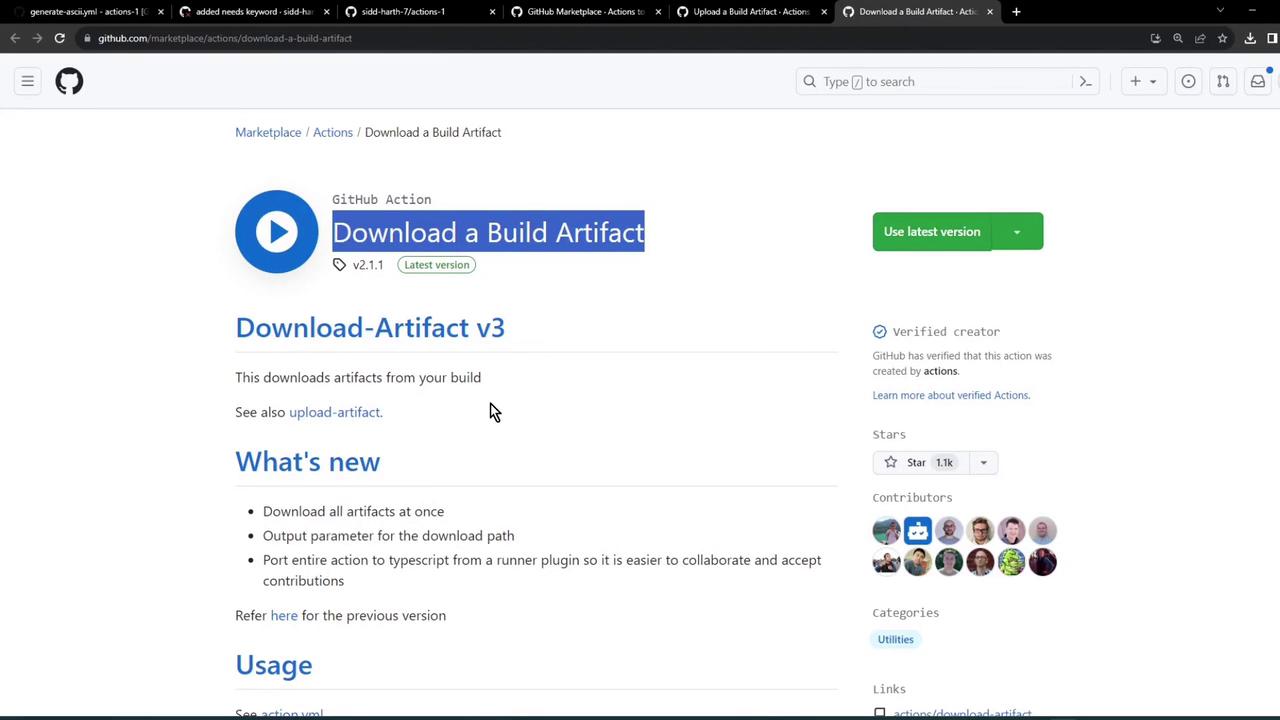
In downstream jobs, invoke `actions/download-artifact@v3` to retrieve the artifact:
```yaml theme={null}
steps:
- uses: actions/download-artifact@v3
with:
name: my-artifact
path: path/to/artifact
```
## 4. Integrate Upload in the Build Job
Modify `build_job_1` to upload the generated `dragon.txt`:
```yaml theme={null}
name: Generate ASCII Artwork
on:
push:
jobs:
build_job_1:
runs-on: ubuntu-latest
steps:
- name: Install Cowsay Program
run: sudo apt-get install cowsay -y
- name: Execute Cowsay
run: cowsay -f dragon "Run for cover, I am a DRAGON....RAWR" >> dragon.txt
- name: Upload Dragon text file
uses: actions/upload-artifact@v3
with:
name: dragon-text-file
path: dragon.txt
```
## 5. Download in the Test Job
Ensure `test_job_2` depends on `build_job_1` and downloads the artifact before running assertions:
```yaml theme={null}
test_job_2:
needs: build_job_1
runs-on: ubuntu-latest
steps:
- name: Download Dragon text file
uses: actions/download-artifact@v3
with:
name: dragon-text-file
- name: Verify Content
run: grep -i "dragon" dragon.txt
```
## 6. Download in the Deploy Job
Similarly, pull the artifact in `deploy_job_3` to read and then deploy:
```yaml theme={null}
deploy_job_3:
needs: test_job_2
runs-on: ubuntu-latest
steps:
- name: Download Dragon text file
uses: actions/download-artifact@v3
with:
name: dragon-text-file
- name: Display File
run: cat dragon.txt
- name: Deploy
run: echo "Deploying ......"
```
## 7. Workflow in Action
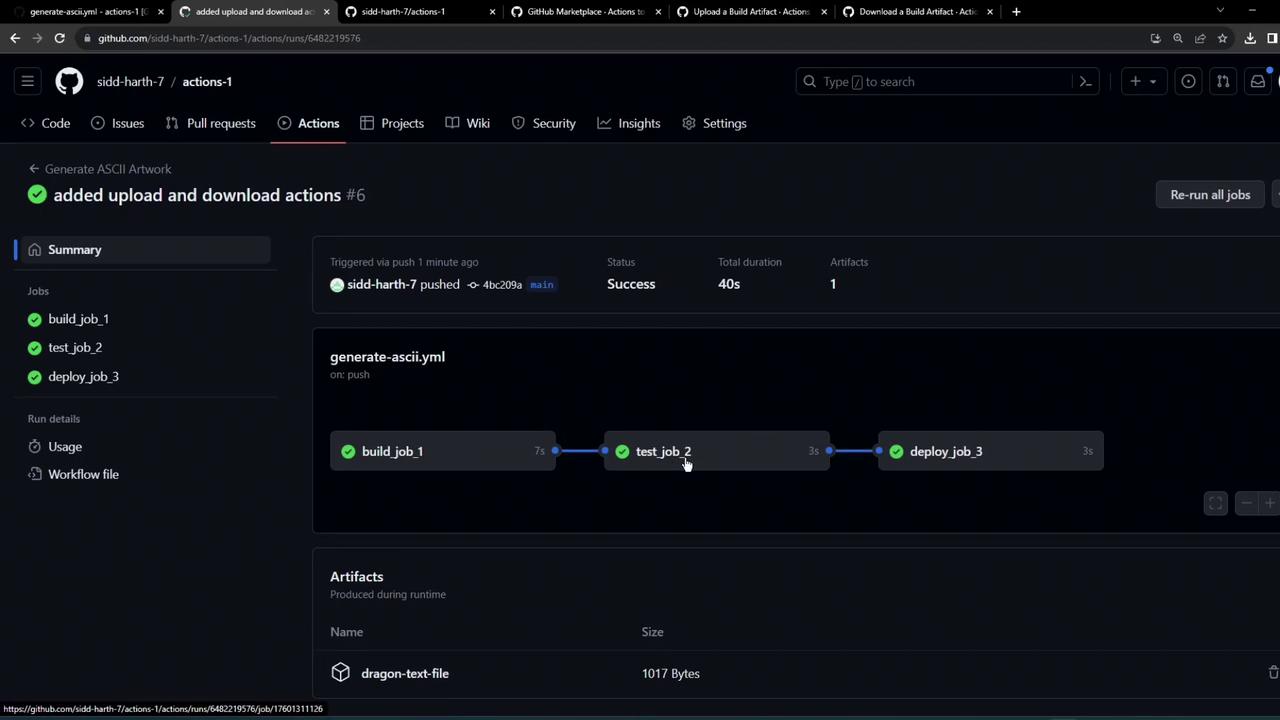
When you push these changes, GitHub Actions uploads and downloads the artifact across jobs.
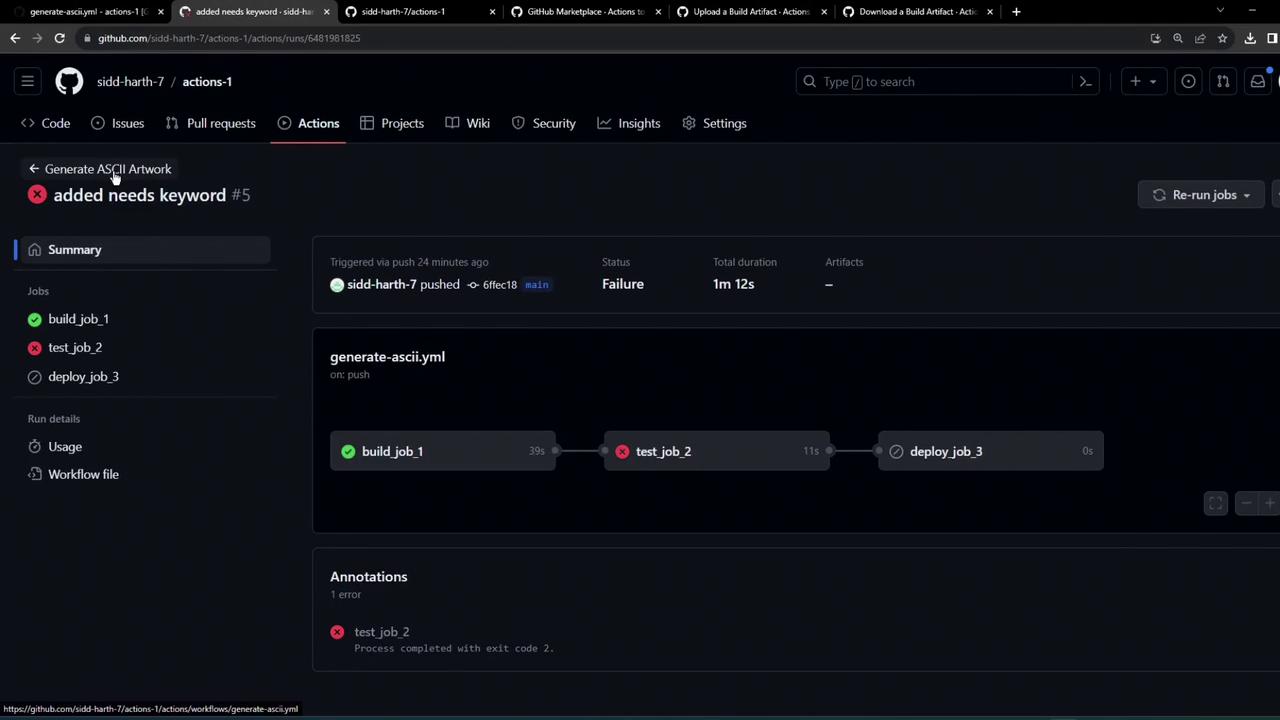
Once all steps are configured correctly, the workflow completes successfully and the artifact persists in the workflow summary.
### Sample Download Log
```bash theme={null}
Run actions/download-artifact@v3
Starting download for dragon-text-file
Directory structure has been setup for the artifact
Total number of files that will be downloaded: 1
Artifact dragon-text-file was downloaded to /home/runner/work/actions-1/actions-1
Artifact download has finished successfully
Run cat dragon.txt
Run for cover, i am a DRAGON... RAWR
```
## 8. Artifact Retention Policy
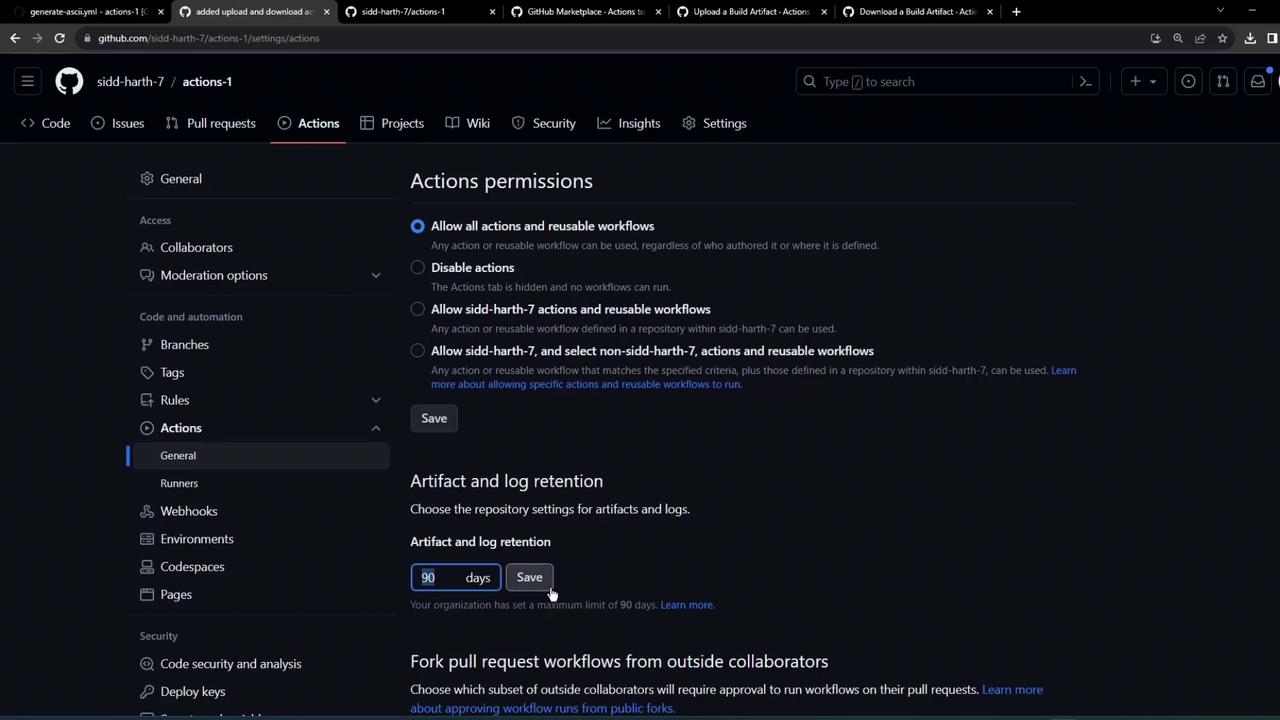
By default, uploaded artifacts are retained for 90 days. To adjust this setting:
* Go to your repository’s **Settings** → **Actions** → **Artifact and log retention**.
* Update the retention period as needed.
| Setting | Default | Location |
| ------------------------- | ------- | ------------------------------------- |
| Artifact retention period | 90 days | Repository settings under **Actions** |
Increasing retention beyond 90 days may count against your GitHub storage quota.
## References
* [actions/upload-artifact](https://github.com/actions/upload-artifact)
* [actions/download-artifact](https://github.com/actions/download-artifact)
* [GitHub Actions Documentation](https://docs.github.com/actions)
* [Managing retention settings](https://docs.github.com/actions/learn-github-actions/keeping-your-actions-secure-with-github-secrets)