> ## Documentation Index
> Fetch the complete documentation index at: https://notes.kodekloud.com/llms.txt
> Use this file to discover all available pages before exploring further.
# Triggering a workflow
> This guide explores invoking GitHub Actions workflows using events, scheduled jobs, and manual dispatch to automate repository activities.
In this guide, we’ll explore how to invoke GitHub Actions workflows using various events, scheduled cron jobs, and manual dispatch. Understanding these triggers helps automate builds, tests, deployments, and more whenever specific activities occur in your repository.
## Supported Events
GitHub Actions supports dozens of repository and organization events. For a full list, see the [official GitHub Actions documentation](https://docs.github.com/en/actions/using-workflows/events-that-trigger-workflows).
Common trigger events include `push`, `pull_request`, `schedule`, `registry_package`, and `workflow_dispatch`. You can mix multiple events in a single workflow.
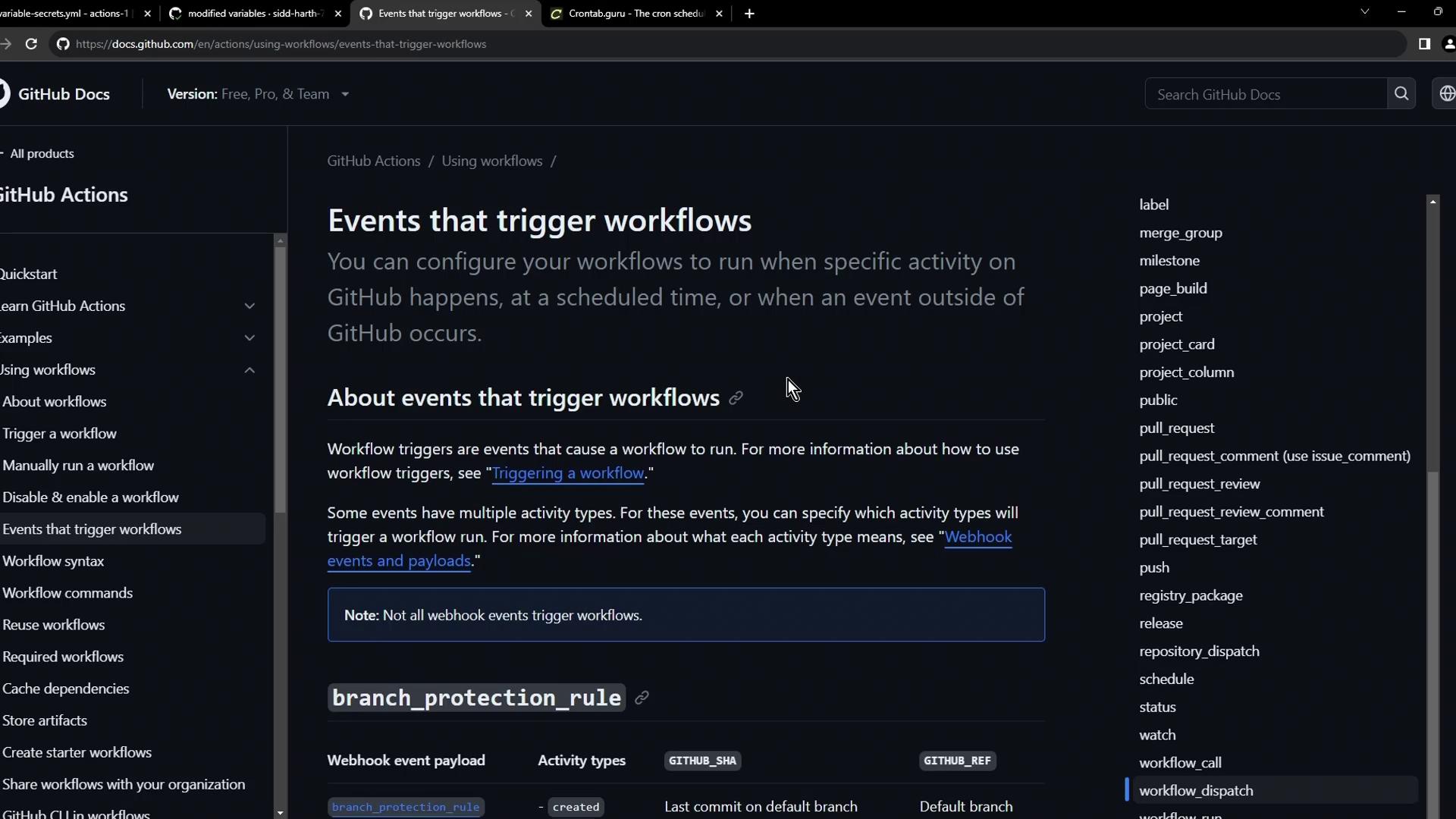
| Event Type | Description | Example Usage |
| ------------------ | ------------------------------------------------ | ----------------------------------------- |
| push | Fires on `git push` to branches or tags | Trigger tests on new commits |
| pull\_request | Runs when a PR is opened, edited, or merged | Validate code before merging |
| schedule | Cron-based schedules | Nightly builds or cleanup tasks |
| registry\_package | Occurs on package publication in GitHub Registry | Post-publish validations or notifications |
| workflow\_dispatch | Manual trigger via UI or API | Run ad-hoc jobs with custom inputs |
***
## 1. Push Event
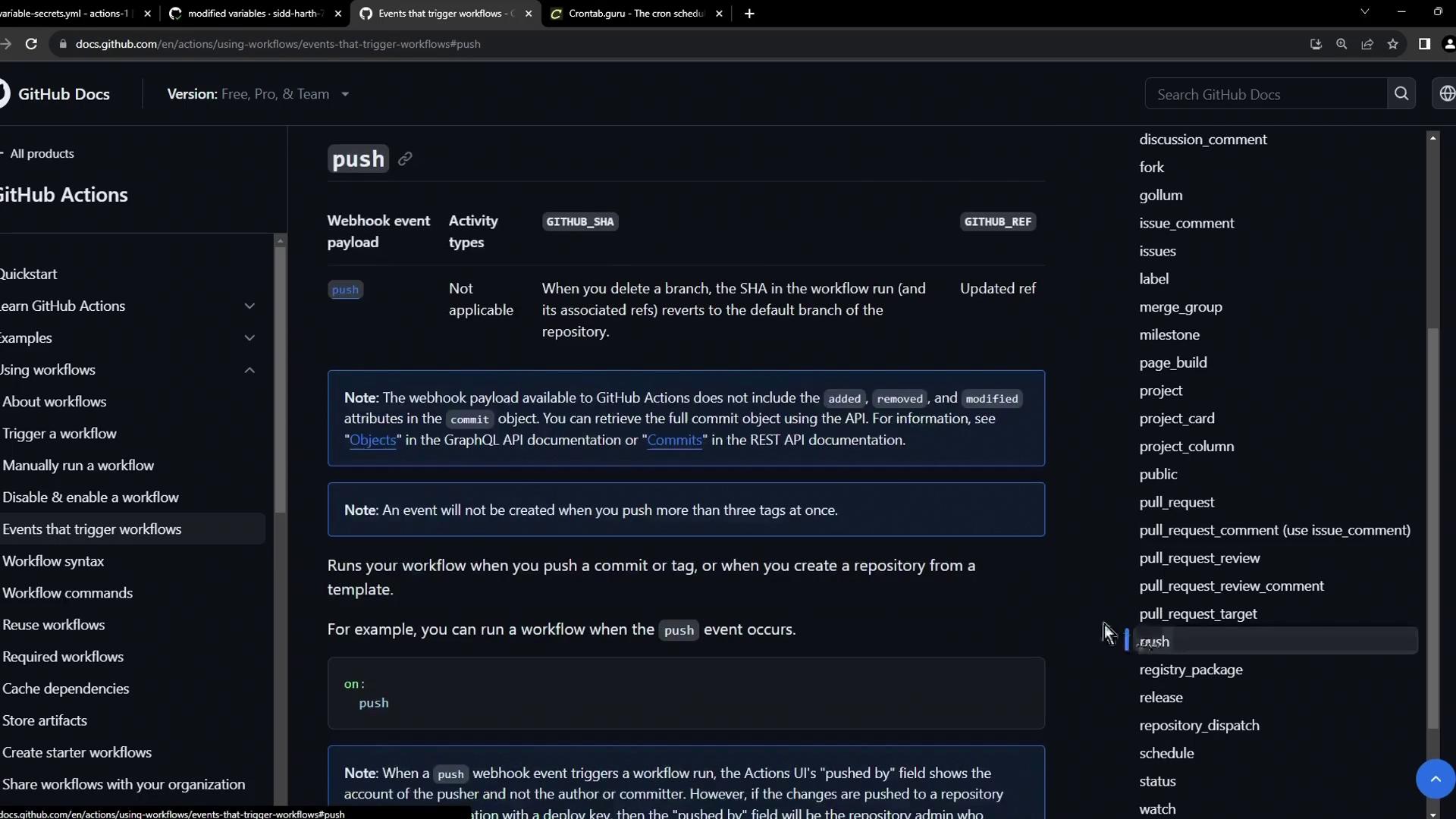
The `push` event is the most common trigger. Whenever you push commits to a branch or tag, the workflow kicks off.
```yaml theme={null}
on:
push:
branches:
- main
- release/*
```
***
## 2. Pull Request Event
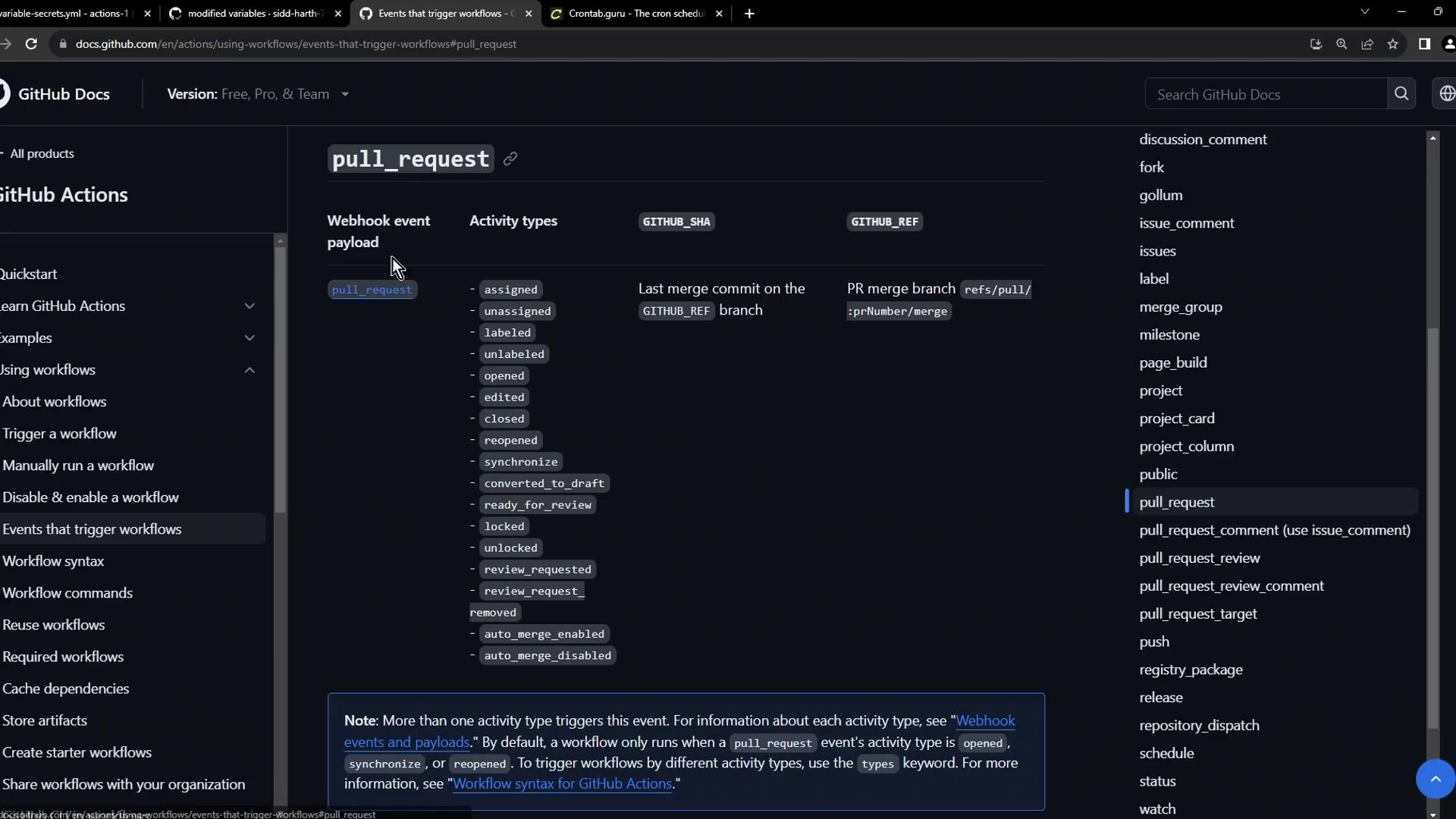
Use `pull_request` to run checks on PR activity. You can filter by action types like `opened`, `edited`, `synchronize`, and `closed`.
```yaml theme={null}
on:
pull_request:
types: [opened, edited, synchronize, closed]
branches:
- main
```
***
## 3. Registry Package Event
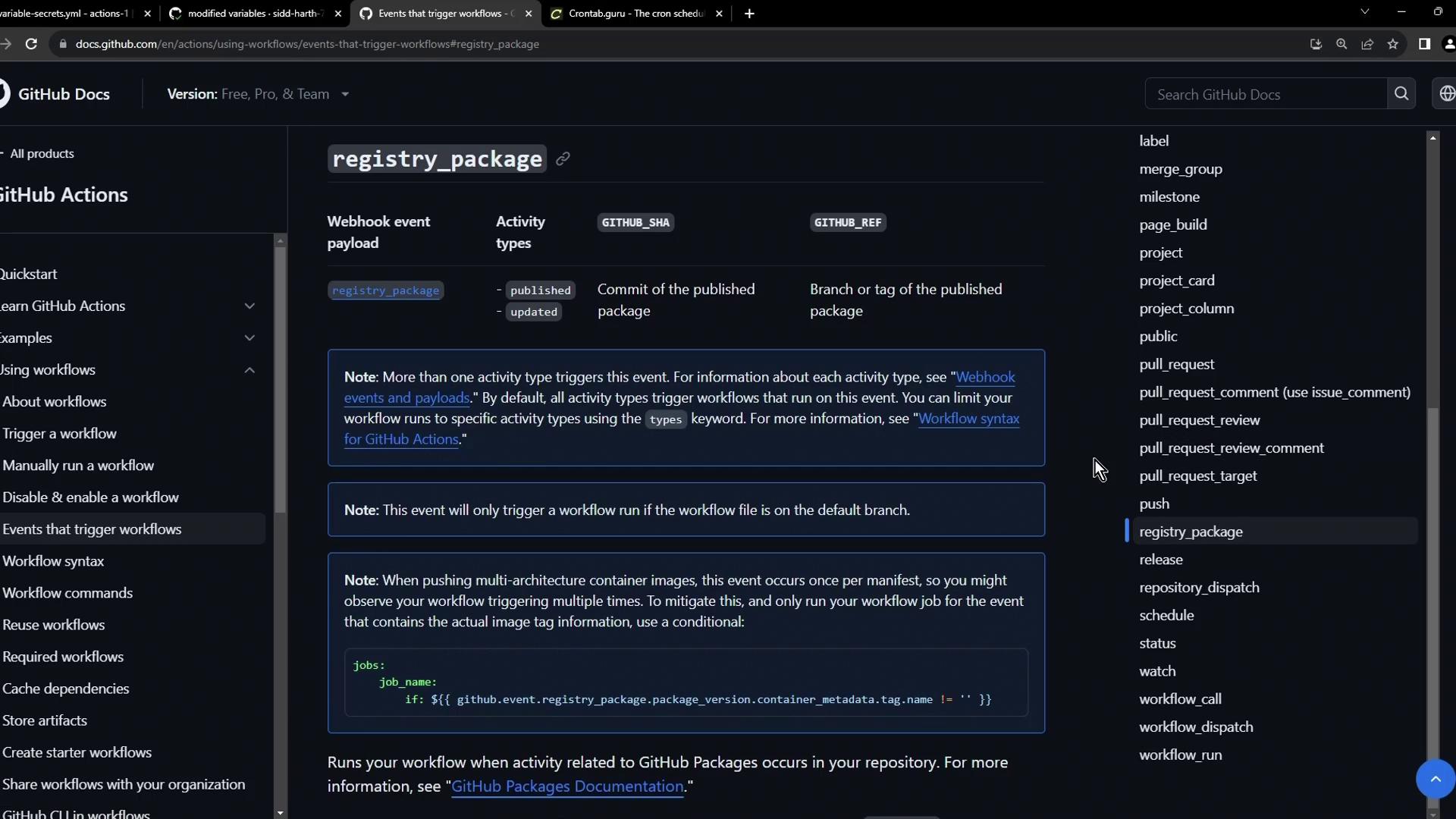
Trigger workflows when packages are published to GitHub’s package registry. This is ideal for post-publish tests or notifications.
```yaml theme={null}
on:
registry_package:
types: [published]
```
***
## 4. Scheduled Workflows with Cron
Define scheduled workflows using cron syntax under the `schedule` event. Cron schedules run independent of code changes.
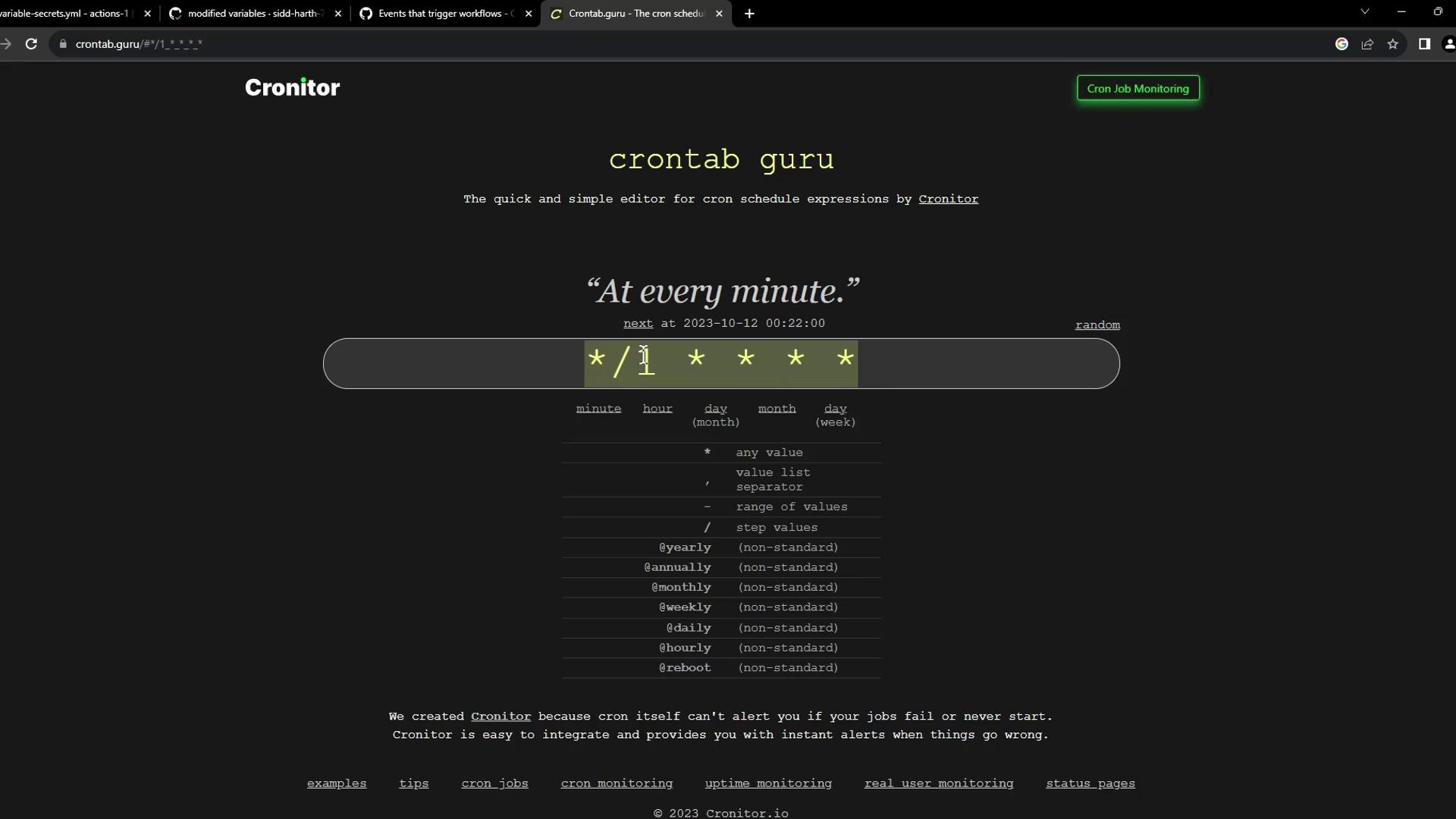
Use [Crontab Guru](https://crontab.guru) to build and validate cron expressions.
### Example: Twice Daily at 05:30 & 17:30 UTC
```yaml theme={null}
on:
schedule:
- cron: '30 5,17 * * *'
```
### Example: Specific Weekdays
```yaml theme={null}
on:
schedule:
- cron: '30 5 * * 1,3' # Monday & Wednesday
- cron: '30 5 * * 2,4' # Tuesday & Thursday
jobs:
test_schedule:
runs-on: ubuntu-latest
steps:
- name: Skip on specific days
if: github.event.schedule == '30 5 * * 1,3'
run: echo "Skipped on Mon & Wed"
- name: Always run
run: echo "This step always executes"
```
### Example: Every Minute Build & Publish
```yaml theme={null}
name: Exploring Variables and Secrets
on:
schedule:
- cron: "*/1 * * * *"
env:
CONTAINER_REGISTRY: docker.io
IMAGE_NAME: github-actions-nginx
jobs:
docker:
runs-on: ubuntu-latest
steps:
- name: Docker Build
run: |
docker build -t ${{ env.CONTAINER_REGISTRY }}/${{ vars.DOCKER_USERNAME }}/${{ env.IMAGE_NAME }}:latest
- name: Docker Login
run: |
docker login \
--username=${{ vars.DOCKER_USERNAME }} \
--password=${{ secrets.DOCKER_PASSWORD }}
- name: Docker Publish
run: |
docker push \
${{ env.CONTAINER_REGISTRY }}/${{ vars.DOCKER_USERNAME }}/${{ env.IMAGE_NAME }}:latest
```
***
## 5. Manual Trigger with workflow\_dispatch
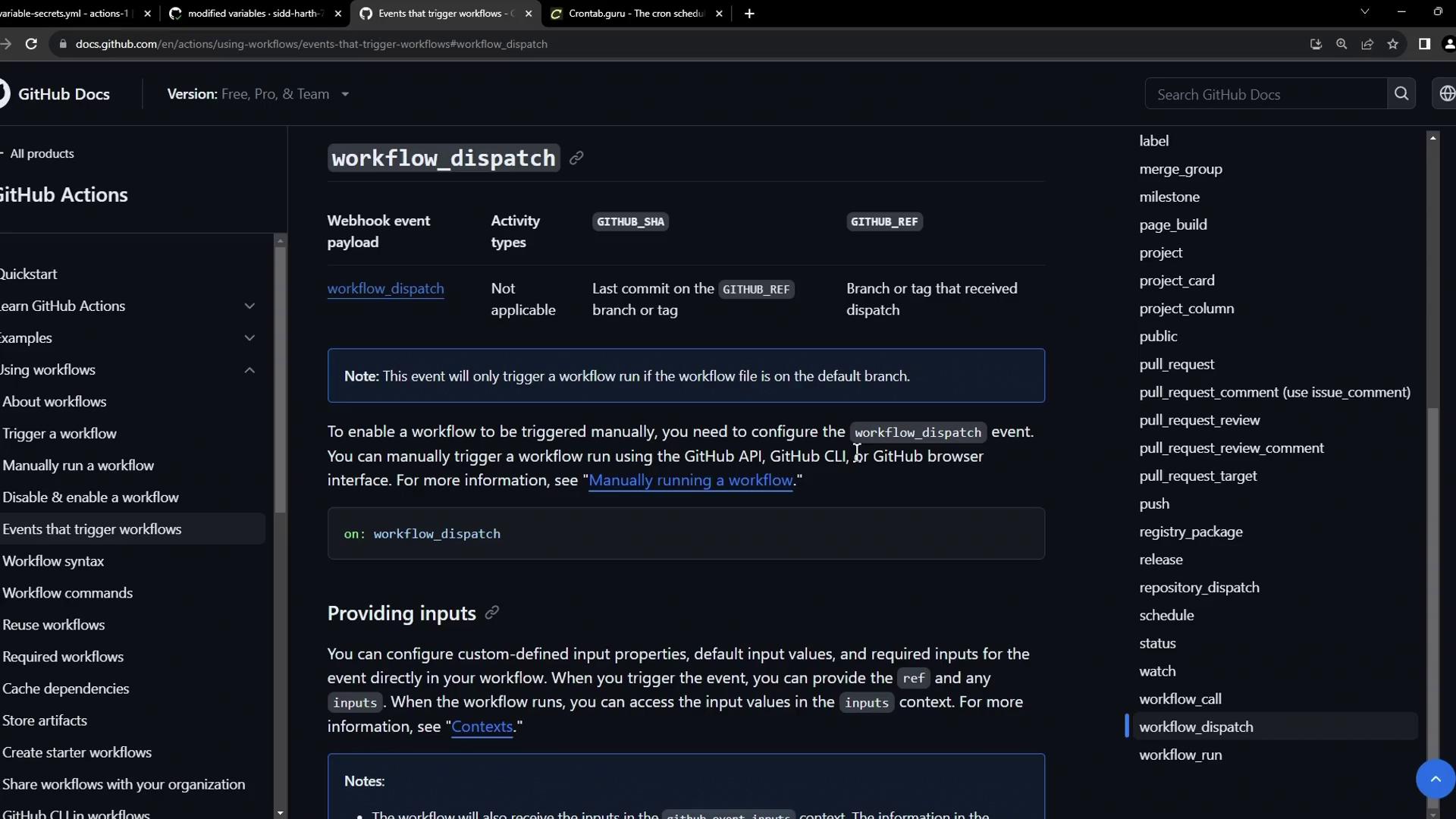
Enable manual runs through the GitHub UI or API using `workflow_dispatch`. You can define inputs for custom parameters.
### Minimal workflow\_dispatch
```yaml theme={null}
on:
workflow_dispatch:
inputs:
loglevel:
description: 'Log level'
required: true
default: 'warning'
```
### Advanced Inputs Example
```yaml theme={null}
name: Exploring Variables and Secrets
on:
workflow_dispatch:
inputs:
logLevel:
description: 'Log level'
required: true
default: 'warning'
type: choice
options: [info, warning, debug]
tags:
description: 'Test scenario tags'
required: false
type: boolean
environment:
description: 'Environment to run tests against'
required: true
jobs:
log-the-inputs:
runs-on: ubuntu-latest
steps:
- name: Display inputs
run: |
echo "Log level: $LEVEL"
echo "Tags: $TAGS"
echo "Environment: $ENVIRONMENT"
env:
LEVEL: ${{ inputs.logLevel }}
TAGS: ${{ inputs.tags }}
ENVIRONMENT: ${{ inputs.environment }}
```
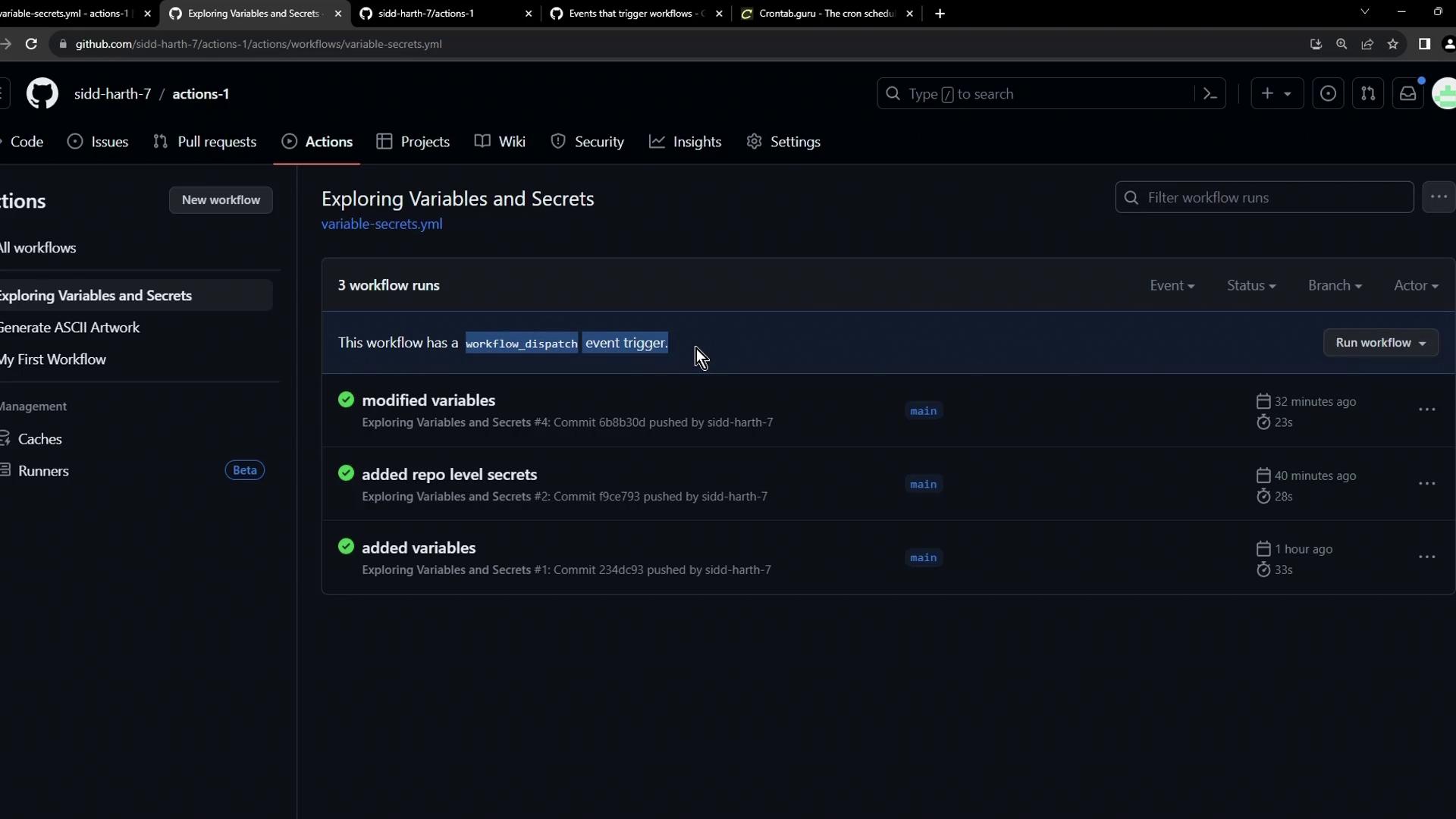
When configured, the Actions tab displays a **Run workflow** button. This screenshot shows the **Exploring Variables and Secrets** workflow with runs triggered by push, schedule, and manual dispatch:
***
## Summary
You now know how to:
* Trigger workflows on repository events (`push`, `pull_request`, `registry_package`, etc.).
* Schedule cron jobs for periodic tasks.
* Manually dispatch workflows with custom inputs.
Explore more in the [GitHub Actions Documentation](https://docs.github.com/en/actions).
## Links and References
* [GitHub Actions Events](https://docs.github.com/en/actions/using-workflows/events-that-trigger-workflows)
* [Crontab Guru](https://crontab.guru)
* [GitHub Actions: workflow\_dispatch](https://docs.github.com/en/actions/using-workflows/events-that-trigger-workflows#workflow_dispatch)