> ## Documentation Index
> Fetch the complete documentation index at: https://notes.kodekloud.com/llms.txt
> Use this file to discover all available pages before exploring further.
# Using if expression in Jobs
> This guide explains using context variables and `if` expressions in GitHub Actions workflows for conditional job execution.
In this guide, you’ll discover how to harness context variables and `if` expressions in GitHub Actions workflows to run jobs conditionally. This is essential for optimizing CI/CD pipelines, reducing unnecessary steps, and ensuring deployments only occur on the desired branch.
## What Are Context Variables?
When a workflow runs, GitHub makes a set of context variables available in JSON format. You can reference these contexts with expressions like `${{ github.ref }}` or `${{ env.VAR_NAME }}`.
```json theme={null}
{
"token": "****",
"job": "dump_contexts_to_log",
"ref": "refs/heads/main",
"sha": "ab3c0b9ccd2c8b0154e48e279bad3cf8c646",
"repository": "sidd-harth-7/actions-1",
"repository_owner_id": 147399322,
"repository_owner": "sidd-harth-7",
"repositoryUrl": "git://github.com/sidd-harth-7/actions-1.git",
"run_id": 6492400732,
"run_number": 1,
"event_name": "push"
}
```
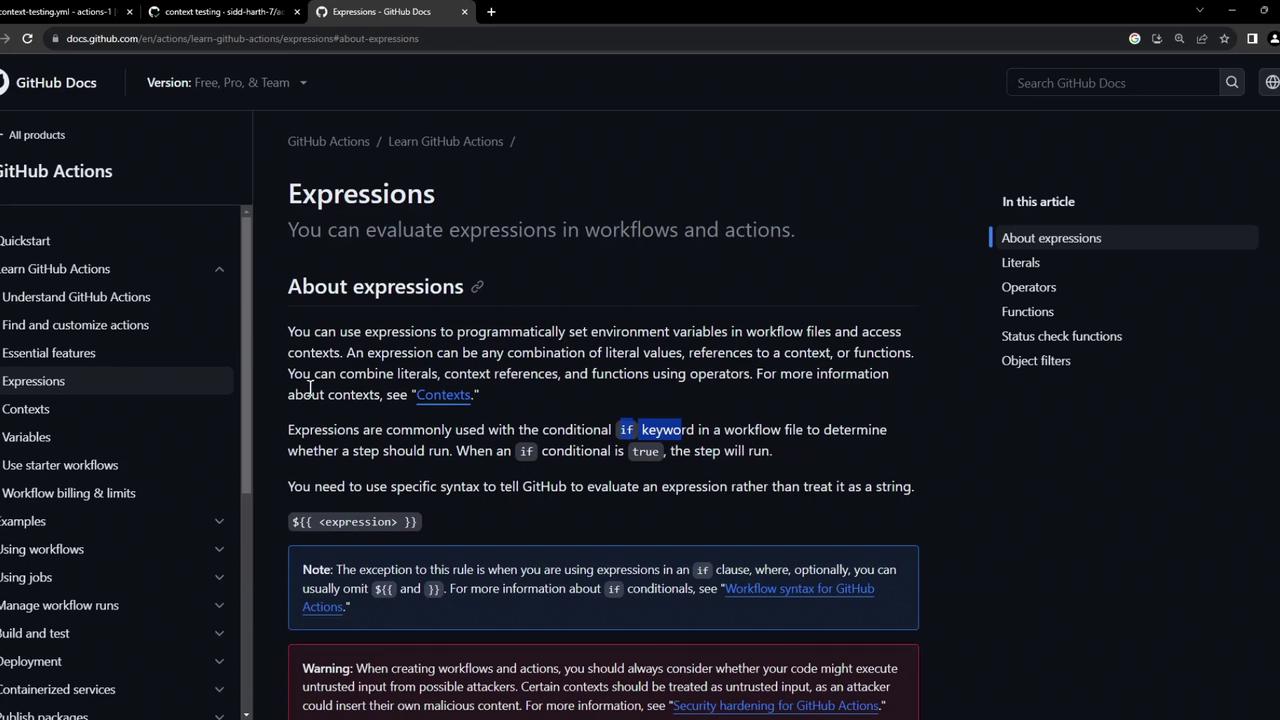
For a deep dive into expressions and context variables, see the [GitHub Actions Expressions docs][expressions-docs].
## Common Contexts in Workflows
| Context | Description | Example |
| --------- | --------------------------------------------- | -------------------------------- |
| `github` | Information about the workflow run and event | `${{ github.ref }}` |
| `env` | Environment variables defined in the workflow | `${{ env.CONTAINER_REGISTRY }}` |
| `secrets` | Encrypted secrets stored in your repository | `${{ secrets.DOCKER_PASSWORD }}` |
| `vars` | Repository-level variables | `${{ vars.DOCKER_USERNAME }}` |
## Sample Workflow: Build and Conditional Deploy
Below is a workflow that builds a Docker image on every push but only deploys when the push targets the `main` branch.
```yaml theme={null}
name: Deploy on Main
on:
push:
branches: [ main ]
env:
CONTAINER_REGISTRY: docker.io
IMAGE_NAME: github-actions-nginx
jobs:
docker:
runs-on: ubuntu-latest
steps:
- name: Build Docker Image
run: |
docker build -t ${{ env.CONTAINER_REGISTRY }}/${{ vars.DOCKER_USERNAME }}/${{ env.IMAGE_NAME }}:latest .
- name: Log In to Registry
run: |
echo "${{ secrets.DOCKER_PASSWORD }}" | docker login ${{ env.CONTAINER_REGISTRY }} --username ${{ vars.DOCKER_USERNAME }} --password-stdin
- name: Push Image
run: |
docker push ${{ env.CONTAINER_REGISTRY }}/${{ vars.DOCKER_USERNAME }}/${{ env.IMAGE_NAME }}:latest
deploy:
if: github.ref == 'refs/heads/main'
needs: docker
concurrency:
group: production-deployment
cancel-in-progress: false
runs-on: ubuntu-latest
steps:
- name: Run Container
timeout-minutes: 10
run: |
docker run -d -p 8080:80 ${{ env.CONTAINER_REGISTRY }}/${{ vars.DOCKER_USERNAME }}/${{ env.IMAGE_NAME }}:latest
sleep 600
```
The `deploy` job is guarded by the `if` expression. It only runs when `github.ref` equals `refs/heads/main`.
## Observing Workflow Runs
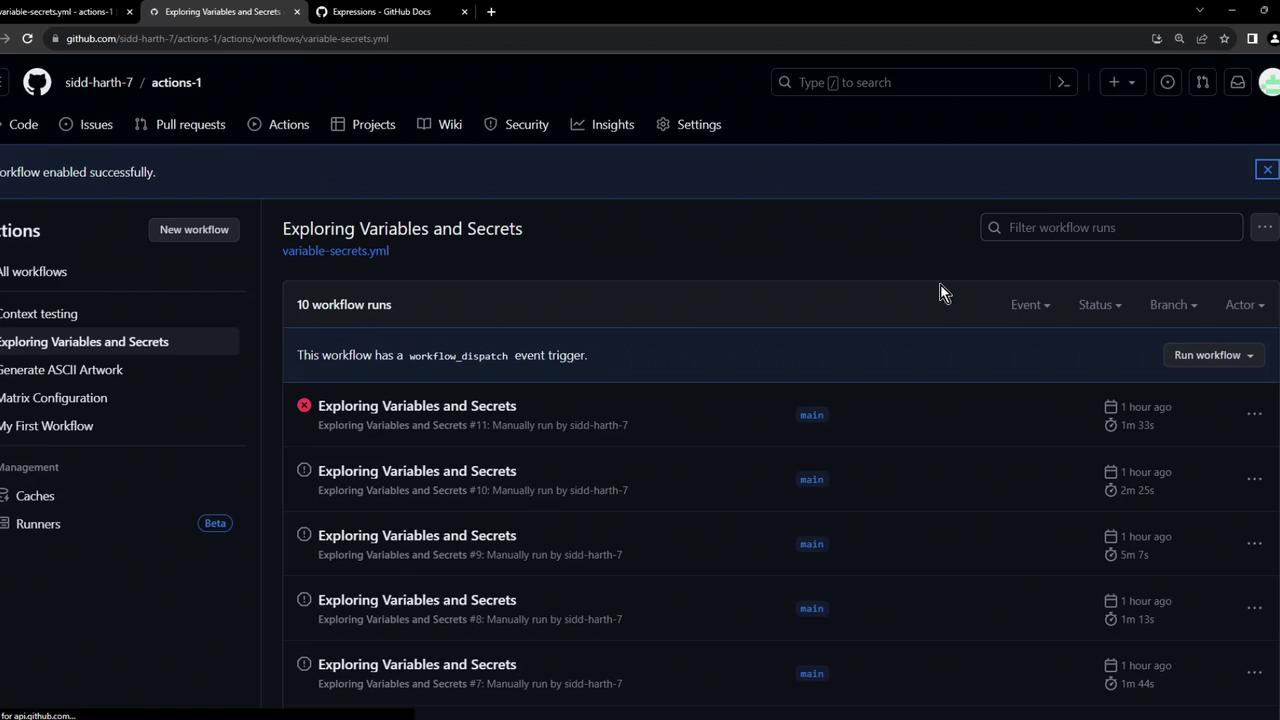
1. Push to a feature branch:
2. Notice that the `docker` job succeeded but the `deploy` job is skipped:
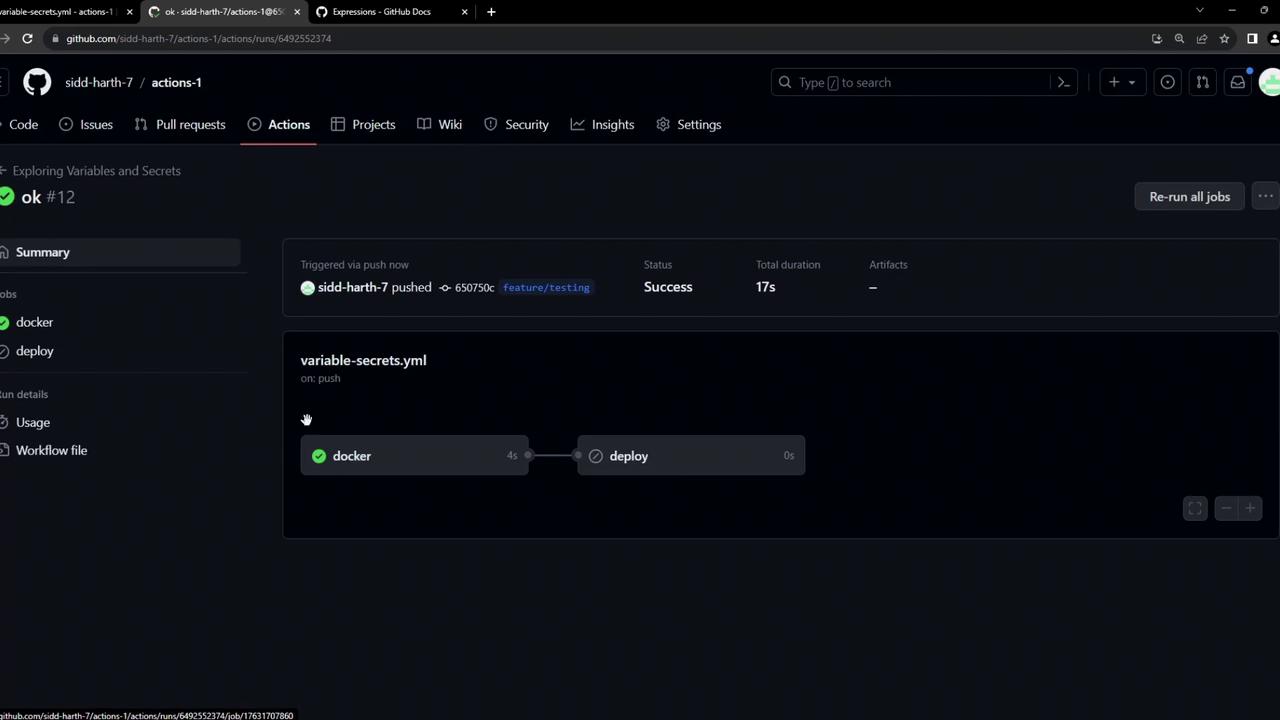
If your `if` condition is malformed or compares the wrong context, the job will silently skip. Always verify your branch references.
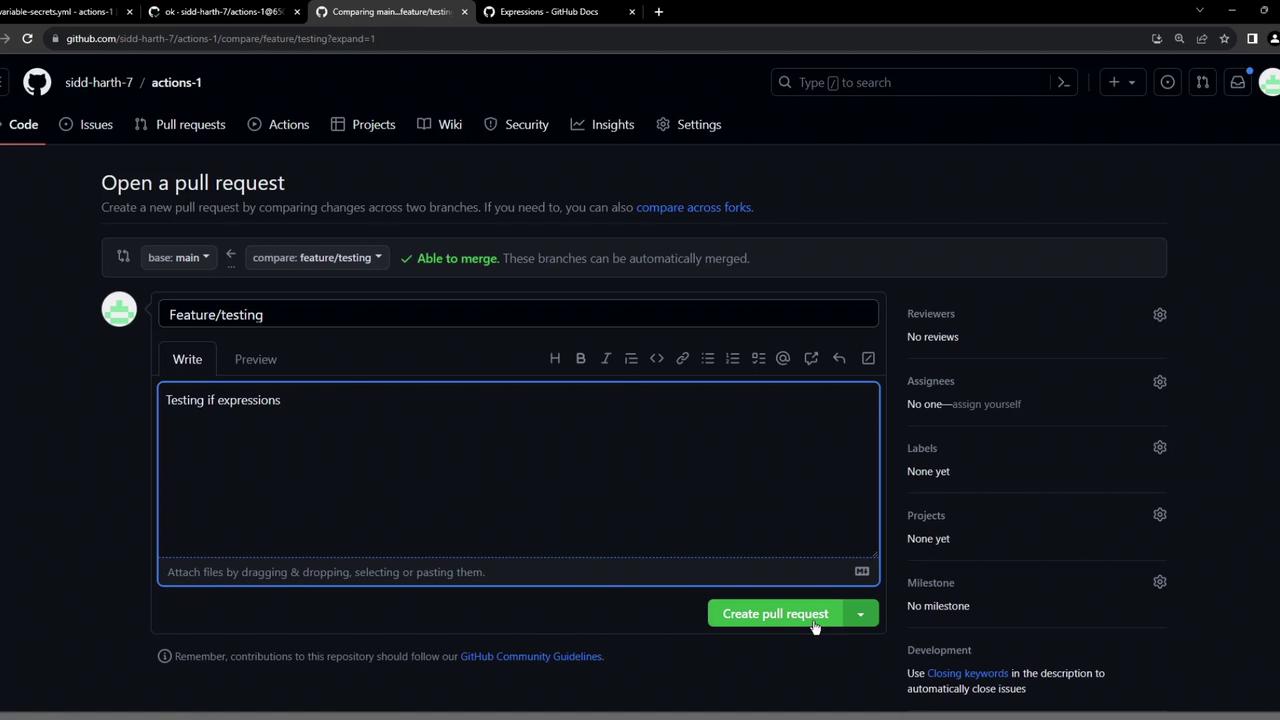
3. Open a pull request from your feature branch into `main`:
4. Ensure all status checks pass before merging:

5. After merging into `main`, observe the full workflow including `deploy`:

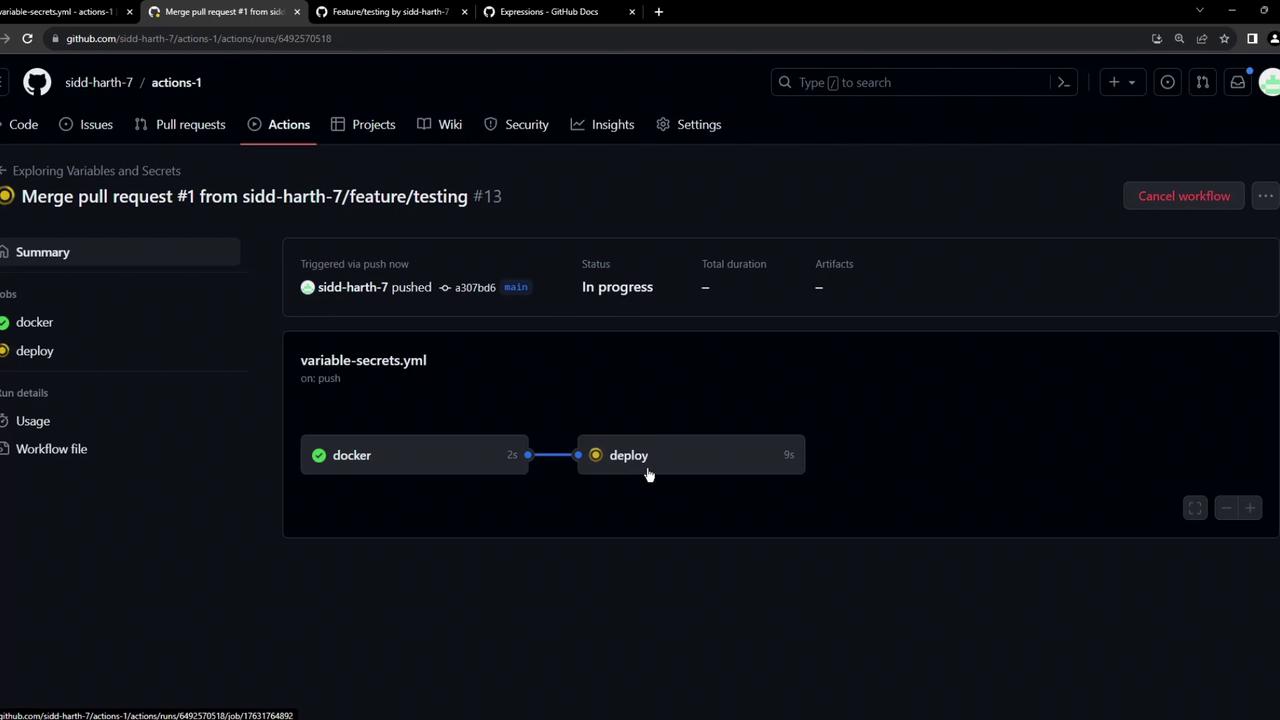
This end-to-end example illustrates how to use `if` expressions and contexts to drive conditional job execution in your CI/CD pipelines.
## Links and References
* [GitHub Actions Expressions][expressions-docs]
* [Contexts and Expression Syntax](https://docs.github.com/en/actions/learn-github-actions/contexts)
* [GitHub Actions Workflow Syntax](https://docs.github.com/en/actions/using-workflows/workflow-syntax-for-github-actions)
[expressions-docs]: https://docs.github.com/en/actions/learn-github-actions/expressions