> ## Documentation Index
> Fetch the complete documentation index at: https://notes.kodekloud.com/llms.txt
> Use this file to discover all available pages before exploring further.
# Configure self hosted runners with proxies
> This guide explains how to configure self-hosted GitHub Actions runners to use HTTP/HTTPS proxies for enhanced security and access.
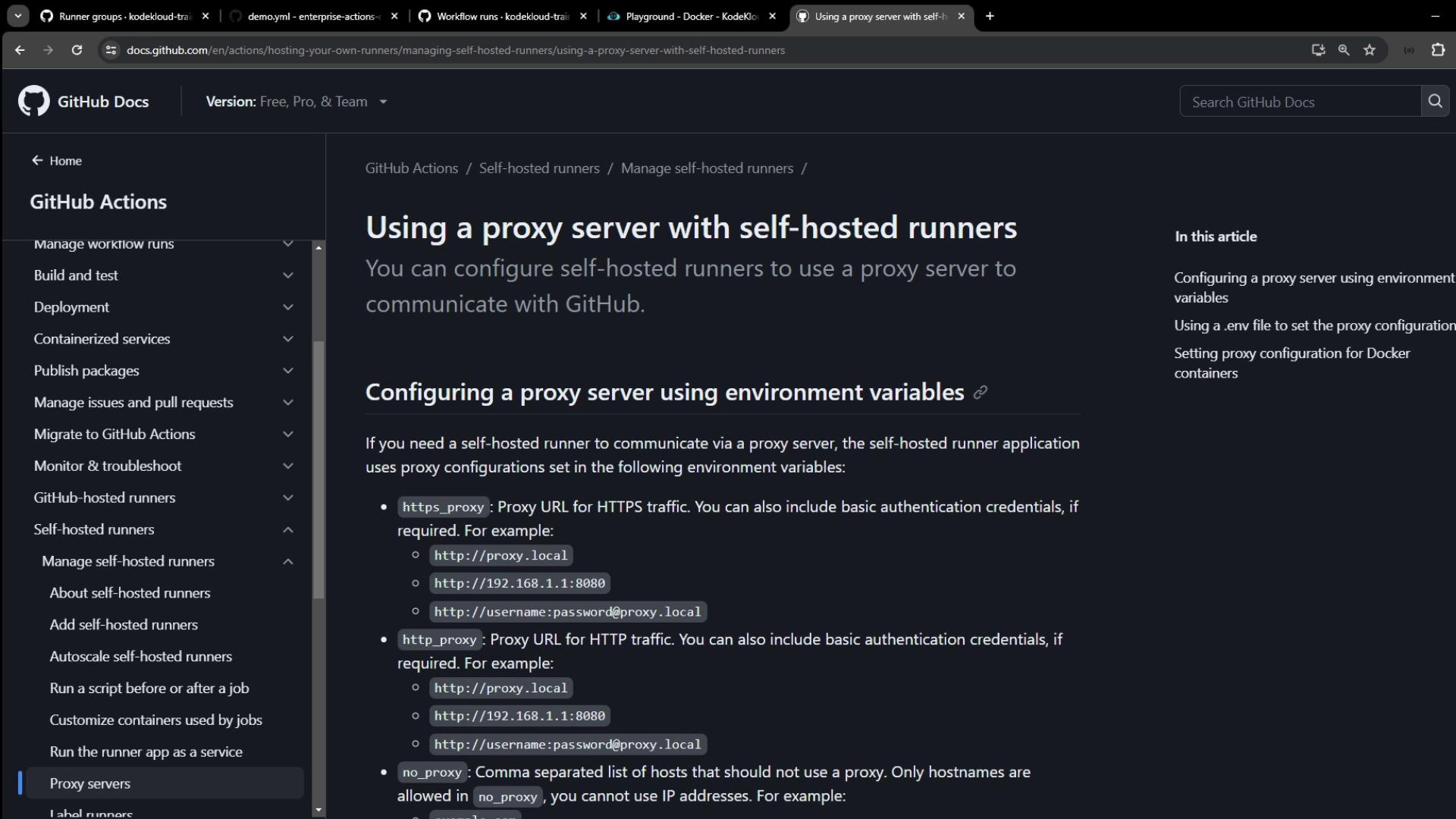
In this guide, you’ll learn how to route your self-hosted GitHub Actions runner traffic through an HTTP/HTTPS proxy. A proxy server acts as an intermediary, forwarding requests between your runner and the Internet for improved security, privacy, or access to geo-restricted endpoints.
## Proxy Configuration Options
You can configure proxy settings for your self-hosted runner in two primary ways:
| Method | Description | Configuration Location |
| --------------------- | --------------------------------------------------------------- | --------------------------- |
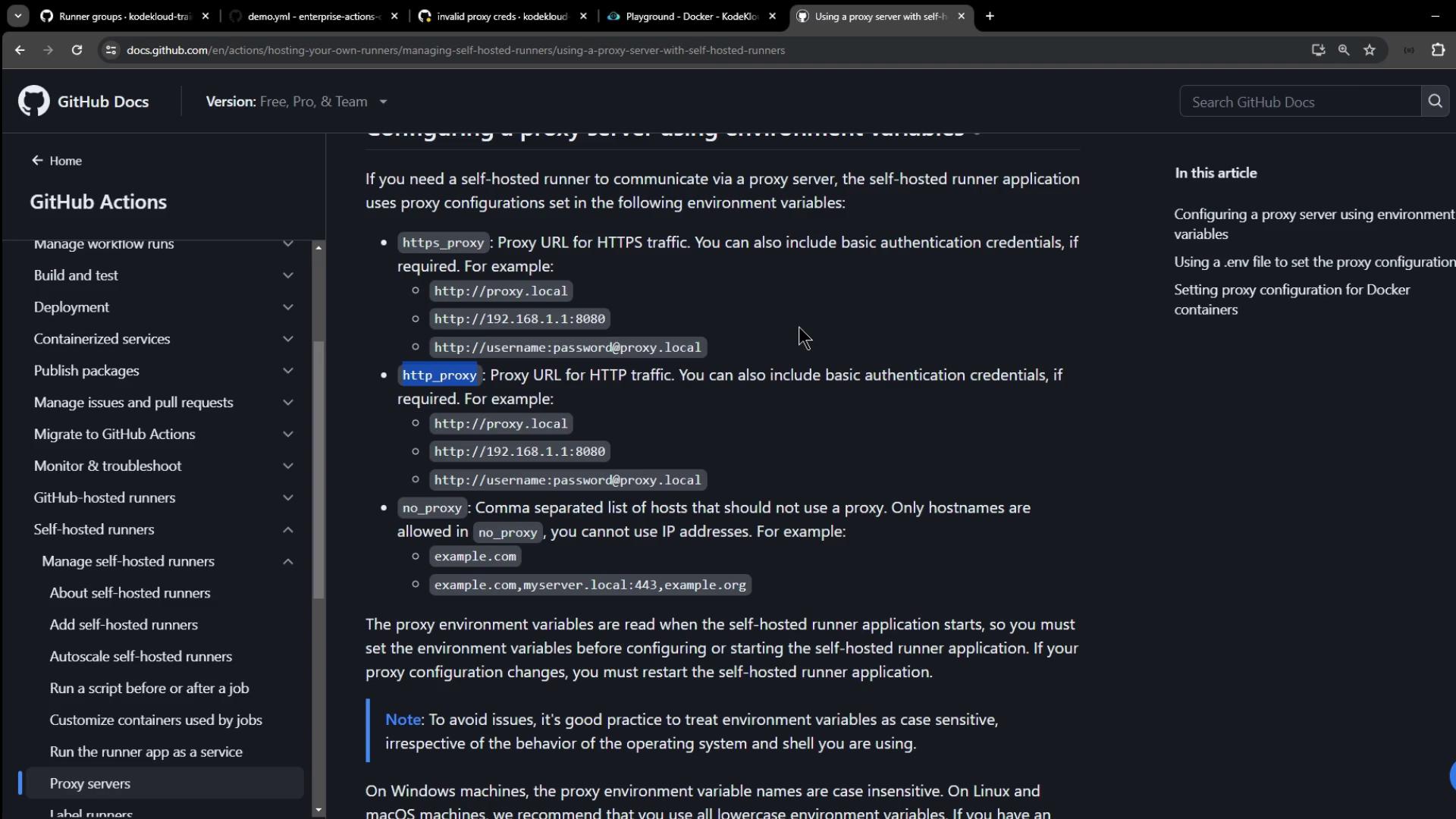
| Environment Variables | Set `HTTPS_PROXY`, `HTTP_PROXY`, and `NO_PROXY` on the host. | Shell profile or CI service |
| `.env` File | Place a `.env` file in the runner directory with the same vars. | Runner install folder |
### 1. Environment Variables
On the machine hosting your runner, export:
| Variable | Purpose | Example |
| ------------ | ------------------------------------ | -------------------------------------- |
| HTTPS\_PROXY | Proxy for HTTPS requests | `http://proxy.local:8080` |
| HTTP\_PROXY | Proxy for HTTP requests | `http://username:password@proxy.local` |
| NO\_PROXY | Hosts or domains to bypass the proxy | `example.com,myserver.local:443` |
```bash theme={null}
export HTTPS_PROXY="http://proxy.local:8080"
export HTTP_PROXY="http://proxy.local:8080"
export NO_PROXY="example.com,myserver.local:443"
```
`NO_PROXY` accepts comma-separated hostnames, IP addresses, or domains (optionally with ports).
### 2. `.env` File
If modifying system environment variables is impractical, create a `.env` file in the directory where you extracted the runner:
```text theme={null}
https_proxy=http://proxy.local:8080
http_proxy=http://proxy.local:8080
no_proxy=example.com,myserver.local:443
```
### Docker Containers
For workflows that launch Docker containers, configure Docker’s proxy settings separately.\
For example, create or edit `/etc/systemd/system/docker.service.d/http-proxy.conf`:
```ini theme={null}
[Service]
Environment="HTTP_PROXY=http://proxy.local:8080" "HTTPS_PROXY=http://proxy.local:8080"
```
Then reload and restart Docker:
```bash theme={null}
systemctl daemon-reload
systemctl restart docker
```
***
## Demo: Proxy in a Workflow
The following sample workflow sends external HTTP requests with and without proxy authentication.
```yaml theme={null}
name: Demo Proxy Configuration
on: workflow_dispatch
jobs:
demo_job:
runs-on: self-hosted
steps:
- name: Hello
run: echo "Hello from self-hosted runner!"
- name: External Call (No Proxy)
run: curl -v http://httpbin.org/ip
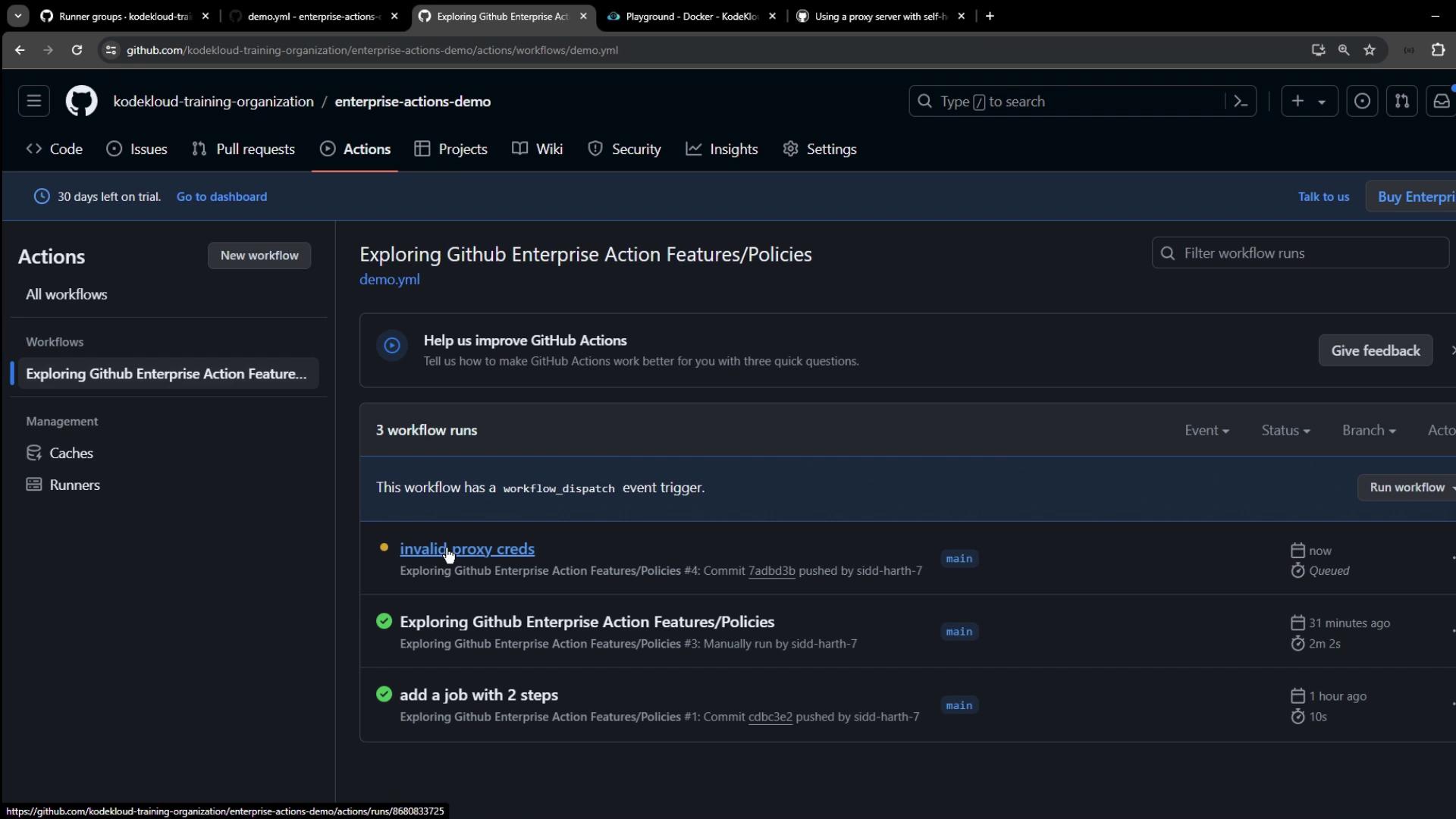
- name: External Call (Invalid Proxy Credentials)
run: |
curl -v \
-x http://wrong-user:wrong-pass@localhost:3128 \
http://httpbin.org/ip
```
### Logs: No Proxy
```bash theme={null}
$ curl -v http://httpbin.org/ip
* Connected to httpbin.org (3.214.174.72) port 80 (#0)
> GET /ip HTTP/1.1
> Host: httpbin.org
< HTTP/1.1 200 OK
{"origin": "35.188.139.128"}
```
This request bypasses any proxy and connects directly.
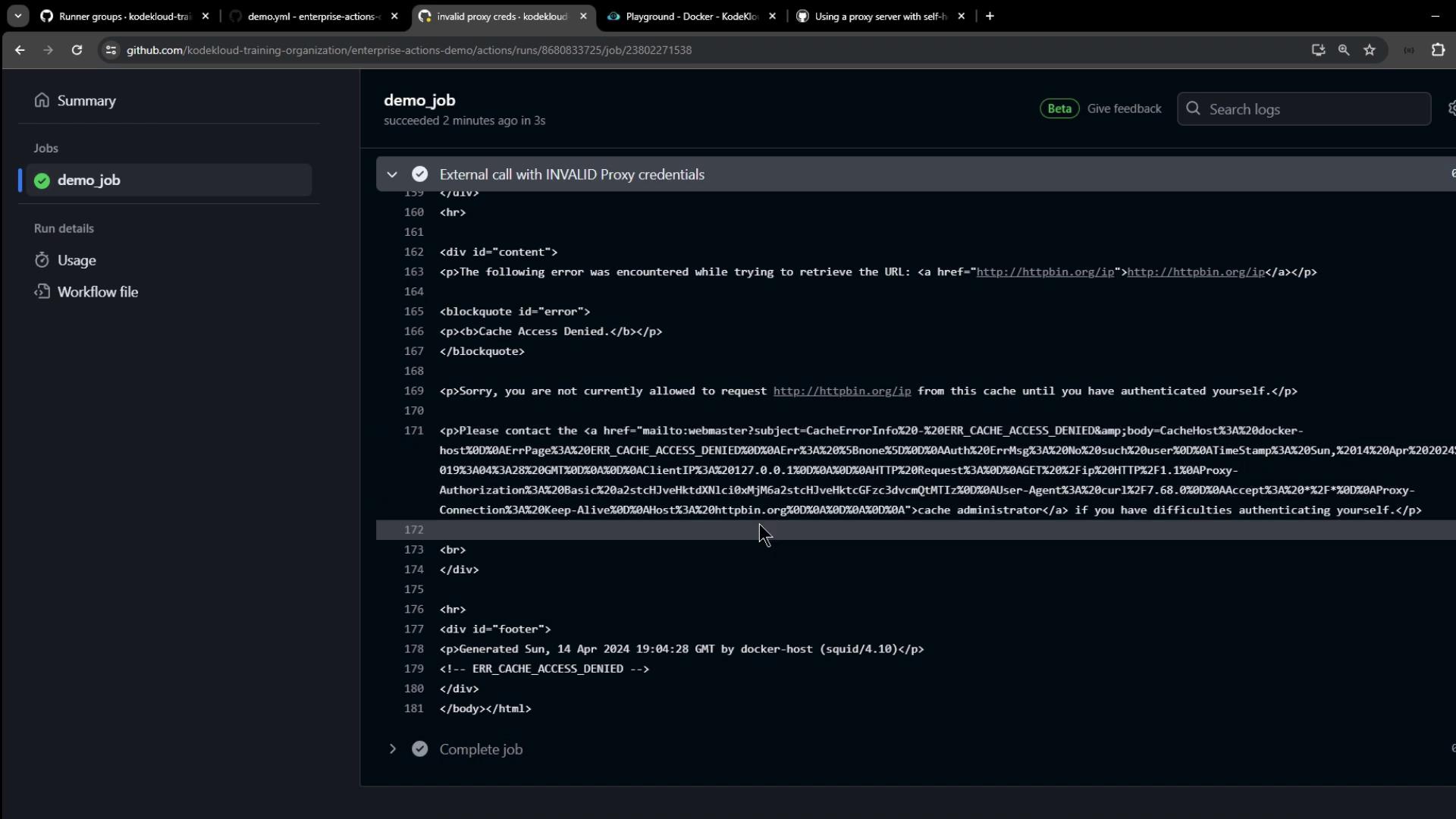
### Logs: Invalid Proxy Credentials
```bash theme={null}
$ curl -v -x http://wrong-user:wrong-pass@localhost:3128 http://httpbin.org/ip
* Connected to localhost (127.0.0.1) port 3128 (#0)
> GET http://httpbin.org/ip HTTP/1.1
> Proxy-Authorization: Basic e3dyb25nLXVzZXI6d3Jvbmc=
< HTTP/1.1 407 Proxy Authentication Required
ERROR: Cache Access Denied
```
Avoid hard-coding credentials in workflows. Instead, store proxy credentials securely on the runner host or via GitHub [Secrets](/actions/security-guides/encrypted-secrets).
***
## Setting Proxy Variables on the Runner Host
On your VM or bare-metal host, export the proxy variables before launching the runner service:
```bash theme={null}
export HTTPS_PROXY="http://user:password@localhost:3128"
export HTTP_PROXY="http://user:password@localhost:3128"
export NO_PROXY="example.com,myserver.local:443"
systemctl status squid # Verify your Squid or other proxy service
```
Restart the runner service so it picks up the new environment:
```bash theme={null}
# Example if using a systemd service
systemctl restart actions.runner.your-repo.service
```
***
## Verifying Proxy Usage in Your Workflow
Update your workflow to print proxy variables and make an HTTPS request:
```yaml theme={null}
name: Verify Proxy Usage
on: workflow_dispatch
jobs:
verify_proxy:
runs-on: self-hosted
steps:
- name: Show Proxy Environment
run: |
echo "HTTPS_PROXY: $HTTPS_PROXY"
echo "HTTP_PROXY: $HTTP_PROXY"
echo "NO_PROXY: $NO_PROXY"
- name: External Call via Proxy
run: curl -v https://httpbin.org/ip
```
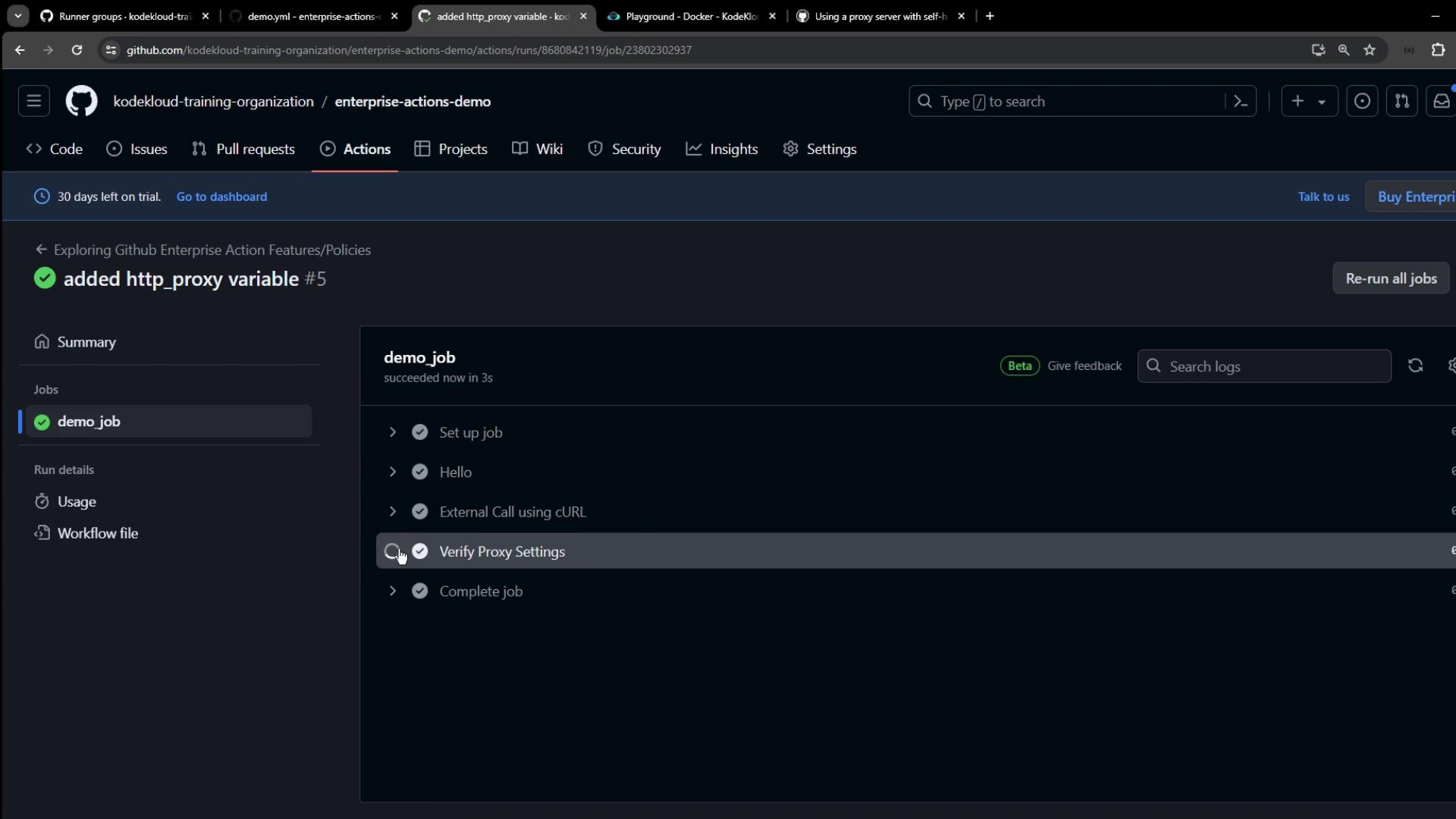
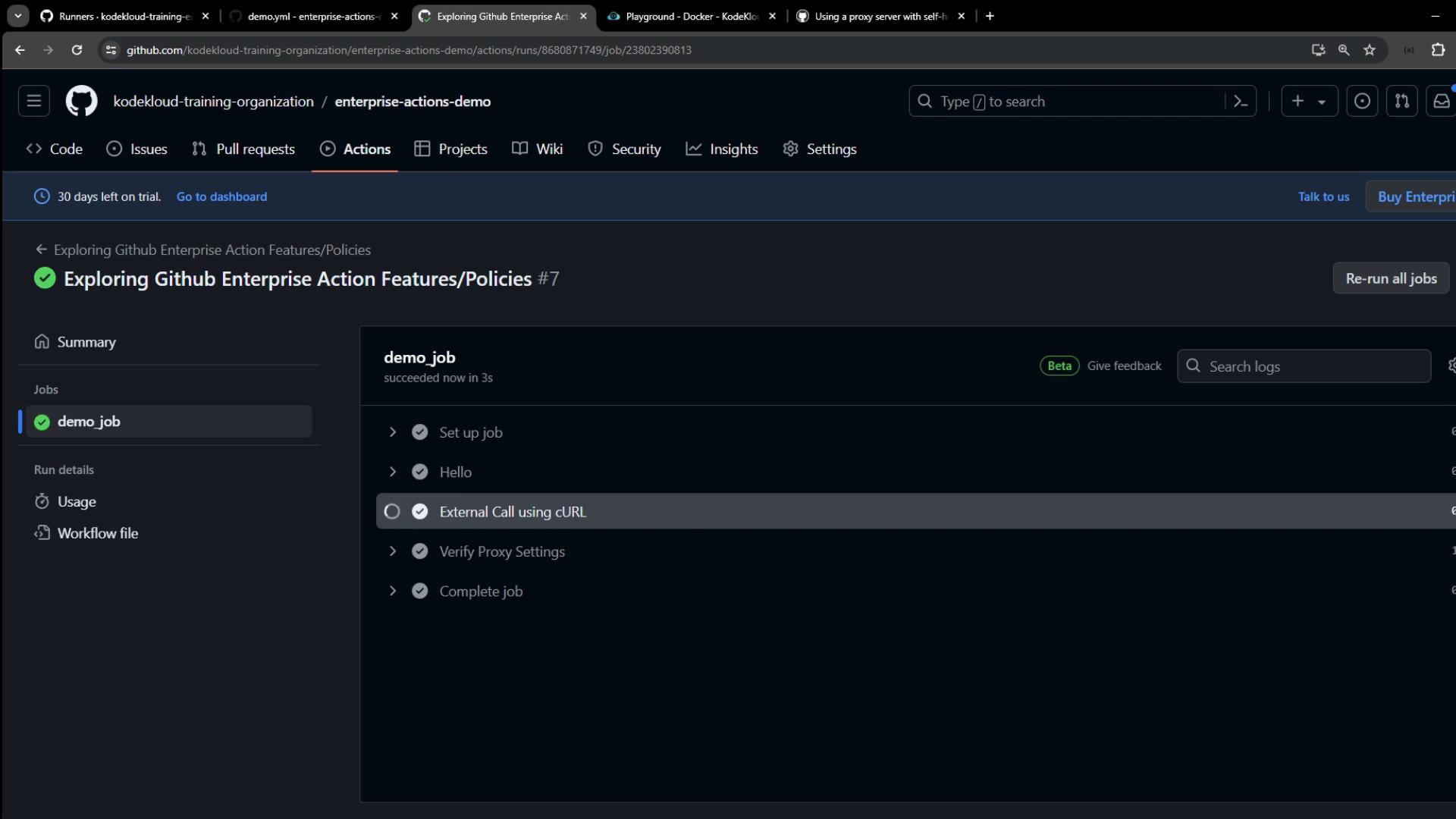
Once the run completes:
### Logs: Proxy in Action
```bash theme={null}
* Uses proxy env variable HTTP_PROXY = 'localhost:3128'
* Connected to localhost (127.0.0.1) port 3128 (#0)
> GET https://httpbin.org/ip HTTP/1.1
> Proxy-Authorization: Basic e2VjaGF0ZXpzOnBhc3N3b3JkMQ==
< HTTP/1.1 200 OK
{"origin": "127.0.0.1, 35.188.139.128"}
```
The runner picks up the proxy variables automatically, authenticates with your proxy (e.g., Squid), and successfully forwards requests.
***
Thank you for following this tutorial on setting up proxies for your self-hosted GitHub Actions runners! For more details, see the [GitHub Actions documentation](https://docs.github.com/actions/hosting-your-own-runners/configuring-the-proxy-for-self-hosted-runners).