> ## Documentation Index
> Fetch the complete documentation index at: https://notes.kodekloud.com/llms.txt
> Use this file to discover all available pages before exploring further.

# Define how to control access to actions within the enterprise

> This guide explains how to configure GitHub Actions policies for enterprise and repository levels to ensure secure workflows and centralized management.

In this guide, you’ll learn how to configure GitHub Actions policies at the enterprise and repository levels. Implementing these controls ensures consistent permission settings, secure workflows, and centralized management across multiple organizations.

## 1. Enterprise-Level Policies

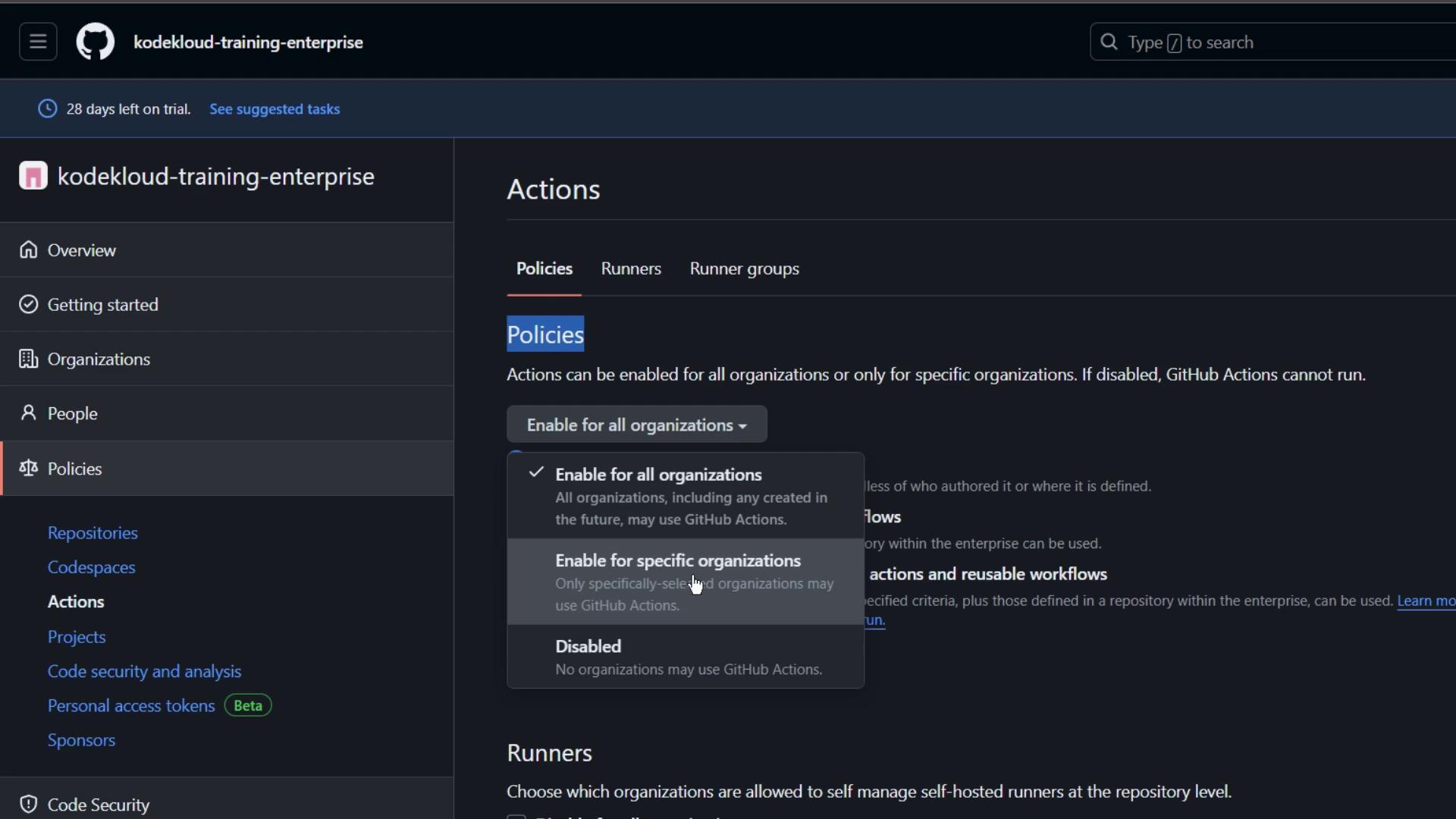
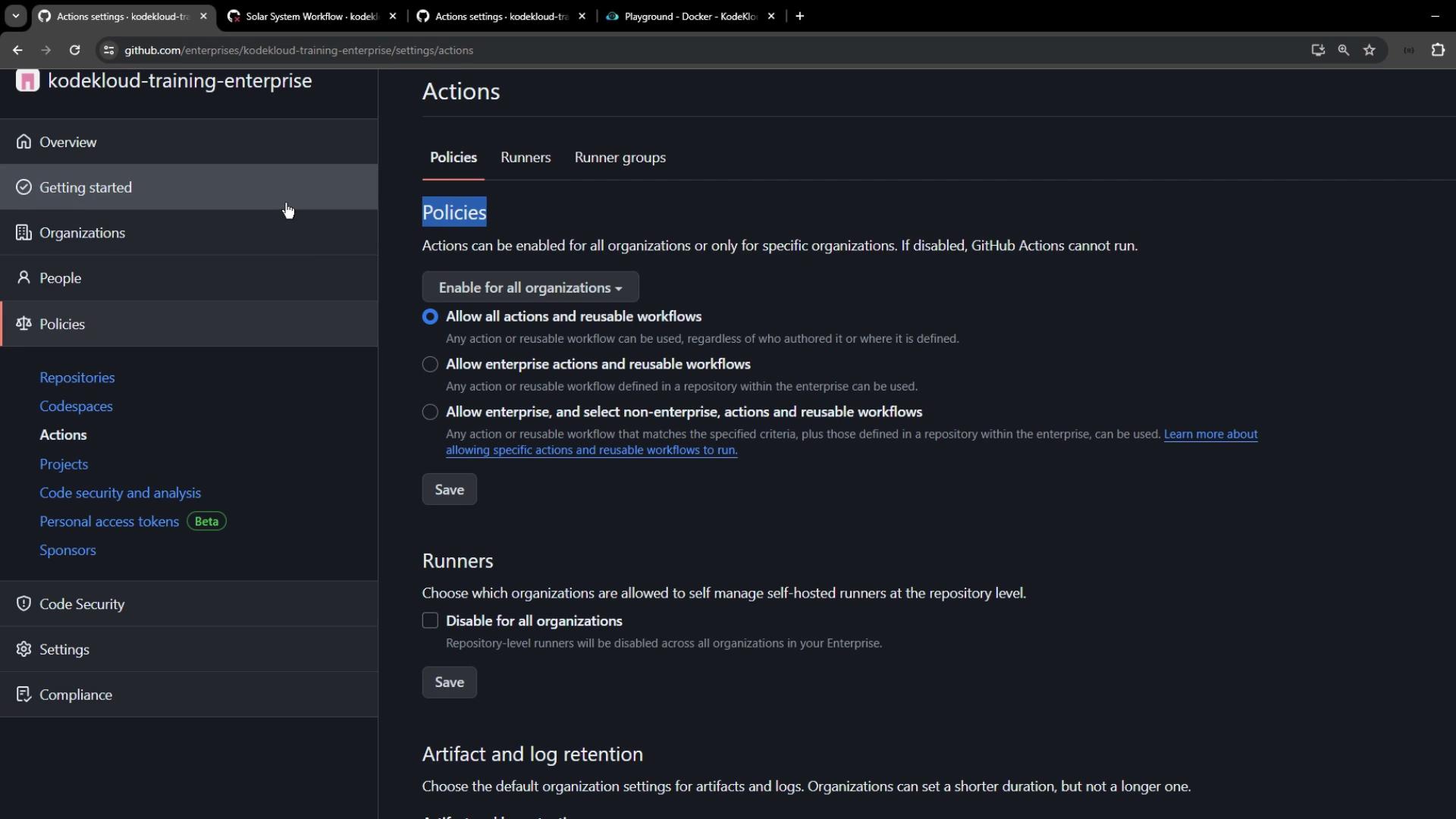
At the enterprise scope, you can enforce Actions policies for all organizations or only selected ones.

1. Navigate to **Policies → Actions** in your enterprise account.
2. Review the available settings for enabling or disabling GitHub Actions.
3. Optionally allow organizations to manage self-hosted runners at the repository level.
<Frame>
  ![The image shows a GitHub Enterprise interface with a focus on the "Policies" section under "Actions," where options for enabling GitHub Actions for organizations are displayed.](https://kodekloud.com/kk-media/image/upload/v1752876230/notes-assets/images/GitHub-Actions-Certification-Define-how-to-control-access-to-actions-within-the-enterprise/github-enterprise-policies-actions-interface.jpg)
</Frame>

Here you can:

* Enable or disable Actions for every organization.
* Grant or revoke permission to self-manage self-hosted runners.
<Frame>
  ![The image shows a GitHub Enterprise settings page for "Actions," where policies for enabling actions and managing runners are configured. The interface includes options for allowing actions and reusable workflows across organizations.](https://kodekloud.com/kk-media/image/upload/v1752876231/notes-assets/images/GitHub-Actions-Certification-Define-how-to-control-access-to-actions-within-the-enterprise/github-enterprise-actions-settings-page.jpg)
</Frame>

<Callout icon="lightbulb" color="#1CB2FE">
  Enterprise-level policies take precedence over organization and repository settings. Once set, lower levels become read-only and inherit these policies.
</Callout>

### 1.1 Allowing a Specific Action Across Your Enterprise

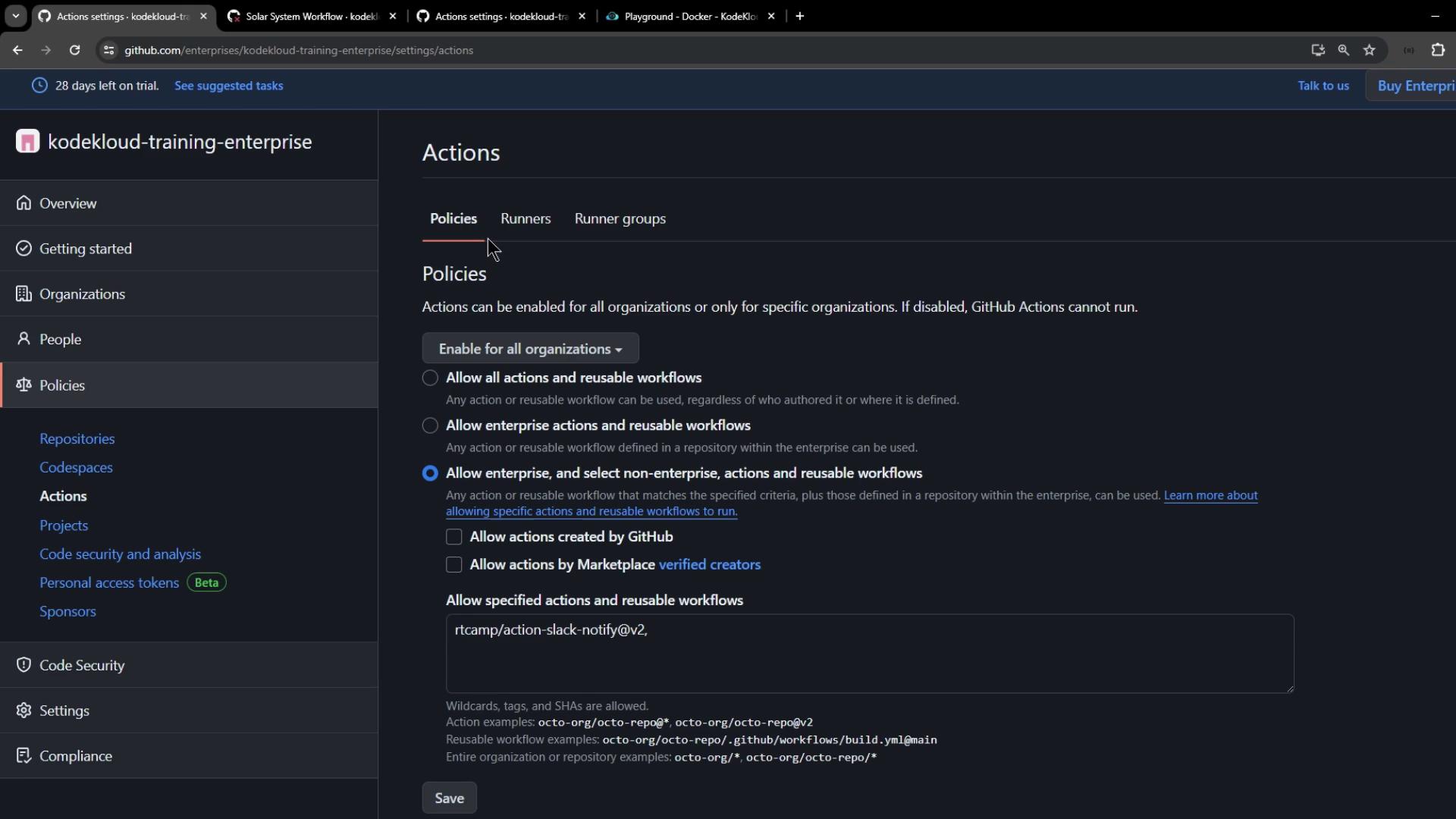
To whitelist a single action:

1. Under **Policies → Actions**, choose **Allow specific actions**.
2. Enter the action reference, for example:

```text theme={null}
rtcamp/action-slack-notify@v2
```

3. Click **Save** to enforce this setting for all organizations.
<Frame>
  ![The image shows a GitHub Actions settings page for an enterprise account, where policies for enabling actions and workflows are being configured. Various options for allowing actions and reusable workflows are displayed, with a specific action listed for allowance.](https://kodekloud.com/kk-media/image/upload/v1752876232/notes-assets/images/GitHub-Actions-Certification-Define-how-to-control-access-to-actions-within-the-enterprise/github-actions-enterprise-settings-policies.jpg)
</Frame>

To confirm the policy is active:

1. Go to any organization in your enterprise.
2. Select **Settings → Actions → General**.
3. Observe that organization-level controls are disabled and display your enterprise policy.

## 2. Repository-Level Policies

If you need more granular control, define Actions permissions per repository—whether under an organization or a personal account.

### 2.1 Viewing and Selecting Repositories

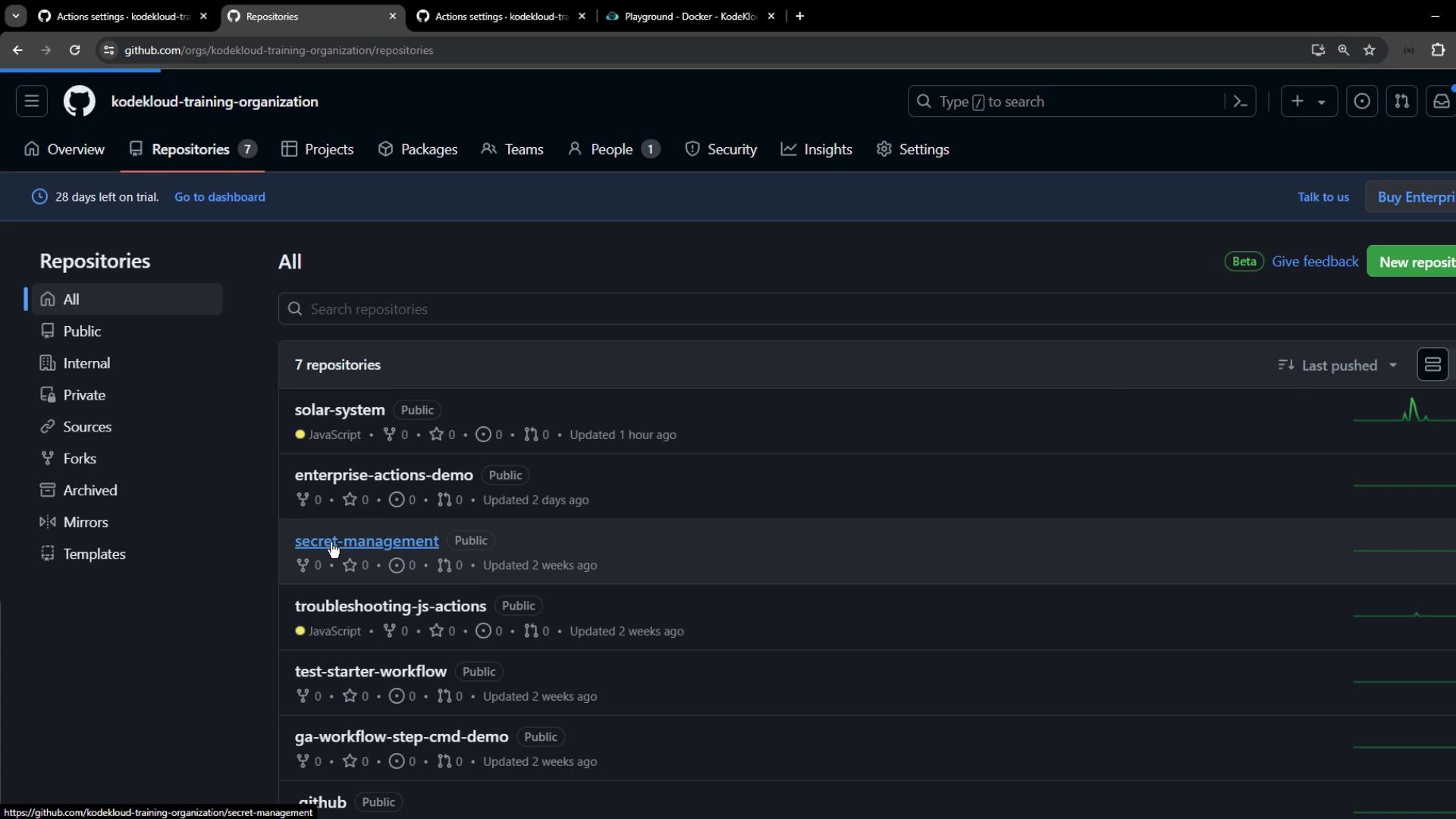
Start by listing repositories in your organization:
<Frame>
  ![The image shows a GitHub organization page named "kodekloud-training-organization" with a list of repositories. There are seven repositories displayed, including "solar-system" and "enterprise-actions-demo."](https://kodekloud.com/kk-media/image/upload/v1752876233/notes-assets/images/GitHub-Actions-Certification-Define-how-to-control-access-to-actions-within-the-enterprise/kodekloud-training-organization-repositories.jpg)
</Frame>

### 2.2 Configuring Actions Permissions

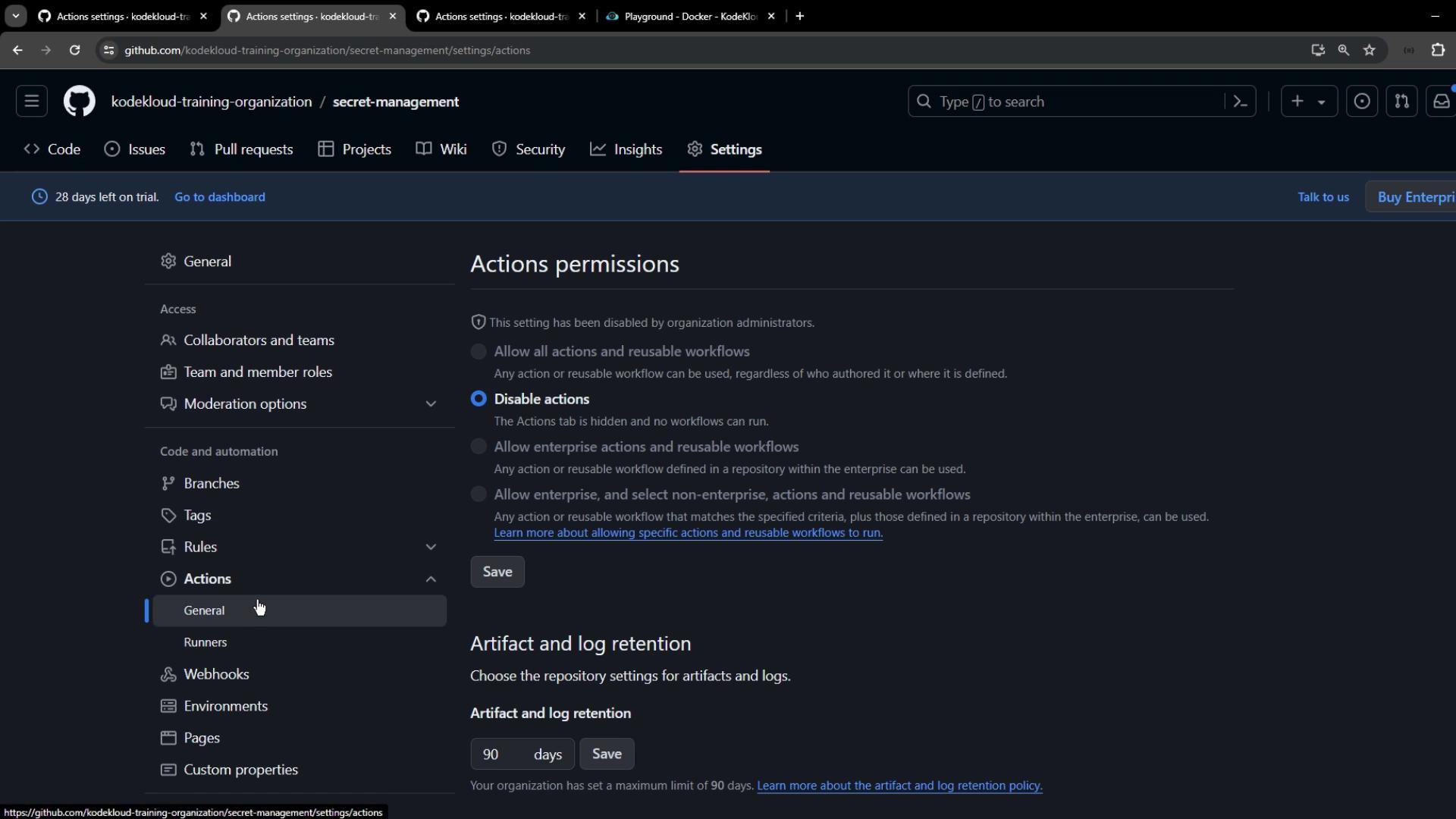
Open the target repository’s **Settings → Actions → General** to choose:

* **Disable Actions**
* **Allow all Actions**
* **Allow local Actions only**
* **Allow specific Actions and reusable workflows**
<Frame>
  ![The image shows a GitHub settings page for a repository, focusing on actions permissions and artifact log retention settings. The "Disable actions" option is selected, and the artifact retention is set to 90 days.](https://kodekloud.com/kk-media/image/upload/v1752876234/notes-assets/images/GitHub-Actions-Certification-Define-how-to-control-access-to-actions-within-the-enterprise/github-repo-settings-actions-permissions.jpg)
</Frame>

<Callout icon="triangle-alert" color="#FF6B6B">
  Disabling Actions at the repository level will prevent any workflows from running, including those critical for CI/CD.
</Callout>

#### Personal Repository Example

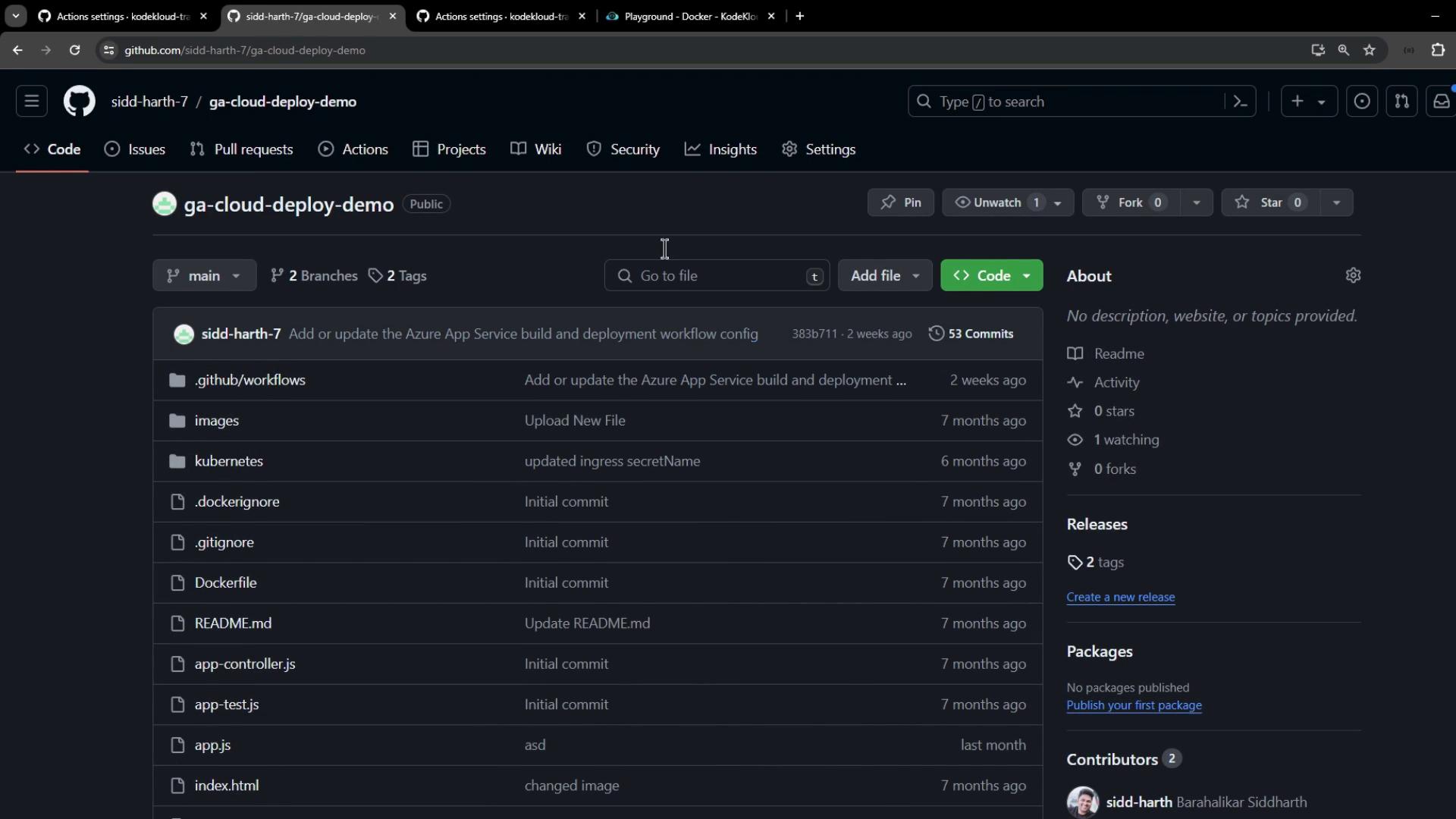
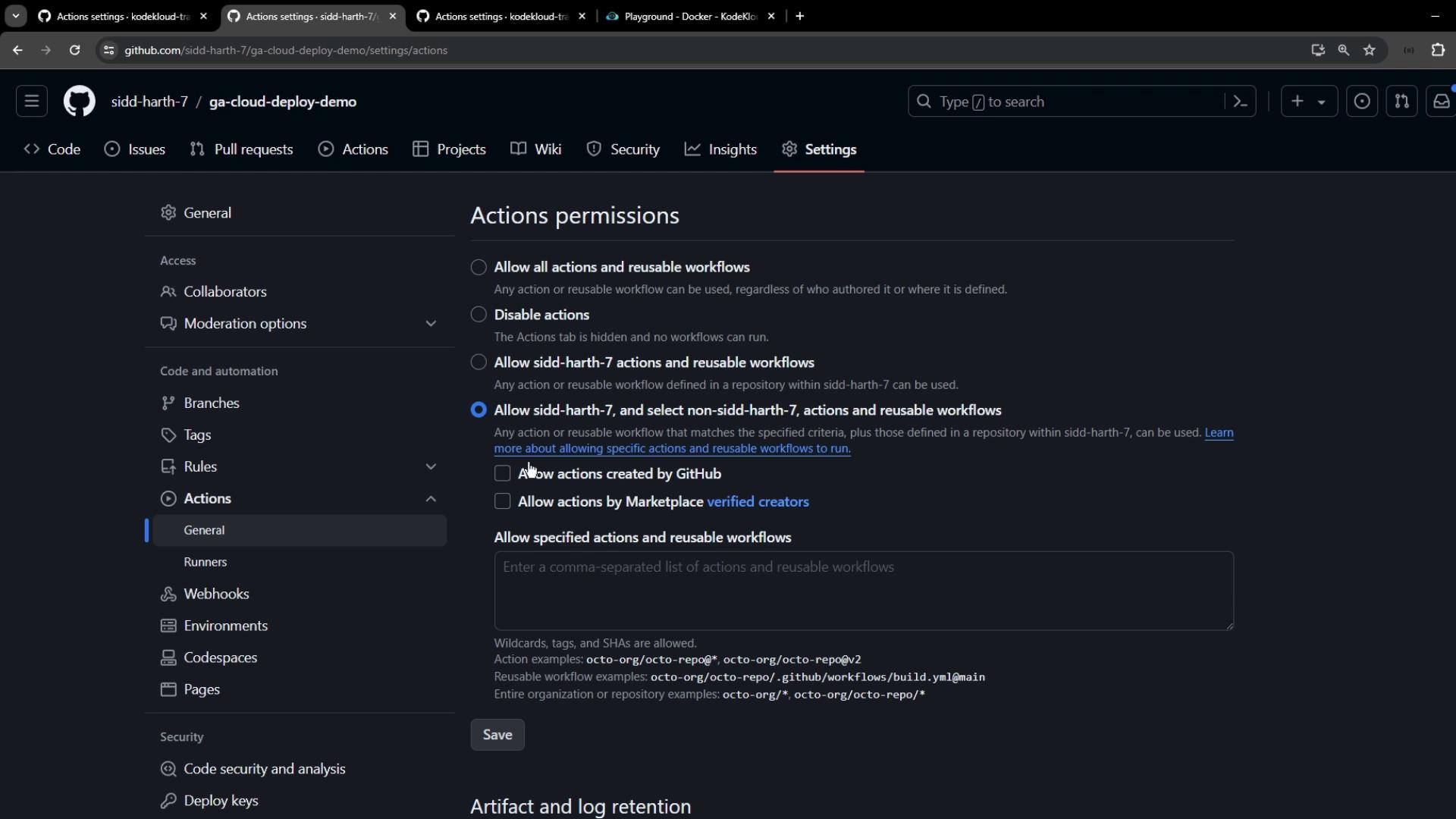
For personal repositories like **ga-cloud-deploy-demo**, the steps are identical:

1. Navigate to the repository.
2. Click **Settings → Actions → General**.
3. Set your desired permission level.
<Frame>
  ![The image shows a GitHub repository page titled "ga-cloud-deploy-demo" with a list of files and folders, including workflows, images, and Kubernetes configurations. The repository has 53 commits and is public.](https://kodekloud.com/kk-media/image/upload/v1752876235/notes-assets/images/GitHub-Actions-Certification-Define-how-to-control-access-to-actions-within-the-enterprise/ga-cloud-deploy-demo-repo-files.jpg)
</Frame>

<Frame>
  ![The image shows the "Actions permissions" settings page of a GitHub repository, where various options for allowing or disabling actions and workflows are displayed.](https://kodekloud.com/kk-media/image/upload/v1752876237/notes-assets/images/GitHub-Actions-Certification-Define-how-to-control-access-to-actions-within-the-enterprise/github-actions-permissions-settings-page.jpg)
</Frame>

## 3. Summary of Policy Levels

| Scope                | Applies To                         | Typical Use Case                                |
| -------------------- | ---------------------------------- | ----------------------------------------------- |
| Repository level     | Individual repos                   | Custom workflows, personal projects             |
| Organization level\* | Multiple repos in one organization | Team-wide policy enforcement                    |
| Enterprise level     | All or selected organizations      | Global compliance, centralized CI/CD governance |

\*Organization-level policies are configured under **Organization → Settings → Actions**.

## Links and References

* [GitHub Actions Documentation](https://docs.github.com/actions)
* [Managing GitHub Enterprise policies](https://docs.github.com/enterprise)
* [Self-hosted runners guide](https://docs.github.com/actions/hosting-your-own-runners)

<CardGroup>
  <Card title="Watch Video" icon="video" cta="Learn more" href="https://learn.kodekloud.com/user/courses/github-actions-certification/module/9b181319-216b-42b5-8069-9d56650f2d53/lesson/d7181ba5-8e82-4999-a344-7c4446bcf1d6" />
</CardGroup>
