> ## Documentation Index
> Fetch the complete documentation index at: https://notes.kodekloud.com/llms.txt
> Use this file to discover all available pages before exploring further.
# Documenting GitHub Actions
> This guide provides best practices for documenting GitHub Actions workflows to enhance maintainability and collaboration.
When building complex CI/CD pipelines with GitHub Actions, clear and accessible documentation is essential for maintainability and collaboration. Use this guide to standardize your approach, whether you prefer GitHub Wikis or Markdown files in a centralized repository.
Well-documented workflows reduce onboarding time, improve reproducibility, and ensure your team follows consistent practices. For more details, see [GitHub Actions Documentation][gh-actions].
## Documentation Methods
Select the method that best fits your organization’s needs:
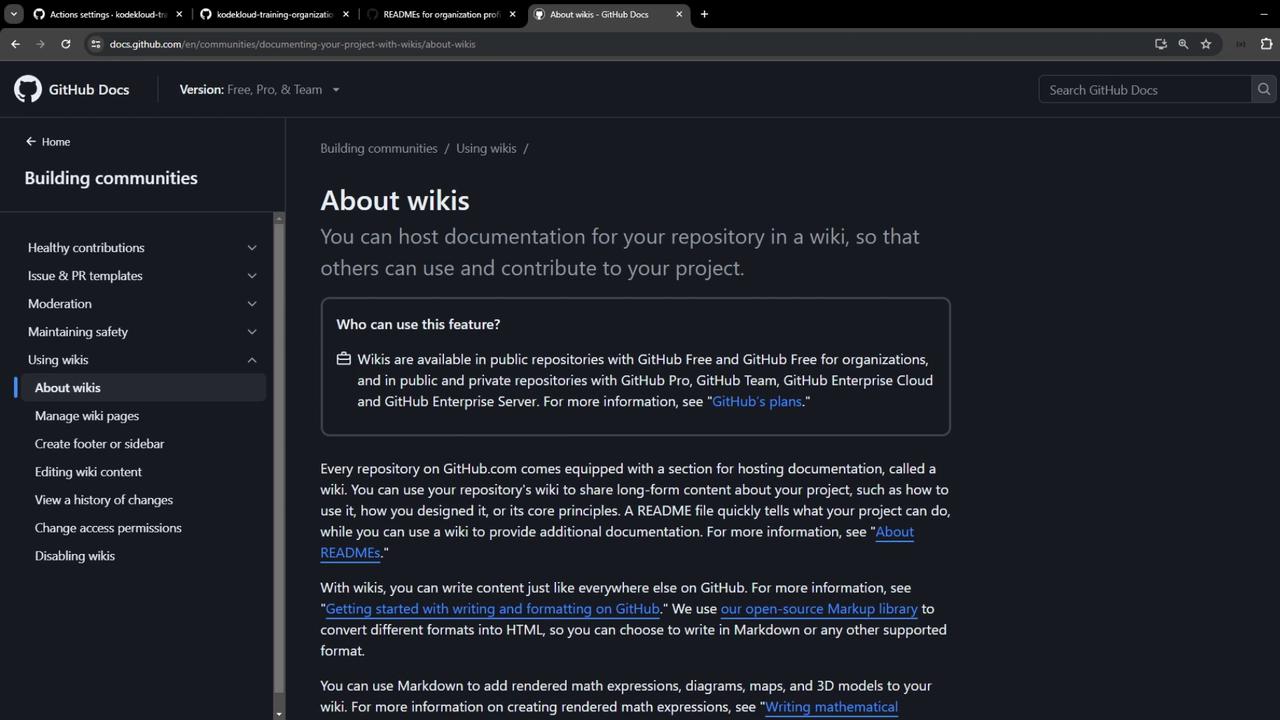
### 1. GitHub Wiki
Every repository on GitHub.com includes a Wiki, perfect for:
* Long-form guides (design decisions, architecture overviews)
* Collaboration on process and standards
* Versioned, sidebar-organized content
### 2. Markdown Files in Repositories
Store documentation as Markdown directly in your repos:
* `README.md` for repo-level overviews
* Dedicated `.github` repository for organization-wide standards
## Using an Organization Profile README
Organizational profiles can display a custom README to highlight key workflows and standards.
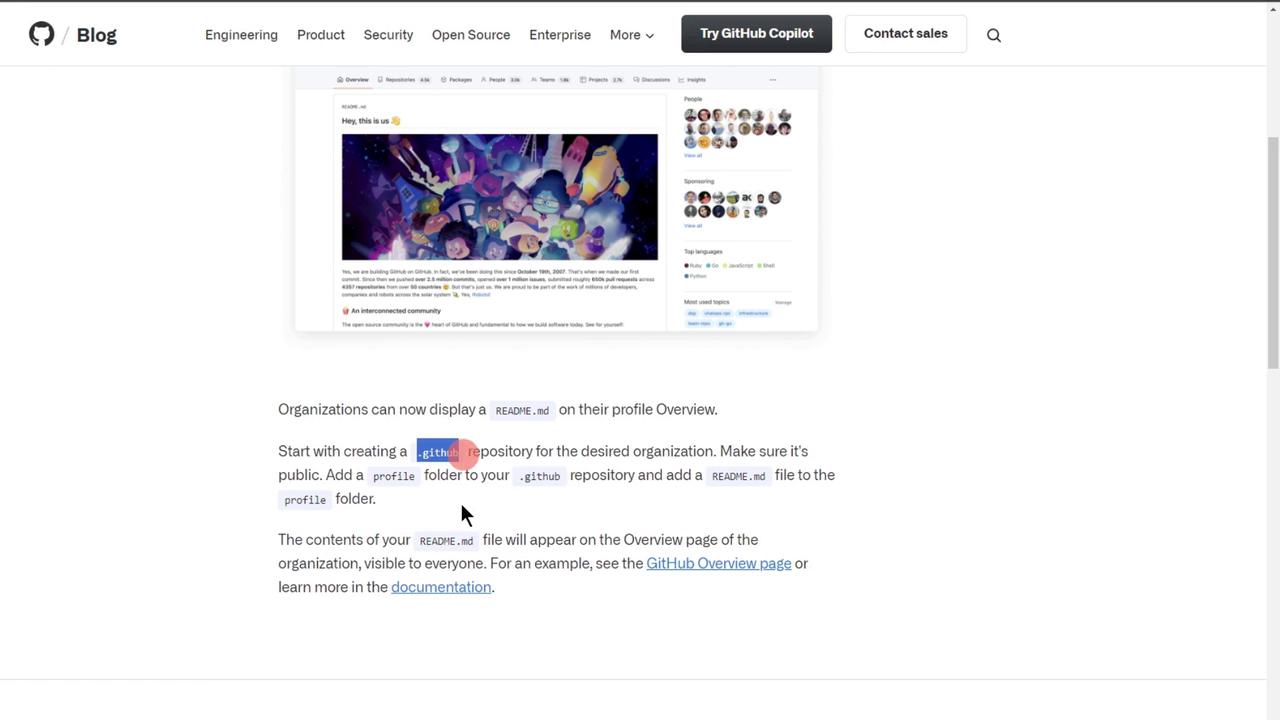
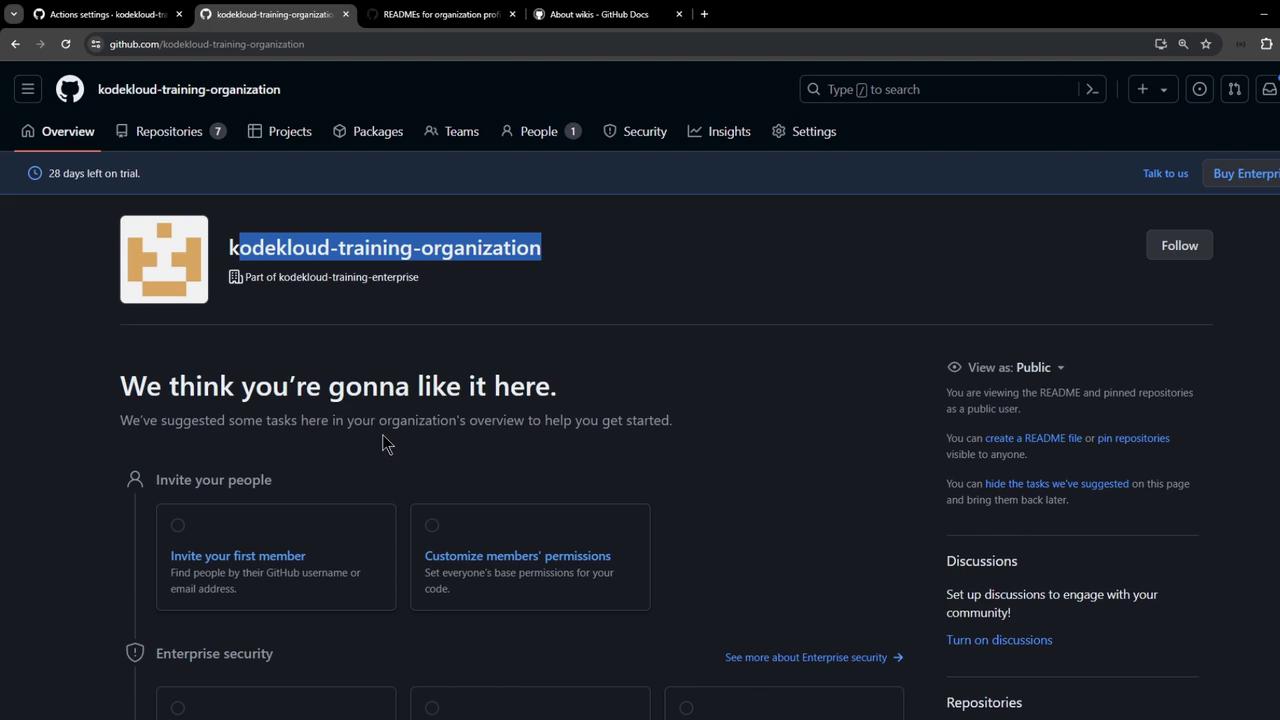
### Step 1: Create or Open the `.github` Repository
Navigate to your organization and open (or create) the `.github` repository.
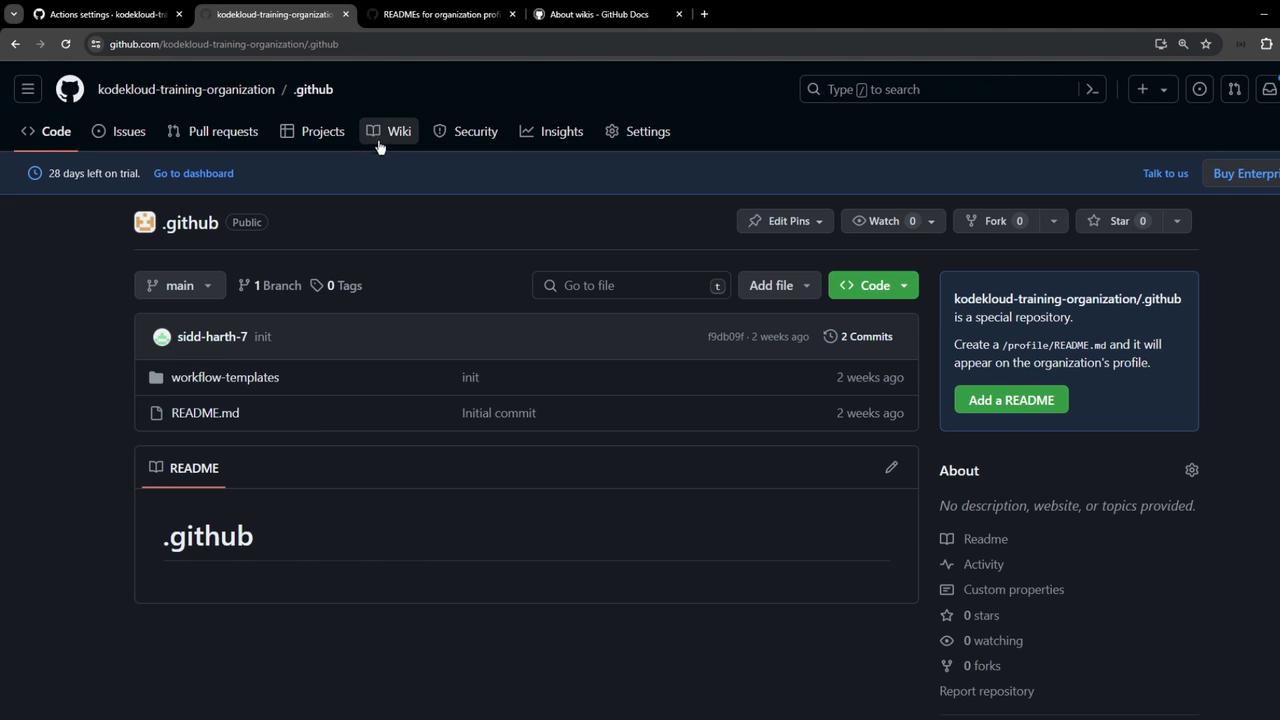
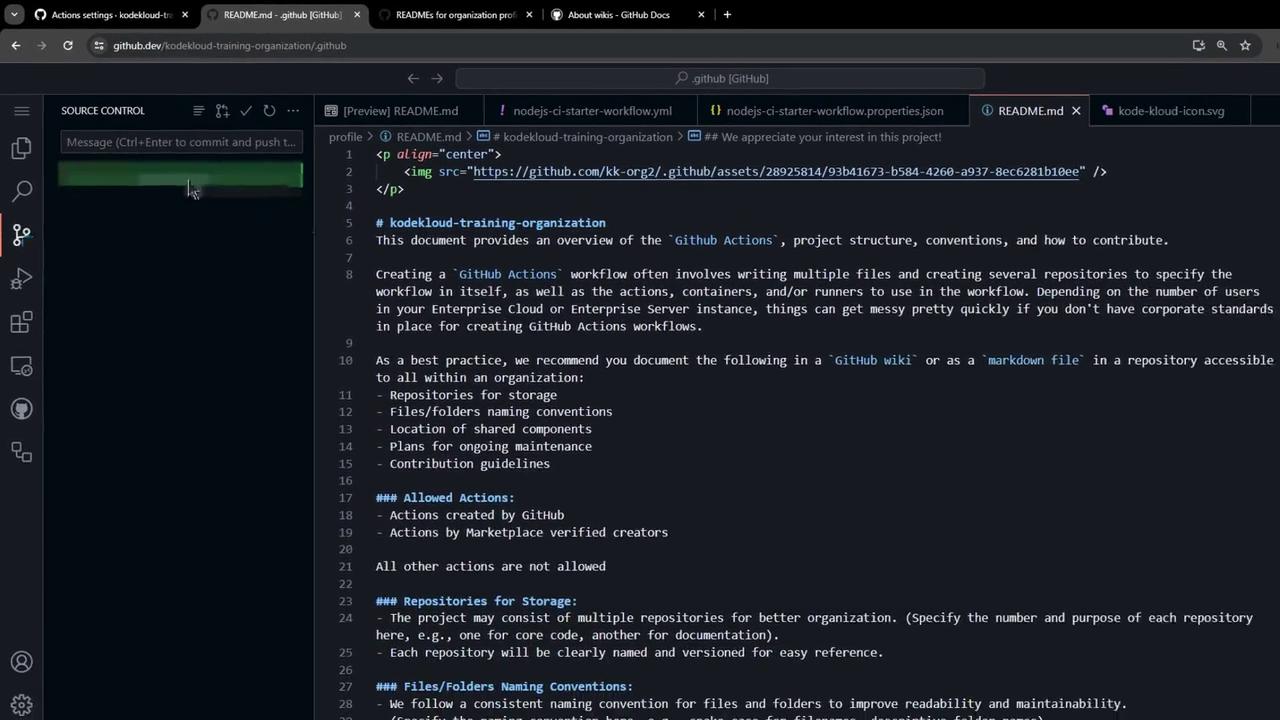
### Step 2: Add the `profile/README.md`
1. In `.github`, create a folder named `profile`.
2. Inside `profile`, add `README.md` with your documentation.
Example `profile/README.md`:
```markdown theme={null}
Welcome to the KodeKloud Organization NodeJS CI starter workflow.
## Overview
Provides a starter CI workflow tailored for NodeJS projects.
## Categories
- NPM Config
```
Commit your changes to apply.
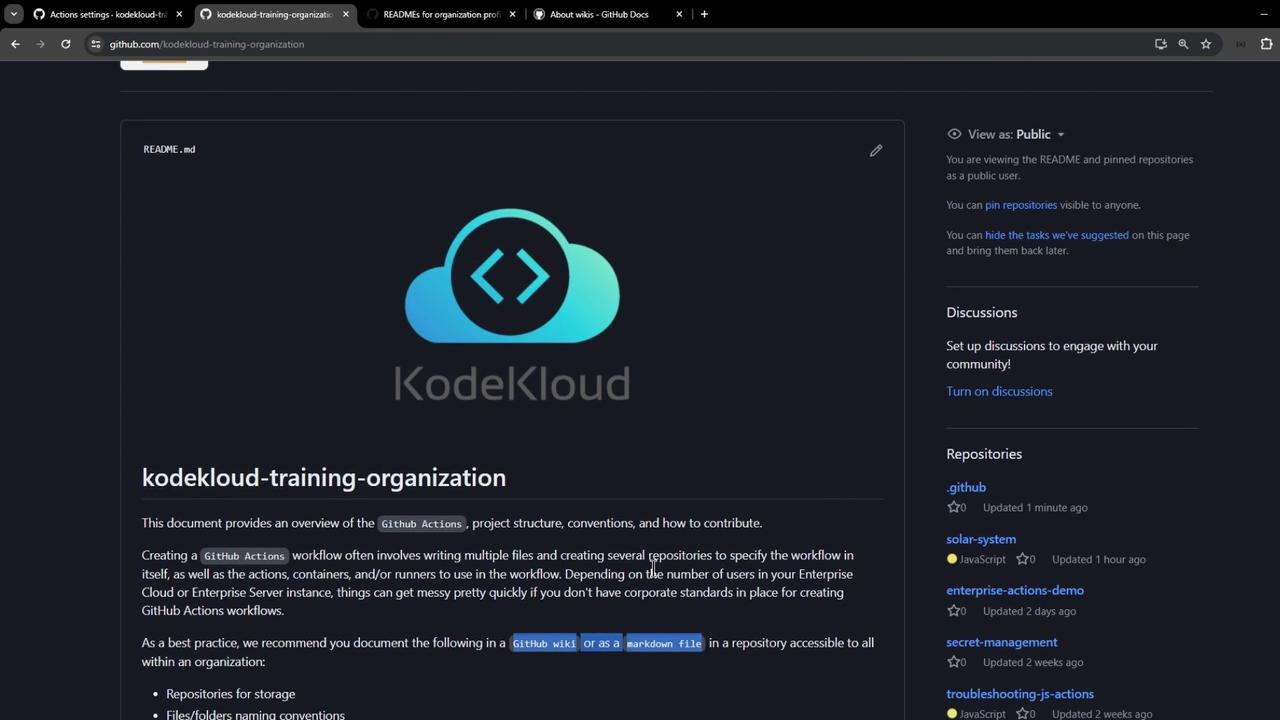
### Step 3: Verify on Your Organization Profile
Return to your organization’s main page to see the new README displayed.
Treat your documentation as code: review and update it alongside workflow changes to prevent drift.
## Key Documentation Elements
Ensure your documentation covers the following:
| Resource | Description |
| ------------------ | ------------------------------------------------- |
| Naming Conventions | Standardize repository and folder names |
| Workflow Locations | Specify directories for reusable actions and jobs |
| Approved Actions | List verified Marketplace or custom actions |
| Maintenance Plans | Define update frequency and ownership |
By following these guidelines, you can maintain clear, consistent, and SEO-friendly documentation for your GitHub Actions workflows.
## Links and References
* [GitHub Actions Documentation][gh-actions]
* [GitHub Wikis](https://docs.github.com/en/communities/documenting-your-project-with-wikis)
* [GitHub Profiles](https://docs.github.com/en/github/setting-up-and-managing-your-github-profile/about-your-profile)
[gh-actions]: https://docs.github.com/en/actions